Customer Ratings & Reviews
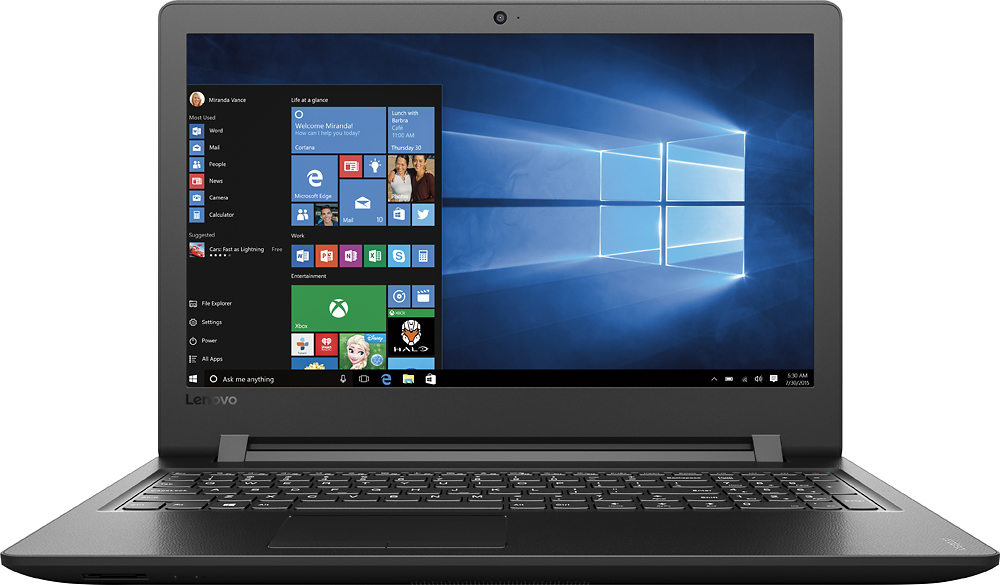

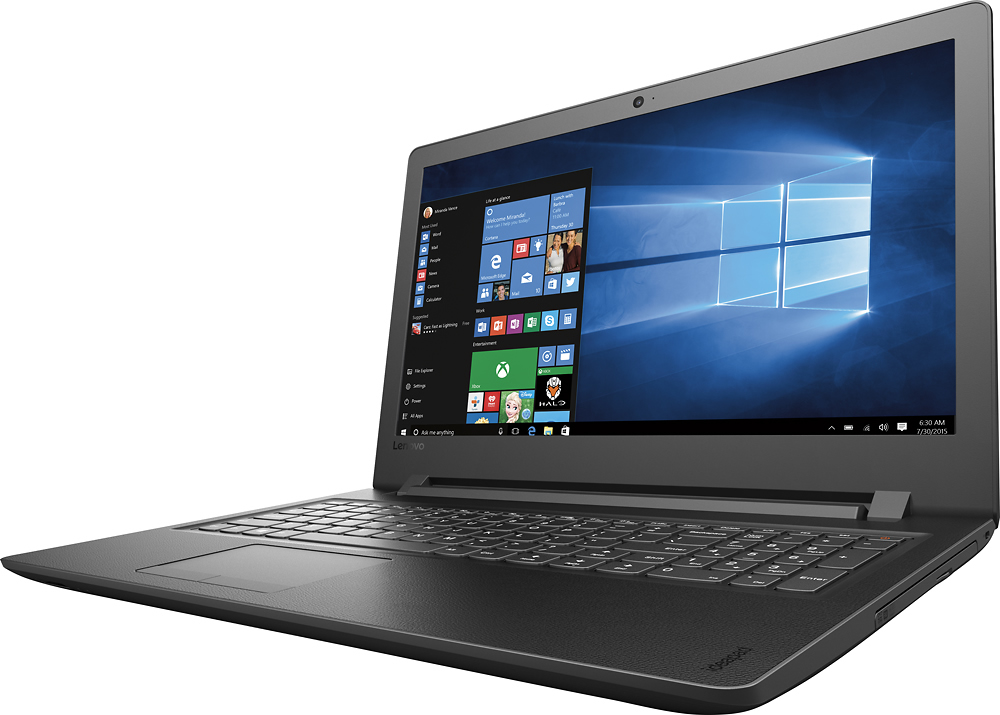



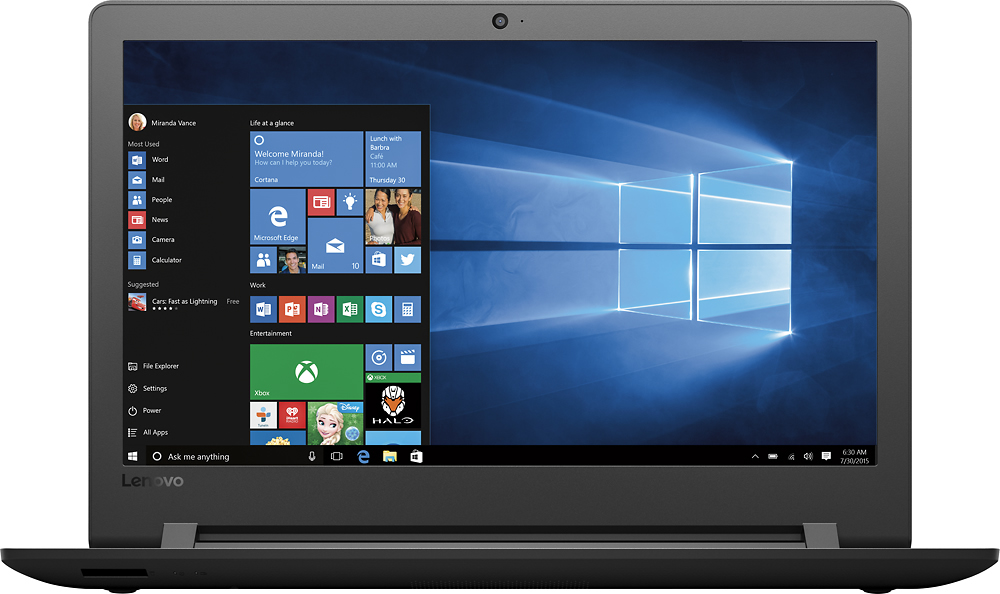
- Model:
- 80UD0017US
- SKU:
- 5496140
Rating by feature
- Value
Rating 3.7 out of 5 stars
- Quality
Rating 3.4 out of 5 stars
- Ease of Use
Rating 3.8 out of 5 stars
Customers are saying
Customers are delighted by the 110-15ISK laptop's affordability, ease of use, and performance for everyday tasks. Many appreciate its lightweight design, ample storage, and screen size. While some experienced issues with battery life and the sound quality, the positive feedback on price and usability outweighs these concerns.
This summary was generated by AI based on customer reviews.
- Cons mentioned:Battery life
Great price for a very basic laptop
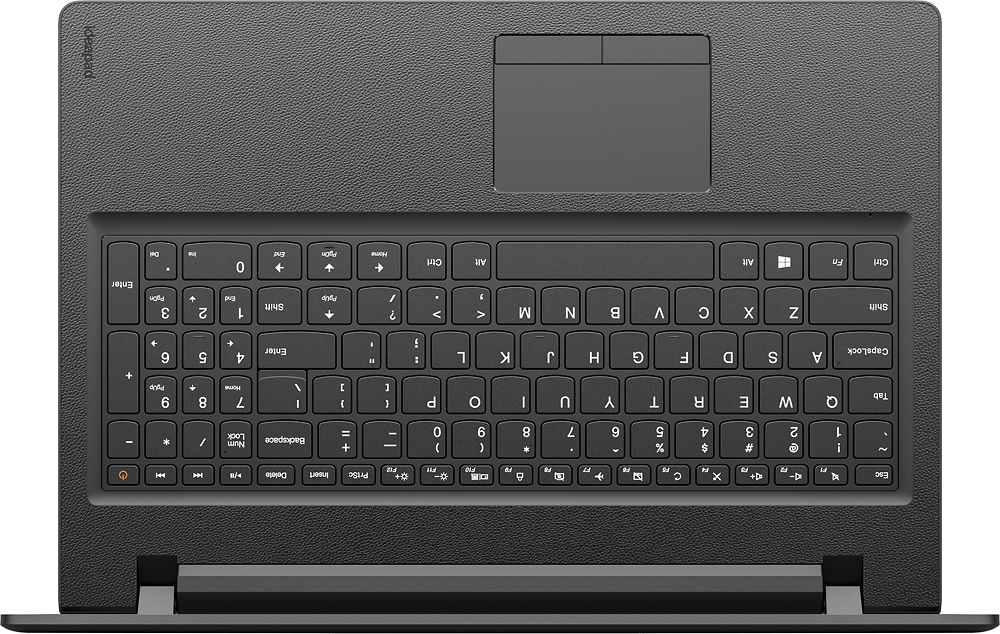
Posted .This reviewer received promo considerations or sweepstakes entry for writing a review.I was looking for a budget laptop for basic functions and read all the reviews before making the purchase. But I was completely stunned by this disaster. Its great for browsing and for basic tasks like checking emails, reading news or so. Now comes the list of whats horrible: 1). Battery doesn't last that long 2). Audio quality is unbelievably poor and it is so low that you'd get better audio from a basic smartphone speaker. 3).Keyboard is all messed up causing frustration levels to spike up when attempting to type anything (good luck with Enter/Shift/Pageup/backspace key positions) 4) Very slow overall and so multitasking is a no-no Returning this one tomorrow with lessons learnt..
No, I would not recommend this to a friend Easy to read keyboard
Posted .This reviewer received promo considerations or sweepstakes entry for writing a review.The keyboard is very comfortable and easy to read.
I would recommend this to a friendBrand response from Lenovo Product Expert
Posted .Thank you for choosing the Lenovo IdeaPad 110-15 laptop. We are pleased to hear that the IdeaPad 110-15 is working out so well for you.

RAM MEMORY
Posted .This reviewer received promo considerations or sweepstakes entry for writing a review.The ram that comes with this device is integrated in the board or is placed in a SLOT, and if it is soldered on the board, I could add more memory in the SLOT
I would recommend this to a friendBrand response from Lenovo Product Expert
Posted .Thank you for choosing the Lenovo IdeaPad 110-15. We are pleased to hear that the IdeaPad 110-15 is working out for you.
Lenovo laptop
Posted .This reviewer received promo considerations or sweepstakes entry for writing a review.Worse laptop ever. Never worked efficiently and it failed eventually. But you get what you pay for.
No, I would not recommend this to a friendSound Quality is not Good
Posted .This reviewer received promo considerations or sweepstakes entry for writing a review.Speaker is at the bottom of the laptop not audible, laptop is Slow I am going to return this laptop
No, I would not recommend this to a friendThought Lenovo would be a reputable company
Posted .This reviewer received promo considerations or sweepstakes entry for writing a review.Bought this similar computer G50-80 ,different number , exact same specs . First one preloaded with Windows 10 . Had problems from the start . After using the computer for 30-45 mins. you would lose total control of the cursor/pointer . You would move it and it would go wild , some times it even moved on its own . Sometimes refreshing the computer would help , but most times you had to shut down the computer completely . Asked at Best Buy geek squad and said it was probably the touchpad driver from Windows and hopefully there would be a fix for it shortly . Well after waiting 8 months with no fix , I started checking forums . On Lenovo's own forum there were many people with the same problem complaining Lenovo won't do anything about . One person said after numerous try's to fix it and many calls they finally replaced it . Filled a work order , Lenovo tried 3 or 4 times on line to fix it and said it was fixed . NOT . Then I had to send it in , costing me $18 , got it back , fixed ? . NOT . Still Lenovo refused to replace it . Wanted me to send it in again , Told them only if they sent me a prepaid box which they did . Got it back saying it was fixed for sure . NOT , lasted all of 15 mins. before the cursor went wild again . I was so frustrated I went back to my 6-8 year Acer which works great yet . Got the Lenovo out yesterday after a month or so hoping that the ghost that possessed had left , still doesn't work . So I guess I'll put in another work order , don't know what else to do .Over a year of frustration . Pretty sad that Lenovo has such POOR customer service . I think it would be cheaper for them to shut down their poor functioning service centers and just replace there defective products .I am in the market for a new desktop , needless to say it won't be a Lenovo . So a warning to everyone , make sure you return you computer to Best Buy within the 15/30 days you can because if you have problems don't expect Lenovo to stand behind their products .
No, I would not recommend this to a friendI tried this for two days, and returned it
Posted .This reviewer received promo considerations or sweepstakes entry for writing a review.Super SLOW, just turning it on. I loaded some photos and they immediately were scrambled. Nothing wrong with the pictures before they were put onto the Lenovo. Videos were the same, and this storage was why I bought this in the first place.Opening the pictures, they were half-gone or scrambled, not view-able. Videos are jumpy - not all there. Destroyed perfectly good photos! Not what I expected from a new laptop! I never bought this brand before and I will never again.
No, I would not recommend this to a friendgreat laptop
Posted .This reviewer received promo considerations or sweepstakes entry for writing a review.I bought this computer for my daughter and she loves it this is a great product
I would recommend this to a friendBrand response from Lenovo Product Expert
Posted .Thank you for choosing the Lenovo IdeaPad 110-15 laptop for your daughter. We are pleased to hear that the IdeaPad 110-15 is working out so well for your daughter.
Great for the price
Posted .This reviewer received promo considerations or sweepstakes entry for writing a review.Definitely a lot of hard drive space, really quick in terms of processing time
I would recommend this to a friendBrand response from Lenovo Product Expert
Posted .Thank you for choosing the Lenovo IdeaPad 110-15 laptop. We are pleased to hear that the features and performance of the IdeaPad 110-15 meets your computing needs so well.
Excellent laptop
Posted .This reviewer received promo considerations or sweepstakes entry for writing a review.Great laptop and the price is very low for the processor
I would recommend this to a friendgreat starter laptop
Posted .This reviewer received promo considerations or sweepstakes entry for writing a review.this is the perfect laptop for starters or students
I would recommend this to a friendBrand response from Lenovo Product Expert
Posted .Thank you for choosing the Lenovo IdeaPad 110-15 laptop. We are pleased to hear that the IdeaPad 110-15 meets your computing needs so well.
disappointed
Posted .This reviewer received promo considerations or sweepstakes entry for writing a review.my first lenovo idea pad was windows 7 five years back. It is STILL GOING and it ALL works. Unfortunate as of Sat 02 11 2017, I returned this new lenovo idea pad, the first time was a physical issue, and exchanged it same 2nd time, and I had to return it again, technical issue. I hope 3rd time IF I get new lenovo laptop, I won't be disappointed?
No, I would not recommend this to a friendThe mouse touchpad doesn't work
Posted .This reviewer received promo considerations or sweepstakes entry for writing a review.I have had the laptop for 3 days now and the mouse touch pad doesn't seem to work and the laptop screen blinked couple of the times the day i bought the laptop. Thought of keeping the laptop but with the way things are going i see myself in lot more problems sticking with this laptop.
No, I would not recommend this to a friendRegret buying this piece of junk
Posted .This reviewer received promo considerations or sweepstakes entry for writing a review.The positive ratings here convinced me to buy this, and I sorely wish I had taken the limited amount of money I had to spend and bought a used laptop on Craigslist, because this thing is utter garbage. As others have noted, it's slow as molasses. But worse than that, from about a month until now, periodically, the screen will go black with multicolored lines running through it and/or there will be a terrible buzzing sound. It requires a reboot at that point. I have had this about 6 months now and it did this a couple of times just tonight, and shut itself off a couple of times when I restarted it. These incidents seem to be growing in frequency. When it is not doing that routine, it often crashes and has to be rebooted. Do not buy this.
No, I would not recommend this to a friendBrand response from Lenovo Product Expert
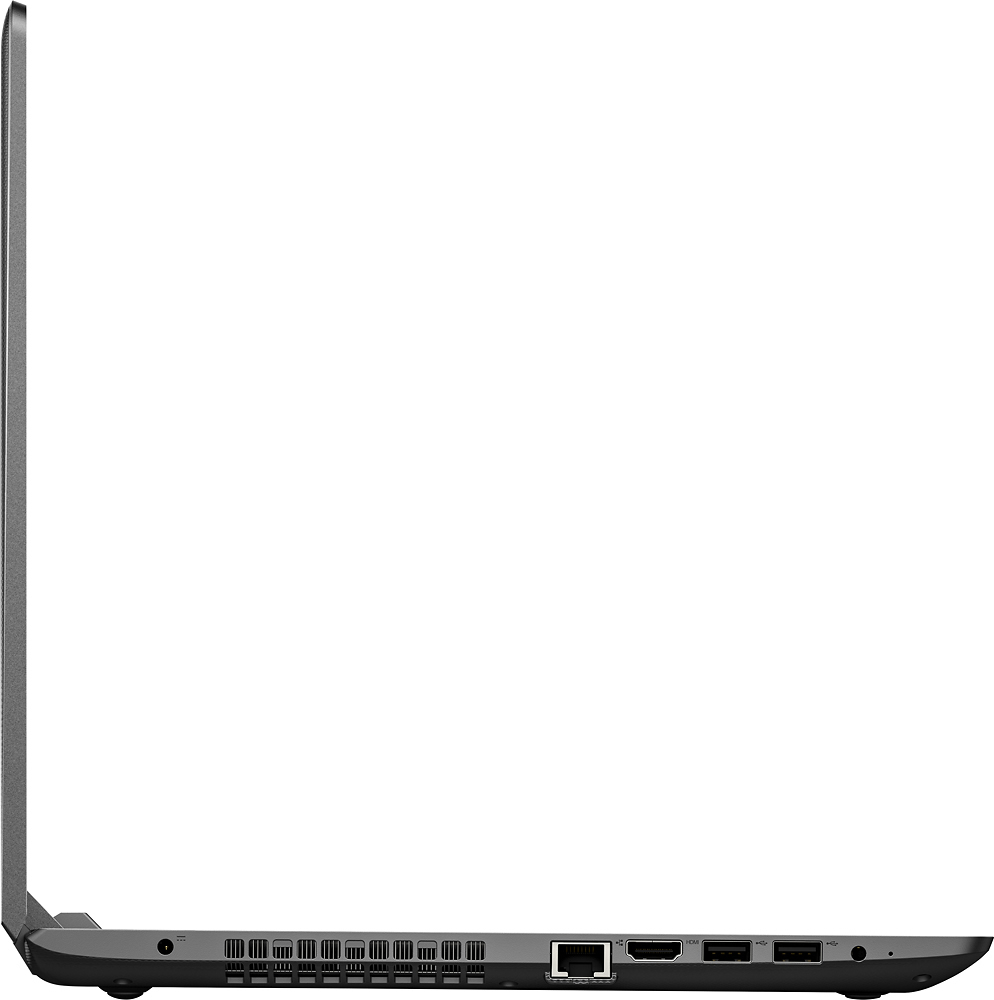
Posted .This system is equipped with OneKey Recovery System. There is a very small pin hole on the left side of the device, right near the headphone jack on the device. You will need a pin to push this reset button. Plug the device in. Let the battery charge for about 15 minutes. Push the reset button. The system should boot to a choice screen where you can choose "Restore To Factory Default". Select this. It will delete everything from the hard drive except the original factory install of the operating system. You will need to reinstall all programs and files after the reset. If you don't have copies of the files, try to make one before you restore by selecting "Boot to desktop" and trying to back up your files.
hope i return it before i break it
Posted .This reviewer received promo considerations or sweepstakes entry for writing a review.i've owned about a dozen laptops in my lifetime, and NEVER have i wanted to step on one, or throw it against the wall right off the box as i have with this. after installing google chrome and disabling cortana + microsoft edge, i am CONSTANTLY at 100% disk use. I can't highlight text, I can't easily scroll down webpages, I can't copy and paste, and webpages are always "translating" even though I have translation set to OFF on chrome settings. WHAT THE HECK, Lenovo? What is the point of selling something so frustrating to use?? My beat-up-and-about-to-die 3yo toshiba is faster than this computer. Hope I can make it back to the store before I throw it off a bridge.
No, I would not recommend this to a friendBrand response from Lenovo Product Expert
Posted .Obviously, deleting Microsoft Edge took with it some important operating executable files. This system is equipped with OneKey Recovery System. There is a very small pin hole on the left side of the device, right near the headphone jack on the device. You will need a pin to push this reset button. Plug the device in. Let the battery charge for about 15 minutes. Push the reset button. The system should boot to a choice screen where you can choose "Restore To Factory Default". Select this. It will delete everything from the hard drive except the original factory install of the operating system. You will need to reinstall all programs and files after the reset. If you don't have copies of the files, try to make one before you restore by selecting "Boot to desktop" and trying to back up your files.
Aweful
Posted .This reviewer received promo considerations or sweepstakes entry for writing a review.I'm so disappointed with Lenovo for selling this laptop to customers. I have always had wonderful experiences with their products ( laptops, tablets) but this laptop is a LEMON. Plain and simple. I really wanted to like this laptop so when I first got it, I blamed my internet for the slowness and possibly windows 10 or Microsoft edge? But the next day I could not exit off any screen, then it would go white, it was very slow and YES, the shift key is in the WRONG spot. I returned the laptop and got a different brand and couldn't be happier. Windows 10, Microsoft edge and my internet were not the problem. Please don't buy this model of a laptop from them.
No, I would not recommend this to a friendCheap/Wannabe
Posted .This reviewer received promo considerations or sweepstakes entry for writing a review.I bought this computer because I was tired of being without one. Got it home and started downloading programs like I would normally. I then clicked the windows button (four square button in the bottom left corner) to open the program apps. I scrolled down to the bottom, looking for a program I downloaded. When I got to the bottom the apps and icons started having a seizure. They were flashing. It was frozen inside of that. I could click out of that and do other tasks. I even restarted the computer and that didn't help.
No, I would not recommend this to a friendBrand response from Lenovo Product Expert
Posted .Thank you for choosing the Lenovo IdeaPad 110-15 laptop. Concerning your issues with downloading new programs, be sure the programs you download are compatible with the Windows 10 Home 64-bit operating system on this device. Additionally, this system is equipped with OneKey Recovery System (Novo Button). There is a very small pin hole on the left side of the device, right near the headphone port on the device. You will need a pin to push this reset button. Plug the device in. Let the battery charge for about 15 minutes. Push the reset button. The system should boot to a choice screen where you can choose "Restore To Factory Default". Select this. It will delete everything from the hard drive except the original factory install of the operating system. You will need to reinstall all programs and files after the reset. If you don't have copies of the files, try to make one before you restore by selecting "Boot to desktop" and trying to back up your files.
page up key where shift key should be
Posted .This reviewer received promo considerations or sweepstakes entry for writing a review.I started through the set up process and while typing realized they had reduced the size of the "right" shift key and slid in the page up key and moved the shift key over to the right further. I learned typing in a class in high school over 25 years ago and use multiple computers and multiple "standard" keyboards. I am too old to retrain my pinky to extend further over to the right than I am used to. Very disappointed as I was looking forward to my new Lenovo laptop. This is going back to Best Buy.
No, I would not recommend this to a friendBrand response from Lenovo Product Expert
Posted .With regard to the right shift key issue you mention, there is a free software APP called KeyTweak that may help you. You can switch the key functions of specific keys on your keyboard with this software, so you could change the right shift key with the key you hit in its place. Just Google search "KeyTweak" and you will find articles about what the software does and you will find the download location for this free APP.
Painfully slow
Posted .This reviewer received promo considerations or sweepstakes entry for writing a review.Holy moly, this thing is slooooooow. I mean, even opening control panel took over ONE minute. I am a mid 30s, mildly tech-savvy computer user, FYI. Obviously I returned it, we ended up with a dell ssd drive, which is miles better. I would say this laptop is good for an elementary school kid, and not much else. Forget about having multiple tabs open, or programs...even they keyboard lagged. You get what you pay for, and that's it.
No, I would not recommend this to a friendwireless linux
Posted .This reviewer received promo considerations or sweepstakes entry for writing a review.Wireless does not work with linux (mint 17.3 or 18.1). No driver. I would not recommend this to anyone that wants to use Linux.
No, I would not recommend this to a friend