Customer Ratings & Reviews
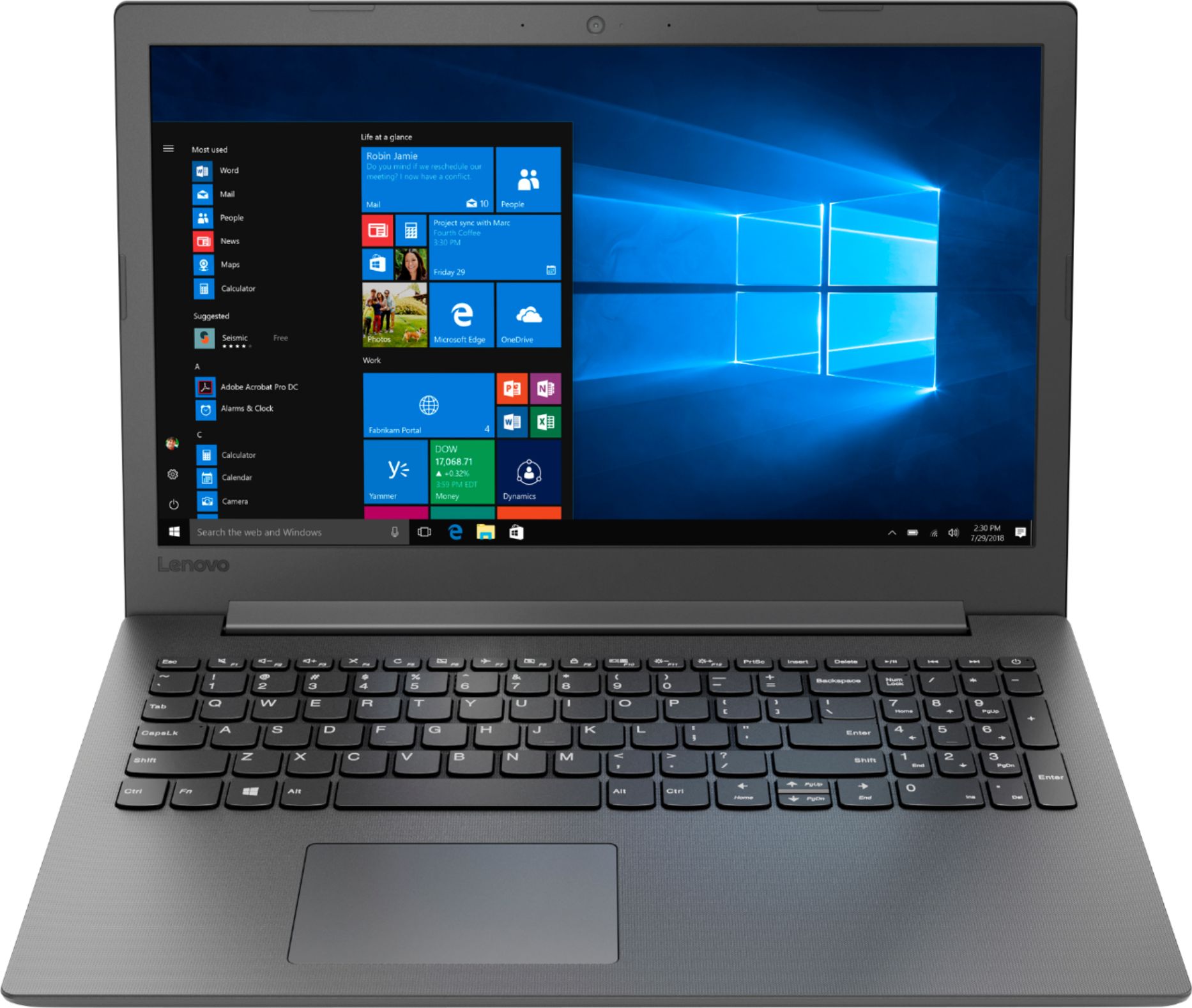
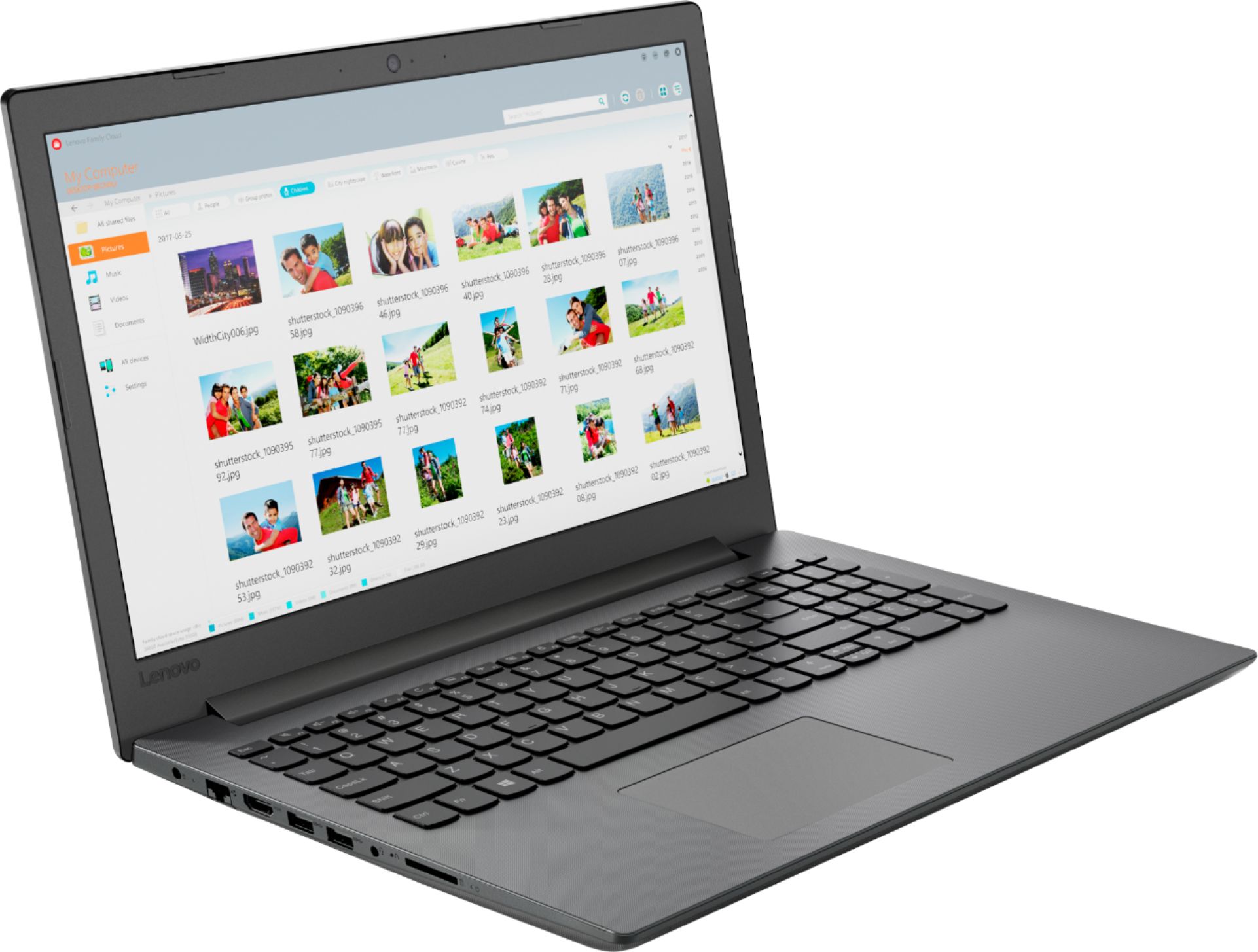
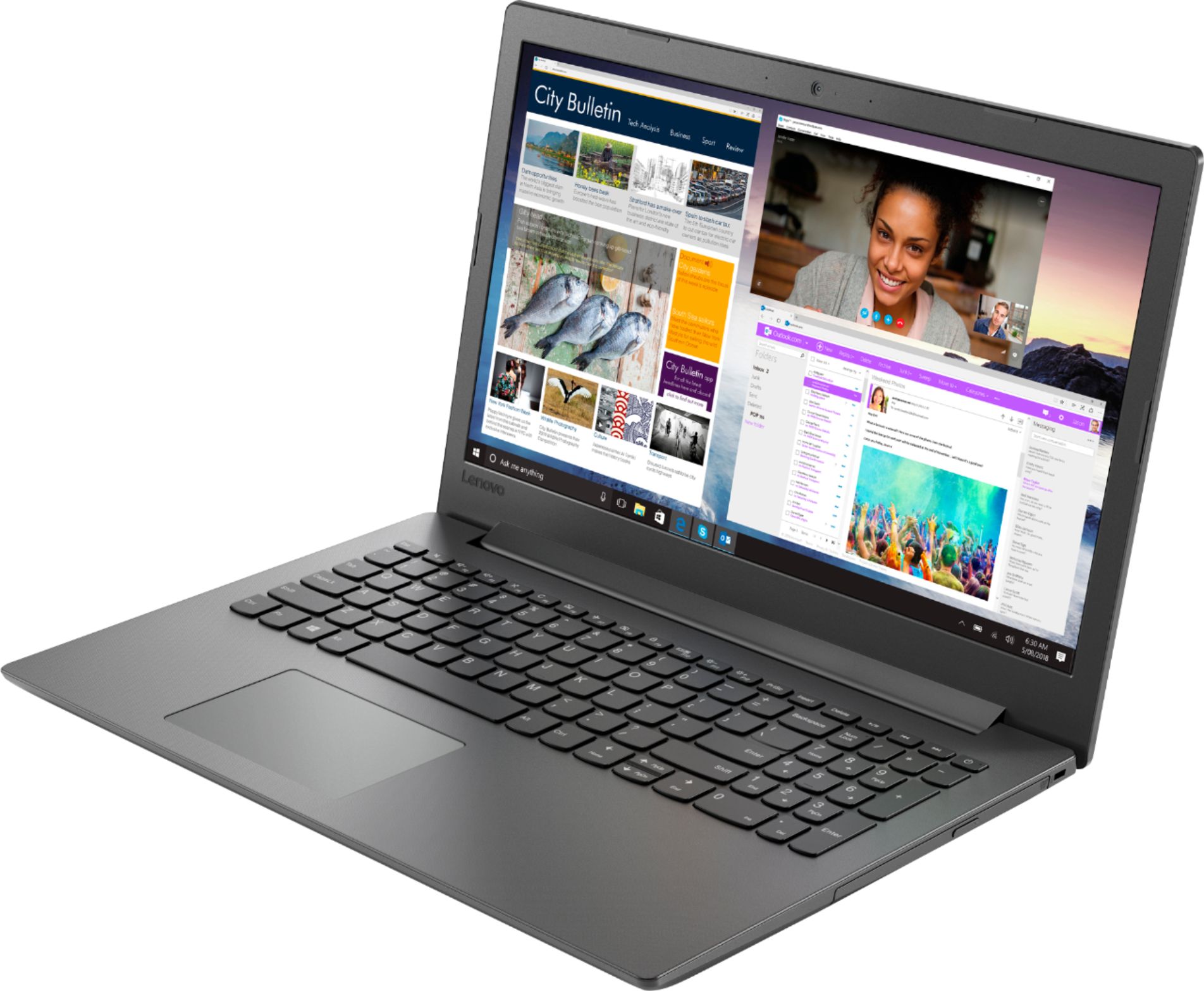
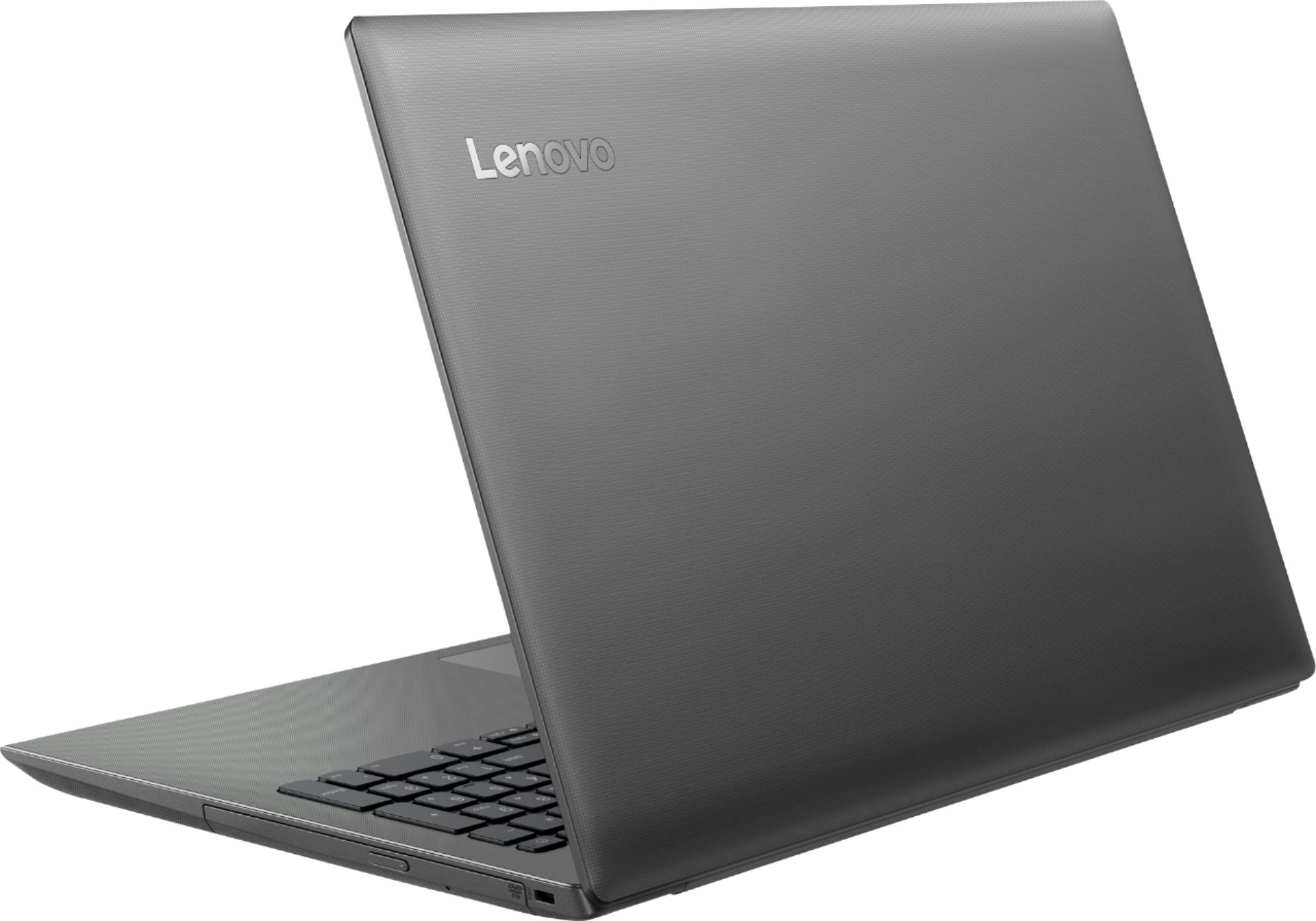


- Model:
- 81H5000NUS
- SKU:
- 6266400
Rating by feature
- Value
Rating 4.2 out of 5 stars
- Quality
Rating 3.9 out of 5 stars
- Ease of Use
Rating 4.2 out of 5 stars
Customers are saying
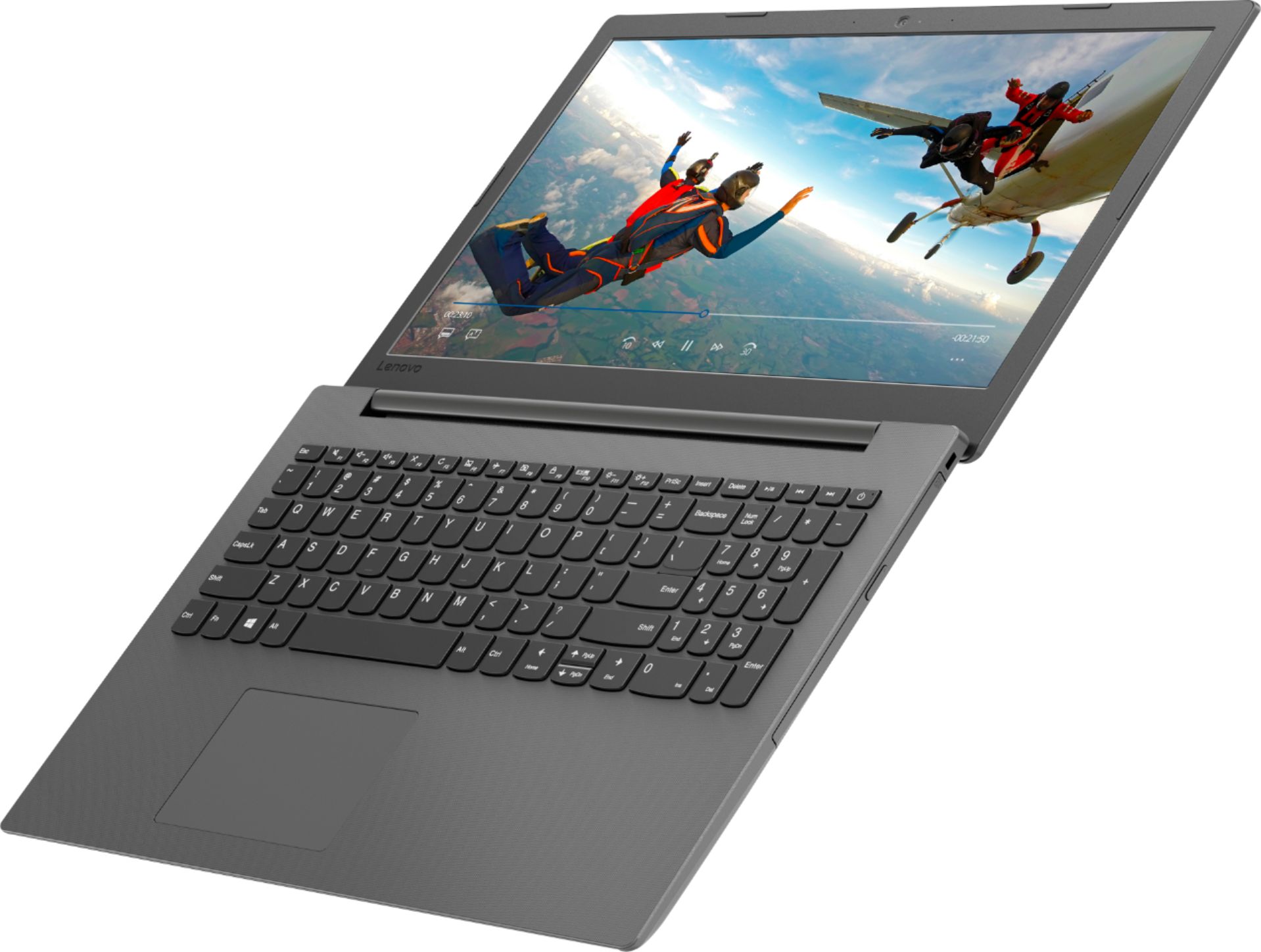
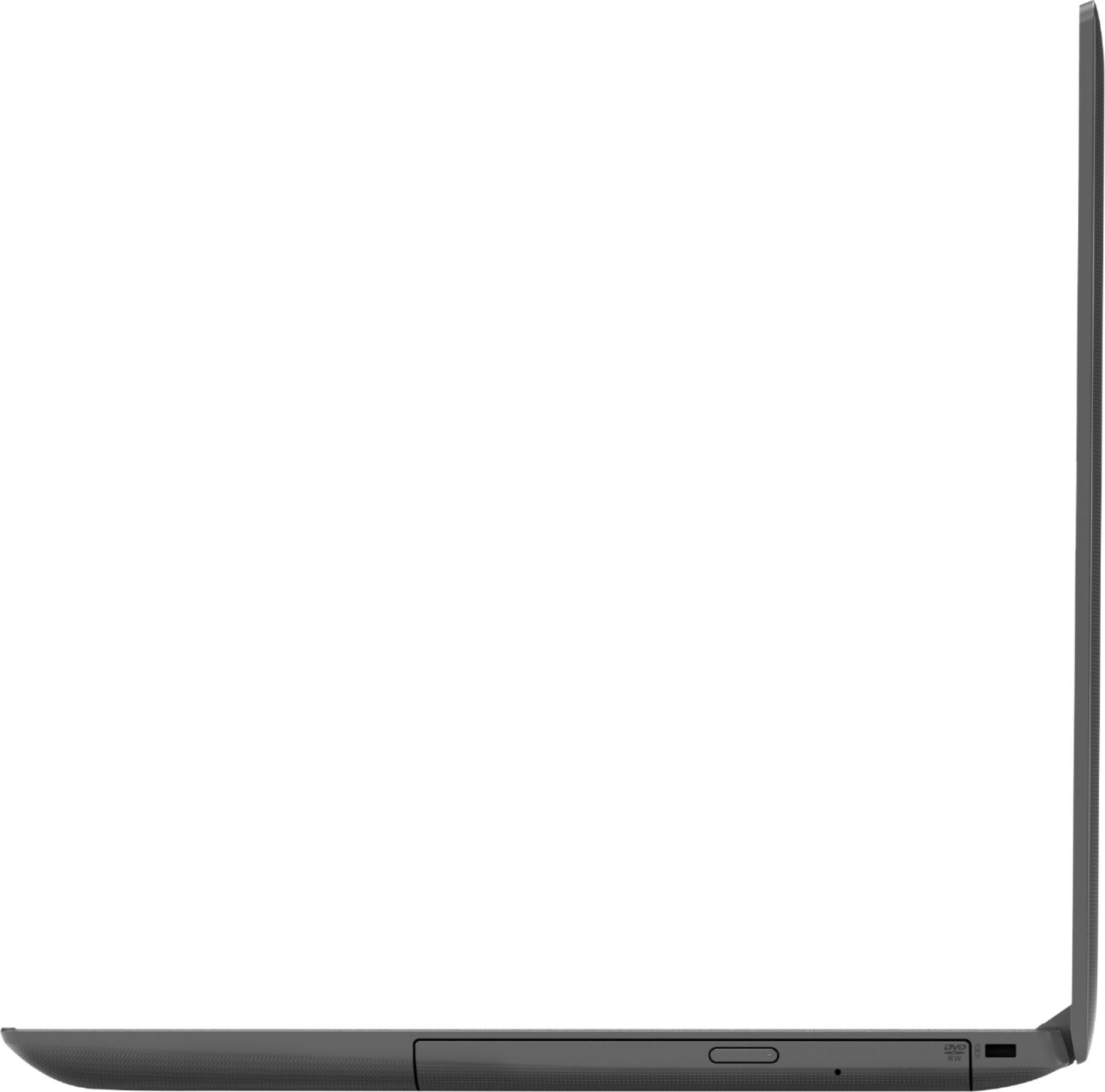
Customers are delighted by the affordable price, user-friendly interface, and impressive performance of the 130-15AST laptop. Many users appreciate its suitability for gaming and its ample storage capacity. However, some users have concerns about its battery life, occasional slowness, and keyboard issues.
This summary was generated by AI based on customer reviews.
not too bad
||Posted .This reviewer received promo considerations or sweepstakes entry for writing a review.you get what you pay for its not too bad if you need just a laptop
No, I would not recommend this to a friendBrand response from Lenovo Product Expert
Posted .The Lenovo IdeaPad 130-15 laptop is a mid-level, moderate use configuration, with its AMD A6-9225 processor. This Dual-Core processor has a base speed of 2.6GHz and a boost speed of up to 3.0GHz. This configuration has 4GB of RAM. It is good with Microsoft Office type programs, internet browsing and other moderate work. If this describes your computing needs, the IdeaPad 130-15 would be a good choice for you.

Used for school
||Posted . Owned for 1 year when reviewed.This reviewer received promo considerations or sweepstakes entry for writing a review.Not the best laptop but does what it's supposed to do
I would recommend this to a friendjust ok
||Posted .This reviewer received promo considerations or sweepstakes entry for writing a review.just ok, hp is better, do not know what else to say hp is better
No, I would not recommend this to a friendBrand response from Lenovo Product Expert
Posted .For 2018, Lenovo retained its place for a second year as the best laptop vendor:
https://www.laptopmag.com/articles/laptop-brand-ratings
Not so great
||Posted .This reviewer received promo considerations or sweepstakes entry for writing a review.We bought two of these and we barely use them because they are so complicated. The apps are slow. We checked the internet service and it wasn't it because we have the fastest speed available. You can't get assistance over the phone.. I feel like it is just a waste of money.
No, I would not recommend this to a friendBrand response from Lenovo Product Expert
Posted .We are sorry to hear that you are having issues with your Lenovo IdeaPad 130-15 laptop. This model is a mid-level, moderate use configuration, with its AMD A6-9225 processor. This Dual-Core processor has a base speed of 2.6GHz and a boost speed of up to 3.0GHz. This configuration has 4GB of RAM. It is good with Microsoft Office type programs, internet browsing and other moderate work. We recommend you call Lenovo Tech Support for help with your specific issues at: 877-453-6686. For 2018, Lenovo retained its place for a second year as the best laptop vendor:
https://www.laptopmag.com/articles/laptop-brand-ratings
Great for beginners
||Posted . Owned for 10 months when reviewed.This reviewer received promo considerations or sweepstakes entry for writing a review.Okay computer for my 8 year old to do homework on..
No, I would not recommend this to a friendLenovo
||Posted .This reviewer received promo considerations or sweepstakes entry for writing a review.Ok for use for data entry, using for cloud based software -
I would recommend this to a friendBrand response from Lenovo Product Expert
Posted .The Lenovo IdeaPad 130-15 laptop is a mid-level, moderate use configuration, with its AMD A6-9225 processor. This Dual-Core processor has a base speed of 2.6GHz and a boost speed of up to 3.0GHz. This configuration has 4GB of RAM. This configuration ships with a very large 500GB standard hard drive. It is good with Microsoft Office type programs, internet browsing and other moderate work. If this describes your computing needs, the IdeaPad 130-15 would be a good choice for you.
Good for general use
||Posted .This reviewer received promo considerations or sweepstakes entry for writing a review.Think good for the use i have would recommend it to others
I would recommend this to a friendBrand response from Lenovo Product Expert
Posted .The Lenovo IdeaPad 130-15 laptop is a mid-level, moderate use configuration, with its AMD A6-9225 processor. This Dual-Core processor has a base speed of 2.6GHz and a boost speed of up to 3.0GHz. This configuration has 4GB of RAM. It is good with Microsoft Office type programs, internet browsing and other moderate work. If this describes your computing needs, the IdeaPad 130-15 would be a good choice for you.
Seems slow
||Posted .This reviewer received promo considerations or sweepstakes entry for writing a review.Laptop does what I wanted it to do, but it’s slow to boot.
I would recommend this to a friendBrand response from Lenovo Product Expert
Posted .The Lenovo IdeaPad 130-15 laptop is a mid-level, moderate use configuration, with its AMD A6-9225 processor. This Dual-Core processor has a base speed of 2.6GHz and a boost speed of up to 3.0GHz. This configuration has 4GB of RAM. It is good with Microsoft Office type programs, internet browsing and other moderate work. If this describes your computing needs, the IdeaPad 130-15 would be a good choice for you.
A lil slow but
||Posted .This reviewer received promo considerations or sweepstakes entry for writing a review.Great item which has led to alot of enjoyment in my family
I would recommend this to a friendBrand response from Lenovo Product Expert
Posted .The Lenovo IdeaPad 130-15 laptop is a mid-level, moderate use configuration, with its AMD A6-9225 processor. This Dual-Core processor has a base speed of 2.6GHz and a boost speed of up to 3.0GHz. This configuration has 4GB of RAM. It is good with Microsoft Office type programs, internet browsing and other moderate work. If this describes your computing needs, the IdeaPad 130-15 would be a good choice for you.
Great for kids school work.
||Posted .This reviewer received promo considerations or sweepstakes entry for writing a review.Overall great computer for school. Not a gaming computer.
I would recommend this to a friendBrand response from Lenovo Product Expert
Posted .The Lenovo IdeaPad 130-15 laptop is a mid-level, moderate use configuration, with its AMD A6-9225 processor. This Dual-Core processor has a base speed of 2.6GHz and a boost speed of up to 3.0GHz. This configuration has 4GB of RAM. It is good with Microsoft Office type programs, internet browsing and other moderate work. If this describes your computing needs, the IdeaPad 130-15 would be a good choice for you.
Average
||Posted .This reviewer received promo considerations or sweepstakes entry for writing a review.Regular this is to much just for a small survey thanks
I would recommend this to a friendBrand response from Lenovo Product Expert
Posted .The Lenovo IdeaPad 130-15 laptop is a mid-level, moderate use configuration, with its AMD A6-9225 processor. This Dual-Core processor has a base speed of 2.6GHz and a boost speed of up to 3.0GHz. This configuration has 4GB of RAM. It is good with Microsoft Office type programs, internet browsing and other moderate work. If this describes your computing needs, the IdeaPad 130-15 would be a good choice for you.
Fine for what it is.
||Posted .This reviewer received promo considerations or sweepstakes entry for writing a review.Not a great computer but it’s fine for paying bills.
No, I would not recommend this to a friendBrand response from Lenovo Product Expert
Posted .The Lenovo IdeaPad 130-15 laptop is a mid-level, moderate use configuration, with its AMD A6-9225 processor. This Dual-Core processor has a base speed of 2.6GHz and a boost speed of up to 3.0GHz. This configuration has 4GB of RAM. It is good with Microsoft Office type programs, internet browsing and other moderate work. If this describes your computing needs, the IdeaPad 130-15 would be a good choice for you.
Great price
||Posted .This reviewer received promo considerations or sweepstakes entry for writing a review.This laptop is perfect for our basic everyday needs.
I would recommend this to a friendBrand response from Lenovo Product Expert
Posted .This is a mid-level, moderate use configuration, with its AMD A6-9225 processor. This Dual-Core processor has a base speed of 2.6GHz and a boost speed of up to 3.0GHz. This configuration has 4GB of RAM. It is good with Microsoft Office type programs, internet browsing and other moderate work. If this describes your computing needs, the IdeaPad 130-15 would be a good choice for you.
Decent for the price
||Posted .This reviewer received promo considerations or sweepstakes entry for writing a review.It's fairly decent. Can be a little sluggish......
I would recommend this to a friendBrand response from Lenovo Product Expert
Posted .The Lenovo IdeaPad 130-15 laptop is a mid-level, moderate use configuration, with its AMD A6-9225 processor. This Dual-Core processor has a base speed of 2.6GHz and a boost speed of up to 3.0GHz. This configuration has 4GB of RAM. It is good with Microsoft Office type programs, internet browsing and other moderate work. If this describes your computing needs, the IdeaPad 130-15 would be a good choice for you.
- Cons mentioned:Speed
Bad laptop for beginners
||Posted .This reviewer received promo considerations or sweepstakes entry for writing a review.I’m very disappointed with this product. After a month of use. I feel it’s to slow. Ever my 2007 laptop with 2 gb of ram it’s way a lot fast than this.
No, I would not recommend this to a friendBrand response from Lenovo Product Expert
Posted .We are sorry to hear that you are having issues with your Lenovo IdeaPad 130-15 laptop. Be sure any software you installed is compatible with Windows 10. There is no need to install Microsoft Office software. The software is already part of the operating system, you just need to activate the software with a purchased product key. If you have installed a copy of Microsoft Office, this is conflicting with the existing copy on the system and this will slow your system down. If you have installed a 3rd party anti-virus program, be sure that Windows Defender is turned off and that the trial version of McAfee Anti-Virus software is uninstalled. There can only be one anti-virus program on the system. You may need to restore your system to original factory default settings if any of the programing errors have occurred. You can do that by typing "restore" in the Cortana search window. Just click on the magnifying glass icon at the bottom left of your Windows 10 Desktop. Click on "Reset This PC" Then click on "Get Started" and follow the on screen directions to restore to factory defaults. If the problem persists, we recommend you contact Lenovo Tech Support at: 877-453-6686.
- Cons mentioned:Speed
Piece of garbage
||Posted .This reviewer received promo considerations or sweepstakes entry for writing a review.Slow and freezes and I wouldn’t recommend this brand to anyone and I had very poor recommendation from Best Buy employee to talked me into this purchase. When I wanted to purchase a different computer.
No, I would not recommend this to a friendBrand response from Lenovo Product Expert
Posted .The Lenovo IdeaPad 130-15 laptop is a mid-level, moderate use configuration, with its AMD A6-9225 processor. This Dual-Core processor has a base speed of 2.6GHz and a boost speed of up to 3.0GHz. This configuration has 4GB of RAM. It is good with Microsoft Office type programs, internet browsing and other moderate work. Be sure any software you installed is compatible with Windows 10. There is no need to install Microsoft Office software. The software is already part of the operating system, you just need to activate the software with a purchased product key. If you have installed a copy of Microsoft Office, this is conflicting with the existing copy on the system and this will slow your system down. If you have installed a 3rd party anti-virus program, be sure that Windows Defender is turned off and that the trial version of McAfee Anti-Virus software is uninstalled. There can only be one anti-virus program on the system. You may need to restore your system to original factory default settings if any of the programing errors have occurred. You can do that by typing "restore" in the Cortana search window. Just click on the magnifying glass icon at the bottom left of your Windows 10 Desktop. Click on "Reset This PC" Then click on "Get Started" and follow the on screen directions to restore to factory defaults. If the problem persists, we recommend you contact Lenovo Tech Support at: 877-453-6686.
- Cons mentioned:Speed
Terrible Laptop Great Price
||Posted .This reviewer received promo considerations or sweepstakes entry for writing a review.If you’re looking for a cheap laptop this is the one for you as the price can’t be beaten. However you get what you pay for and the laptop itself is extremely slow, crashes, and freezes regularly.
No, I would not recommend this to a friendBrand response from Lenovo Product Expert
Posted .We are sorry to hear that you are having issues with your Lenovo IdeaPad 130-15 laptop. Obviously, Windows 10 Operating System should not crash or freeze. This system should boot from off in less than 40 seconds and quickly open files and navigate web pages. This is a mid-level, moderate use configuration, with its AMD A6-9225 processor. This Dual-Core processor has a base speed of 2.6GHz and a boost speed of up to 3.0GHz. This configuration has 4GB of RAM. It is good with Microsoft Office type programs, internet browsing and other moderate work. Be sure any software you installed is compatible with Windows 10. There is no need to install Microsoft Office software. The software is already part of the operating system, you just need to activate the software with a purchased product key. If you have installed a copy of Microsoft Office, this is conflicting with the existing copy on the system and this will slow your system down. If you have installed a 3rd party anti-virus program, be sure that Windows Defender is turned off and that the trial version of McAfee Anti-Virus software is uninstalled. There can only be one anti-virus program on the system. You may need to restore your system to original factory default settings if any of the programing errors have occurred. You can do that by typing "restore" in the Cortana search window. Just click on the magnifying glass icon at the bottom left of your Windows 10 Desktop. Click on "Reset This PC" Then click on "Get Started" and follow the on screen directions to restore to factory defaults. If the problem persists, we recommend you contact Lenovo Tech Support at: 877-453-6686. For 2018, Lenovo retained its place for a second year as the best laptop vendor:
https://www.laptopmag.com/articles/laptop-brand-ratings
Shut down and won't come back on
||Posted . Owned for 8 months when reviewed.This reviewer received promo considerations or sweepstakes entry for writing a review.Purchased this laptop new in May 2019 and turned it on Jan 20th of 2020 and it shut off suddenly right after turning it on and won't come back on. Shows no sign of life or power at all. Will be contacting best buy tomorrow to see if it's still under manufacturer warranty for replacement. Best buy site says it's not available new anymore so I'll see what they say and if they do anything to help. Up until now it had worked fine and it's very aggravating that I might have lost everything I had on it which wasn't much but still shouldn't have to go through replacing any laptop in less than a year that's not even been used in any stressful way whatsoever.
No, I would not recommend this to a friend- Cons mentioned:Speed
VeeerySslow, left side key board doesnt work,...
||Posted . Owned for 1 year when reviewed.This reviewer received promo considerations or sweepstakes entry for writing a review.Horrible ! Very slow left side of keyboard doesnt work ,sometimes on and off then it stopped working 6 keys including the a. Just dont
No, I would not recommend this to a friend - Cons mentioned:Speed
Slow
||Posted .This reviewer received promo considerations or sweepstakes entry for writing a review.Purchased this computer for my daughter for Christmas. The moment I turned it on I new there was something wrong with it. It was very slow and had many glitches. Very dissatisfied!
No, I would not recommend this to a friendBrand response from Lenovo Product Expert
Posted .We are sorry to hear that you are having issues with your daughter's lenovo IdeaPad 130-15 laptop. Be sure any software you installed is compatible with Windows 10. There is no need to install Microsoft Office software. The software is already part of the operating system, you just need to activate the software with a purchased product key. If you have installed a copy of Microsoft Office, this is conflicting with the existing copy on the system and this will slow your system down. If you have installed a 3rd party anti-virus program, be sure that Windows Defender is turned off and that the trial version of McAfee Anti-Virus software is uninstalled. There can only be one anti-virus program on the system. You may need to restore your system to original factory default settings if any of the programing errors have occurred. You can do that by typing "restore" in the Cortana search window. Just click on the magnifying glass icon at the bottom left of your Windows 10 Desktop. Click on "Reset This PC" Then click on "Get Started" and follow the on screen directions to restore to factory defaults. If the problem persists, we recommend you contact Lenovo Tech Support at: 877-453-6686.