Customer Ratings & Reviews
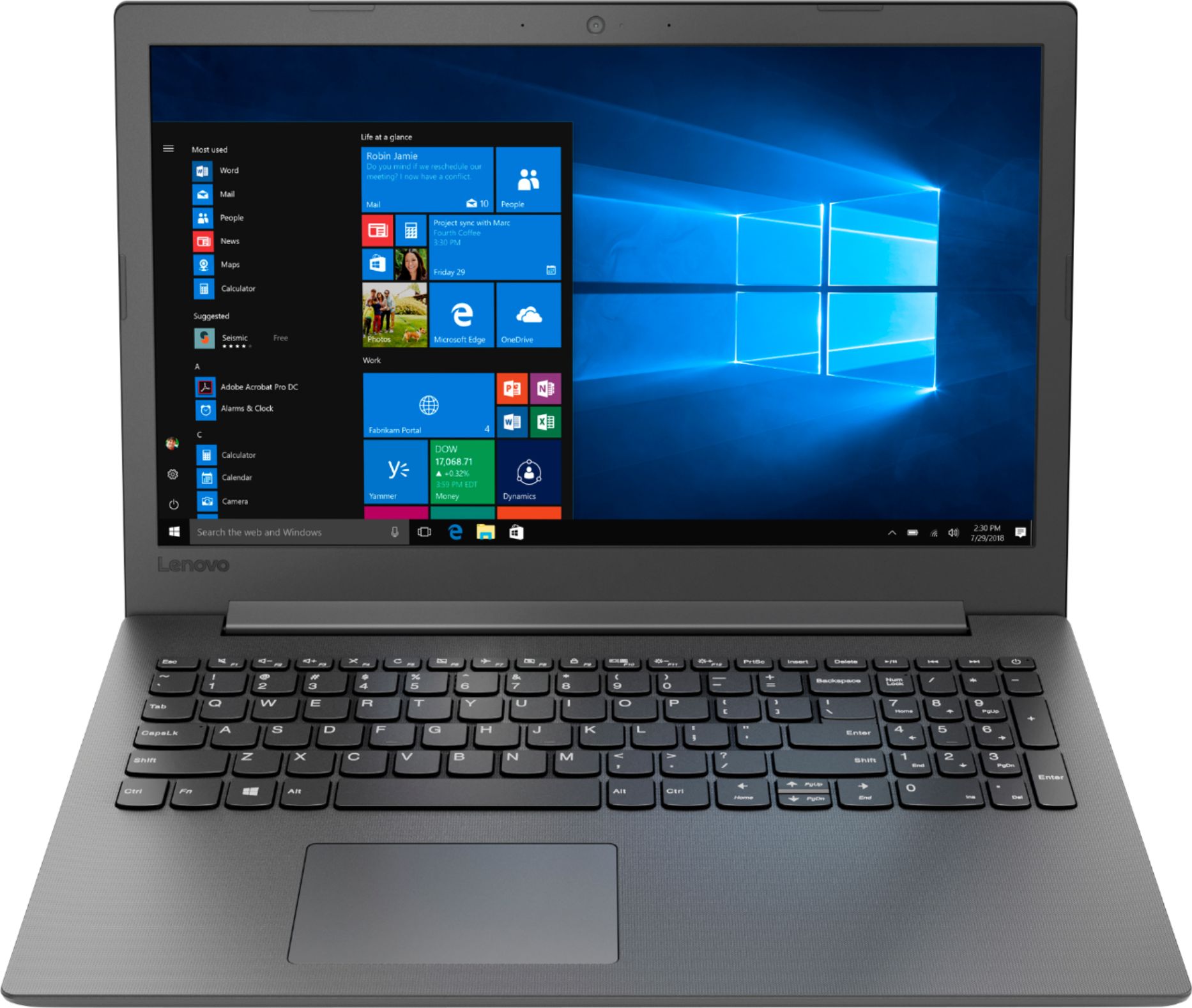
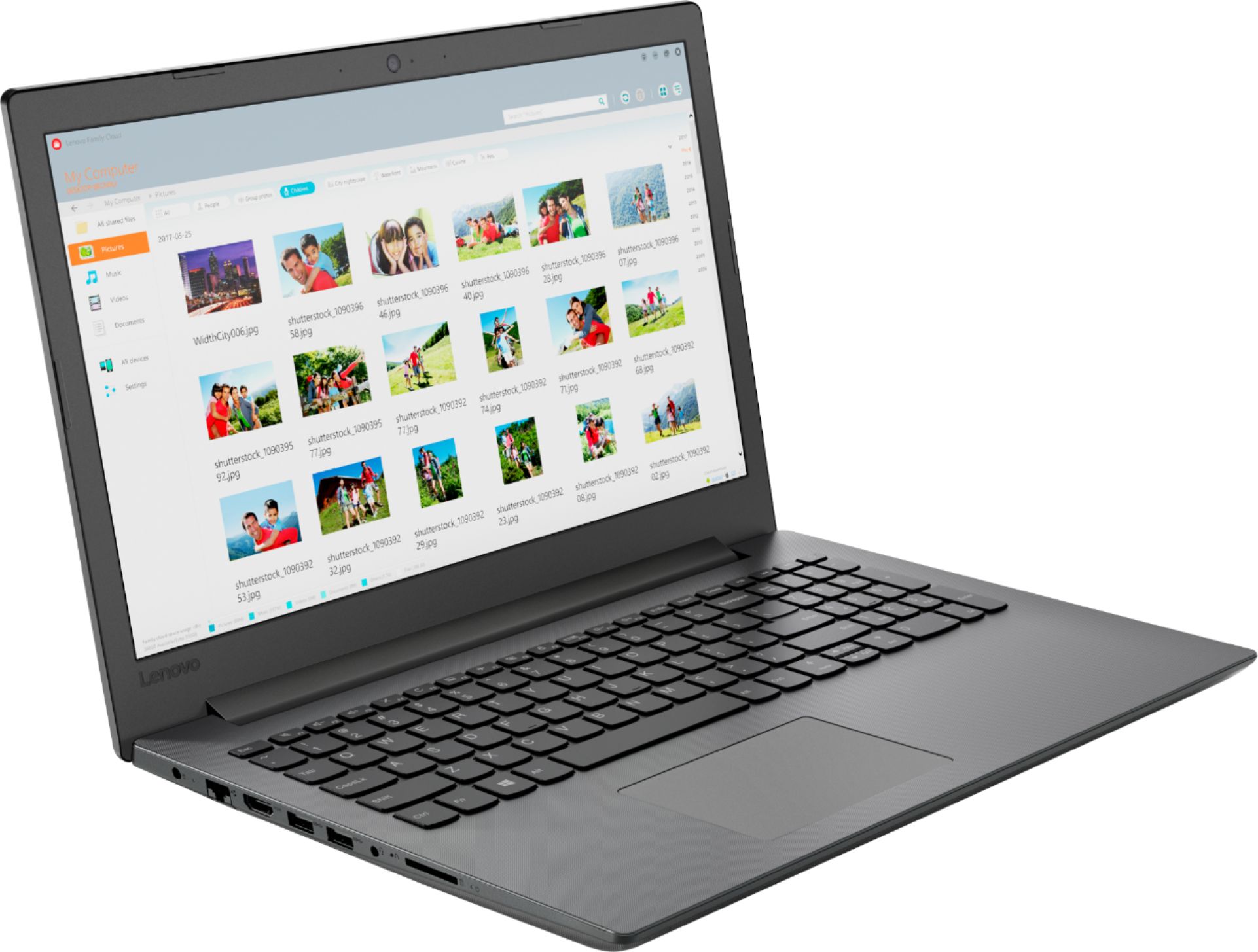
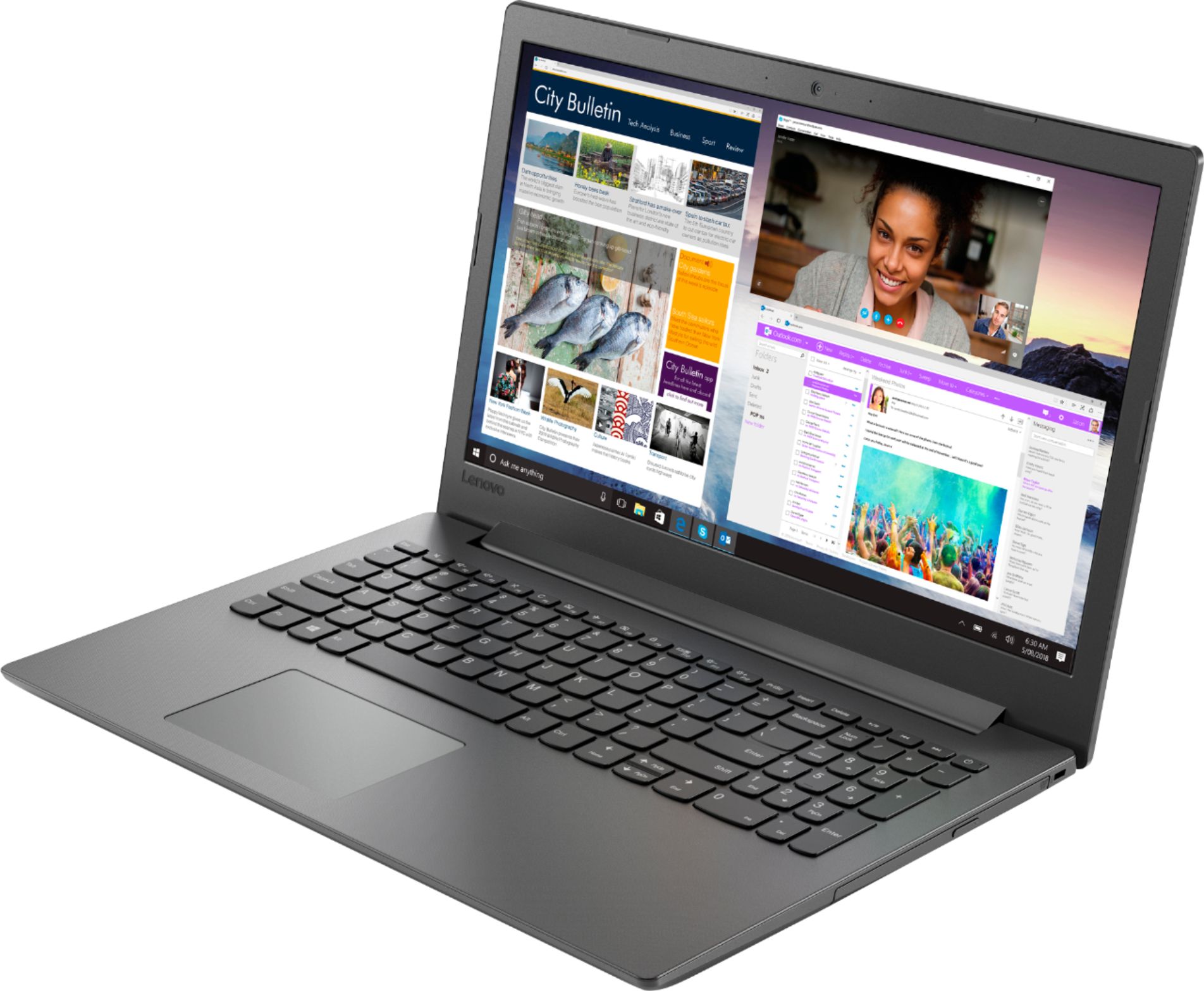
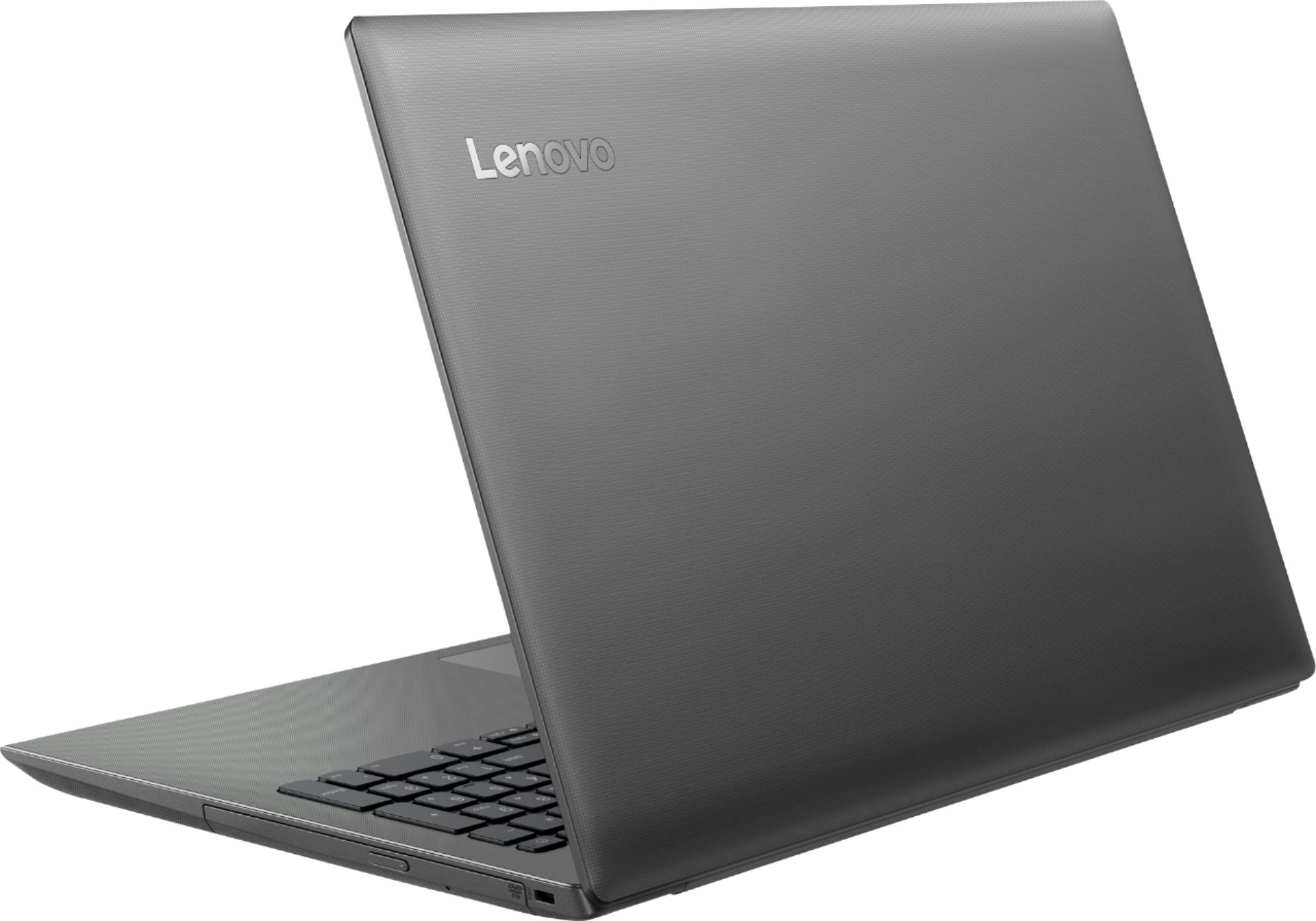

- Model:
- 81H5000NUS
- SKU:
- 6266400
Rating by feature
- Value
Rating 4.2 out of 5 stars
- Quality
Rating 3.9 out of 5 stars
- Ease of Use
Rating 4.2 out of 5 stars
Customers are saying
Customers are delighted by the affordable price, user-friendly interface, and impressive performance of the 130-15AST laptop. Many users appreciate its suitability for gaming and its ample storage capacity. However, some users have concerns about its battery life, occasional slowness, and keyboard issues.
This summary was generated by AI based on customer reviews.
- Cons mentioned:Speed
Returning this!
Posted .This reviewer received promo considerations or sweepstakes entry for writing a review.I am so disappointed with this laptop. It was so slow when I configured the setting. My thought was “okay, maybe it is just slow the first time”. I gave it a chance and used it for almost 5 hours. OMG! This is the slowest laptop I’ve ever used. So I am returning this laptop this weekend. What a waste of time and money. Don’t buy this laptop, do yourself a favor and get a different one. Extremely disappointed
No, I would not recommend this to a friendBrand response from Lenovo Product Expert
Posted .We are sorry to hear that the Lenovo IdeaPad 130-15 did not meet your computing needs. The IdeaPad 130-15 ships with the Dual-Core/Four-Thread AMD A6-9225 processor. This processor has a base speed of 2.6GHz and a boost speed of up to 3.0GHz. This processor is supported by 4GB of DDR4-1866MHz RAM. This is a mid-level, moderate use system. It is good for light multi-tasking and main stream programs, like Microsoft Office and internet browsing. If this describes your computing needs, the IdeaPad 130-15 would be a good choice.

Worth it for the price of an X220?
Posted .This reviewer received promo considerations or sweepstakes entry for writing a review.For the price of this entry level laptop, you can purchase a pristine 2012 X220 with an IPS screen, that will walk all over this 130. Lenovo has a reputation for having produced some legendary machines: the 130 is not one of them.
No, I would not recommend this to a friendBrand response from Lenovo Product Expert
Posted .The Lenovo IdeaPad 130-15 laptop is a mid-level, moderate use configuration, with its AMD A6-9225 processor. This Dual-Core processor has a base speed of 2.6GHz and a boost speed of up to 3.0GHz. This configuration has 4GB of RAM. It is good with Microsoft Office type programs, internet browsing and other moderate work. If this describes your computing needs, the IdeaPad 130-15 would be a good choice for you.
I've had worse
Posted .This reviewer received promo considerations or sweepstakes entry for writing a review.Still beats anything from walmart. If you dont spend big dont expect big. Does the internet. Tried to play fortnite on this and my friends laughed at me for trying. But it does let you surf the net dial up style.
I would recommend this to a friendBrand response from Lenovo Product Expert
Posted .The Lenovo IdeaPad 130-15 laptop is a mid-level, moderate use configuration, with its AMD A6-9225 processor. This Dual-Core processor has a base speed of 2.6GHz and a boost speed of up to 3.0GHz. This configuration has 4GB of RAM. It is good with Microsoft Office type programs, internet browsing and other moderate work. If this describes your computing needs, the IdeaPad 130-15 would be a good choice for you.
- Cons mentioned:Speed
Garbage
Posted .This reviewer received promo considerations or sweepstakes entry for writing a review.Laptop has given me issues since I bought it. I've had to reinstall Windows 10 twice because on startup, it froze on a black screen. I cant have more than 2 internet tabs open without it freezing up. I wish I could upload video so you could see the snail paced speeds. GARBAGE
No, I would not recommend this to a friendBrand response from Lenovo Product Expert
Posted .We are sorry to hear that you are having issues with the initial activation of Windows 10 on your Lenovo IdeaPad 130-15 laptop. Be sure any software you installed is compatible with Windows 10. There is no need to install Microsoft Office software. The software is already part of the operating system, you just need to activate the software with a purchased product key. If you have installed a copy of Microsoft Office, this is conflicting with the existing copy on the system and this will slow your system down. If you have installed a 3rd party anti-virus program, be sure that Windows Defender is turned off and that the trial version of McAfee Anti-Virus software is uninstalled. There can only be one anti-virus program on the system. You may need to restore your system to original factory default settings if any of the programing errors have occurred. You can do that by typing "restore" in the Cortana search window. Just click on the magnifying glass icon at the bottom left of your Windows 10 Desktop. Click on "Reset This PC" Then click on "Get Started" and follow the on screen directions to restore to factory defaults. If the problem persists, we recommend you contact Lenovo Tech Support at: 877-453-6686.
graet
Posted .This reviewer received promo considerations or sweepstakes entry for writing a review.is great uehousbsd oshdousbaosudbosbd sbduosbdsoudb bsdousad
I would recommend this to a friendNot ok even for the price
Posted .This reviewer received promo considerations or sweepstakes entry for writing a review.I realize for the price of $210 this laptop it's not going to be very fast. It can be speed up to an acceptable use with an SSD. But what I was not expecting was the poor display quality. It’s dim, dull colors and just gray for the blacks. No adjustments fixes this. I am replacing a 4yr old laptop that I only paid $40 more. It has a way better display than this. I really like the laptop and wanted to keep it, but have return it because of the display.
No, I would not recommend this to a friendBrand response from Lenovo Product Expert
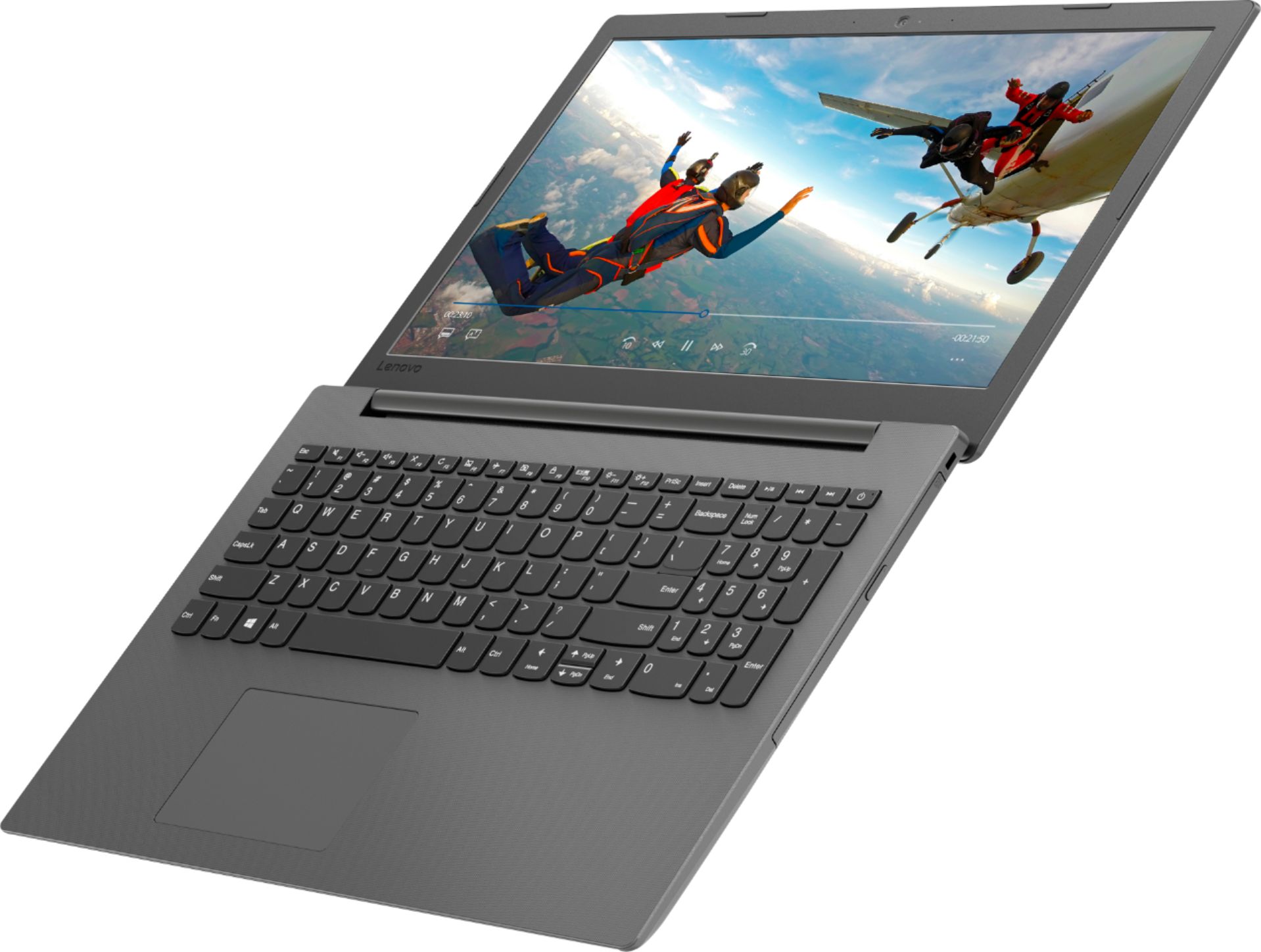
Posted .The Lenovo IdeaPad 130-15 laptop ships with a LCD w/LED Backlight (Anti-glare) screen, with a resolution of 1366 X 768 (HD) and a brightness level of 200 nits.
perfect product
Posted .This reviewer received promo considerations or sweepstakes entry for writing a review.Very good quality Very comfortable comfortably good price
I would recommend this to a friendBrand response from Lenovo Product Expert
Posted .Thank you for choosing the Lenovo IdeaPad 130-15 laptop. This is a mid-level, moderate use configuration, with its AMD A6-9225 processor. This Dual-Core processor has a base speed of 2.6GHz and a boost speed of up to 3.0GHz. This configuration has 4GB of RAM. It is good with Microsoft Office type programs, internet browsing and other moderate work. If this describes your computing needs, the IdeaPad 130-15 would be a good choice for you.
- Cons mentioned:Speed
Waste of money
Posted .This reviewer received promo considerations or sweepstakes entry for writing a review.Very slow. I couldn't even use to navigate internet. Total waste of money. Tried to reboot and got stuck in windows loop.
No, I would not recommend this to a friend Not worth your time
Posted .This reviewer received promo considerations or sweepstakes entry for writing a review.My parents bought this as my son’s Christmas gift, got it home and started it up and immediately had to do a hard restart because the touchpad wasn’t working. Tried to download a game for him and it took over an hour and a half to download.. the game was lagging so bad and the graphics were just awful. Turned it on this morning, updates froze the pc and again the touchpad was not working. After another hard restart I called my dad about returning. I feel like I disappointed my parents and my son having to do this. Pay a little extra and get something with a better processor.
No, I would not recommend this to a friendBrand response from Lenovo Product Expert
Posted .We are sorry to hear that you are having issues with your Lenovo IdeaPad 130-15 laptop. With regard to the touchpad, be sure it has not been inadvertently turned off. Tap the HotKey in the F6 position on your keyboard. This HotKey toggles the touchpad on/off. With regard to installing games/software on this computer, be sure the games/software are compatible with Windows 10 and this computer's specific configuration. We recommend you check with the game's software publisher's web site for their compatibility with Windows 10 Home 64-bit operating system and the minimum/recommended hardware requirements (Is a Graphics card required, the processor speed and the minimum required system RAM and the minimum available hard drive space) to run their program, then compare those requirements to this system's configuration.
Total Failure at 8 weeks
Posted .This reviewer received promo considerations or sweepstakes entry for writing a review.We used this laptop for home business. Mostly documents in Google Drive, research, as well as transcription services at work. No gaming, no kids. My wife and I are both IT professionals and our laptops generally last about 10 years. This one lasted 8 weeks and would not power up. No other electronics have had this issue so it wasn't a power surge (and all electronics are on a surge protector). It just stopped working.
No, I would not recommend this to a friendBrand response from Lenovo Product Expert
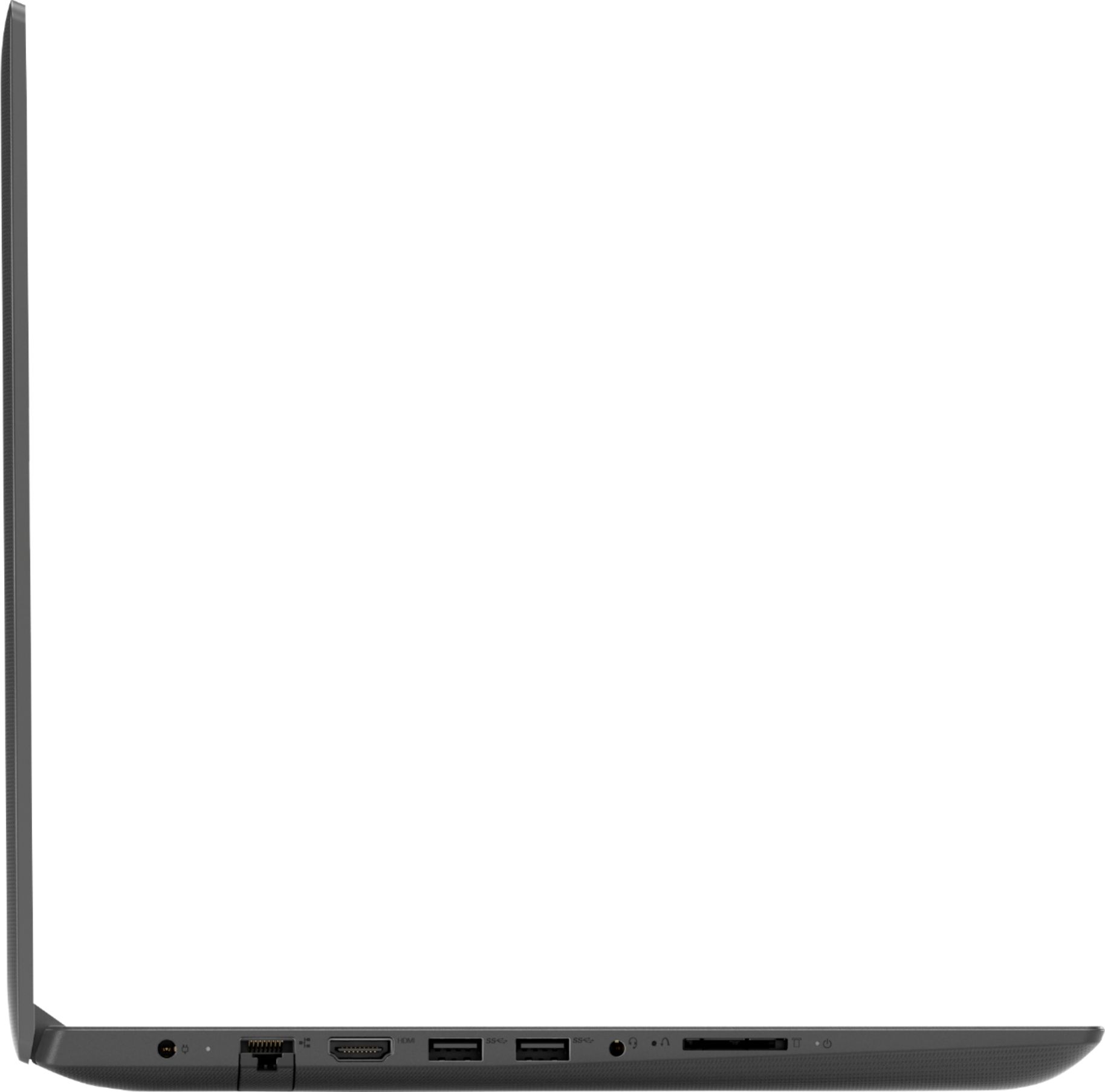
Posted .We are sorry to hear that you are having issues with your Lenovo IdeaPad 130-15 laptop. Be sure any software you installed is compatible with Windows 10. There is no need to install Microsoft Office software. The software is already part of the operating system, you just need to activate the software with a purchased product key. If you have installed a copy of Microsoft Office, this is conflicting with the existing copy on the system and this will slow your system down. If you have installed a 3rd party anti-virus program, be sure that Windows Defender is turned off and that the trial version of McAfee Anti-Virus software is uninstalled. There can only be one anti-virus program on the system. You may need to restore your system to original factory default settings if any of the programing errors have occurred. If you can not get Windows 10 to boot, this system is equipped with OneKey Recovery System. There is a very small pin hole on the left side of the device, right near the headphone jack on the device. You will need a pin to push this reset button. Plug the device in. Let the battery charge for about 15 minutes. Push the reset button. The system should boot to a choice screen where you can choose "Restore To Factory Default". Select this. It will delete everything from the hard drive except the original factory install of the operating system. You will need to reinstall all programs and files after the reset. If you don't have copies of the files, try to make one before you restore by selecting "Boot to desktop" and trying to back up your files. If the problem persists after the factory reset, we recommend you contact Lenovo Tech Support at: 877-453-6686.
Power Failed After 3 Months
Posted .This reviewer received promo considerations or sweepstakes entry for writing a review.After 3 months of use, suddenly the computer would not power on. No indicator lights. Dead. Tried all troubleshooting procedures guided by Tech Support. Under warranty, so Lenovo would do a mail in repair. However, looking on line, advise was to unplug batteries. Problem: must open entire case to service battery. Solution worked, but concerned I have a lemon. Also, machine seems slow running Windows 10. I have other laptop with Intel i3 that performs better.
No, I would not recommend this to a friendBrand response from Lenovo Product Expert
Posted .We are sorry to hear that you had issues with the battery within your Lenovo IdeaPad 130-15 laptop. The battery on this device is not user removable. Here is a link to instructions for resetting a non-removable battery. If you need further assistance, we recommend you call Lenovo Tech Support at: 877-453-6686. Here is the link: https://www.techwalla.com/articles/how-to-reset-a-laptop-battery
Its just ok
Posted .This reviewer received promo considerations or sweepstakes entry for writing a review.Ok do not get keep looking for something better maybe an hp
No, I would not recommend this to a friendCrap
Posted .This reviewer received promo considerations or sweepstakes entry for writing a review.One week in to use this thing shut off mid use and won’t restart. Push the power button, nothing. Follow troubleshooting, nothing. It’s garbage. The $199 I paid is out the window as the box is gone. Don’t waste your money on this trash.
No, I would not recommend this to a friendBrand response from Lenovo Product Expert
Posted .We are sorry to hear that you are having issues with your Lenovo IdeaPad 130-15 laptop. This system is equipped with OneKey Recovery System. There is a very small pin hole on the left side of the device, right near the SD card slot on the device. You will need a pin to push this reset button. Plug the device in. Let the battery charge for about 15 minutes. Push the reset button. The system should boot to a choice screen where you can choose "Restore To Factory Default". Select this. It will delete everything from the hard drive except the original factory install of the operating system. You will need to reinstall all programs and files after the reset. If you don't have copies of the files, try to make one before you restore by selecting "Boot to desktop" and trying to back up your files. If the problem persists after the factory reset, we recommend you contact Lenovo Tech Support at: 877-453-6686.
Not a good investment!
Posted .This reviewer received promo considerations or sweepstakes entry for writing a review.I bought the Laptop today and return it 1 hr later due to not able to set up. The computer was completely black out after the set up, Not able to work, very desapointed!
No, I would not recommend this to a friendBrand response from Lenovo Product Expert
Posted .We are sorry to hear that you had issues with the initial setup of Windows 10 on the Lenovo IdeaPad 130-15 laptop. This system is equipped with OneKey Recovery System. There is a very small pin hole on the left side of the device, right near the headphone jack on the device. You will need a pin to push this reset button. Plug the device in. Let the battery charge for about 15 minutes. Push the reset button. The system should boot to a choice screen where you can choose "Restore To Factory Default". Select this. It will delete everything from the hard drive except the original factory install of the operating system. You will need to reinstall all programs and files after the reset. If you don't have copies of the files, try to make one before you restore by selecting "Boot to desktop" and trying to back up your files. If the problem persists after the factory reset, we recommend you contact Lenovo Tech Support at: 877-453-6686.
Worst Laptop Ever
Posted .This reviewer received promo considerations or sweepstakes entry for writing a review.This laptop has a penchant for running with the fan on high and not responding to any wake commands. I had to buy this for work and it is causing me to lose days of productivity. It is horrible.
No, I would not recommend this to a friendBrand response from Lenovo Product Expert
Posted .We are sorry to hear that you are having issues with your Lenovo IdeaPad 130-15 laptop. From the description of the issue you are having, be sure any software you installed is compatible with Windows 10. There is no need to install Microsoft Office software. The software is already part of the operating system, you just need to activate the software with a purchased product key. If you have installed a copy of Microsoft Office, this is conflicting with the existing copy on the system and this will slow your system down. If you have installed a 3rd party anti-virus program, be sure that Windows Defender is turned off and that the trial version of McAfee Anti-Virus software is uninstalled. There can only be one anti-virus program on the system. You may need to restore your system to original factory default settings if any of the programing errors have occurred. You can do that by typing "restore" in the Cortana search window. Just click on the magnifying glass icon at the bottom left of your Windows 10 Desktop. Click on "Reset This PC" Then click on "Get Started" and follow the on screen directions to restore to factory defaults. If the problem persists, we recommend you contact Lenovo Tech Support at: 877-453-6686.