Customer Ratings & Reviews


- Model:
- 81CW0000US
- SKU:
- 6062100
Rating by feature
- Value
Rating 3.9 out of 5 stars
- Quality
Rating 3.9 out of 5 stars
- Ease of Use
Rating 4.1 out of 5 stars
Customers are saying
Customers are positive about the touch screen, price, portability, ease of use, storage, and performance of the laptop. They appreciate the convenience of the touch screen, affordability, sleek design, user-friendly interface, ample storage space, and satisfactory performance. However, customers are negative about its slow speed, limited RAM, short battery life, and Windows 10 operating system. They find the laptop to be sluggish, lacking in memory, having inadequate battery life, and experiencing occasional slowness with Windows 10.
This summary was generated by AI based on customer reviews.
- Pros mentioned:Touch screen
Mom needed a new Laptop
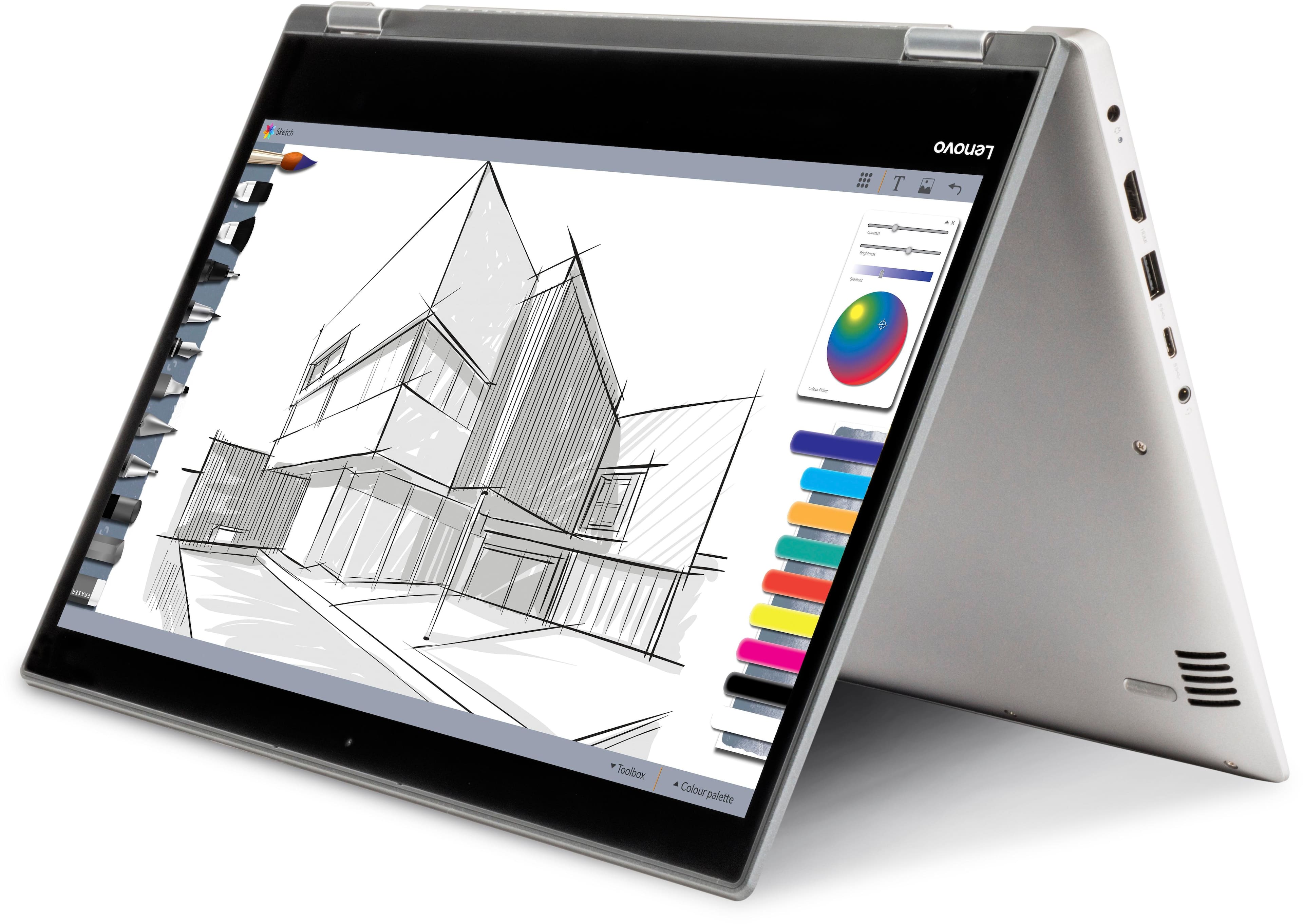
||Posted .This reviewer received promo considerations or sweepstakes entry for writing a review.My Mother was in need of a good, inexpensive laptop. the Lenovo fit the bill and she fell in love with the touch screen after about 5 minutes!
I would recommend this to a friend - Pros mentioned:Easy to use
Awesome
||Posted .This reviewer received promo considerations or sweepstakes entry for writing a review.Easy to use and just what I needed to finish school
I would recommend this to a friendBrand response from Lenovo Product Expert
Posted .Thank you for choosing the Lenovo IdeaPad 2 in 1 14" Laptop. We are pleased to hear that the IdeaPad 2 in 1 14" Laptop meets your computing needs so well.

- Pros mentioned:Touch screen
Amazing Laptop
||Posted .This reviewer received promo considerations or sweepstakes entry for writing a review.It works amazingly and so does the touch screen!!!
I would recommend this to a friendBrand response from Lenovo Product Expert
Posted .Thank you for choosing the Lenovo IdeaPad 2 in 1 14" Laptop. We are pleased to hear that the features and performance of the IdeaPad 2 in 1 14" Laptop meets your computing needs so well.
- Pros mentioned:Touch screen
Great low price laptop
||Posted .This reviewer received promo considerations or sweepstakes entry for writing a review.Great laptop at great price love the touchscreen !
I would recommend this to a friendBrand response from Lenovo Product Expert
Posted .Thank you for choosing the Lenovo IdeaPad 2 in 1 14" laptop. We are pleased to hear that the features and performance of the IdeaPad 2 in 1 14" laptop meets your computing needs so well.
Best of Both Worlds
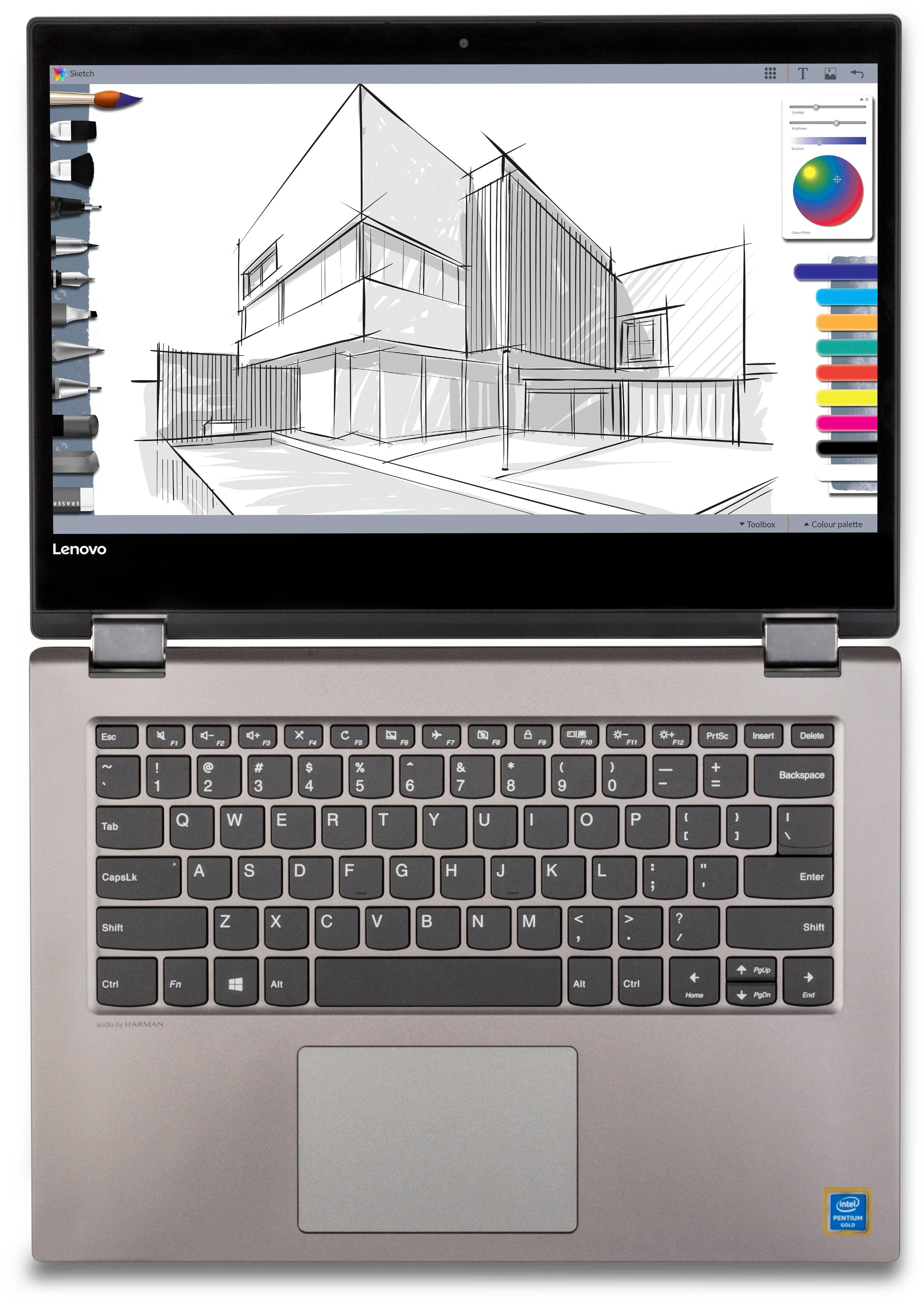
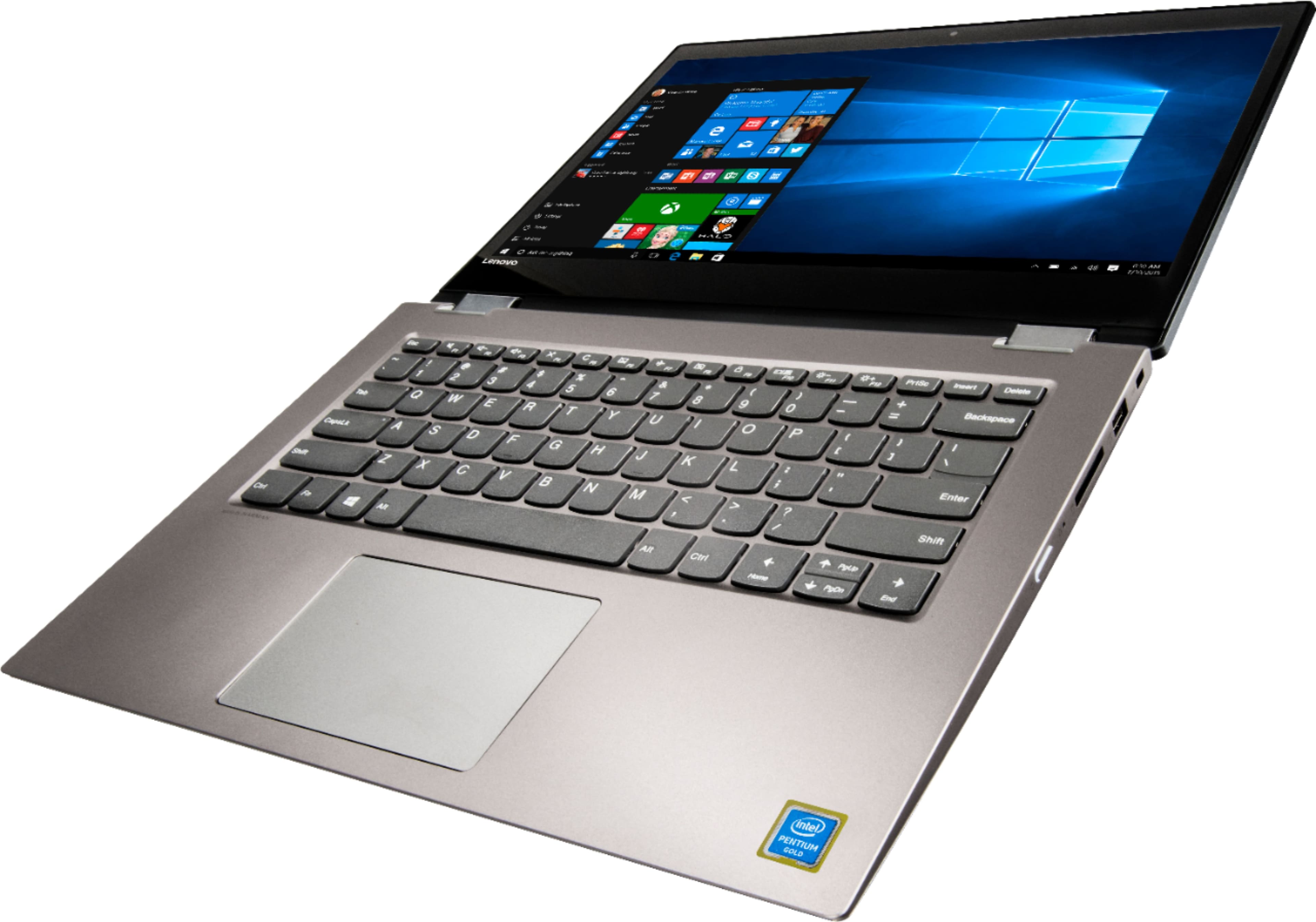
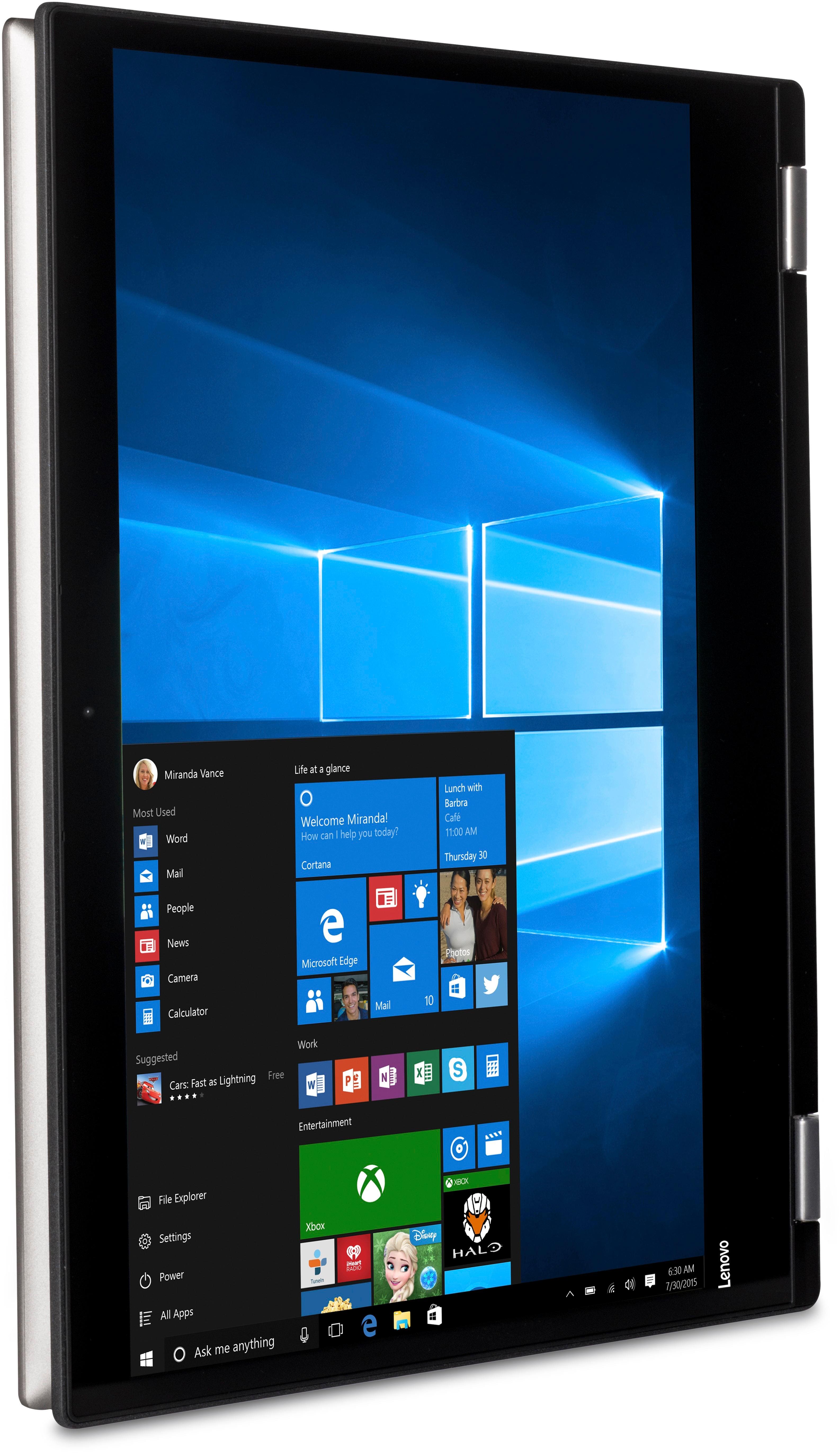
||Posted .This reviewer received promo considerations or sweepstakes entry for writing a review.I bought this laptop wanting the option to use it like a tablet or laptop. This exceeded my expectations. Beautiful resolution. Easy to use. Just big enough for tablet mode and as a laptop. My 3-year old can use it with ease in either mode.
I would recommend this to a friendBrand response from Lenovo Product Expert
Posted .Thank you for choosing the Lenovo IdeaPad 2 in 1 14" Laptop. We are pleased to hear that the ease of use, features and performance of the IdeaPad 2 in 1 14" laptop meets your computing needs so well.
Simple, inexpensive
||Posted .This reviewer received promo considerations or sweepstakes entry for writing a review.This is a great simple computer for those needing it for easy tasks like homework or work projects. Not the fastest nor the flashiest, but it gets the work done.
I would recommend this to a friendGreat laptop for student
||Posted .This reviewer received promo considerations or sweepstakes entry for writing a review.My daughter just graduated high school and will start college and needed to upgrade her laptop. We were assisted by a wonderful rep and are very happy with our purchase.
I would recommend this to a friendBrand response from Lenovo Product Expert
Posted .Thank you for choosing the Lenovo IdeaPad 2 in 1 14" laptop for your daughter. We are pleased to hear that the IdeaPad 2 in 1 14" laptop is working out so well for your daughter.
- Cons mentioned:Slow
This is the worst computer that I've ever owned
||Posted .This reviewer received promo considerations or sweepstakes entry for writing a review.I've been using desktop and laptop computers since 1985. This is the worst computer that I've ever owned. It is excruciatingly slow. Whether I attempt to use an app, or try to access information on the internet, this piece of junk refuses to move at an acceptable rate. For example, on my HP desktop, it takes less than five seconds to open Excel or Word. This Lenovo takes between one to two minutes to open those apps. When I tried to contact Lenovo customer support to ask them for help, I discovered that they don't provide either a telephone number or email address for contacting them. Instead, they lazily force you to use their “support” website. I did this, and ran all of the diagnostics, scan and updates that were available. It was a great waste of time, because the Lenovo remains as slow as ever. I will never, ever purchase
No, I would not recommend this to a friend so far I am enjoying my new Lenovo computer
||Posted .This reviewer received promo considerations or sweepstakes entry for writing a review.after a very rough start with my Lenovo computer many issues with different attachments and many conversations with the Geek Squad and trips to the store and having a Geek Squad member come to my house I have finally gotten my new computer up and going. I am extremely grateful for all your help
I would recommend this to a friendBrand response from Lenovo Product Expert
Posted .Thank you for choosing the Lenovo IdeaPad 2 in 1 14" Laptop. This system has Lenovo utilities installed to help maintain the health of the device and keep the operating system software up to date. Type "Lenovo Vantage" in the Cortana Search window (if Lenovo Vantage is not installed on your device, you can download the APP and install it now). Select Lenovo Vantage from the list. In the window that opens, click on "Health and Support". In the expanded menu, select "Hardware Scan" In the window that opens, select "Run Quick Tests". This will scan your entire system for errors. Follow any directions that may pop up. If the problem continues after this scan, now click on "System Update". First select Windows update from the menu. Scan your system to be sure you have the latest version of Windows 10. Once that scan is complete, select "Additional Updates". This will scan your device to be sure there are no new BIOS/Driver updates needed. Follow any instructions that may pop up. If the issue still continues after these updates, we recommend you call Lenovo Tech Support at: 877-453-6686 for additional help.
Same as one you get for $1000
||Posted .This reviewer received promo considerations or sweepstakes entry for writing a review.Way over exceeds my expectations for $350 until the s key stopped working after two weeks. Worth it to just get an external KB. Great picture and performs awesome!
I would recommend this to a friendBrand response from Lenovo Product Expert
Posted .Thank you for choosing the Lenovo IdeaPad 2 in 1 14" Laptop. We are sorry to hear that you are having an issue with the "s" key on your keyboard. First, try using some canned air to clean out any possible debris that may be trapped under the key. If that does not correct the issue, it may be a software update issue. This system has Lenovo utilities installed to help maintain the health of the device and keep the operating system software up to date. Type "Lenovo Vantage" in the Cortana Search window. Select Lenovo Vantage from the list. In the window that opens, click on "Health and Support". In the expanded menu, select "Hardware Scan" In the window that opens, select "Run Quick Tests". This will scan your entire system for errors. Follow any directions that may pop up. If the problem continues after this scan, now click on "System Update". First select Windows update from the menu. Scan your system to be sure you have the latest version of Windows 10. Once that scan is complete, select "Additional Updates". This will scan your device to be sure there are no new BIOS/Driver updates needed. Follow any instructions that may pop up. If the issue still continues after these updates, we recommend you call Lenovo Tech Support at: 877-453-6686 for additional help.
Good
||Posted .This reviewer received promo considerations or sweepstakes entry for writing a review.This is as good school laptop as long as you don't want it to do much. You can watch movies and shows on it from Vudu, Netflix, Hulu, etc. The 2 in 1 is nice also.
I would recommend this to a friendBrand response from Lenovo Product Expert
Posted .Thank you for choosing the Lenovo IdeaPad 2 in 1 14" laptop. This is an entry level, light use computer system. It uses Windows 10 Home 64-Bit as its operating system, which requires less than 2GB of RAM to run. This device has the latest WiFi capability, with 802.11AC connectivity. If your requirements fit this profile, this device is a good choice.
Better than most
||Posted .This reviewer received promo considerations or sweepstakes entry for writing a review.The set-up was fast and the processor is too. Comes loaded with goodies and 1 year of office 365 value-added. The only downside is the display quality is just ok.
I would recommend this to a friendBrand response from Lenovo Product Expert
Posted .Thank you for choosing the Lenovo IdeaPad 2 in 1 14" Laptop. This model does not have a 1-year free subscription of Microsoft Office 365. There is a 30-day trial of Microsoft Office 365 included as part of the Windows 10 operating system. In order to keep the program active after the trial period, you will need to purchase a product key. You will not need to download any additional software.
great
||Posted .This reviewer received promo considerations or sweepstakes entry for writing a review.i was apprehensive to get this one because i originally wanted a macbook but this one does the job and i was actually surprised with how well this laptop works.
I would recommend this to a friendBrand response from Lenovo Product Expert
Posted .Thank you for choosing the Lenovo IdeaPad 2 in 1 14" Laptop. We are pleased to hear that the performance of the IdeaPad 2 in 1 14" Laptop meets your computing needs so well.
Great school laptop
||Posted .This reviewer received promo considerations or sweepstakes entry for writing a review.Bought this to replace a smaller laptop that did not have the speed or the memory to allow my kids to do their schoolwork. This is a welcome change, as they are now able to log in without any connection or software delays. And if we need to bump the speed, it’s an easy upgrade on the RAM.
I would recommend this to a friendGreat laptop!
||Posted .This reviewer received promo considerations or sweepstakes entry for writing a review.This has been a great laptop for me! I use it professionally and personally. I like the 14 inch size - it is still easily carried, but more compact than a bigger laptop. It has the basic features I need, plus extras. I feel it was a good purchase for a reasonable price.
I would recommend this to a friend- Cons mentioned:Slow
A little slow but...
||Posted . Owned for more than 2 years when reviewed.This reviewer received promo considerations or sweepstakes entry for writing a review.Bought it for my wife, she complained it was slow. Upgraded the ram and is working better.
No, I would not recommend this to a friend Great little laptop
||Posted .This reviewer received promo considerations or sweepstakes entry for writing a review.I purchased this laptop to use with my silhouette cameo and it’s great for the task. No issues at all with running the software or the Bluetooth connection.
I would recommend this to a friendBrand response from Lenovo Product Expert
Posted .Thank you for choosing the Lenovo IdeaPad 2 in 1 14" Laptop. We are pleased to hear that the IdeaPad 2 in 1 14" Laptop meets your computing needs so well.
What using for
||Posted .This reviewer received promo considerations or sweepstakes entry for writing a review.I got this to upgrade with a touch screen. I used it for 5 mins and returned. Now reason being is I was going to carry this a lot. And by no means is this lite. I go by the carry with one had weight. The screen touch is a little slow but I am use to a tablet so that was fine. The hard drive is a good size for an internal but a little slow. Now you will only notice this if in a hurry for it to boot up. For the price this unit works great if just need a computer to do basic things.
I would recommend this to a friendBrand response from Lenovo Product Expert
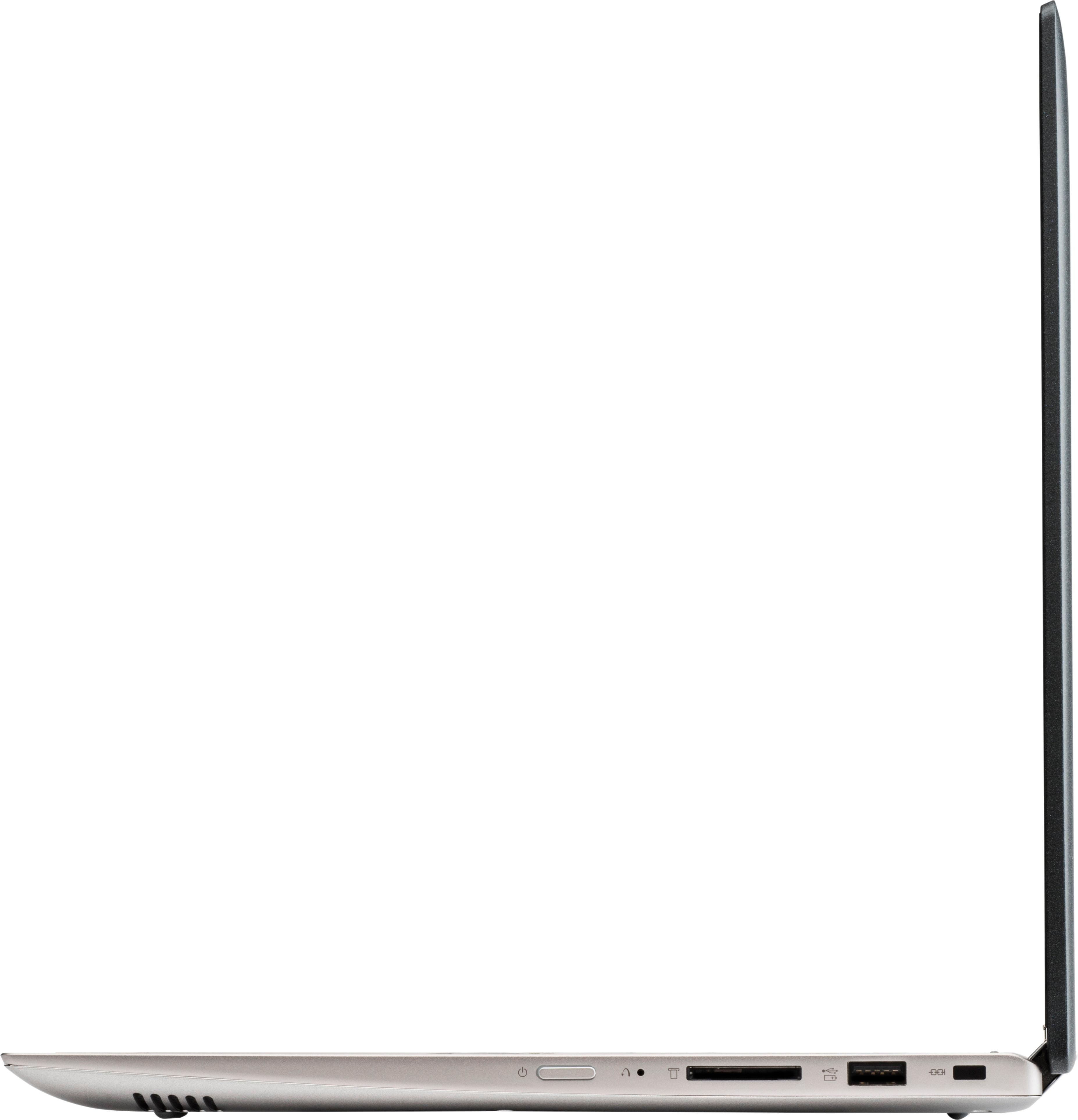
Posted .This 2 in 1 14" system weighs just 3.75 lbs. and measures 0.8" thin. This is an entry level, light use 2 in 1 system. It uses Windows 10 Home 64-Bit as its operating system, which requires less than 2GB of RAM to run. This device has the latest WiFi capability, with 802.11AC connectivity. If your requirements fit this profile, this device is a good choice.
Bought this for an ungrateful teen
||Posted .This reviewer received promo considerations or sweepstakes entry for writing a review.She hasn't complained about it , so there's that . When I set it up it was amazingly simple and very easy. I'm sure it will one day be missing or broke though. That's how it goes when you don't buy these things , and just call your dad when you need something ? Lol
I would recommend this to a friend- Cons mentioned:Slow
Basic laptop
||Posted .This reviewer received promo considerations or sweepstakes entry for writing a review.This is a pretty basic laptop, not really fast, but if you're just using it for email, surf the web it's fine.
No, I would not recommend this to a friendBrand response from Lenovo Product Expert
Posted .This is an entry level, light use computer system with its Pentium processor. It has a touchscreen and can be used as either a laptop or tablet given its 2 in 1 configuration. It uses Windows 10 Home 64-Bit as its operating system, which requires less than 2GB of RAM to run. This device has the latest WiFi capability, with 802.11AC connectivity. If your requirements fit this profile, this device is a good choice.