Customer Ratings & Reviews
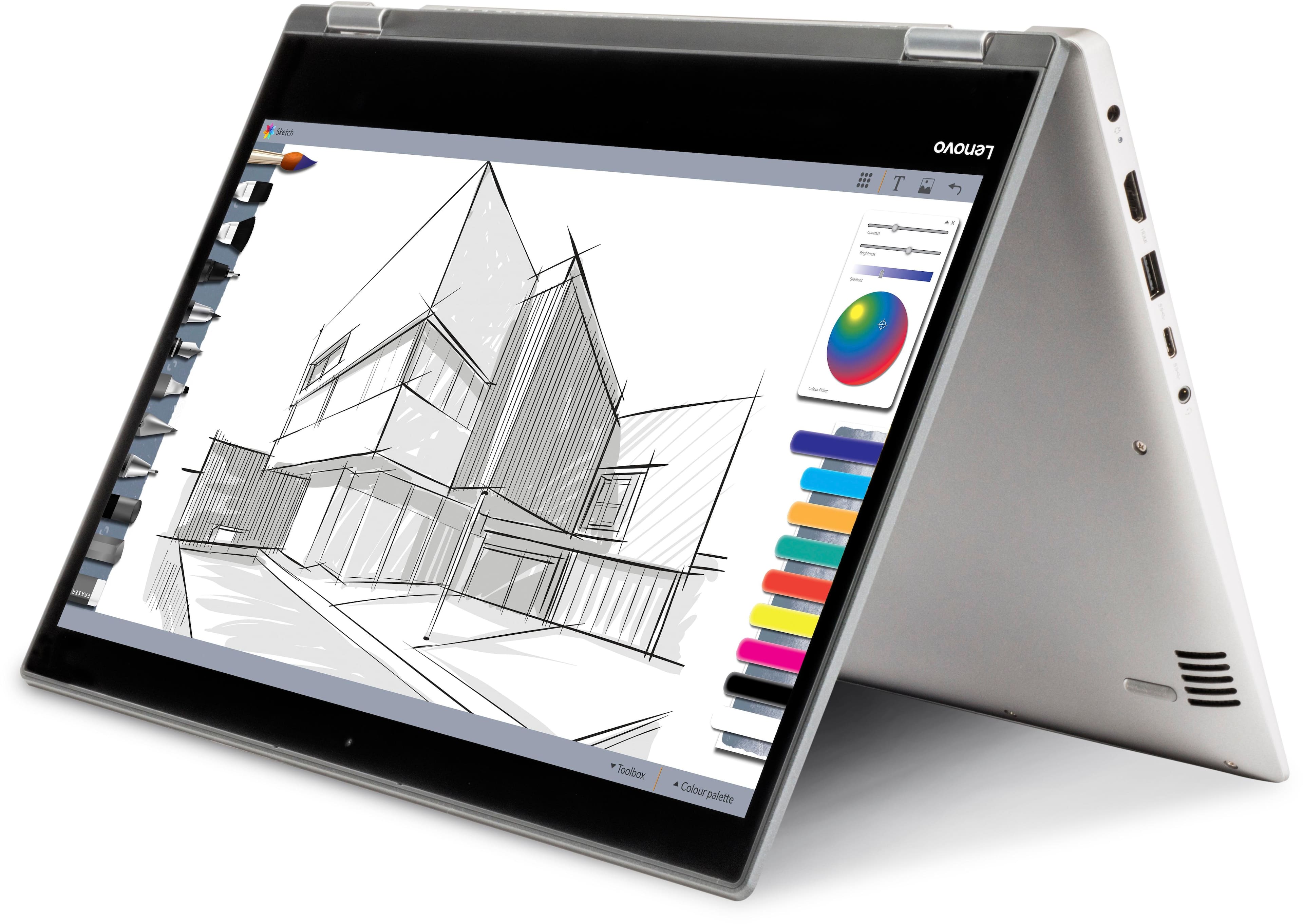

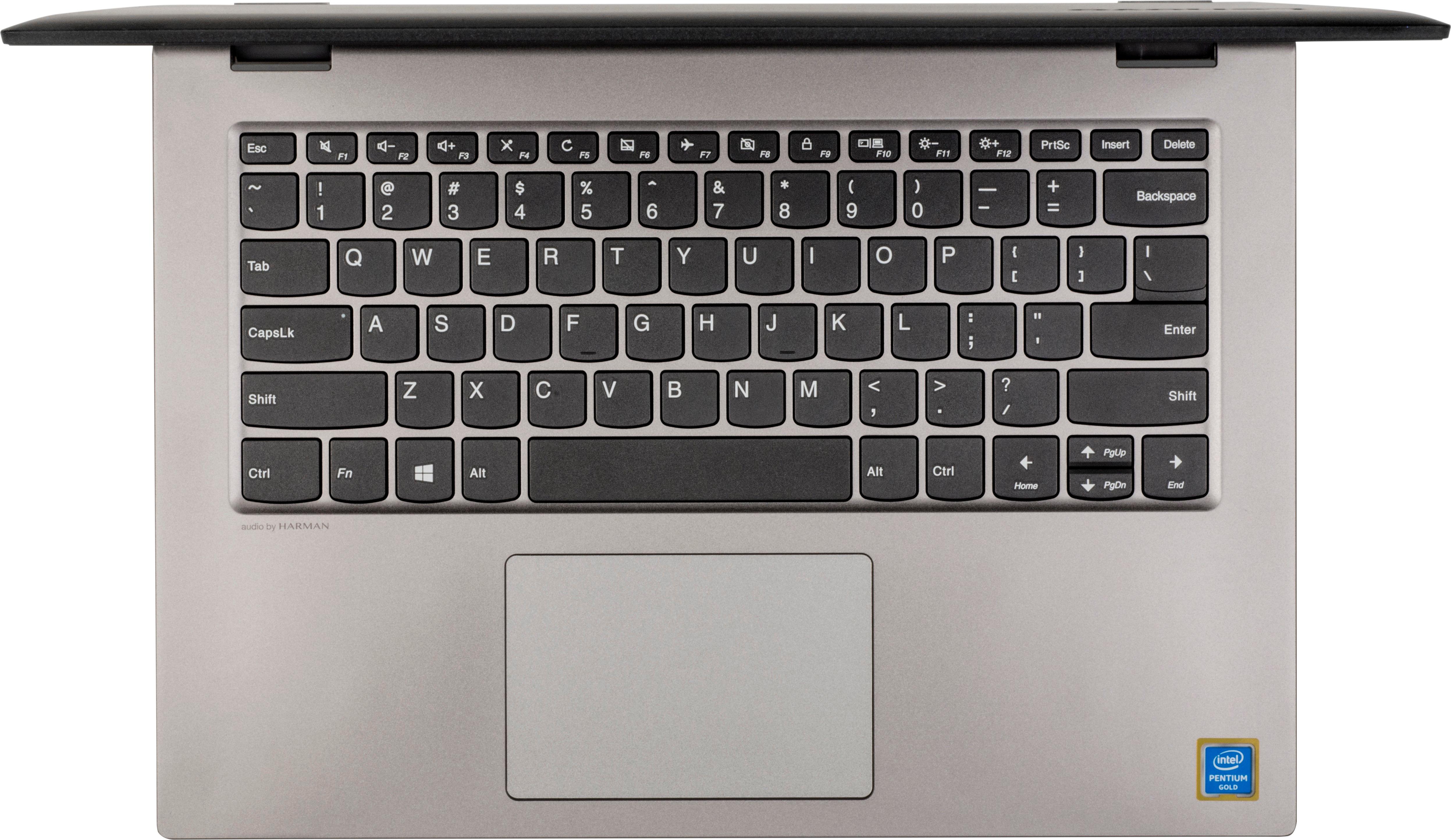
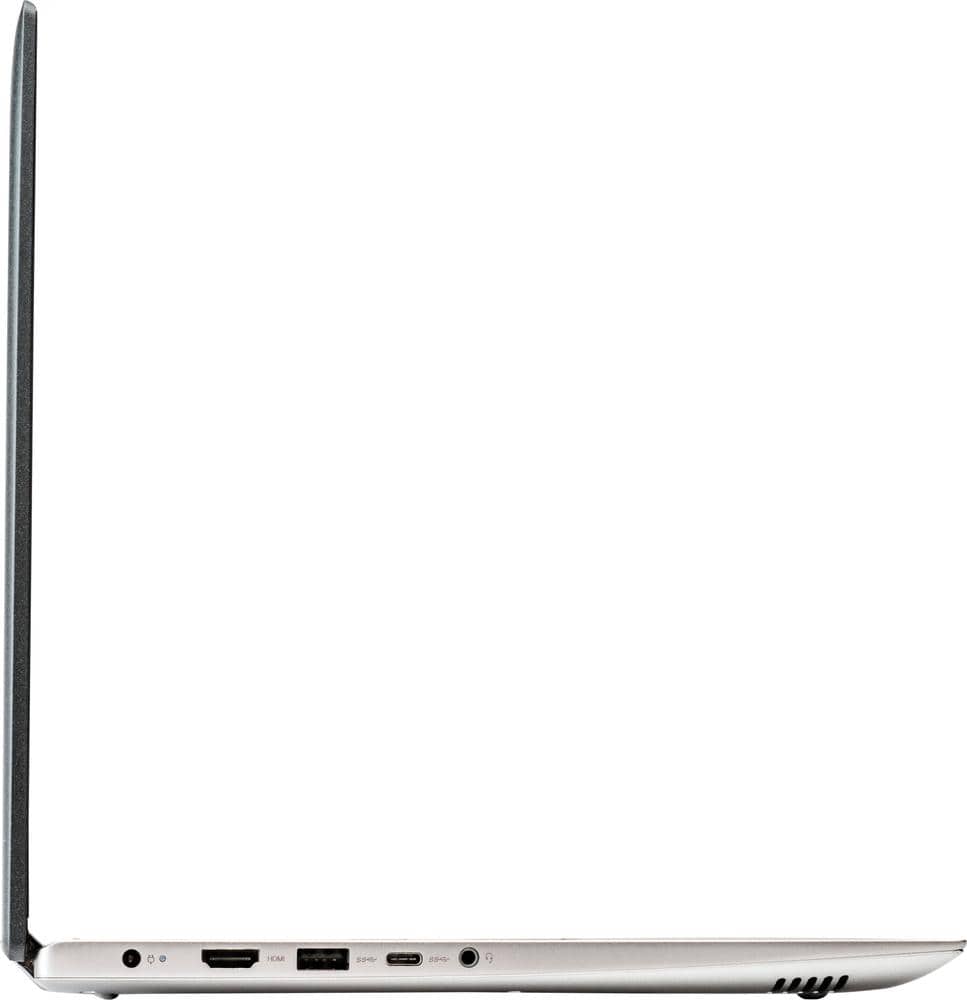
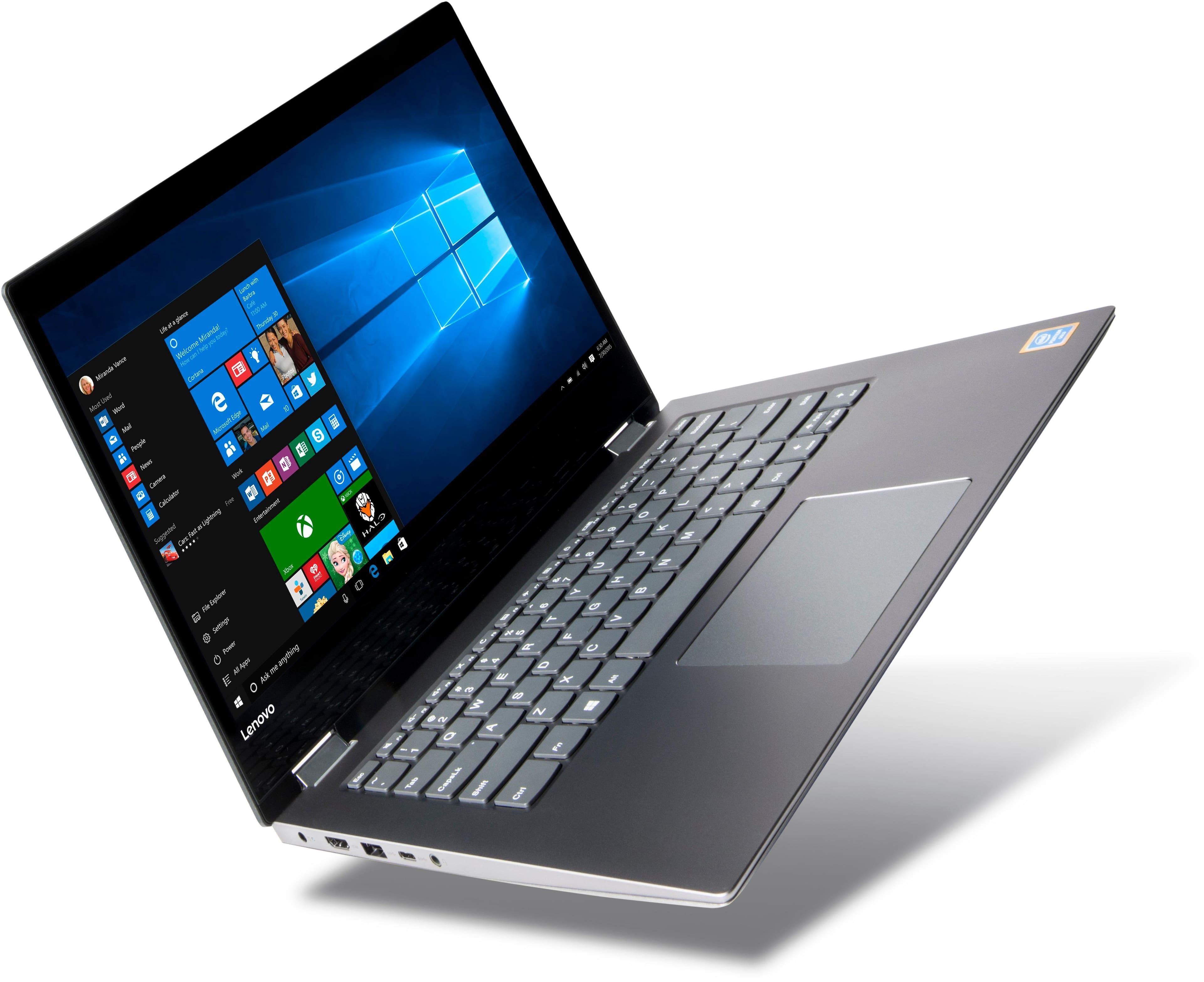

- Model:
- 81CW0000US
- SKU:
- 6062100
Rating by feature
- Value
Rating 3.9 out of 5 stars
- Quality
Rating 3.9 out of 5 stars
- Ease of Use
Rating 4.1 out of 5 stars
Customers are saying
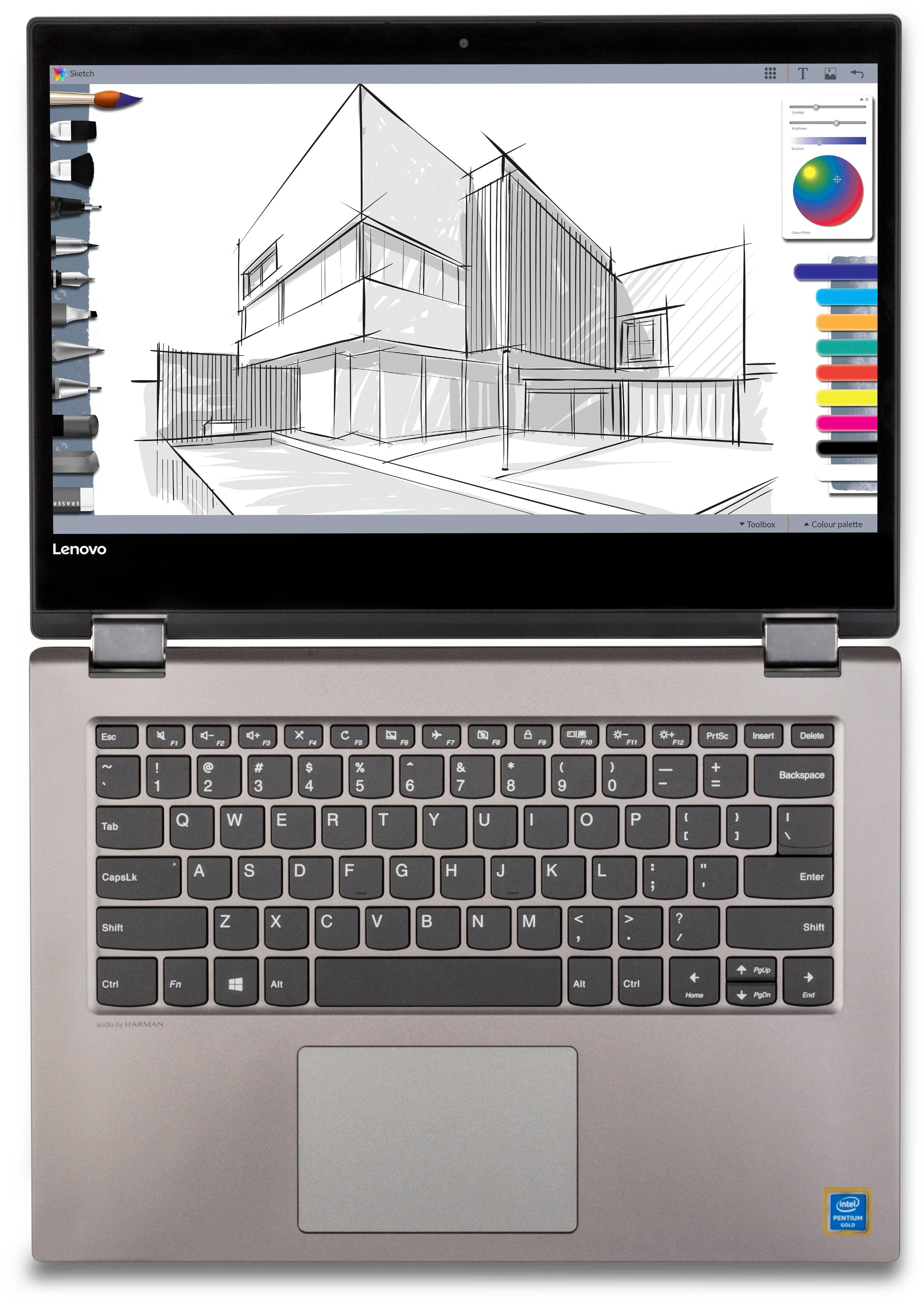
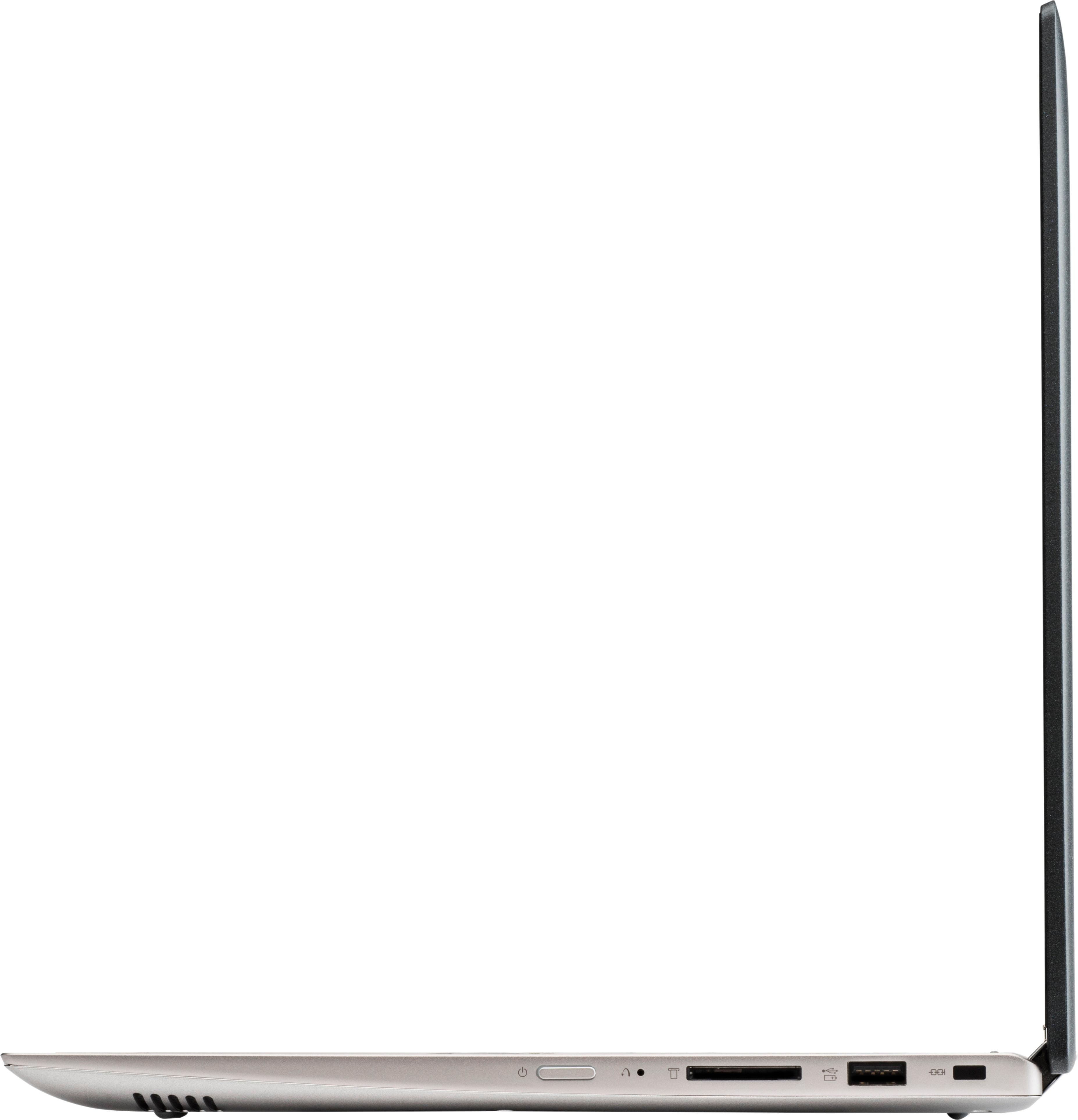
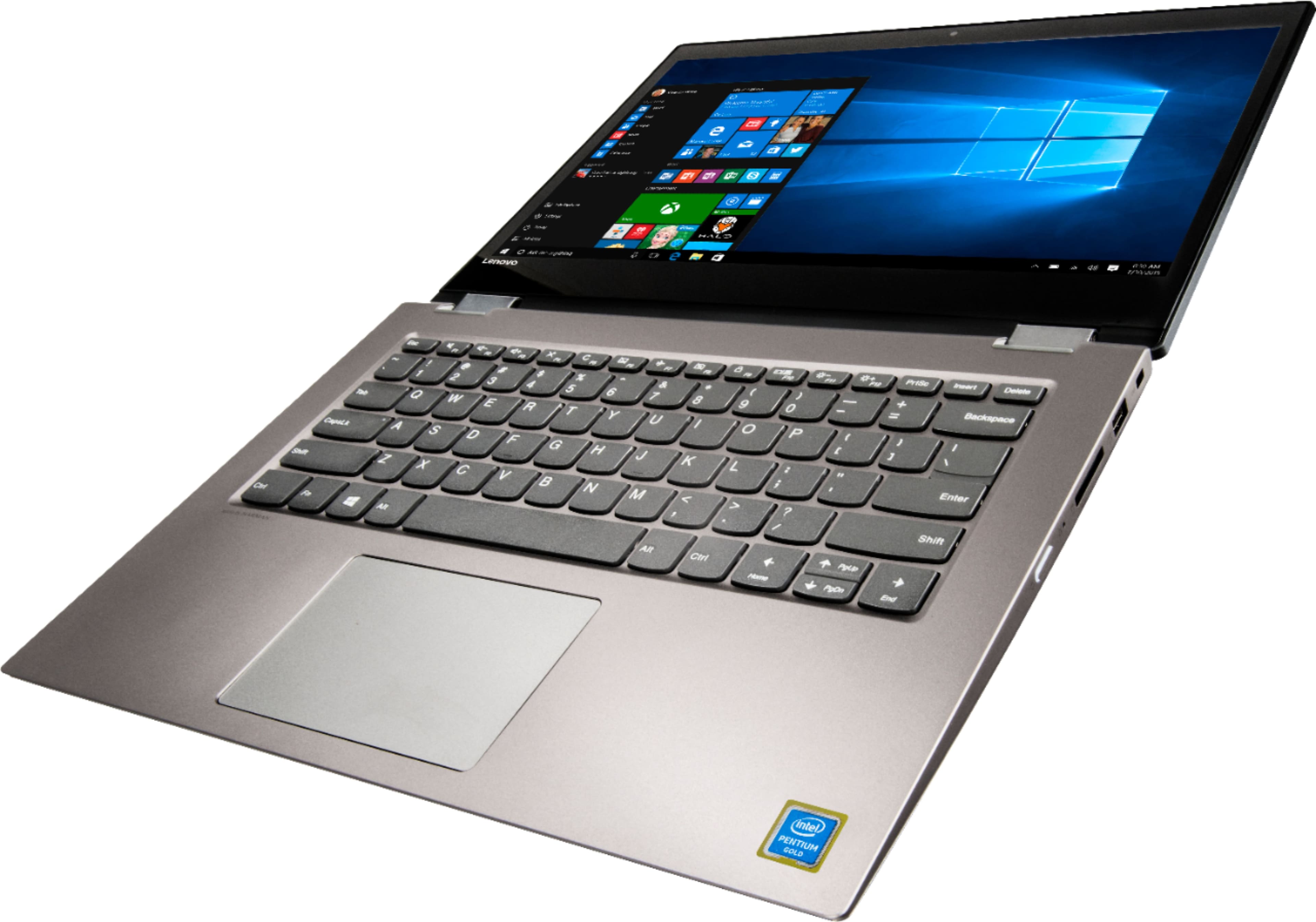
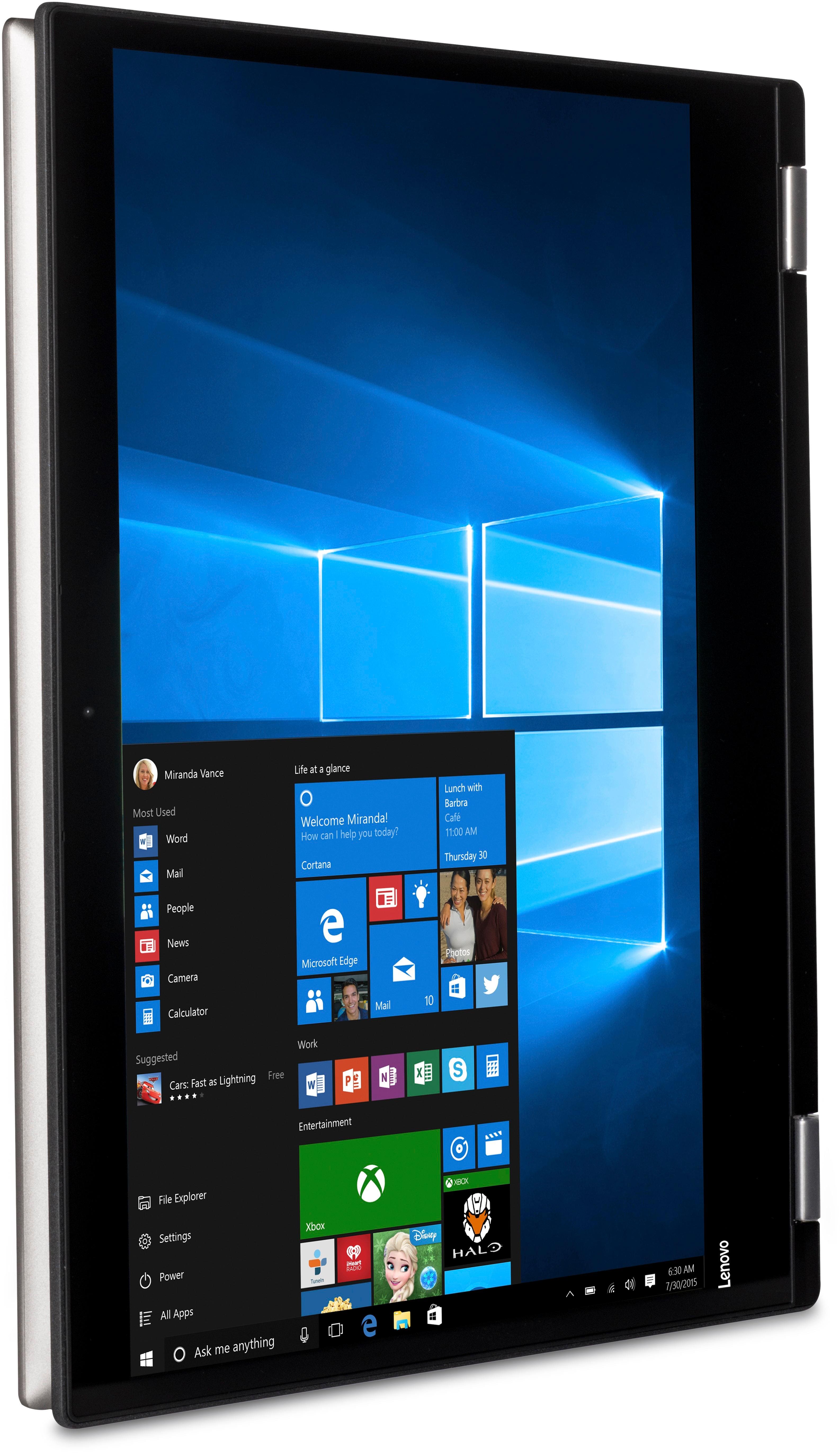
Customers are positive about the touch screen, price, portability, ease of use, storage, and performance of the laptop. They appreciate the convenience of the touch screen, affordability, sleek design, user-friendly interface, ample storage space, and satisfactory performance. However, customers are negative about its slow speed, limited RAM, short battery life, and Windows 10 operating system. They find the laptop to be sluggish, lacking in memory, having inadequate battery life, and experiencing occasional slowness with Windows 10.
This summary was generated by AI based on customer reviews.
Awesome
||Posted .This reviewer received promo considerations or sweepstakes entry for writing a review.Love it, amazing laptop. Best I ever seen or heard of
I would recommend this to a friendBrand response from Lenovo Product Expert
Posted .Thank you for choosing the Lenovo IdeaPad 2 in 1 14" laptop. We are pleased to hear that the Ideapad 2 in 1 14" meets your computing needs so well.

Great
||Posted .This reviewer received promo considerations or sweepstakes entry for writing a review.I like everything so far. Meets my need perfectly.
I would recommend this to a friendBrand response from Lenovo Product Expert
Posted .Thank you for choosing the Lenovo IdeaPad 2 in 1 14" Laptop. We are pleased to hear that the performance of the IdeaPad 2 in 1 14" laptop meets your computing needs so well.
Great computer
||Posted .This reviewer received promo considerations or sweepstakes entry for writing a review.Very happy with this purchase. Performs as expected
I would recommend this to a friendBrand response from Lenovo Product Expert
Posted .Thank you for choosing the Lenovo IdeaPad 2 in 1 14" Laptop. We are pleased to hear that the IdeaPad 2 in 1 14" Laptop meets your computing needs so well.
Easy to work
||Posted .This reviewer received promo considerations or sweepstakes entry for writing a review.Love it, it's how I get my work done. It's easy...
I would recommend this to a friendBrand response from Lenovo Product Expert
Posted .Thank you for choosing the Lenovo IdeaPad 2 in 1 14" Laptop. We are pleased to hear that the IdeaPad 2 in 1 14" Laptop meets your computing needs so well.
A bit over priced, a bit light on power, but just
||Posted .This reviewer received promo considerations or sweepstakes entry for writing a review.Good speed, enough ram & cpu for most things. Too light for heavy cadcam. Very nice display. Plays nice with samsung smart tv.
I would recommend this to a friendBrand response from Lenovo Product Expert
Posted .This is an entry level, light use, 2 in 1 computer system, with a touch screen. It uses Windows 10 Home 64-Bit as its operating system, which requires less than 2GB of RAM to run. This device has the latest WiFi capability, with 802.11AC connectivity. If your requirements fit this profile, this device is a good choice.
- Cons mentioned:Slow
Very Slow
||Posted . Owned for more than 2 years when reviewed.This reviewer received promo considerations or sweepstakes entry for writing a review.Laptop is aesthetically appealing however is very slow.
No, I would not recommend this to a friend - Cons mentioned:Slow
ok for beginner
||Posted .This reviewer received promo considerations or sweepstakes entry for writing a review.This tablet is really slow in my opinion. It's okay for a beginner .... I guess
No, I would not recommend this to a friendBrand response from Lenovo Product Expert
Posted .This is an entry level, light use computer system. It uses Windows 10 Home 64-Bit as its operating system, which requires less than 2GB of RAM to run. This device has the latest WiFi capability, with 802.11AC connectivity. If your requirements fit this profile, this device is a good choice.
- Cons mentioned:Slow
Not what I expected
||Posted .This reviewer received promo considerations or sweepstakes entry for writing a review.I had a computer that was 5 years old and ran faster. You get what u pay for
No, I would not recommend this to a friendBrand response from Lenovo Product Expert
Posted .This is an entry level, light use computer system, with its Intel Pentium processor. It uses Windows 10 Home 64-Bit as its operating system, which requires less than 2GB of RAM to run. This device has the latest WiFi capability, with 802.11AC connectivity. If your requirements fit this profile, this device is a good choice.
Buggy
||Posted .This reviewer received promo considerations or sweepstakes entry for writing a review.Nice looking. Buggy after a month of light use. Hopefully just bad luck, contacting the mfg for a resolution.
No, I would not recommend this to a friendBrand response from Lenovo Product Expert
Posted .Be sure any software you installed is compatible with Windows 10. There is no need to install Microsoft Office software. The software is already part of the operating system, you just need to activate the software with a purchased product key. If you have installed a copy of Microsoft Office, this is conflicting with the existing copy on the system and this will slow your system down. If you have installed a 3rd party anti-virus program, be sure that Windows Defender is turned off and that the trial version of McAfee Anti-Virus software is uninstalled. There can only be one anti-virus program on the system. You may need to restore your system to original factory default settings if any of the programing errors have occurred. You can do that by typing "restore" in the Cortana search window. Just click on the magnifying glass icon at the bottom left of your Windows 10 Desktop. Click on "Reset This PC" Then click on "Get Started" and follow the on screen directions to restore to factory defaults. Additionally, you can easily check the health of this device and update the operating software. This system has Lenovo utilities installed to help maintain the health of the device and keep the operating system software up to date. Type "Lenovo Vantage" in the Cortana Search window (if Lenovo Vantage is not installed on your device, you can download the APP and install it now). Select Lenovo Vantage from the list. In the window that opens, click on "Health and Support". In the expanded menu, select "Hardware Scan" In the window that opens, select "Run Quick Tests". This will scan your entire system for errors. Follow any directions that may pop up. If the problem continues after this scan, now click on "System Update". First select Windows update from the menu. Scan your system to be sure you have the latest version of Windows 10. Once that scan is complete, select "Additional Updates". This will scan your device to be sure there are no new BIOS/Driver updates needed. Follow any instructions that may pop up. If the issue still continues after these updates, we recommend you call Lenovo Tech Support at: 877-453-6686 for additional help.
Good laptop
||Posted . Owned for more than 2 years when reviewed.This reviewer received promo considerations or sweepstakes entry for writing a review.Excellent laptop ; I recommended to everyone. Smooth and sharp sound
I would recommend this to a friendDoes the job
||Posted . Owned for more than 2 years when reviewed.This reviewer received promo considerations or sweepstakes entry for writing a review.Not the highest quality but does what it’s supposed to do easy to use
I would recommend this to a friendAverage HP
||Posted .This reviewer received promo considerations or sweepstakes entry for writing a review.This laptop is very average. Great for use for basic web browsing. Can’t handle much else.
I would recommend this to a friendIts OK
||Posted .This reviewer received promo considerations or sweepstakes entry for writing a review.If you just need something cheap, it works great. Not for a serious user though.
No, I would not recommend this to a friendAlright
||Posted .This reviewer received promo considerations or sweepstakes entry for writing a review.The laptop doesnt have much of a hard drive. Built well, but get more gig.
No, I would not recommend this to a friend- Cons mentioned:Slow
Slow
||Posted .This reviewer received promo considerations or sweepstakes entry for writing a review.It was a nice computer overall but it is slow moving.
No, I would not recommend this to a friendBrand response from Lenovo Product Expert
Posted .This is an entry level, light use, touchscreen - 2 in 1 computer system. It uses Windows 10 Home 64-Bit as its operating system, which requires less than 2GB of RAM to run. This device has the latest WiFi capability, with 802.11AC connectivity. If your requirements fit this profile, this device is a good choice.
Not recommend
||Posted .This reviewer received promo considerations or sweepstakes entry for writing a review.Too slow doesn't power on fast enough. The screen is a little smaller than I thought.
No, I would not recommend this to a friendBrand response from Lenovo Product Expert
Posted .This is an entry level, light use, touchscreen - 2 in 1 computer system, with its Intel Pentium processor. It uses Windows 10 Home 64-Bit as its operating system, which requires less than 2GB of RAM to run. This device has the latest WiFi capability, with 802.11AC connectivity. If your requirements fit this profile, this device is a good choice.
Very slow
||Posted . Owned for 1 year when reviewed.This reviewer received promo considerations or sweepstakes entry for writing a review.You get What you pay. Was looking for less expensive one so bought this.
No, I would not recommend this to a friendGreat laptop, not so great battery
||Posted . Owned for more than 2 years when reviewed.This reviewer received promo considerations or sweepstakes entry for writing a review.The laptop works fine, but the battery life is awful.
I would recommend this to a friendGreat starter laptop
||Posted .This reviewer received promo considerations or sweepstakes entry for writing a review.Everything seems good so far. Decent size. Adequate hard drive and memory.
I would recommend this to a friendBrand response from Lenovo Product Expert
Posted .This is an entry level, light use system with its Intel Pentium processor. It is not meant for multi-tasking or demanding programs. It is good for Microsoft Office and light internet browsing. If this describes your computing needs, the IdeaPad 2 in 1 14" Laptop would be a good choice.
Terribly disappointed.
||Posted .This reviewer received promo considerations or sweepstakes entry for writing a review.I bought one laptop from Best Buy on 1/22 and had to return it on 1/26. It just stopped working. I bought this laptop the same day and liked it just fine until all video playing stopped. Now I have to drive 50 miles to take it back and hope they can fix it. Two laptops in 3+ weeks and no success. Beyond upset.
No, I would not recommend this to a friendBrand response from Lenovo Product Expert
Posted .We are sorry to hear that you are having issues with your Lenovo 2 in 1 14" Laptop. Be sure any programs you are installing on this device are compatible with Windows 10 and this system's configuration. We recommend you check with the software publisher's web site of the programs you have installed, for their compatibility with Windows 10 Home 64-bit operating system and the minimum/recommended hardware requirements (Is a Graphics card required, the processor speed and the minimum required system RAM and the minimum available hard drive space) to run their program, then compare those requirements to this system's configuration. If the problem persists, we recommend you call Lenovo Tech Support at: 877-453-6686.