Customer Ratings & Reviews


- Model:
- 81CW0000US
- SKU:
- 6062100
Rating by feature
- Value
Rating 3.9 out of 5 stars
- Quality
Rating 3.9 out of 5 stars
- Ease of Use
Rating 4.1 out of 5 stars
Customers are saying
Customers are positive about the touch screen, price, portability, ease of use, storage, and performance of the laptop. They appreciate the convenience of the touch screen, affordability, sleek design, user-friendly interface, ample storage space, and satisfactory performance. However, customers are negative about its slow speed, limited RAM, short battery life, and Windows 10 operating system. They find the laptop to be sluggish, lacking in memory, having inadequate battery life, and experiencing occasional slowness with Windows 10.
This summary was generated by AI based on customer reviews.
For the job
||Posted .This reviewer received promo considerations or sweepstakes entry for writing a review.Does it’s job for the price. Not super fast and limited.
No, I would not recommend this to a friendGood computer when it works right
||Posted .This reviewer received promo considerations or sweepstakes entry for writing a review.Had software problems from the beginning. Took 10 to 15 minutes to log in from "shut down." There was more, just can't remember now. Good thing I had Geek Squad to help. Now having more problems with lines zipping across the screen and when this happens, the computer freezes.
No, I would not recommend this to a friendBrand response from Lenovo Product Expert
Posted .This system has Lenovo utilities installed to help maintain the health of the device and keep the operating system software up to date. Type "Lenovo Vantage" in the Cortana Search window (if Lenovo Vantage is not installed on your device, you can download the APP and install it now). Select Lenovo Vantage from the list. In the window that opens, click on "Health and Support". In the expanded menu, select "Hardware Scan" In the window that opens, select "Run Quick Tests". This will scan your entire system for errors. Follow any directions that may pop up. If the problem continues after this scan, now click on "System Update". First select Windows update from the menu. Scan your system to be sure you have the latest version of Windows 10. Once that scan is complete, select "Additional Updates". This will scan your device to be sure there are no new BIOS/Driver updates needed. Follow any instructions that may pop up. If the issue still continues after these updates, we recommend you call Lenovo Tech Support at: 877-453-6686 for additional help.

Good For Basic functions
||Posted .This reviewer received promo considerations or sweepstakes entry for writing a review.Excellent choice for Younger student. Nice features.
I would recommend this to a friendBrand response from Lenovo Product Expert
Posted .This is an entry level, light use system with its Intel Pentium processor. It is not meant for multi-tasking or demanding programs. It is good for Microsoft Office and light internet browsing. If this describes your computing needs, the IdeaPad 2 in 1 14" Laptop would be a good choice.
I got my money's worth. I was a cheap LT.
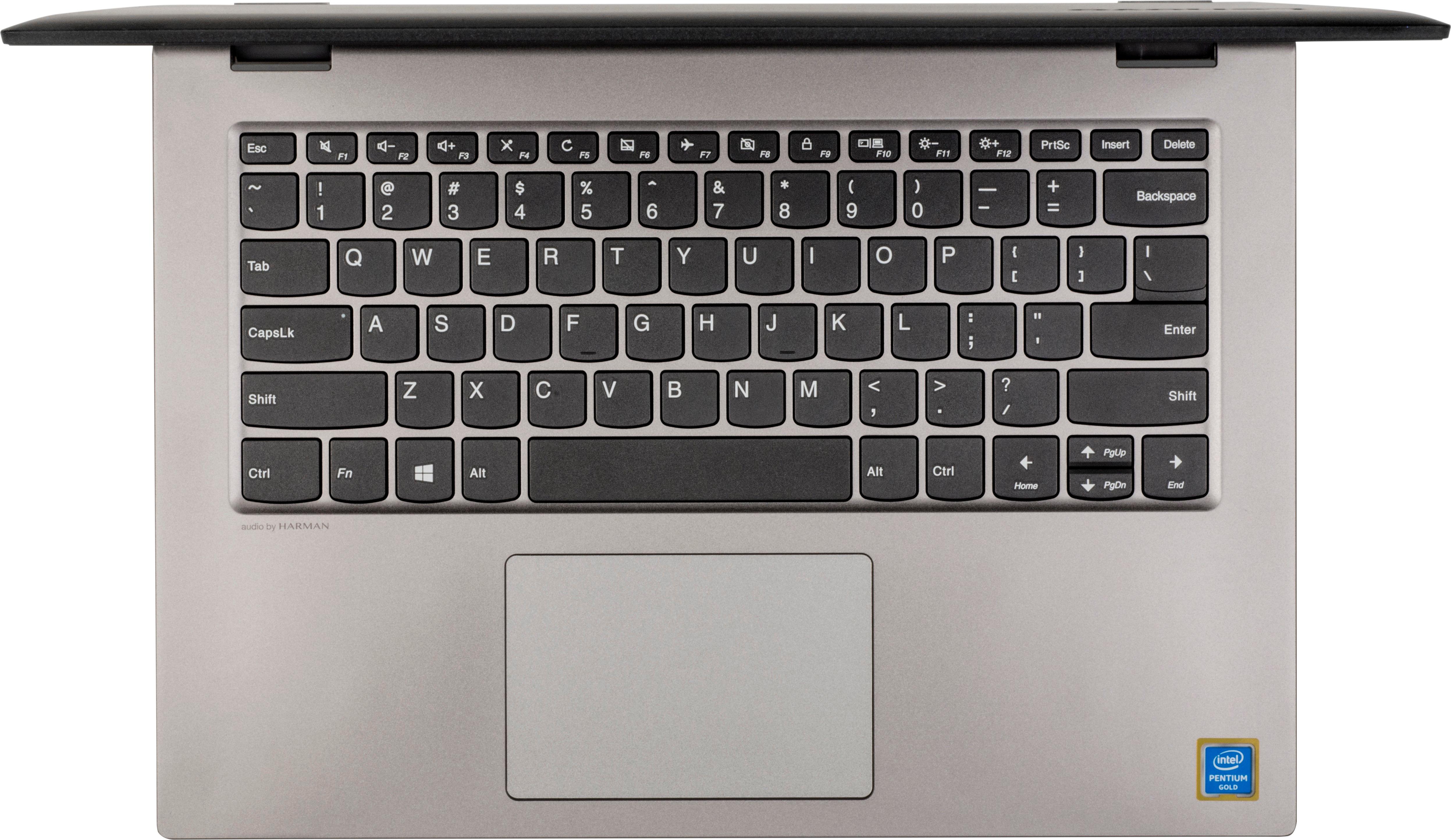
||Posted .This reviewer received promo considerations or sweepstakes entry for writing a review.no backlight keyboard. No number pad. No disk drive.
No, I would not recommend this to a friendBrand response from Lenovo Product Expert
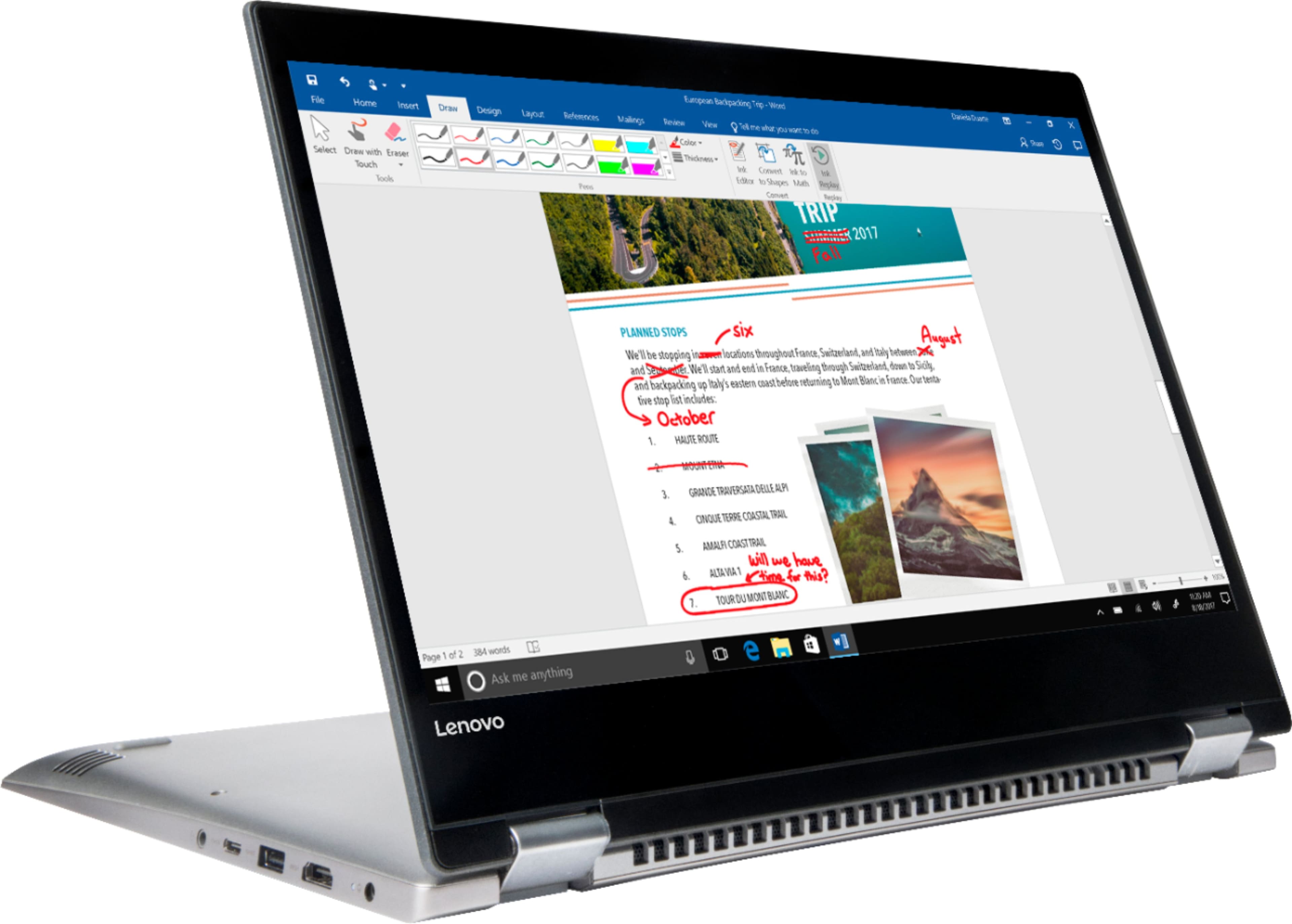
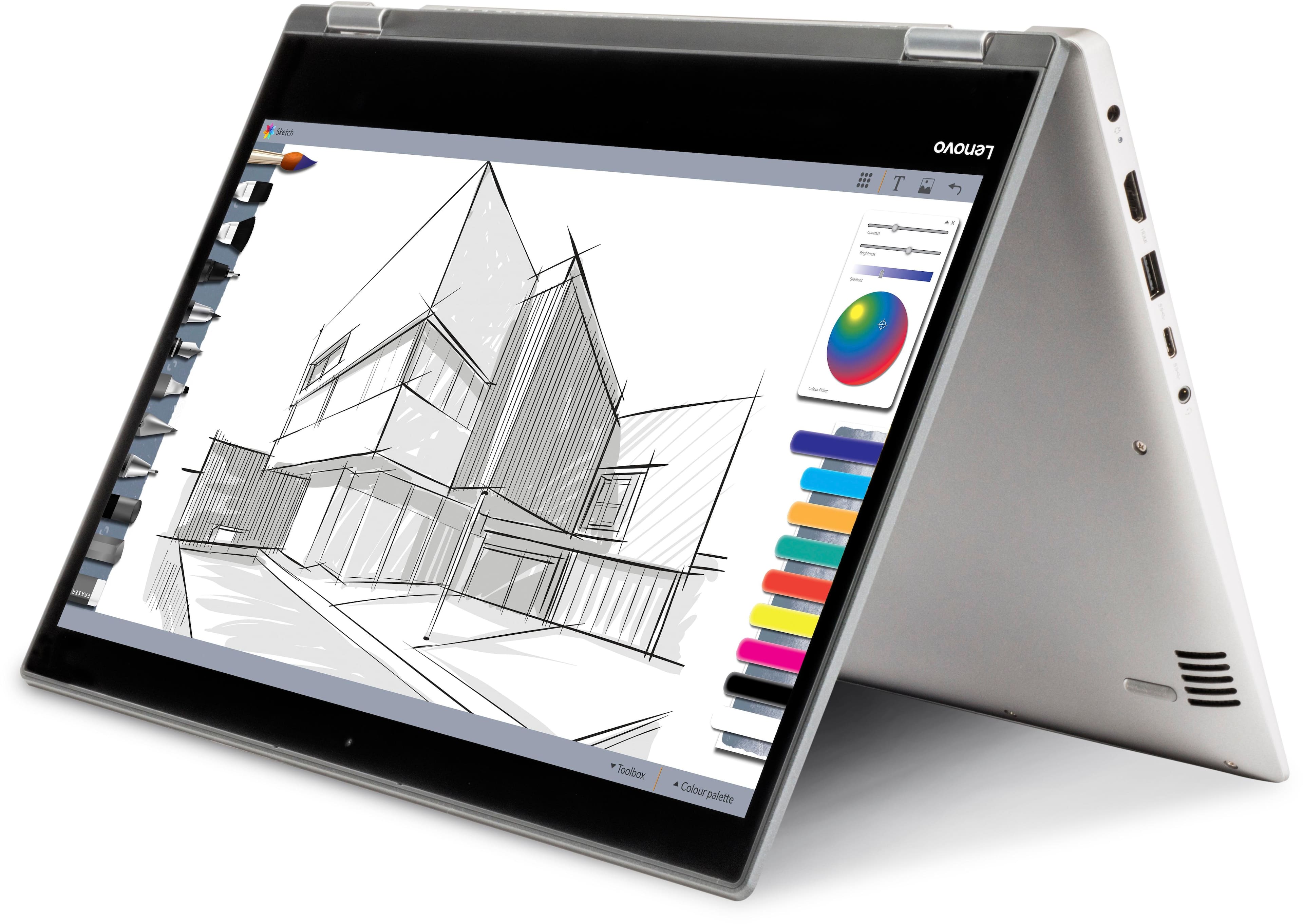
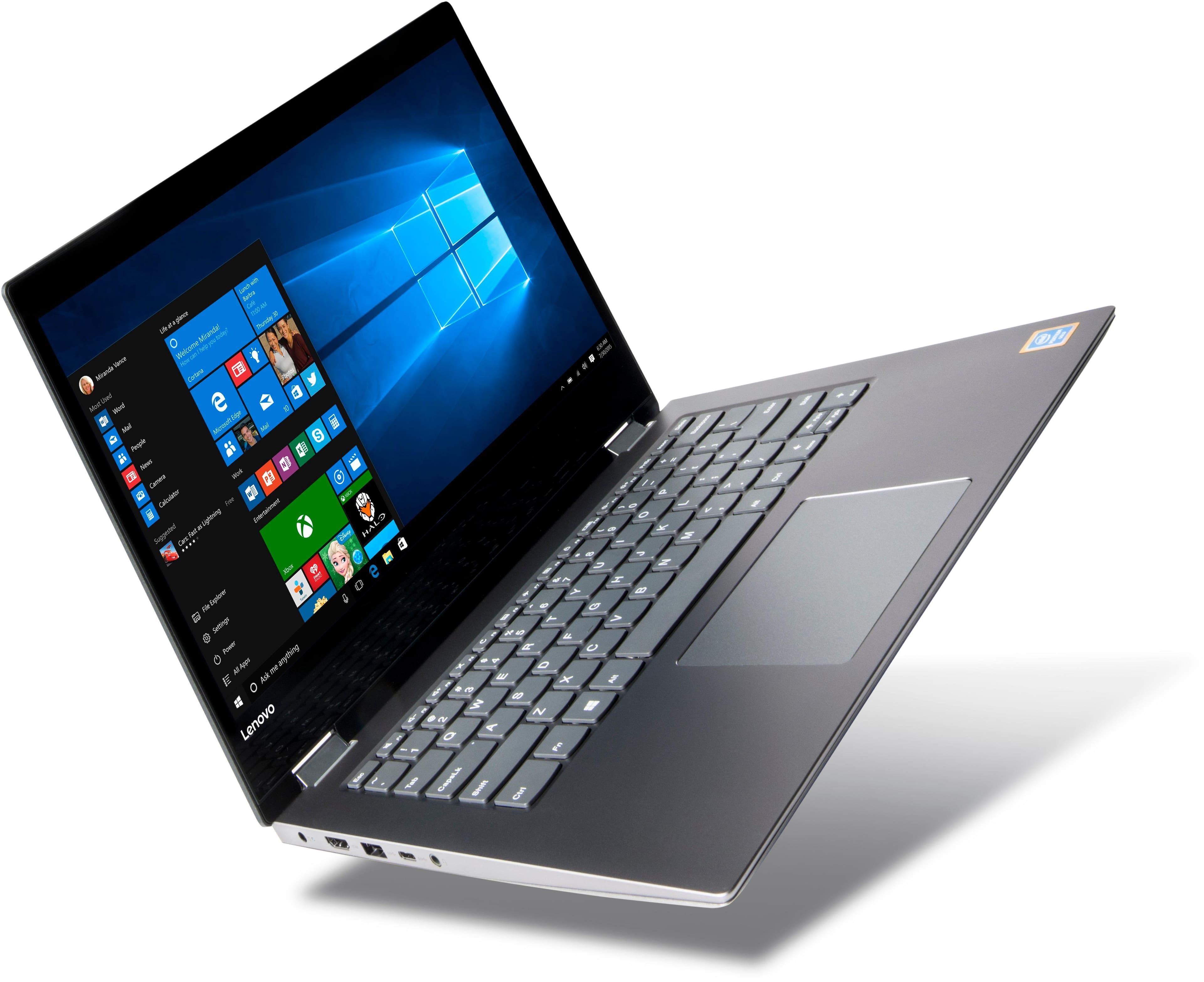
Posted .This is an entry level, light use 2 in 1, touchscreen computer system. It uses Windows 10 Home 64-Bit as its operating system, which requires less than 2GB of RAM to run. This device has the latest WiFi capability, with 802.11AC connectivity. If your requirements fit this profile, this device is a good choice.
- Cons mentioned:Slow
this computer is slow and hangs up
||Posted .This reviewer received promo considerations or sweepstakes entry for writing a review.maybe our wireless isnt great either but this thing just is very slow; all we wanted it fir was basic email, internet and occasional word-processing so we're not asking a lot; its just very frustrating.
No, I would not recommend this to a friendBrand response from Lenovo Product Expert
Posted .This system should provide good speed with its Intel Pentium processor and 4GB of RAM. Be sure any software you installed is compatible with Windows 10. There is no need to install Microsoft Office software. The software is already part of the operating system, you just need to activate the software with a purchased product key. If you have installed a copy of Microsoft Office, this is conflicting with the existing copy on the system and this will slow your system down. If you have installed a 3rd party anti-virus program, be sure that Windows Defender is turned off and that the trial version of McAfee Anti-Virus software is uninstalled. There can only be one anti-virus program on the system. You may need to restore your system to original factory default settings if any of the programing errors have occurred. You can do that by typing "restore" in the Cortana search window. Just click on the magnifying glass icon at the bottom left of your Windows 10 Desktop. Click on "Reset This PC" Then click on "Get Started" and follow the on screen directions to restore to factory defaults.
- Cons mentioned:Slow
Too slow.
||Posted .This reviewer received promo considerations or sweepstakes entry for writing a review.This computer is too slow. Even when running just one program at a time, when filling out a form with drop downs, the program is very slow to respond.
No, I would not recommend this to a friendBrand response from Lenovo Product Expert
Posted .This is an mid level, moderate use 2 in 1 system. It can be used as both tablet or laptop. It uses Windows 10 Home 64-Bit as its operating system, which requires less than 2GB of RAM to run. This device has the latest WiFi capability, with 802.11AC connectivity. If your requirements fit this profile, this device is a good choice.
- Cons mentioned:Slow
Terrible
||Posted .This reviewer received promo considerations or sweepstakes entry for writing a review.Bought this for my son. It takes minutes just to open MS Word! It’s so slow, it’s impossible to use. We have never used it! Waste of money!
No, I would not recommend this to a friendBrand response from Lenovo Product Expert
Posted .We are sorry that you are having issues with your Lenovo IdeaPad 14" 2 in 1 system. You mention having issues opening Microsoft Word, There is no need to install Microsoft Office software. The software is already part of the operating system, you just need to activate the software with a purchased product key. If you have installed a copy of Microsoft Office, this is conflicting with the existing copy on the system and this will slow your system down. If you have installed a 3rd party anti-virus program, be sure that Windows Defender is turned off and that the trial version of McAfee Anti-Virus software is uninstalled. There can only be one anti-virus program on the system. You may need to restore your system to original factory default settings if any of the programing errors have occurred. You can do that by typing "restore" in the Cortana search window. Just click on the magnifying glass icon at the bottom left of your Windows 10 Desktop. Click on "Reset This PC" Then click on "Get Started" and follow the on screen directions to restore to factory defaults. If the problem persists, we recommend you contact Lenovo Tech Support at: 877-453-6686.
- Cons mentioned:Slow
Run poorly
||Posted . Owned for 1 year when reviewed.This reviewer received promo considerations or sweepstakes entry for writing a review.Do not buy this brand Run poorly All the time updated Very slow to open I very regret to have bought this laptop
No, I would not recommend this to a friend Problems
||Posted . Owned for 1 year when reviewed.This reviewer received promo considerations or sweepstakes entry for writing a review.Bought this computer for my son. The screen gave its problems from the beginning had a repaired twice warranty is out now hopefully it will stay working.
No, I would not recommend this to a friendThe worst thing ever
||Posted .This reviewer received promo considerations or sweepstakes entry for writing a review.bought it for Christmas by the time they opened presents the warranty expired from BestBuy they give you just 14 days .I send it to the company so they can fix it because they supposedly had one year warranty then they send it back and didn't work then I send it back again they send it back to me and still didn't work by the time I realized back and forth the one year warranty expired really bad experience and until this day never worked
No, I would not recommend this to a friendbeginner lap top
||Posted .This reviewer received promo considerations or sweepstakes entry for writing a review.I got this for my kid but I felt it worked really slow. I guess for a beginner young kid it is fine but I would not recommend this to anyone
No, I would not recommend this to a friendBrand response from Lenovo Product Expert
Posted .This is an entry level, light use computer system. It uses Windows 10 Home 64-Bit as its operating system, which requires less than 2GB of RAM to run. This device has the latest WiFi capability, with 802.11AC connectivity. It is a touchscreen, 2 in 1 format laptop/tablet combination device. If your requirements fit this profile, this device is a good choice.
- Cons mentioned:Slow
computer is very slow
||Posted .This reviewer received promo considerations or sweepstakes entry for writing a review.computer has many issues, slow, windows button doesn't work, constantly have to reboot machine
No, I would not recommend this to a friendBrand response from Lenovo Product Expert
Posted .We are sorry to hear that you are having issues with your Lenovo Ideapad 2 in 1 14" Laptop. Obviously, this system should not freeze up and you should not have to reboot over and over again. Be sure any software you installed is compatible with Windows 10. There is no need to install Microsoft Office software. The software is already part of the operating system, you just need to activate the software with a purchased product key. If you have installed a copy of Microsoft Office, this is conflicting with the existing copy on the system and this will slow your system down. If you have installed a 3rd party anti-virus program, be sure that Windows Defender is turned off and that the trial version of McAfee Anti-Virus software is uninstalled. There can only be one anti-virus program on the system. You may need to restore your system to original factory default settings if any of the programing errors have occurred. You can do that by typing "restore" in the Cortana search window. Just click on the magnifying glass icon at the bottom left of your Windows 10 Desktop. Click on "Reset This PC" Then click on "Get Started" and follow the on screen directions to restore to factory defaults. If the problem persists, we recommend you contact Lenovo Tech Support at: 877-453-6686.
Broke already after 1 week
||Posted .This reviewer received promo considerations or sweepstakes entry for writing a review.Purchased as Christmas present. Problems with keys working on keyboard. Will be returning from new one. Will see how that goes.
No, I would not recommend this to a friendDidn't work
||Posted . Owned for more than 2 years when reviewed.This reviewer received promo considerations or sweepstakes entry for writing a review.It would not connect to the internet. Tried a lot of things, nothing worked. Powered up and that's about it. I specifically bought a Lenovo too because the last one was super. I brought my old one in and asked for a comparable product and this is what the technology salesperson picked out for me.
No, I would not recommend this to a friendBought for my daughter
||Posted .This reviewer received promo considerations or sweepstakes entry for writing a review.Bought for my 12 year old daughter now as its on computer mode the screen keeps glitching
No, I would not recommend this to a friendBrand response from Lenovo Product Expert
Posted .We are sorry to hear that you are having issues with your IdeaPad 2 in 1 14" laptop. The screen issue may be caused by BIOS/Drivers on the system that need to be updated. This system has Lenovo utilities installed to help maintain the health of the device and keep the operating system software up to date. Type "Lenovo Vantage" in the Cortana Search window (if Lenovo Vantage is not installed on your device, you can download the APP and install it now). Select Lenovo Vantage from the list. In the window that opens, click on "Health and Support". In the expanded menu, select "Hardware Scan" In the window that opens, select "Run Quick Tests". This will scan your entire system for errors. Follow any directions that may pop up. If the problem continues after this scan, now click on "System Update". First select Windows update from the menu. Scan your system to be sure you have the latest version of Windows 10. Once that scan is complete, select "Additional Updates". This will scan your device to be sure there are no new BIOS/Driver updates needed. Follow any instructions that may pop up. If the issue still continues after these updates, we recommend you call Lenovo Tech Support at: 877-453-6686 for additional help.
Nothing but hassle
||Posted .This reviewer received promo considerations or sweepstakes entry for writing a review.I hate this laptop so much because stupid little things keep going wrong with it. Keys suddenly quit working, the onscreen keyboard won't open. It's been nothing but a hassle. It's not even six months old, but I'll be replacing it soon. Never again will I buy another Lenovo. Waste of money!
No, I would not recommend this to a friendBrand response from Lenovo Product Expert
Posted .We are sorry to hear you are having issues with your Lenovo IdeaPad 2 in 1 14" Laptop. With regard to the onscreen keyboard, when you are in tablet mode, the onscreen keyboard will open whenever you touch the screen within a text field. You can manually open the onscreen keyboard also, by selecting the keyboard icon at the bottom right of your Windows 10 screen when in the tablet mode. With regard to the keyboard issues you mention, this system has Lenovo utilities installed to help maintain the health of the device and keep the operating system software up to date. Type "Lenovo Vantage" in the Cortana Search window (if Lenovo Vantage is not installed on your device, you can download the APP and install it now). Select Lenovo Vantage from the list. In the window that opens, click on "Health and Support". In the expanded menu, select "Hardware Scan" In the window that opens, select "Run Quick Tests". This will scan your entire system for errors. Follow any directions that may pop up. If the problem continues after this scan, now click on "System Update". First select Windows update from the menu. Scan your system to be sure you have the latest version of Windows 10. Once that scan is complete, select "Additional Updates". This will scan your device to be sure there are no new BIOS/Driver updates needed. Follow any instructions that may pop up. If the issue still continues after these updates, we recommend you call Lenovo Tech Support at: 877-453-6686 for additional help.
Froze up on startup
||Posted .This reviewer received promo considerations or sweepstakes entry for writing a review.Bought for my ice had to take it back less than day later. Cheap design
No, I would not recommend this to a friendScreen is dull
||Posted .This reviewer received promo considerations or sweepstakes entry for writing a review.Screen is hard to read and very dimm. Had to return it was that bad
No, I would not recommend this to a friendBrand response from Lenovo Product Expert
Posted .This system has a 1366 X 768 (HD) resolution screen with 220 nits of brightness. Be sure you have automatic brightness turned off and you have the screen brightness set to 100%.
Sorry computer-Lenore
||Posted .This reviewer received promo considerations or sweepstakes entry for writing a review.The Lenore computer is worthless. It continues to lock up and their support is horrible as is Best Buy's willingness to help. I would love to just get my money back and they will not do anything. Why, because I did not buy an extended policy and the computer is less than a month.
No, I would not recommend this to a friendBrand response from Lenovo Product Expert
Posted .We are sorry to hear that you are having issues with your Lenovo IdeaPad 2 in 1 14" laptop. This is an entry level, light use, touchscreen - 2 in1 computer system, with its Intel Pentium processor. It uses Windows 10 Home 64-Bit as its operating system, which requires less than 2GB of RAM to run. This device has the latest WiFi capability, with 802.11AC connectivity. If your requirements fit this profile, this device is a good choice. Be sure any software you installed is compatible with Windows 10. There is no need to install Microsoft Office software. The software is already part of the operating system, you just need to activate the software with a purchased product key. If you have installed a copy of Microsoft Office, this is conflicting with the existing copy on the system and this will slow your system down. If you have installed a 3rd party anti-virus program, be sure that Windows Defender is turned off and that the trial version of McAfee Anti-Virus software is uninstalled. There can only be one anti-virus program on the system. You may need to restore your system to original factory default settings if any of the programing errors have occurred. You can do that by typing "restore" in the Cortana search window. Just click on the magnifying glass icon at the bottom left of your Windows 10 Desktop. Click on "Reset This PC" Then click on "Get Started" and follow the on screen directions to restore to factory defaults. If the problem persists, we recommend you contact Lenovo Tech Support at: 877-453-6686.
Not a good laptop
||Posted .This reviewer received promo considerations or sweepstakes entry for writing a review.First one was returned for hardware failure. Second one can't manage more than one program at a time. Finally upgraded to better laptop. Invest in a better laptop.
No, I would not recommend this to a friendBrand response from Lenovo Product Expert
Posted .This is an entry level, light use 2 in 1 touchscreen computer system, with its Intel Pentium processor. It uses Windows 10 Home 64-Bit as its operating system, which requires less than 2GB of RAM to run. This device has the latest WiFi capability, with 802.11AC connectivity. If your requirements fit this profile, this device is a good choice.