Customer Ratings & Reviews


- Model:
- 81CW0000US
- SKU:
- 6062100
Rating by feature
- Value
Rating 3.9 out of 5 stars
- Quality
Rating 3.9 out of 5 stars
- Ease of Use
Rating 4.1 out of 5 stars
Customers are saying
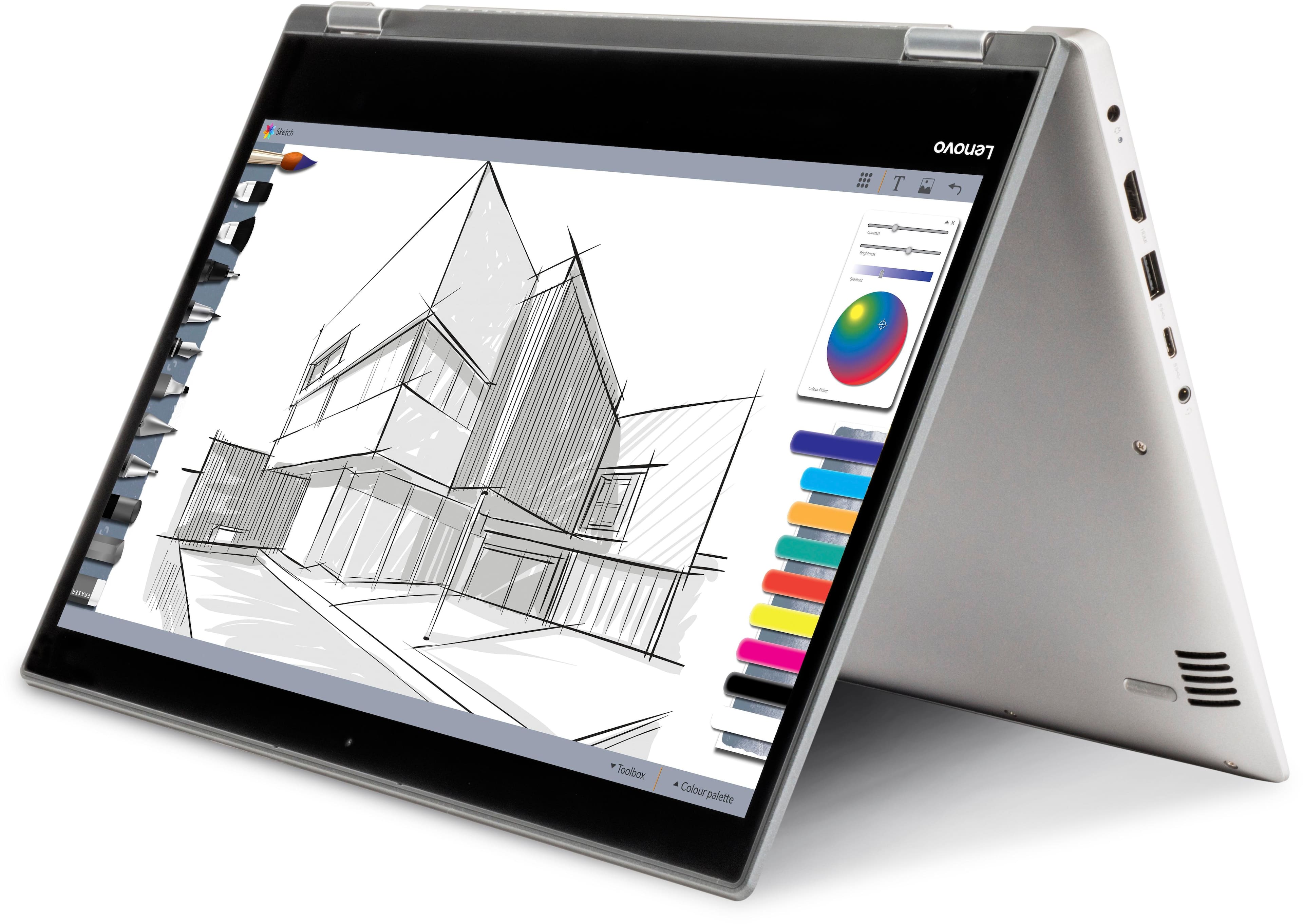
Customers are positive about the touch screen, price, portability, ease of use, storage, and performance of the laptop. They appreciate the convenience of the touch screen, affordability, sleek design, user-friendly interface, ample storage space, and satisfactory performance. However, customers are negative about its slow speed, limited RAM, short battery life, and Windows 10 operating system. They find the laptop to be sluggish, lacking in memory, having inadequate battery life, and experiencing occasional slowness with Windows 10.
This summary was generated by AI based on customer reviews.
Broke where it bends/folds over
||Posted . Owned for more than 2 years when reviewed.This reviewer received promo considerations or sweepstakes entry for writing a review.The screen flickers on and off because the middle broke where it bends/folds over. There are wires there so it’s causing a lot of problems.
No, I would not recommend this to a friendWorse than terrible
||Posted .This reviewer received promo considerations or sweepstakes entry for writing a review.Worst laptop I have ever owned. Do not buy this piece of... well this site won't let me curse but you know.
No, I would not recommend this to a friendBrand response from Lenovo Product Expert
Posted .This is an entry level, light use system with its Intel Pentium processor. It is not meant for multi-tasking or demanding programs. It is good for Microsoft Office and light internet browsing. If this describes your computing needs, the IdeaPad 2 in 1 14" Laptop would be a good choice.

Terrible product for the price
||Posted .This reviewer received promo considerations or sweepstakes entry for writing a review.Bought for my 13yr old as a beginner laptop. 3 keys didn’t work out of the box on 1st laptop and the replacement laptop.
No, I would not recommend this to a friendJunk
||Posted . Owned for more than 2 years when reviewed.This reviewer received promo considerations or sweepstakes entry for writing a review.Lasted 3mths. Lagged so bad. Screen ended up with bad pixels, keyboard works when it wants
No, I would not recommend this to a friendDisplay problems in 1st month
||Posted .This reviewer received promo considerations or sweepstakes entry for writing a review.Worst laptop, display problems & replacement takes 2-4 weeks. No backup laptop available by best buy.
No, I would not recommend this to a friendBrand response from Lenovo Product Expert
Posted .This system has Lenovo utilities installed to help maintain the health of the device and keep the operating system software up to date. Type "Lenovo Vantage" in the Cortana Search window (if Lenovo Vantage is not installed on your device, you can download the APP and install it now). Select Lenovo Vantage from the list. In the window that opens, click on "Health and Support". In the expanded menu, select "Hardware Scan" In the window that opens, select "Run Quick Tests". This will scan your entire system for errors. Follow any directions that may pop up. If the problem continues after this scan, now click on "System Update". First select Windows update from the menu. Scan your system to be sure you have the latest version of Windows 10. Once that scan is complete, select "Additional Updates". This will scan your device to be sure there are no new BIOS/Driver updates needed. Follow any instructions that may pop up. If the issue still continues after these updates, we recommend you call Lenovo Tech Support at: 877-453-6686 for additional help.
Had to return in 2 weeks
||Posted .This reviewer received promo considerations or sweepstakes entry for writing a review.Had to return the laptop in two weeks. Operating system did not support the Windows 10 updates.
No, I would not recommend this to a friendBrand response from Lenovo Product Expert
Posted .We are sorry to hear that you are having issues with updating Windows 10 on your IdeaPad 2 in 1 14" Laptop. This system is equipped with OneKey Recovery System. There is a very small pin hole on the right side of the device, right near the power button on the device. You will need a pin to push this reset button. Plug the device in. Let the battery charge for about 15 minutes. Push the reset button. The system should boot to a choice screen where you can choose "Restore To Factory Default". Select this. It will delete everything from the hard drive except the original factory install of the operating system. You will need to reinstall all programs and files after the reset. If you don't have copies of the files, try to make one before you restore by selecting "Boot to desktop" and trying to back up your files. If the problem persists after the factory reset, we recommend you contact Lenovo Tech Support at: 877-453-6686.
Horrible
||Posted .This reviewer received promo considerations or sweepstakes entry for writing a review.The computer started to freeze after 2 months and completely stopped working after 3 months
No, I would not recommend this to a friendBrand response from Lenovo Product Expert
Posted .We are sorry to hear you are having issues with your Lenovo IdeaPad 2 in 1 14" Laptop. Be sure that any software you install to the device are compatible with Windows 10 and this system's specific configuration. This system is equipped with OneKey Recovery System. There is a very small pin hole on the right side of the device, right near the power button on the device. You will need a pin to push this reset button. Plug the device in. Let the battery charge for about 15 minutes. Push the reset button. The system should boot to a choice screen where you can choose "Restore To Factory Default". Select this. It will delete everything from the hard drive except the original factory install of the operating system. You will need to reinstall all programs and files after the reset. If you don't have copies of the files, try to make one before you restore by selecting "Boot to desktop" and trying to back up your files. If the problem persists after the factory reset, we recommend you contact Lenovo Tech Support at: 877-453-6686.
no good
||Posted .This reviewer received promo considerations or sweepstakes entry for writing a review.Had to return 2 of these for 2 different kinds of failures! Switched to an HP.
No, I would not recommend this to a friend- Cons mentioned:Ram
Good laptop for price, but....
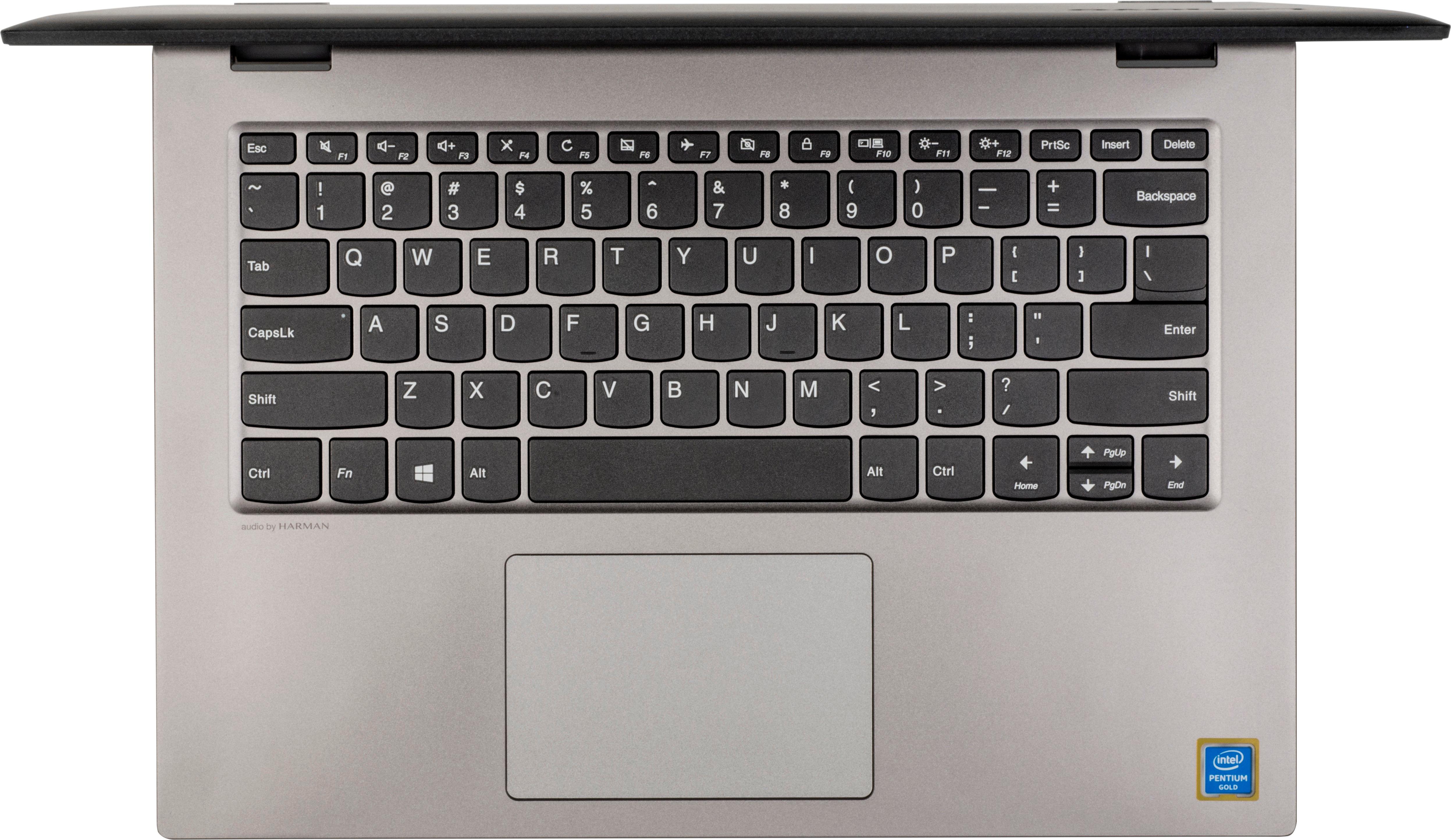
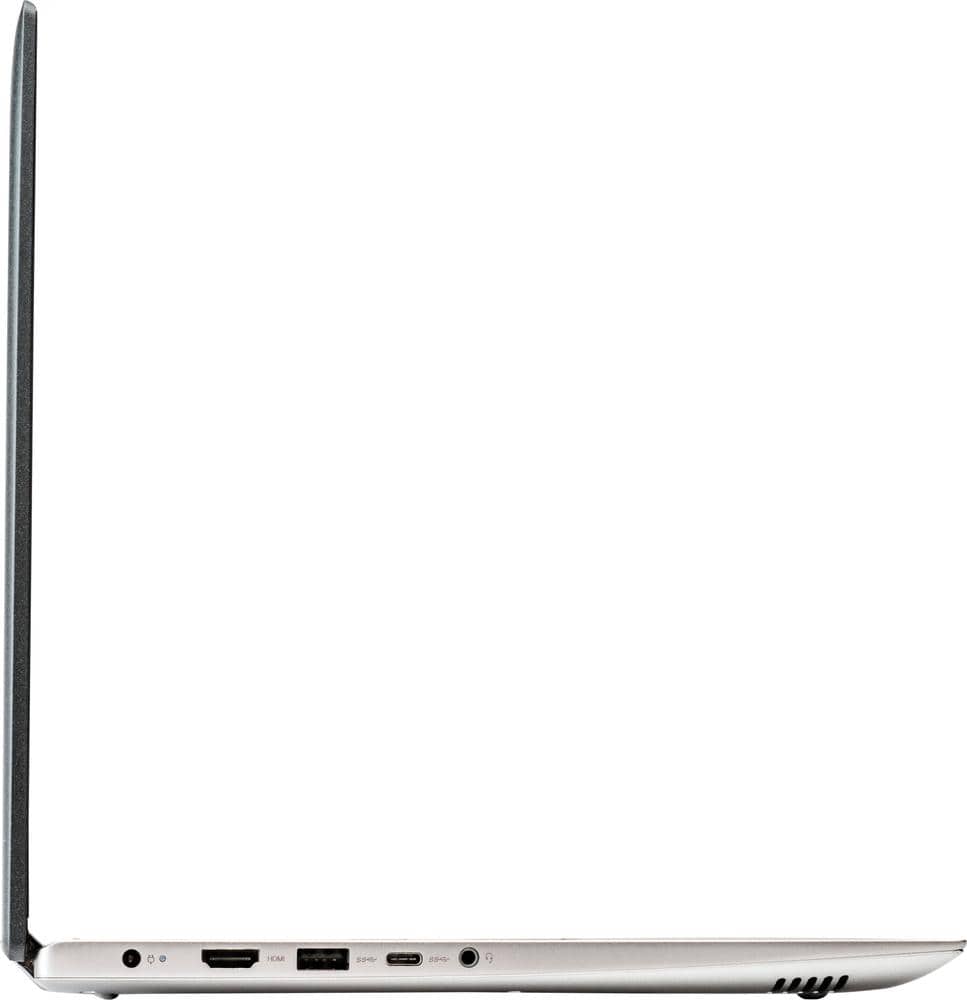
Posted .This reviewer received promo considerations or sweepstakes entry for writing a review.I really like this computer design, but there are several deficiencies that keep it from being great. Only 4 MB RAM...needs to be 8+; Keyboard needs to be lighted; no Ethernet connection, no CD/DVD drive. Most can be addressed post-purchase. I'm happy with my purchase.
I would recommend this to a friend - Pros mentioned:PriceCons mentioned:Slow
great laptop
Posted .This reviewer received promo considerations or sweepstakes entry for writing a review.great laptop for the price, touchscreen. a little slow, but you can easily upgrade the hard drive and ram and it works great then!
I would recommend this to a friend - Pros mentioned:Price
I Love it
Posted .This reviewer received promo considerations or sweepstakes entry for writing a review.I'm very happy with this laptop the funny thing is when I was going to buy it I was almost going to pay the full price but when I actually went to the store to buy it it was on sale which made it even better and I'm very happy with all the functionality of this laptop the speed is good the memory is more than what I need and it works great I love it
I would recommend this to a friendBrand response from Lenovo Product Expert
Posted .Thank you for choosing the Lenovo IdeaPad 2 in 1 14" Laptop. We are pleased to hear that the value, features and performance of the IdeaPad 2 in 1 14" Laptop meets your computing needs so well.
- Cons mentioned:Slow
A Beautiful Disappointment
Posted .This reviewer received promo considerations or sweepstakes entry for writing a review.Bought this as a gift for myself in January of this year (2018); the look and feel of it is gorgeous! That is until after a few months. I only use it for online things, and I use maybe ... 40 GB? Out of the total 440 GB on Drive C: and almost 2 GB on Lenovo Drive D: Usually I delete what I do not need, and this is often. But honestly, the darn thing is so slow, I can hardly do anything with it! Even if I keep to 2 open tabs, it freezes up on me sometimes! I've gone through any "uneeded" apps and such, and literally have nothing extra running... At one point I did the "fresh start" (In May this year), hoping it would help, but it made it even worse! Yikes... I've tried everything and am at my wits ends that I paid almost $400 for this hunk of junk! :'( I would NOT recommend; my last laptop was way cheaper and lasted a heck of a lot longer. It's just too bad I spent so much on it; because now I cannot afford a new, better laptop either way :(
No, I would not recommend this to a friendBrand response from Lenovo Product Expert
Posted .This is an entry level, light use system with its Intel Pentium processor. It is not meant for multi-tasking or demanding programs. It is good for Microsoft Office and light internet browsing. If this describes your computing needs, the IdeaPad 330-15 would be a good choice.
- Pros mentioned:Price
Best laptop
Posted .This reviewer received promo considerations or sweepstakes entry for writing a review.This is far the best laptop I have bought so far and it was only $309 I took back a dell 16 inch same storage and memory but it was a crappy one, I suggest this pc for anyone who wants a good pc at a reasonable price
I would recommend this to a friendBrand response from Lenovo Product Expert
Posted .Thank you for choosing the Lenovo IdeaPad 2 in 1 14" Laptop. We are pleased to hear that the value, features and performance of the IdeaPad 2 in 1 14" Laptop meets your computing needs so well.
Little confidence in the laptop
Posted .This reviewer received promo considerations or sweepstakes entry for writing a review.I waffled between one and two stars, deciding on two because both issues have been resolved relatively easily. I have had my IdeaPad for six weeks. I have already had to contact Lenovo support twice. Right out of the box, the sound was not working. My first support stop for this was a video that (ahem) required sound. Online support then said I needed to download some whatsit program to walk through a fix. As soon as the program loaded, I magically had sound. Today I had to call in because five keys were not working. The background noise at the service center made it nearly impossible to understand the support personnel. The person was helpful and the problem resolved, but the call was excruciating. I bought Lenovo after researching the best inexpensive laptops. I use one for research and writing, so I don't need media bells and whistles (but it is nice to hear them when needed). Reviews said the IdeaPad would be slow, which I can deal with, and I wasn't expecting fancy. But two calls in six weeks has shaken my confidence in the purchase. I wish I had bought another Toshiba (not sure why I didn't).
No, I would not recommend this to a friendBrand response from Lenovo Product Expert
Posted .We are sorry to hear that you had issues with initial setup of your Lenovo IdeaPad 2 in 1 14" laptop. There are Lenovo utilities installed on this device to help you maintain the health of the device. Type "Lenovo Vantage" in the Cortana Search window. Select Lenovo Vantage from the list. In the window that opens, click on "Health and Support". In the expanded menu, select "Hardware Scan" In the window that opens, select "Run Quick Tests". This will scan your entire system for errors. Follow any directions that may pop up. If the problem continues after this scan, now click on "System Update". First select Windows update from the menu. Scan your system to be sure you have the latest version of Windows 10. Once that scan is complete, select "Additional Updates". This will scan your device to be sure there are no new BIOS/Driver updates needed. Follow any instructions that may pop up. If the issue still continues after these updates, we recommend you call Lenovo Tech Support at: 877-453-6686 for additional help.
Great choice
Posted .This reviewer received promo considerations or sweepstakes entry for writing a review.Was a great deal, and for the period engaged, awesome capability
I would recommend this to a friendAmazing Laptop
Posted .This reviewer received promo considerations or sweepstakes entry for writing a review.Such an amazing laptop it was, thank you BestBuy for outstanding customer service as usual :)
I would recommend this to a friendLenvo love it
Posted .This reviewer received promo considerations or sweepstakes entry for writing a review.Had it love it getting ready for new one. Its an amazing and fast processor. Love love love it
I would recommend this to a friendGreat for school
Posted .This reviewer received promo considerations or sweepstakes entry for writing a review.I normally use it for school and streaming and I’ve had no problems
I would recommend this to a friendBrand response from Lenovo Product Expert
Posted .Thank you for choosing the Lenovo IdeaPad 2 in 1 14" Laptop. We are pleased to hear that the performance of the IdeaPad 2 in 1 14" Laptop meets your computing needs so well.
good features but bad screen
Posted .This reviewer received promo considerations or sweepstakes entry for writing a review.the laptop runs at a good pace and has expandable storage (replaceable hard drive, 1 ram slot up to 16gb, and a NVME m.2 slot for SSD) the problem is the LCD screen is so bad when you tilt it slightly off angle the entire screen washes out which makes a 2in1 tilting screen useless. The colors are beyond terrible and you have to have the brightness at 100% to even see the screen. The keyboard and trackpad are really good too. You can have all the good features in a laptop like this but they are all useless if the screen is this bad.
No, I would not recommend this to a friendBrand response from Lenovo Product Expert
Posted .This Lenovo IdeaPad 2 in 1 14" Laptop comes with an HD touchscreen with 1366 x 768 HD resolution.
Would be great without the constant fan noise
Posted .This reviewer received promo considerations or sweepstakes entry for writing a review.fan runs very loud even when running a single site
No, I would not recommend this to a friendBrand response from Lenovo Product Expert
Posted .This is an ultra portable system, with a small form factor. It will generate heat whenever it is turned on, even at idle, this is normal. The onboard fan will maintain the proper operating temperature for the device. You will hear the fan whenever it runs, this too is normal. Be sure the cooling vents are always clear for optimum performance. Additionally, make sure all of the operating software is up to date. This system has Lenovo utilities installed to help maintain the health of the device and keep the operating system software up to date. Type "Lenovo Vantage" in the Cortana Search window (if Lenovo Vantage is not installed on your device, you can download the APP and install it now). Select Lenovo Vantage from the list. In the window that opens, click on "Health and Support". In the expanded menu, select "Hardware Scan" In the window that opens, select "Run Quick Tests". This will scan your entire system for errors. Follow any directions that may pop up. If the problem continues after this scan, now click on "System Update". First select Windows update from the menu. Scan your system to be sure you have the latest version of Windows 10. Once that scan is complete, select "Additional Updates". This will scan your device to be sure there are no new BIOS/Driver updates needed. Follow any instructions that may pop up.