Customer Ratings & Reviews





- Model:
- 81HY0001US
- SKU:
- 6296001
Rating by feature
- Battery Life
Rating 4.4 out of 5 stars
- Speed
Rating 4.3 out of 5 stars
- Display
Rating 4.4 out of 5 stars
Customers are saying
Customers enjoy the ease of use, touch screen, and lightweight design of this 2-in-1 Chromebook. Many appreciate its compact size, excellent battery life, and the value for its price. While some wish for more memory and storage, the positive feedback on performance and usability is significant. Overall, it's considered a great option for everyday tasks.
This summary was generated by AI based on customer reviews.
Lasted one month
||Posted .This reviewer received promo considerations or sweepstakes entry for writing a review.This chrome book worked great for 30 days. Took it to the geek squad and as informed that it had to go back to the manufacturer to be repaired. My son uses this for on line school. Can not afford for him to be out of school for 2 to 3 weeks, so I had ,to buy another laptop.
No, I would not recommend this to a friendBrand response from Lenovo Product Expert
Posted .We are sorry to hear that you are having issues with your son's Lenovo C330 Chromebook. Resetting the Chromebook back to original factory settings may correct the issues. Here is a link to instructions for resetting your Chromebook back to original factory settings: https://support.google.com/chromebook/answer/183084?hl=en

Good computer for my 6th Grader
||Posted .This reviewer received promo considerations or sweepstakes entry for writing a review.My 6th grader uses a chrome book at school, so we bought this one for her to use at home. We are having difficulty when she tried to project the chrome book screen to her digital tv. The tablet is a little small, but it is good for our application.
No, I would not recommend this to a friendBrand response from Lenovo Product Expert
Posted .Regarding casting the image from the C330 Chromebook to your TV, here is a link to instructions for doing this: https://support.google.com/chromebook/answer/3289520?hl=en
Excellent for children
||Posted . Owned for 10 months when reviewed.This reviewer received promo considerations or sweepstakes entry for writing a review.I was the understanding that the Chrome was much more updated and more adult like. I was displeased with some of the features of the Chrome. However, I think it's a good fit for children and older people starting out.
I would recommend this to a friendNot easy to function
||Posted .This reviewer received promo considerations or sweepstakes entry for writing a review.I bought my Lenovo chromebook and have only used it a handfull of times. The touchscreen is not easy to keep clean and not easy at all to wipe clean. The instructions that came with it was just 1 sheet of paper. It's ok. But not great.
No, I would not recommend this to a friendBrand response from Lenovo Product Expert
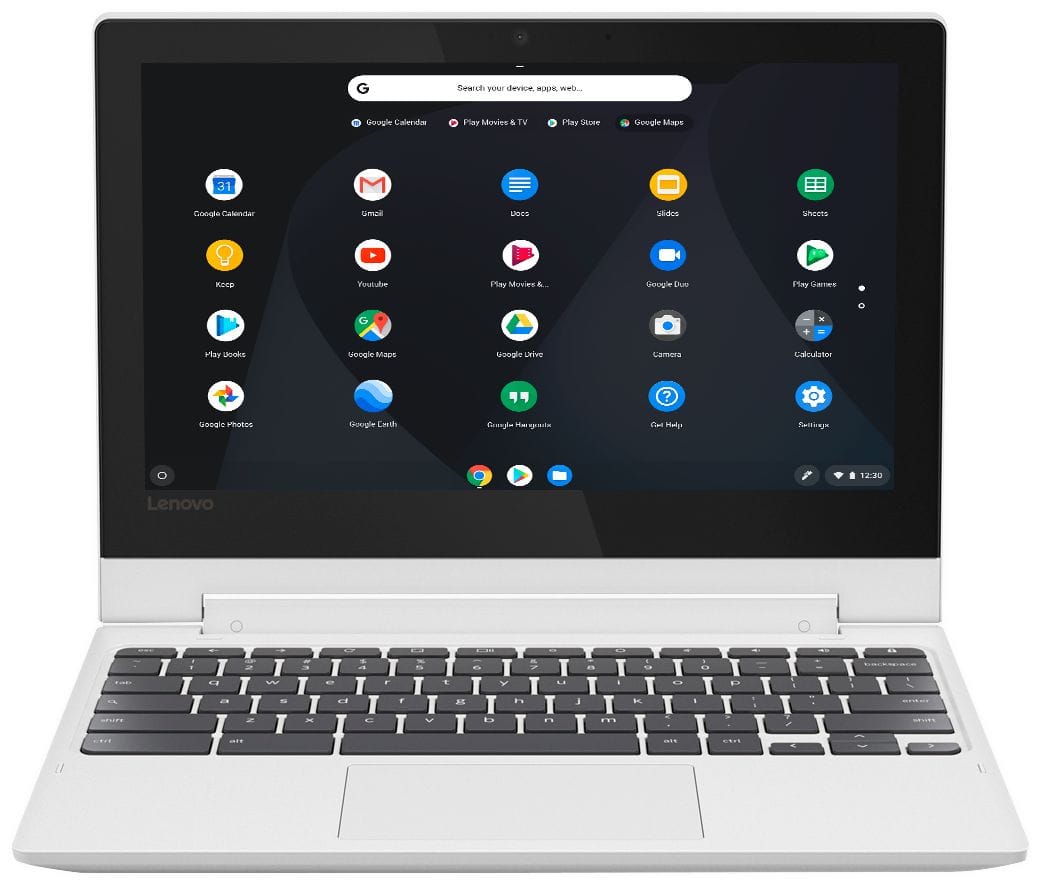
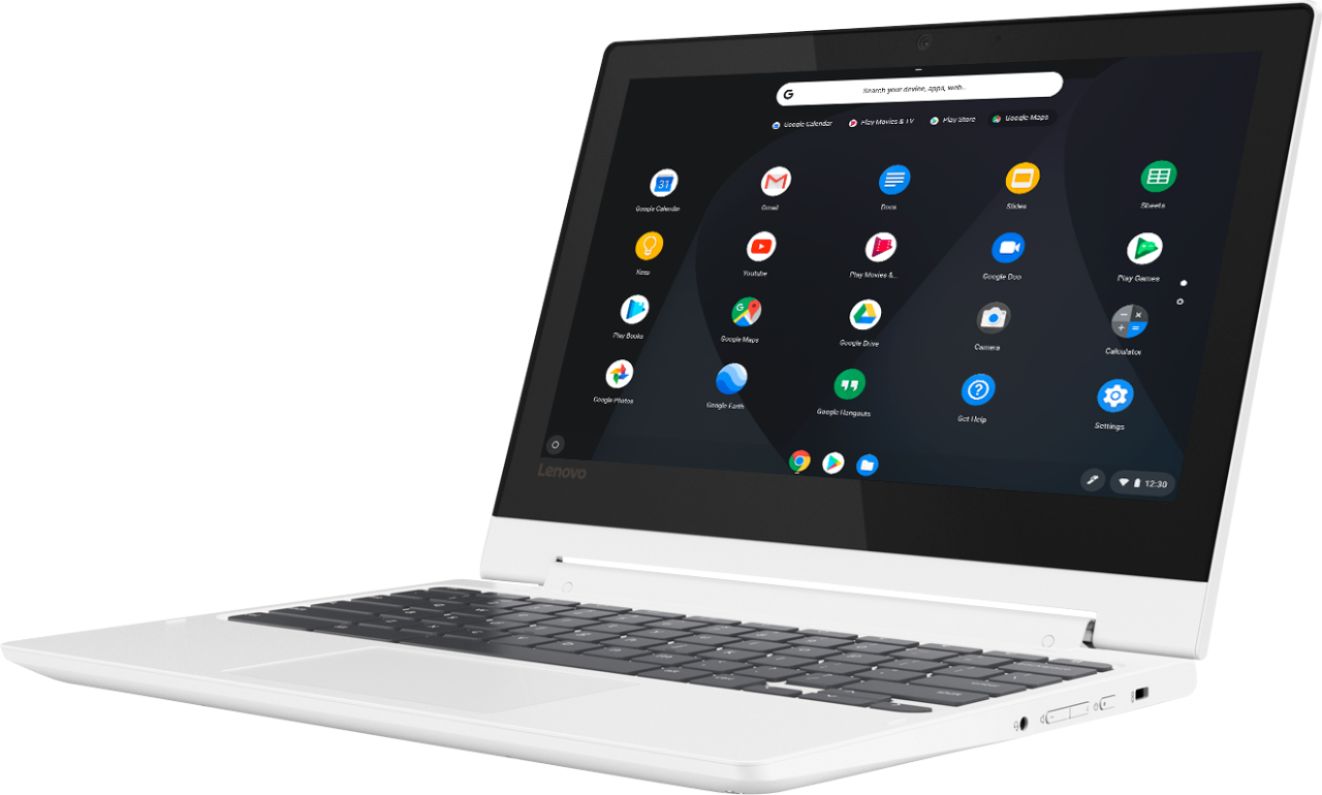
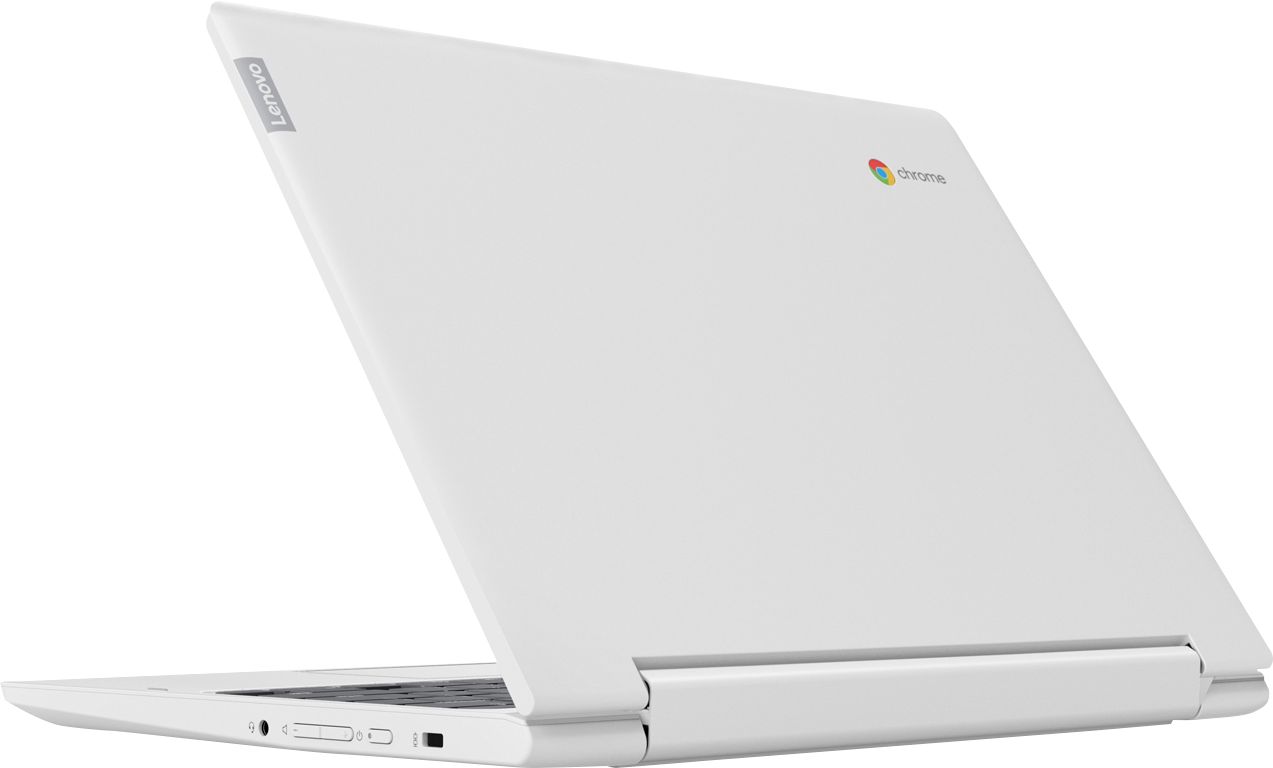
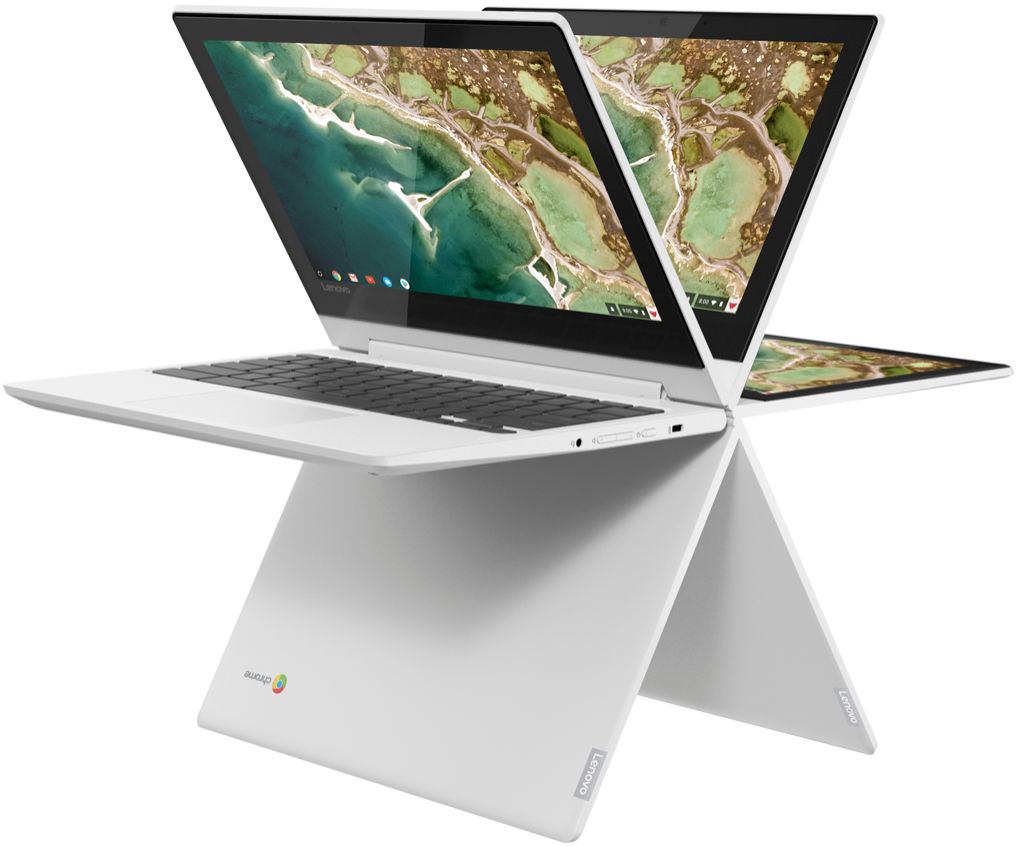
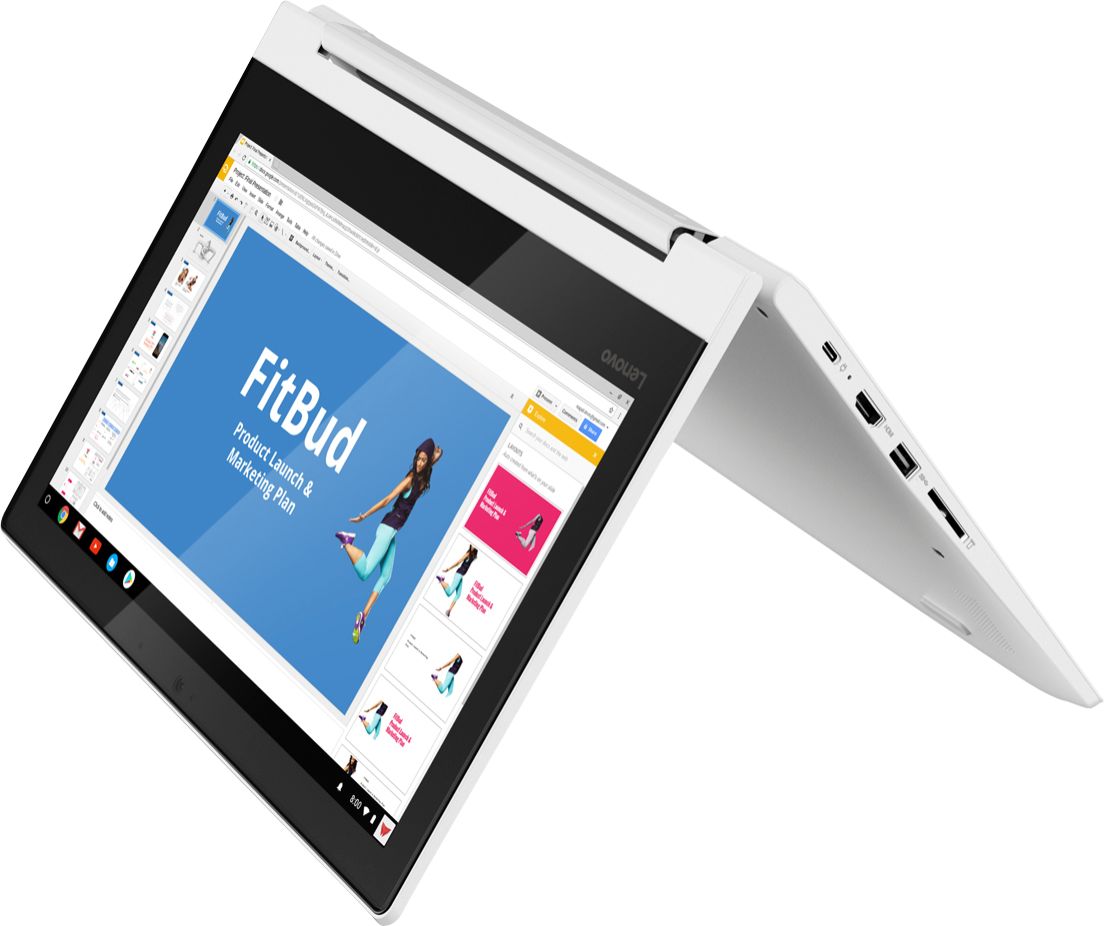
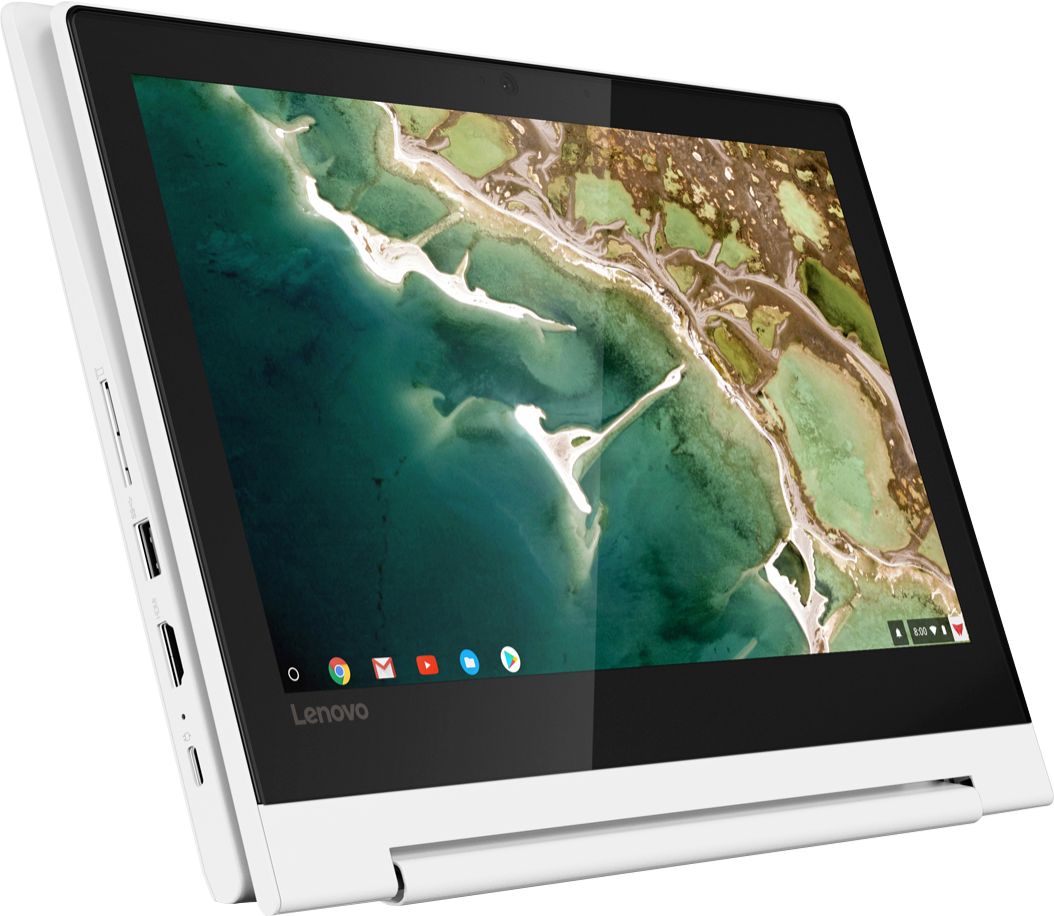
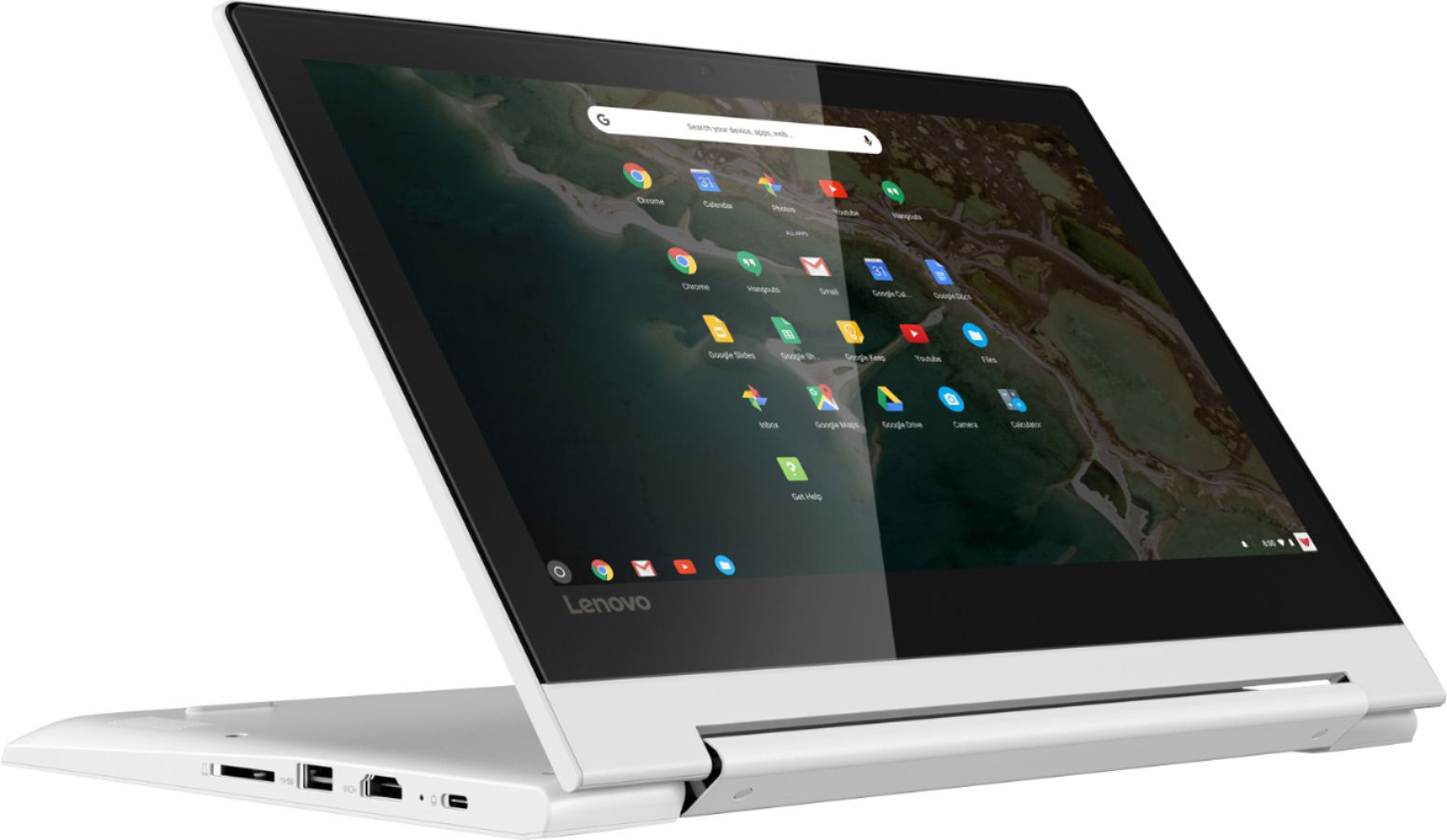
Posted .Here is a link to tips for getting the most from your Lenovo C330 Chromebook: Here is a link to some tips for using a Chromebook: https://www.laptopmag.com/articles/chromebook-tutorials. Faster, simpler, and more secure, the Lenovo Chromebook C330 brings the latest Chromebook features to you in a sleek, stylish, and durable Blizzard White convertible design. Offering the latest multimedia in high-definition, this 2-in-1 Chromebook features a 10-point touchscreen IPS display for easy viewing in tent, tablet, stand, or laptop mode - all with over 10 hours of battery life. For 2018, Lenovo retained its place for a second year as the best laptop vendor:
https://www.laptopmag.com/articles/laptop-brand-ratings
It's a cute laptop and the winter white color is c
||Posted . Owned for 1 month when reviewed.This reviewer received promo considerations or sweepstakes entry for writing a review.Unfortunately, I had to return the laptop because it had issues connecting with my wifi. I read reviews on possibilities on how to fix the issue but honestly, I just want to connect the laptop to wifi and begin browsing.
No, I would not recommend this to a friendBrand response from Lenovo Product Expert
Posted .We are sorry to hear that you had issues with WiFi connectivity. The Lenovo C330 Chromebook ships with enhanced wide-range connectivity, 5G, 2x2 802.11AC frequency WiFi. Here is a link to troubleshooting tips for fixing WiFi connectivity: https://support.google.com/chromebook/answer/6318213?hl=en
Video on netflix is not great
||Posted .This reviewer received promo considerations or sweepstakes entry for writing a review.It's a nice Chromebook. My video experience is not that great. When we switch to tab mode, sometimes apps does work, in my case Khan Academy kids app had issues to switch to different modes. So I gave 3 star.
No, I would not recommend this to a friendBrand response from Lenovo Product Expert
Posted .The Lenovo C330 Chromebook ships with a IPS LCD w/LED Backlight (Anti-glare) screen, with a resolution of 1366 X 768 (HD) and 300 nits. The C330 Chromebook uses the Chrome Operating System and is compatible with Google Play Store APPs. We always recommend you check the requirements and compatibility of any software you will be installing on your new computer, before you invest in any computer. Be sure your new computer can support the software you will need to use.
Good low cost chromebook
||Posted . Owned for 1.5 years when reviewed.This reviewer received promo considerations or sweepstakes entry for writing a review.If you're looking for a low cost chromebook this is worth the purchase. Not many issues with it. Every once in a while live streaming will buffer but happy with purchase
I would recommend this to a friendBroke/Hardware issue after 6 weeks
||Posted . Owned for 1 month when reviewed.This reviewer received promo considerations or sweepstakes entry for writing a review.Do not buy this laptop. 4 weeks and the J button only works some of the time. All of the other buttons work. The copy and paste, Control C & Control V only work some of the time. DO NOT call Lenovo Customer Support. They said that it is a hardware issue. They wanted me to pay for 1 of the shipping costs. Their faulty product and I pay for 1 of the shipping costs. Lenovo gets a 0 out of 5 stars for this product. So, we will see what Best Buy can do. The reviews on this must be from some bots. Can't believe this.
No, I would not recommend this to a friendBrand response from Lenovo Product Expert
Posted .We are sorry to hear that you are having issues with select keys on the keyboard of your Lenovo C330 Chromebook. Resetting your C330 Chromebook my fix the issue. Here is a link to troubleshooting tips for fixing keyboard issues on a Chromebook: https://support.google.com/chromebook/answer/1047364?#fixkeys. If the issue persists, we recommend you call Lenovo Tech Support for additional help with your specific issue at: 877-453-6686.
Poor quality
||Posted . Owned for 1 year when reviewed.This reviewer received promo considerations or sweepstakes entry for writing a review.Would not buy again. Bought two of them. Either some keys or Keyboard stopped working a couple of months. Started out great but quality does not last.
No, I would not recommend this to a friendLight use and small
||Posted . Owned for 1 year when reviewed.This reviewer received promo considerations or sweepstakes entry for writing a review.If you are using it to search the web or very small word files fine otherwise very limited use. Cheap substitute for a tablet with USB capabilities.
I would recommend this to a friendNot really happy with this computer
||Posted . Owned for 3 months when reviewed.This reviewer received promo considerations or sweepstakes entry for writing a review.I first one I bought after awhile some of the keys stop working I took it back and they gave me an replacement now this one shutdown randomly for no reasons
No, I would not recommend this to a friendBrand response from Lenovo Product Expert
Posted .We are sorry to hear that you are having issues with your Lenovo C330 Chromebook. Resetting your Chromebook may correct the issues you describe. Here is a link to instructions for resetting your Chromebook: https://support.google.com/chromebook/answer/183084?hl=en
Sudden death
||Posted . Owned for 1 year when reviewed.This reviewer received promo considerations or sweepstakes entry for writing a review.We have gone through 2 in 2 years. Each if them get a warning and a message that say the os is missing and the device stops working.
No, I would not recommend this to a friendNice but
||Posted .This reviewer received promo considerations or sweepstakes entry for writing a review.It looks nice and works well. But only 1 usb port. It's inconvenient when i need to transfer files or pictures between a flash drive and an external hard drive.
I would recommend this to a friendBrand response from Lenovo Product Expert
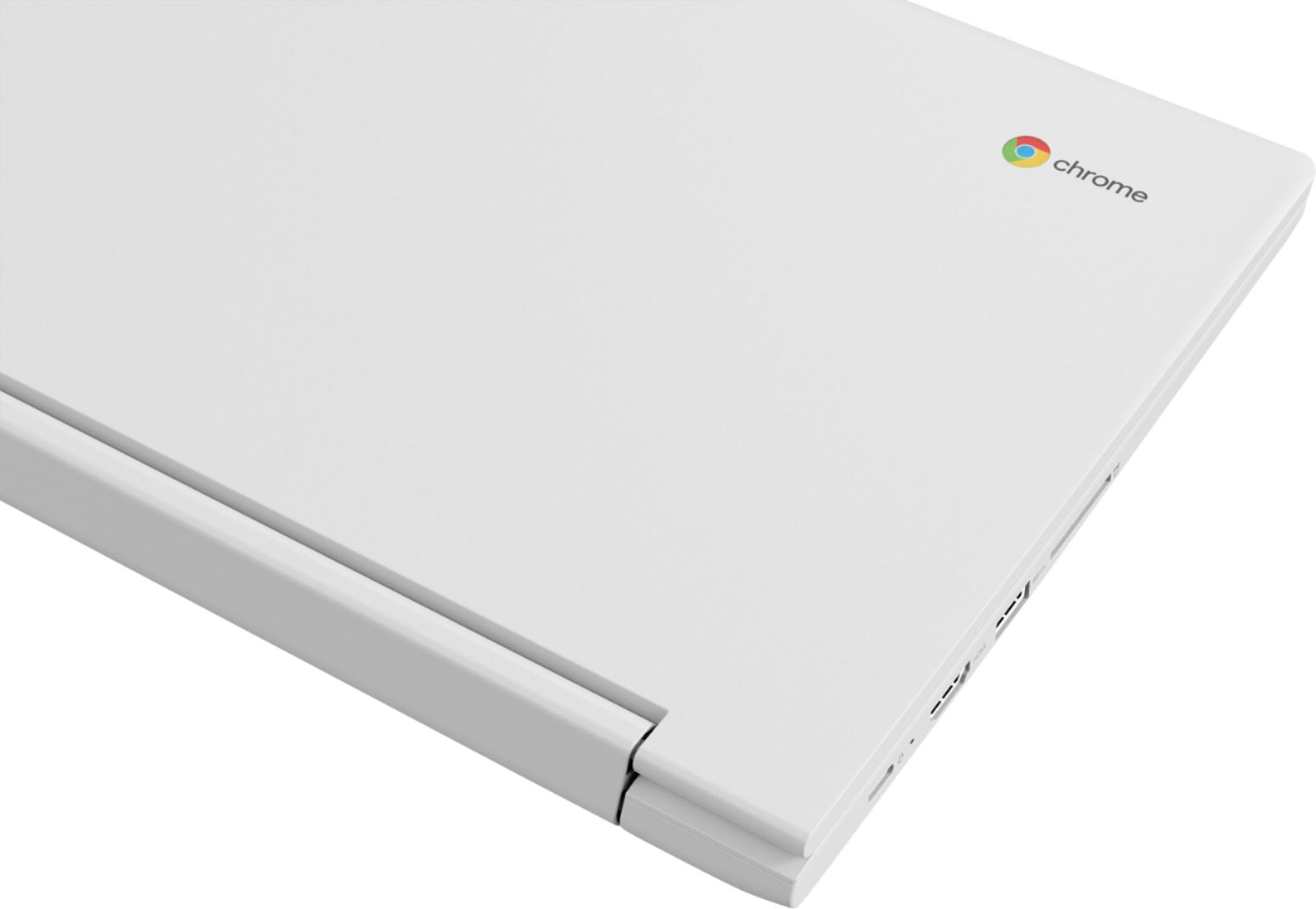
Posted .The Lenovo C330 Chromebook has one standard USB 3.0 port. If you need more USB ports with this device, you may want to consider using a USB Hub.
- Pros mentioned:Ease of use, Touch screen
Great for my grandson
||Posted . Owned for 3 weeks when reviewed.This reviewer received promo considerations or sweepstakes entry for writing a review.Easy to use for school age kids Just like the ones they use in school
I would recommend this to a friendBrand response from Lenovo Product Expert
Posted .Thank you for choosing the Lenovo C330 Chromebook for your grandson. We are pleased to hear that the ease of use and performance of the C330 Chromebook, meets your grandson's computing needs so well. Capable of handling all your daily computing needs with ease, the Lenovo Chromebook C330 delivers the best in performance. Enjoy powerful processing for daily tasks, higher memory density for effortless multitasking, eMMC storage, quick boot-ups, fast software loading, and more.
Expected more
||Posted . Owned for 4 months when reviewed.This reviewer received promo considerations or sweepstakes entry for writing a review.My dislike with this price is not so much Lenovo as it is Google. The product itself is a nice sleek design and easy to use. Got it because I thought it would be more convenient when storing, editing, designing photos because Google does have great apps. But as a stand alone system I was not impressed. I felt limited with what I could do. I found myself doing more editing using my cell phone. Definitely doesn't stand up to windows operating system
No, I would not recommend this to a friendBrand response from Lenovo Product Expert
Posted .The Lenovo C330 is a Chromebook. It uses the Chrome Operating System and is compatible with Google Play Store APPs. Faster, simpler, and more secure, the Lenovo Chromebook C330 brings the latest Chromebook features to you in a sleek, stylish, and durable Blizzard White convertible design. Offering the latest multimedia in high-definition, this 2-in-1 Chromebook features a 10-point touchscreen IPS display for easy viewing in tent, tablet, stand, or laptop mode - all with over 10 hours of battery life.
- Cons mentioned:Memory, Storage
Toy
||Posted . Owned for 8 months when reviewed.This reviewer received promo considerations or sweepstakes entry for writing a review.Would not recommend it has no memory or HD space. !
No, I would not recommend this to a friend Great at first...
||Posted .This reviewer received promo considerations or sweepstakes entry for writing a review.Worked great for the first couple months until it wasn't under warranty anymore of course.. went to turn it on and this appeared on my screen "chrome os is missing or damaged" so I followed the directions and bought a usb to reinstall and then it wouldn't charge so I couldn't even enter the recovery mode.. I didnt want to take it to anyone to get fixed cause it would probably cost more than what I even spent so i guess I got what I payed for.. :/
No, I would not recommend this to a friendBrand response from Lenovo Product Expert
Posted .We are sorry to hear that you are having issues with your Lenovo C330 Chromebook. This model ships with a 1-year limited manufacturer's warranty, covering OEM issues. Here is a link to instructions for the proper restoration of the Chrome Operating System: https://support.google.com/chromebook/answer/1080595?hl=en. If you need additional help we recommend you call Lenovo Tech Support at: 877-453-6686.
Did not fit my needs
||Posted . Owned for 1 year when reviewed.This reviewer received promo considerations or sweepstakes entry for writing a review.It may be a good product for some, but I had to return it because it would not run Forge of Empires, a web based game.
No, I would not recommend this to a friend- Pros mentioned:Price
Not great for videos
||Posted .This reviewer received promo considerations or sweepstakes entry for writing a review.Thought the chrome book was nice for price. But if your buying to watch videos. This is not the best choice.
No, I would not recommend this to a friendBrand response from Lenovo Product Expert
Posted .We recommend you always check the requirements and compatibility of any software and/or streaming services you will be using, for compatibility with Windows 10 and the specific configuration of the computer you are interested in, before you invest in a new computer.
Could be better
||Posted .This reviewer received promo considerations or sweepstakes entry for writing a review.Great laptop of those who will just browse the internet and check email. If I knew before hand I probably would have gone with a different laptop.
No, I would not recommend this to a friendBrand response from Lenovo Product Expert
Posted .The Lenovo C330 is a Chromebook. It is a 2 in 1 touchscreen configuration, using the Chrome Operating System for Cloud-based Computing. If you are looking for a value computer, using the Chrome operating system, the Lenovo C330 Chromebook is a great choice.