Customer Ratings & Reviews





- Model:
- 81HY0001US
- SKU:
- 6296001
Rating by feature
- Battery Life
Rating 4.4 out of 5 stars
- Speed
Rating 4.3 out of 5 stars
- Display
Rating 4.4 out of 5 stars
Customers are saying
Customers enjoy the ease of use, touch screen, and lightweight design of this 2-in-1 Chromebook. Many appreciate its compact size, excellent battery life, and the value for its price. While some wish for more memory and storage, the positive feedback on performance and usability is significant. Overall, it's considered a great option for everyday tasks.
This summary was generated by AI based on customer reviews.
keyboard malfunction
||Posted .This reviewer received promo considerations or sweepstakes entry for writing a review.Purchased 11\21 . Opened Christmas day. My kids 4 and 6 have loved this and use it to play Lego and PBS KIDS games. Keyboard is only used once a week or so when my son takes a spelling test. I noticed today 2/17 that the following keys do not work. G, h,",backspace, volume down and brightness up. Very displeased as this is hardly used - maybe twice a week. Disappointed because if I have to fix it ,it will cost almost as much as a new one.
No, I would not recommend this to a friendBrand response from Lenovo Product Expert
Posted .We are sorry to hear that you are having issues with select keys on your C330 Chromebook. First, try a hard reset of your Chromebook, then do a Powerwash after the reset. Here is a link to instructions for a hard reset of a Chromebook: Here is a link to instructions. Here is a link to instructions for a Powerwash of your Chromebook: https://gigaom.com/2013/11/15/how-to-factory-reset-a-chromebook-if-you-dont-have-the-password/. Then check the keys you were having the issue with to see if the problem is fixed. If not, we recommend you call Lenovo Tech Support for help with your specific issue at: 877-453-6686.

Laptop
||Posted . Owned for 1 year when reviewed.This reviewer received promo considerations or sweepstakes entry for writing a review.Lenovo - 2-in-1 11.6" Touch-Screen Chromebook - MT8173c - 4GB Memory - 32GB eMMC Flash Memory - Blizzard White its ok and small
No, I would not recommend this to a friendBrand response from Lenovo Product Expert
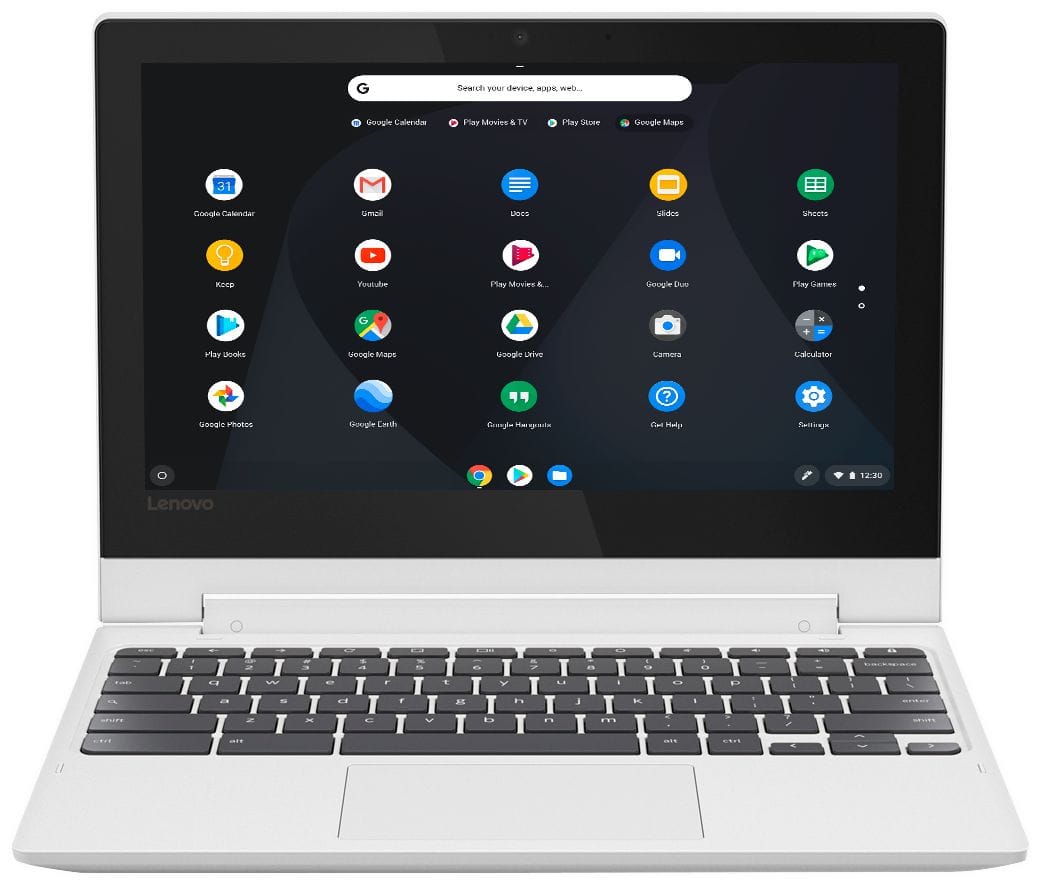
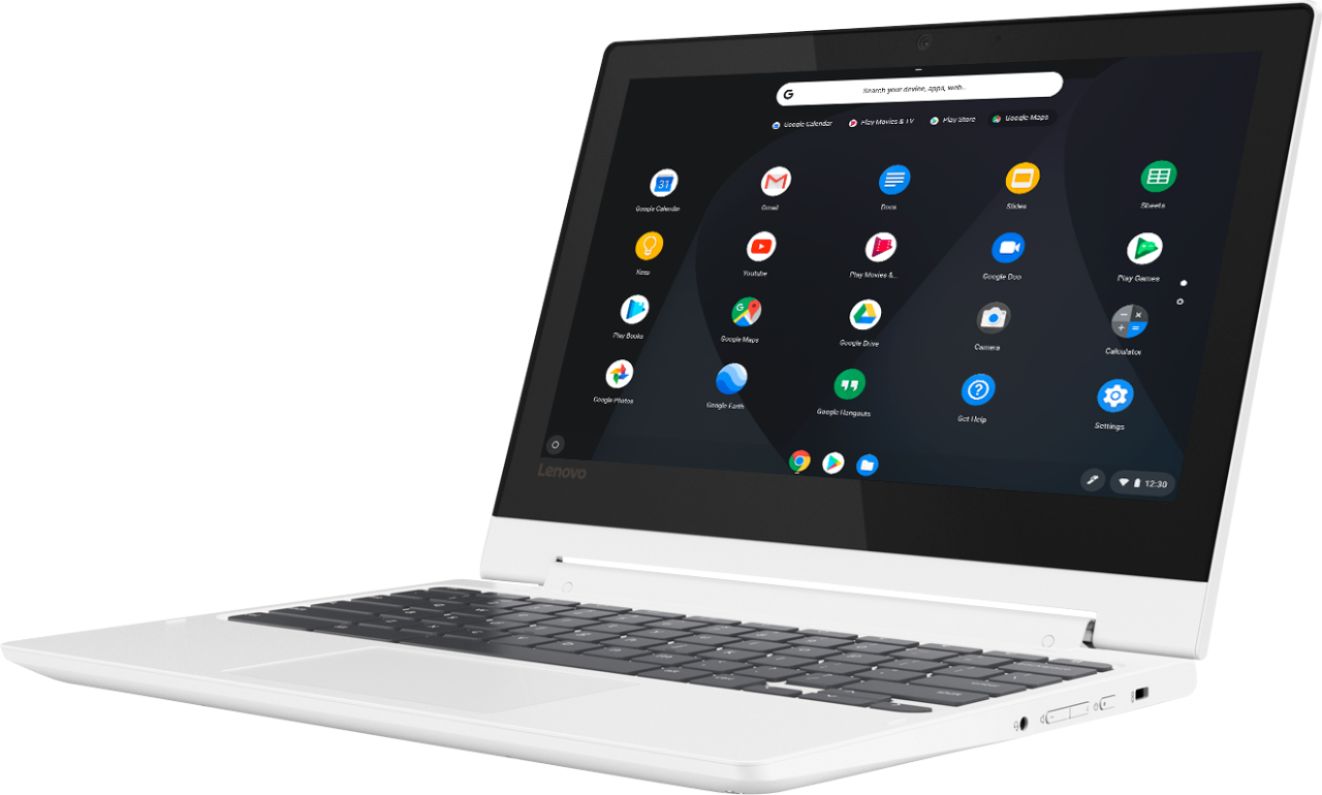
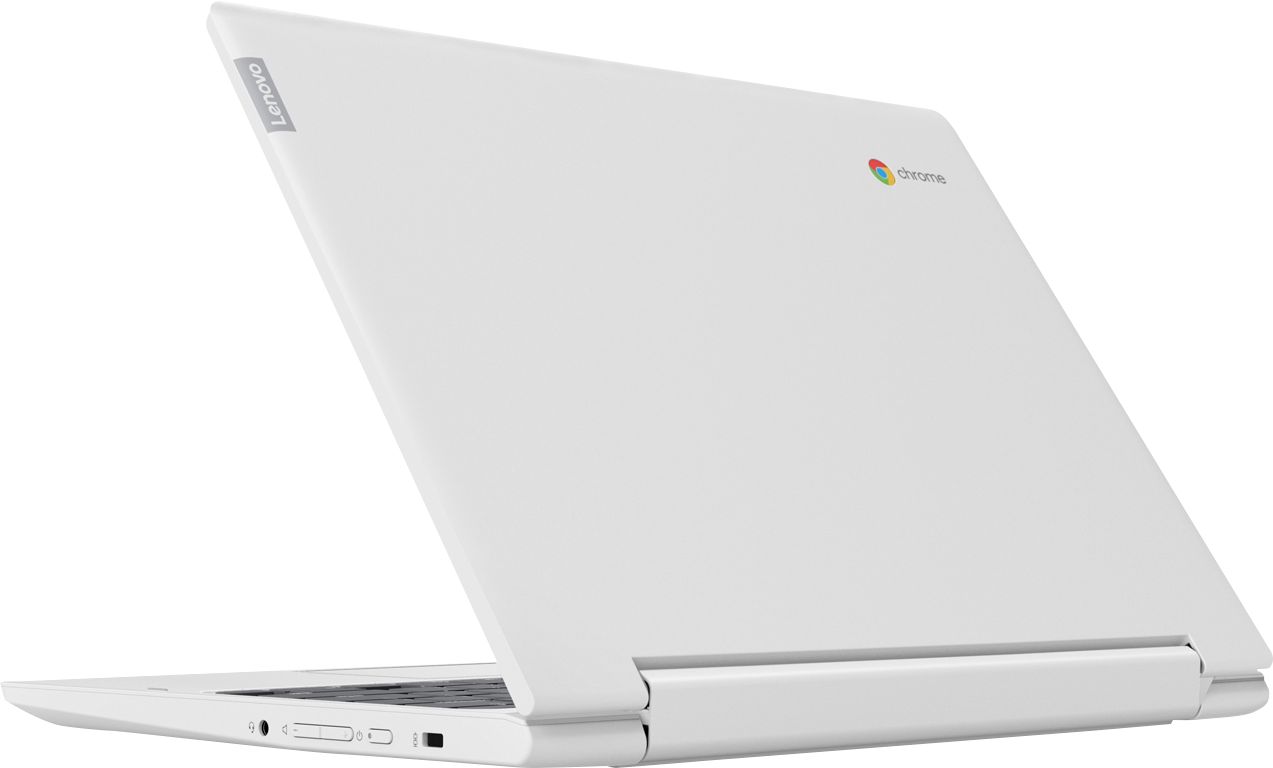
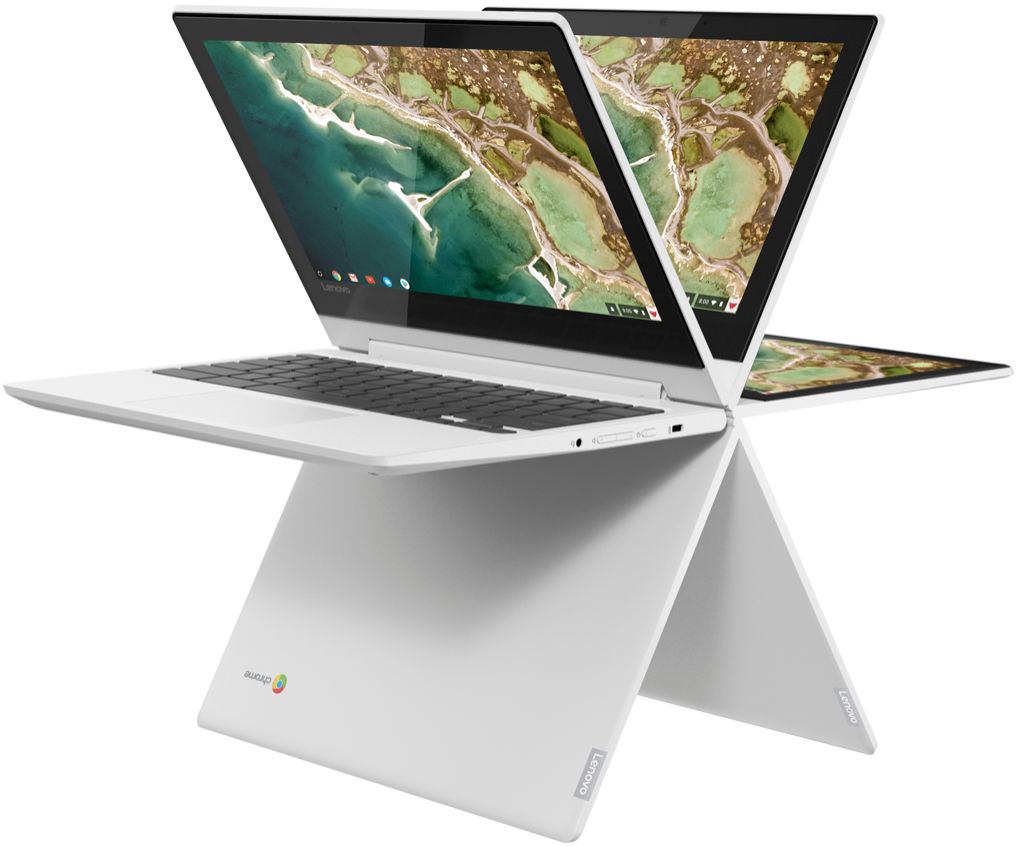
Posted .The Lenovo Chromebook C330 brings the best Chromebook has to offer—in tent, tablet, laptop, or stand mode. This sleek, stylish, and secure 360-degree 2-in-1 laptop is available in Blizzard White. Enjoy your favorite multimedia content with crisp visuals in high definition with a 10-point touchscreen available in an 11.6-inch IPS display. At only .77-inch and 2.64lbs with a full keyboard and spacious trackpad, this Chromebook is perfect for day-to-day computing, on or offline. No setup needed—just log in with your Google account to experience a new type of 2-in-1 laptop for everything you love to do. The Lenovo Chromebook C330 is easy to use, offers built-in virus protection, and keeps going with long battery life. Stay synced with your Android phones and tablets, and everywhere you’re signed in with your Google account, so your stuff stays with you even when your laptop doesn’t.
Works fine
||Posted . Owned for 3 weeks when reviewed.This reviewer received promo considerations or sweepstakes entry for writing a review.Chromebook works fine, but can't upgrade to latest chromeOS version which would support better options for USB sharing to beta Linux
I would recommend this to a friendBrand response from Lenovo Product Expert
Posted .The Lenovo C330 Chromebook will automatically receive updates of the Chrome Operating System from the Google Server whenever the C330 Chromebook is connected to the internet.
Cool but SLOW
||Posted .This reviewer received promo considerations or sweepstakes entry for writing a review.Bought this for my 9 year old son. He usually watches YouTube but every time we play a video it takes forever to load or buffer. Sometimes it will play the first 30 seconds or so fine but then it freezes and there's a circle spinning like it's trying to load/ buffer. It looks really cool especially turning from chromebook to tablet but not so good that you cant really use it without getting frustrated waiting then just giving up.
No, I would not recommend this to a friendBrand response from Lenovo Product Expert
Posted .This is a Chromebook. It is Cloud-based computing and uses the Google Server to stream videos. The lagging you describe may be due to the speed of your internet connection. The Lenovo C330 Chromebook ships with the latest 5G 802.11AC frequency WiFi capability. Be sure your router has the latest firmware updates available a the router manufacturer's web site for your model router.
Very useful and durable battery
||Posted . Owned for 2 weeks when reviewed.This reviewer received promo considerations or sweepstakes entry for writing a review.It was working well at first but I had to change it for the Acer version due to battery problems. But it's a pretty good laptop.
I would recommend this to a friendBrand response from Lenovo Product Expert
Posted .The Lenovo C330 Chromebook ships with a 3CELL_45WH_INTERNAL, Lithium Polymer Battery, with a battery life of up to 10 hours, depending on the work that the device is performing. If you have questions about the operation of your C330 Chromebook, we recommend you call Lenovo Tech Support at: 877-453-6686. For 2018, Lenovo retained its place for a second year as the best laptop vendor:
https://www.laptopmag.com/articles/laptop-brand-ratings
It’s a good buy
||Posted .This reviewer received promo considerations or sweepstakes entry for writing a review.Had to return because Chromebooks aren’t compatible with Microsoft office and purchased for my dad that is back in college.
No, I would not recommend this to a friendBrand response from Lenovo Product Expert
Posted .Chromebooks use Google Docs, free of charge through the Google Server. The Google Docs Programs for Word, Excel and PowerPoint are completely compatible with their Microsoft Office counterparts. You can purchase Microsoft Office 365 Programs for Chromebooks at the Google Play Store, if you choose. For 2018, Lenovo retained its place for a second year as the best laptop vendor:
https://www.laptopmag.com/articles/laptop-brand-ratings
Great tablet!
||Posted .This reviewer received promo considerations or sweepstakes entry for writing a review.I really like this tablet because it's a lot like using my phone. But it would be nice if it was more like a laptop for me.
I would recommend this to a friendBrand response from Lenovo Product Expert
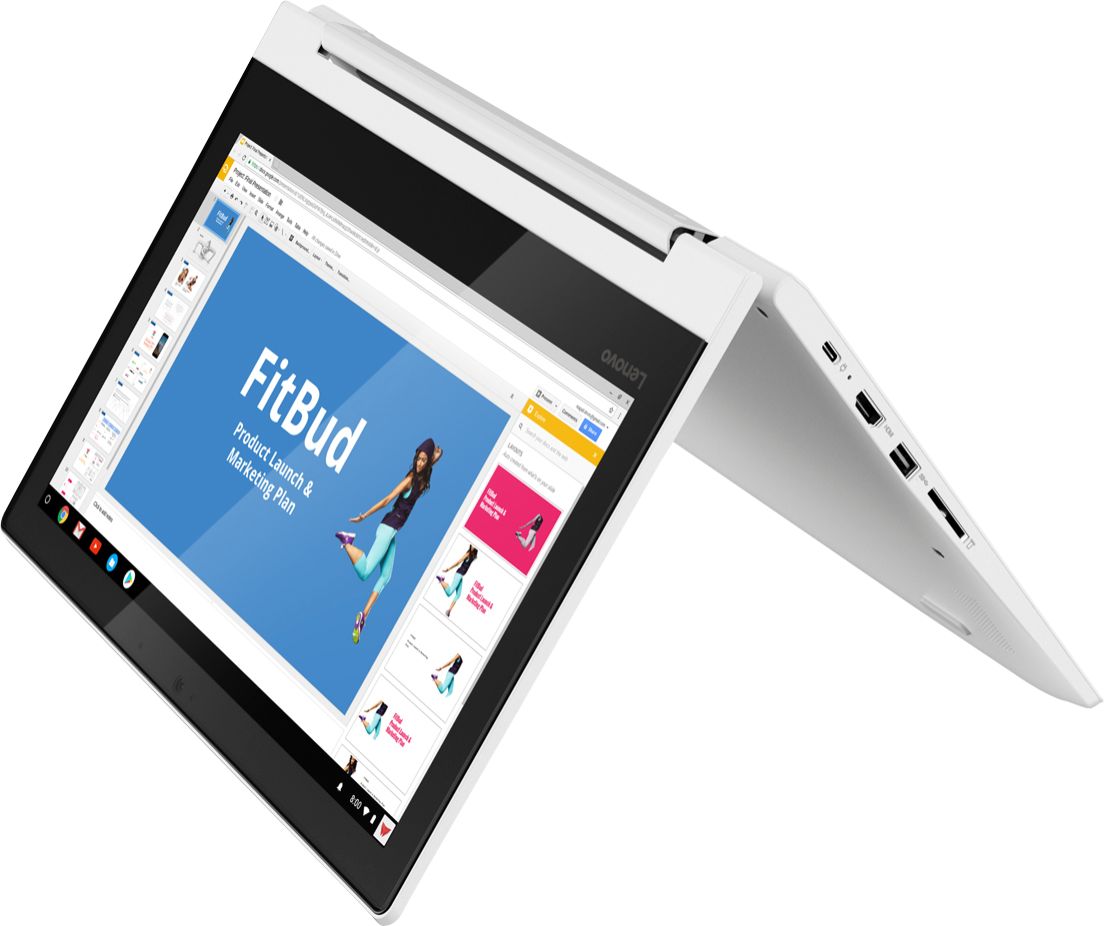
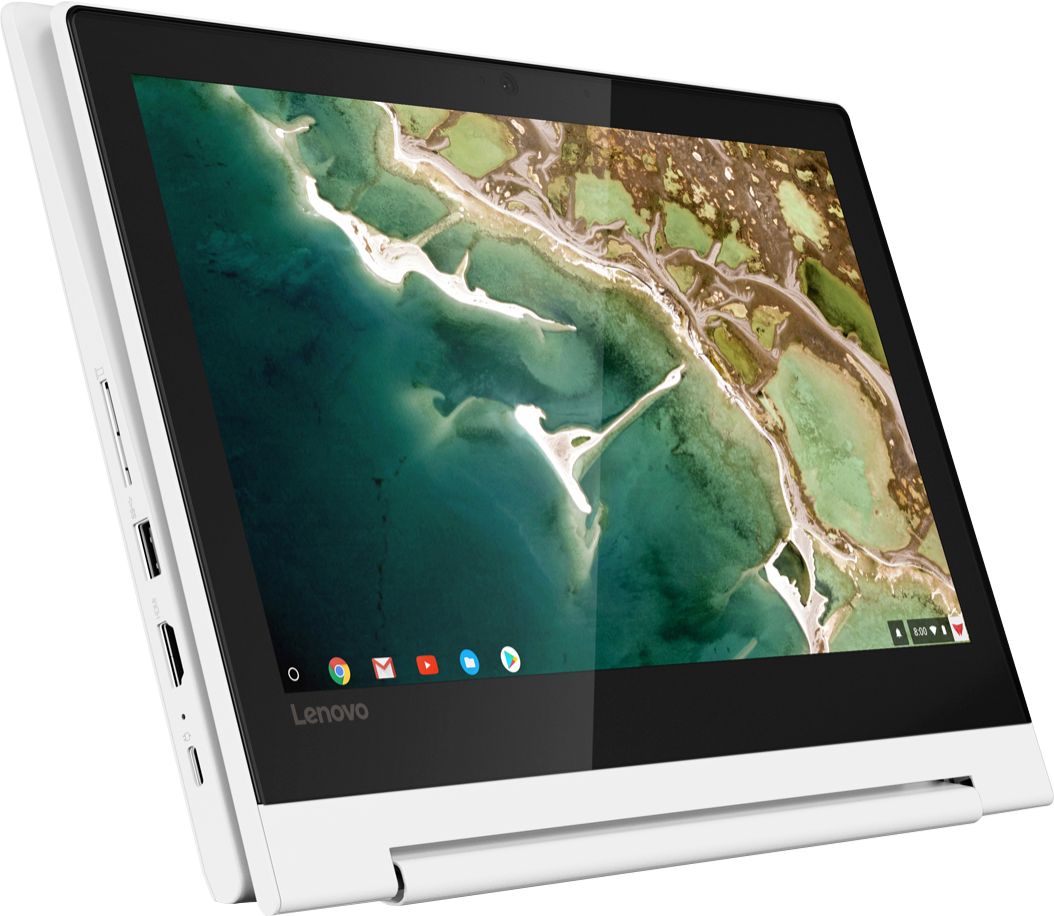
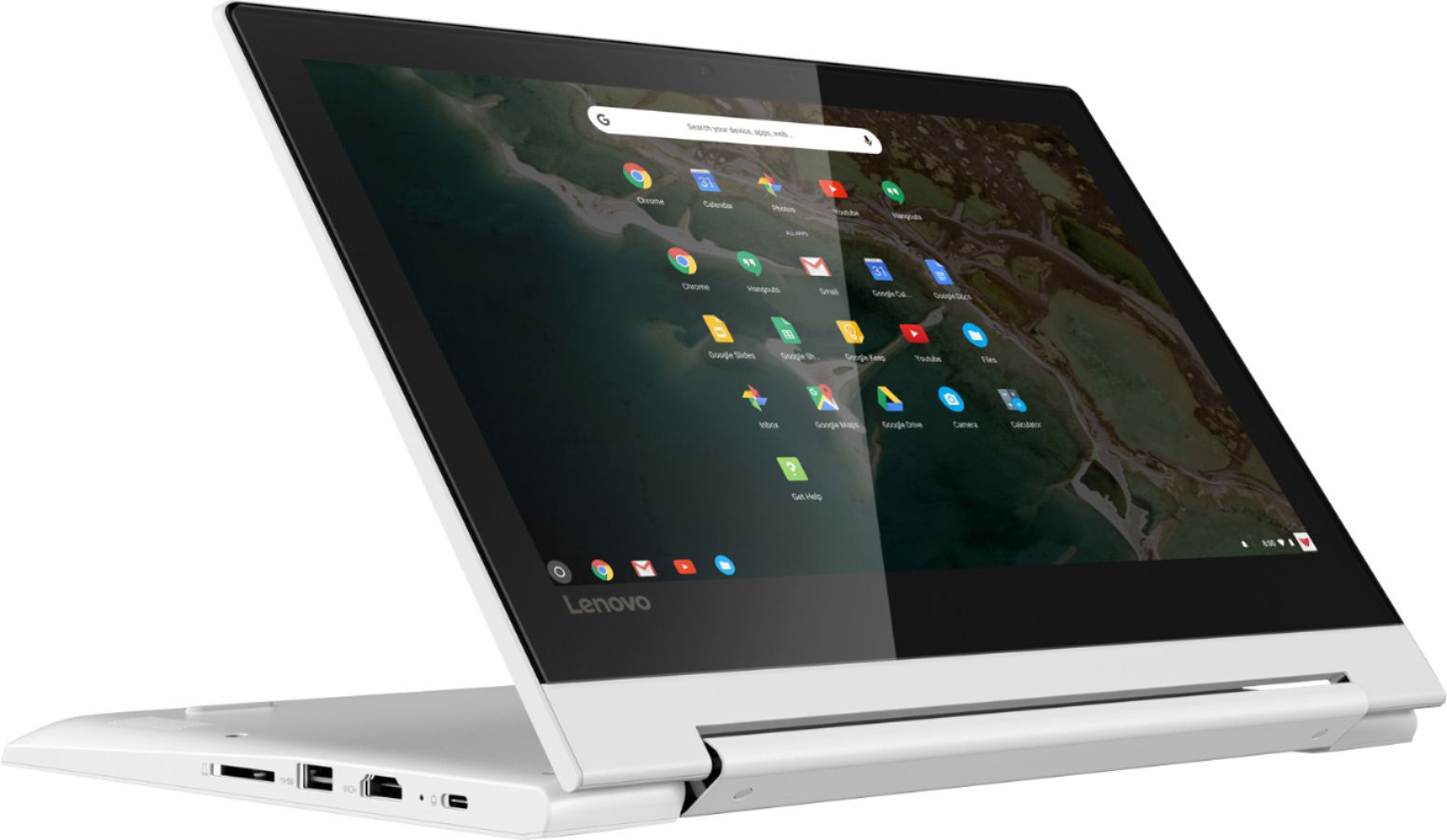
Posted .The Lenovo C330 Chromebook is a 2 in 1 laptop computer that works on the Chrome Operating System. The C330 Chromebook can be used as a traditional laptop and/or a tablet by using the 360-degree hinge on the device screen. If you are looking for a versatile 2 in 1 Chromebook, the Lenovo C330 Chromebook is a great choice. For 2018, Lenovo retained its place for a second year as the best laptop vendor:
https://www.laptopmag.com/articles/laptop-brand-ratings
Not too bad
||Posted .This reviewer received promo considerations or sweepstakes entry for writing a review.This is not the fastest Chromebook but it does have a lot of features for the price. Price was much cheaper on black friday.
I would recommend this to a friendBrand response from Lenovo Product Expert
Posted .The Lenovo C330 Chromebook is a very fast configuration with its Quad-Core MediaTek MT8173C processor. This processor has a 2.1GHz speed. If you are experiencing slow online speeds, check the speed of your internet connection.
Disappointed
||Posted . Owned for 1 year when reviewed.This reviewer received promo considerations or sweepstakes entry for writing a review.This may have been a great chrome book but it wasn’t what I expected for what I needed.
No, I would not recommend this to a friendBroke after 8 months
||Posted . Owned for 8 months when reviewed.This reviewer received promo considerations or sweepstakes entry for writing a review.I purchased as a Christmas present for my 9 year old. She has taken very good care of it an has used it every day to play Minecraft or to watch Youtube. It’s a good first basic computer. Computer stopped charging a few days ago and considering the cost to fix it, better off buying a new computer. Computer is not a good investment if it stopped working after 9 months.
No, I would not recommend this to a friendBrand response from Lenovo Product Expert
Posted .We are sorry to hear that you are having issues charging your Lenovo C330 Chromebook. Here is a link to troubleshooting tips, including fixing battery charging issues: https://support.google.com/chromebook/answer/6309225?hl=en. If the issue continues, we recommend you call Lenovo Tech Support at: 877-453-6686.
Good gift
||Posted . Owned for 1 month when reviewed.This reviewer received promo considerations or sweepstakes entry for writing a review.This is a gift for my parents for daily use. They like the appearance of this laptop and 2-in-1 feature.
I would recommend this to a friendBrand response from Lenovo Product Expert
Posted .No setup needed—just log in with your Google account to experience a new type of 2-in-1 laptop for everything you love to do. The Lenovo Chromebook C330 is easy to use, offers built-in virus protection, and keeps going with long battery life. Stay synced with your Android phones and tablets, and everywhere you’re signed in with your Google account, so your stuff stays with you even when your laptop doesn’t.
- Pros mentioned:Weight
Ok for the internet
||Posted .This reviewer received promo considerations or sweepstakes entry for writing a review.Not impressed Poor navagation, speed so far is ok. Lightweight to travel
No, I would not recommend this to a friendBrand response from Lenovo Product Expert
Posted .The Lenovo C330 Chromebook is a 2 in 1 format Chromebook. It has a touchscreen as well as a keyboard and touchpad for user input. The screen has a 360-degree hinge so you can use the C330 Chromebook as a traditional laptop and/or a tablet, for the most flexible user interface available. If you are looking for a light weight, economical Chromebook, the C330 Chromebook is a great choice.
- Pros mentioned:Price
Beat Expectations
Posted .This reviewer received promo considerations or sweepstakes entry for writing a review.TLDR: Pro's: Cheap, good feeling keyboard, decent battery life, sturdy enough to toss around, full size ports, surprisingly good for everyday use, especially if you have another PC to teamview into for heavier stuff. Con's: white plastic gets dirty easily and looks cheap, giant bezel, poor speakers I got this on black friday for a big discount, and was honestly just wanted something that I could teamview into my work PC with when working from home. I hoped it could handle teamviewer smoothly, and ideally chrome with a few tabs alongside, but I was really worried about the 4GB RAM and since it was so cheap I was also worried about the build quality. As far as the RAM goes, it can handle teamviewer, chrome with several tabs, nine (email app), netflix, and skype, all running simultaneously, without problems in any of them. I am astounded. I actually think this is replacing my gaming laptop and cost only 10% of the price. Obviously this chromebook cannot play heavy PC games, so I will be using my xbox for most gaming moving forward, but my gaming laptop gets really hot and has a fan like an airplane taking off, is so expensive I worry about it when traveling, doesn't really hold a battery charge long due to all the power it consumes, and when I am not gaming it is just more than I need all around. This chromebook is something I can travel with and not worry about it being expensive, the battery seems pretty good, I can use it most of the day without worry about plugging in, and really for general use I haven't had any issues. I have been an android phone user for a long time, so I knew what to expect from the UI. It did take a while to adjust to not having a delete key and clicking with two fingers to right click, I am not sure if that is specific to this chromebook or all chromebooks, but besides those adjustments the keyboard is really nice, the keys have good bounce to them and the layout feels really spacious for the size. The overall build is definitely plasticy, so yeah if you push on it there will be bend, and I am not a fan of the white, but this thing can handle being thrown around a bit, it seems pretty sturdy. The only other downside is that the bezel is huge, I would gladly have paid a little more to have the screen be larger in the same overall frame, and there is definitely room for another inch on the diagonal without any redesign required, so I am a little bummed lenovo didn't consider making that an option. The speakers aren't the best, but I was expecting that and mostly use a headset anyways. I also really like the option of tent/tablet mode, as well as the full size USB and HDMI ports.
I would recommend this to a friendBrand response from Lenovo Product Expert
Posted .Thank you for choosing the Lenovo C330 Chromebook. We are pleased to hear that the C330 Chromebook is working out for you so well.
Bad product bad repairs false advertising.
||Posted . Owned for 1 month when reviewed.This reviewer received promo considerations or sweepstakes entry for writing a review.Had the chromebook for school for my niece. Several keys were not functioning after 2 months of use. Took it back they couldn't fix it. It had to be shipped out to get fix. So what good is the in store geek squad. The stated they can't fix chrome so why sell it and then state they have in store service. False statements and false advertising.
No, I would not recommend this to a friendBrand response from Lenovo Product Expert
Posted .We are sorry to hear that you had issues with the keyboard on your Lenovo C330 Chromebook. Here is a link to some troubleshooting tips for fixing hardware on a Chromebook, including the keyboard: https://support.google.com/chromebook/answer/4514391?hl=en. The Lenovo C330 Chromebook ships with a limited 1-year manufacturer's warranty, covering hardware OEM issues.
Quite possibly the worst piece of equipment EVER.
||Posted . Owned for 6 months when reviewed.This reviewer received promo considerations or sweepstakes entry for writing a review.Multiple problems since the beginning. First had to return the unit to Lenovo within 10 days for a faulty touch screen. Customer service from the website is a rabbit hole from which you never emerge. Each problem not easily solved is solved by a factory reboot. Erasing all of your saved info. REALLY!@!!!! Please save the headaches and don't buy this product.
No, I would not recommend this to a friendBrand response from Lenovo Product Expert
Posted .The Lenovo C330 Chromebook uses the Chrome Operating System for Cloud-based computing through the Google Server. The C330 Chromebook is compatible with Google Play Store APPs only. If you are having issues with your C330 Chromebook, we recommend you call Lenovo Tech Support for help with your specific issues at: 877-453-6686. For 2018, Lenovo retained its place for a second year as the best laptop vendor:
https://www.laptopmag.com/articles/laptop-brand-ratings
just ok
||Posted .This reviewer received promo considerations or sweepstakes entry for writing a review.ok for the money not bad for an off brand i like the speaker on it better than i like i on my samsung
I would recommend this to a friendBrand response from Lenovo Product Expert
Posted .For 2018, Lenovo retained its place for a second year as the best laptop vendor:
https://www.laptopmag.com/articles/laptop-brand-ratings
Notebook
||Posted .This reviewer received promo considerations or sweepstakes entry for writing a review.Did not like the fact that i dosen't work like a pc. There is alot of thing you can do with it. Would not link up my wireless printer cant connect my passport harddrive to it. Do like the fact that it has a built in antivirus.
No, I would not recommend this to a friendBrand response from Lenovo Product Expert
Posted .The Lenovo C330 Chromebook works on the Chrome Operating System. In order to print from a Chromebook, you need to install the Google Cloud Print APP onto the Chromebook. Here is a link to instructions for printing from a Chromebook: https://support.google.com/chrome/answer/1069693?visit_id=636911942976650688-3901591749&hl=en&rd=1. For 2018, Lenovo retained its place for a second year as the best laptop vendor:
https://www.laptopmag.com/articles/laptop-brand-ratings
Great small computer.
||Posted .This reviewer received promo considerations or sweepstakes entry for writing a review.I needed a computer for work. The old one died. This was affordable and gets the job done for me.
I would recommend this to a friendBrand response from Lenovo Product Expert
Posted .The Lenovo C330 Chromebook is a Cloud-based 2 in 1 computing system, using the Chrome Operating System and the Google Server. The C330 ships with the Quad-Core MediaTek MT8173c processor, 4GB of RAM and a 32GB solid state hard drive. It is a 2 in 1 configuration, with a touchscreen. You can use the C330 Chromebook as a traditional laptop or a tablet. The C330 Chromebook is fast, efficient, cost-effective computing.
Spacebar needs hard concrete finger to bang on it.
||Posted . Owned for 11 months when reviewed.This reviewer received promo considerations or sweepstakes entry for writing a review.Really don't want to give it a 2, but ...okay, gave it a 1. Just put it to use, out of the box yesterday. Bought it from B.B. 11/8.19. It is taking me a load of time to type this becauseeeee, the spacebar. The mushy mushy spacebar keeps on NOT WORKING. Strings of words stck together because the spacebar won't, well, put spacesbetweenwords! Got to keep watchingthetyped words. Yea, got tired of soing back and spacing manually. Maybe if I dip my finger on concrete, let it dry, then type. So, uselessfor schooland post on social pages. This Chromebook is the total worst. Hope the H.P. I just bought from Best Buy is better. But out of 5 H.P. full laptops I'veboughtthe kids for college, 4 have bad hinge failures. One we haven't closed the lid in 2 years now. Jokes. Finger is tired from the spacebar. Goodnight.
No, I would not recommend this to a friendPlastic top cover got cracks after only 4 months
||Posted . Owned for 8 months when reviewed.This reviewer received promo considerations or sweepstakes entry for writing a review.I am not happy with this product. The top cover started to have very fine hairline cracks from both sides after 4 months of gentle use. Although the warranty covered the repair, I have no confidence in the quality of the new cover as they used the same plastic material. It is a waste of money.
No, I would not recommend this to a friend