Customer Ratings & Reviews





- Model:
- 81HY0001US
- SKU:
- 6296001
Rating by feature
- Battery Life
Rating 4.4 out of 5 stars
- Speed
Rating 4.3 out of 5 stars
- Display
Rating 4.4 out of 5 stars
Customers are saying
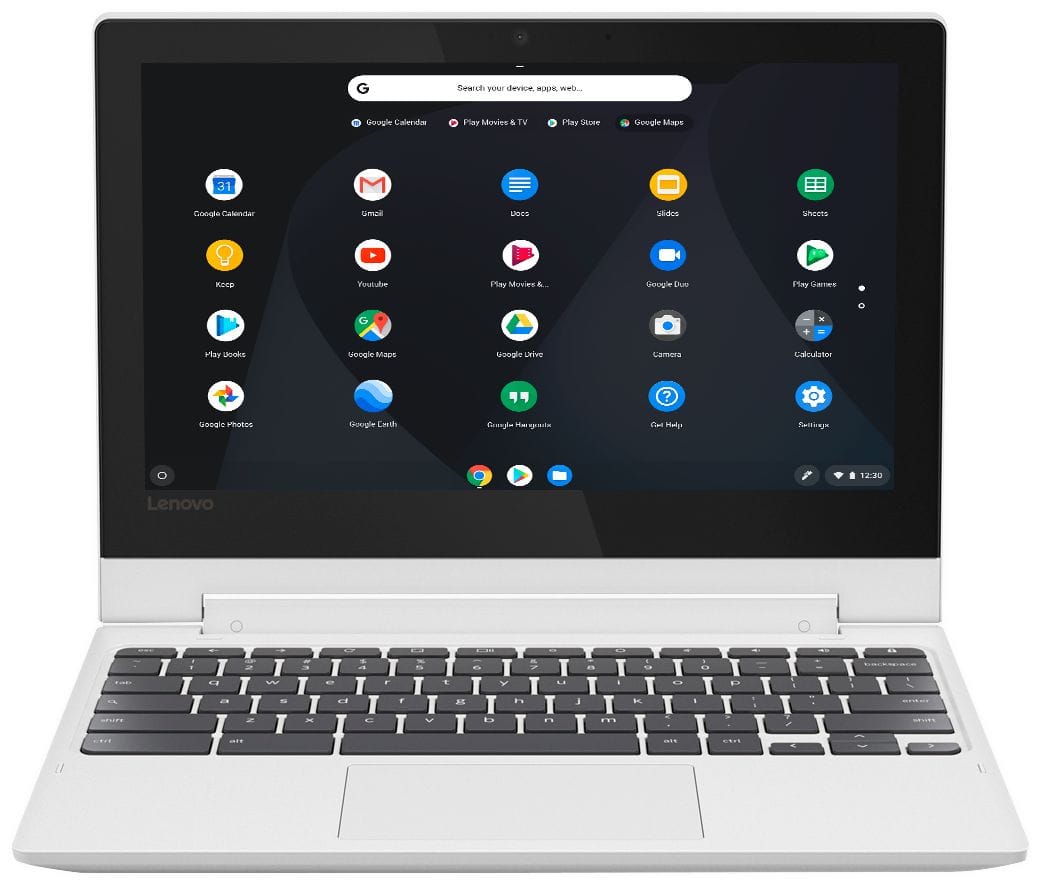
Customers enjoy the ease of use, touch screen, and lightweight design of this 2-in-1 Chromebook. Many appreciate its compact size, excellent battery life, and the value for its price. While some wish for more memory and storage, the positive feedback on performance and usability is significant. Overall, it's considered a great option for everyday tasks.
This summary was generated by AI based on customer reviews.
Terrible device
||Posted . Owned for 6 months when reviewed.This reviewer received promo considerations or sweepstakes entry for writing a review.It worked fine for the first few months, but now won't connect to Wifi. It's a computer built for the cloud but the software messed it up. I think Chromebooks are a great idea, but really terrible in practice. I don't recommend.
No, I would not recommend this to a friendBrand response from Lenovo Product Expert
Posted .We are sorry to hear that you are having WiFi connectivity issues with your C330 Chromebook. Here is a link to tips for fixing WiFi connectivity issues with a Chromebook: https://support.google.com/chromebook/answer/6318213?hl=en. If the issue continues, we recommend you contact Lenovo Tech Support at: 877-453-6686.

Good for small things
||Posted . Owned for 1.5 years when reviewed.This reviewer received promo considerations or sweepstakes entry for writing a review.This works for minimal things like note taking, emails, streaming Netflix. The touch screen was a joke right from the start. You're better off putting more money into a better operating system like windows.
No, I would not recommend this to a friendYou get what you pay for...
||Posted . Owned for 6 months when reviewed.This reviewer received promo considerations or sweepstakes entry for writing a review.This computer has broken on me many times now. The main issue I've had is with the charge port - very frustrating! Learn from my mistake and save up a few hundred more for a device that will last longer than a few months.
No, I would not recommend this to a friendBrand response from Lenovo Product Expert
Posted .We are sorry to hear that you are having an issue with your Lenovo C330 Chromebook. It is possible that resetting your Chromebook may correct the issues you are having. Here is a link to instructions for resetting your Chromebook. If the issue continues, we recommend you call Lenovo Tech Support at: 877-453-6686. Here is the link to instructions for resetting your Chromebook: https://support.google.com/chromebook/answer/183084?hl=en
Inoperative Keys Render It Useless
||Posted . Owned for 5 months when reviewed.This reviewer received promo considerations or sweepstakes entry for writing a review.After two months the i and k key became inoperable. I'd have to repeatedly hit those keys to get them back to work again. Then, the entire diagonal key section 8, i, k, and </, started to act up as well. Now (after 6 months), the diagonal key section of !/1, q, a, and z are now inoperable too, unless I repeatedly hit the key(s) until it start to work again. Sometimes it takes a minute to get it working, some times longer. This defect defeats the purpose of having a fast starting Chromebook.
No, I would not recommend this to a friendBrand response from Lenovo Product Expert
Posted .We are sorry to hear that you are having issues with select keys on your Lenovo C330 Chromebook. It is possible that restoring your Chromebook will fix the problem you are having with select keys on the keyboard. Here is a link to instructions for restoring your Chromebook, it the issue continues we recommend you call Lenovo Tech Support for help with your specific issue at - 877-453-6686: https://support.google.com/chromebook/answer/183084?hl=en
- Pros mentioned:Price, Speed, Touch screen
Such a great laptop
Posted .This reviewer received promo considerations or sweepstakes entry for writing a review.The Chromebook is by far the best laptop I’ve every purchased. The price you pay for it and what you get is unbelievable. It comes with everything you need. I’ve hook my bringer up to it and I love how it’s touch screen. I also like how small it is. I can take this anywheres I need to go! I’m also very impressed with the speed of the chrome book and all of the apps that come on it. If you are looking for something small to play around on or even for work this is perfect for you! Had everything you need! I highly recommend purchasing this!
I would recommend this to a friendBrand response from Lenovo Product Expert
Posted .Thank you for choosing the lenovo C330 Chromebook. We are pleased to hear that the performance of the C330 Chromebook meets your computing needs so well. Capable of handling all your daily computing needs with ease, the Lenovo Chromebook C330 delivers the best in performance. Enjoy powerful processing for daily tasks, higher memory density for effortless multitasking, eMMC storage, quick boot-ups, fast software loading, and more.
Not able to loat Outlook
||Posted . Owned for 3 weeks when reviewed.This reviewer received promo considerations or sweepstakes entry for writing a review.Geek Squad employee had no knowledge of how to load Outlook onto this computer. When I purchased it the sales person that this was able to run Outlook. Important to receive out emails on this. After considerable time the Geek Squad employee was unable to get Outlook to work on this computer. We got very frustrated. I checked YouTube myself while waiting and it showed how to load the App onto the computer. The Tech wasn't interested in what I found so we told them to take the computer back and we will purchase something else at a later date.
No, I would not recommend this to a friendBrand response from Lenovo Product Expert
Posted .You can easily install Microsoft Outlook on to the Lenovo C330 Chromebook, through the Google Play Store. Here is a link to instructions for doing this: https://support.office.com/en-us/article/how-to-install-and-run-microsoft-office-on-a-chromebook-32f14a23-2c1a-4579-b973-d4b1d78561ad
Horrible experience
||Posted .This reviewer received promo considerations or sweepstakes entry for writing a review.As soon as we opened the laptop we knew something was wrong. The keypad was wobbly and the touchscreen was unresponsive. It was like we purchased a refurbished item... we sent it back right away. The Best Buy team was very helpful and nice about it.
No, I would not recommend this to a friendBrand response from Lenovo Product Expert
Posted .We are sorry to hear that you received a damaged Lenovo C330 Chromebook.
you get what you pay for
||Posted . Owned for 3 weeks when reviewed.This reviewer received promo considerations or sweepstakes entry for writing a review.bought this for my daughters Home school. Figured she didnt need much for just School programs. Couldnt keep up and over 1/2 the programs wouldnt install with the OS.
No, I would not recommend this to a friendBrand response from Lenovo Product Expert
Posted .The Lenovo C330 Chromebook is compatible with the Google Play Store APPs.
Disappointed
||Posted .This reviewer received promo considerations or sweepstakes entry for writing a review.Bought this Chromebook as a Christmas present for my daughter. Well she was extremely excited until she unboxed it and started using it. We cannot get the touchpad to work, tried all the troubleshooting tips explained online with no success. Going to have to return it.
No, I would not recommend this to a friendBrand response from Lenovo Product Expert
Posted .We are sorry to hear that you are having issues with your Lenovo C330 Chromebook. We recommend you call Lenovo Tech Support for help with your specific issue at: 877-453-6686.
not very happy with this case
||Posted .This reviewer received promo considerations or sweepstakes entry for writing a review.I don't like that this computer is internet based. they did not explain to me that you cant do anything on it if you are not connected to the interenet.
No, I would not recommend this to a friendBrand response from Lenovo Product Expert
Posted .You are correct. The Lenovo C330 Chromebook is a Cloud-based computer. You need to be connected to the internet for the device to function.
Value for product poor
||Posted . Owned for 1 month when reviewed.This reviewer received promo considerations or sweepstakes entry for writing a review.I was told it would have fast response time with this computer. I still have to wait for the spinning circle like I did with my Dell Inspiron.
No, I would not recommend this to a friendBrand response from Lenovo Product Expert
Posted .Here is a link to some tips for speeding up a Chromebook: https://www.ampercent.com/how-to-speed-up-chromebook/21320/
tooooo slow
||Posted .This reviewer received promo considerations or sweepstakes entry for writing a review.loved Lenovo but can't do it.. switched to google pixel book and love it... tho this would be great for a teenager i think.. not a working adult
I would recommend this to a friendBrand response from Lenovo Product Expert
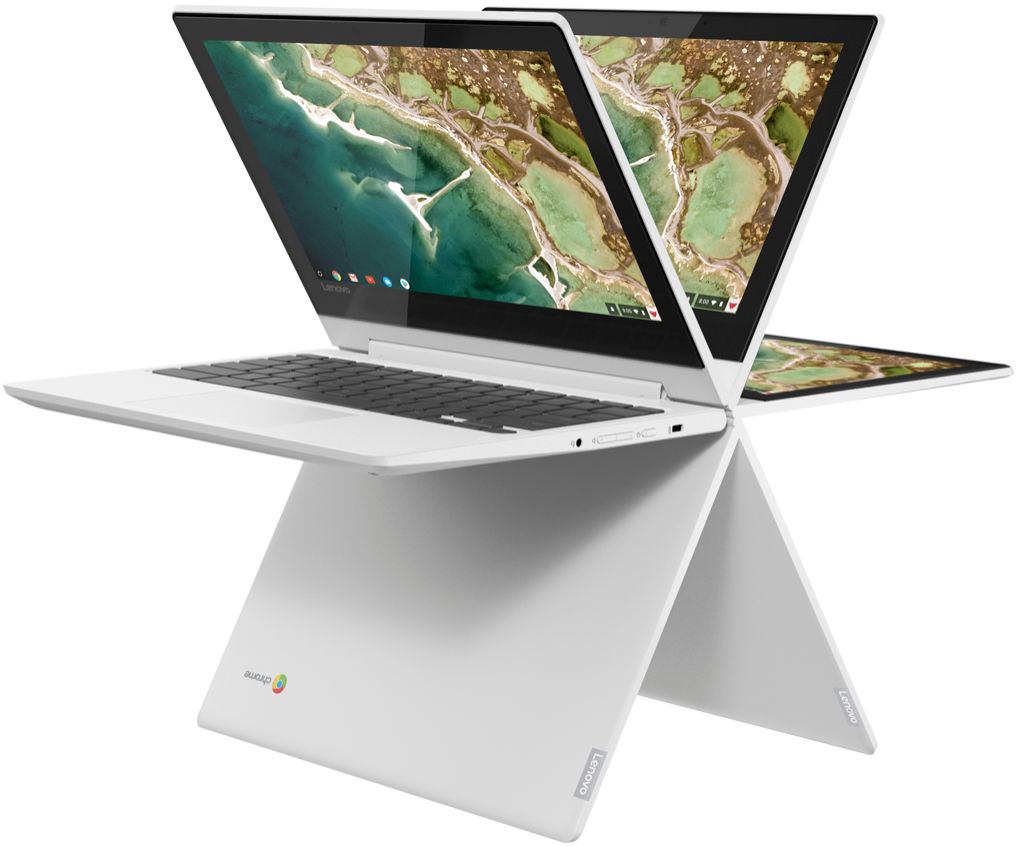
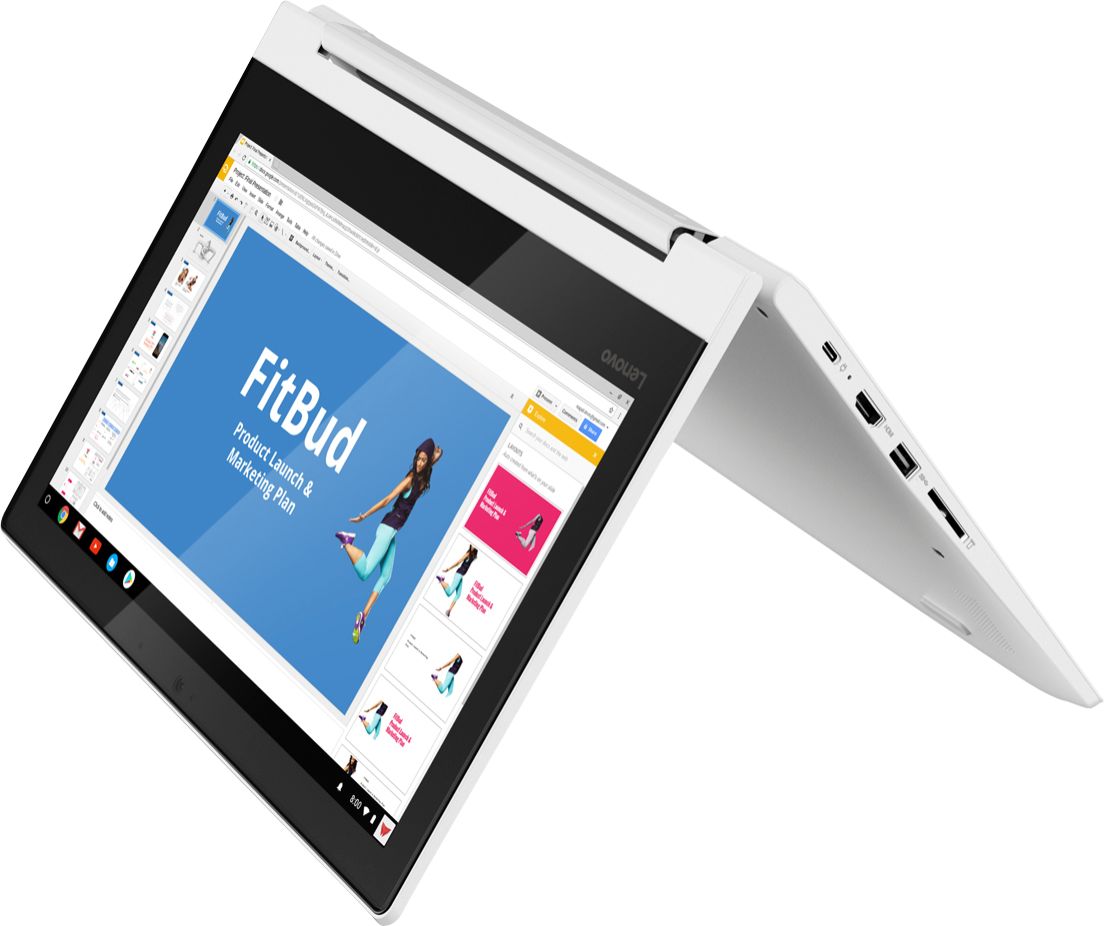
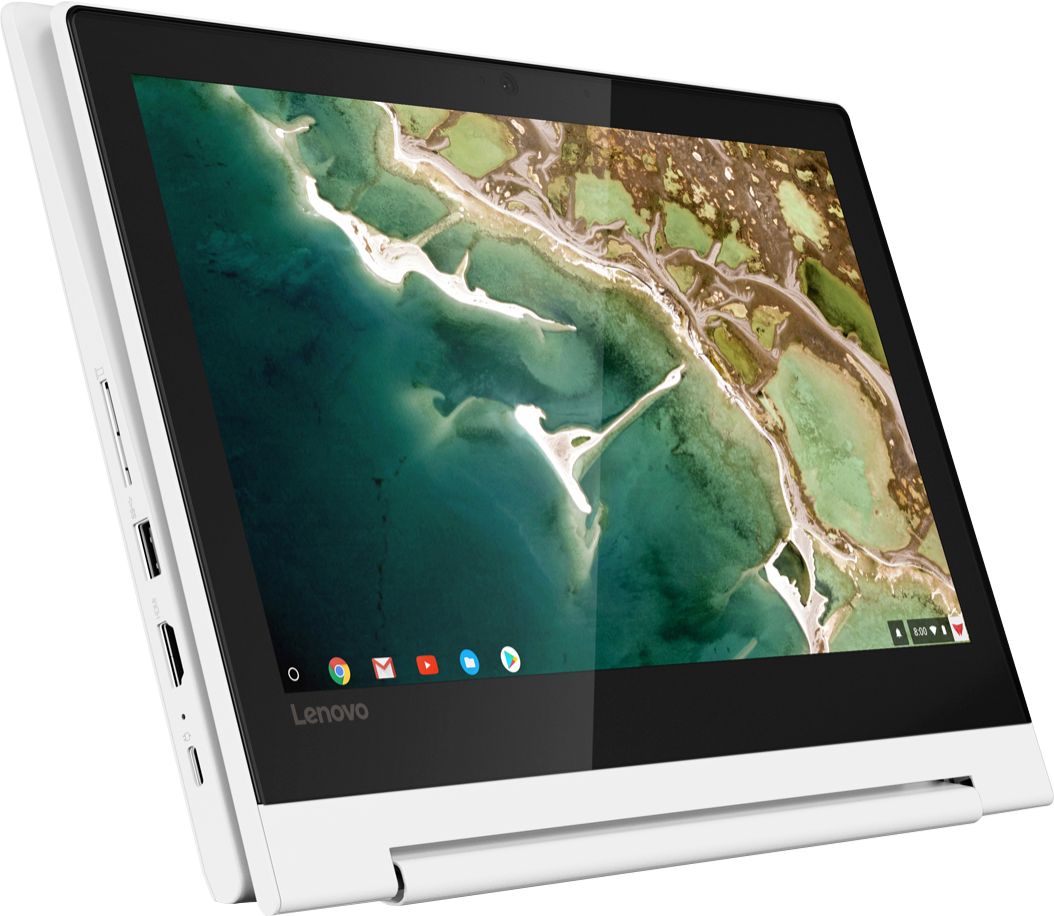
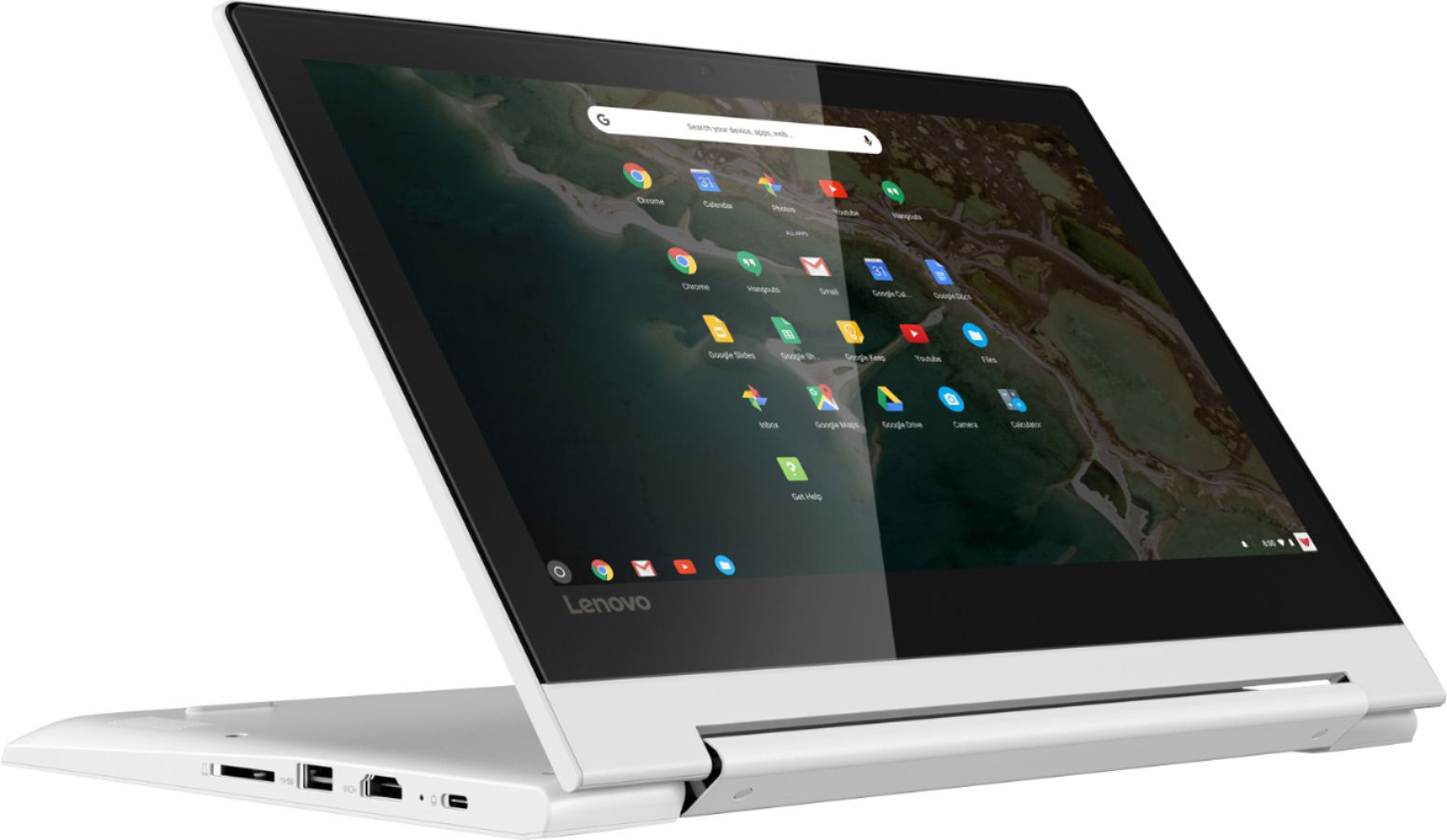
Posted .Faster, simpler, and more secure, the Lenovo Chromebook C330 brings the latest Chromebook features to you in a sleek, stylish, and durable Blizzard White convertible design. Offering the latest multimedia in high-definition, this 2-in-1 Chromebook features a 10-point touchscreen IPS display for easy viewing in tent, tablet, stand, or laptop mode - all with over 10 hours of battery life. For 2018, Lenovo retained its place for a second year as the best laptop vendor:
https://www.laptopmag.com/articles/laptop-brand-ratings
Emergency PC substitute
||Posted .This reviewer received promo considerations or sweepstakes entry for writing a review.Cheaper than a pc and decent short term substitute. However, difficult to make compatible with other items you may already have such as printer
No, I would not recommend this to a friendBrand response from Lenovo Product Expert
Posted .The Lenovo C330 Chromebook uses the Chrome Operating System. You can print wirelessly with compatible printers by installing the Google Cloud Print APP from the Google Play Store. We recommend you check with the printer manufacturer for compatibility with the Google Cloud Print APP.
For 2018, Lenovo retained its place for a second year as the best laptop vendor:
https://www.laptopmag.com/articles/laptop-brand-ratings
Lenovo is horrible!
||Posted . Owned for 2 months when reviewed.This reviewer received promo considerations or sweepstakes entry for writing a review.I wish I bought a Best Buy warranty, but didn’t. At a few months old it froze with the “chrome os missing or damaged” error. So I contacted Lenovo since it was under warranty. I sent it to them and they told me it was not covered and would cost $437.11 to fix it. It only cost me $255.00 new from Best Buy. They are a horrible company.
No, I would not recommend this to a friendBrand response from Lenovo Product Expert
Posted .We are sorry to hear that you are having issues with your Lenovo C330 Chromebook. Here is a link to some troubleshooting tips for recovering your Chromebook: https://support.google.com/chromebook/answer/1080595?hl=en
Worked well when it was working
||Posted .This reviewer received promo considerations or sweepstakes entry for writing a review.It worked well when it was working. Display stop working after a week.
No, I would not recommend this to a friendBrand response from Lenovo Product Expert
Posted .We are sorry to hear that you are having issues with your Lenovo C330 Chromebook. Try a hard reboot of your C330 Chromebook: Follow these steps to perform a hard reboot:
1.Turn off the computer.
2.Disconnect all peripheral devices and remove all USB devices and media cards.
3.Disconnect the AC power adapter.
4.Press and hold the power button for at least 7 seconds.
5.Reconnect the AC power adapter.
6.Turn on the computer.
Here is a link to Google support for additional help with the Chrome Operating System: https://support.google.com/chromebook/answer/4514391?hl=en
Don't recommend
||Posted .This reviewer received promo considerations or sweepstakes entry for writing a review.Google chrome laptop not that great. Screen goes blank if you get a message and you have to turn it off and then back on.
No, I would not recommend this to a friendBrand response from Lenovo Product Expert
Posted .We are sorry to hear that you are having issues with your Lenovo C330 Chromebook. Here is a link to some troubleshooting tips for Chromebooks. If the issue continues, you can contact Lenovo Tech Support at: 877-453-6686. Here is the link to the troubleshooting tips: https://support.google.com/chromebook/answer/6309225?hl=en
Broke down
||Posted . Owned for more than 2 years when reviewed.This reviewer received promo considerations or sweepstakes entry for writing a review.Cheap cost, but broke down completely in less than 2 years. 1 year warranty. Get what you pay for I guess!
No, I would not recommend this to a friendGlitchy problems.
||Posted . Owned for 1 year when reviewed.This reviewer received promo considerations or sweepstakes entry for writing a review.I mean the price is cool, but It does get glitchy here and there so that’s why I only gave it 2 stars.
No, I would not recommend this to a friendGet what ya pay for
||Posted .This reviewer received promo considerations or sweepstakes entry for writing a review.You def get what you pay for with this. Cheap quality, but I guess its decent for minor school and browsing things
No, I would not recommend this to a friendBrand response from Lenovo Product Expert
Posted .The Lenovo Chromebook C330 brings the latest Chromebook features to you in a sleek, stylish, and durable Blizzard White convertible design. Offering the latest multimedia in high-definition, this 2-in-1 Chromebook features a 10-point touchscreen IPS display for easy viewing in tent, tablet, stand, or laptop mode - all with over 10 hours of battery life, all at an economical price.
Review
||Posted . Owned for 1 year when reviewed.This reviewer received promo considerations or sweepstakes entry for writing a review.I liked the product but it is not for anyone in school because you can't do anything on it
No, I would not recommend this to a friend