Customer Ratings & Reviews





- Model:
- 81HY0001US
- SKU:
- 6296001
Rating by feature
- Battery Life
Rating 4.4 out of 5 stars
- Speed
Rating 4.3 out of 5 stars
- Display
Rating 4.4 out of 5 stars
Customers are saying
Customers enjoy the ease of use, touch screen, and lightweight design of this 2-in-1 Chromebook. Many appreciate its compact size, excellent battery life, and the value for its price. While some wish for more memory and storage, the positive feedback on performance and usability is significant. Overall, it's considered a great option for everyday tasks.
This summary was generated by AI based on customer reviews.
Keyboard stoppex
||Posted . Owned for 1 week when reviewed.This reviewer received promo considerations or sweepstakes entry for writing a review.Bought for my daughter to do her online school work due to the covid19 and a week later the keyboard just stopped working even tried different fixes nothing worked.
No, I would not recommend this to a friendBrand response from Lenovo Product Expert
Posted .We are sorry to hear that the keyboard of your Lenovo C330 Chromebook has stopped working. Here is a link to some troubleshooting tips for fixing issues with a Chromebook, including a keyboard that does not work: https://support.google.com/chromebook/answer/6309225?. If the issue continues, we recommend you call Lenovo Tech Support for help with your specific issue at: 877-453-6686.

Horrible
||Posted . Owned for 1.5 years when reviewed.This reviewer received promo considerations or sweepstakes entry for writing a review.I only am reviewing because I went to look up this product again. Horrible computer bought it for school and I’ve had so many issues.
No, I would not recommend this to a friendDisappointed
||Posted . Owned for less than 1 week when reviewed.This reviewer received promo considerations or sweepstakes entry for writing a review.Black screen! Christmas morning gift! Bummer! Nothing comparable in store so I had to pay $20 more for another one so that my daughter would have her Christmas gift!
No, I would not recommend this to a friendBrand response from Lenovo Product Expert
Posted .We are sorry to hear that you had issues with your Lenovo C330 Chromebook. Always be sure to plug the computer in during initial start up. Though all the computers receive a charge at the factory, this charge sometimes drains to zero during transit. Here are some trouble shooting tips if the Chromebook is plugged in and still won't start: https://www.howtogeek.com/190645/how-to-factory-reset-a-chromebook-even-if-it-wont-boot/
Was not working as expected
||Posted . Owned for 2 weeks when reviewed.This reviewer received promo considerations or sweepstakes entry for writing a review.1. This is a 64 bit system with 32 bit OS - no no no Lenovo! 2. Poor execution and poor over all experience. Shame !
No, I would not recommend this to a friendBrand response from Lenovo Product Expert
Posted .The Lenovo C330 Chromebook, model number 81HY0001US, ships with the ARM-based MediaTek M8173C CPU it does not support 64 bit versions of ChromeOS. The 32 bit version is used for best performance. You cannot update to a 64 bit ChromeOS.
Wifi not work after 3 months
||Posted . Owned for 7 months when reviewed.This reviewer received promo considerations or sweepstakes entry for writing a review.I have to sent back the unit for repair because the Wifi was not working. Very disappointed. I also needed to pay the shipment my own to ship it back .
No, I would not recommend this to a friendBrand response from Lenovo Product Expert
Posted .We are sorry to hear that you are having issues with your WiFi connection on your Lenovo C330 Chromebook. Here is a link to some troubleshooting tips for fixing WiFi issues with a Chromebook: https://support.google.com/chromebook/answer/6318213?hl=en
Freezes
||Posted . Owned for 3 weeks when reviewed.This reviewer received promo considerations or sweepstakes entry for writing a review.First time using the computer it froze. I understand its used but I would have been better off buying a used computer from craigslist than here.
No, I would not recommend this to a friendBrand response from Lenovo Product Expert
Posted .We are sorry to hear that you are having issues with your Lenovo C330 Chromebook. It is possible that restoring your Chromebook back to original settings may correct the issues. Here is a link to instructions for resetting your Chromebook: https://support.google.com/chromebook/answer/183084?hl=en
Keyboard doesn’t function after 3 months
||Posted . Owned for 3 months when reviewed.This reviewer received promo considerations or sweepstakes entry for writing a review.You get what you pay for. The keyboard keys stopped responding after just three months.
No, I would not recommend this to a friendBrand response from Lenovo Product Expert
Posted .We are sorry to hear that you are having issues with the Keyboard on your Lenovo C330 Chromebook. Here is a link to a fix for keyboard issues on your Chromebook: https://support.lenovo.com/us/en/solutions/ht507934. If the issue continues, we recommend you call Lenovo Tech Support at: 877-453-6686.
Don’t bother.
||Posted . Owned for 1 year when reviewed.This reviewer received promo considerations or sweepstakes entry for writing a review.Just one year later after purchase and it won’t even turn on. Such a waste of money! Don’t purchase this item.
No, I would not recommend this to a friendSlow
||Posted . Owned for 2 weeks when reviewed.This reviewer received promo considerations or sweepstakes entry for writing a review.I returned this the same day I bought it. Very slow even when all I did was try to open google or internet explorer.
No, I would not recommend this to a friendBrand response from Lenovo Product Expert
Posted .We are sorry to hear that you had issues with your Lenovo C330 Chromebook. A reset of the device will sometimes correct issues that are slowing down performance. Here is a link to instructions for resetting a Chromebook: https://support.google.com/chromebook/answer/183084?hl=en
I don’t know what to say
||Posted . Owned for 5 months when reviewed.This reviewer received promo considerations or sweepstakes entry for writing a review.I only used this for a month but now I can’t use cause suddenly the wifi connection disconnects automatically
No, I would not recommend this to a friendBrand response from Lenovo Product Expert
Posted .We are sorry to hear that you are having WiFi connectivity issues with your Lenovo C330 Chromebook. Here is a link to troubleshooting tips for fixing WiFi issues with your Chromebook: https://support.google.com/chromebook/answer/6318213?hl=en
Not Happy
||Posted . Owned for 1 year when reviewed.This reviewer received promo considerations or sweepstakes entry for writing a review.Not a good chrome book. Not able to print, turns off constantly and has to reset all the time.
No, I would not recommend this to a friendInsufficient for any use.
||Posted . Owned for 1.5 years when reviewed.This reviewer received promo considerations or sweepstakes entry for writing a review.Worked great for a month. Froze frequently. Only handled the minimum before total crash.
No, I would not recommend this to a friend- Pros mentioned:Speed, Weight
Very Pleased!
Posted .This reviewer received promo considerations or sweepstakes entry for writing a review.I needed something just for the basics and at a reasonable price. I did lots of research and read all the reviews before purchasing this Chrome. The Lenovo is super fast, has a long battery life and also is quick to recharge. The screen is large and vivd. Touch-Screen is a must for me and works well, although it can be sensitive to adds on websites. I also don't have to worry about viruses which is a big plus. Very lightweight and looks nice.
I would recommend this to a friendBrand response from Lenovo Product Expert
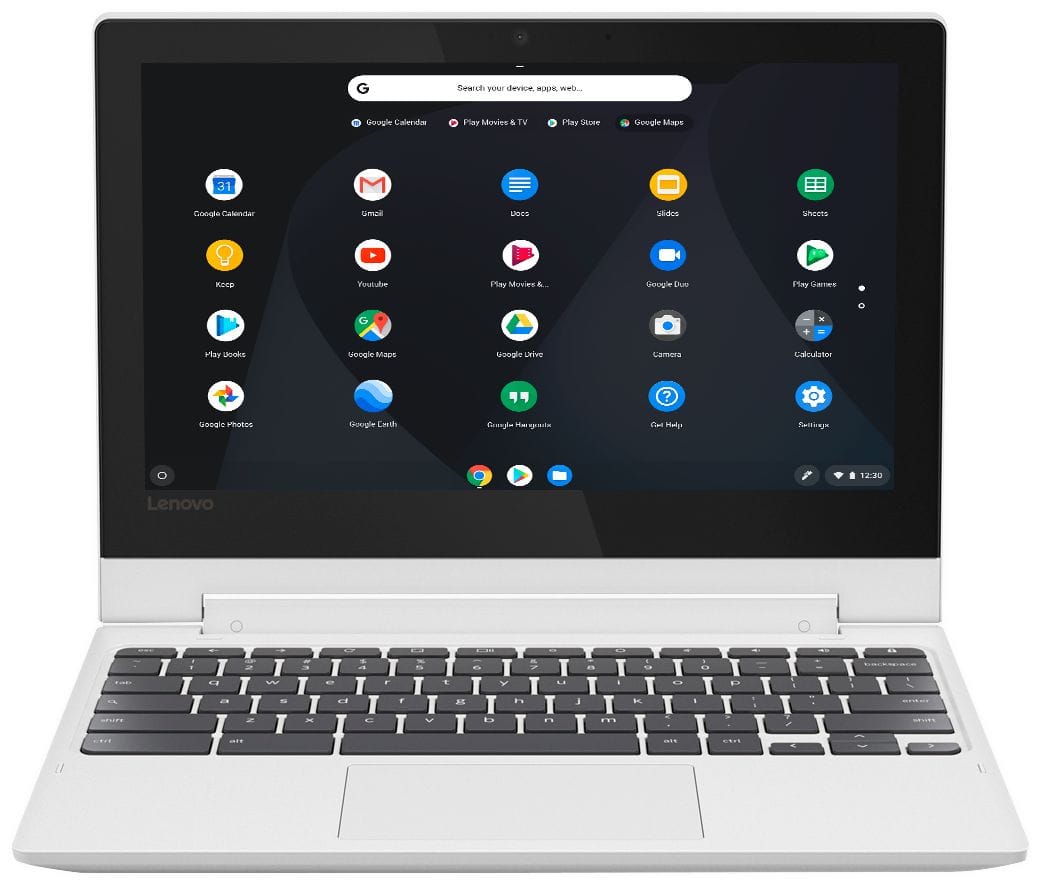
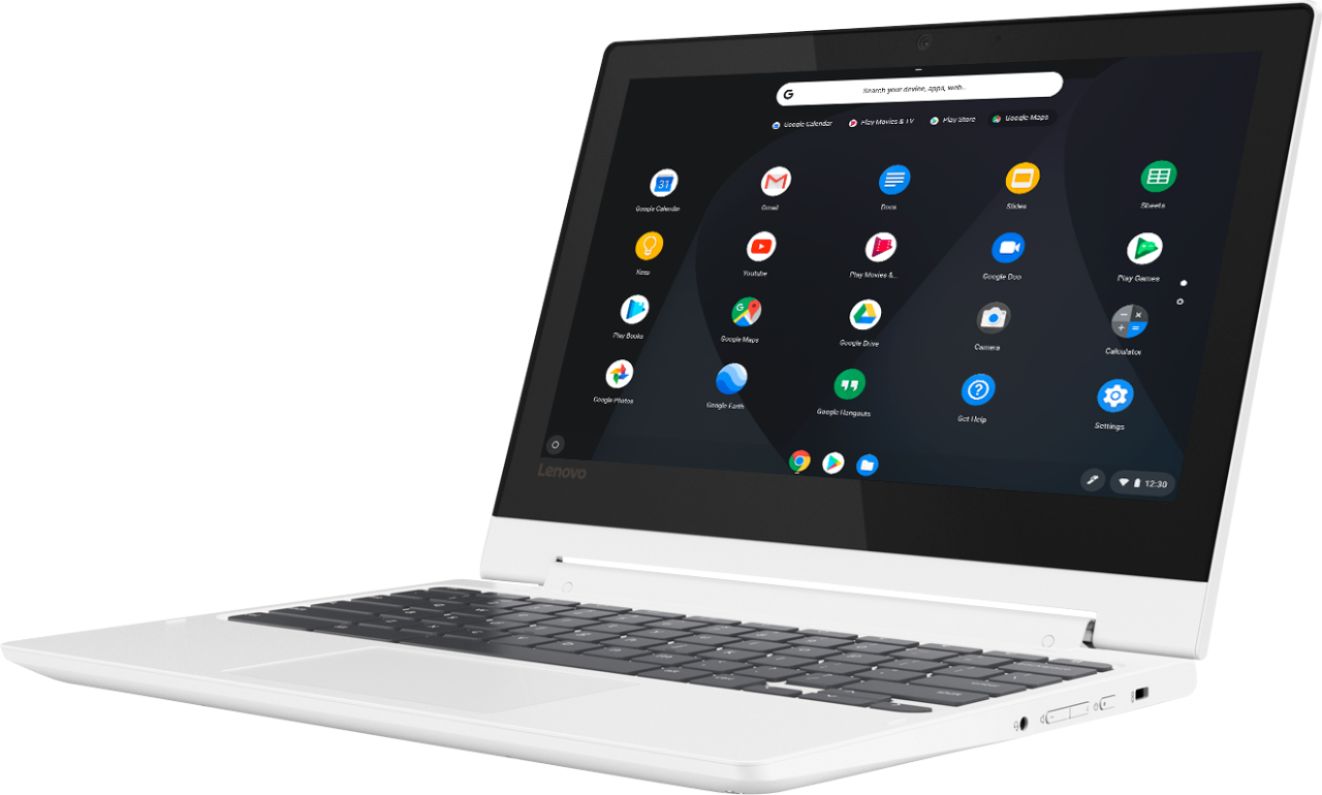
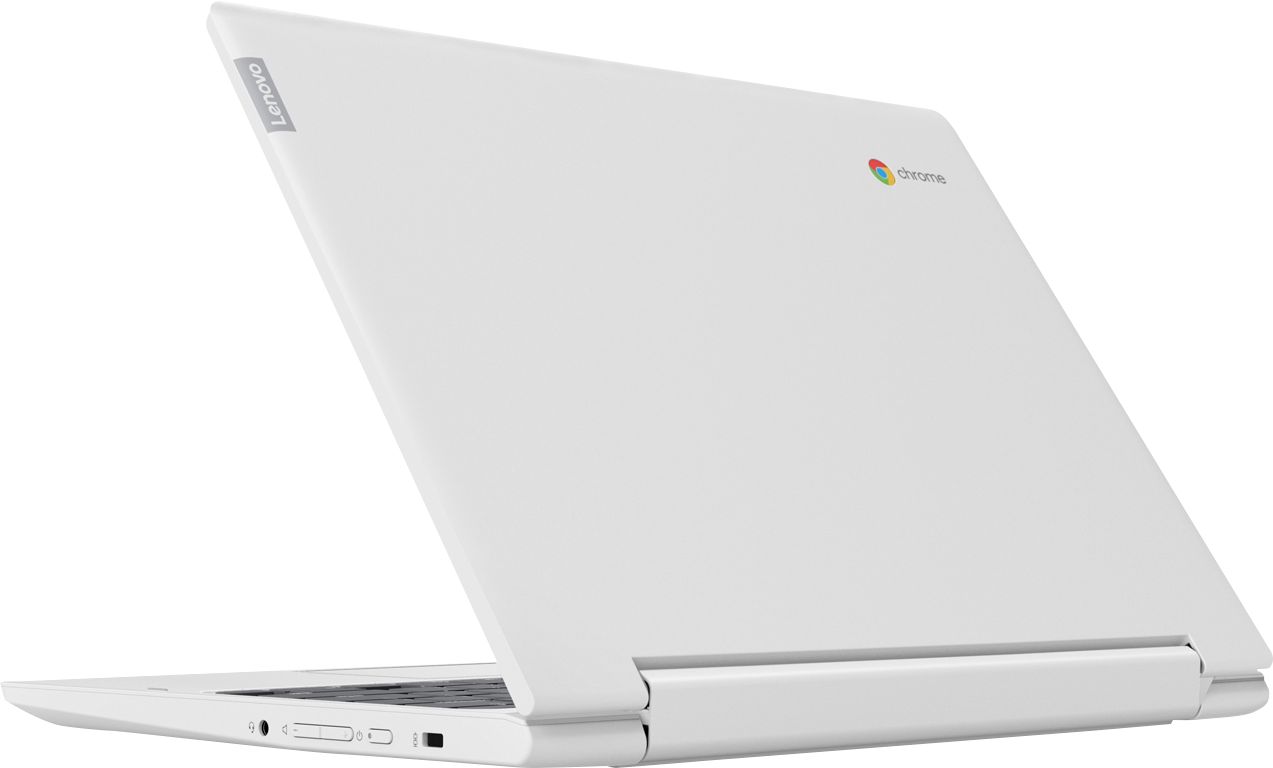
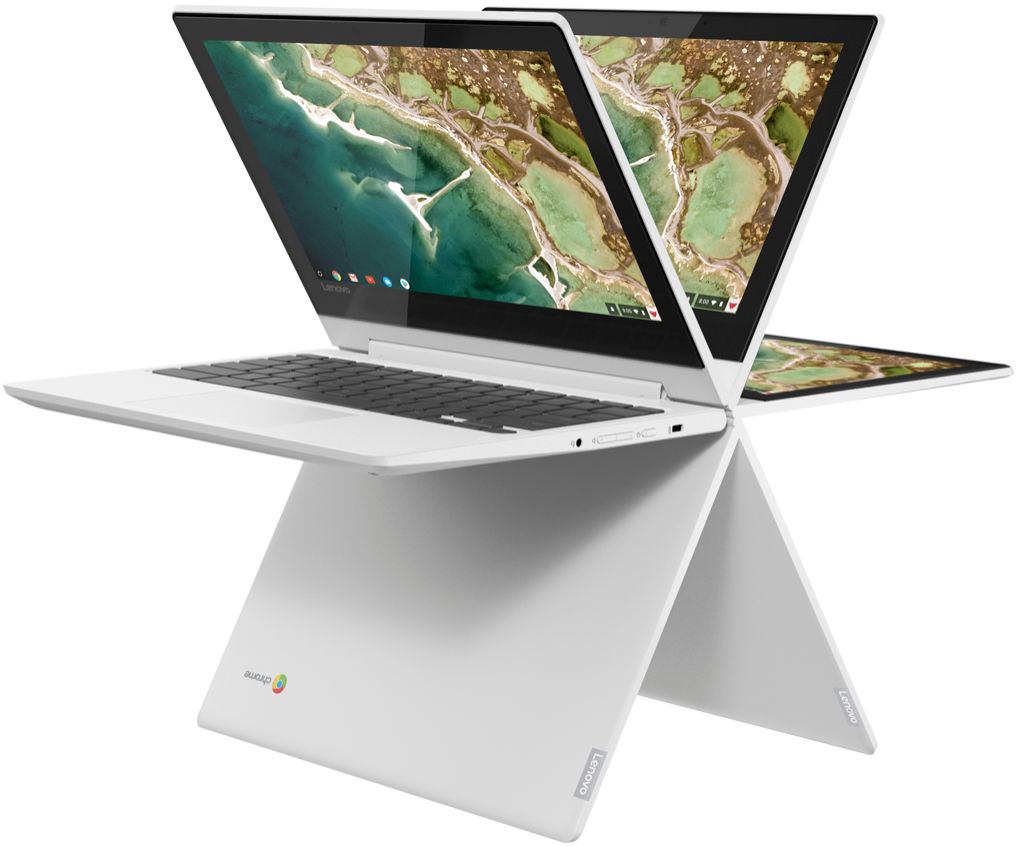
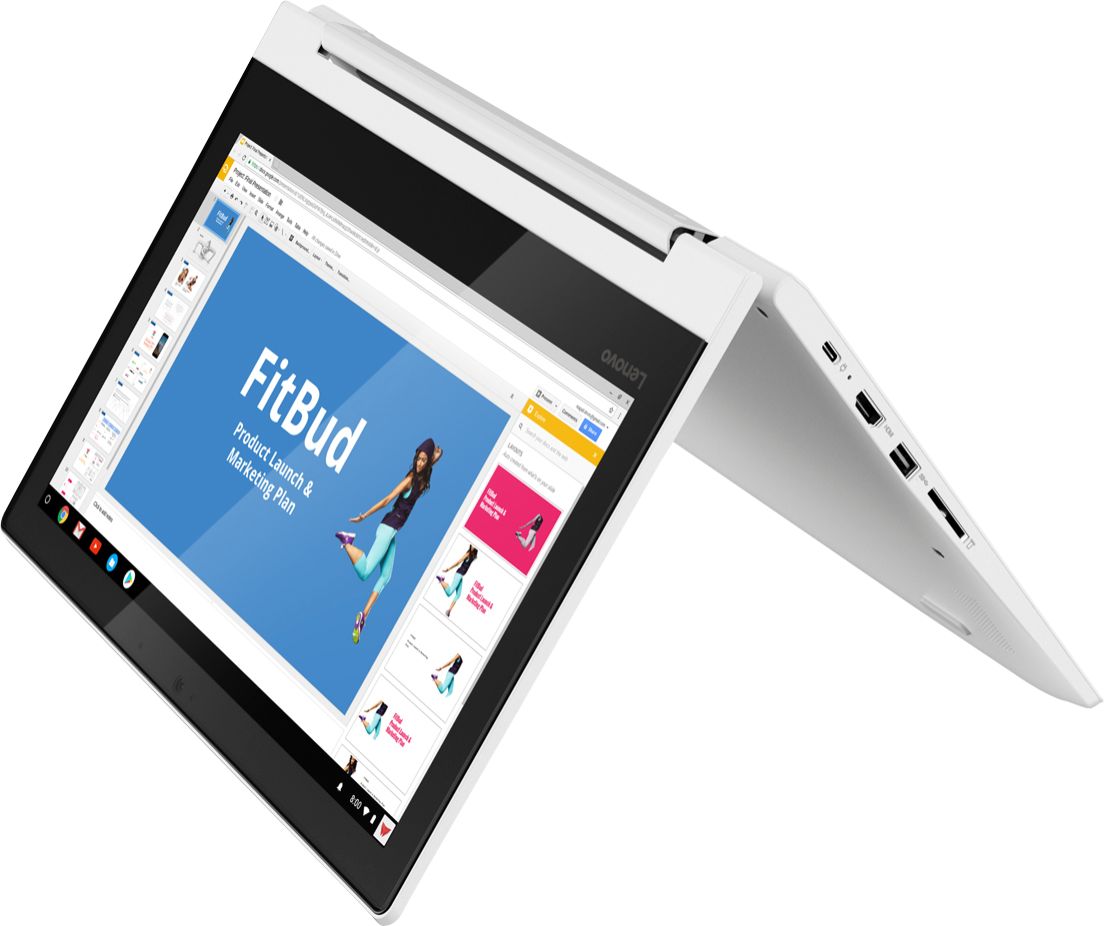
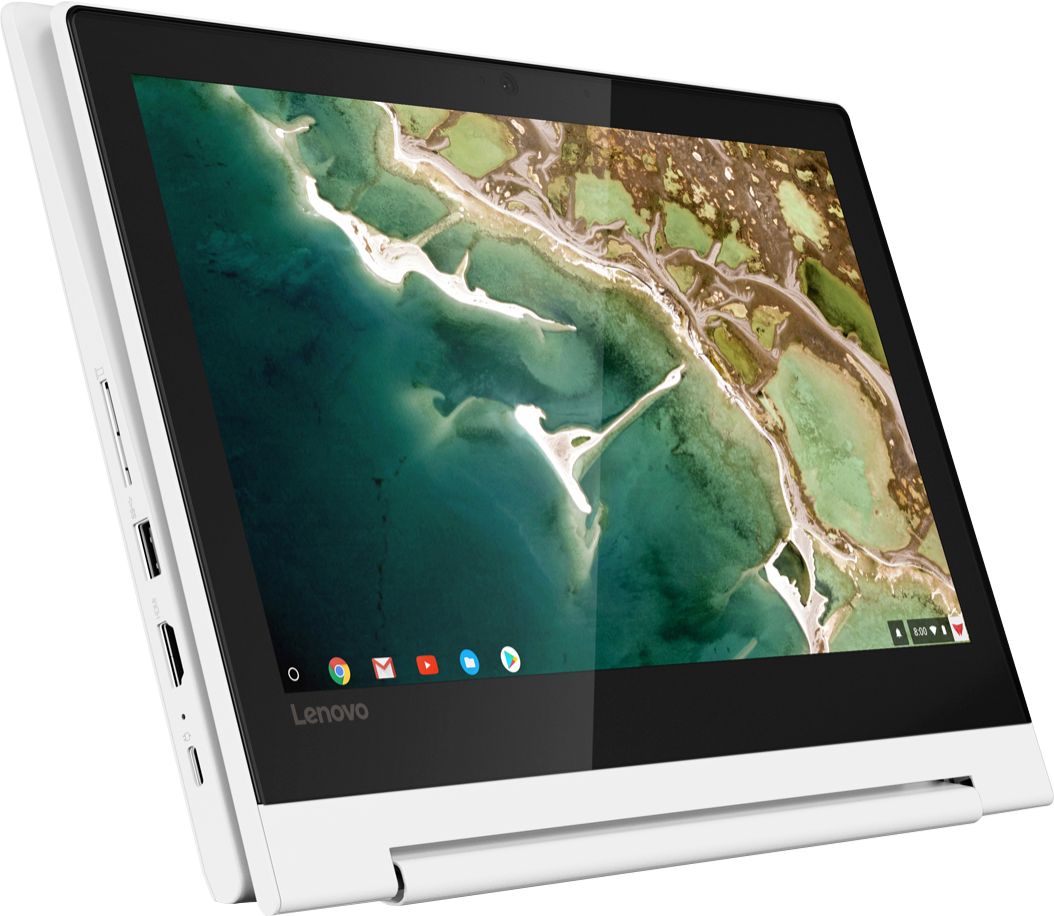
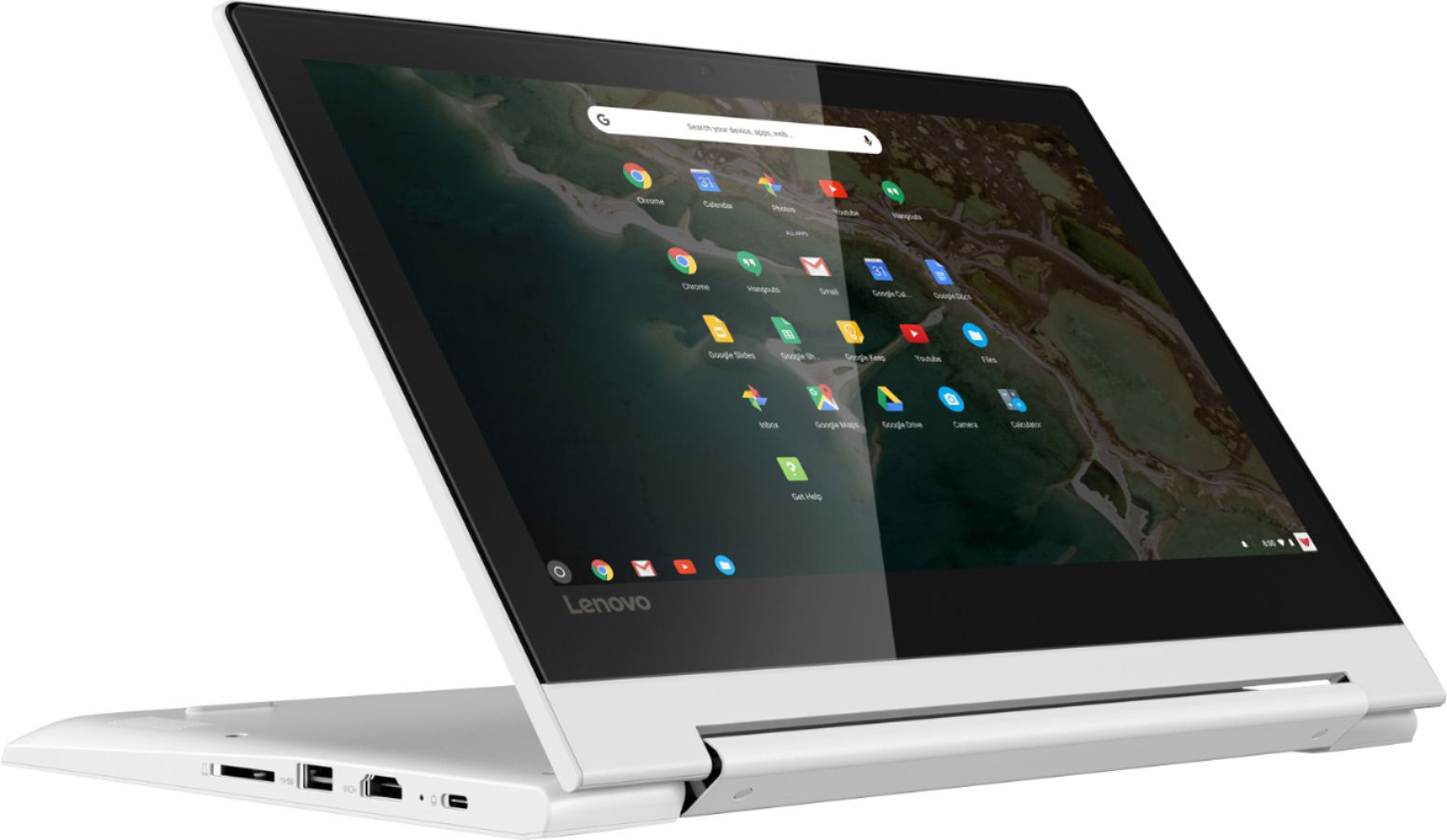
Posted .Thank you for choosing the Lenovo C330 Chromebook. Faster, simpler, and more secure, the Lenovo Chromebook C330 brings the latest Chromebook features to you in a sleek, stylish, and durable Blizzard White convertible design. Offering the latest multimedia in high-definition, this 2-in-1 Chromebook features a 10-point touchscreen IPS display for easy viewing in tent, tablet, stand, or laptop mode - all with over 10 hours of battery life. No setup needed—just log in with your Google account to experience a new type of 2-in-1 laptop for everything you love to do. The Lenovo Chromebook C330 is easy to use, offers built-in virus protection, and keeps going with long battery life. Stay synced with your Android phones and tablets, and everywhere you’re signed in with your Google account, so your stuff stays with you even when your laptop doesn’t.
It’s a nice lap top.
||Posted . Owned for 1 month when reviewed.This reviewer received promo considerations or sweepstakes entry for writing a review.Although is a very nice device, the software however isn’t all that good. I had to bring in to the store.
No, I would not recommend this to a friendBrand response from Lenovo Product Expert
Posted .This is a Chromebook. It uses the Chrome Operating System. The C330 Chromebook is compatible with the Google Play Store. Faster, simpler, and more secure, the Lenovo Chromebook C330 brings the latest Chromebook features to you in a sleek, stylish, and durable Blizzard White convertible design. Offering the latest multimedia in high-definition, this 2-in-1 Chromebook features a 10-point touchscreen IPS display for easy viewing in tent, tablet, stand, or laptop mode - all with over 10 hours of battery life.
don't do it
||Posted . Owned for 6 months when reviewed.This reviewer received promo considerations or sweepstakes entry for writing a review.In less than 3 months half the keyboard keys stopped working
No, I would not recommend this to a friendBrand response from Lenovo Product Expert
Posted .We are sorry to hear that you are having issues with your lenovo C330 Chromebook. Resetting the Chromebook back to original factory settings may correct the issue. Here is a link to instructions for resetting a Chromebook back to original settings: https://support.google.com/chromebook/answer/183084?hl=en
No Disney+ allowed
||Posted . Owned for 1 month when reviewed.This reviewer received promo considerations or sweepstakes entry for writing a review.I returned the Chromebook because the Disney+ site would not allow streaming on a Chromebook.
No, I would not recommend this to a friendBrand response from Lenovo Product Expert
Posted .The Lenovo C330 Chromebook is compatible with Google Play Store APPs.
Did not meetexpectations
||Posted .This reviewer received promo considerations or sweepstakes entry for writing a review.I explained how I wanted to use system. When I got home I found it can't do what I wanted.
No, I would not recommend this to a friendBrand response from Lenovo Product Expert
Posted .The Lenovo C330 Chromebook uses the Chrome Operating system for Cloud-based computing. If you are looking for a good value in a Chromebook, the Lenovo C330 Chromebook is a great choice.
Horrible
||Posted .This reviewer received promo considerations or sweepstakes entry for writing a review.Well this was super slow and tragic. Don’t recommend
No, I would not recommend this to a friendBrand response from Lenovo Product Expert
Posted .Faster, simpler, and more secure, the Lenovo Chromebook C330 brings the latest Chromebook features to you in a sleek, stylish, and durable Blizzard White convertible design. Offering the latest multimedia in high-definition, this 2-in-1 Chromebook features a 10-point touchscreen IPS display for easy viewing in tent, tablet, stand, or laptop mode - all with over 10 hours of battery life. For 2018, Lenovo retained its place for a second year as the best laptop vendor:
https://www.laptopmag.com/articles/laptop-brand-ratings
- Pros mentioned:Speed, Touch screen
Solid 2-in-1 Chromebook
Posted .This reviewer received promo considerations or sweepstakes entry for writing a review.I bought this laptop last month and so far I've had a solid experience with it. Despite running on an ARM64 processor, the MTK MT8173 coupled with 4GB of RAM delivers a smooth user experience under normal load, which is perfect for day-to-day use. By normal load, I mean that I'm not tab hoarding or multitasking between a multitude of applications. Moving forward, the touch screen is very responsive and accurate, surprisingly. No ghost touches to be witnessed or aggressive tapping required. As for storage space, 32GB is completely fine for a Chromebook, especially if you're going to use this device for streaming or editing documents on the go. Then there is build quality, this laptop is entirely plastic and the hinges do creak a bit, which is the only con I can think of. The Lenovo C330 is probably the best performing Chromebook you can buy (right now) that sits between the $200-$300 price range. Every other Chromebook in the same price bracket runs on slow, dual-core Braswell CPUs.
I would recommend this to a friendBrand response from Lenovo Product Expert
Posted .Thank you for choosing the lenovo C330 Chromebook. We are pleased to hear that the performance of the C330 Chromebook meets your computing needs so well.
Upset
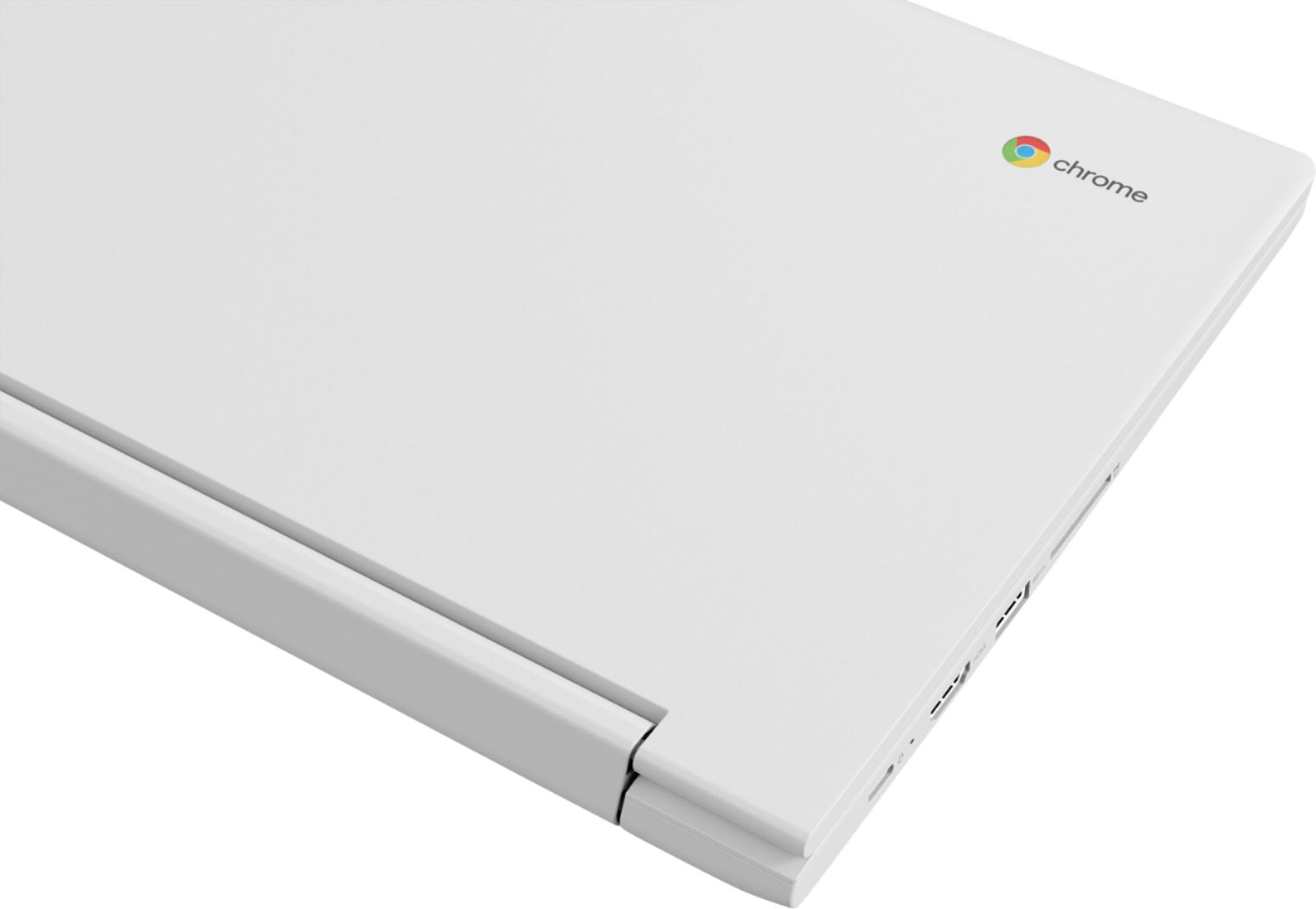
||Posted . Owned for 1 year when reviewed.This reviewer received promo considerations or sweepstakes entry for writing a review.The plastic on the back of the screen cracked all the way across so thin
No, I would not recommend this to a friend