Customer Ratings & Reviews





- Model:
- 81HY0001US
- SKU:
- 6296001
Rating by feature
- Battery Life
Rating 4.4 out of 5 stars
- Speed
Rating 4.3 out of 5 stars
- Display
Rating 4.4 out of 5 stars
Customers are saying
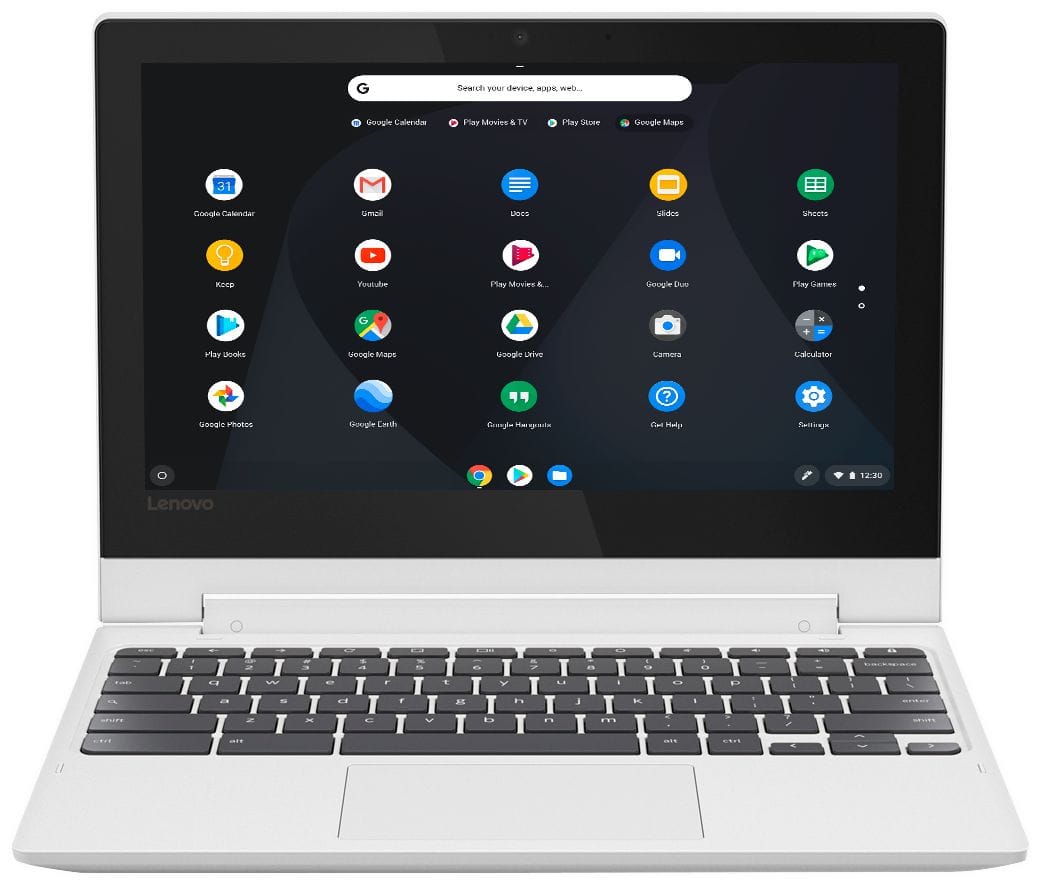
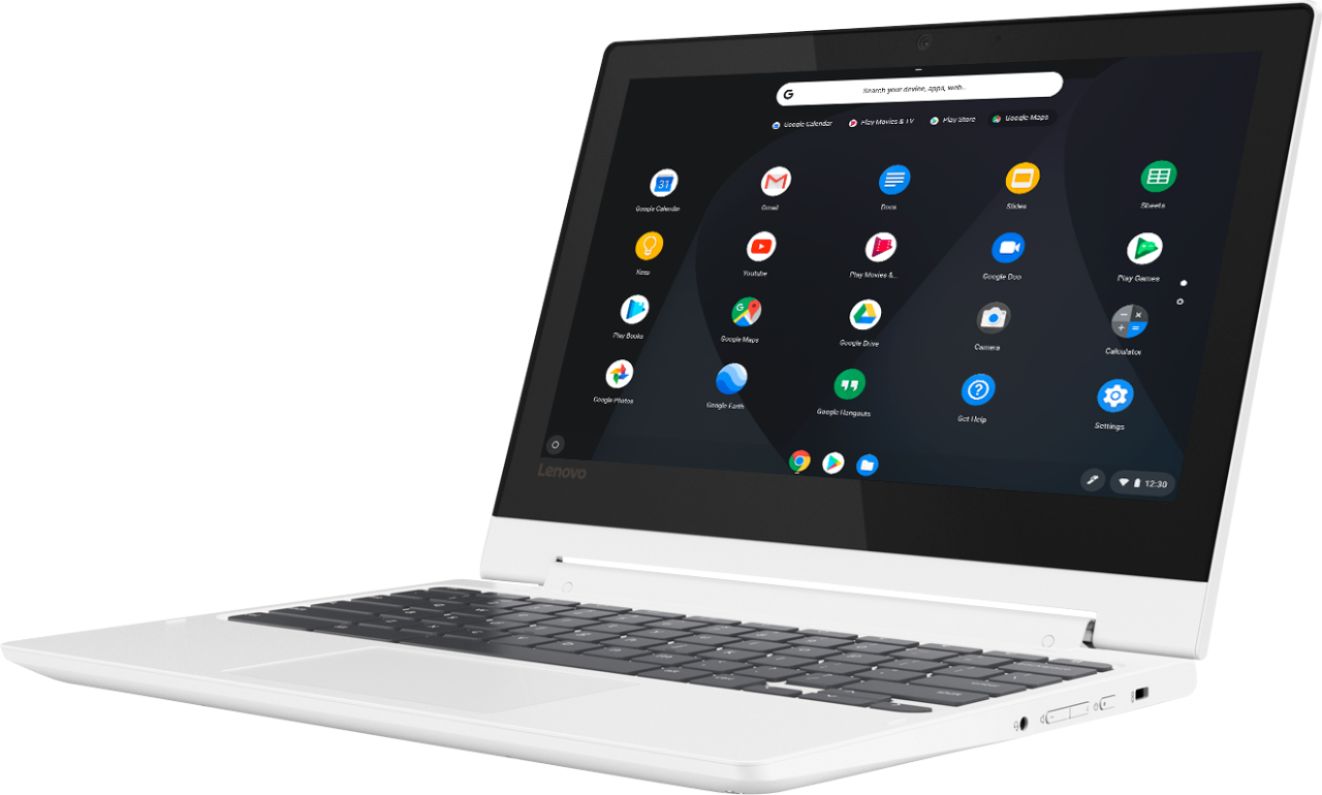
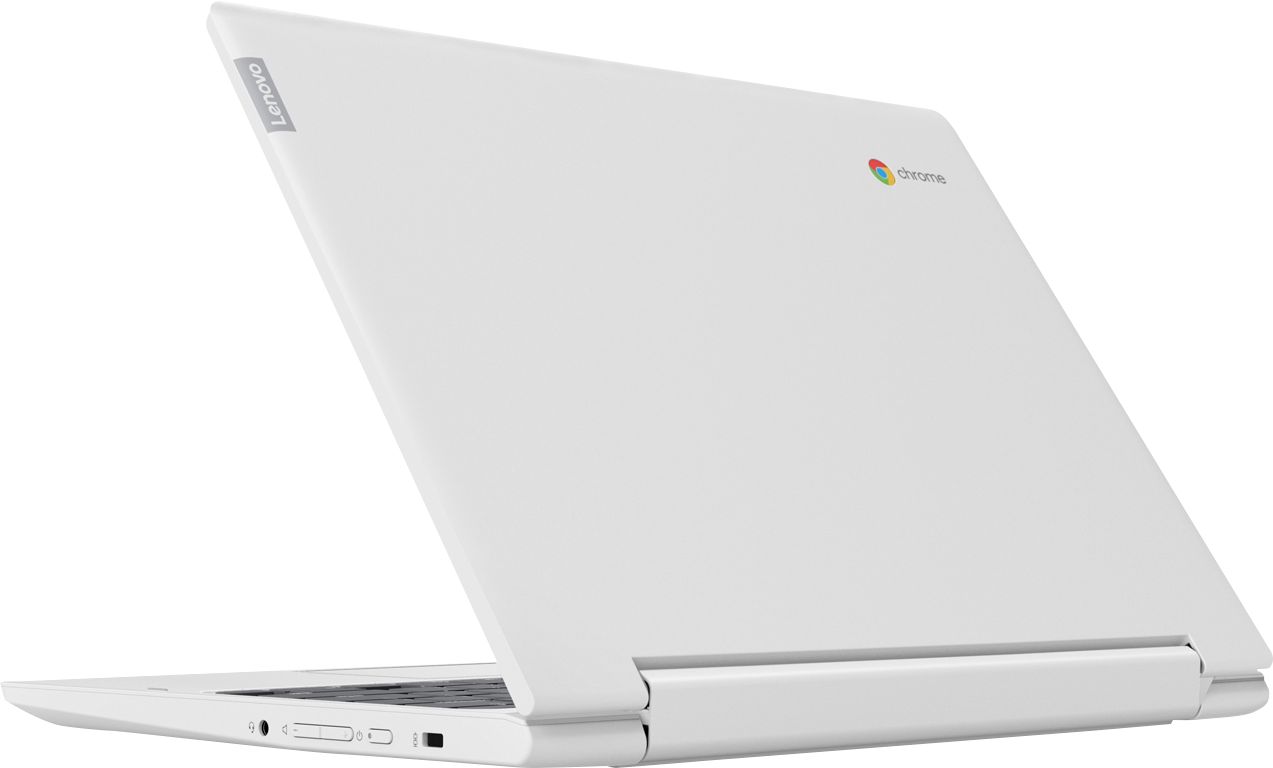
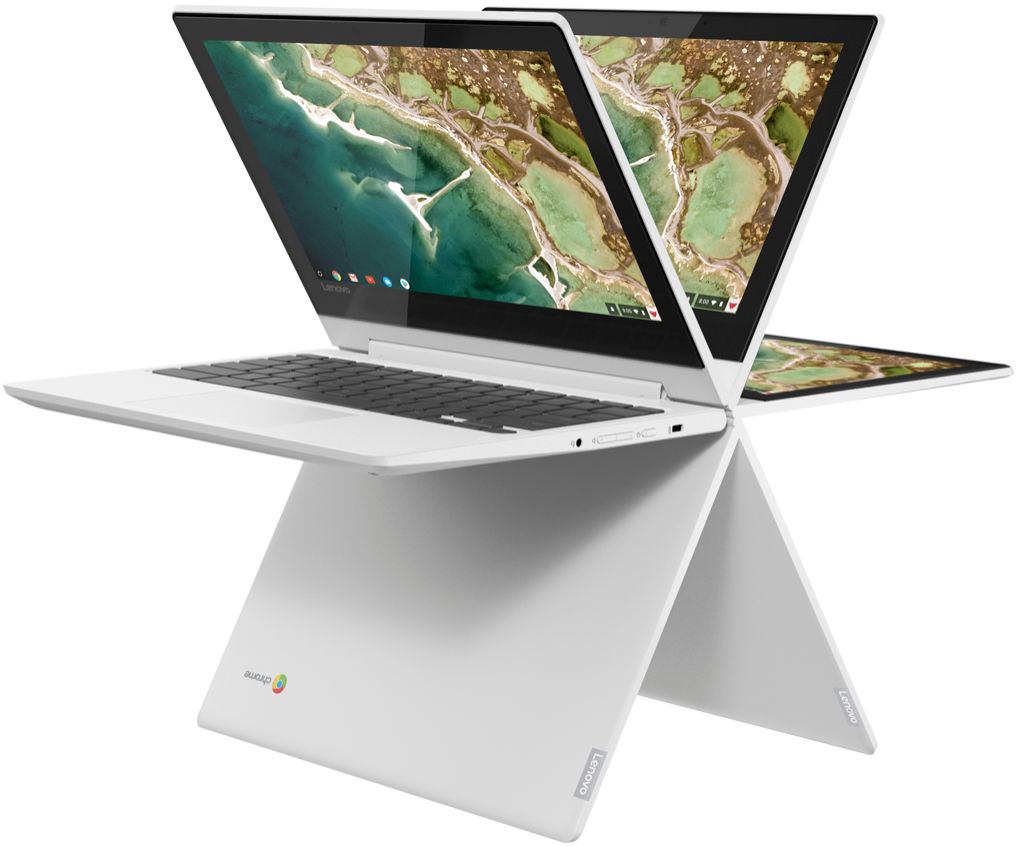
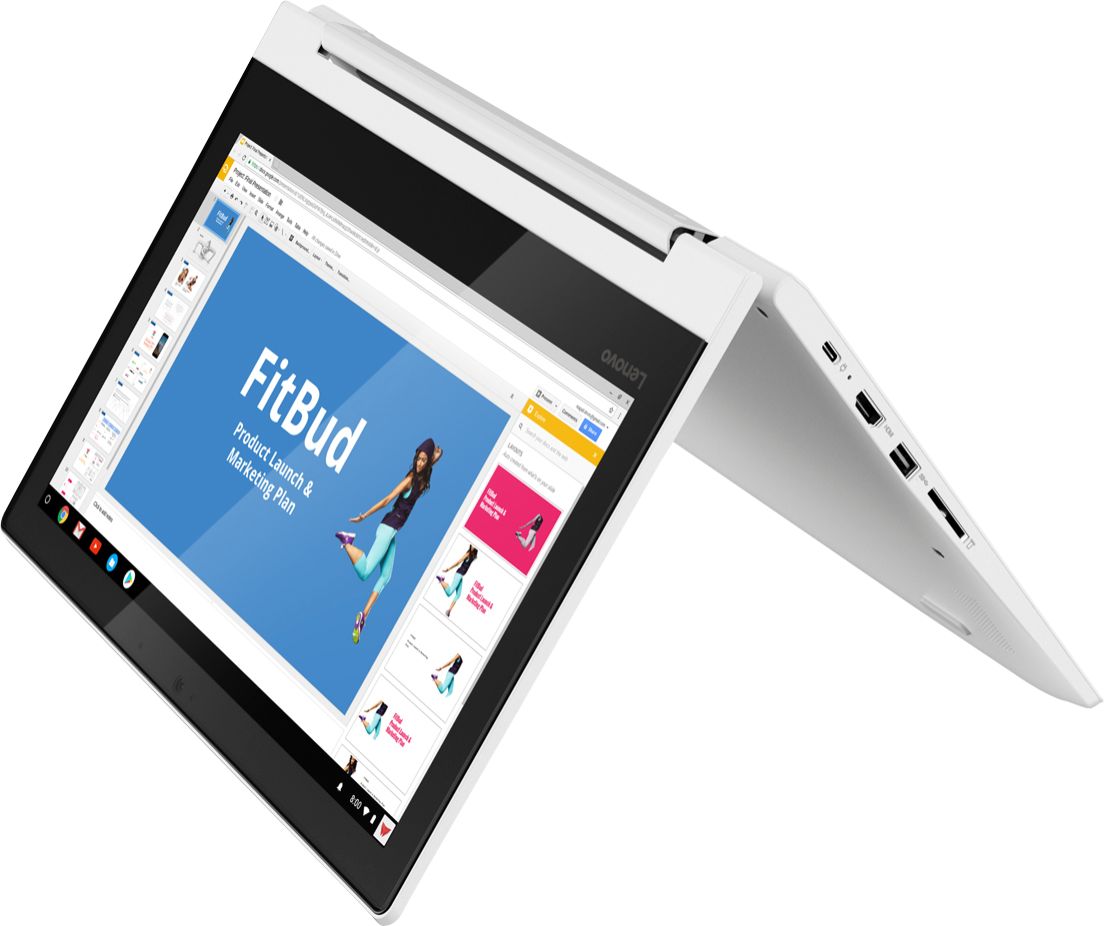
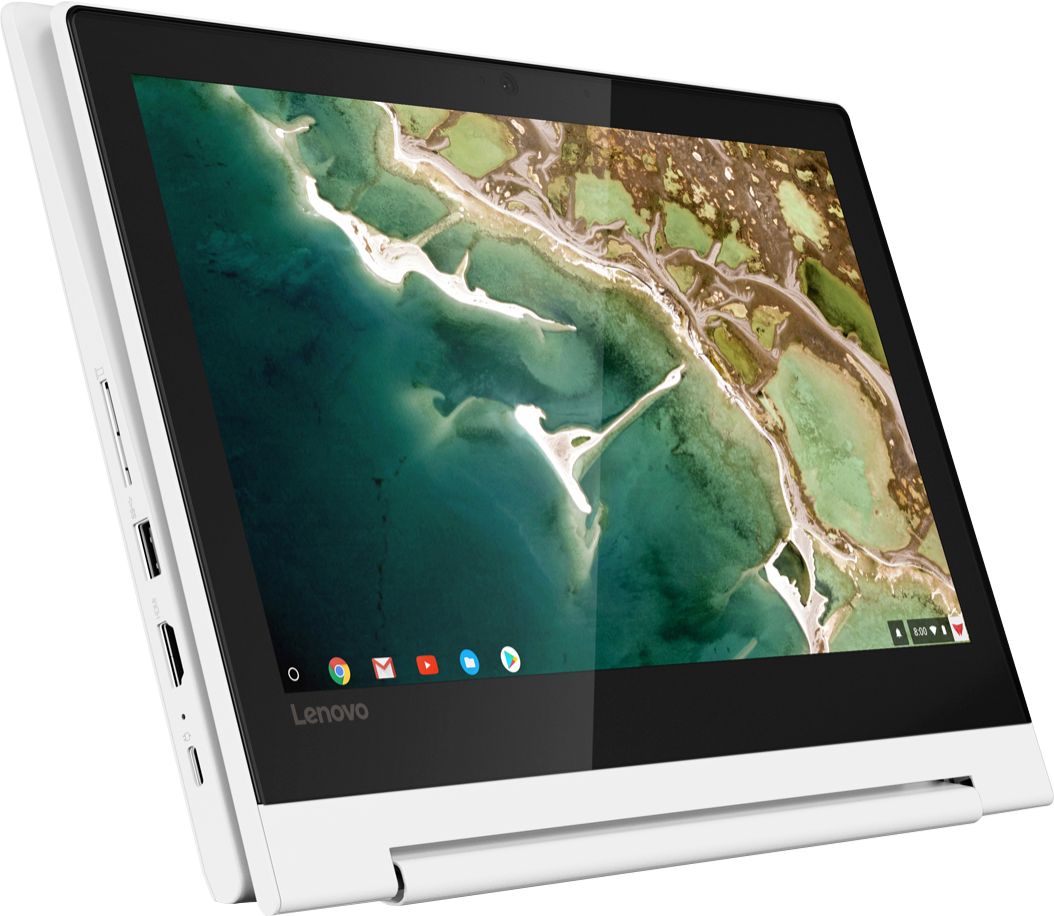
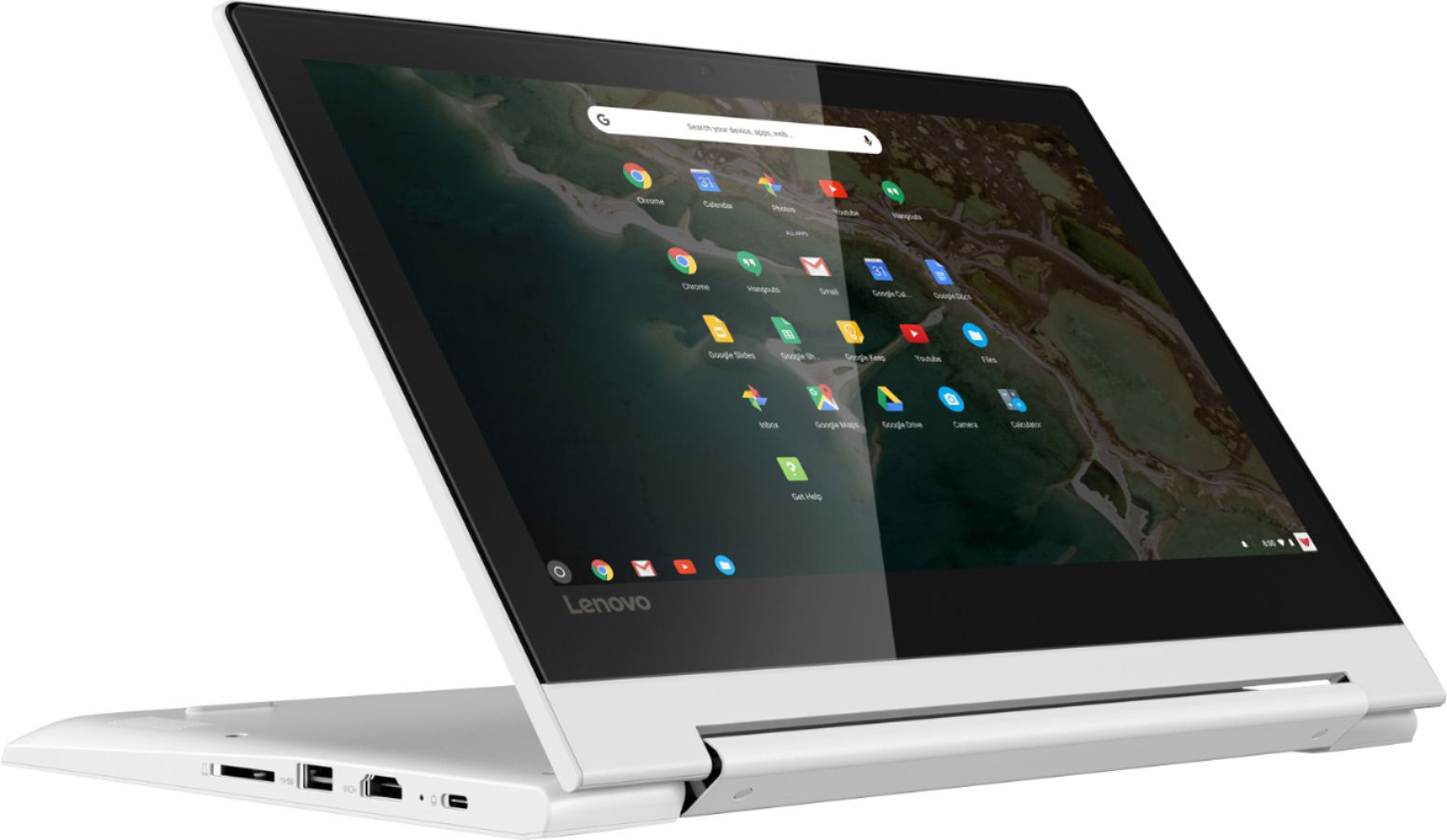
Customers enjoy the ease of use, touch screen, and lightweight design of this 2-in-1 Chromebook. Many appreciate its compact size, excellent battery life, and the value for its price. While some wish for more memory and storage, the positive feedback on performance and usability is significant. Overall, it's considered a great option for everyday tasks.
This summary was generated by AI based on customer reviews.
- Pros mentioned:Ease of use
Very nice for my teenager
Posted .This reviewer received promo considerations or sweepstakes entry for writing a review.She uses it for homework, Netflix, Hulu, all sorts of stuff.
I would recommend this to a friendBrand response from Lenovo Product Expert
Posted .Thank you for choosing the Lenovo C330 Chromebook for your child. We are pleased to hear that the C330 Chromebook meets your child's computing needs so well.

- Pros mentioned:Touch screen
Great product
Posted .This reviewer received promo considerations or sweepstakes entry for writing a review.Great for a high school student, love the 3 in one .
I would recommend this to a friendBrand response from Lenovo Product Expert
Posted .Thank you for choosing the Lenovo C330 Chromebook. We are pleased to hear that the C330 Chromebook is working out so well.
Not for me
Posted .This reviewer received promo considerations or sweepstakes entry for writing a review.If you just want a simple chromebook that is super portable, this is a decent option. It's very easy to use. However, the resolution of the display is horrible, even the desktop icons are fuzzy, nothing looks crisp and clear. This just doesn't work for me because I was expecting something that could be used as a tablet for videos/games and the resolution won't give me the experience I want. Startup is easy and fast, touch response on the screen is okay but the screen feels kind of 'sticky' so touch scrolling is difficult. Keyboard is good. I had some lag when trying to use apps. I will be returning this.
No, I would not recommend this to a friendBrand response from Lenovo Product Expert
Posted .The Lenovo C330 Chromebook ships with an IPS, 1366 x 768 HD resolution screen.

Awesome
Posted .This reviewer received promo considerations or sweepstakes entry for writing a review.Been a great little laptop, does everything I need for around the house
I would recommend this to a friendPerfect for kids
Posted .This reviewer received promo considerations or sweepstakes entry for writing a review.My daughter has had this laptop for 3 years and no issues.
I would recommend this to a friendNot thrilled with the premise of Chromebook.
Posted .This reviewer received promo considerations or sweepstakes entry for writing a review.Like the function of my Chromebook well enough. Didn't realize that when the screen went it couldn't be replaced, nor could any of my data be saved. Thankfully I had backed up most everything to the cloud. Otherwise would have felt disastrous. It was a wash.
No, I would not recommend this to a friend- Pros mentioned:Speed
good features
Posted .This reviewer received promo considerations or sweepstakes entry for writing a review.this is a good laptop as far as features and speed, However, bought it two months ago and now a quarter of the keys have stopped working. As a college Wima paper due in a few hours this is incredibly inconvenient, I was expecting a longer keyboard life
No, I would not recommend this to a friendBrand response from Lenovo Product Expert
Posted .We are sorry to hear that you are having issues with the keyboard on your Lenovo C330 Chromebook. Try resetting your Chromebook. Here is a link to instructions for doing this. If the issue persists after the reset, we recommend toy call Lenovo Tech Support at: 877-453-6686. Here's the link to the information: https://www.digitaltrends.com/computing/how-to-reset-a-chromebook/
Disappointment
Posted .This reviewer received promo considerations or sweepstakes entry for writing a review.I have had this for a few months now and continue to become even more frustrated. This machine is great for checking email and shopping, but you cannot get any work done. I hove 2 printers and have not been able to print anything even with it connected to a USB cable. I have wasted to much time trying to fix this issue and do not appear to be the only one having problems. I have had to pull out my old laptop several times to get simple work items done. The screen also freezes up or it will not come when it should. Lesson learned.
No, I would not recommend this to a friendBrand response from Lenovo Product Expert
Posted .This is a Chromebook. In order to print from a Chromebook you need to use the Google Cloud Print APP. Here is a link to instructions for printing with Google Cloud Print: https://www.cnet.com/how-to/how-to-print-from-a-chromebook/
Great chrome book for the price!
Posted .This reviewer received promo considerations or sweepstakes entry for writing a review.This product is quality for the price! I would recommend for first time by for school!
I would recommend this to a friendBrand response from Lenovo Product Expert
Posted .The Lenovo C330 Chromebook is a value-minded, 2 in 1, touchscreen format device. It is based on the Chrome Operating System and is meant for Cloud Computing.
Not really my thing
Posted .This reviewer received promo considerations or sweepstakes entry for writing a review.If you are use to apple / windows product stick to those. This does not have key functionality
No, I would not recommend this to a friendVery slow chromebook
Posted .This reviewer received promo considerations or sweepstakes entry for writing a review.I own 6 chromebooks and chromeboxes going back 7 years, and this is the slowest one of all. It is particularly painful to use with google drive. If you can tolerate operational slowness, it's not bad - it's decent on video, but the processor is just not business grade - I'm definitely going to give it to a child and go with an intel processor model for work.
No, I would not recommend this to a friendBrand response from Lenovo Product Expert
Posted .The Lenovo C330 Chromebook ships with a Quad-Core MediaTek MT8173c processor, supported by 4GB of LPDDR3-1866MHz RAM. This processor has a speed of 2.1GHz. The C330 Chromebook uses the latest 5G 802.11AC frequency WiFi. Be sure your router has the latest firmware updates available from the router manufacturer's web site. Also be sure any programs you use with the C330 Chromebook are compatible with ARM processor architecture and the Chrome Operating System.
Must have gotten a LEMON
Posted .This reviewer received promo considerations or sweepstakes entry for writing a review.In the first 6 weeks I lost the touchscreen feature, some videos wouldn't play, the space bar became ''sticky'' and the screen had glitches/''blotches''/digital breakdown. Best Buy swapped out a new one and that was a big plus. They didn't have to do that which saved me sending to Lenovo. In the future I'll probably stick with Acer.
No, I would not recommend this to a friendBrand response from Lenovo Product Expert
Posted .We are sorry to hear that you had issues with your lenovo C330 Chromebook. Resetting the device back to original factory settings may correct the issues you describe. Here is a link to instructions for resetting a Chromebook back to original settings: https://support.google.com/chromebook/answer/183084?hl=en.
Can’t connect to google play
Posted .This reviewer received promo considerations or sweepstakes entry for writing a review.I have searched so many sites and tried so many different things but cannot connect to google play!
No, I would not recommend this to a friendBrand response from Lenovo Product Expert
Posted .The Lenovo C330 Chromebook is compatible with the Google Play Store, in fact, the Google Play Store APP is pre-installed on the C330 Chromebook. Try resetting your C330 Chromebook to factory settings, this will restore the original configuration, including Google Play Store APP. Here is a link to instructions for doing this: https://support.google.com/chromebook/answer/183084?hl=en
Wonky keyboard, bad battery
Posted .This reviewer received promo considerations or sweepstakes entry for writing a review.38 days after purchase, the battery died. The keyboard is also very glitchy. In order to type an apostrophe or quotation mark, the key must be tapped twice. I would not purchase this item again.
No, I would not recommend this to a friendBrand response from Lenovo Product Expert
Posted .We are sorry to hear that you are having issues with your Lenovo C330 Chromebook. We recommend you call Lenovo Tech Support for specific help with the issues you describe at: 877-453-6686.
Lenova
Posted .This reviewer received promo considerations or sweepstakes entry for writing a review.Bought a Lenova chromebook for my daughter for Christmas. It stopped working within 3 months. Sent back to company and said the problem was not under warranty and would not fix it. Would never purchase this brand again.
No, I would not recommend this to a friendMotherboard failure at 6 months!
Posted .This reviewer received promo considerations or sweepstakes entry for writing a review.I loved this Chromebook until it stopped working after only having for 6 months. I took it to GeekSquad and they said it was the Motherboard. This shouldn't happen after 6 months. Very frustrating and unacceptable.
No, I would not recommend this to a friendBrand response from Lenovo Product Expert
Posted .We are sorry to hear that you had issues with your Lenovo C330 Chromebook. It is possible that restoring your Chromebook back to original settings the issue may be fixed. Here is a link to instructions for resetting your Chromebook: https://support.google.com/chromebook/answer/183084?hl=en
Stay away from these!!!!
Posted .This reviewer received promo considerations or sweepstakes entry for writing a review.Junk! We bought 2 for my kids and they both broke in less than a year and a half.
No, I would not recommend this to a friendStopped working
Posted .This reviewer received promo considerations or sweepstakes entry for writing a review.Worked well for about a year, and then out of nowhere started having major issues. Now it’s basically useless.
No, I would not recommend this to a friendBrand response from Lenovo Product Expert
Posted .We are sorry to hear that you are having issues with your Lenovo C330 Chromebook. Resetting the device mat correct the issue you are experiencing. Here is a link to instructions for resetting your Lenovo Chromebook: https://support.google.com/chromebook/answer/183084?hl=en. If the issue continues, we recommend you call Lenovo Tech Support at: 877-453-6686.