Customer Ratings & Reviews



- Model:
- 81CX0000US
- SKU:
- 6062200
Rating by feature
- Value
Rating 3.7 out of 5 stars
- Quality
Rating 3.7 out of 5 stars
- Ease of Use
Rating 4.0 out of 5 stars
Customers are saying
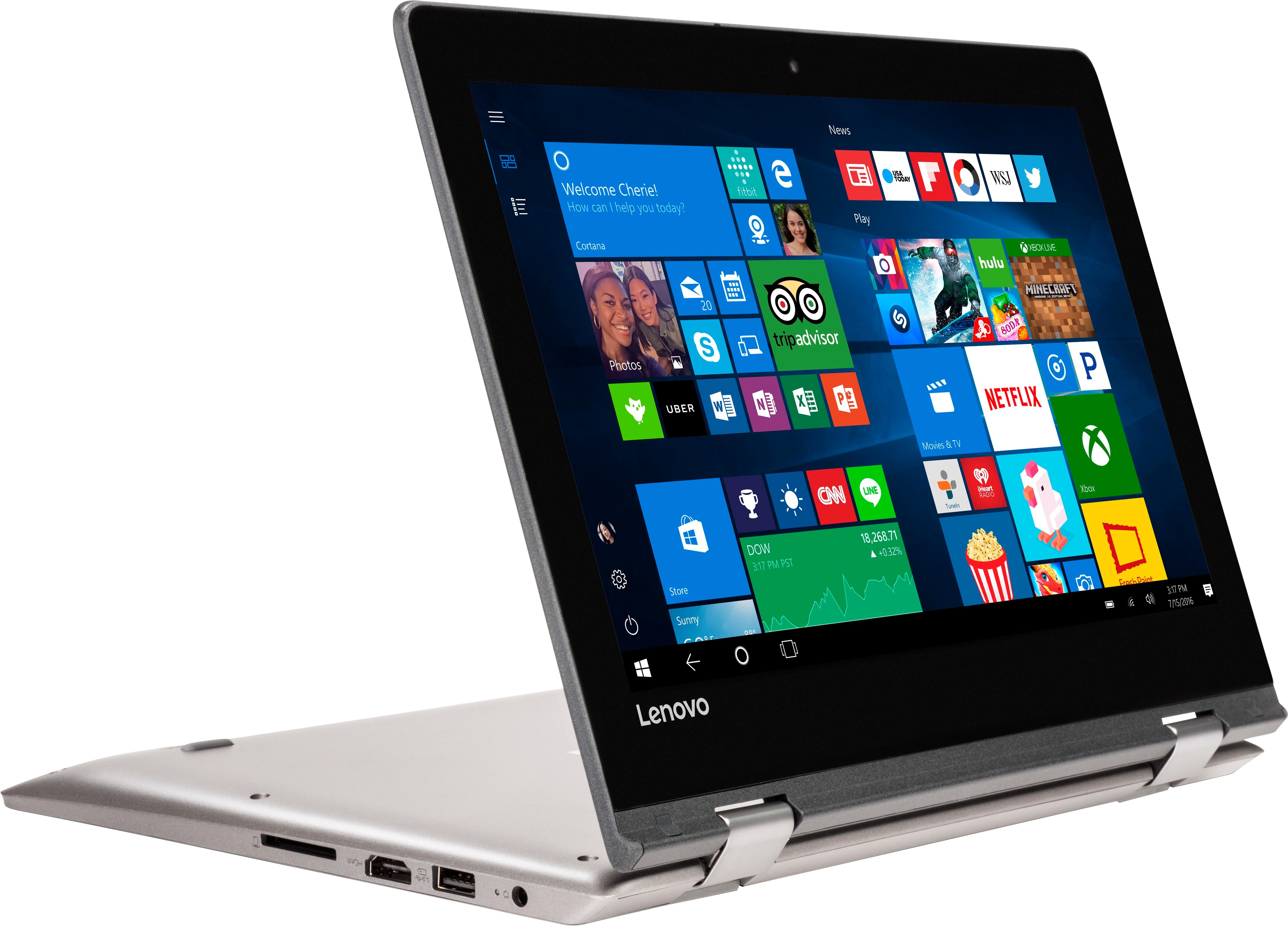
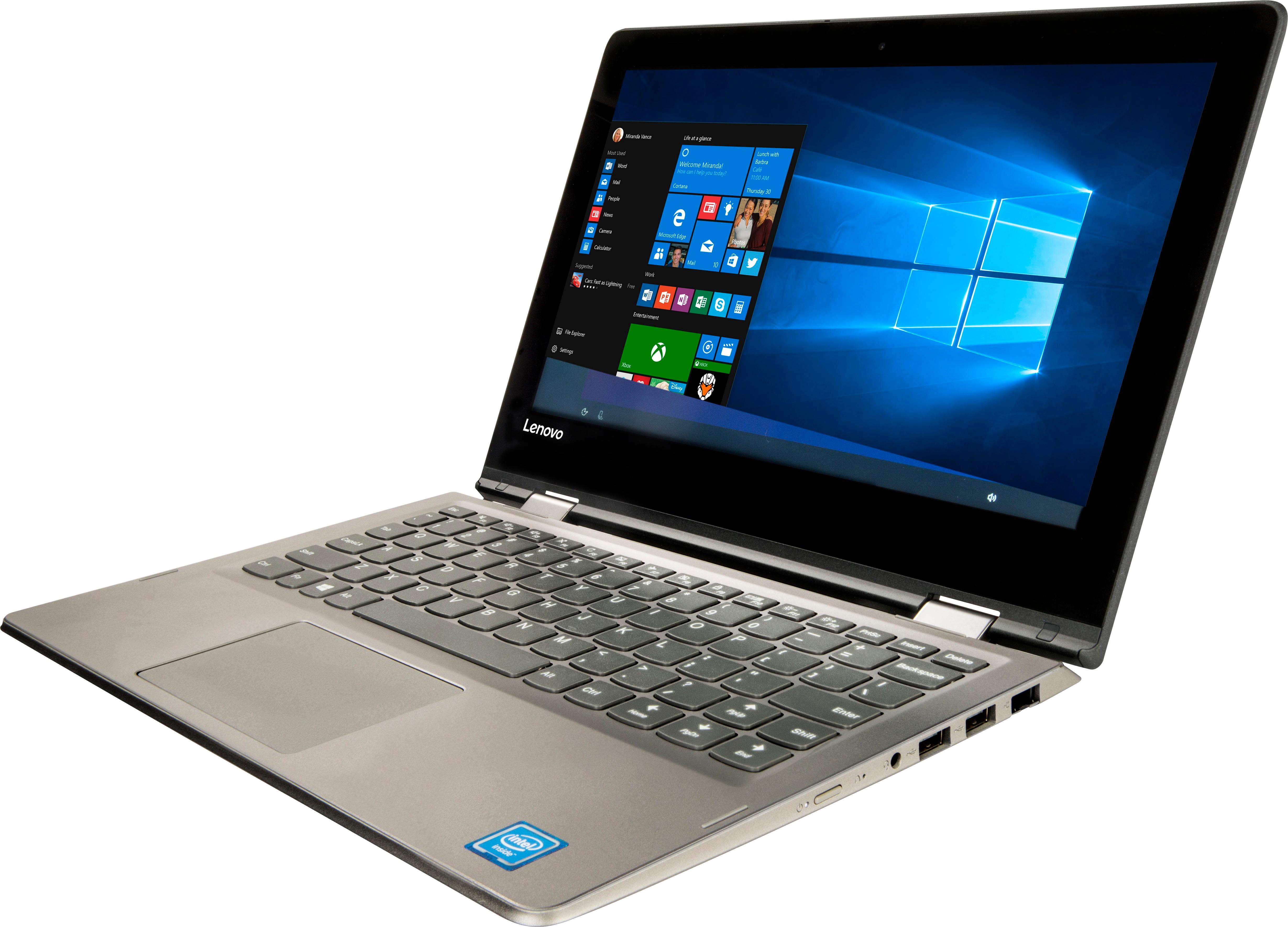
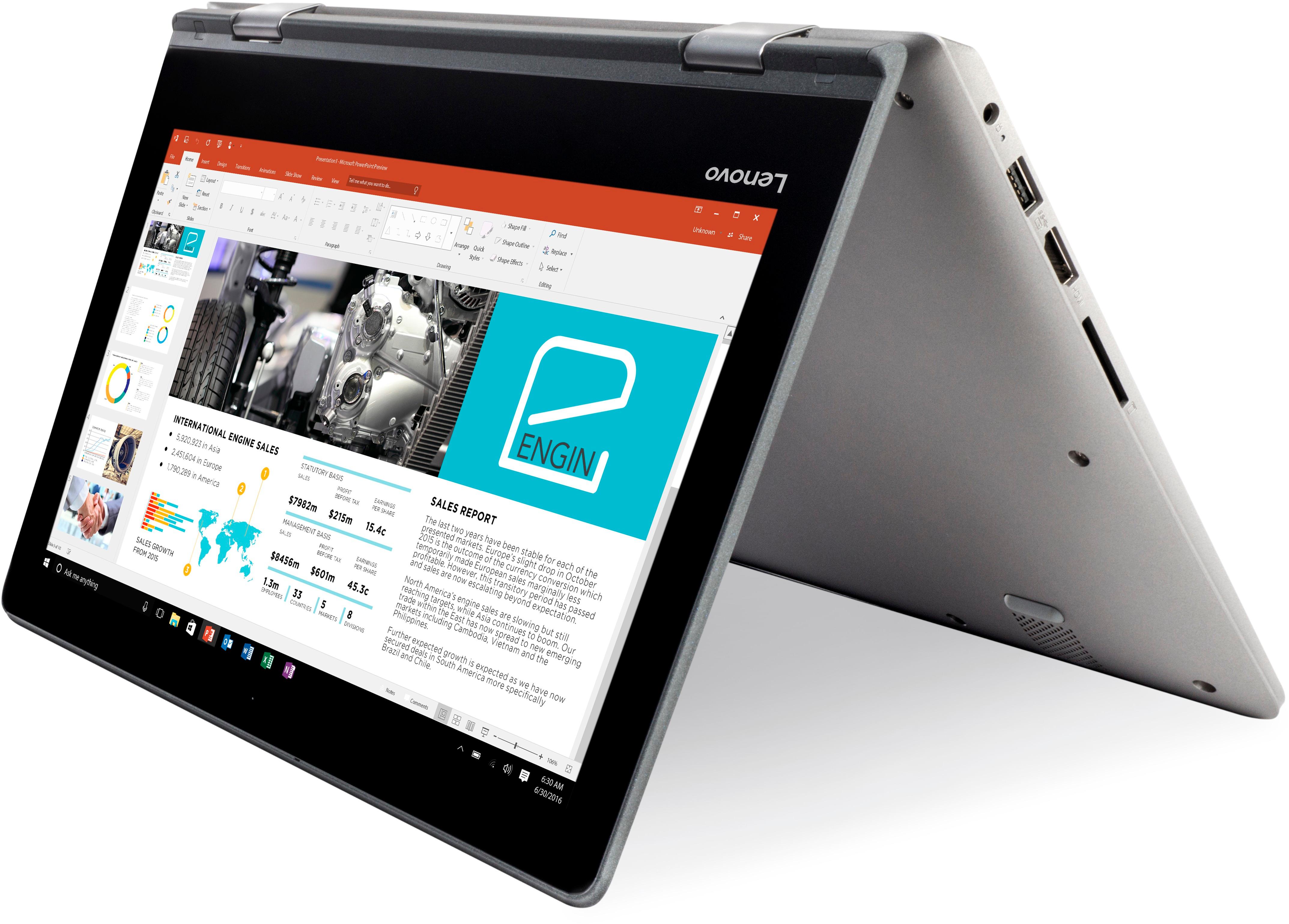
Customers frequently mention the affordability, portability, and touch screen capabilities of the 2-in-1 11.6" Touch-Screen Laptop. It is lightweight, easy to use, and comes at a great price. However, customers also commonly complain about its slow performance, limited storage, and short battery life.
This summary was generated by AI based on customer reviews.
Great for what I needed
||Posted .This reviewer received promo considerations or sweepstakes entry for writing a review.Simple, easy to use device. No frills but enough to get done simple task.
I would recommend this to a friendNice little laptop for my husband
||Posted .This reviewer received promo considerations or sweepstakes entry for writing a review.My husband's tablet died and he complained he had no keyboard. This new laptop is a great new replacement.
I would recommend this to a friendBrand response from Lenovo Product Expert
Posted .Thank you for choosing the Lenovo IdeaPad 2 in 1 11.6" Laptop for your husband. We are pleased to hear that the features and performance of the IdeaPad 2 in 1 11.6" Laptop meets your husband's computing needs so well.

Good Laptop
||Posted . Owned for more than 2 years when reviewed.This reviewer received promo considerations or sweepstakes entry for writing a review.Good laptop for children in school, it does all of the basic things and then some
I would recommend this to a friendIt was great!
||Posted .This reviewer received promo considerations or sweepstakes entry for writing a review.Bought this for Christmas for my cousin in 2nd grade. She loved it! It's been a great purchase!
I would recommend this to a friendBrand response from Lenovo Product Expert
Posted .Thank you for choosing the Lenovo IdeaPad 2 in 1 11.6" Laptop. We are pleased to hear that the IdeaPad 2 in 1 11.6" Laptop is working out so well.
It was ok
||Posted .This reviewer received promo considerations or sweepstakes entry for writing a review.My husband preferred a regular laptop over the 2in1
I would recommend this to a friendgood
||Posted .This reviewer received promo considerations or sweepstakes entry for writing a review.it was a little better than i taught it would be love it
I would recommend this to a friendBrand response from Lenovo Product Expert
Posted .This is an entry level, light use computer system. It uses Windows 10 Home 64-Bit as its operating system, which requires less than 2GB of RAM to run. There is a 64GB solid state hard drive on this device for fast boot up and file recall. This device has the latest WiFi capability, with 802.11AC connectivity. If your requirements fit this profile, this device is a good choice.
Best laptop for regular and college use
||Posted .This reviewer received promo considerations or sweepstakes entry for writing a review.It’s very smooth and works great, You can use both touch and keyboard which is plus point
I would recommend this to a friendBrand response from Lenovo Product Expert
Posted .Thank you for choosing the Lenovo IdeaPad 2 in 1 11.6" laptop. We are pleased to hear that the features and performance of the IdeaPad 2 in 1 11.6" Laptop meets your computing needs so well.
Graduation Gift
||Posted .This reviewer received promo considerations or sweepstakes entry for writing a review.My son loves it!! He’s taking a few college courses on it! He says it’s perfect for him!
I would recommend this to a friendBrand response from Lenovo Product Expert
Posted .Thank you for choosing the Lenovo IdeaPad 2 in 1 11.6" laptop for your son. We are pleased to hear that the performance of the IdeaPad 2 in 1 11.6" Laptop meets your son's computing needs so well.
Good for what I need
||Posted .This reviewer received promo considerations or sweepstakes entry for writing a review.This Lenovo laptop is great for light work that’s what I use it for so it great for me.
I would recommend this to a friendBrand response from Lenovo Product Expert
Posted .Thank you for choosing the Lenovo IdeaPad 2 in 1 11.6" laptop. We are pleased to hear that the IdeaPad 2 in 1 11.6" Laptop meets your computing needs so well.
Nice lap top
||Posted .This reviewer received promo considerations or sweepstakes entry for writing a review.The lap top is a great size. So far it does everything I need it to do. Like it very much
I would recommend this to a friendBrand response from Lenovo Product Expert
Posted .Thank you for choosing the Lenovo IdeaPad 2 in 1 11.6" Laptop. We are pleased to hear that the features and performance of the Ideapad 2 in 1 11.6" Laptop meets your computing needs so well.
Great School laptop
||Posted .This reviewer received promo considerations or sweepstakes entry for writing a review.I've had this laptop for 3 months already, and it is everything i need just for school
I would recommend this to a friendBrand response from Lenovo Product Expert
Posted .Thank you for choosing the Lenovo IdeaPad 2 in 1 11.6" Laptop. We are pleased to hear that the Ideapad 2 in 1 11.6" Laptop is working out so well for you.
Exellent product
||Posted .This reviewer received promo considerations or sweepstakes entry for writing a review.is an excellent product of better quality, it is a fast and very functional computer
I would recommend this to a friendBrand response from Lenovo Product Expert
Posted .Thank you for choosing the Lenovo IdeaPad 2 in 1 11.6" Laptop. We are pleased to hear that the features and performance of the IdeaPad 2 in 1 11.6" laptop meets your computing needs so well.
Nice laptop
||Posted . Owned for 1 year when reviewed.This reviewer received promo considerations or sweepstakes entry for writing a review.Nice laptop. Great customer service. I recommend Best Buy to everyone.
I would recommend this to a friend- Cons mentioned:Slow
Slow
||Posted .This reviewer received promo considerations or sweepstakes entry for writing a review.Thought I got a good deal on a fairly decent touchscreen laptop. Little did I know that it would take longer than my 15 year old Del laptop. My Samsung tablet is even faster. Wish I could get my money back.
No, I would not recommend this to a friendBrand response from Lenovo Product Expert
Posted .This is an entry level, light use 2 in 1 touchscreen computer system, with its Intel Celeron processor. It uses Windows 10 Home 64-Bit as its operating system, which requires less than 2GB of RAM to run. There is a 64GB solid state hard drive on this device for fast boot up and file recall. This device has the latest WiFi capability, with 802.11AC connectivity. If your requirements fit this profile, this device is a good choice.
Great laptop
||Posted .This reviewer received promo considerations or sweepstakes entry for writing a review.The Lenovo was easy to unpack and easy to set up following the enclosed instructions.
I would recommend this to a friendBrand response from Lenovo Product Expert
Posted .Thank you for choosing the Lenovo IdeaPad 2 in 1 11.6" laptop. We are pleased to hear that the ease of use and performance of the IdeaPad 2 in 1 11.6" meets your computing needs so well.
Easy to use
||Posted . Owned for 1 year when reviewed.This reviewer received promo considerations or sweepstakes entry for writing a review.This is a simple and easy laptop to use, but it also gets the job done.
I would recommend this to a friendGood item
||Posted .This reviewer received promo considerations or sweepstakes entry for writing a review.Item performed well and had no flaws. Was compact and the right size for my needs
I would recommend this to a friendBrand response from Lenovo Product Expert
Posted .Thank you for choosing the Lenovo IdeaPad 2 in 1 11.6" Laptop. We are pleased to hear that the performance and features of the Yoga IdeaPad 2 in 1 11.6" Laptop meets your computing needs so well.
Don’t waste your money
||Posted .This reviewer received promo considerations or sweepstakes entry for writing a review.Only used it for 20 minutes and it stopped working .
No, I would not recommend this to a friendBrand response from Lenovo Product Expert
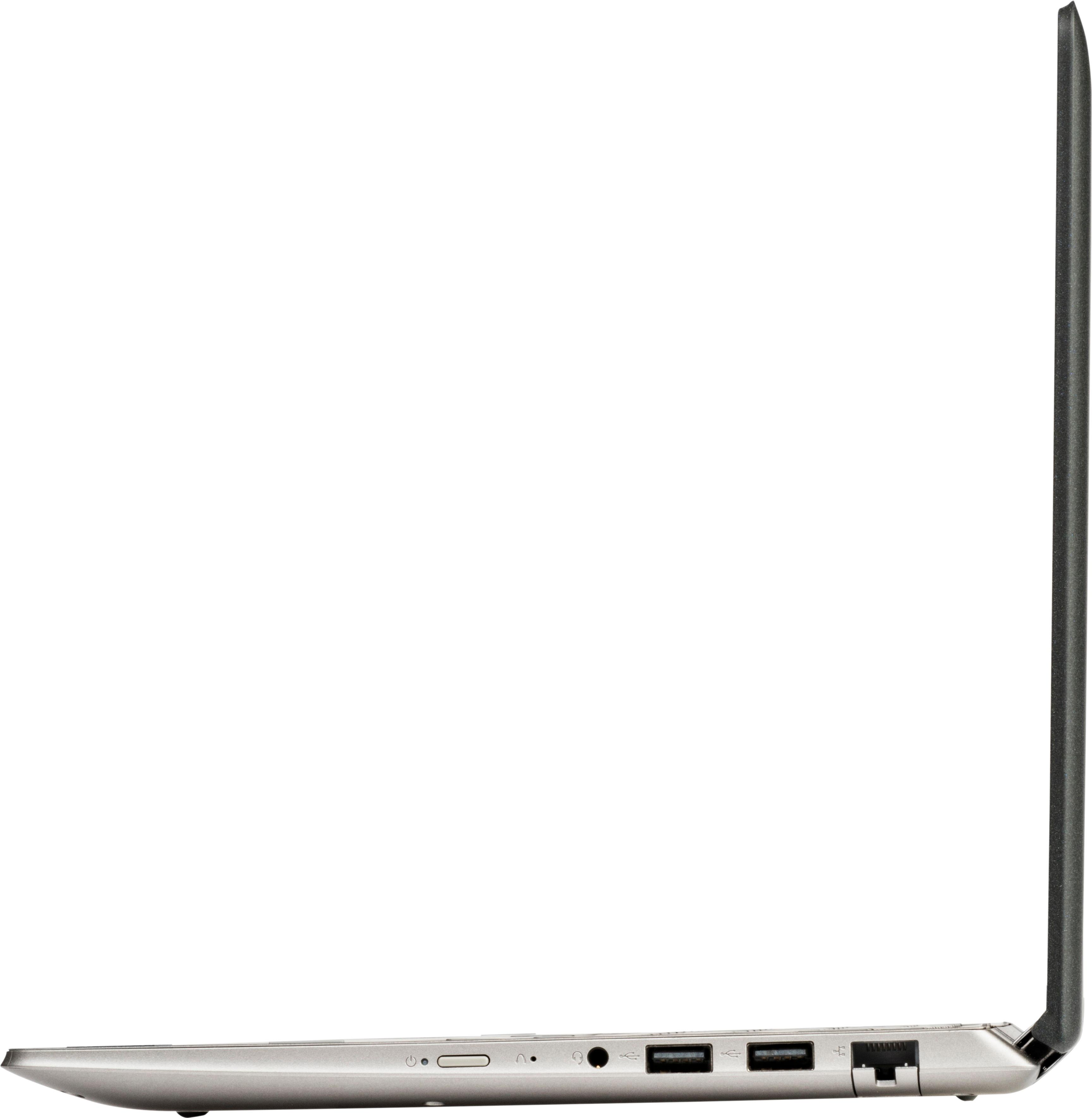
Posted .This sounds like a software compatibility issue. Be sure any software you installed is compatible with Windows 10. There is no need to install Microsoft Office software. The software is already part of the operating system, you just need to activate the software with a purchased product key. If you have installed a copy of Microsoft Office, this is conflicting with the existing copy on the system and this will slow your system down. If you have installed a 3rd party anti-virus program, be sure that Windows Defender is turned off and that the trial version of McAfee Anti-Virus software is uninstalled. There can only be one anti-virus program on the system. You may need to restore your system to original factory default settings if any of the programing errors have occurred. You can do that by typing "restore" in the Cortana search window. Just click on the magnifying glass icon at the bottom left of your Windows 10 Desktop. Click on "Reset This PC" Then click on "Get Started" and follow the on screen directions to restore to factory defaults. If you can't get the device to load Windows 10, this system is equipped with OneKey Recovery System. There is a very small pin hole on the right side of the device, right near the power button on the device. You will need a pin to push this reset button. Plug the device in. Let the battery charge for about 15 minutes. Push the reset button. The system should boot to a choice screen where you can choose "Restore To Factory Default". Select this. It will delete everything from the hard drive except the original factory install of the operating system. You will need to reinstall all programs and files after the reset. If you don't have copies of the files, try to make one before you restore by selecting "Boot to desktop" and trying to back up your files.
Great for the price
||Posted .This reviewer received promo considerations or sweepstakes entry for writing a review.Bought for my daughter for high school homework. She has been very happy with it.
I would recommend this to a friendBrand response from Lenovo Product Expert
Posted .Thank you for choosing the Lenovo IdeaPad 2 in 1 11.6" laptop for your daughter. We are pleased to hear that the IdeaPad 2 in 1 11.6" Laptop is working out so well for your daughter.
Nice laptop
||Posted . Owned for more than 2 years when reviewed.This reviewer received promo considerations or sweepstakes entry for writing a review.I love it, comes with a lot features I little be slow sometimes.
I would recommend this to a friend