Customer Ratings & Reviews



- Model:
- 81CX0000US
- SKU:
- 6062200
Rating by feature
- Value
Rating 3.7 out of 5 stars
- Quality
Rating 3.7 out of 5 stars
- Ease of Use
Rating 4.0 out of 5 stars
Customers are saying
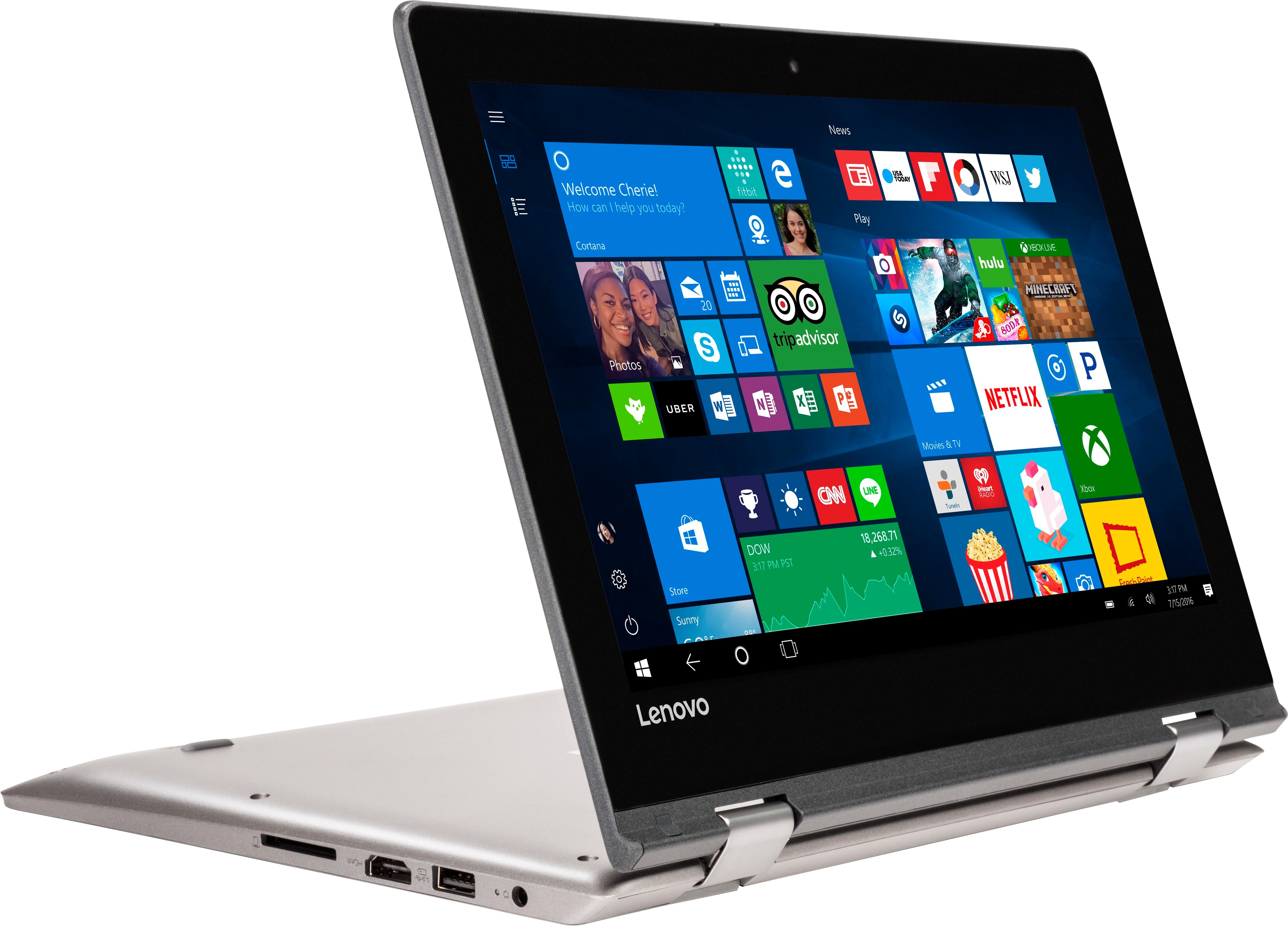
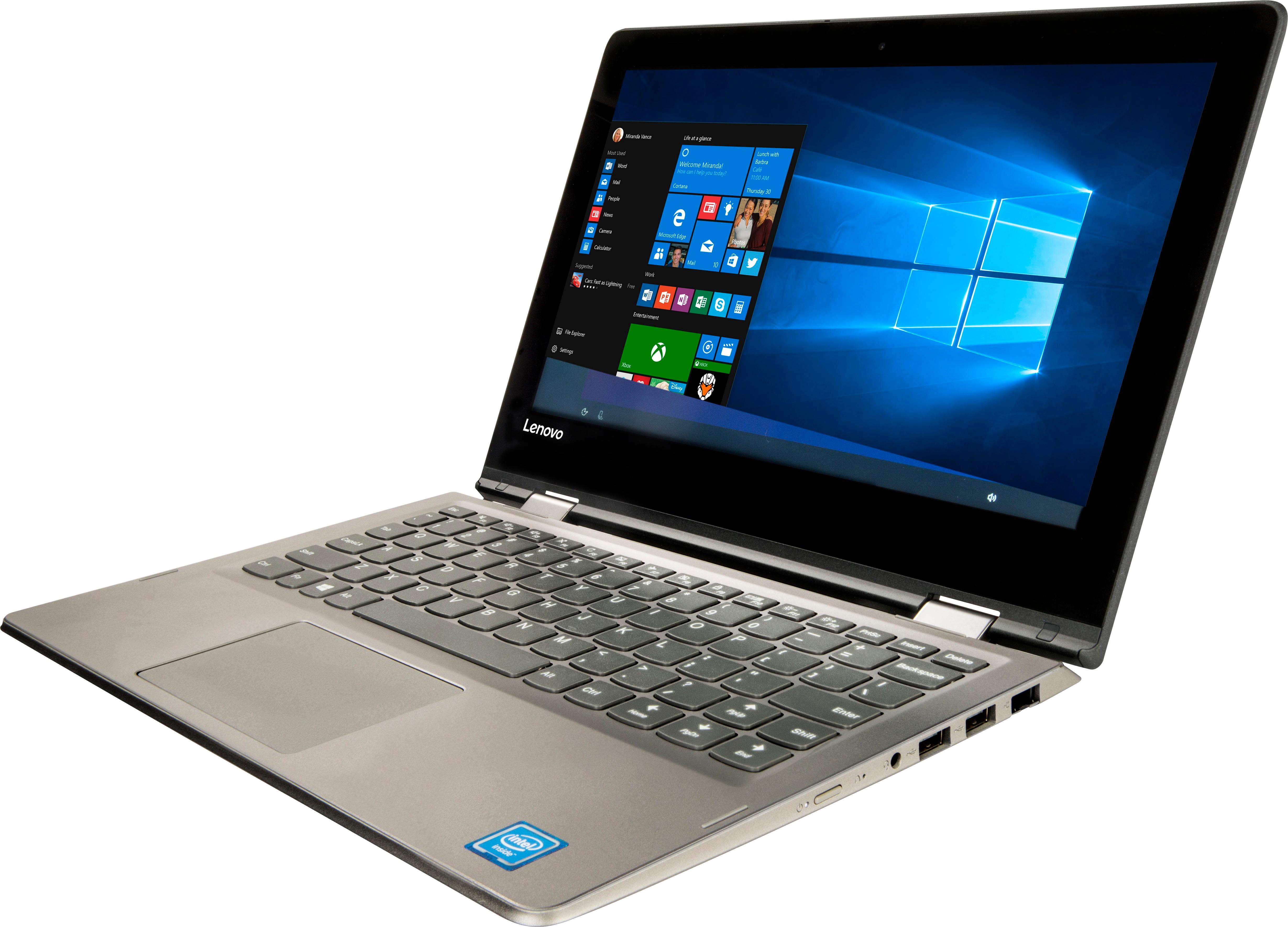
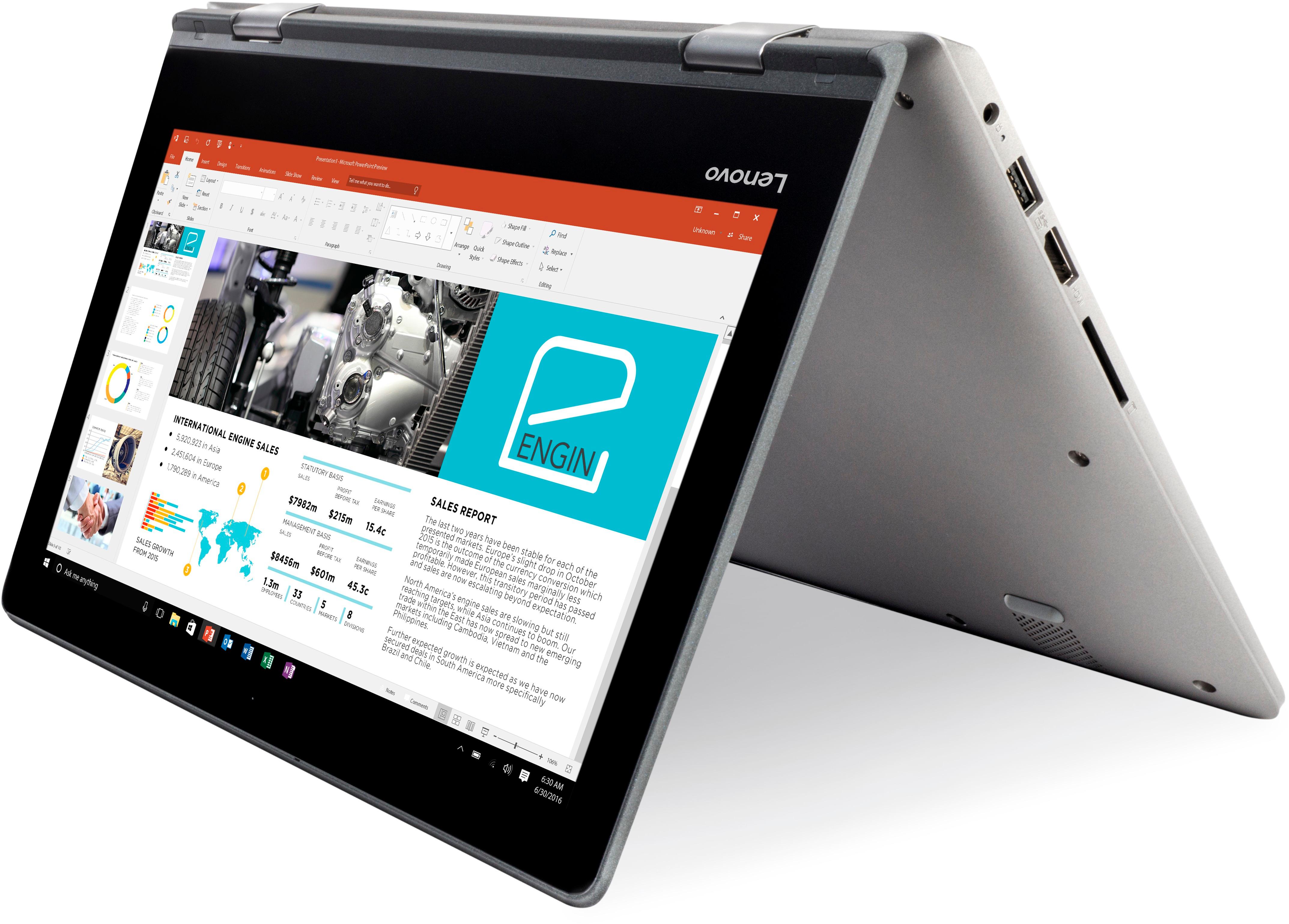
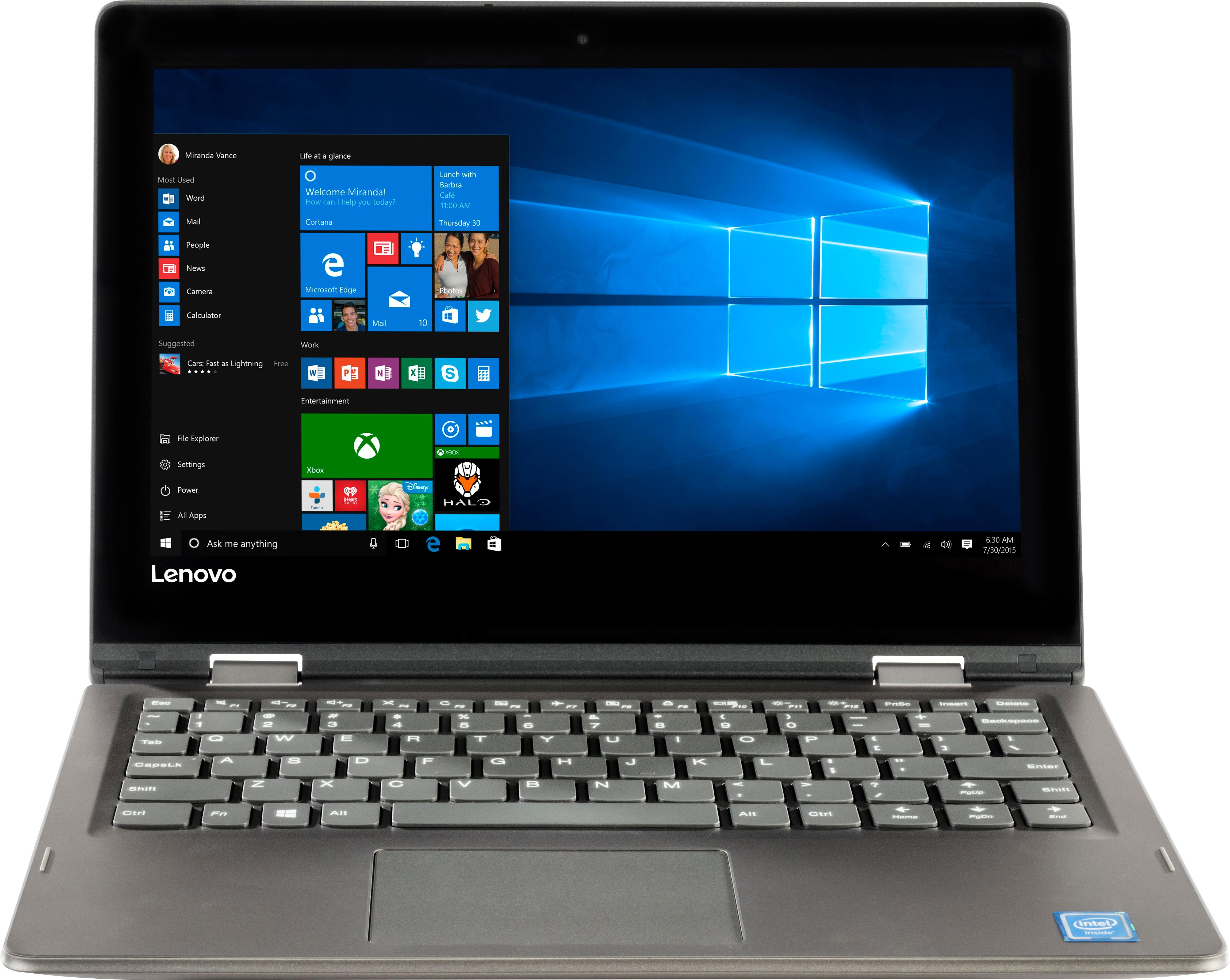
Customers frequently mention the affordability, portability, and touch screen capabilities of the 2-in-1 11.6" Touch-Screen Laptop. It is lightweight, easy to use, and comes at a great price. However, customers also commonly complain about its slow performance, limited storage, and short battery life.
This summary was generated by AI based on customer reviews.
Awesome laptop
||Posted .This reviewer received promo considerations or sweepstakes entry for writing a review.One Awesome laptop for my first year in college...
I would recommend this to a friendBrand response from Lenovo Product Expert
Posted .Thank you for choosing the Lenovo IdeaPad 2 in 1 11.6" Laptop. We are pleased to hear that the IdeaPad 2 in 1 11.6" Laptop meets your computing needs so well.

Great computer!!
||Posted .This reviewer received promo considerations or sweepstakes entry for writing a review.Great computer but love having a tablet as well!!!
I would recommend this to a friendBrand response from Lenovo Product Expert
Posted .Thank you for choosing the Lenovo IdeaPad 2 in 1 11.6" Laptop. We are pleased to hear that the IdeaPad 2 in 1 11.6" Laptop is working out so well for you.
Loved it
||Posted .This reviewer received promo considerations or sweepstakes entry for writing a review.Best Ever, i really enjoyed this two in one laptop
I would recommend this to a friendBrand response from Lenovo Product Expert
Posted .Thank you for choosing the Lenovo IdeaPad 2 in 1 11.6" Laptop. We are pleased to hear that the IdeaPad 2 in 1 11.6" Laptop meets your computing needs so well.
Great
||Posted .This reviewer received promo considerations or sweepstakes entry for writing a review.Great convertible unit and more than I can ask for
I would recommend this to a friendBrand response from Lenovo Product Expert
Posted .Thank you for choosing the Lenovo IdeaPad 2 in 1 11.6" Laptop. We are pleased to hear that the features and performance of the Ideapad 2 in 1 11.6" Laptop meets your computing needs so well.
Daughter loves her Lenovo laptop
||Posted .This reviewer received promo considerations or sweepstakes entry for writing a review.Excellent Laptop..the battery last at least 2 days.
I would recommend this to a friendBrand response from Lenovo Product Expert
Posted .Thank you for choosing the Lenovo IdeaPad 120s-11 laptop for your daughter. We are pleased to hear that the performance of the IdeaPad 120s-11 meets your daughter's computing needs so well.
- Cons mentioned:Slow
Slow
||Posted .This reviewer received promo considerations or sweepstakes entry for writing a review.Worst computer ever and it’s too late to take it back. This is the slowest computer on earth. It now sits as a paper Wright
No, I would not recommend this to a friendBrand response from Lenovo Product Expert
Posted .This is an entry level, light use, touchscreen, 2 in 1 computer system. It uses Windows 10 Home 64-Bit as its operating system, which requires less than 2GB of RAM to run. There is a 64GB solid state hard drive on this device for fast boot up and file recall. This device has the latest WiFi capability, with 802.11AC connectivity. If your requirements fit this profile, this device is a good choice.
Slow performance
||Posted .This reviewer received promo considerations or sweepstakes entry for writing a review.Good size, light weight, and solid feel. The touchscreen is nice, but it is so slow, I am returning it. The screen is not very sharp or bright.
No, I would not recommend this to a friendBrand response from Lenovo Product Expert
Posted .This is an entry level, light use 2 in 1, touchscreen computer system. It uses Windows 10 Home 64-Bit as its operating system, which requires less than 2GB of RAM to run. This device has the latest WiFi capability, with 802.11AC connectivity. The touchscreen on this device has 1366 x 768 HD resolution. If your requirements fit this profile, this device is a good choice.
Malfunction junction !
||Posted .This reviewer received promo considerations or sweepstakes entry for writing a review.I purchased this notebook a little more than a month ago to replace an older but still working Dell that needs replacement. There has been no hurry to switch over and when problems would erupt I simply attributed it to learning a new system. But I realize now that many of the problems I'm having are not my fault and this product is almost unusable. I will be coming in soon to see if there is some solution you can help me with.
No, I would not recommend this to a friendBrand response from Lenovo Product Expert
Posted .We are sorry to hear that you are having issues with your Lenovo IdeaPad 2 in 1 11.6" Laptop. We recommend you call Lenovo Tech Support for specific help for your device at: 877-453-6686.
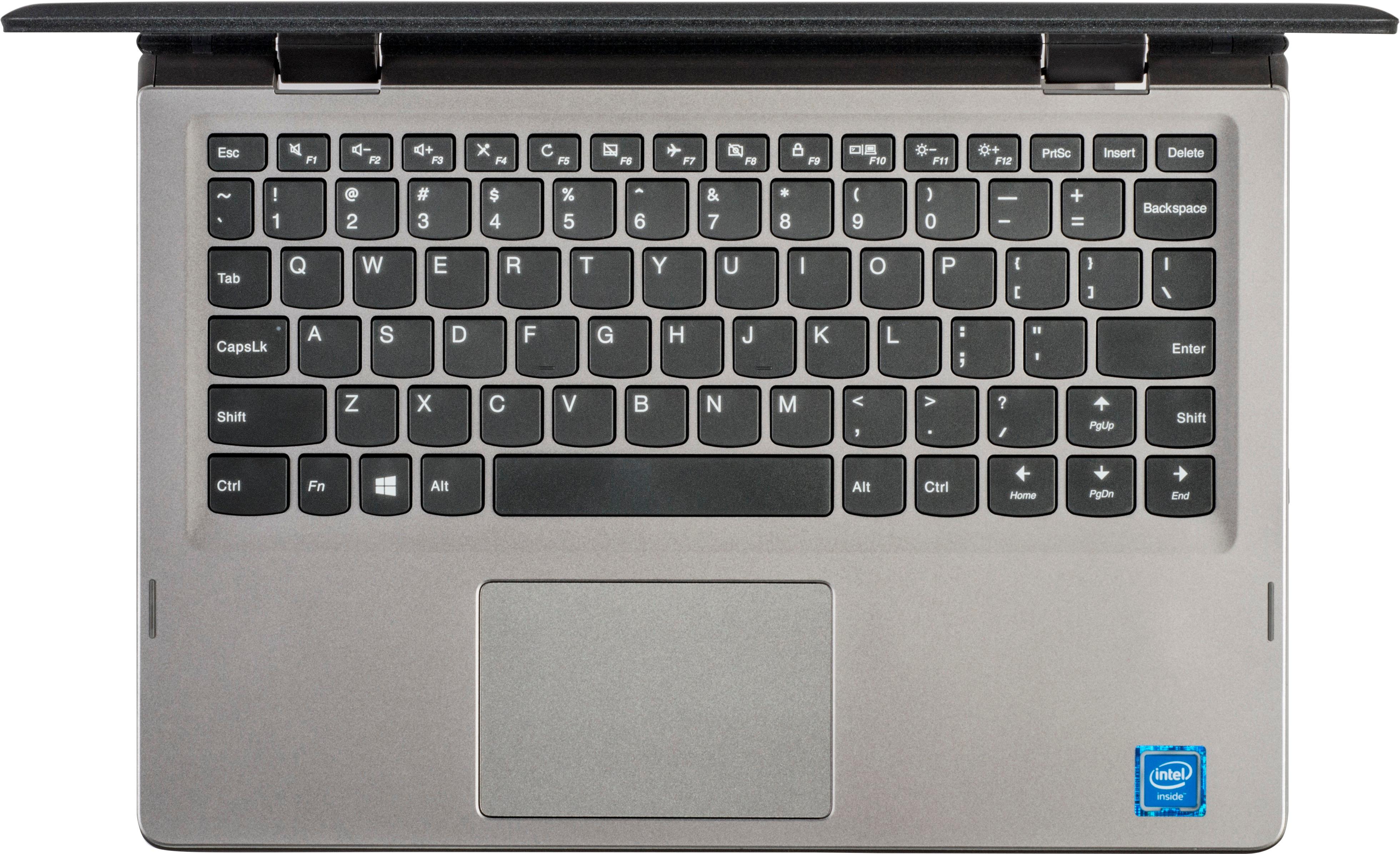
poor shift key for right hand
||Posted .This reviewer received promo considerations or sweepstakes entry for writing a review.I purchased this for my wife, she liked the computer but hated the keyboard. We are currently shopping for a different computer
No, I would not recommend this to a friendBrand response from Lenovo Product Expert
Posted .With regard to the right shift key issue you mention, there is a free software APP called KeyTweak that may help you. You can switch the key functions of specific keys on your keyboard with this software, so you could change the right shift key with the key you hit in its place. Just Google search "KeyTweak" and you will find articles about what the software does and you will find the download location for this free APP.
If I could rate it a ZERO
||Posted . Owned for 1 year when reviewed.This reviewer received promo considerations or sweepstakes entry for writing a review.Within a few months of purchasing we had to have tHe motherboard repaired. Shortly after getting it back, we were told there was an issue with the Microsoft program on the laptop. Long story short, it hasn’t been a year before this product was rendered useless. Don’t know what we are supposed to do with a computer that can’t be used. Money gone. If I could give it a zero... I would!
No, I would not recommend this to a friend- Cons mentioned:Slow
No good
||Posted .This reviewer received promo considerations or sweepstakes entry for writing a review.Very bad laptop I returned it .Battery doesn’t last long very slow
No, I would not recommend this to a friendBrand response from Lenovo Product Expert
Posted .The IdeaPad 2 in 1 11.6" Laptop is an entry level, light use system with its Intel Celeron processor. This system has a battery life of up to 6 hours, depending on the work that the device is performing. Be sure there are no unwanted programs running in the background, draining the battery. Here is a link to some tips for finding out what is draining your battery:
https://www.laptopmag.com/articles/battery-saver-windows-10. If there are no unwanted programs running, to maximize battery life, try changing your power management setting to a more conservative one. You can do this in the control panel, in the power management category on your system. Select a more conservative power management setting to extend battery life.
Not good speed
||Posted .This reviewer received promo considerations or sweepstakes entry for writing a review.Its not good for too many works of higher education. Its only good for elementary students.
No, I would not recommend this to a friend- Cons mentioned:Slow
Horrible.
||Posted .This reviewer received promo considerations or sweepstakes entry for writing a review.Very slow processor. Do not buy! Shuts down unexpectedly.
No, I would not recommend this to a friendBrand response from Lenovo Product Expert
Posted .This is an entry level, light use computer system, with its Intel Celeron processor and 2GB of RAM. It uses Windows 10 Home 64-Bit as its operating system, which requires less than 2GB of RAM to run. There is a 64GB solid state hard drive on this device for fast boot up and file recall. This device has the latest WiFi capability, with 802.11AC connectivity. If your requirements fit this profile, this device is a good choice. Regarding the device shutting down unexpectedly, Be sure any software you installed is compatible with Windows 10. There is no need to install Microsoft Office software. The software is already part of the operating system, you just need to activate the software with a purchased product key. If you have installed a copy of Microsoft Office, this is conflicting with the existing copy on the system and this will slow your system down. If you have installed a 3rd party anti-virus program, be sure that Windows Defender is turned off and that the trial version of McAfee Anti-Virus software is uninstalled. There can only be one anti-virus program on the system. You may need to restore your system to original factory default settings if any of the programing errors have occurred. You can do that by typing "restore" in the Cortana search window. Just click on the magnifying glass icon at the bottom left of your Windows 10 Desktop. Click on "Reset This PC" Then click on "Get Started" and follow the on screen directions to restore to factory defaults. If the problem persists, we recommend you contact Lenovo Tech Support at: 877-453-6686.
Wasn't what I thought it would be
||Posted . Owned for 1 year when reviewed.This reviewer received promo considerations or sweepstakes entry for writing a review.It was not a good product I wasn't happy with this purchase so I returned it
No, I would not recommend this to a friendLoved it but didn’t last long.
||Posted . Owned for more than 2 years when reviewed.This reviewer received promo considerations or sweepstakes entry for writing a review.Loved it but didn’t last long. Needed a new one after a year.
No, I would not recommend this to a friendCan't access internet
||Posted .This reviewer received promo considerations or sweepstakes entry for writing a review.Computer says wi-fi is working. But can't access internet. I have talked to four people at Lenovo, each passes the buck to someone else. I googled this, it's a common problem for Lenovo. Why can't it just work? This is a pretty easy application. Definitely move on. Don't buy this one.
No, I would not recommend this to a friendBrand response from Lenovo Product Expert
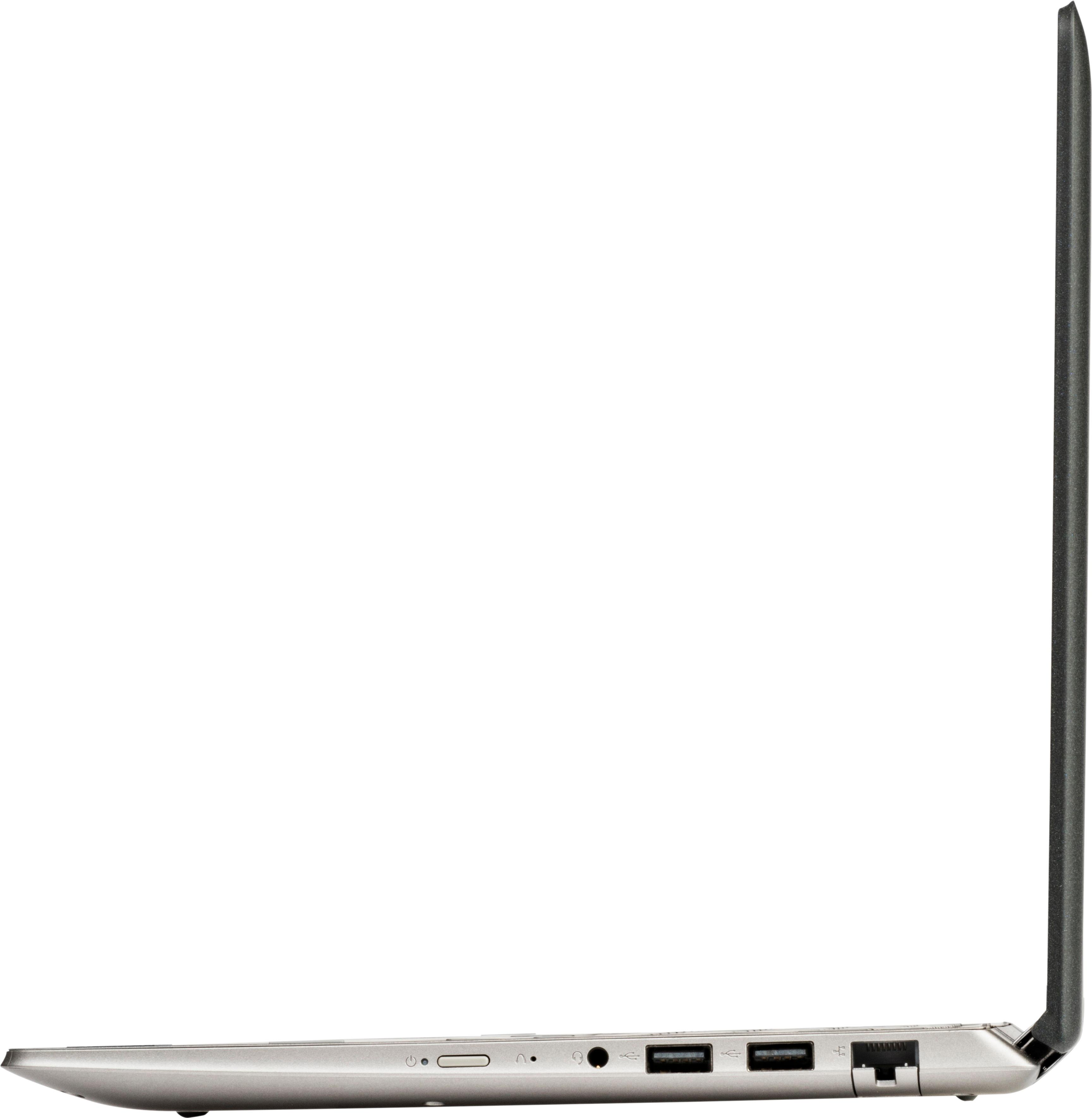
Posted .We are sorry to hear that you are having issues connecting to the internet, via WiFi. This is not a common issue for this model. Be sure "Airplane Mode" is not turned on. Use the HotKey in the F7 position to toggle Airplane Mode on/off. Be sure you are connected to your WiFi network. You can check this by typing "WiFi" in the Cortana search window, the select "Change WiFi Settings". Be sure you are connected to your WiFi network. If the problem persists, this system has a ethernet cable port. Connect the device to your router via ethernet cable, now with internet access you can check for BIOS/Driver updates. This system has Lenovo utilities installed to help maintain the health of the device and keep the operating system software up to date. Type "Lenovo Vantage" in the Cortana Search window. Select Lenovo Vantage from the list (if Lenovo Vantage is not installed on your device, you can download the APP and install it now). In the window that opens, click on "Health and Support". In the expanded menu, select "Hardware Scan" In the window that opens, select "Run Quick Tests". This will scan your entire system for errors. Follow any directions that may pop up. If the problem continues after this scan, now click on "System Update". First select Windows update from the menu. Scan your system to be sure you have the latest version of Windows 10. Once that scan is complete, select "Additional Updates". This will scan your device to be sure there are no new BIOS/Driver updates needed. Follow any instructions that may pop up. If the issue still continues after these updates, we recommend you call Lenovo Tech Support at: 877-453-6686 for additional help.
Nice for my kids
||Posted .This reviewer received promo considerations or sweepstakes entry for writing a review.Great computer for my kids school work and projects.
I would recommend this to a friendBrand response from Lenovo Product Expert
Posted .Thank you for choosing the Lenovo IdeaPad 2 in 1 11.6" Laptop for your children. This is an entry level, light use computer system, with its Intel Celeron processor. It uses Windows 10 Home 64-Bit as its operating system, which requires less than 2GB of RAM to run. There is a 64GB solid state hard drive on this device for fast boot up and file recall. This device has the latest WiFi capability, with 802.11AC connectivity. If your requirements fit this profile, this device is a good choice.
Very Slow
||Posted .This reviewer received promo considerations or sweepstakes entry for writing a review.This is not a good deal! Pay a bit more and get something better. I am just over 30 days of purchase I can't return and I am stuck with this poor performing laptop. Slow loading Freezes Takes forever for it to load a youtube video and get through it
No, I would not recommend this to a friendBrand response from Lenovo Product Expert
Posted .This is an entry level, light use computer system. It uses Windows 10 Home 64-Bit as its operating system, which requires less than 2GB of RAM to run. There is a 32GB solid state hard drive on this device for fast boot up and file recall. This device has the latest WiFi capability, with 802.11AC connectivity. There is a free 1-year subscription to Microsoft Office 365, a $69.00 value on this device. If your requirements fit this profile, this device is a good choice. Be sure any software you installed is compatible with Windows 10. There is no need to install Microsoft Office software. The software is already part of the operating system, you just need to activate the software with a purchased product key. If you have installed a copy of Microsoft Office, this is conflicting with the existing copy on the system and this will slow your system down. If you have installed a 3rd party anti-virus program, be sure that Windows Defender is turned off and that the trial version of McAfee Anti-Virus software is uninstalled. There can only be one anti-virus program on the system. You may need to restore your system to original factory default settings if any of the programing errors have occurred. You can do that by typing "restore" in the Cortana search window. Just click on the magnifying glass icon at the bottom left of your Windows 10 Desktop. Click on "Reset This PC" Then click on "Get Started" and follow the on screen directions to restore to factory defaults. If the problem persists, we recommend you contact Lenovo Tech Support at: 877-453-6686.
Garbage
||Posted . Owned for more than 2 years when reviewed.This reviewer received promo considerations or sweepstakes entry for writing a review.Waste of Money. Keys stopped working 2 months after purchase. I wanted this as a 3rd laptop just to web browse when traveling Dont waste your money. Its amaxing a company like Lenovo puts out this garbage
No, I would not recommend this to a friendNegative STAR
||Posted . Owned for 1.5 years when reviewed.This reviewer received promo considerations or sweepstakes entry for writing a review.Probably used this thing just edit and write documents and its rediculas that this thing didn't last a year. After a so called windows update it does nothing. Rediculas just plain ole junk
No, I would not recommend this to a friend