Customer Ratings & Reviews



- Model:
- 81CX0000US
- SKU:
- 6062200
Rating by feature
- Value
Rating 3.7 out of 5 stars
- Quality
Rating 3.7 out of 5 stars
- Ease of Use
Rating 4.0 out of 5 stars
Customers are saying
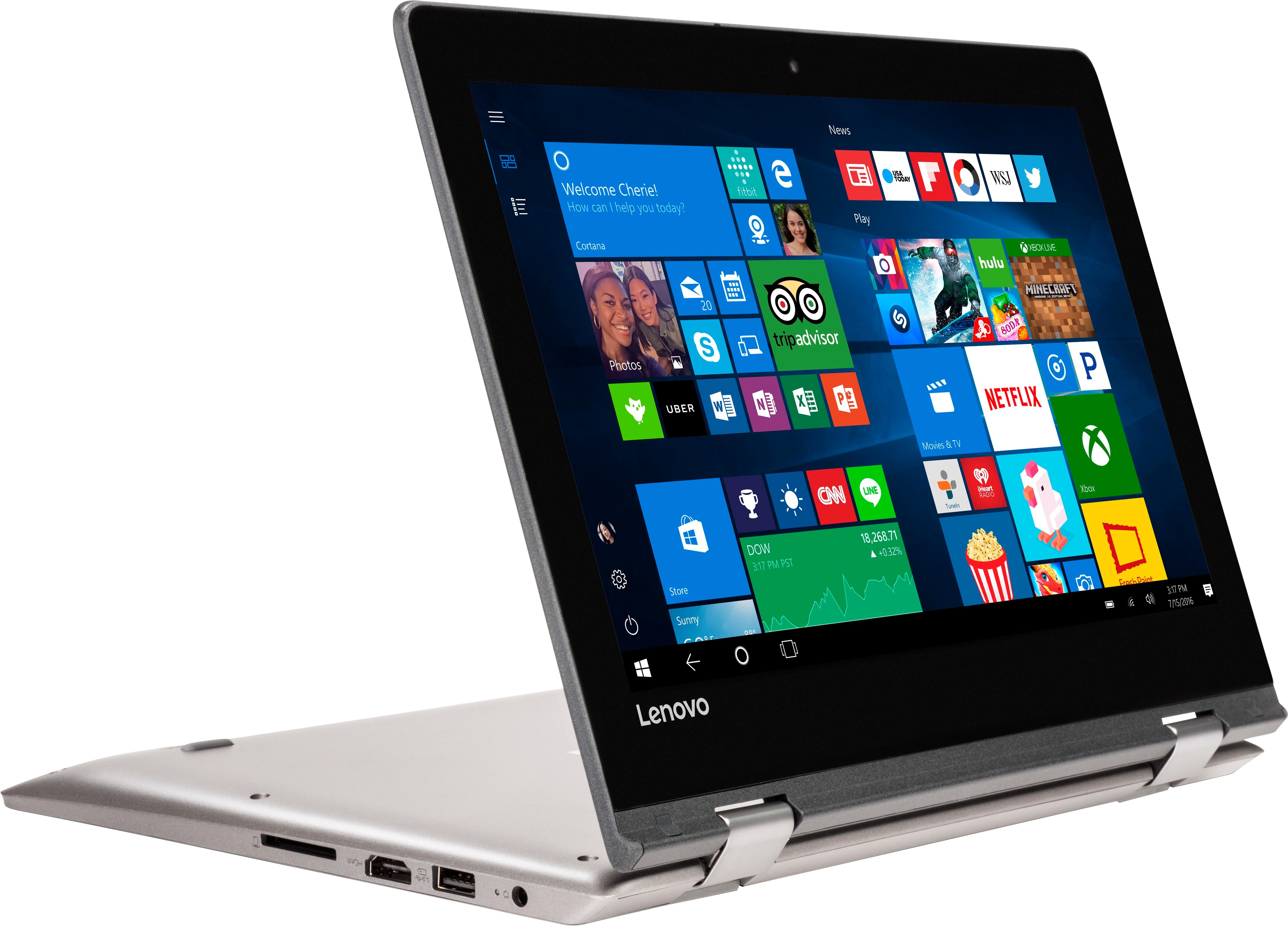
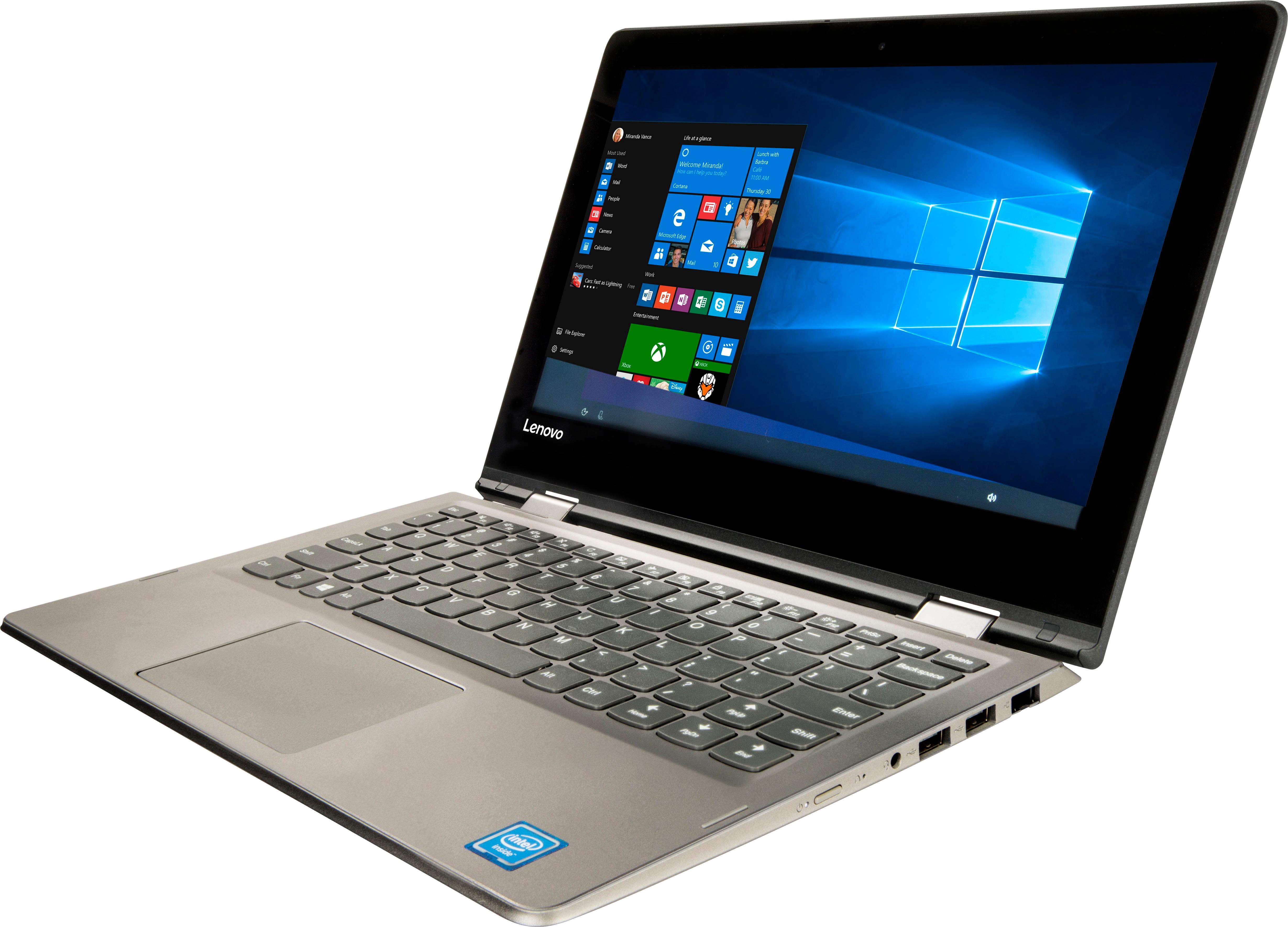
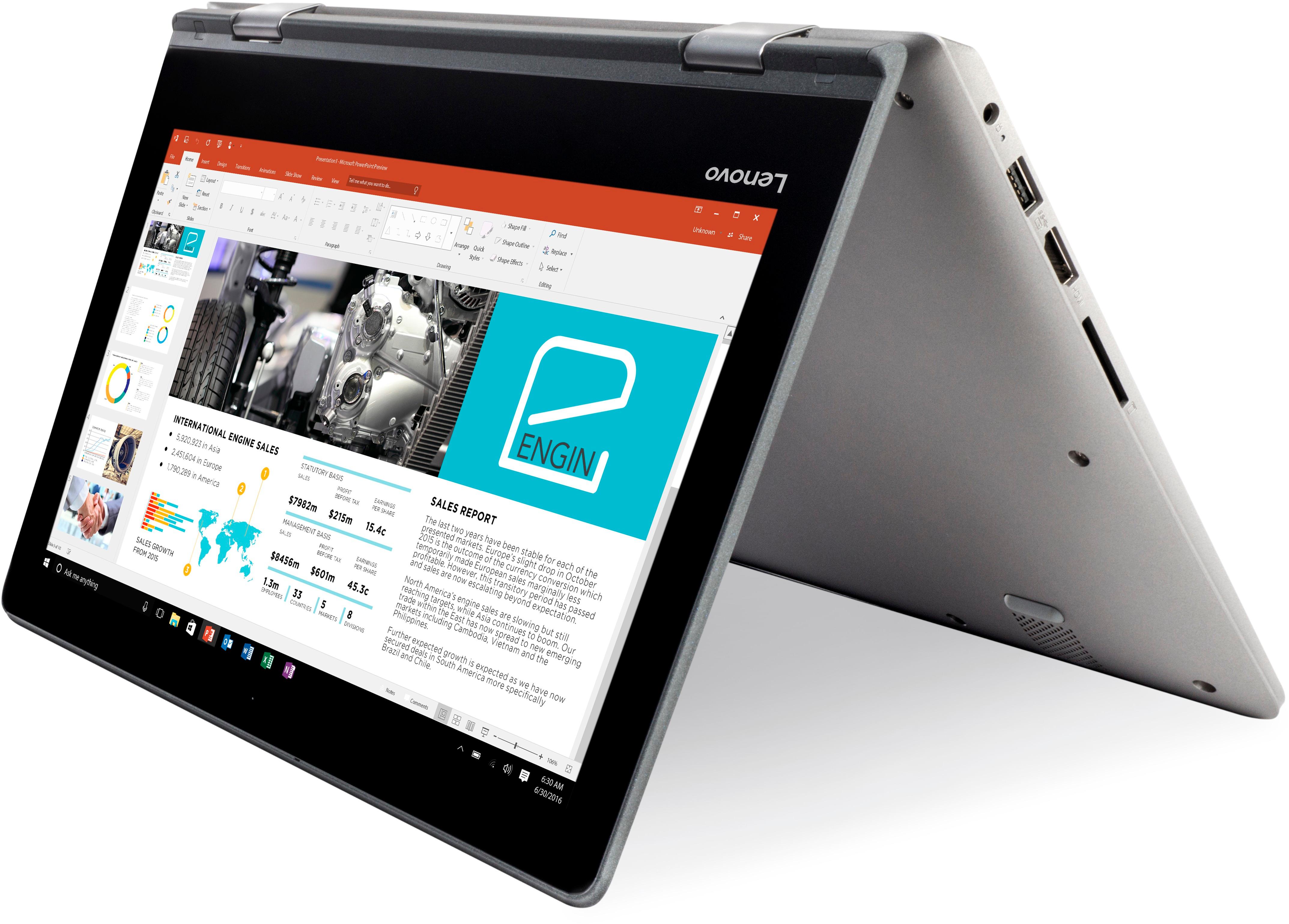
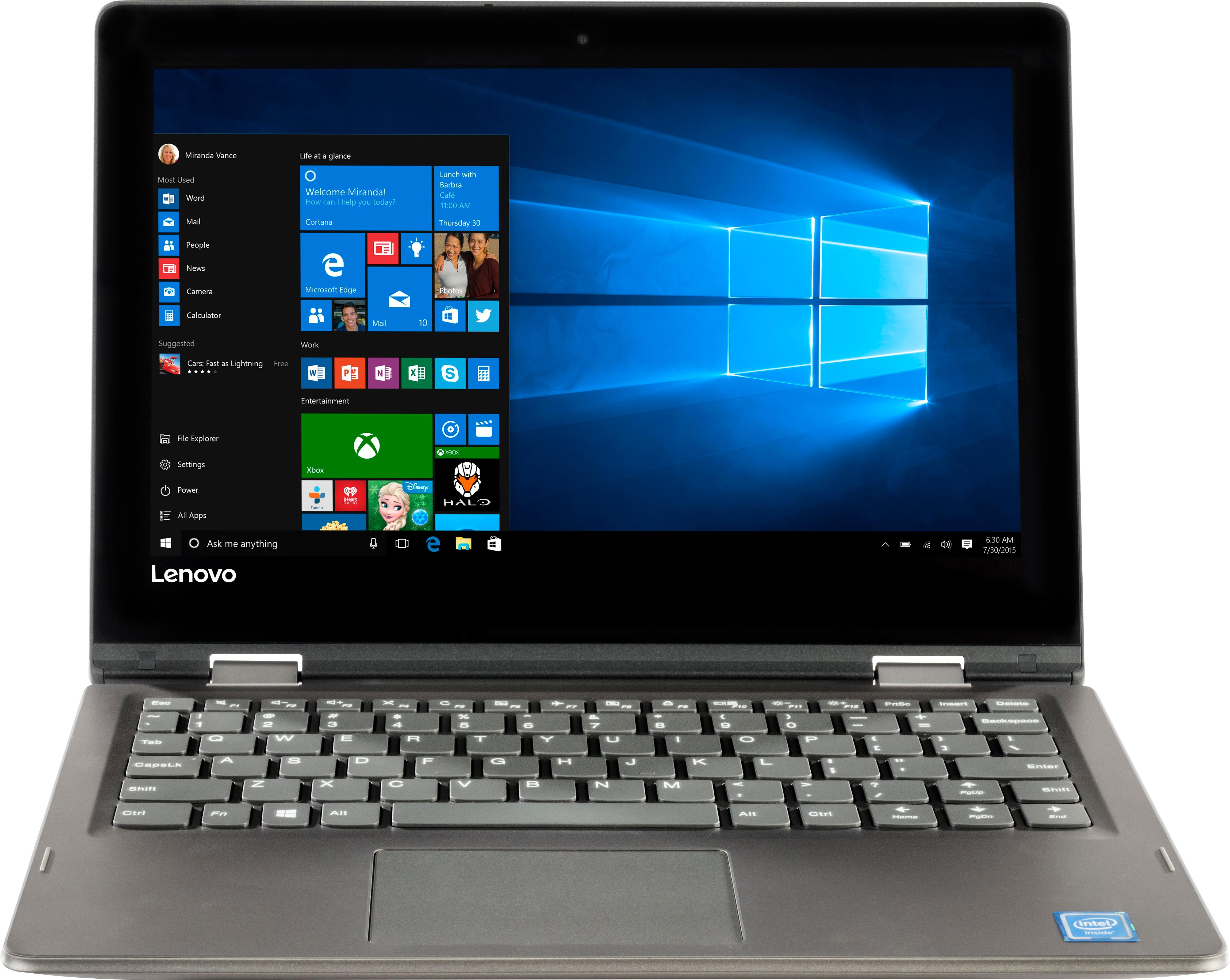
Customers frequently mention the affordability, portability, and touch screen capabilities of the 2-in-1 11.6" Touch-Screen Laptop. It is lightweight, easy to use, and comes at a great price. However, customers also commonly complain about its slow performance, limited storage, and short battery life.
This summary was generated by AI based on customer reviews.
A pice of junk
||Posted .This reviewer received promo considerations or sweepstakes entry for writing a review.Worse lab top Ever don’t buy it is a pice of junk 2screws were missing at the bottom of it and has power problems and Custmer service would not help fix problem will never shop here again
No, I would not recommend this to a friendBrand response from Lenovo Product Expert
Posted .Be sure you received a new model. It sounds like you may have received an open-box model.

Awefully slow I cannot do anything
||Posted .This reviewer received promo considerations or sweepstakes entry for writing a review.I needed this computer to do light excel calculations and browse the internet I am so disappointed that i don't even use it. I need to figure out if I can return it.
No, I would not recommend this to a friendBrand response from Lenovo Product Expert
Posted .This is an entry level, light use system with its Intel Celeron processor and 2GB of RAM. It is not meant for multi-tasking or demanding programs. It is good for Microsoft Office and light internet browsing. If this describes your computing needs, the IdeaPad 330-15 would be a good choice. There is no need to install Microsoft Office software. The software is already part of the operating system, you just need to activate the software with a purchased product key. If you have installed a copy of Microsoft Office, this is conflicting with the existing copy on the system and this will slow your system down. You may need to restore your system to original factory default settings if any of the programing errors have occurred. You can do that by typing "restore" in the Cortana search window. Just click on the magnifying glass icon at the bottom left of your Windows 10 Desktop. Click on "Reset This PC" Then click on "Get Started" and follow the on screen directions to restore to factory defaults. If the problem persists, we recommend you contact Lenovo Tech Support at: 877-453-6686.
Slow processor
||Posted . Owned for more than 2 years when reviewed.This reviewer received promo considerations or sweepstakes entry for writing a review.Took forever to load anything. Not worth purchasing. DO NOT BUY IT!!! It will just be a waste of your money.
No, I would not recommend this to a friendAwful
||Posted .This reviewer received promo considerations or sweepstakes entry for writing a review.Stopped working after 3 days. Will Not turn on and It interfered with my smart tv . There was a virus notice for a non working levono!!
No, I would not recommend this to a friendBrand response from Lenovo Product Expert
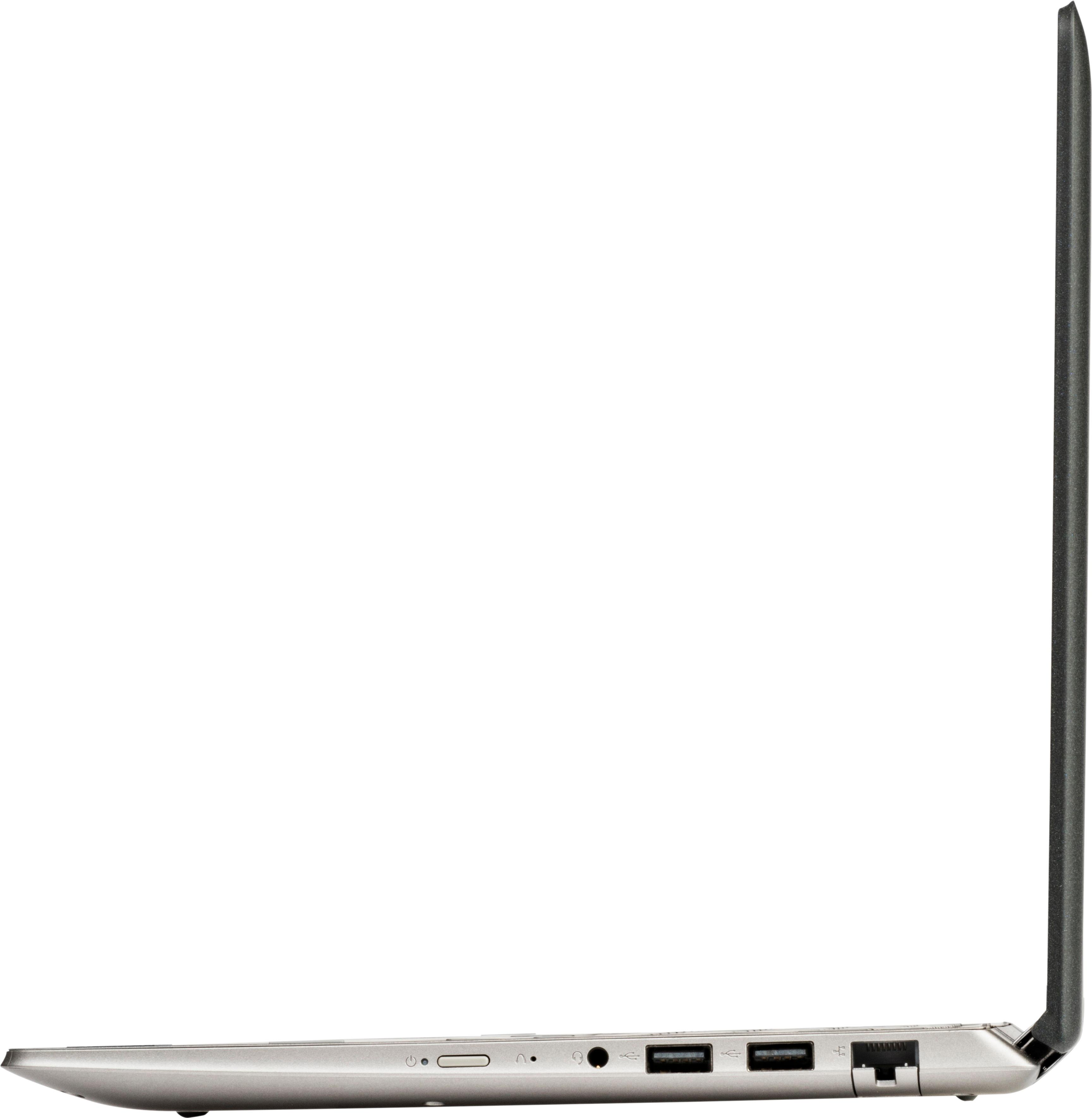
Posted .We are sorry to hear that you are having issues with your Lenovo IdeaPad 2 in 1 11.6" laptop. This system is equipped with OneKey Recovery System. There is a very small pin hole on the right side of the device, right near the power button on the device. You will need a pin to push this reset button. Plug the device in. Let the battery charge for about 15 minutes. Push the reset button. The system should boot to a choice screen where you can choose "Restore To Factory Default". Select this. It will delete everything from the hard drive except the original factory install of the operating system. You will need to reinstall all programs and files after the reset. If you don't have copies of the files, try to make one before you restore by selecting "Boot to desktop" and trying to back up your files. If the problem persists after the factory reset, we recommend you contact Lenovo Tech Support at: 877-453-6686.
Don’t buy!
||Posted . Owned for more than 2 years when reviewed.This reviewer received promo considerations or sweepstakes entry for writing a review.This laptop broke within a year. Don’t waste your money.
No, I would not recommend this to a friendSystem is very, very slow
||Posted .This reviewer received promo considerations or sweepstakes entry for writing a review.Slow video download, slow opening pages, great sound and camera for stills not video
No, I would not recommend this to a friendBrand response from Lenovo Product Expert
Posted .This is an entry level, light use system. It uses Windows 10 Home 64-Bit as its operating system, which requires less than 2GB of RAM to run. There is a 32GB solid state hard drive for quick boot up and quick loading of programs and files. This device has the latest WiFi capability, with 802.11AC connectivity. It comes with a free 1-year subscription to Microsoft Office 365, a $69.00 value. If your requirements fit this profile, this device is a good choice.
Horrible
||Posted . Owned for 1 year when reviewed.This reviewer received promo considerations or sweepstakes entry for writing a review.Horrible laptop doesn’t even work. Processor is garbage
No, I would not recommend this to a friend- Cons mentioned:Slow
Poor
Posted .This reviewer received promo considerations or sweepstakes entry for writing a review.I purchased this Lenovo because I was looking for something compact and easy to use. It is generally attractive and converts into a tablet. My planned uses were basic: homework and social media. I was informed by the sales staff that it would be slow, but I didn't think that it would be this slow. I should have figured when the actual display model froze during a demonstration. I returned this device today after a frustrating fifteen days of trying to do my homework. At first, I chose this tablet for how my small hands fit on the keyboard and the touchscreen capability. After two weeks the keyboard was still uncomfortably awkward for me to type with (particularly because of the shortened keys) and the touchscreen along with the touchpad had incredibly poor responses. Then, the device was temperamental with streaming videos. Sometimes I would get visual but most times it was just audio. All of that in addition to the slow processing and frequent freezing was enough for me to make the decision to return this device.
No, I would not recommend this to a friendBrand response from Lenovo Product Expert
Posted .This is an entry level, light use system. It uses Windows 10 Home 32-Bit as its operating system, which requires less than 1GB of RAM to run. There is a 64GB solid state hard drive for quick boot up and quick loading of programs and files. This device has the latest WiFi capability, with 802.11AC connectivity. If your requirements fit this profile, this device is a good choice.
Good for Note-taking.
Posted .This reviewer received promo considerations or sweepstakes entry for writing a review.I will start my review by saying this, I am an extremely tech-savvy person and know a thing or two about computers. Currently I run a fully custom built PC as my workstation at home, and use an older MacBook Pro for note taking. My wife has an Acer R-15 Aspire 2-in-1 laptop, and wanted a note-taking computer for her classes. I suggested a Chromebook to her as she did not want to spend more than $300, but with her specifications that left little to choice. She wanted to see an Acer R-11 as it very much resembled a mini version of her current home use laptop. However, she quickly changed her mind when she viewed it in person, and instead this Lenovo caught her eye. I'll admit this notebook (NOT a laptop) is relatively slower than all of our other conputers, but for $300 nowadays you really can't complain. Heck, my smartphone is $900 unlocked...and that's a phone. Anyways, Intel Celeron is nothing special and is perfectly adequate for running 1 or 2 low to medium profile programs at any time. It has a low core count, meaning multitasking is NOT it's speciality. It is not exceptionally fast as a result, but it's not working in sludge either. It's quick enough for common usage. The memory or RAM is 2GB of DDR3. DDR3 is older tech with DDR4 now being available, but for note-taking and mild social media usage you won't need much more. There's no running games on this thing either unless you want to fry the integrated Intel Graphics card. 720p is also expected at this price. What this notebook is good for is ... taking notes quickly, and looking up things when working on the go. If you want more than that, look elsewhere. Overall, good little backpack buddy to have in class or when traveling!
I would recommend this to a friendBrand response from Lenovo Product Expert
Posted .Thank you for choosing the Lenovo IdeaPad 2 in 1 11.6" Laptop for your wife. We are pleased to hear that the features and performance of this entry level system meets your wife's computing needs so well.
As Advertised
Posted .This reviewer received promo considerations or sweepstakes entry for writing a review.I've only had it for 24hrs but it seems to be working great! Love the automatic switching from PC to Tablet mode.
I would recommend this to a friendBrand response from Lenovo Product Expert
Posted .Thank you for choosing the Lenovo 2 in1 11.6". We are pleased to hear that the Lenovo 2 in 1 11.6" is working out so well for you.
- Cons mentioned:Multitasking, Performance
Not what I was expecting
Posted .This reviewer received promo considerations or sweepstakes entry for writing a review.Slow as a snail in the snow. I wish I had seen reviews before buying. I thought this would be a good replacement for my old HP Netbook. I hated the notebook because it only had a 32GB HD. And with 64GB I was able to install the full Office App and have about 15 GB free. So this I thought was the answer. Until I noticed, you can't do more than two things at a time. I really only needed to check e-mail and maybe edit a word document here and there. But also enjoy playing Youtube in the background as I work. DONT EVEN TRY IT. I have made every adjustment you can think of to free up resources, this thing will still choke. My mistake was being convinced that I could find a way to make it work. Only to learn...it is what it is. I opted out for a cheap system. I got my money's worth. Only gave it two stars because it did hold more data than my old 32GB. Other than that...I wish my old 32GB had never died. At lest it responded like a computer. This is more like 10 year old Android device. Taking advantage of the Windows 10 Min requirements. Never trust the Min Requirements.
No, I would not recommend this to a friendBrand response from Lenovo Product Expert
Posted .This is an entry level, light use system with its Intel Celeron processor and 2GB of RAM. It is not meant for multi-tasking or demanding programs. It is good for Microsoft Office and light internet browsing. If this describes your computing needs, the IdeaPad 330-15 would be a good choice.
A question
Posted .This reviewer received promo considerations or sweepstakes entry for writing a review.Purchasing this for my 12 year old granddaughter. Her school has purchased Office suites for each student. Will this create any problem for them to load it on the laptop?
I would recommend this to a friendBrand response from Lenovo Product Expert
Posted .Yes, do not load the program. Use the Product Activation code that the school will provide to activate the trial version of Microsoft Office already on the device as part of Windows 10. There is a 30-day trial of Microsoft Office 365 included as part of the Windows 10 operating system. In order to keep the program active after the trial period, you will need to use the product key provided by the school. You will not need to download any additional software.
- Cons mentioned:Slow
Do Not Waste Your Money
Posted .This reviewer received promo considerations or sweepstakes entry for writing a review.I never write reviews but I feel like I got bamboozled by the reviews on this computer. It Is literally the slowest moving computer ever! I purchased this for my daughter to do homework on (she’s in elementary so it is very minimal) and it’s impossible to get anything done let alone load a page in a timely manner. When you move the mouse there is a delay. When you click on something it takes forever to load. I can finish typing a word/sentence before it even starts typing it on the computer. I called Best Buy but since it’s been past 15 days I’m basically out of luck (it’s been a little over 30 days). Please do not waste your money. Spend a little more and get something that works and won’t just be a paper weight!
No, I would not recommend this to a friendBrand response from Lenovo Product Expert
Posted .We are sorry to hear that you are having issues with your daughter's Lenovo IdeaPad 2 in 1 11.6" laptop. This is an entry level, light use system with its Celeron processor. Be sure any software you have loaded on the device is compatible with Windows 10. There is no need to install Microsoft Office software. The software is already part of the operating system, you just need to activate the software with a purchased product key. If you have installed a copy of Microsoft Office, this is conflicting with the existing copy on the system and this will slow your system down. If you have installed a 3rd party anti-virus program, be sure that Windows Defender is turned off and that the trial version of McAfee Anti-Virus software is uninstalled. There can only be one anti-virus program on the system. You may need to restore your system to original factory default settings if any of the programing errors have occurred. You can do that by typing "restore" in the Cortana search window. Just click on the magnifying glass icon at the bottom left of your Windows 10 Desktop. Click on "Reset This PC" Then click on "Get Started" and follow the on screen directions to restore to factory defaults. If the problem persists, we recommend you contact Lenovo Tech Support at: 877-453-6686.
Does the job
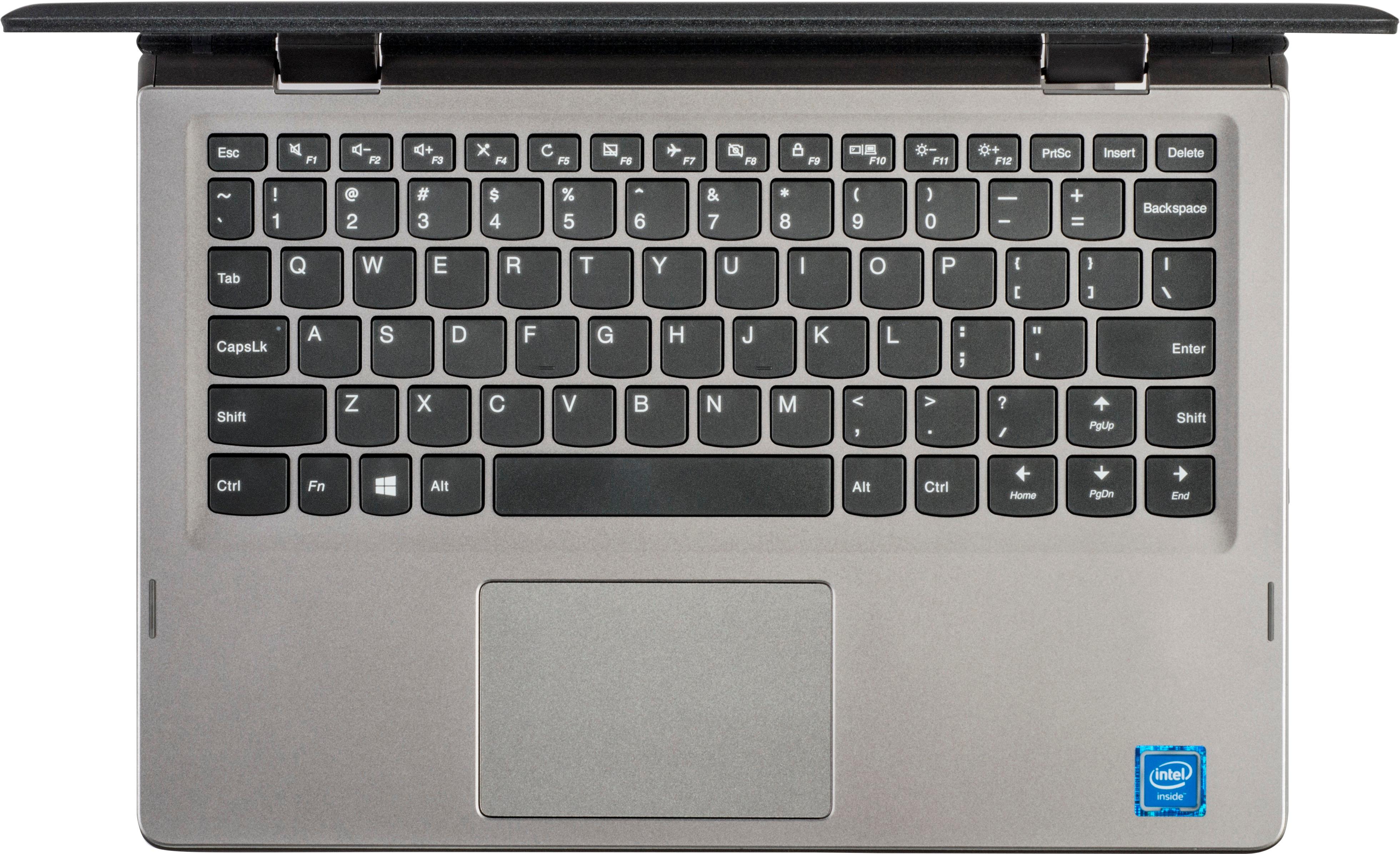
Posted .This reviewer received promo considerations or sweepstakes entry for writing a review.Great value. I am using it for homework and internet. I appreciate that it is convertible. It is not as fast as a standard laptop, but it is close. The keyboard layout is awkward in that there is a page up key where the shift key on the right should be. I'll get used to it.
I would recommend this to a friendBrand response from Lenovo Product Expert
Posted .Thank you for choosing the Lenovo IdeaPad 2 in 1 11.6" Laptop. With regard to the right shift key issue you mention, there is a free software APP called KeyTweak that may help you. You can switch the key functions of specific keys on your keyboard with this software, so you could change the right shift key with the key you hit in its place. Just Google search "KeyTweak" and you will find articles about what the software does and you will find the download location for this free APP.
- Cons mentioned:Slow
2 in 1 laptop okay
Posted .This reviewer received promo considerations or sweepstakes entry for writing a review.this was an emergency laptop that I bought to use for taking notes in school and sending emails. This laptop does have a lot of features but the processor is not very good. If you need a cheap laptop and will only be doing very basic things with it then this is a good choice until you upgrade but you shouldn't expect to use it long or to do many tasks at once
No, I would not recommend this to a friend - Cons mentioned:Slow
CHeap, and it shows...
Posted .This reviewer received promo considerations or sweepstakes entry for writing a review.This thing is cheap, which is nice. The touch screen is a plus and it's lightweight. The battery holds a charge pretty well. The only issues is the processor. The processing speed is really, really slow. I would recommend shelling out a few extra bucks for a laptop with a better processor. But still, I like Lenovo products so...
No, I would not recommend this to a friendBrand response from Lenovo Product Expert
Posted .This is an entry level, light use computer system, with its Intel Celeron processor. It uses Windows 10 Home 64-Bit as its operating system, which requires less than 2GB of RAM to run. There is a 64GB solid state hard drive on this device for fast boot up and file recall. This device has the latest WiFi capability, with 802.11AC connectivity. If your requirements fit this profile, this device is a good choice.
- Cons mentioned:Storage
Great Tablet/ Laptop
Posted .This reviewer received promo considerations or sweepstakes entry for writing a review.For what it is, it's a great buy. It has only 64 Gig, so be careful, you can not install too many programs.
I would recommend this to a friendBrand response from Lenovo Product Expert
Posted .Thank you for choosing the Lenovo IdeaPad 2 in 1 11.6" Laptop. We are pleased to hear that the value and performance of the IdeaPad 2 in 1 11.6" Laptop meets your computing needs so well.
Keep moving its not worth the price
Posted .This reviewer received promo considerations or sweepstakes entry for writing a review.Pile of junk, known problem with this model. Hard drive goes out and the computer is scrap. No way to fix, no customer support. Stay far far away.
No, I would not recommend this to a friend- Pros mentioned:Price
Great
Posted .This reviewer received promo considerations or sweepstakes entry for writing a review.Couldnt ask for anything better for the price performance couldnt be better
I would recommend this to a friendBrand response from Lenovo Product Expert
Posted .Thank you for choosing the Lenovo IdeaPad 2 in 1 11.6" Laptop. We are pleased to hear that the value and performance of the IdeaPad 2 in 1 11.6" Laptop meets your computing needs so well. This is an entry level, light use system with its Intel Celeron processor and 2GB of RAM. It is not meant for multi-tasking or demanding programs. It is good for Microsoft Office and light internet browsing. If this describes your computing needs, the IdeaPad 330-15 would be a good choice.
- Cons mentioned:Storage
no memory
Posted .This reviewer received promo considerations or sweepstakes entry for writing a review.Slowest computer I've owned and I don't store anything on it, yet there is not enough storage to update latest microsoft security, etc. ! As they say, you get what you pay for!!!
No, I would not recommend this to a friendBrand response from Lenovo Product Expert
Posted .According to Microsoft Support, you can use an external hard drive, formatted NTFS, when downloading Windows 10 updates for the needed temporary files. Here is a link to an explanation:
https://support.microsoft.com/en-us/help/4013876/windows-10-freeing-up-space-to-install-latest-update