Customer Ratings & Reviews


- Model:
- 80TV00WGUS
- SKU:
- 5623974
to a friend
Customers are saying
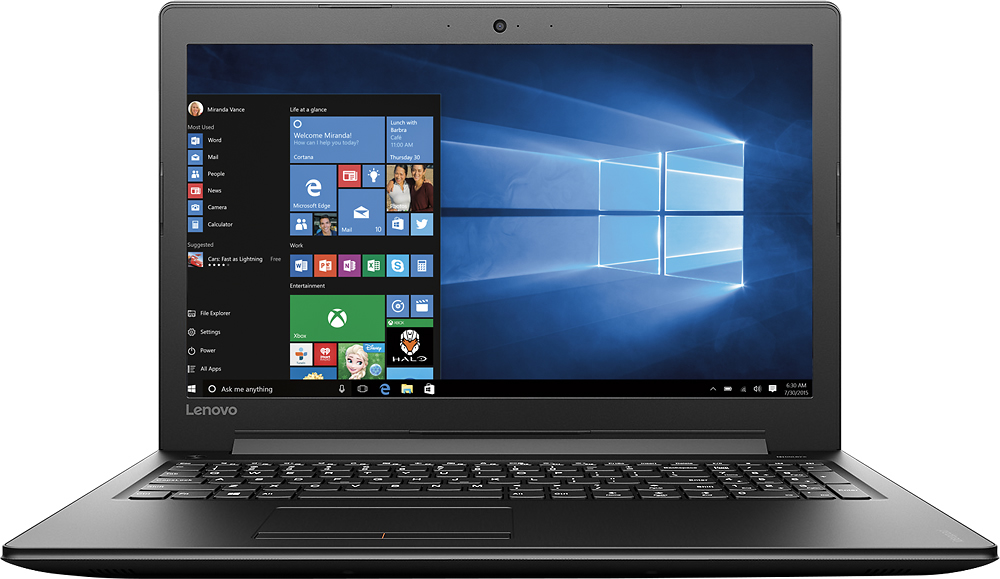
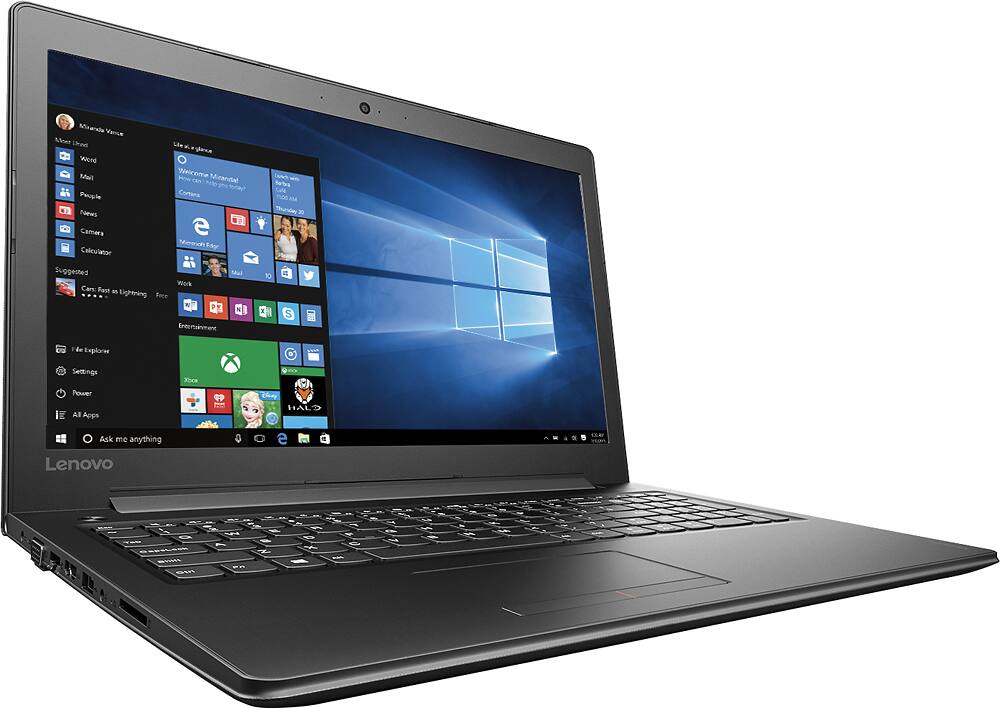
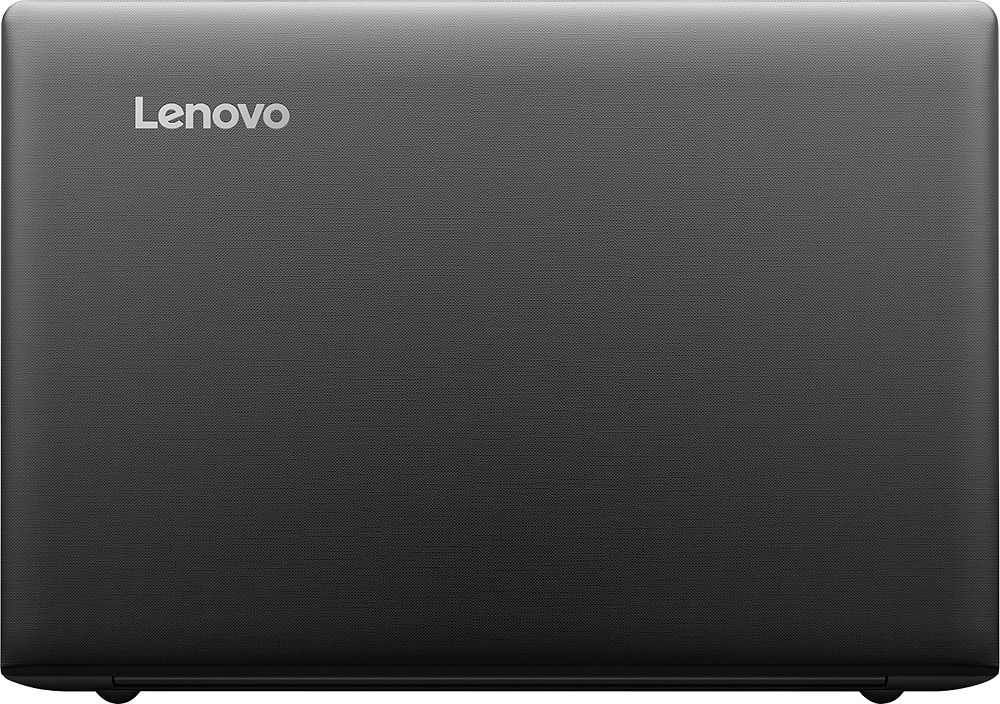
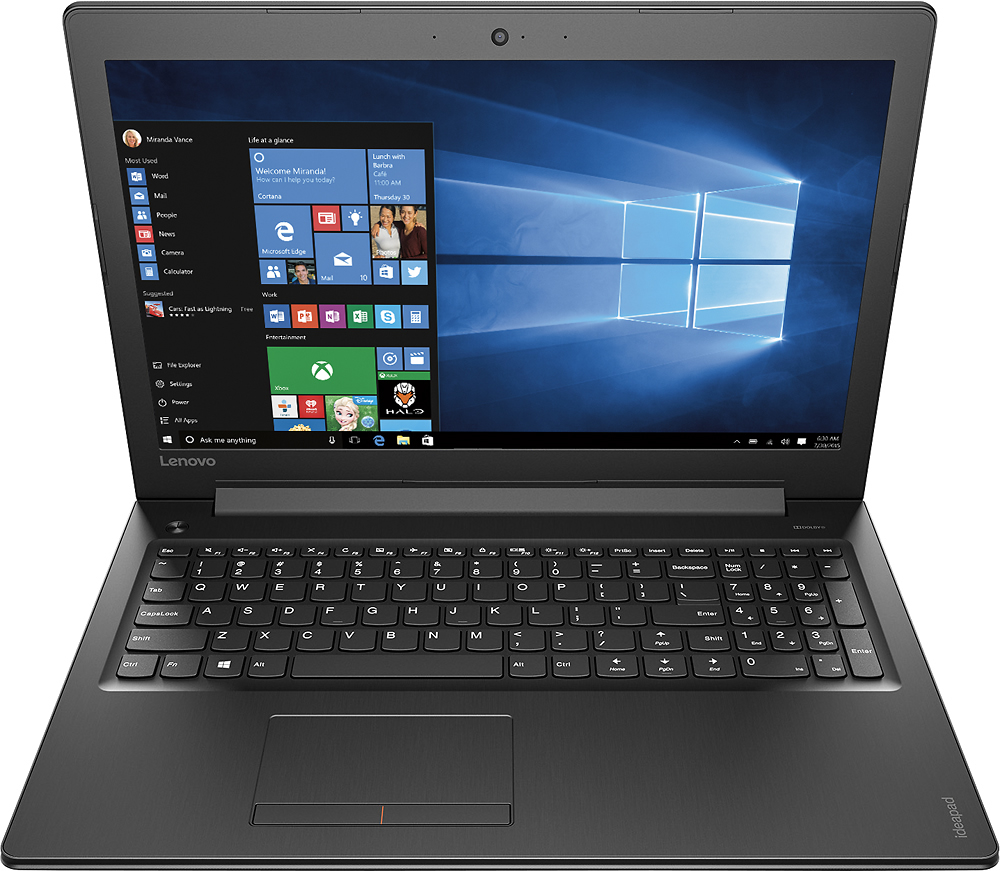
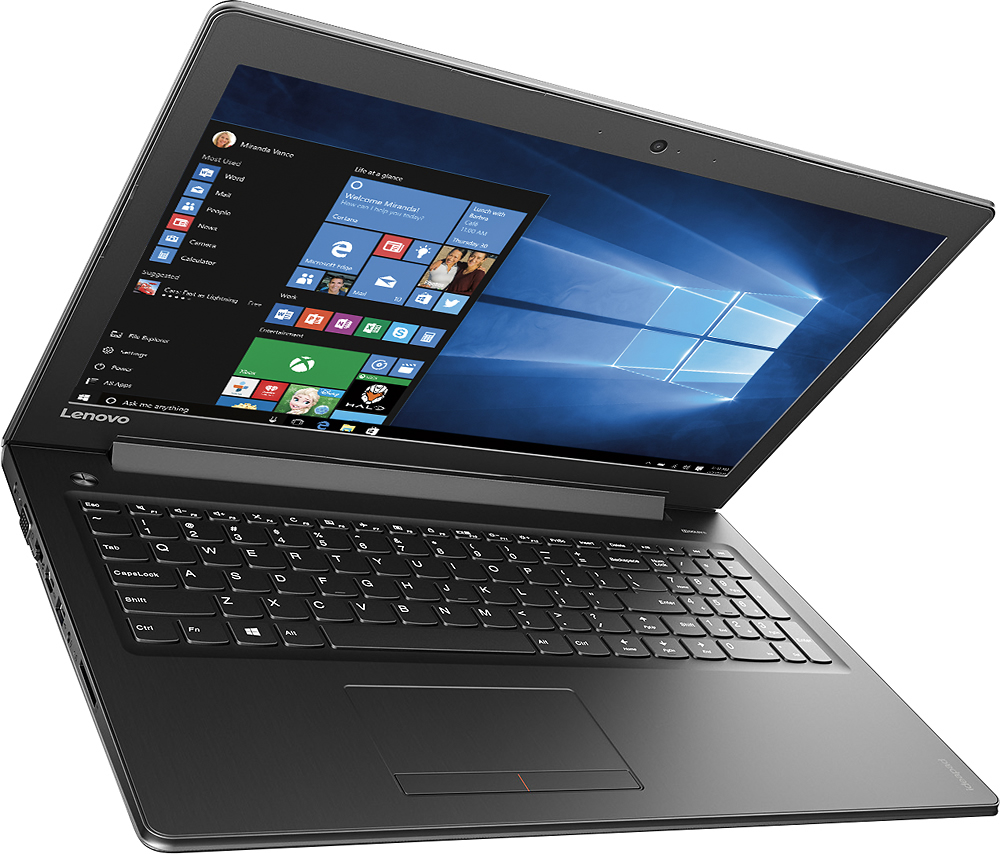
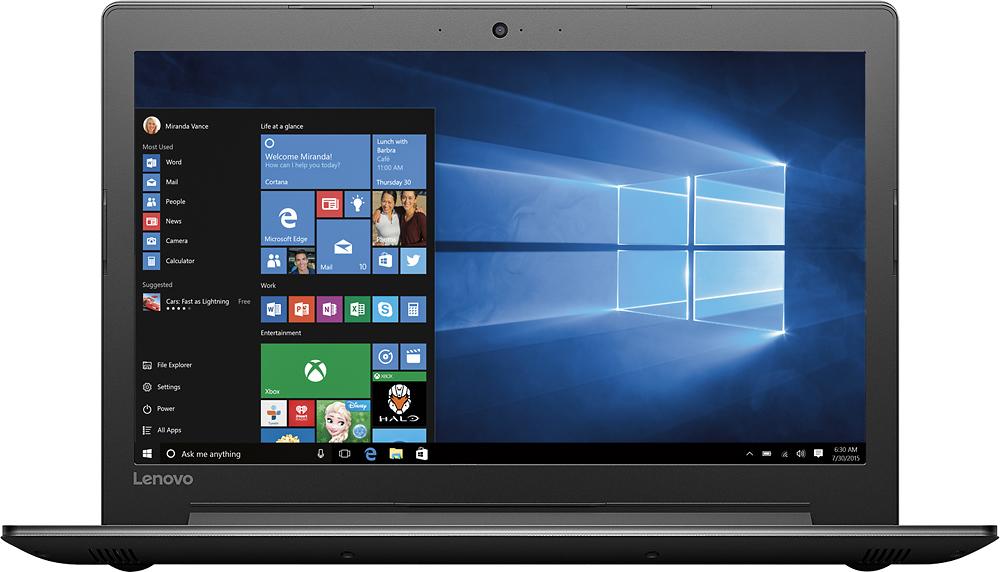
Customers appreciate the 310-15IKB laptop's performance, ease of use, and competitive price. Positive feedback frequently highlights its ample storage, sufficient RAM, and convenient screen size. Many also praise the lightweight design and long battery life for everyday tasks. The inclusion of a large hard drive is another frequently cited advantage.
This summary was generated by AI based on customer reviews.
The best laptop
||Posted .This reviewer received promo considerations or sweepstakes entry for writing a review.Surface book is awesome. Thinking of buying another one
I would recommend this to a friendGreat laptop
||Posted .This reviewer received promo considerations or sweepstakes entry for writing a review.Daughter loves it, does everything she needs for school
I would recommend this to a friendBrand response from Lenovo Product Expert
Posted .Thank you for choosing the Lenovo IdeaPad 310-15 laptop for your daughter. We are pleased to hear that the IdeaPad 310-15 is working out so well for your daughter.

great computer for my son
||Posted .This reviewer received promo considerations or sweepstakes entry for writing a review.Excelent computer for my 12 year old son, very usefull
I would recommend this to a friendBrand response from Lenovo Product Expert
Posted .Thank you for choosing the Lenovo IdeaPad 310-15 laptop for your son. We are pleased to hear that the IdeaPad 310-15 is working out so well for your son.
very nice
||Posted .This reviewer received promo considerations or sweepstakes entry for writing a review.good in terms of graphics. good andreliable ndnice
I would recommend this to a friendGood laptop for small business
||Posted .This reviewer received promo considerations or sweepstakes entry for writing a review.Really good laptop for all small businesses.......
I would recommend this to a friendBrand response from Lenovo Product Expert
Posted .Thank you for choosing the Lenovo IdeaPad 310-15 laptop for your business. We are pleased to hear that the performance of the IdeaPad 310-15 meets your business computing needs so well.
Great for price
||Posted .This reviewer received promo considerations or sweepstakes entry for writing a review.as expected, arrived on time with no problems so far
I would recommend this to a friendBrand response from Lenovo Product Expert
Posted .Thank you for choosing the Lenovo IdeaPad 310-15 laptop. We are pleased to know that the value and features of the IdeaPad 310-15 met your criteria for a new computer.
great laptop
||Posted .This reviewer received promo considerations or sweepstakes entry for writing a review.Was a gift to my daughter and she love it. Nice lap
I would recommend this to a friendBrand response from Lenovo Product Expert
Posted .Thank you for choosing the Lenovo IdeaPad 310-15 laptop for your daughter. We are pleased to hear that the IdeaPad 310-15 is meeting your daughter's computing needs so well.
Easy set up and use
||Posted .This reviewer received promo considerations or sweepstakes entry for writing a review.I bought this for business use. Easy set up and use.
I would recommend this to a friendBrand response from Lenovo Product Expert
Posted .Thank you for choosing the Lenovo IdeaPad 310-15 laptop. We are pleased to hear that the IdeaPad 310-15 meets your business computing needs so well.
xmas gift
||Posted .This reviewer received promo considerations or sweepstakes entry for writing a review.my daughter loves her new computer! great xmas gift
I would recommend this to a friendBrand response from Lenovo Product Expert
Posted .Thank you for choosing the Lenovo IdeaPad 310-15 laptop for your daughter. We are pleased to hear that the IdeaPad 310-15 is working out so well for your daughter.
Great Computer for teenaged son
||Posted .This reviewer received promo considerations or sweepstakes entry for writing a review.Bought computer for 16 year old son. Very pleased.
I would recommend this to a friendBrand response from Lenovo Product Expert
Posted .Thank you for choosing the Lenovo IdeaPad 310-15 laptop for your son. We are pleased to hear that the IdeaPad 310-15 is working out so well for your son.
It's a great laptop
||Posted .This reviewer received promo considerations or sweepstakes entry for writing a review.I like the laptop, it has a good specifications^_^
I would recommend this to a friendreturned it
||Posted .This reviewer received promo considerations or sweepstakes entry for writing a review.Immediately after purchase, heard from a respected friend that there were problems with Lenovo's with shutting down erroneously. So went and upgraded to a Mac
No, I would not recommend this to a friendDisappointed
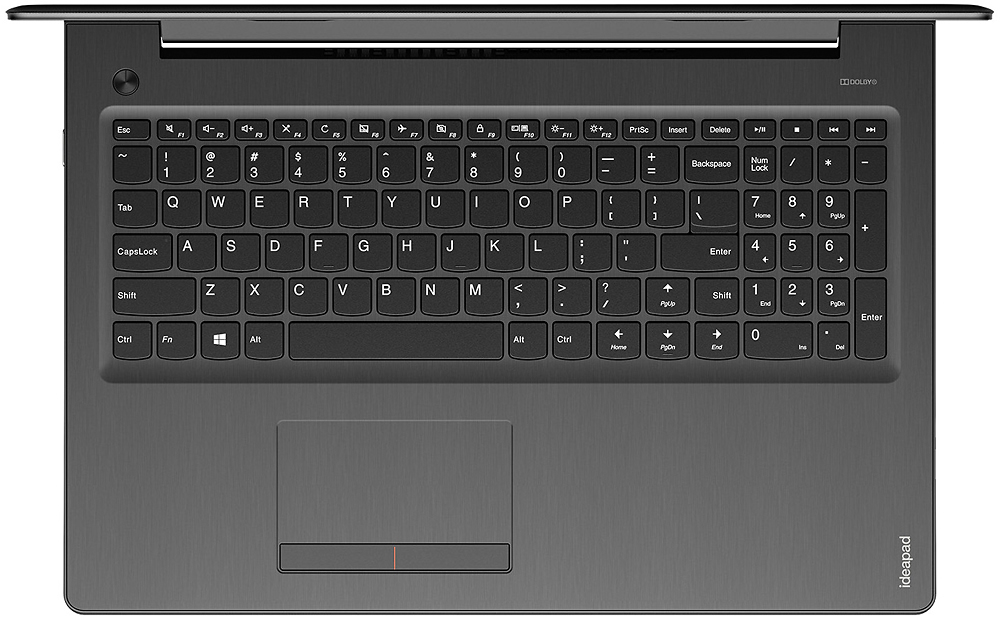
||Posted .This reviewer received promo considerations or sweepstakes entry for writing a review.The keyboard seems off. The capital letters on the right side are out of reach. It is slow
No, I would not recommend this to a friendBrand response from Lenovo Product Expert
Posted .With regard to the right shift key issue you mention, there is a free software APP called KeyTweak that may help you. You can switch the key functions of specific keys on your keyboard with this software, so you could change the right shift key with the key you hit in its place. Just Google search "KeyTweak" and you will find articles about what the software does and you will find the download location for this free APP. This system should be a fast system with its Core I-7 processor and 8GB of RAM. Be sure any software you installed is compatible with Windows 10. There is no need to install Microsoft Office software. The software is already part of the operating system, you just need to activate the software with a purchased product key. If you have installed a copy of Microsoft Office, this is conflicting with the existing copy on the system and this will slow your system down. If you have installed a 3rd party anti-virus program, be sure that Windows Defender is turned off and that the trial version of McAfee Anti-Virus software is uninstalled. There can only be one anti-virus program on the system. You may need to restore your system to original factory default settings if any of the programing errors have occurred. You can do that by typing "restore" in the Cortana search window. Just click on the magnifying glass icon at the bottom left of your Windows 10 Desktop. Click on "Reset This PC" Then click on "Get Started" and follow the on screen directions to restore to factory defaults.
Ok
||Posted .This reviewer received promo considerations or sweepstakes entry for writing a review.This laptop was underwhelming, never performed to expectations.
No, I would not recommend this to a friendAverage computer
||Posted .This reviewer received promo considerations or sweepstakes entry for writing a review.For the price the computer sells for, I would expect a 1080p screen.
No, I would not recommend this to a friendlenovo 310
||Posted .This reviewer received promo considerations or sweepstakes entry for writing a review.Bought for $ 529. Moderate configuration for the price it is good.
No, I would not recommend this to a friendGreat laptop for a low budget
||Posted .This reviewer received promo considerations or sweepstakes entry for writing a review.Key contrast is too dark, bulky design But it works great
I would recommend this to a friendBad keyboard layout
||Posted .This reviewer received promo considerations or sweepstakes entry for writing a review.Received as a Christmas gift. And while it does have alot of bells & whistles, the keyboard layout is very awkward. The right shift key is too far over to the right. Some nimwhit put the up arrow key where the shift should go. So when you're typing, you constantly "page up" instead of shift. I couldn't get used to that. If you hunt and peck while typing,you'll likely have no issues with this. If you type at a decent speed,however, trust me, this will greatly annoy you. I traded this in for a different brand of laptop.
No, I would not recommend this to a friendBrand response from Lenovo Product Expert
Posted .With regard to the right shift key issue you mention, there is a free software APP called KeyTweak that may help you. You can switch the key functions of specific keys on your keyboard with this software, so you could change the right shift key with the key you hit in its place. Just Google search "KeyTweak" and you will find articles about what the software does and you will find the download location for this free APP.
Okay
||Posted .This reviewer received promo considerations or sweepstakes entry for writing a review.Not the best but i guess it works. I wanted something fast that is why I bought an i7 but it is not fast.
No, I would not recommend this to a friendBrand response from Lenovo Product Expert
Posted .Thank you for choosing the Lenovo IdeaPad 310-15 laptop. With regard to the speed of this configuration, you are correct, it should be very fast with the Core I-7 processor and 8GB of RAM. There is no adware on this device that might slow the system down by running in the background. Be sure that there are no unwanted programs running in the background, that you installed. Also be sure that all the programs you have installed are compatible with Window 10.
Not easy to use
||Posted .This reviewer received promo considerations or sweepstakes entry for writing a review.I'm having a hard time getting this to work. To me it is not very user friendly.
No, I would not recommend this to a friendBrand response from Lenovo Product Expert
Posted .Thank you for choosing the Lenovo IdeaPad 310-15 laptop. If it is Windows 10 that you are having trouble with, you may want to try YouTube.com (just type that address in your browser address window). There are hundreds for free instructional videos there about Windows 10. Just type Windows 10 Introduction in to the YouTube search window. You can watch free videos there that will show you the basics all the way up to tips and tricks videos and they're all free. If you are having issues with the device, let us know how we can help you.