Customer Ratings & Reviews
- Model:
- 80XS00DJUS
- SKU:
- 6175415
Rating by feature
- Value
Rating 4.4 out of 5 stars
- Quality
Rating 4.2 out of 5 stars
- Ease of Use
Rating 4.5 out of 5 stars
Customers are saying
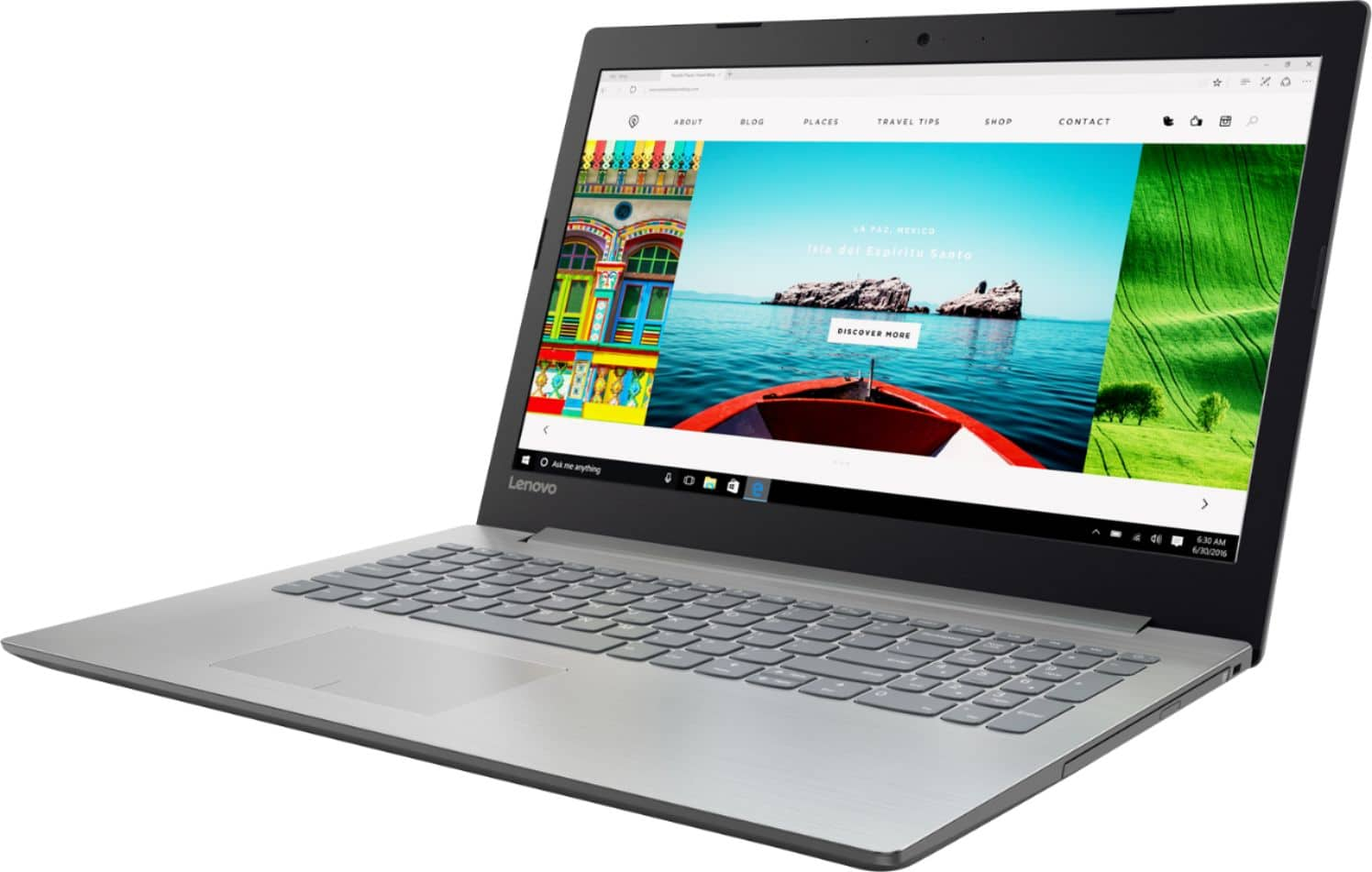
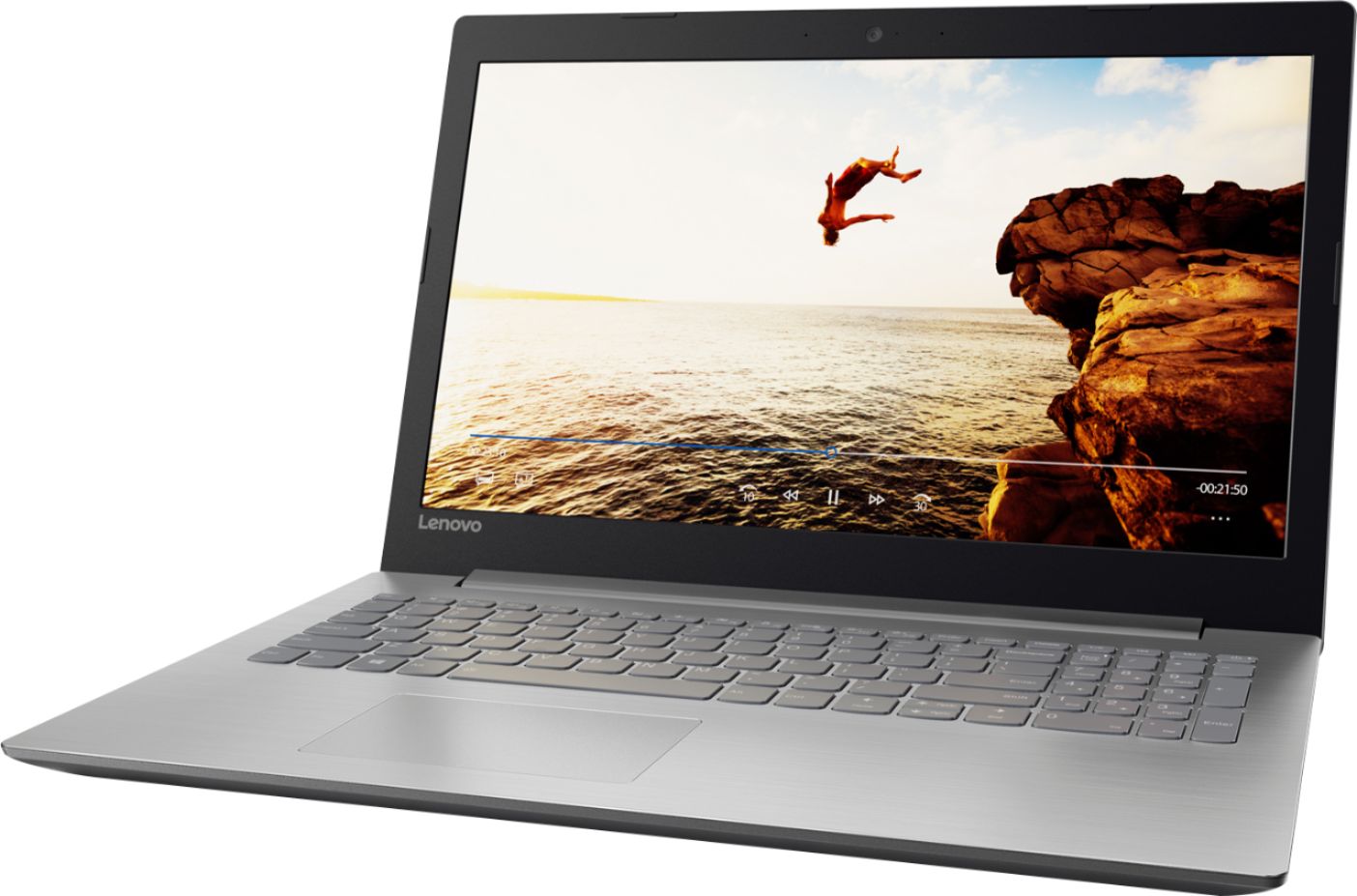
Customers praise the 320-15ABR 15.6" Laptop for its budget-friendly price, user-friendly interface, and ample storage capacity. It is also noted to be lightweight and suitable for gaming. However, customers have concerns about its short battery life, noisy fan, and poor build quality.
This summary was generated by AI based on customer reviews.
- Pros mentioned:Price
Nice unit
||Posted .This reviewer received promo considerations or sweepstakes entry for writing a review.If ypu are looking for sothing simple, good and great on value this is the way to go.
I would recommend this to a friendBrand response from Lenovo Product Expert
Posted .Thank you for choosing the Lenovo IdeaPad 320-15 laptop. We are pleased to hear that the value, ease of use and performance of the IdeaPad 320-15 meets your computing needs so well.

- Pros mentioned:Speed
This is exactly what I need for a computer
||Posted .This reviewer received promo considerations or sweepstakes entry for writing a review.This computer was a replacement for one I used for 4 years. It has all the needed functions required for my activities. It has the speed and memory I needed.
I would recommend this to a friend Good entry level laptop
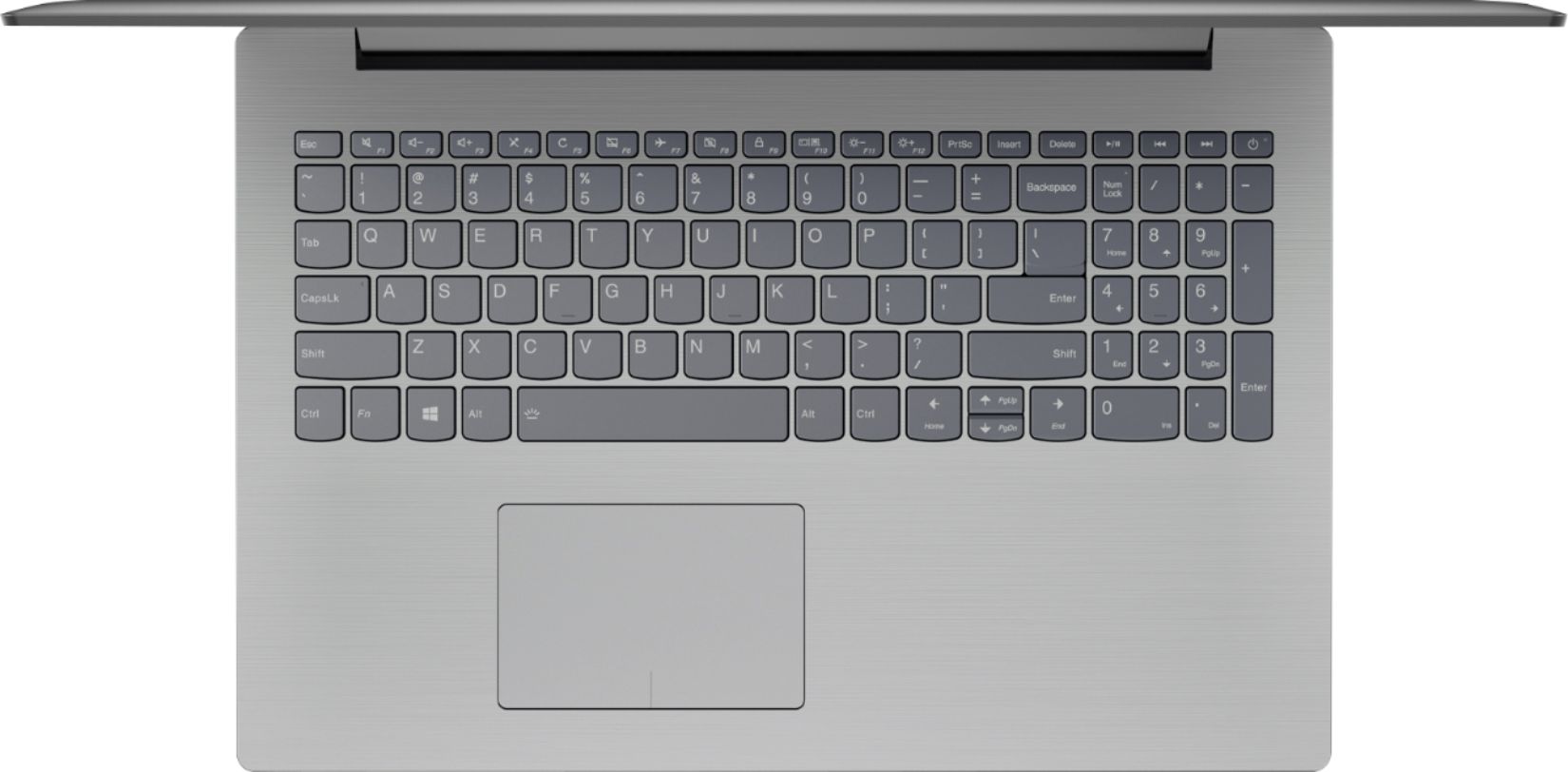
||Posted .This reviewer received promo considerations or sweepstakes entry for writing a review.This laptop does exactly what I wanted it for, basic web browsing, web based games(nothing intense in any way shape fashion or form). Keyboard layout is nice with the number pad, tab key is a little small and if you have big hands like I do your inner palms will likely rest on the trackpad(I turn off and use an external mouse). Overall very satisfied but understand this is not a high end laptop.
I would recommend this to a friendBrand response from Lenovo Product Expert
Posted .Thank you for choosing the Lenovo Ideapad 320-15 laptop. We are pleased to hear that the features and performance of the Ideapad 320-15 meets your computing needs so well.
- Pros mentioned:Speed
Very pleased
||Posted .This reviewer received promo considerations or sweepstakes entry for writing a review.Excellent quality laptop with good speed and storage. Very good display quality.
I would recommend this to a friend - Pros mentioned:Easy to use
No complaints
||Posted .This reviewer received promo considerations or sweepstakes entry for writing a review.I'm not a super knowledgeable computer person but so far I am enjoying my laptop.
I would recommend this to a friendBrand response from Lenovo Product Expert
Posted .Thank you for choosing the Lenovo IdeaPad 320-15 laptop. We are pleased to hear that the IdeaPad 320-15 meets your computing needs so well.
- Cons mentioned:Touchpad
Good laptop for the price
||Posted .This reviewer received promo considerations or sweepstakes entry for writing a review.Took me a while to get used to this touch pad. Pretty user-friendly otherwise.
I would recommend this to a friend - Pros mentioned:Gaming
Great Laptop for the price
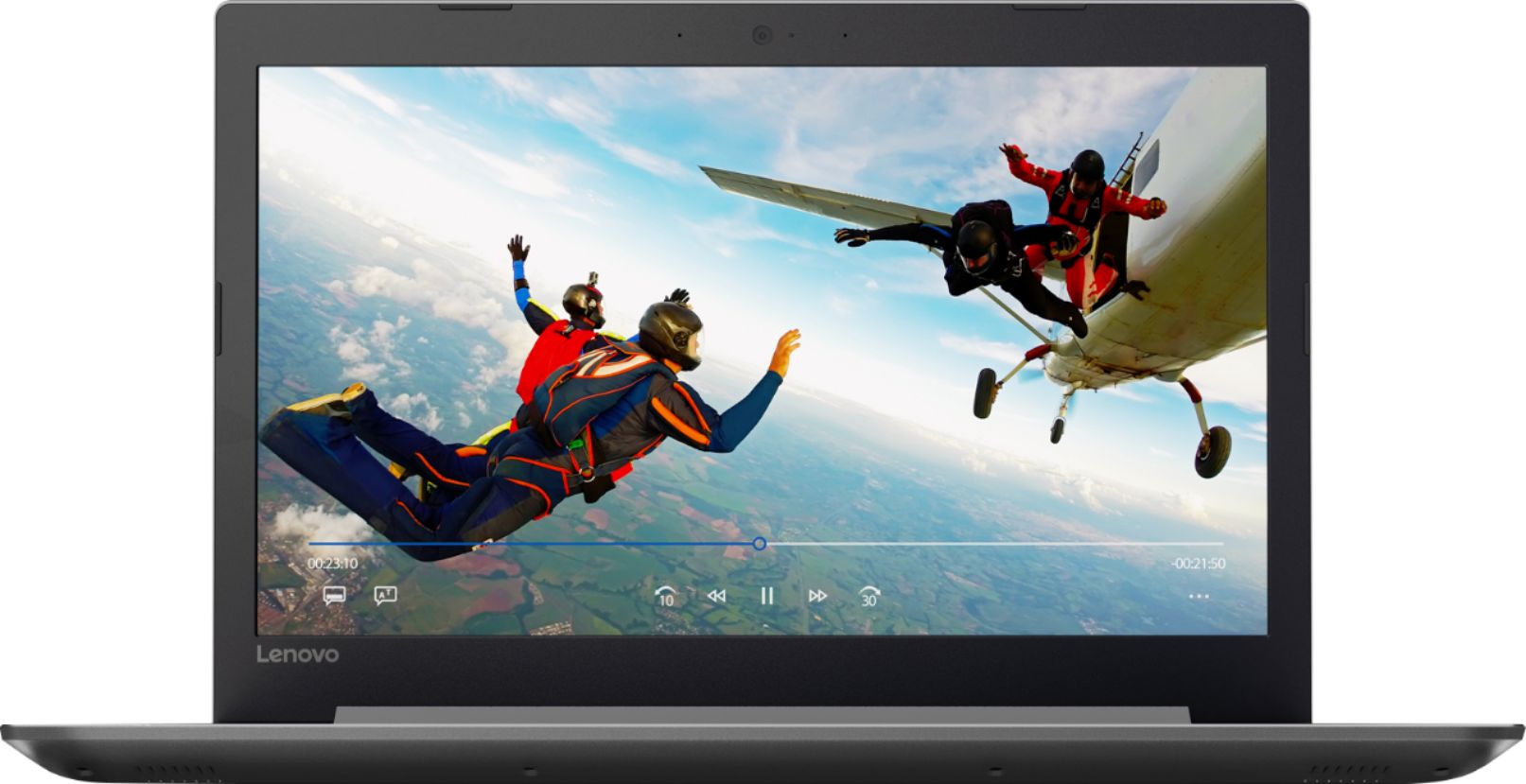
||Posted .This reviewer received promo considerations or sweepstakes entry for writing a review.This Lemovo laptop is a great acquisition for beginner. It is fast enough to play games and surf the WEB. The quality and resolution of the screen are amazing.
I would recommend this to a friendBrand response from Lenovo Product Expert
Posted .Thank you for choosing the Lenovo IdeaPad 320-15 laptop. This configuration is great for a mid-level, moderate usage needs user. The AMD A12-9720P processor and 8GB of DDR4 1866MHz RAM. The processor has a base speed of 2.7GHz and a Boost speed of up to 3.6GHz. The screen is anti-glare with a 1366 X 768 (HD) resolution and a brightness level of 200 nits.
- Cons mentioned:Battery life
Great Labtop
||Posted .This reviewer received promo considerations or sweepstakes entry for writing a review.I really like how responsive and quick the laptop functions. Has a nice screen and specs for what I use it for. Low battery life but you can just charge it.
I would recommend this to a friend - Cons mentioned:Battery life
Pretty Happy!
||Posted .This reviewer received promo considerations or sweepstakes entry for writing a review.Battery life isn’t that great... but it does it’s job and is pretty quick too!
I would recommend this to a friendBrand response from Lenovo Product Expert
Posted .Thank you for choosing the Lenovo IdeaPad 320-15 laptop. This system has a battery life of up to 4 hours, depending on the work that the device is performing. To maximize battery life, try changing your power management setting to a more conservative one. You can do this in the control panel, in the power management category on your system. Select a more conservative power management setting to extend battery life.
- Pros mentioned:Speed
Fast and Easy to use
||Posted .This reviewer received promo considerations or sweepstakes entry for writing a review.My wife wanted a new laptop for her home use. I found the 320 and she loves it. It's fast and has great options.
I would recommend this to a friendBrand response from Lenovo Product Expert
Posted .Thank you for choosing the Lenovo IdeaPad 320-15 laptop for your wife. We are pleased to hear that the features and performance of the IdeaPad 320-15 meets your wife's computing needs so well.
- Pros mentioned:Speed
Excellent laptop.
||Posted .This reviewer received promo considerations or sweepstakes entry for writing a review.This unit is fast and does not lock up as much as my old unit. Only regret is I should have gotten a touch screen. Nonetheless, I'm happy with the purchase.
I would recommend this to a friendBrand response from Lenovo Product Expert
Posted .Thank you for choosing the Lenovo IdeaPad 320-15 laptop. We are pleased to hear that the IdeaPad 320-15 is working out so well for you. There are Lenovo utilities on this device to help you maintain the health of the device. Type "Lenovo Vantage" in the Cortana Search window. Select Lenovo Vantage from the list. In the window that opens, click on "Health and Support". In the expanded menu, select "Hardware Scan" In the window that opens, select "Run Quick Tests". This will scan your entire system for errors. Follow any directions that may pop up. If the problem continues after this scan, now click on "System Update". First select Windows update from the menu. Scan your system to be sure you have the latest version of Windows 10. Once that scan is complete, select "Additional Updates". This will scan your device to be sure there are no new BIOS/Driver updates needed. Follow any instructions that may pop up.
Great Laptop for Business
||Posted .This reviewer received promo considerations or sweepstakes entry for writing a review.I purchased this laptop for my assistant to use. I am typically a Mac person, but did not want to splurge here. This laptop is sturdy, reliable, and not terrible to use all things considered. it is certainly not a Mac, which is an adjustment. My only complaint is that battery life is extremely low. All in all though, a good device if a Mac is not within budget for what you need.
I would recommend this to a friendBrand response from Lenovo Product Expert
Posted .Thank you for choosing the Lenovo IdeaPad 320-15 laptop for your business. This system has a battery life of up to 4.5 hours, depending on the work that the device is performing. Be sure there are no unwanted programs running on your device, if the battery life is significantly lower. Here is a link to some tips for finding out what is draining your battery:
https://www.laptopmag.com/articles/battery-saver-windows-10. If there are no unwanted programs running, to extend battery life, try changing your power management setting to a more conservative one. You can do this in the control panel, in the power management category on your system. Select a more conservative power management setting to extend battery life.
- Pros mentioned:Storage
Great quality for the price!
||Posted .This reviewer received promo considerations or sweepstakes entry for writing a review.This computer runs pretty quickly and has a great amount of storage for the price! I am satisfied with the quality. It even runs most games efficiently.
I would recommend this to a friend Much too slow for the Specs
||Posted .This reviewer received promo considerations or sweepstakes entry for writing a review.Purchased this because it had solid reviews and was said to be able to handle some light gaming along with general productivity. Some reviews stated that the memory and CPU were always at 100% usage or close to it, and that the computer runs slow; This was true for me, as the computer seemed to always be very, very busy and running extremely slow even with basic web browsing and word processing. Computer literally locked up when I attempted to play a game on it. I would definitely pass on this one. Not sure if I got a dud, or if there is some excessive bloat ware on this model, but this was my first experience with a Lenovo and I do not intend to try the brand in the future based on this experience, unless the product has absolutely stellar reviews. In spite of the issues mentioned above, I did find the keyboard design to feel much more responsive and punchy that one's on previous laptops I've owned, and I generally liked the set-up/ placement of all ports and indicators. I'm giving this a two based on physical design, but considering the unfortunate issues with memory, processing, and overall operation of the unit. I would definitely NOT recommend this unit. I ended up returning this and purchasing a more expensive Dell (a lower-end gaming laptop that was on sale) to completely avoid the frustrating issues I had with this Lenovo. This laptop operates on Windows 10, so to be fair, that could also have been the source of some of these problems, as certain updates have impacted my Win10 PCs. in the past, but whatever the cause, this product did not work as expected.
No, I would not recommend this to a friendBrand response from Lenovo Product Expert
Posted .You are correct, this is a fast system configuration. Be sure any software you installed is compatible with Windows 10. There is no need to install Microsoft Office software. The software is already part of the operating system, you just need to activate the software with a purchased product key. If you have installed a copy of Microsoft Office, this is conflicting with the existing copy on the system and this will slow your system down. If you have installed a 3rd party anti-virus program, be sure that Windows Defender is turned off and that the trial version of McAfee Anti-Virus software is uninstalled. There can only be one anti-virus program on the system. You may need to restore your system to original factory default settings if any of the programing errors have occurred. You can do that by typing "restore" in the Cortana search window. Just click on the magnifying glass icon at the bottom left of your Windows 10 Desktop. Click on "Reset This PC" Then click on "Get Started" and follow the on screen directions to restore to factory defaults. If the problem persists, we recommend you contact Lenovo Tech Support at: 877-453-6686.
- Pros mentioned:Speed
Great laptop for the price
||Posted .This reviewer received promo considerations or sweepstakes entry for writing a review.This is a great low-cost laptop. It’s fast and I have had no problems with it at all. I will buy another one if my other laptop needs to be replaced.
I would recommend this to a friend - Pros mentioned:Easy to use
Good for kids
||Posted .This reviewer received promo considerations or sweepstakes entry for writing a review.Easy to set up. Good for kids and general use. Also good for students.
I would recommend this to a friendBrand response from Lenovo Product Expert
Posted .Thank you for choosing the Lenovo IdeaPad 320-15 laptop. We are pleased to hear that the easy setup and performance of the IdeaPad 320-15 meets your family's computing needs so well.
Easy to set up
||Posted .This reviewer received promo considerations or sweepstakes entry for writing a review.Easy to set up and use, but overheat very fast after 30 mins of usage
I would recommend this to a friendGood laptop for personal office use
||Posted .This reviewer received promo considerations or sweepstakes entry for writing a review.This was a replacement for a four year old laptop. It has much crisper performance and is about a pound lighter, mostly due to the smaller screen.
I would recommend this to a friendBrand response from Lenovo Product Expert
Posted .Thank you for choosing the Lenovo IdeaPad 320-15 laptop. We are pleased to hear that the features and performance of the IdeaPad 320-15 meets your computing needs so well.
- Pros mentioned:Gaming
Ok computer
||Posted .This reviewer received promo considerations or sweepstakes entry for writing a review.This is a good computer for light work and games. Serves its purpose.
I would recommend this to a friendBrand response from Lenovo Product Expert
Posted .Thank you for choosing the Lenovo IdeaPad 320-15 laptop. We are pleased to hear that the IdeaPad 320-15 meets your computing needs so well.
- Pros mentioned:Speed
Affordable and functional
||Posted .This reviewer received promo considerations or sweepstakes entry for writing a review.Got this for my sister to do her college assignments and such a great buy...stylish, fast, reliable with amazing battery-life. must buy!
I would recommend this to a friend