Customer Ratings & Reviews
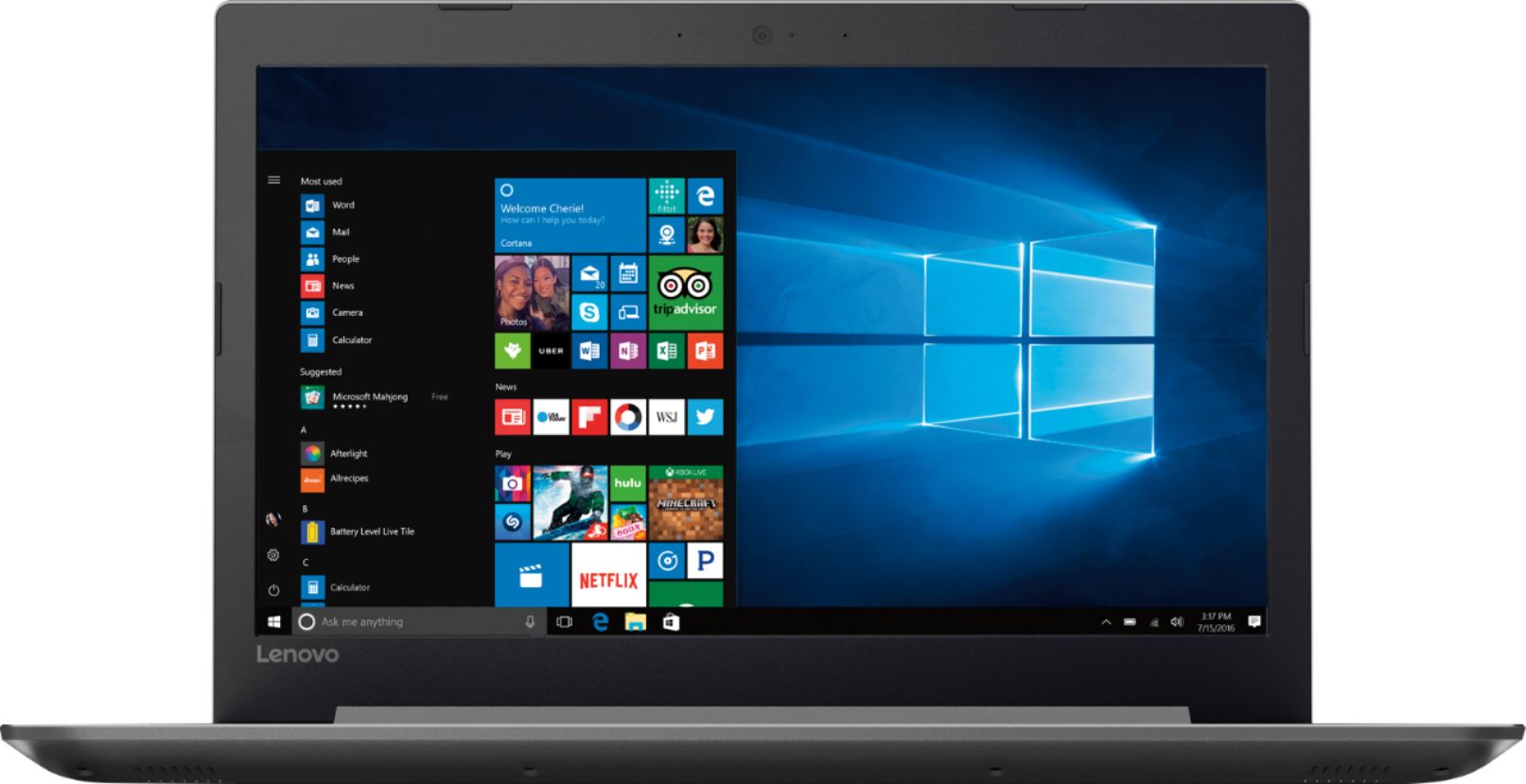
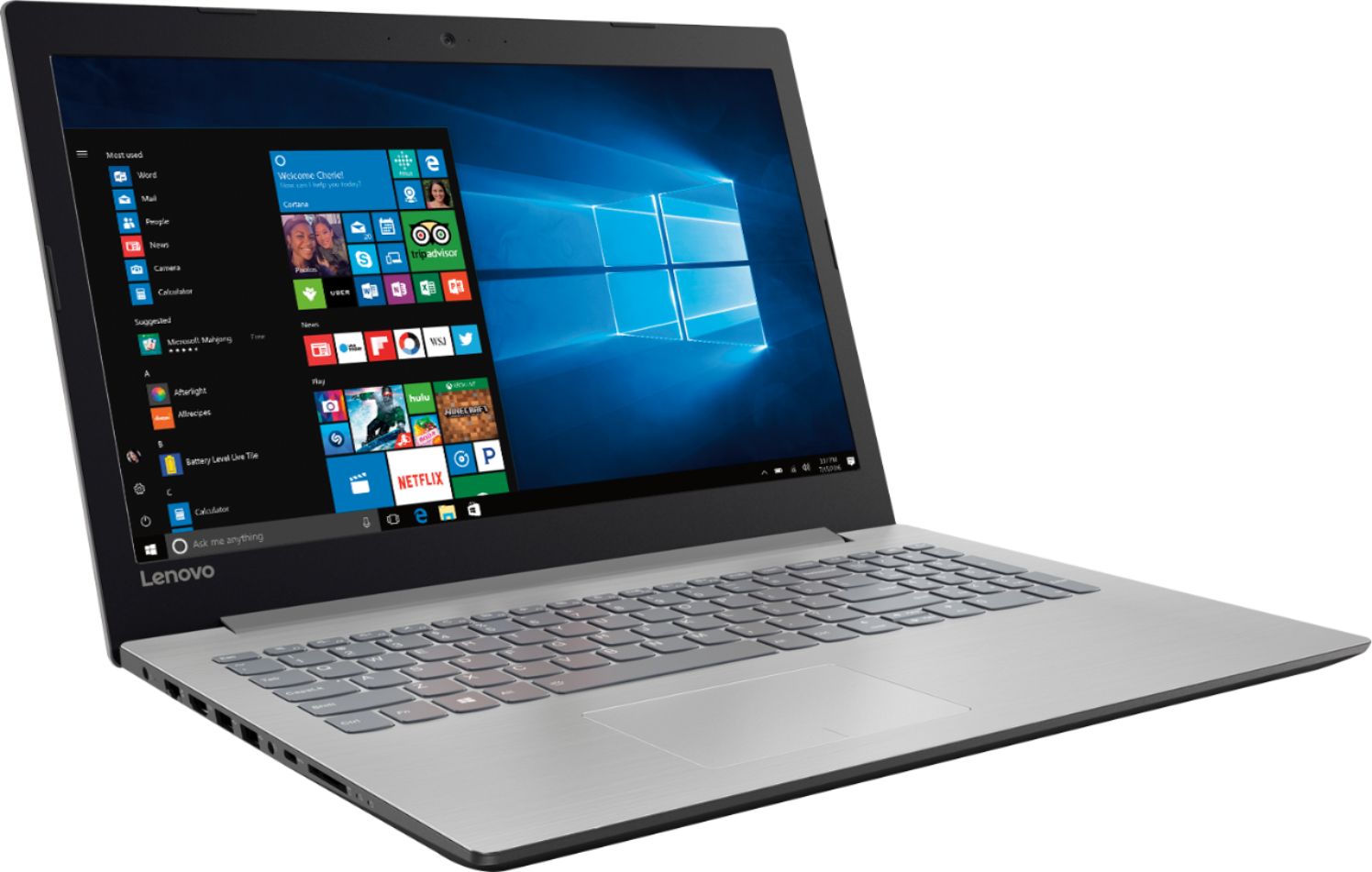
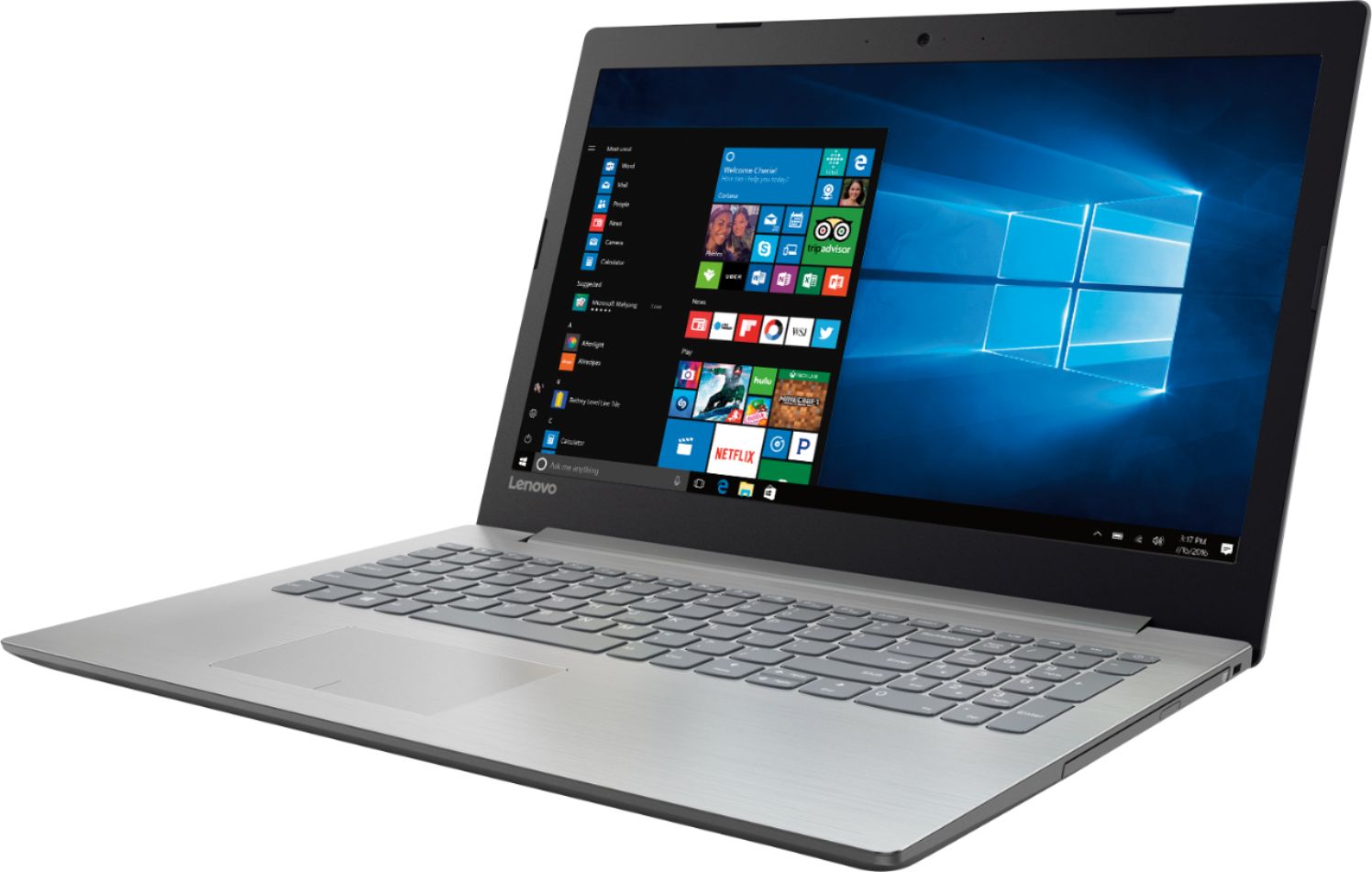
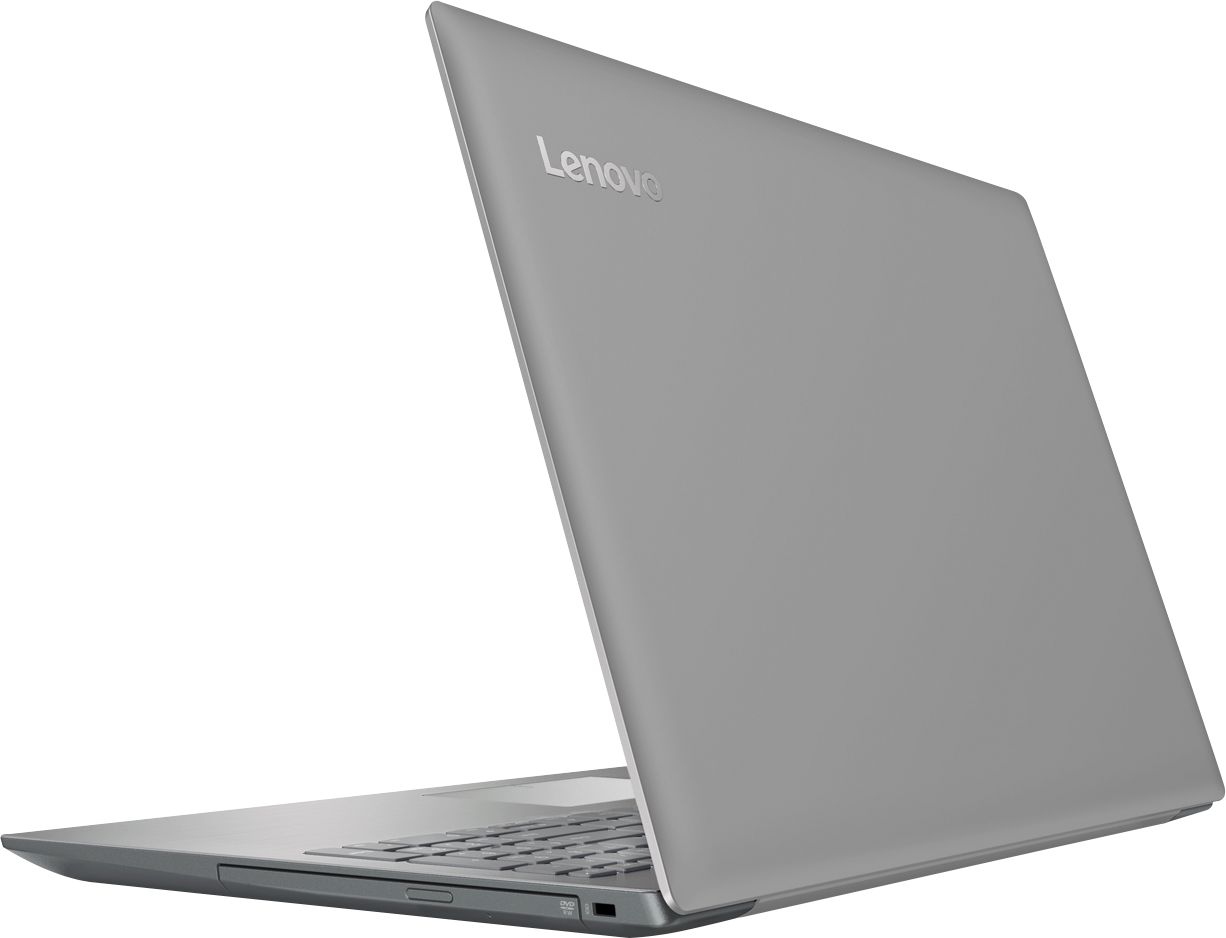
- Model:
- 80XS00DJUS
- SKU:
- 6175415
Rating by feature
- Value
Rating 4.4 out of 5 stars
- Quality
Rating 4.2 out of 5 stars
- Ease of Use
Rating 4.5 out of 5 stars
Customers are saying
Customers praise the 320-15ABR 15.6" Laptop for its budget-friendly price, user-friendly interface, and ample storage capacity. It is also noted to be lightweight and suitable for gaming. However, customers have concerns about its short battery life, noisy fan, and poor build quality.
This summary was generated by AI based on customer reviews.
Great product
||Posted .This reviewer received promo considerations or sweepstakes entry for writing a review.Bought it for school. Works great love how thin it is
I would recommend this to a friendBrand response from Lenovo Product Expert
Posted .Thank you for choosing the Lenovo IdeaPad 320-15 laptop. We are pleased to hear that the features and performance of the IdeaPad 320-15 meets your computing needs so well.

good
||Posted .This reviewer received promo considerations or sweepstakes entry for writing a review.Works good happy with it ************************
I would recommend this to a friendFast
||Posted .This reviewer received promo considerations or sweepstakes entry for writing a review.It is a very nice smooth and very very fast computer
I would recommend this to a friendGreat for school
||Posted .This reviewer received promo considerations or sweepstakes entry for writing a review.I love my computer, it serves well for what I needed
I would recommend this to a friendWorks well, no problems
||Posted .This reviewer received promo considerations or sweepstakes entry for writing a review.Satisfies all my requirements for a lap top computer
I would recommend this to a friendBrand response from Lenovo Product Expert
Posted .Thank you for choosing the Lenovo IdeaPad 320-15 laptop. We are pleased to hear that the features and performance of the IdeaPad 320-15 meets your computing needs so well.
Great laptop
||Posted .This reviewer received promo considerations or sweepstakes entry for writing a review.Great deal - good quality use it to work from home.
I would recommend this to a friendGreat Computer for the money
||Posted .This reviewer received promo considerations or sweepstakes entry for writing a review.A+ Great computer for the money. All I can handle!
I would recommend this to a friendI love my new computer no issues
||Posted .This reviewer received promo considerations or sweepstakes entry for writing a review.Great product I had a great experience at Best Buy
I would recommend this to a friendGood value for money
||Posted .This reviewer received promo considerations or sweepstakes entry for writing a review.Startup is smooth. Is a little sluggish when a couple of apps open. I knew that going in. Overall has been reliable for simple surfing and basic MS app use.
I would recommend this to a friendBrand response from Lenovo Product Expert
Posted .This system should be a fast system with its AMD A12-9720P processor and 8GB of RAM. Be sure any software you installed is compatible with Windows 10. There is no need to install Microsoft Office software. The software is already part of the operating system, you just need to activate the software with a purchased product key. If you have installed a copy of Microsoft Office, this is conflicting with the existing copy on the system and this will slow your system down. If you have installed a 3rd party anti-virus program, be sure that Windows Defender is turned off and that the trial version of McAfee Anti-Virus software is uninstalled. There can only be one anti-virus program on the system. You may need to restore your system to original factory default settings if any of the programing errors have occurred. You can do that by typing "restore" in the Cortana search window. Just click on the magnifying glass icon at the bottom left of your Windows 10 Desktop. Click on "Reset This PC" Then click on "Get Started" and follow the on screen directions to restore to factory defaults. If the problem persists, we recommend you contact Lenovo Tech Support at: 877-453-6686.
Love this
||Posted .This reviewer received promo considerations or sweepstakes entry for writing a review.Love the size, weight, the clarity and the keyboard
I would recommend this to a friendBrand response from Lenovo Product Expert
Posted .Thank you for choosing the Lenovo IdeaPad 320-15 laptop. We are pleased to hear that the features and performance of the IdeaPad 320-15 meets your computing needs so well.
Was expecting more
||Posted . Owned for 1.5 years when reviewed.This reviewer received promo considerations or sweepstakes entry for writing a review.I was very disappointed in this laptop. I would have returned it for a better one but Best Buy doesn’t always make it easy to do that!
No, I would not recommend this to a friendGood computer
||Posted .This reviewer received promo considerations or sweepstakes entry for writing a review.Great computer very thin and slick must buy !!!!!!!
I would recommend this to a friendBrand response from Lenovo Product Expert
Posted .Thank you for choosing the Lenovo IdeaPad 320-15 laptop. We are pleased to hear that the Ideapad 320-15 is working out so well for you.
Perfect for school work at online college.
||Posted .This reviewer received promo considerations or sweepstakes entry for writing a review.This is a great laptop for online college classes.
I would recommend this to a friendBrand response from Lenovo Product Expert
Posted .Thank you for choosing the Lenovo IdeaPad 320-15 laptop. We are pleased to hear that the IdeaPad 320-15 meets your computing needs so well.
Great laptop
||Posted .This reviewer received promo considerations or sweepstakes entry for writing a review.My new laptop is working great, very good quality.
I would recommend this to a friendBrand response from Lenovo Product Expert
Posted .Thank you for choosing the Lenovo IdeaPad 320-15 laptop. We are pleased to hear that the IdeaPad 320-15 is working out so well for you.
- Cons mentioned:Battery life
Battery died in 2 months of lite use
||Posted .This reviewer received promo considerations or sweepstakes entry for writing a review.Battery completely died in less than 2 months of really low usage. Bought this to take to my parents as a gift and have been really rarely using to install a few apps. Hope I can get a replacement in store since I'm traveling overseas to take it soon. Disappointing. At least Best buy have one of the best customer cares. I'll visit a store tomorrow and will pay the results here.
No, I would not recommend this to a friendBrand response from Lenovo Product Expert
Posted .We are sorry to hear that you are having issues with the charging of your Lenovo IdeaPad 320-15 laptop. Be sure the problem is not with the AC adapter. When you plug in the device and attempt to charge it, there should be a light on the device indicating the device is charging. If the AC adapter is not the problem, you can try a hard reset of the battery. Here is a link to instructions for resetting a non-removable battery. If you need further assistance, we recommend you call Lenovo Tech Support at: 877-453-6686. Here is the link: https://www.techwalla.com/articles/how-to-reset-a-laptop-battery
Very loud and great quality for a good price
||Posted .This reviewer received promo considerations or sweepstakes entry for writing a review.Very loud and great quality for a good price......
I would recommend this to a friendBrand response from Lenovo Product Expert
Posted .Thank you for choosing the Lenovo IdeaPad 320-15 laptop. We are pleased to hear that the Ideapad 320-15 meets your computing needs so well.
this is a replacement for 1st one that died
||Posted .This reviewer received promo considerations or sweepstakes entry for writing a review.this is a replacement for 1st one that died after a week Even Geek squad had no idea what happened Lost the Microsoft office that I had purchased with it
I would recommend this to a friendBrand response from Lenovo Product Expert
Posted .There is a 30-day trial of Microsoft Office 365 included as part of the Windows 10 operating system. In order to keep the program active after the trial period, you will need to purchase a product key. You will not need to download any additional software.
- Cons mentioned:Fan noise
Soooooo Slloooooooowwwwww
||Posted . Owned for 1 year when reviewed.This reviewer received promo considerations or sweepstakes entry for writing a review.This laptop out of the box was the slowest computer I've ever used. It's even slower than the 7 year old mac I replaced. The fan runs constantly and even after start up opening a single application and sometimes even typing takes an eternity. I would not recommend this laptop.
No, I would not recommend this to a friend - Cons mentioned:Speakers
Speakers blown
||Posted .This reviewer received promo considerations or sweepstakes entry for writing a review.I used this laptop 3 times and the fourth time was the first time I used the speakers and they were blown.
No, I would not recommend this to a friendBrand response from Lenovo Product Expert
Posted .We are sorry to hear that you are having issues with the speakers on your Lenovo 320-15ABR Laptop. Be sure the speakers are turned on, use the HotKey in the F1 position to toggle the speakers on/off. Then be sure the volume is turned up to a hearable level by using the HotKey in the F3 position to increase the speaker volume. If the problem persists, we recommend you call Lenovo Tech Support at: 877-453-6686.
OK laptop for the money
||Posted .This reviewer received promo considerations or sweepstakes entry for writing a review.I was looking for an inexpensive laptop with memory and space to start one subject on. This was it, though recently I have been having a little trouble with the built in mouse pad and left button. It has been less than two months, I hope that this isn't the start of a big problem for me. If so, I am sworn off Lenovo for good. The first Lenovo laptop I had had the hard drive go out after 3 years. I will update this if the computer tanks.
No, I would not recommend this to a friendBrand response from Lenovo Product Expert
Posted .We are sorry to hear you are having issues with your Lenovo IdeaPad 320-15 laptop. With regard to the touchpad, you can make adjustments to the touchpad in your system settings. You can get there by clicking on the magnifying glass at the bottom left of your Windows 10 screen. Type "touchpad" in the search window. Select "Mouse & touchpad settings" from the list of choices. You can make general adjustments to the touchpad there. You can also select "Additional mouse options" for more detailed adjustments to the touchpad sensitivity by increasing the delay of the touchpad. If making adjustments does not solve the problem you are having with the left touchpad button, it may be a BIOS/Driver update issue. This system has Lenovo utilities installed to help maintain the health of the device and keep the operating system software up to date. Type "Lenovo Vantage" in the Cortana Search window. Select Lenovo Vantage from the list. In the window that opens, click on "Health and Support". In the expanded menu, select "Hardware Scan" In the window that opens, select "Run Quick Tests". This will scan your entire system for errors. Follow any directions that may pop up. If the problem continues after this scan, now click on "System Update". First select Windows update from the menu. Scan your system to be sure you have the latest version of Windows 10. Once that scan is complete, select "Additional Updates". This will scan your device to be sure there are no new BIOS/Driver updates needed. Follow any instructions that may pop up. If the issue still continues after these updates, we recommend you call Lenovo Tech Support at: 877-453-6686 for additional help.