Customer Ratings & Reviews
- Model:
- 80XS00DJUS
- SKU:
- 6175415
Rating by feature
- Value
Rating 4.4 out of 5 stars
- Quality
Rating 4.2 out of 5 stars
- Ease of Use
Rating 4.5 out of 5 stars
Customers are saying
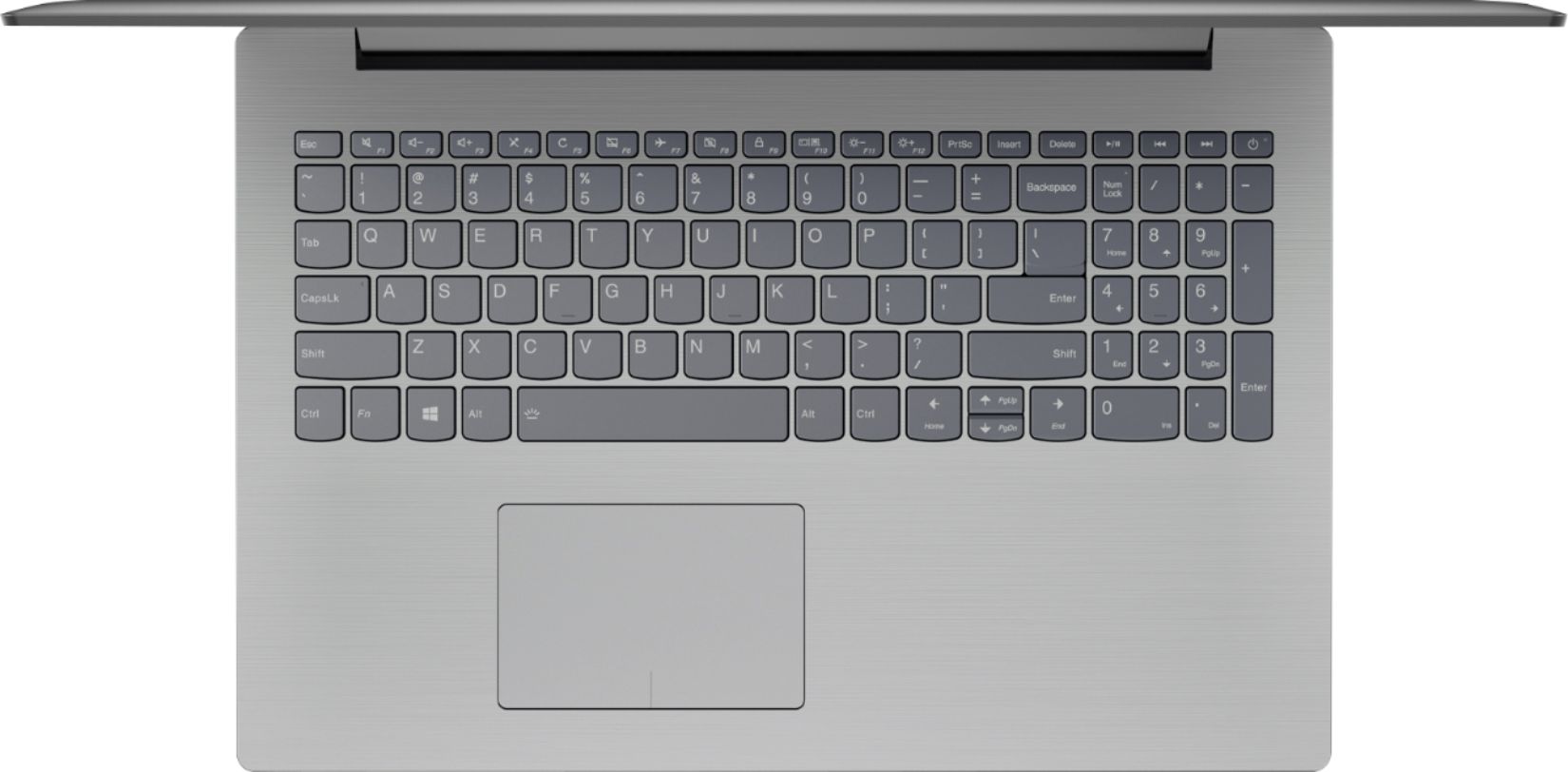
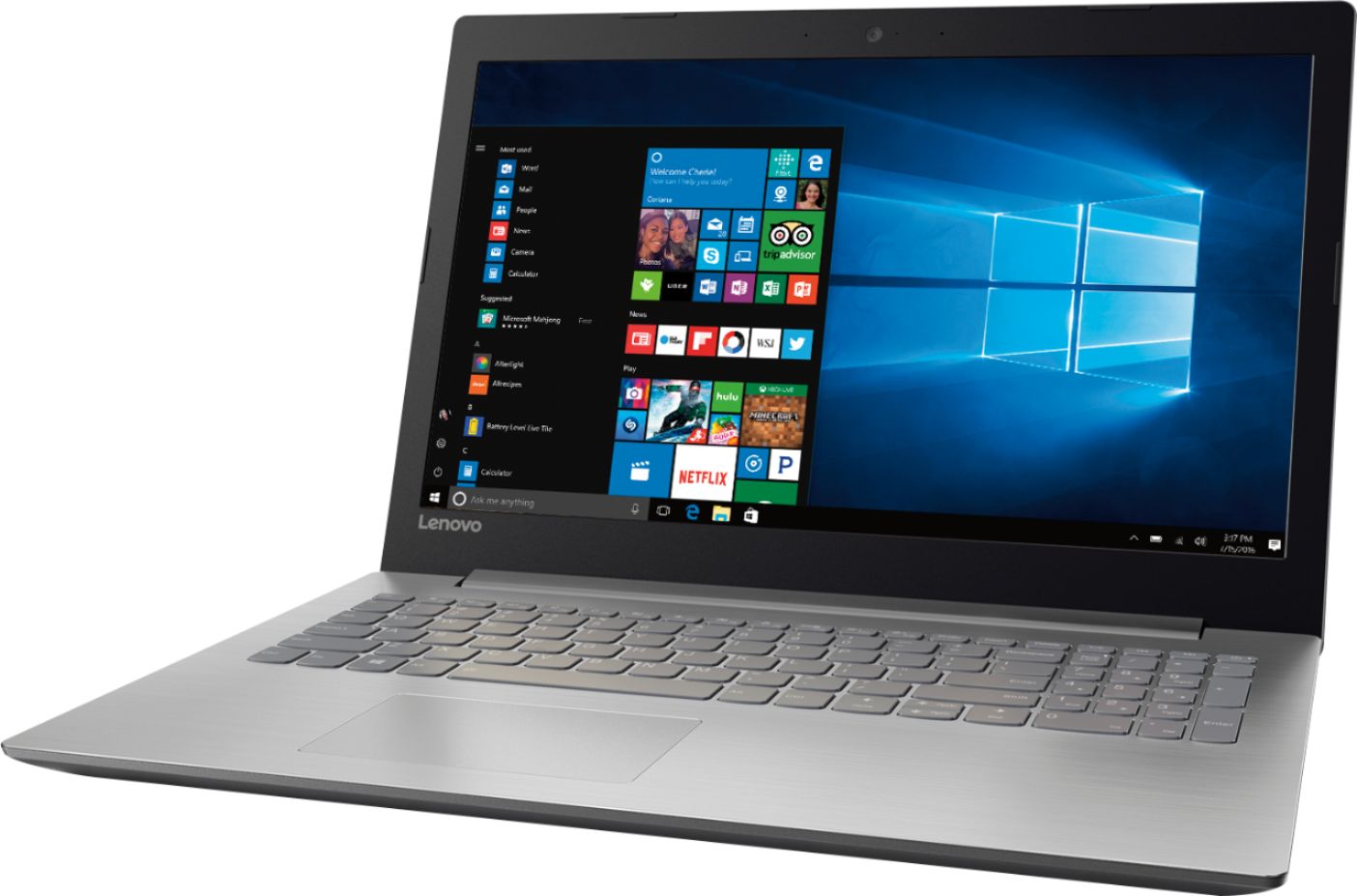
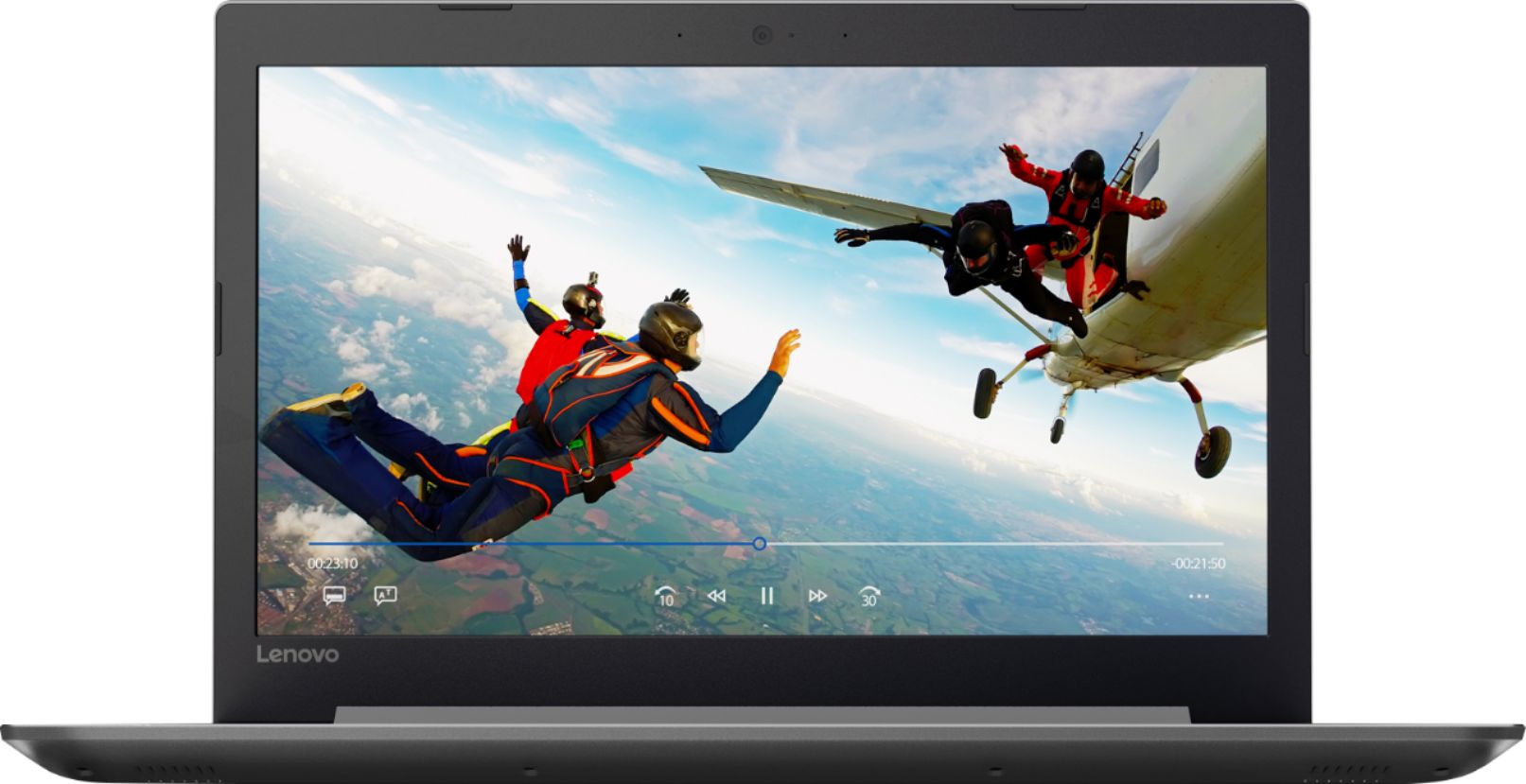
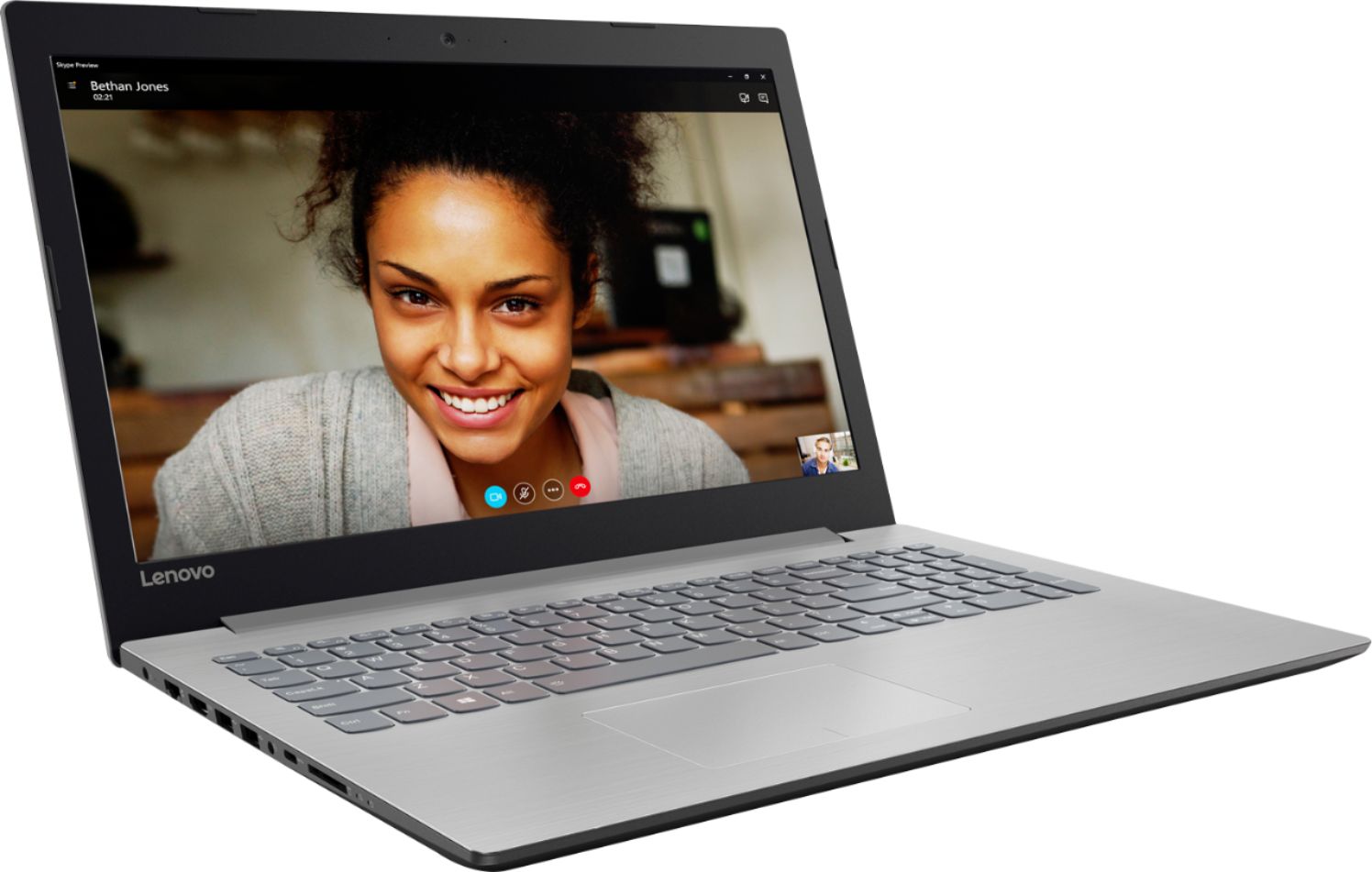
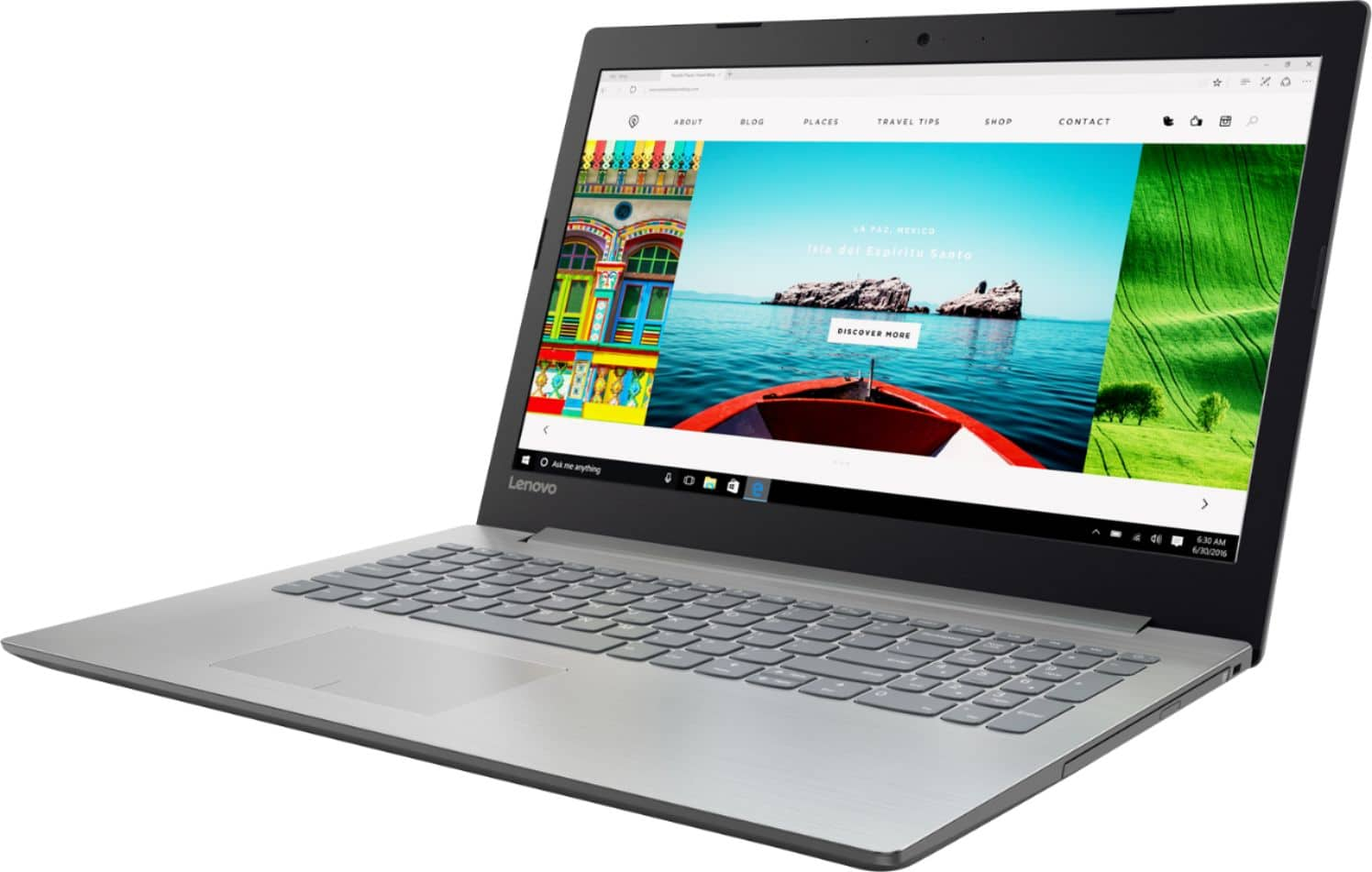
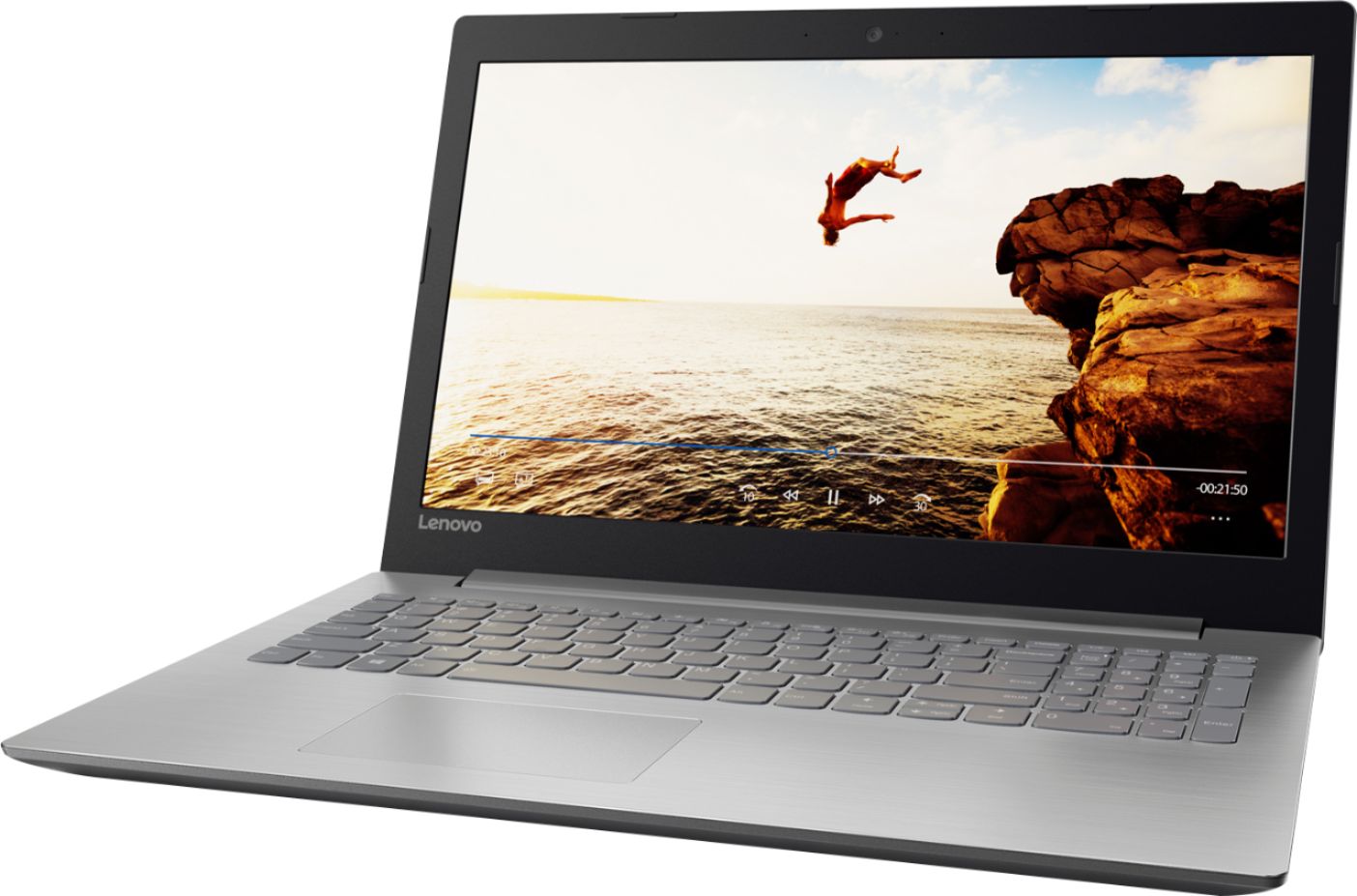
Customers praise the 320-15ABR 15.6" Laptop for its budget-friendly price, user-friendly interface, and ample storage capacity. It is also noted to be lightweight and suitable for gaming. However, customers have concerns about its short battery life, noisy fan, and poor build quality.
This summary was generated by AI based on customer reviews.
Not bad
||Posted . Owned for 1 year when reviewed.This reviewer received promo considerations or sweepstakes entry for writing a review.Not a bad laptop for what I use it for............
I would recommend this to a friendGood product for children
||Posted .This reviewer received promo considerations or sweepstakes entry for writing a review.very easy to use for children starting to use computers
No, I would not recommend this to a friendBrand response from Lenovo Product Expert
Posted .This is a high performance system with its Quad-Core AMD A12-9720P processor and 8GB of RAM. The processor has a base speed of 2.7GHz and a boost speed of up to 3.6GHz. This configuration is capable of handling many of today's most popular programs.

Lap top
||Posted .This reviewer received promo considerations or sweepstakes entry for writing a review.I am not very happy with my laptop it’s slow and bulky
No, I would not recommend this to a friend- Cons mentioned:Battery life
Basic computer awful battery life.
||Posted .This reviewer received promo considerations or sweepstakes entry for writing a review.I like the computers features but the storage is very minimal and the life of the battery is about 20 mins if you dont have the charger plugged in. I will not purchase another product of this brand ever again.
No, I would not recommend this to a friend Slow and comes with Windows 10
||Posted .This reviewer received promo considerations or sweepstakes entry for writing a review.Now I realize why nobody wanted Windows 10. It is a curse to computers. This computer has it, as well as a lot of automatic things that prevent you from actually being in control of your own computer. As I learn to operate it, I am barraged with ads for software. Furthermore, every little button that I push causes paroxysms of processing time. It takes forever for it to figure out what it's doing. My home built computer from 10 years ago is much better. I wouldn't recommend this for anyone. Plus the software we bought from Best Buy was out-of-date already, so it makes it impossible to install it. When I called Best Buy For assistance, they refused to help with anything unless I paid them a whole bunch more money.
No, I would not recommend this to a friendBasic
||Posted .This reviewer received promo considerations or sweepstakes entry for writing a review.New so far so good. No problems yet. Sleek design.
I would recommend this to a friendTerrible laptop
||Posted .This reviewer received promo considerations or sweepstakes entry for writing a review.I purchased this laptop about 3 weeks ago as an inexpensive option to run a browser (Chrome) and MS Office...nothing too difficult to process. In the three weeks of ownership, the system has locked up numerous times (processor freezes) causing me to manually shut down and reboot. I have contacted Lenovo support multiple times, reset the system and wiped out all of the programs and started over only for it to continue to lock up. Save yourself the trouble and do not buy this one. Not sure what the problem is but its not worth the trouble to find out what is causing this (probably the AMD processor but who knows since it is hard to read the event logs and tell what is happening).
No, I would not recommend this to a friendBrand response from Lenovo Product Expert
Posted .We are sorry to hear that you are having issues with your Lenovo IdeaPad 320-15 laptop. Be sure any software you install is compatible with Windows 10 and this specific device configuration. This system has Lenovo utilities installed to help maintain the health of the device and keep the operating system software up to date. Type "Lenovo Vantage" in the Cortana Search window. Select Lenovo Vantage from the list. In the window that opens, click on "Health and Support". In the expanded menu, select "Hardware Scan" In the window that opens, select "Run Quick Tests". This will scan your entire system for errors. Follow any directions that may pop up. If the problem continues after this scan, now click on "System Update". First select Windows update from the menu. Scan your system to be sure you have the latest version of Windows 10. Once that scan is complete, select "Additional Updates". This will scan your device to be sure there are no new BIOS/Driver updates needed. Follow any instructions that may pop up. If the issue still continues after these updates, we recommend you call Lenovo Tech Support at: 877-453-6686 for additional help.
- Cons mentioned:Battery life
Bad battery
||Posted .This reviewer received promo considerations or sweepstakes entry for writing a review.The battery of this brand new computer would drain too fast. I had to swap it out for a different computer brand in only a few days of usage.
No, I would not recommend this to a friendBrand response from Lenovo Product Expert
Posted .This system has a battery life of up to 4.5 hours, depending on the work that the device is performing.
Basic laptop
||Posted . Owned for more than 2 years when reviewed.This reviewer received promo considerations or sweepstakes entry for writing a review.Not great, but basic laptop for HS student. Slow & quirky...the screws fell out of the bottom holding the case together. You get what you pay for...or sometimes less than you expect.
No, I would not recommend this to a friendslow computer this why....
||Posted . Owned for 1.5 years when reviewed.This reviewer received promo considerations or sweepstakes entry for writing a review.An issue happened and so my husband opened up the laptop and noticed that there was only four gigs of R.A.M. He ordered max up graded of the R.A.M.
No, I would not recommend this to a friendOk for a cheap starter
||Posted .This reviewer received promo considerations or sweepstakes entry for writing a review.Should have upgraded my fault! The machine is slow and is an entry level at best. They have several that would have been a better choice. Always get the touch screen!
No, I would not recommend this to a friendHorrible
||Posted . Owned for more than 2 years when reviewed.This reviewer received promo considerations or sweepstakes entry for writing a review.I would not buy again. I will be switching back to an Intel processor. This laptop had several critical failures with the sound getting stuck during streaming and causing the computer to need a hard restart several times. Took it to Geek Squad and they could not replicate it. Was cheaper option and still had DVD tray which I wanted and Ethernet port too just in case. One of the few options that still have this.
No, I would not recommend this to a friendSo slowwwww
||Posted . Owned for more than 2 years when reviewed.This reviewer received promo considerations or sweepstakes entry for writing a review.Had this for 2 years now. Bought it because of the big "ram" which supposed to mean fast. Not even a few months later, my laptop became sooo slow. Like ridiculous slow. But it was too late for return. Writing my comment now cause I didn't knew it was on my account. But I do not recommend to anyone at all. Yes, I tried to reset it already but doesn't work. So it's been sitting for like more than a year now ....
No, I would not recommend this to a friendWorst Computer I have ever used
||Posted .This reviewer received promo considerations or sweepstakes entry for writing a review.I have never had a product that was this bad right out of the box. I didn't think it was possible for a computer to be this slow in this day and age. Don't waste your time. You will spend more time looking at a spinning blue circle than doing any work. I cannot even access my folders where I saved all my documents. The spinning circle never ends and it constantly says the folders are not responding.
No, I would not recommend this to a friend- Cons mentioned:Speakers
Broken when purchased
||Posted .This reviewer received promo considerations or sweepstakes entry for writing a review.Speakers were blown when purchased. Lenovo customer service wasn’t very much help.
No, I would not recommend this to a friendBrand response from Lenovo Product Expert
Posted .We are sorry to hear that you are having issues with Your IdeaPad 320-15 laptop. Be sure the speakers are turned on. Try the HotKey F1 position. This HotKey toggles the system speakers on/off. Then try the HotKey in the F3 position. This HotKey increases the volume of the speakers. If the problem persists after trying these HotKeys, this system has Lenovo utilities installed to help maintain the health of the device and keep the operating system software up to date. Type "Lenovo Vantage" in the Cortana Search window. Select Lenovo Vantage from the list. In the window that opens, click on "Health and Support". In the expanded menu, select "Hardware Scan" In the window that opens, select "Run Quick Tests". This will scan your entire system for errors. Follow any directions that may pop up. If the problem continues after this scan, now click on "System Update". First select Windows update from the menu. Scan your system to be sure you have the latest version of Windows 10. Once that scan is complete, select "Additional Updates". This will scan your device to be sure there are no new BIOS/Driver updates needed. Follow any instructions that may pop up. If the issue still continues after these updates, we recommend you call Lenovo Tech Support at: 877-453-6686 for additional help.
This laptop is okay.
||Posted .This reviewer received promo considerations or sweepstakes entry for writing a review.This computer is great for just owning a windows laptop. I have 3 Macs but just bought this for certain applications.
I would recommend this to a friendLaptop for a good price
||Posted .This reviewer received promo considerations or sweepstakes entry for writing a review.Laptop is a bit slow in my opinion. Even though I choose it because the memory size, it is still slow
No, I would not recommend this to a friendBrand response from Lenovo Product Expert
Posted .This system should be a fast system with its AMD A12-9720P processor and 8GB of RAM. Be sure any software you installed is compatible with Windows 10. There is no need to install Microsoft Office software. The software is already part of the operating system, you just need to activate the software with a purchased product key. If you have installed a copy of Microsoft Office, this is conflicting with the existing copy on the system and this will slow your system down. If you have installed a 3rd party anti-virus program, be sure that Windows Defender is turned off and that the trial version of McAfee Anti-Virus software is uninstalled. There can only be one anti-virus program on the system. You may need to restore your system to original factory default settings if any of the programing errors have occurred. You can do that by typing "restore" in the Cortana search window. Just click on the magnifying glass icon at the bottom left of your Windows 10 Desktop. Click on "Reset This PC" Then click on "Get Started" and follow the on screen directions to restore to factory defaults. If the problem persists, we recommend you contact Lenovo Tech Support at: 877-453-6686.
Not bad for a sub $300 laptop
||Posted .This reviewer received promo considerations or sweepstakes entry for writing a review.Does a good job with basic functions a few programs we wanted to run are a bit slugish.
I would recommend this to a friendBrand response from Lenovo Product Expert
Posted .This should be a fast system with its AMD A12-9720P processor and 8GB of RAM. Be sure any programs you have installed are compatible with Windows 10 and the specific configuration of this system. This system has Lenovo utilities installed to help maintain the health of the device and keep the operating system software up to date. Type "Lenovo Vantage" in the Cortana Search window. Select Lenovo Vantage from the list. In the window that opens, click on "Health and Support". In the expanded menu, select "Hardware Scan" In the window that opens, select "Run Quick Tests". This will scan your entire system for errors. Follow any directions that may pop up. If the problem continues after this scan, now click on "System Update". First select Windows update from the menu. Scan your system to be sure you have the latest version of Windows 10. Once that scan is complete, select "Additional Updates". This will scan your device to be sure there are no new BIOS/Driver updates needed. Follow any instructions that may pop up. If the issue still continues after these updates, we recommend you call Lenovo Tech Support at: 877-453-6686 for additional help.
Good laptop
||Posted .This reviewer received promo considerations or sweepstakes entry for writing a review.I bought this open box. It has problems from day one. Maybe a good laptop brand new.
I would recommend this to a friendNot a good computer. Hard Drive crashed after 6 wk
||Posted .This reviewer received promo considerations or sweepstakes entry for writing a review.After my purchase 6 wks ago the hard drive crashed . Not good !!!
No, I would not recommend this to a friend