Customer Ratings & Reviews
- Model:
- 80XS00DJUS
- SKU:
- 6175415
Rating by feature
- Value
Rating 4.4 out of 5 stars
- Quality
Rating 4.2 out of 5 stars
- Ease of Use
Rating 4.5 out of 5 stars
Customers are saying
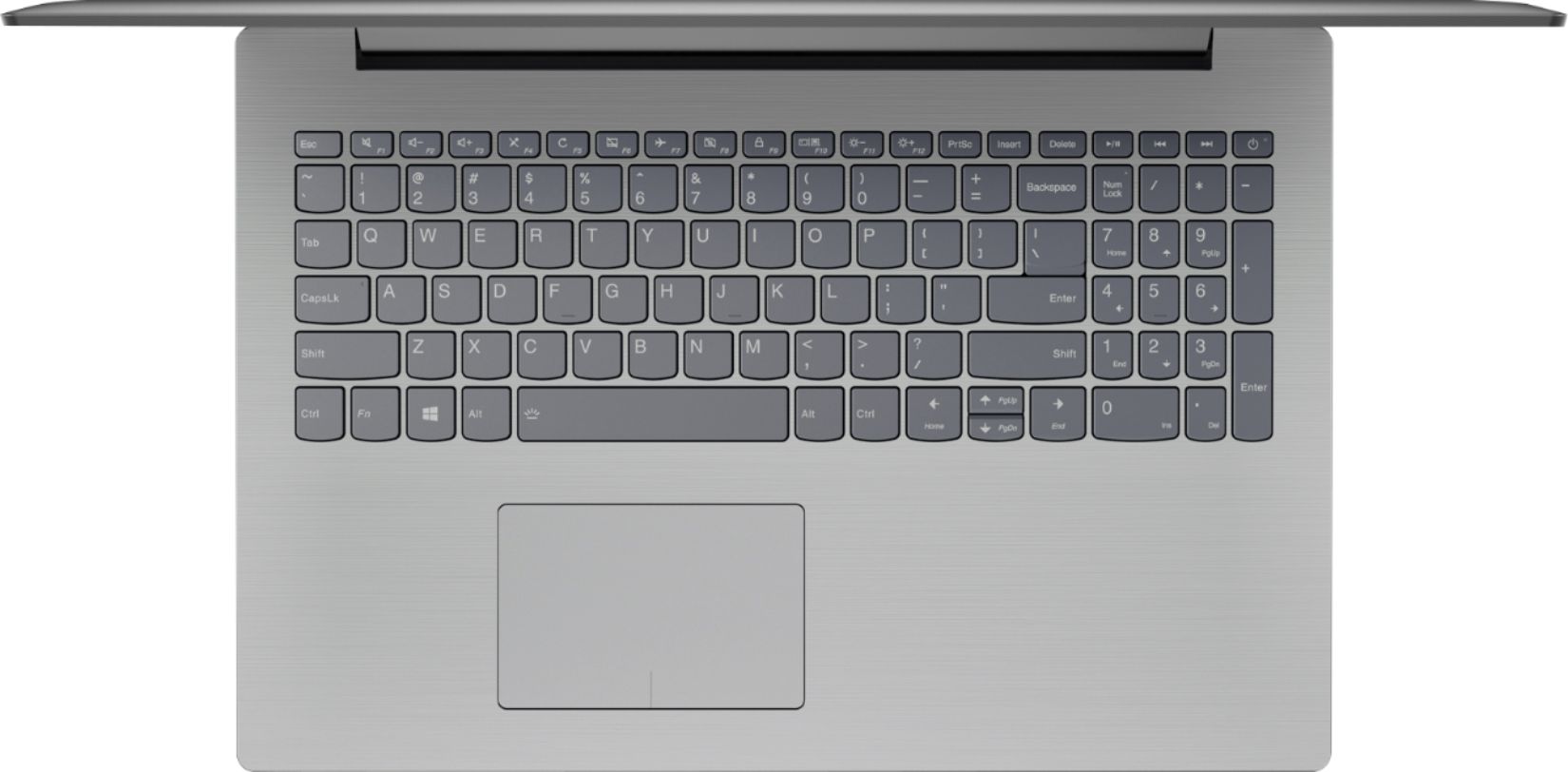
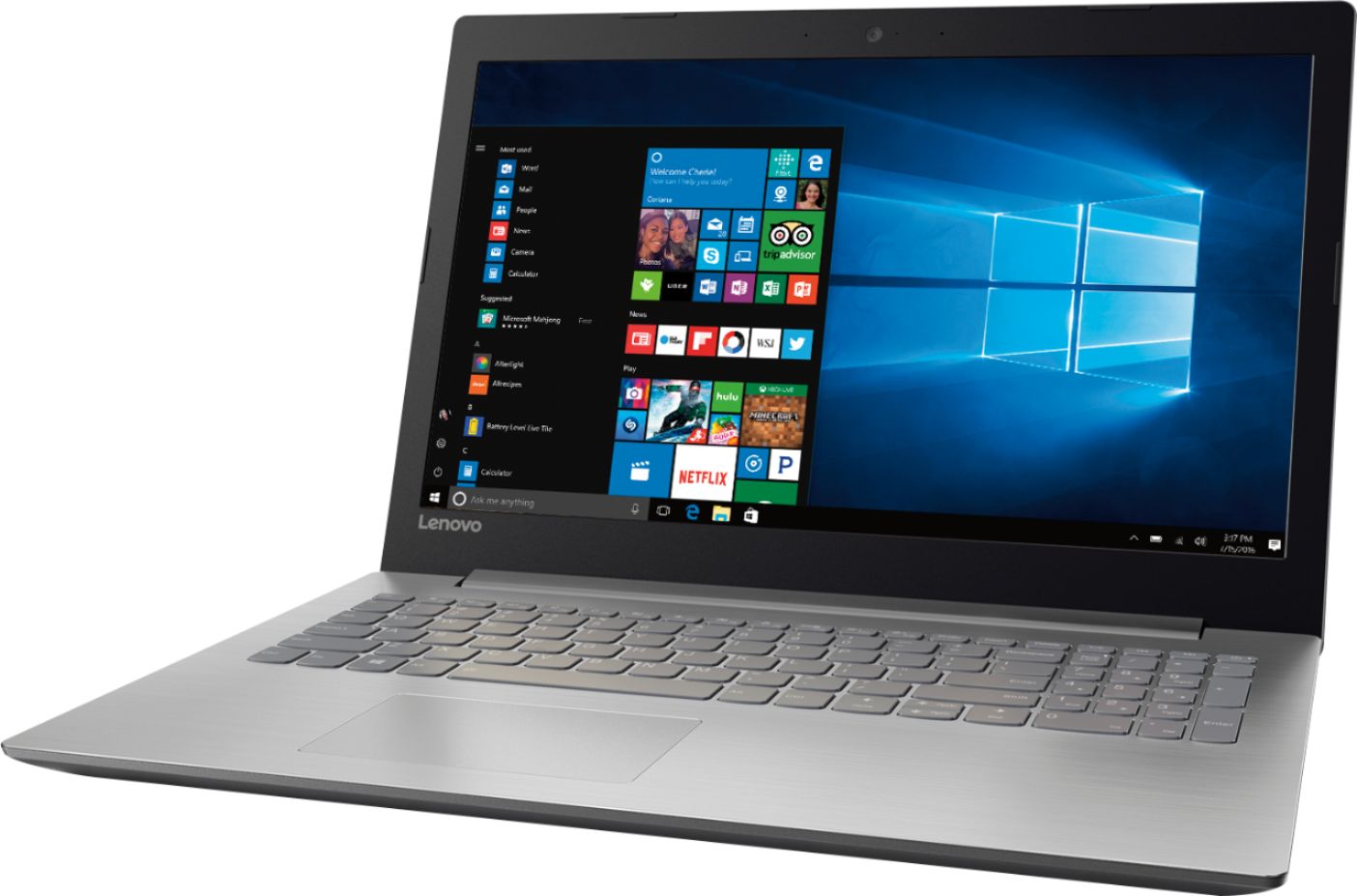
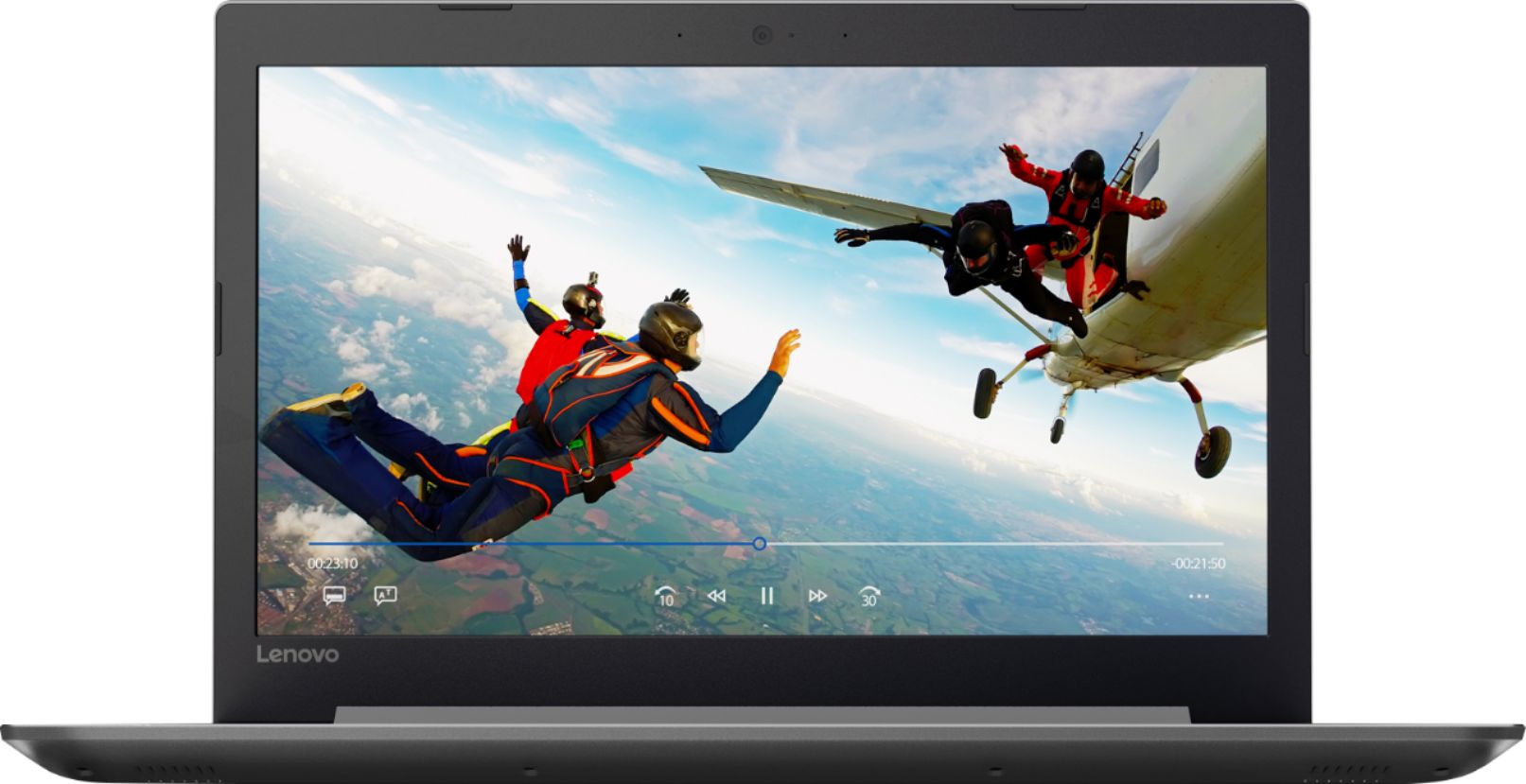
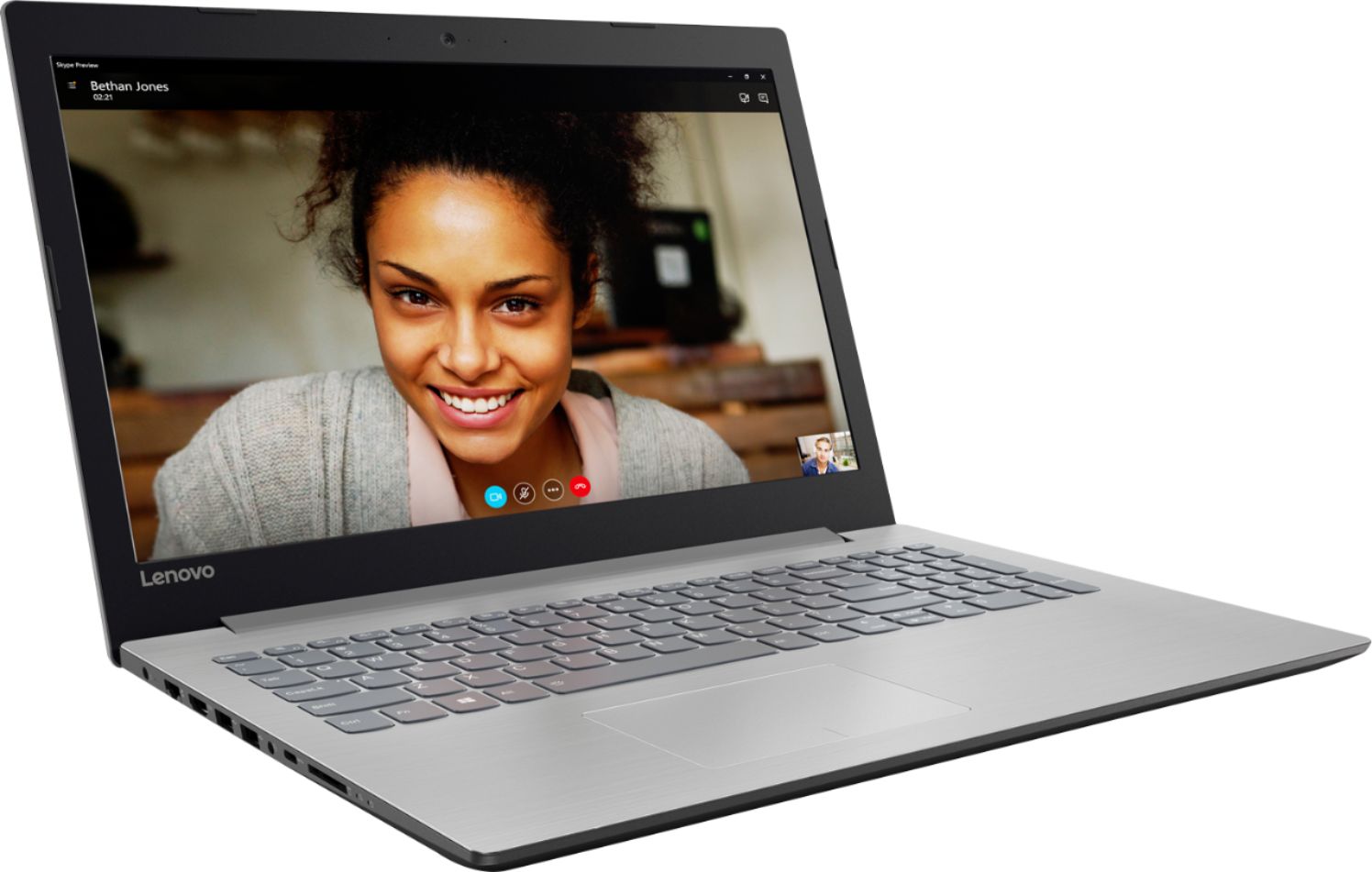
Customers praise the 320-15ABR 15.6" Laptop for its budget-friendly price, user-friendly interface, and ample storage capacity. It is also noted to be lightweight and suitable for gaming. However, customers have concerns about its short battery life, noisy fan, and poor build quality.
This summary was generated by AI based on customer reviews.
Not great
||Posted .This reviewer received promo considerations or sweepstakes entry for writing a review.This system was slow and sluggish, especially for this price.
No, I would not recommend this to a friendNot good
||Posted .This reviewer received promo considerations or sweepstakes entry for writing a review.Very slow for being a $300 computer. Not worth the price..
No, I would not recommend this to a friendBrand response from Lenovo Product Expert
Posted .This system should be a fast system with its Quad-Core AMD A12-9720P processor and 8GB of RAM. Be sure any software you installed is compatible with Windows 10. There is no need to install Microsoft Office software. The software is already part of the operating system, you just need to activate the software with a purchased product key. If you have installed a copy of Microsoft Office, this is conflicting with the existing copy on the system and this will slow your system down. If you have installed a 3rd party anti-virus program, be sure that Windows Defender is turned off and that the trial version of McAfee Anti-Virus software is uninstalled. There can only be one anti-virus program on the system. You may need to restore your system to original factory default settings if any of the programing errors have occurred. You can do that by typing "restore" in the Cortana search window. Just click on the magnifying glass icon at the bottom left of your Windows 10 Desktop. Click on "Reset This PC" Then click on "Get Started" and follow the on screen directions to restore to factory defaults. If the problem persists, we recommend you contact Lenovo Tech Support at: 877-453-6686.

Not my best luck with this item
||Posted .This reviewer received promo considerations or sweepstakes entry for writing a review.With in 15 days it stopped working, had to take it back.
No, I would not recommend this to a friendSlow and fans running 100% of the time
||Posted .This reviewer received promo considerations or sweepstakes entry for writing a review.Boot up is slow after just turning on device for the first time. Fans seems to be running at 100% all the time, in a quiet room sounds like a plane taking off. Checked lenovo forums seems to be an ongoing issue and no fix yet after a year. Would not recommend
No, I would not recommend this to a friendBrand response from Lenovo Product Expert
Posted .This is a high performance system with its AMD A12-9720P processor and 8GB of RAM. It will generate heat whenever it is turned on, even at idle, this is normal. The onboard fan will maintain the proper operating temperature for the device. You will hear the fan whenever it runs, this too is normal. There are Lenovo utilities installed on this device that you can use to check the health of the device and check for software update to maintain your system at optimum levels. Type "Lenovo Vantage" in the Cortana Search window. Select Lenovo Vantage from the list. In the window that opens, click on "Health and Support". In the expanded menu, select "Hardware Scan" In the window that opens, select "Run Quick Tests". This will scan your entire system for errors. Follow any directions that may pop up. If the problem continues after this scan, now click on "System Update". First select Windows update from the menu. Scan your system to be sure you have the latest version of Windows 10. Once that scan is complete, select "Additional Updates". This will scan your device to be sure there are no new BIOS/Driver updates needed. Follow any instructions that may pop up. If the issue still continues after these updates, we recommend you call Lenovo Tech Support at: 877-453-6686 for additional help.
Get a better one
||Posted . Owned for more than 2 years when reviewed.This reviewer received promo considerations or sweepstakes entry for writing a review.I got it for work and it was not a really good choice. I have returned it after a few hours of trying to use it. The worst thing for me was the screen, really poor quality.
I would recommend this to a friendVery quircky
||Posted .This reviewer received promo considerations or sweepstakes entry for writing a review.Hard to setup, many standard windows utilities (particularly around networking) are nearly impossible to configure. Unnecessarily awkward, I strongly recommend an alternative brand. Slower than expected.
No, I would not recommend this to a friendBrand response from Lenovo Product Expert
Posted .We are sorry to hear that you are having issues setting up Windows 10 on this device. This system comes with Windows 10 Home 64-bit operating system pre-installed. Here is a link to a YouTube video about setting up Windows 10: https://www.youtube.com/watch?v=Kmy1vAbztRw
A great store for things anyone needs to purchase.
||Posted .This reviewer received promo considerations or sweepstakes entry for writing a review.I bought a lop top from you about 2 months ago. Did not get a chance to activate. The lop top has been shutdown by some unknown source. Now the lop top is worthless. Money wasted.
No, I would not recommend this to a friend- Pros mentioned:PriceCons mentioned:Battery life
Good Computer
Posted .This reviewer received promo considerations or sweepstakes entry for writing a review.Well to start off we purchased this computer for $349.00 on 3/10/18 brought it home setting up was a breeze and updates were fast put then the problems began ! Slow processor compared to my 10 year old HP i7 processor , th battery lasted maybe 50 minutes . Took it back on 3/12/18 cause the price was reduced to $319.00 and wanted a replacement for the same model . Also had $10 in point to put toward the computer so it brought it down to $309. Had the Geek squad put stuff from my wife s 8 year old desktop on it . Got it home and its a little better in speed . The battery last a hour and a half ! a little better but nothing to brag about.Finding my At&T router was a breeze along with my wireless printer.r Overall for the price we paid we cant complain about this computer considering it has a A12 AMD newest processor, 8 gigs of ram and 1T hardrive and more. Keeping our fingers cross. My only complaint is the battey on laptops today don't come off so you can just play in plugged in without it, and play while charging case they say it wont charge right if you do that !
I would recommend this to a friendBrand response from Lenovo Product Expert
Posted .Thank you for choosing the Lenovo IdeaPad 320-15 laptop. This system has a battery life of up to 4.5 hours, depending on the work that the processor is performing. Here is a link to some tips for checking out what is draining your battery: https://www.laptopmag.com/articles/battery-saver-windows-10
Needed something better
||Posted .This reviewer received promo considerations or sweepstakes entry for writing a review.The sound & speed is awful! Doesn't hook up to my phone now I can't get this micro stuff off my phone and I lost my receipt so I cant return it!
No, I would not recommend this to a friendBrand response from Lenovo Product Expert
Posted .This system has two stereo 1.5W Realtek speakers and Dolby Audio sound enhancement. Be sure you have Dolby Audio turned on and set you your preferences. This system should be a fast system with its AMD A12-9720P processor and 8GB of RAM. Be sure any software you installed is compatible with Windows 10. There is no need to install Microsoft Office software. The software is already part of the operating system, you just need to activate the software with a purchased product key. If you have installed a copy of Microsoft Office, this is conflicting with the existing copy on the system and this will slow your system down. If you have installed a 3rd party anti-virus program, be sure that Windows Defender is turned off and that the trial version of McAfee Anti-Virus software is uninstalled. There can only be one anti-virus program on the system. You may need to restore your system to original factory default settings if any of the programing errors have occurred. You can do that by typing "restore" in the Cortana search window. Just click on the magnifying glass icon at the bottom left of your Windows 10 Desktop. Click on "Reset This PC" Then click on "Get Started" and follow the on screen directions to restore to factory defaults. If the problem persists, we recommend you contact Lenovo Tech Support at: 877-453-6686.
not reliable
||Posted .This reviewer received promo considerations or sweepstakes entry for writing a review.purchased computer on 6-7-18. video card went out and brought back on 6-22-18. unit sent off to be repaired. still not back as of 7-2-18.
No, I would not recommend this to a friendWaste of money. Do not purchase!
||Posted . Owned for 1 year when reviewed.This reviewer received promo considerations or sweepstakes entry for writing a review.This laptop crashed after one year. I had Norton on it. There were no viruses. It just crashed. Total waste of money.
No, I would not recommend this to a friendToo slow
||Posted .This reviewer received promo considerations or sweepstakes entry for writing a review.The machine continues to run in background slowing it down to a frustrating speed while researching working on internet.
No, I would not recommend this to a friendSlow
||Posted . Owned for 1 year when reviewed.This reviewer received promo considerations or sweepstakes entry for writing a review.Took this laptop back. It was way too slow. I understand price = quality, but this was bad.
No, I would not recommend this to a friendterrible
||Posted . Owned for more than 2 years when reviewed.This reviewer received promo considerations or sweepstakes entry for writing a review.Keeps freezing up, plan and pitching this and getting one that meet my needs
No, I would not recommend this to a friendDefective
||Posted .This reviewer received promo considerations or sweepstakes entry for writing a review.Had to return it for defective hard drive making noise.
No, I would not recommend this to a friend- Pros mentioned:Price, Storage
You won't find a better laptop for the price
Posted .This reviewer received promo considerations or sweepstakes entry for writing a review.I bought for $319 a couple of weeks ago. Easy set-up. Good performance for the price. No problem with multiple windows. Even have done a little video editing at a good speed. You're not going to find a laptop with 8 G memory, 1T storage and an above-average processor and video card for this price. Next closest is the Dell 3000, for $50 more. But the Dell keyboard was not as good and it's an ugly, cheap-feeling computer. The Ideapad is a nice looking laptop. Only Con is the display resolution. It's not Ultra HD, but it's fine. I don't watch movies on it and most of the time it's docked to a monitor.
I would recommend this to a friendBrand response from Lenovo Product Expert
Posted .Thank you for choosing the Lenovo IdeaPad 320-15 laptop. This system comes with a 1366 x 768 HD resolution screen. We are pleased to hear that the features and performance of the Ideapad 320-15 meets your computing needs so well.
- Pros mentioned:SpeedCons mentioned:Touchpad
Excellent for the price
Posted .This reviewer received promo considerations or sweepstakes entry for writing a review.Purchased this a week ago and have used it almost constantly since that time--mostly for watching videos (DVD's and mkv's) and working over the internet. I know others have complained about the fan being loud and the computer being slow. However, as I didn't go into this expecting a barn-burner, I am very happy with its speed, As for fan noise, I have yet to notice it (but I am not taxing this system as hard some people might be doing). Overall the quality and build are nice for the price, and the total lack of crapware was a nice bonus (unless you consider the Lenovo Vantage and included trial of McAfee Anti-Virus as such). I only have one complaint at this time. Every once in a while when using the touch pad to scroll, the screen will continue scrolling after I take my finger(s) of the pad/key. Not sure if it's a sticky key or something that could be easily "fixable" through some computer/windows setting. Anyway, if you're considering a low cost Win 10 laptop, I think this one is worth a serious look (the price was $330 at the time of my purchase).
I would recommend this to a friendBrand response from Lenovo Product Expert
Posted .Thank you for choosing the Lenovo IdeaPad 320-15 laptop. With regard to the touchpad, you can make adjustments to the touchpad in your system settings. You can get there by clicking on the magnifying glass at the bottom left of your Windows 10 screen. Type "touchpad" in the search window. Select "Mouse & touchpad settings" from the list of choices. You can make general adjustments to the touchpad there. You can also select "Additional mouse options" for more detailed adjustments to the touchpad sensitivity by increasing the delay of the touchpad. This system has Lenovo utilities installed to help you maintain the health of the system. Type "Lenovo Vantage" in the Cortana Search window. Select Lenovo Vantage from the list. In the window that opens, click on "Health and Support". In the expanded menu, select "Hardware Scan" In the window that opens, select "Run Quick Tests". This will scan your entire system for errors. Follow any directions that may pop up. If the problem continues after this scan, now click on "System Update". First select Windows update from the menu. Scan your system to be sure you have the latest version of Windows 10. Once that scan is complete, select "Additional Updates". This will scan your device to be sure there are no new BIOS/Driver updates needed. Follow any instructions that may pop up.
- Pros mentioned:GamingCons mentioned:Battery life
Decent laptop with battery/charging issues
Posted .This reviewer received promo considerations or sweepstakes entry for writing a review.I bought this several months ago for my oldest daughter who is in highschool, as it is a decent value/bang for the buck setup as far as hardware versus cost is concerned. It ha a nice form-factor and is able to play a fair amount of pc games and handle the typical multi-tasking needed for schoolwork, web browsing, videos, etc. (compliments of the AMD APU); it also has USB 3.0 ports and several other useful ports/features that are now becoming commonplace. However, after only a few months of moderate use, the battery is no longer charging (at present it won’t go above 42% and continues to slowly decline) even though the AC adaptor is plugged in and keeping the laptop powered on. To add to this burden, the battery is not one designed to be removable so the bottom panel of the laptop has to be removed to access it, which leaves me concerned that the entire laptop will have to be sent back for repair/replacement, instead of just being able to RMA the battery. I’m presuming this in turn, will leave her without a functional laptop while the warranty repair/replacement occurs, which will be problematic as much of the schoolwork/homework these days is done online at home. I am happy about the 1yr warranty, and I plan to reach out to Lenovo to see what the best course of action to take is. I do have to say that I’m very disappointed that this type of failure is already occurring in a such a new laptop that has only seen moderate use, especially considering my younger child has a very similar laptop (different brand) with the same chipset and almost identical hardware, and has not experienced this issue.
No, I would not recommend this to a friendBrand response from Lenovo Product Expert
Posted .We are sorry to hear that you are having issues charging your IdeaPad 320-15 laptop. You are correct, the battery within this system is not user removable. There is a way to do a hard reset of a non-removable battery. Here is a link to instructions for resetting a non-removable battery. If you need further assistance, we recommend you call Lenovo Tech Support at: 877-453-6686. Here is the link: https://www.techwalla.com/articles/how-to-reset-a-laptop-battery
- Pros mentioned:Gaming, Price
Great laptop for a better price
Posted .This reviewer received promo considerations or sweepstakes entry for writing a review.Well I had the laptop for two months, I am casual player of DotA 2 and StarCraft, a avid reader of everything in the internet but what I am the most is a cinephile, this laptop works for me completely, being honest I was thinking to return it because the sound of the hard drive or the microprocessor I am not sure, but at the end I knew that the people of Lenovo had to save his money when they built this computer in any way, so many good this for just $250, nahh this has to be a trick, maybe is too soon for me to say if this product is gone be working good all my life but I'll do my best to take care of it, I am very grateful and happy with my purchase and crossing my fingers I hope stay for a long time together IdeaPad 320.
I would recommend this to a friendBrand response from Lenovo Product Expert
Posted .Thank you for choosing the Lenovo IdeaPad 320-15 laptop. We are pleased to hear that the value, features and performance of the IdeaPad 320-15 meets your computing needs so well.
- Pros mentioned:Price
Great value for the money
Posted .This reviewer received promo considerations or sweepstakes entry for writing a review.Needed a new laptop for work so I picked this up to save a few bucks. Does everything I need it to with ease. Microsoft Word, Powerpoint, Google Docs, email, youtube videos, etc... Hooked it up to my 27 inch monitor with no problem. Battery life isn't an issue for me right now, but it'll last 3-5 hours depending on type of use. The battery charges pretty quick too. Probably in under 90 minutes. So far, I am happy with the purchase. $379 as of right now, I think it's almost a steal of a deal.
I would recommend this to a friendBrand response from Lenovo Product Expert
Posted .Thank you for choosing the Lenovo IdeaPad 320-15 laptop. We are pleased to hear that the value and performance of the IdeaPad 320-15 meets your computing needs so well.