Customer Ratings & Reviews
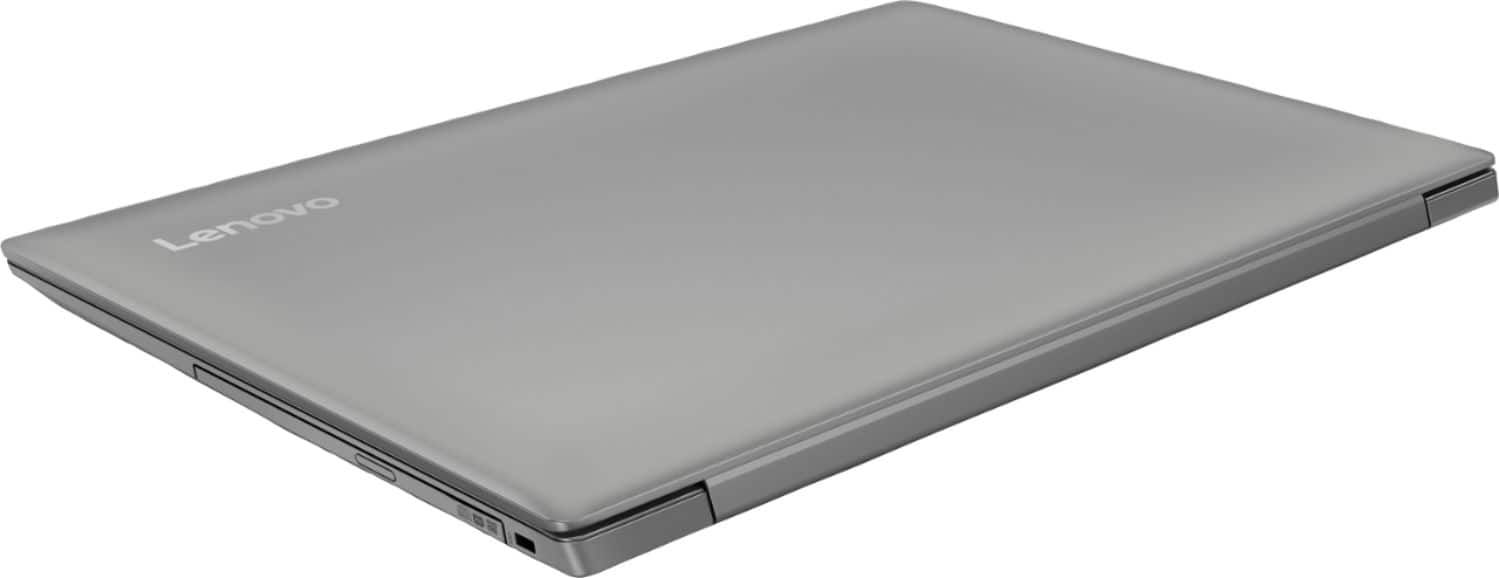
- Model:
- 81D1003TUS
- SKU:
- 6221788
Rating by feature
- Value
Rating 4.2 out of 5 stars
- Quality
Rating 3.9 out of 5 stars
- Ease of Use
Rating 4.1 out of 5 stars
Customers are saying
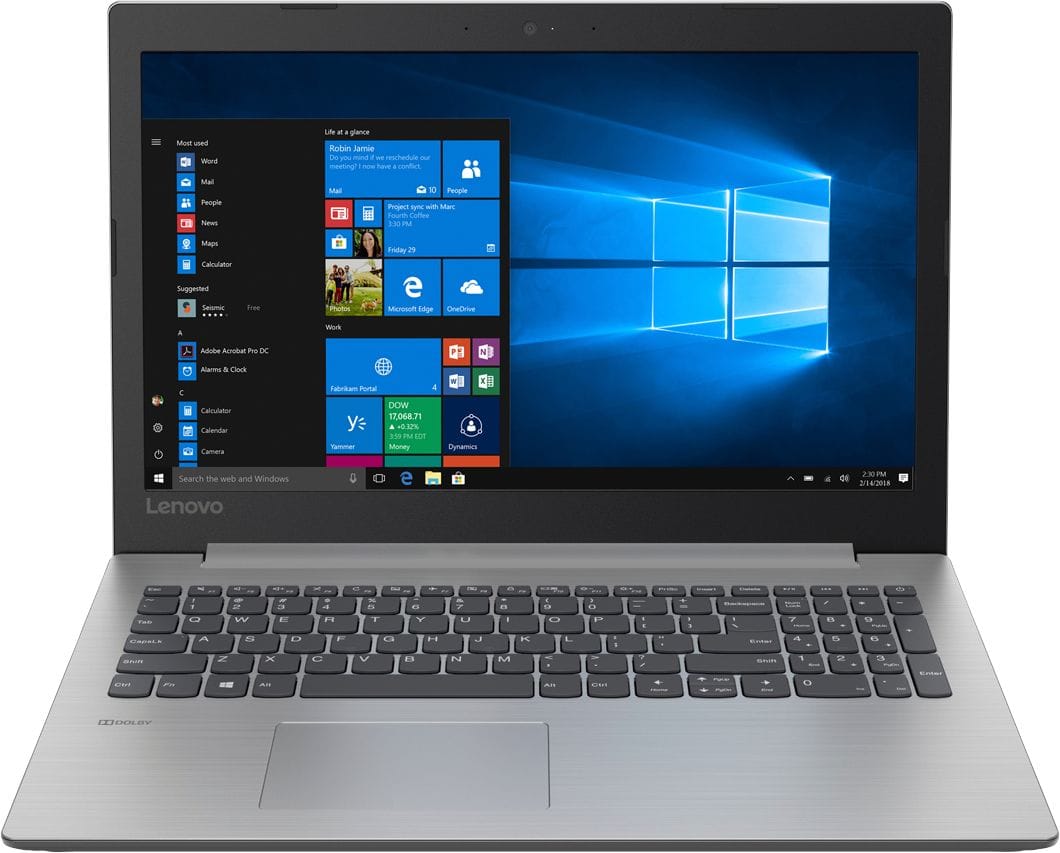
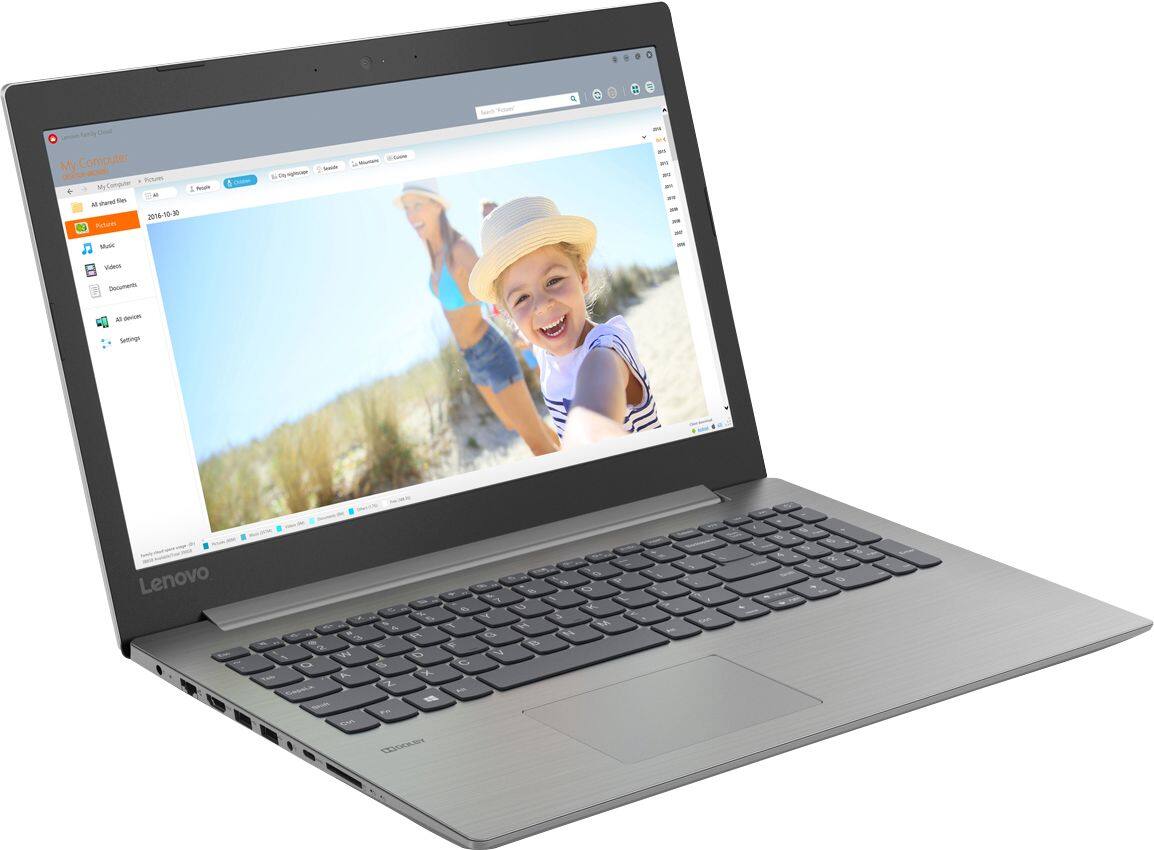
Customers consistently note the affordability and user-friendly nature of the 330-15IGM 15.6" Laptop. Many appreciate its lightweight design and adequate performance for basic tasks. However, some users express concerns about its slow processing speed and limited RAM, suggesting the need for upgrades.
This summary was generated by AI based on customer reviews.
Its ok for the price.
||Posted .This reviewer received promo considerations or sweepstakes entry for writing a review.Its an ok laptop for surfing the web and netflix. I would just pay a little extra for a better screen quality.
No, I would not recommend this to a friendBrand response from Lenovo Product Expert
Posted .This is an entry level, light use system with its Intel Celeron processor and an anti-glare screen with a resolution of 1366 X 768 (HD). It is not meant for multi-tasking or demanding programs. It is good for Microsoft Office and light internet browsing. If this describes your computing needs, the IdeaPad 330-15 would be a good choice.

Good price for a laptop
||Posted .This reviewer received promo considerations or sweepstakes entry for writing a review.The charger is too bulky and the bv battery doesn't s tr st charged. Other than that, good for the price.
I would recommend this to a friendBrand response from Lenovo Product Expert
Posted .This is an entry level, light use system with its Intel Celeron processor. It is not meant for multi-tasking or demanding programs. It is good for Microsoft Office and light internet browsing. If this describes your computing needs, the IdeaPad 330-15 would be a good choice.
Decent
||Posted .This reviewer received promo considerations or sweepstakes entry for writing a review.This laptop will do the job for a collge student but dont set your expectations too high.
No, I would not recommend this to a friendnot impressed
||Posted .This reviewer received promo considerations or sweepstakes entry for writing a review.This laptop started with annoying little problems (date & time wrong ) wouldn't let changes be made, would connect to internet but not to any websites. Troubleshooter diagnostic couldn't identify what the problem was just that there was one. and my connection was good. Freezes up constantly too. Then it went downhill from that point to present.
No, I would not recommend this to a friendBrand response from Lenovo Product Expert
Posted .Here is a link to instructions for setting the date and time within Windows 10: https://www.windowscentral.com/how-change-date-and-time-formats-windows-10
Be sure any programs you have installed are compatible with Windows 10. Additionally, this system has Lenovo utilities installed to help maintain the health of the device and keep the operating system software up to date. Type "Lenovo Vantage" in the Cortana Search window (if Lenovo Vantage is not installed on your device, you can download the APP and install it now). Select Lenovo Vantage from the list. In the window that opens, click on "Health and Support". In the expanded menu, select "Hardware Scan" In the window that opens, select "Run Quick Tests". This will scan your entire system for errors. Follow any directions that may pop up. If the problem continues after this scan, now click on "System Update". First select Windows update from the menu. Scan your system to be sure you have the latest version of Windows 10. Once that scan is complete, select "Additional Updates". This will scan your device to be sure there are no new BIOS/Driver updates needed. Follow any instructions that may pop up. If the issue still continues after these updates, we recommend you call Lenovo Tech Support at: 877-453-6686 for additional help.
Good product
||Posted . Owned for more than 2 years when reviewed.This reviewer received promo considerations or sweepstakes entry for writing a review.Works good, slow starting up, but it's fine for what I need it for.
I would recommend this to a friendNot sturdy enough for business use.
||Posted . Owned for more than 2 years when reviewed.This reviewer received promo considerations or sweepstakes entry for writing a review.This computer is not the best one for use in a business. We purchased this to run our powerpoint presentations. It has not even lasted us 2 year. Yes, we run it constantly but our previous laptop lasted 4 years this one only made if from 2018-2020 and we are having to purchase a new one.
No, I would not recommend this to a friend- Cons mentioned:Slow
Slow computer
||Posted .This reviewer received promo considerations or sweepstakes entry for writing a review.Even with minimal programs loaded computer was slow.
No, I would not recommend this to a friendBrand response from Lenovo Product Expert
Posted .This is an entry level, light use system with its Intel Celeron processor. It is not meant for multi-tasking or demanding programs. Be sure any software you installed is compatible with Windows 10. There is no need to install Microsoft Office software. The software is already part of the operating system, you just need to activate the software with a purchased product key. If you have installed a copy of Microsoft Office, this is conflicting with the existing copy on the system and this will slow your system down. If you have installed a 3rd party anti-virus program, be sure that Windows Defender is turned off and that the trial version of McAfee Anti-Virus software is uninstalled. There can only be one anti-virus program on the system. You may need to restore your system to original factory default settings if any of the programing errors have occurred. You can do that by typing "restore" in the Cortana search window. Just click on the magnifying glass icon at the bottom left of your Windows 10 Desktop. Click on "Reset This PC" Then click on "Get Started" and follow the on screen directions to restore to factory defaults. If the problem persists, we recommend you contact Lenovo Tech Support at: 877-453-6686.
Bad Choice for a laptop!!
||Posted .This reviewer received promo considerations or sweepstakes entry for writing a review.I am so disappointed in this laptop. I was having problems several weeks ago, too late to return it now. Charging cable faulty. Keeps losing my internet connection. Must do a restart to get things going again. Really disappointed big time with this--have not even got the bill yet, either. No more Best Buy for me!!!
No, I would not recommend this to a friendBrand response from Lenovo Product Expert
Posted .Concerning the AC adapter, if it is failing, it may be covered by your manufacturer's warranty. We recommend you call Lenovo Tech Support at: 877-453-6686. With regard to WiFi connectivity, be sure your router has the latest firmware updates. You can check for this at the router manufacturer's web site fir firmware updates for your router model. Secondly you can update BIOS/Drivers that control WiFi on the computer as well. This system has Lenovo utilities installed to help maintain the health of the device and keep the operating system software up to date. Type "Lenovo Vantage" in the Cortana Search window (if Lenovo Vantage is not installed on your device, you can download the APP and install it now). Select Lenovo Vantage from the list. In the window that opens, click on "Health and Support". In the expanded menu, select "Hardware Scan" In the window that opens, select "Run Quick Tests". This will scan your entire system for errors. Follow any directions that may pop up. If the problem continues after this scan, now click on "System Update". First select Windows update from the menu. Scan your system to be sure you have the latest version of Windows 10. Once that scan is complete, select "Additional Updates". This will scan your device to be sure there are no new BIOS/Driver updates needed. Follow any instructions that may pop up. If the issue still continues after these updates, we recommend you call Lenovo Tech Support at: 877-453-6686 for additional help.
Slowest thing in the world.
||Posted .This reviewer received promo considerations or sweepstakes entry for writing a review.I bought this for my assistant. She only has three tasks to do with this computer each night: 1) Log in to a website and download an Excel file. 2) Shoot an email and attach that Excel file. 3) Repeat that process 24 more times for different recipients. This thing can't do even those simple tasks well - you have to wait 5 seconds or more after you click on anything (like a folder to open) to see something happen. Just clicking on the Settings button requires a wait of about 10 seconds for it to open! I know it's inexpensive but I thought it would be good enough to do those three things. I don't even plan on using it to watch any videos, do any streaming, play any games, not even for any browsing, and yet it couldn't keep up! I thought it was just inexpensive but it's actually cheap (and there's a big difference between inexpensive and cheap in this case).
No, I would not recommend this to a friendBrand response from Lenovo Product Expert
Posted .This is an entry level, light use system with its Intel Celeron processor. It is not meant for multi-tasking or demanding programs. It is good for Microsoft Office and light internet browsing. If this describes your computing needs, the IdeaPad 330-15 would be a good choice.
Fantasy football laptop
||Posted .This reviewer received promo considerations or sweepstakes entry for writing a review.It's ok. Not the best I've had but I'm only using it for fantasy football.
I would recommend this to a friendBrand response from Lenovo Product Expert
Posted .This is an entry level, light use system with its Intel Celeron processor. It is not meant for multi-tasking or demanding programs. It is good for Microsoft Office and light internet browsing. If this describes your computing needs, the IdeaPad 330-15 would be a good choice.
Good laptop for office
||Posted .This reviewer received promo considerations or sweepstakes entry for writing a review.Good laptop for office environment so far working good no problems yet
I would recommend this to a friendBrand response from Lenovo Product Expert
Posted .This is an entry level, light use system with its Intel Celeron processor. It is not meant for multi-tasking or demanding programs. It is good for Microsoft Office and light internet browsing. If this describes your computing needs, the IdeaPad 330-15 would be a good choice.
Good starter laptop
||Posted .This reviewer received promo considerations or sweepstakes entry for writing a review.I purchased this laptop for work use and it gets the job done.
I would recommend this to a friendwife and i dont have to share now
||Posted .This reviewer received promo considerations or sweepstakes entry for writing a review.both like our goodies. l.tops and printers spreadthe word
I would recommend this to a friendBasic laptop
||Posted .This reviewer received promo considerations or sweepstakes entry for writing a review.Not overly impressed by the technology in this laptop
No, I would not recommend this to a friendBrand response from Lenovo Product Expert
Posted .This is an entry level, light use system with its Intel Celeron processor. It is not meant for multi-tasking or demanding programs. It is good for Microsoft Office and light internet browsing. If this describes your computing needs, the IdeaPad 330-15 would be a good choice.
Starter
||Posted .This reviewer received promo considerations or sweepstakes entry for writing a review.Wooo soooooo gooooodddd!!!!!!!! Really like it!!!!!!!
I would recommend this to a friendGood for surfing the web
||Posted .This reviewer received promo considerations or sweepstakes entry for writing a review.Purchased this laptop for school because I was on a budget, it has a nice sleek look but not good for multi tasking, I would recommend buying a minimum I3 processor if you multi task but if your only surfing the web this would work out fine for you
No, I would not recommend this to a friendPiece of crap
||Posted .This reviewer received promo considerations or sweepstakes entry for writing a review.OK. I knew I was buying a cheap laptop. It was for occasional book keeping and that was it. It sees extremely little use and isn't even on the internet. Less than 3 months after purchase it is dead. DEAD. I can't even get it to boot in safe mode. A $217 door stop. I will never buy another Lenovo again. This is the second one to crap out on me quickly in the last several years. I should have learned my lesson the first time. They simply do not build at even the minimum quality level.
No, I would not recommend this to a friendBrand response from Lenovo Product Expert
Posted .We are sorry to hear that you are having issues with your IdeaPad 330-15 laptop. Be sure any software you installed is compatible with Windows 10. There is no need to install Microsoft Office software. The software is already part of the operating system, you just need to activate the software with a purchased product key. If you have installed a copy of Microsoft Office, this is conflicting with the existing copy on the system and this will slow your system down. If you have installed a 3rd party anti-virus program, be sure that Windows Defender is turned off and that the trial version of McAfee Anti-Virus software is uninstalled. There can only be one anti-virus program on the system. You may need to restore your system to original factory default settings if any of the programing errors have occurred. You can do that by typing "restore" in the Cortana search window. Just click on the magnifying glass icon at the bottom left of your Windows 10 Desktop. Click on "Reset This PC" Then click on "Get Started" and follow the on screen directions to restore to factory defaults. If the problem persists, we recommend you contact Lenovo Tech Support at: 877-453-6686.
Purchased for middle schoolers
||Posted .This reviewer received promo considerations or sweepstakes entry for writing a review.Picked this up for my kids to do homework on and its so slow it will not even install the programs. I then went to shut down and its just spinning shutting down for over 30 minutes. I shouldn’t have to reboot when installing 1 program that’s only 17mb its not even that data intensive. Would not recommend for anything other than web browsing its processor is fast enough to handle anything.
No, I would not recommend this to a friendBrand response from Lenovo Product Expert
Posted .Be sure any programs you have installed are compatible with Windows 10. There is no need to install Microsoft Office software. The software is already part of the operating system, you just need to activate the software with a purchased product key. If you have installed a copy of Microsoft Office, this is conflicting with the existing copy on the system and this will slow your system down. If you have installed a 3rd party anti-virus program, be sure that Windows Defender is turned off and that the trial version of McAfee Anti-Virus software is uninstalled. There can only be one anti-virus program on the system. You may need to restore your system to original factory default settings if any of the programing errors have occurred. You can do that by typing "restore" in the Cortana search window. Just click on the magnifying glass icon at the bottom left of your Windows 10 Desktop. Click on "Reset This PC" Then click on "Get Started" and follow the on screen directions to restore to factory defaults. If the problem persists, we recommend you contact Lenovo Tech Support at: 877-453-6686.
Lap Top
||Posted .This reviewer received promo considerations or sweepstakes entry for writing a review.The computer speed was definitely not made for multitasking. Extremely slow and not as responsive as I’d like. Ended up giving to my son for school.
No, I would not recommend this to a friendSomething will held back during the unexpected tim
||Posted . Owned for 1 year when reviewed.This reviewer received promo considerations or sweepstakes entry for writing a review.This laptop been given issues during the last two weeks the power bottom cannot stay on with the engine running l need aid with the IT Issue.
No, I would not recommend this to a friend