Customer Ratings & Reviews
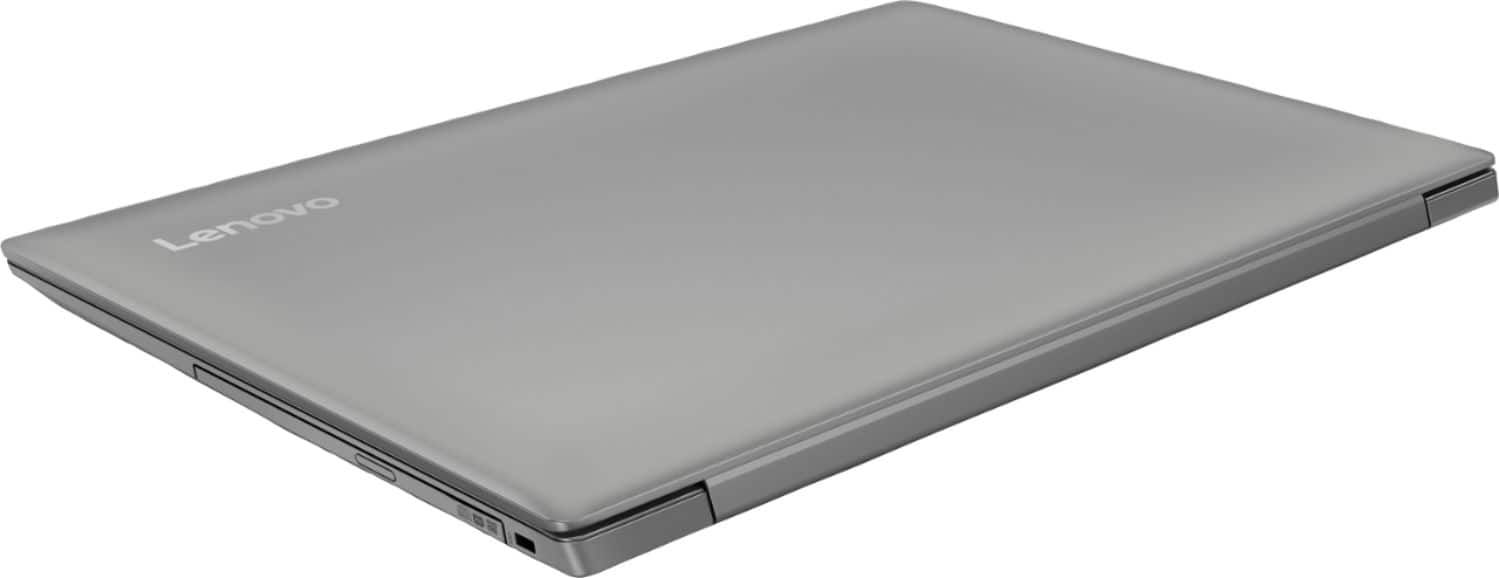
- Model:
- 81D1003TUS
- SKU:
- 6221788
Rating by feature
- Value
Rating 4.2 out of 5 stars
- Quality
Rating 3.9 out of 5 stars
- Ease of Use
Rating 4.1 out of 5 stars
Customers are saying
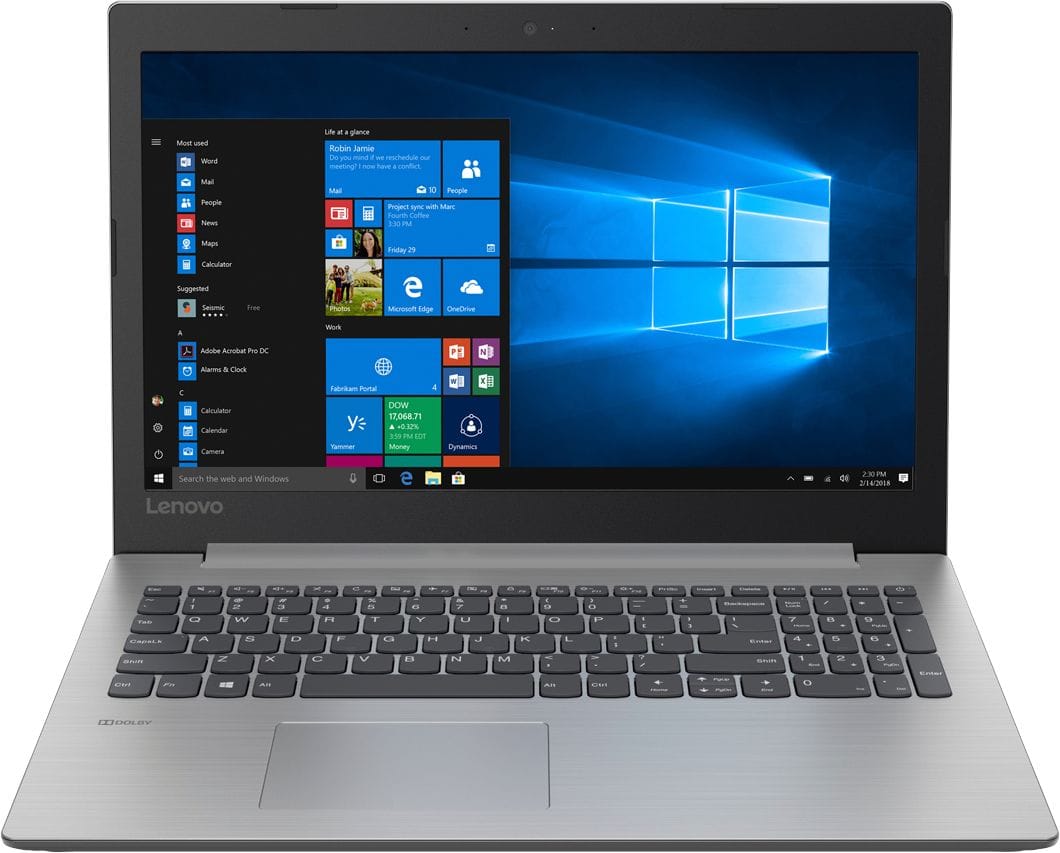
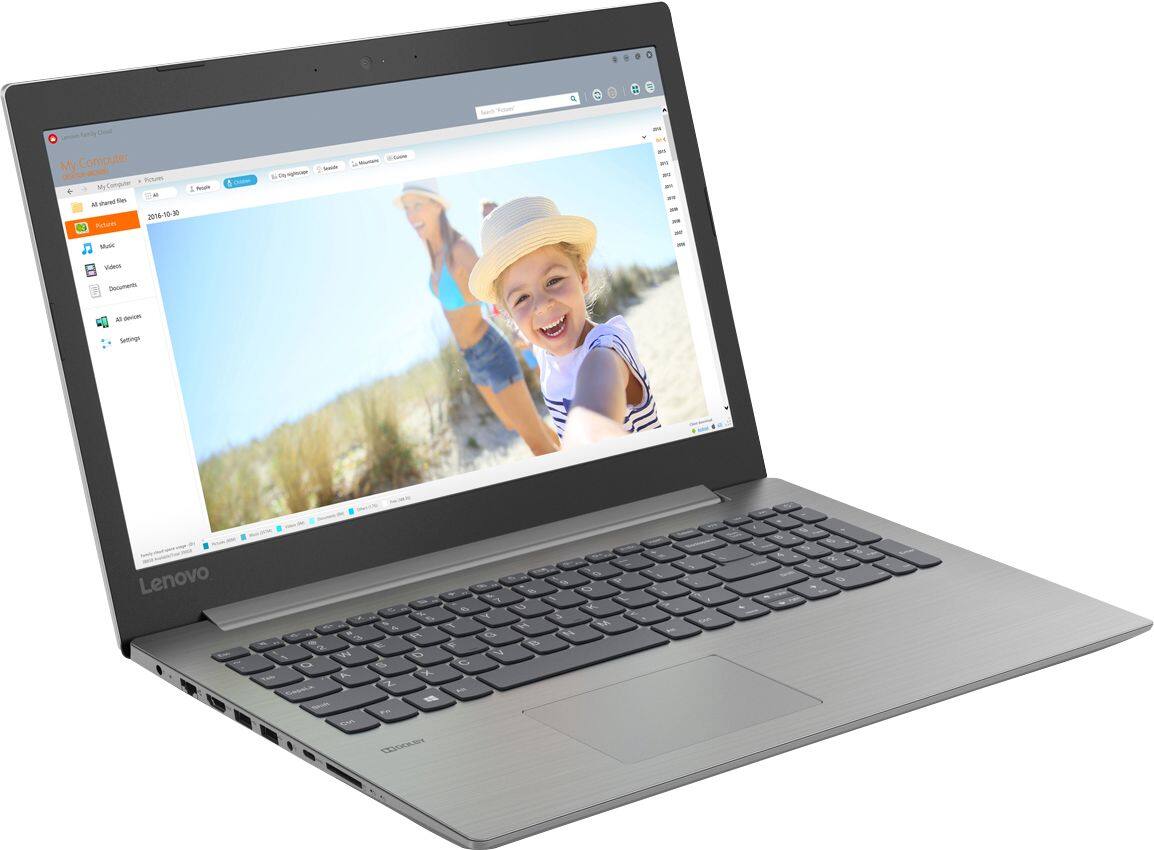
Customers consistently note the affordability and user-friendly nature of the 330-15IGM 15.6" Laptop. Many appreciate its lightweight design and adequate performance for basic tasks. However, some users express concerns about its slow processing speed and limited RAM, suggesting the need for upgrades.
This summary was generated by AI based on customer reviews.
Bad to the core
||Posted . Owned for 1.5 years when reviewed.This reviewer received promo considerations or sweepstakes entry for writing a review.Had all kinds problems with this items. Took it back to store to be fixed and three days later the same problem returned.
I would recommend this to a friendNot worth it
||Posted . Owned for more than 2 years when reviewed.This reviewer received promo considerations or sweepstakes entry for writing a review.Had issues off the start love lenovo just failed with this model
No, I would not recommend this to a friendJust was not that good of a computer
||Posted .This reviewer received promo considerations or sweepstakes entry for writing a review.I would give it no stars but there customer service was outstanding review
No, I would not recommend this to a friendBrand response from Lenovo Product Expert
Posted .This is an entry level, light use system with its Intel Celeron processor. It is not meant for multi-tasking or demanding programs. It is good for Microsoft Office and light internet browsing. If this describes your computing needs, the IdeaPad 330-15 would be a good choice.

- Pros mentioned:Screen size
Suprised me
Posted .This reviewer received promo considerations or sweepstakes entry for writing a review.I honestly thought this laptop was going to be horrible especially seeing as how it only had three reviews. I don't know if it was just the fact that I needed one ASAP or the price change but something made me buy it. Honestly this is an amazing laptop, yes when I first got it I thought it would be slow because of how long the start up took but that is not the case, I can open up several applications at a time without it lagging. The screen resolution isn't bad and the size of the screen works perfectly for me! I would recommend getting this laptop if you're on a budget!
I would recommend this to a friendBrand response from Lenovo Product Expert
Posted .Thank you for choosing the Lenovo IdeaPad 330-15 laptop. This system has a screen with a 1366 X 768 (HD) resolution. This configuration with its Intel Celeron processor is an entry level, light use system. We are pleased to hear that the performance of the IdeaPad 330-15 meets your computing needs so well.
Excellent for the price!
Posted .This reviewer received promo considerations or sweepstakes entry for writing a review.I am a macbook owner and unfortunately it burnt out. I wanted to have a "hold over" laptop before I invested in another. Surprisingly, this has been excellent. It runs multiple tabs/windows with no issues. I am actually enjoying windows 10. Lastly, I am impressed with its overall performance. It has been seamless. The aesthetics of the laptop itself is very nice. It doesn't look like I have a "budget" laptop whatsoever. I've sent pictures to others and they have commented on how nice it looks. My only con is it is a little heavy, but I'm sure there has to be SOME compromise when you're getting it for such a good deal. In short, I'm impressed. I don't feel as though I am settling whatsoever. So this may simply BE my laptop. Didn't think I would EVER go back to PC after owning a macbook laptop for 5 years. Don't hesitate, and I wholly disagree with any negative review.
I would recommend this to a friendBrand response from Lenovo Product Expert
Posted .Thank you for choosing the Lenovo IdeaPad 330-15 laptop. This system weighs 4.85 lbs. and measures 0.9" thin. We are pleased to hear that the value and performance of the IdeaPad 330-15 meets your computing needs so well.
- Pros mentioned:Price
Good for the Money
Posted .This reviewer received promo considerations or sweepstakes entry for writing a review.Purchased this today to get out of a love hate relationship with my Toshiba laptop. I setup everything pretty quickly and it's still running like a champ. As a basic workstation type laptop, this thing is great for the money.
I would recommend this to a friendBrand response from Lenovo Product Expert
Posted .Thank you for choosing the Lenovo IdeaPad 330-15 laptop. We are leased to hear that the ease of setup and performance of the IdeaPad 330-15 meets your computing needs so well.
So Far So Good
Posted .This reviewer received promo considerations or sweepstakes entry for writing a review.I purchase this Lenovo because my other laptop was giving me problems. I am very satisfied with my purchase. I do not do gaming or video editing so this is perfect for me. I love the way the keyboard is made and do not have to worry about any dirt particles getting in between them. It is also a nice size and I like that it is slim and not so bulky. For the price I paid I am loving it so far.
I would recommend this to a friendBrand response from Lenovo Product Expert
Posted .Thank you for choosing the Lenovo IdeaPad 330-15 laptop. We are pleased to hear that the features and performance of the IdeaPad 330-15 meets your computing needs so well.
- Cons mentioned:Slow
Freezes up for simple tasks like surfing the web
Posted .This reviewer received promo considerations or sweepstakes entry for writing a review.We got this for my dad to just surf the web thinking it didn't need to be great for that. But it keeps freezing up and isn't useful so he has gone back to using his 5 year old Lenovo which was slow, but still faster than this one. Unfortunately, we're past the 15 day return period so we're stuck with it. On an unrelated issue (sort of), the IT guy at work told me my Dell is so slow because 4GB of memory isn't really enough to run Windows 10, so I'm adding 8GB of memory to see if it fixes the problem. Perhaps if I add memory to this Lenovo for my dad it will work. But I just paid $50 for my additional memory (not sure how much it will be for this Lenovo), so perhaps spending a bit more on a computer from the get go makes more sense.
No, I would not recommend this to a friendBrand response from Lenovo Product Expert
Posted .We are sorry to hear that you are having issues with your father's Lenovo IdeaPad 330-15 laptop. First, be sure that any software you have installed is compatible with Windows 10. There is no need to install Microsoft Office software. The software is already part of the operating system, you just need to activate the software with a purchased product key. If you have installed a copy of Microsoft Office, this is conflicting with the existing copy on the system and this will slow your system down. If you have installed a 3rd party anti-virus program, be sure that Windows Defender is turned off and that the trial version of McAfee Anti-Virus software is uninstalled. There can only be one anti-virus program on the system. You may need to restore your system to original factory default settings if any of the programing errors have occurred. You can do that by typing "restore" in the Cortana search window. Just click on the magnifying glass icon at the bottom left of your Windows 10 Desktop. Click on "Reset This PC" Then click on "Get Started" and follow the on screen directions to restore to factory defaults. If the problem persists, we recommend you contact Lenovo Tech Support at: 877-453-6686. The minimum required RAM to run Windows 10 Home 64-bit operating system is 2GB. Please keep in mind, this is an entry level, light use system with its Intel Celeron processor. It is not meant for multi-tasking or demanding programs. It is good for Microsoft Office and light internet browsing. If this describes your computing needs, the IdeaPad 330-15 would be a good choice.
great cheap buy
Posted .This reviewer received promo considerations or sweepstakes entry for writing a review.wish it was touch screen but this is a good computer, runs fair. wonderful keyboard!
I would recommend this to a friendBrand response from Lenovo Product Expert
Posted .Thank you for choosing the Lenovo IdeaPad 330-15 laptop. We are pleased to hear that the value and performance of the IdeaPad 330-15 meets your computing needs so well. This system has Lenovo utilities installed to help maintain the health of the device and keep the operating system software up to date. Type "Lenovo Vantage" in the Cortana Search window (if Lenovo Vantage is not installed on your device, you can download the APP and install it now). Select Lenovo Vantage from the list. In the window that opens, click on "Health and Support". In the expanded menu, select "Hardware Scan" In the window that opens, select "Run Quick Tests". This will scan your entire system for errors. Follow any directions that may pop up. If the problem continues after this scan, now click on "System Update". First select Windows update from the menu. Scan your system to be sure you have the latest version of Windows 10. Once that scan is complete, select "Additional Updates". This will scan your device to be sure there are no new BIOS/Driver updates needed. Follow any instructions that may pop up.
Great Entry-Level Laptop
Posted .This reviewer received promo considerations or sweepstakes entry for writing a review.I liked this laptop very much. it has a nice design and decent performance. HD webcam would be great, but that's ok. but your sales consultants are too rude, they don't care about customers at all, what kind of laptop we need, this device isn't garbage and others as well.
I would recommend this to a friendBrand response from Lenovo Product Expert
Posted .Thank you for choosing the Lenovo IdeaPad 330-15 laptop. This system has a 300p web cam built in. We are pleased to hear that the IdeaPad 330-15 meets your computing needs so well.
- Cons mentioned:Slow
Slow laptop you get what you paid for
Posted .This reviewer received promo considerations or sweepstakes entry for writing a review.I bought this laptop because I wanted something simple to surf the web, do light work but unfortunately this laptop is slow when it starts up and it's slow when you open a browser and navigating between tabs it freezes, for the most part this laptop works OK when it doesn't freeze up on me and besides being slow it does work OK. I know it was cheap laptop so I guess I got what I paid for I don't know what to do with this laptop now I'm not happy with this product I would like to get rid of it and get something nicer and faster and a little bit more expensive.
No, I would not recommend this to a friendBrand response from Lenovo Product Expert
Posted .This is an entry level, light use system with its Intel Celeron processor. It is not meant for multi-tasking or demanding programs. It is good for Microsoft Office and light internet browsing. If this describes your computing needs, the IdeaPad 330-15 would be a good choice.
- Cons mentioned:Slow
Okay System
Posted .This reviewer received promo considerations or sweepstakes entry for writing a review.It was an okay system. Gets the job done. A bit slow. Not entirely impressed with the brand
No, I would not recommend this to a friend Laptop Freezes
Posted .This reviewer received promo considerations or sweepstakes entry for writing a review.The most positive thing about this laptop so far is its aesthetics. Also, it is lightweight. Laptop brand new. It consistently freezes while trying to type a document. Very frustrating when it takes over an hour to type 200 words because computer keep freezing. If not for the freezing up consistently, I would love this laptop. I can't save icons on my desktop for shortcuts.
I would recommend this to a friendBrand response from Lenovo Product Expert
Posted .Be sure any software you installed is compatible with Windows 10. There is no need to install Microsoft Office software. The software is already part of the operating system, you just need to activate the software with a purchased product key. If you have installed a copy of Microsoft Office, this is conflicting with the existing copy on the system and this will slow your system down. If you have installed a 3rd party anti-virus program, be sure that Windows Defender is turned off and that the trial version of McAfee Anti-Virus software is uninstalled. There can only be one anti-virus program on the system. You may need to restore your system to original factory default settings if any of the programing errors have occurred. You can do that by typing "restore" in the Cortana search window. Just click on the magnifying glass icon at the bottom left of your Windows 10 Desktop. Click on "Reset This PC" Then click on "Get Started" and follow the on screen directions to restore to factory defaults. If the problem persists, we recommend you contact Lenovo Tech Support at: 877-453-6686.
- Cons mentioned:Slow
Slowest computer I ever had!!!!!
Posted .This reviewer received promo considerations or sweepstakes entry for writing a review.Your Lenovo-Ideapad 330 computer is so VERY FRUSTRATING !!!! No matter what I try to look up - from weather to MSN NEWs to FOX NEWS, words in the dictionary - you name it - it takes me 5 or 6 tries each time. This is what I get on the screen each time I try to locate anything: "Hmmm...can’t reach this page Try this Make sure you’ve got the right web address: https://www.msn.com Search for "https://www.msn.com" on Bing Refresh the page" OR: "Can’t connect securely to this page This might be because the site uses outdated or unsafe TLS security settings. If this keeps happening, try contacting the website’s owner. Try this: Go back to the last page - - - -Your Lenovo-Ideapad 330 is the most time-consuming device I've ever used to look up even simple things!!!!
No, I would not recommend this to a friendBrand response from Lenovo Product Expert
Posted .It sounds like there is an issue with the web page not the computer. We recommend you try a different web site or use a different web browser. As the screen says, make sure you are using the correct web address. This is an entry level, light use system with its Intel Celeron processor. It is not meant for multi-tasking or demanding programs. It is good for Microsoft Office and light internet browsing.
Great computer
Posted .This reviewer received promo considerations or sweepstakes entry for writing a review.I love my Lenovo. It is so user friendly. % years later and still using it daily.
I would recommend this to a friendPC kills internet
Posted .This reviewer received promo considerations or sweepstakes entry for writing a review.This PC has been a nightmare. I bought it for my upcoming online class, but it has a strange issue that causes the internet to stop working. Lenovo's support center has some tips on how to fix it, and I tried them, and it helped (now I can use the internet on one device at a time, but it is still slow), but it hasn't fixed the issue. Unfortunately, I realized too slowly that it was the computer that was crashing the internet, and now there is no possibility of returning it.
No, I would not recommend this to a friendBrand response from Lenovo Product Expert
Posted .We are sorry to hear that you are having issues with your Lenovo IdeaPad 330-15 laptop and connection to your internet. Be sure your router has the latest firmware updates. You can check for these at the router manufacturer's web site for firmware updates for your model router. You can also update the BIOS/Drivers controlling WiFi on the computer as well. This system has Lenovo utilities installed to help maintain the health of the device and keep the operating system software up to date. Type "Lenovo Vantage" in the Cortana Search window (if Lenovo Vantage is not installed on your device, you can download the APP and install it now). Select Lenovo Vantage from the list. In the window that opens, click on "Health and Support". In the expanded menu, select "Hardware Scan" In the window that opens, select "Run Quick Tests". This will scan your entire system for errors. Follow any directions that may pop up. If the problem continues after this scan, now click on "System Update". First select Windows update from the menu. Scan your system to be sure you have the latest version of Windows 10. Once that scan is complete, select "Additional Updates". This will scan your device to be sure there are no new BIOS/Driver updates needed. Follow any instructions that may pop up. If the issue still continues after these updates, we recommend you call Lenovo Tech Support at: 877-453-6686 for additional help.
No wifi
Posted .This reviewer received promo considerations or sweepstakes entry for writing a review.Completely and utterly thwarted from being able to configure the laptop to connect to my wi-if router via FIOS. All other devices in our house connect just fine! I am considered a PC guru both at home and work and have recently set up 2 new HP laptops for our wi-if router in April w/o issue connecting. Turned off router and pulled power plug resets did nothing. Even had to use a LAN network port on the router via cable. The Lenovo saw it fine and was able to get internet connection right away. However that takes away from the portability of the laptop. Reset all network settings and retried, to no avail. No newer network drivers were available to download. Win 10 cummulative update for June 2018 installed and no change. System event logs shed little light other than to say it failed for an unknown reason. Eventually got too frustrated with it and returned (not exchanged) back at Best Buy. Avoid at all costs unless you are MCSE or A+ certified and have infinite patience. Or feel lucky.
No, I would not recommend this to a friendBrand response from Lenovo Product Expert
Posted .We are sorry to hear that you had issues configuring WiFi connectivity with your Lenovo IdeaPad 330-15 laptop. This system uses the latest 802.11AC WiFi frequencies. You can check for BIOS/Driver updates for the operating system, including WiFi support software. This system has Lenovo utilities installed to help maintain the health of the device and keep the operating system software up to date. Type "Lenovo Vantage" in the Cortana Search window (if Lenovo Vantage is not installed on your device, you can download the APP and install it now). Select Lenovo Vantage from the list. In the window that opens, click on "Health and Support". In the expanded menu, select "Hardware Scan" In the window that opens, select "Run Quick Tests". This will scan your entire system for errors. Follow any directions that may pop up. If the problem continues after this scan, now click on "System Update". First select Windows update from the menu. Scan your system to be sure you have the latest version of Windows 10. Once that scan is complete, select "Additional Updates". This will scan your device to be sure there are no new BIOS/Driver updates needed. Follow any instructions that may pop up. If the issue still continues after these updates, we recommend you call Lenovo Tech Support at: 877-453-6686 for additional help.
You can do better
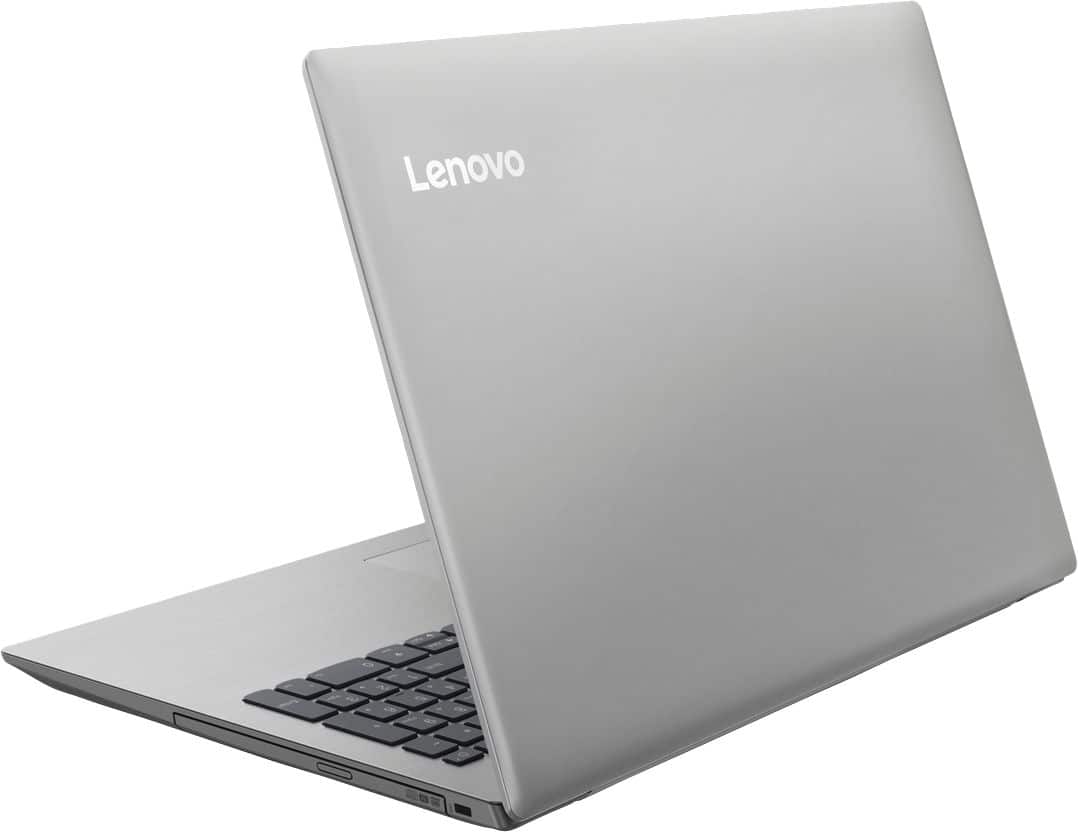
Posted .This reviewer received promo considerations or sweepstakes entry for writing a review.Runs extremely slow, I had to add an ssd and it still lacked many basic features such as 1. Ethernet port 2. Back lit keyboard 3. Can only handle 8 gb ram 4. Only 2 usb ports? (really, in 2018)!!! The quality is cheap plastic, now more often than not laptops are plastic, but high impact, this is paper thin.
No, I would not recommend this to a friendBrand response from Lenovo Product Expert
Posted .This is an entry level, light use system with its Intel Celeron processor. It is not meant for multi-tasking or demanding programs. It is good for Microsoft Office and light internet browsing. If this describes your computing needs, the IdeaPad 330-15 would be a good choice. Please keep in mind, this model is not user upgradable. A certified technician must do all of the work, so as to not void the warranty.
Noisy
Posted .This reviewer received promo considerations or sweepstakes entry for writing a review.Unfortunately, this computer had to be returned. I got a great deal on it from Best Buy, but it seems I got what I paid for. After I set it up and started using it for basic web browsing and word processing, I noticed a constant clicking/static type sound coming from the right side of the track pad. It was pretty loud and definitely not “normal.” Did some research and I think that is where the hard drive is. I would love to get another one and see how that goes, but I’m afraid it will have the same problem. I’ve never had this problem on any laptop I’ve owned.
No, I would not recommend this to a friendBrand response from Lenovo Product Expert
Posted .We are sorry to hear that you are having issues with your Lenovo IdeaPad 330-15 laptop. We recommend you call Lenovo Tech Support for help with your specific issue at: 877-453-6686.
Bad and Worst computer
Posted .This reviewer received promo considerations or sweepstakes entry for writing a review.i bought this computer two month ago ,all of a sudden it froze and turn off ,but when i turn back in it says disc error ,and then says recovering disc takes two hour now its been three days still the same ,i don't know what to do now. And i just use this for email ,social site and movie that's it.
No, I would not recommend this to a friendBrand response from Lenovo Product Expert
Posted .We are sorry to hear that you are having issues with your Lenovo IdeaPad 330-15 laptop. Be sure any software you installed is compatible with Windows 10. There is no need to install Microsoft Office software. The software is already part of the operating system, you just need to activate the software with a purchased product key. If you have installed a copy of Microsoft Office, this is conflicting with the existing copy on the system and this will slow your system down. If you have installed a 3rd party anti-virus program, be sure that Windows Defender is turned off and that the trial version of McAfee Anti-Virus software is uninstalled. There can only be one anti-virus program on the system. You may need to restore your system to original factory default settings if any of the programing errors have occurred. You can do that by typing "restore" in the Cortana search window. Just click on the magnifying glass icon at the bottom left of your Windows 10 Desktop. Click on "Reset This PC" Then click on "Get Started" and follow the on screen directions to restore to factory defaults. If the problem persists, we recommend you contact Lenovo Tech Support at: 877-453-6686.