Last-Minute SavingsLimited quantities.Shop now

Skip to content
Gift Ideas
Main Content

Customer Ratings & Reviews
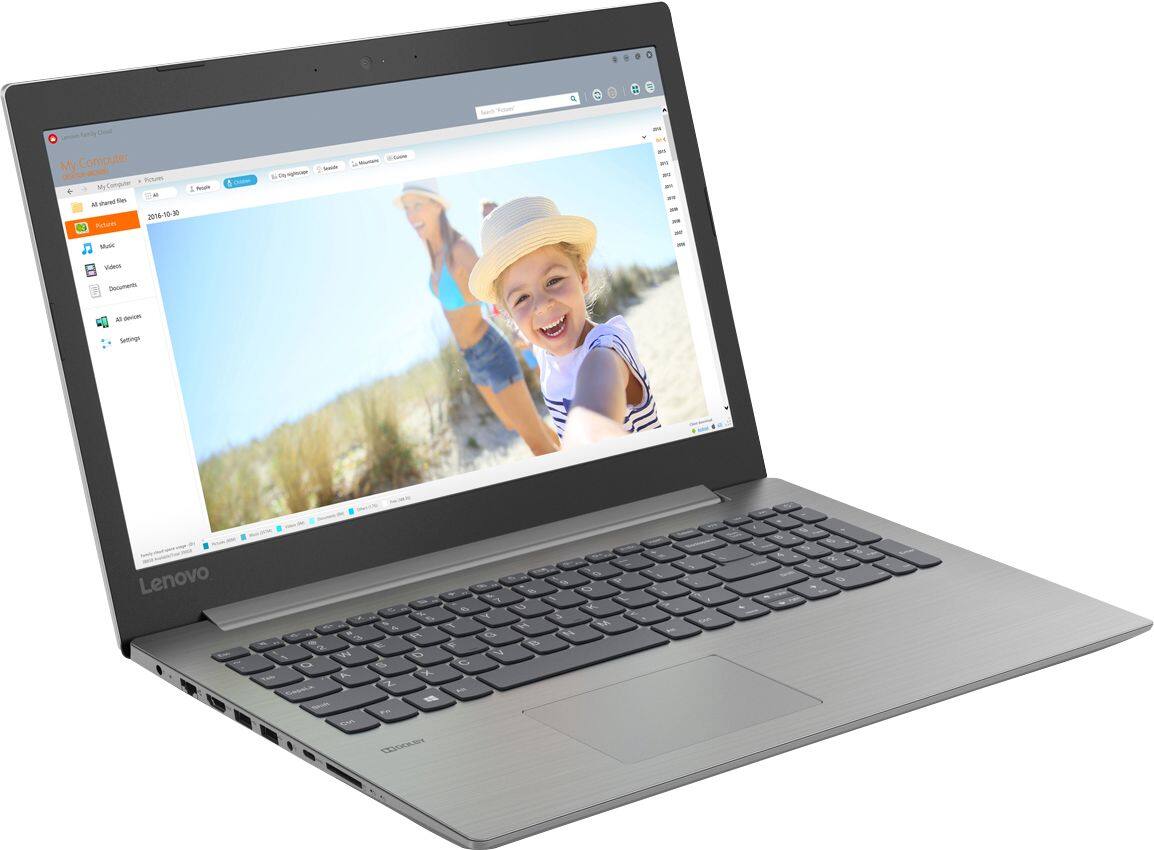
Your price for this item is $246.99
Clearance
The comparable value price is $259.99

Customer reviews

Rating 4.2 out of 5 stars with 582 reviews

Rating Filter

Rating by feature

  • Value

    Rating 4.2 out of 5 stars

  • Quality

    Rating 3.9 out of 5 stars

  • Ease of Use

    Rating 4.1 out of 5 stars

Pros mentioned filter

Cons mentioned filter

87%would recommend to a friend

Customers are saying

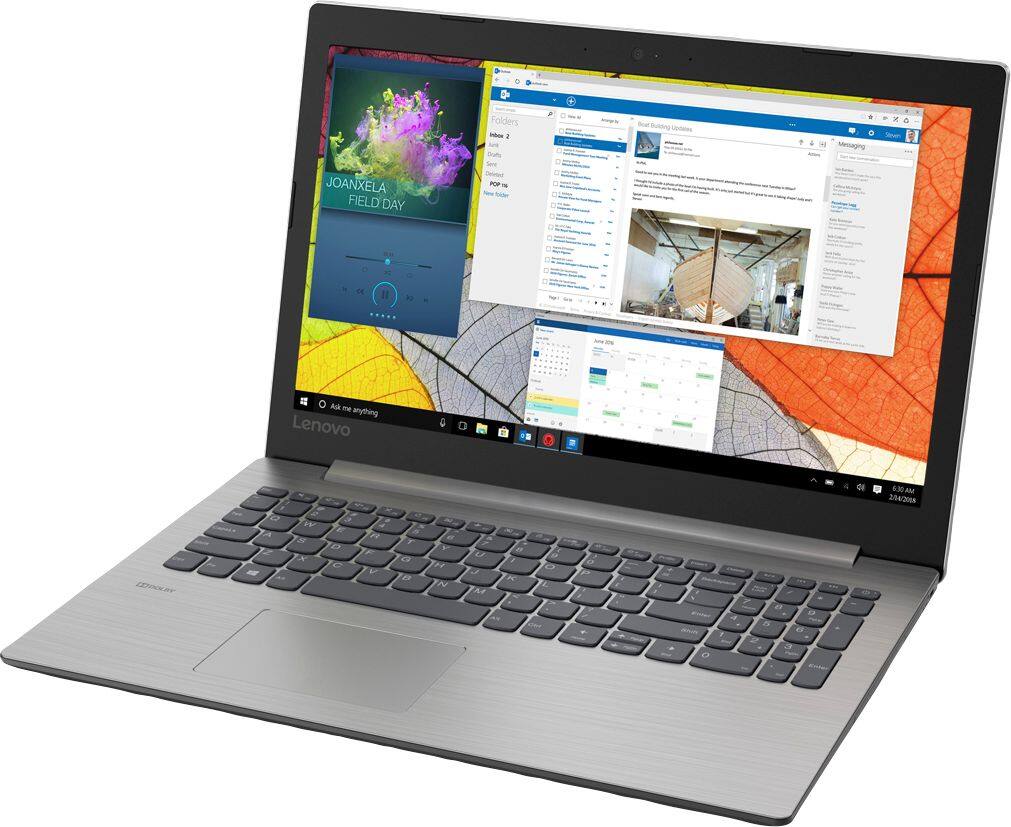
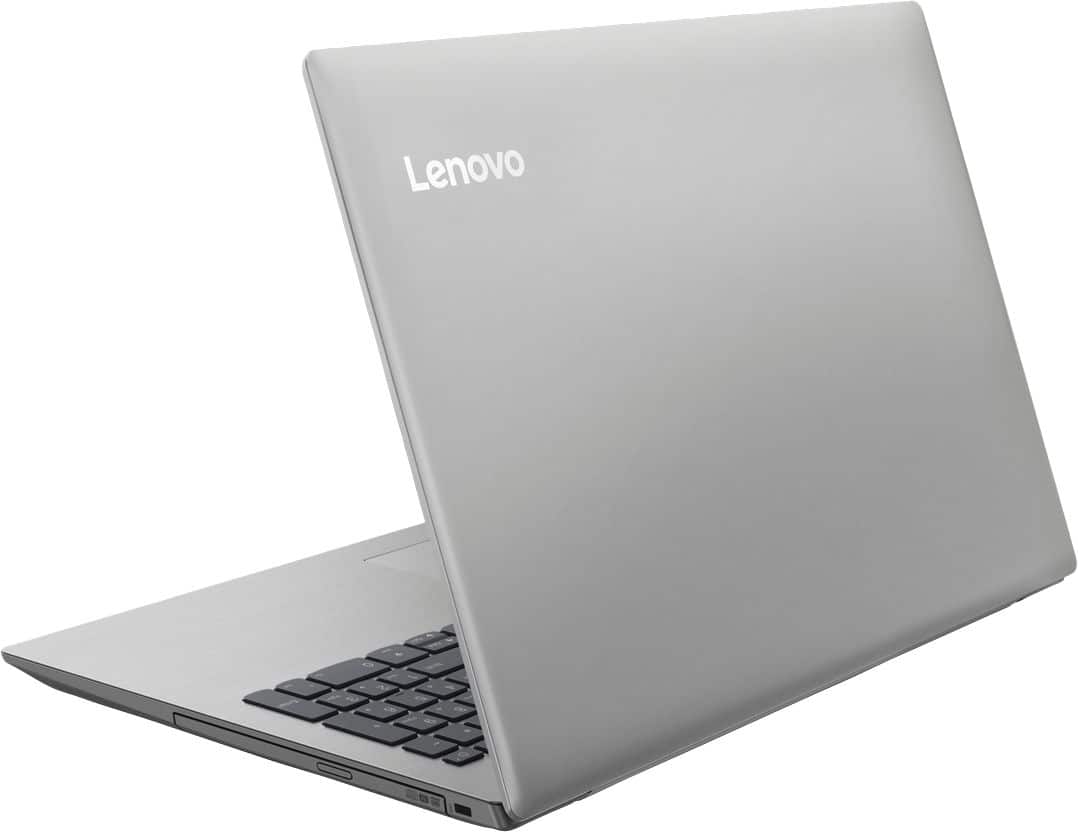
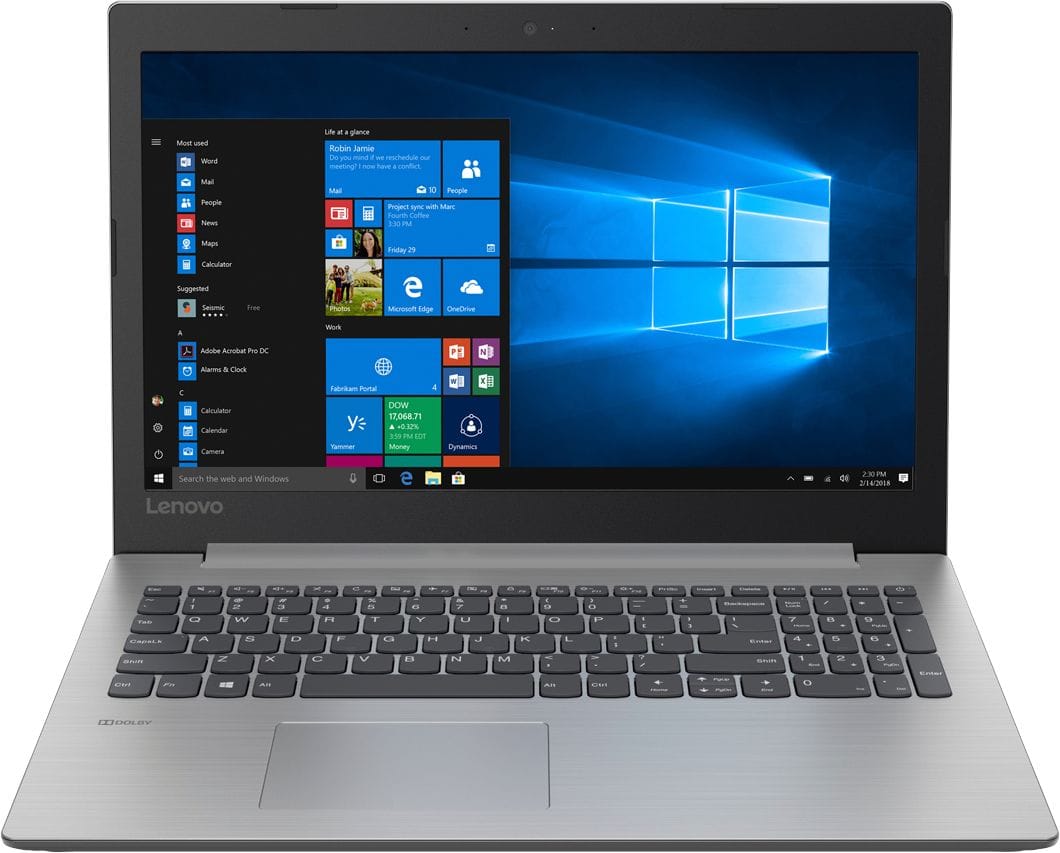
Customers consistently note the affordability and user-friendly nature of the 330-15IGM 15.6" Laptop. Many appreciate its lightweight design and adequate performance for basic tasks. However, some users express concerns about its slow processing speed and limited RAM, suggesting the need for upgrades.

This summary was generated by AI based on customer reviews.

The vast majority of our reviews come from verified purchases. Reviews from customers may include My Best Buy members, employees, and Tech Insider Network members (as tagged). Select reviewers may receive discounted products, promotional considerations or entries into drawings for honest, helpful reviews.
Page 30 Showing 581-582 of 582 reviews
  • Rated 1 out of 5 stars

    Bad and Worst computer

    Posted .
    This reviewer received promo considerations or sweepstakes entry for writing a review.

    i bought this computer two month ago ,all of a sudden it froze and turn off ,but when i turn back in it says disc error ,and then says recovering disc takes two hour now its been three days still the same ,i don't know what to do now. And i just use this for email ,social site and movie that's it.

    No, I would not recommend this to a friend
    • Brand response from Lenovo Product Expert
      Posted .

      We are sorry to hear that you are having issues with your Lenovo IdeaPad 330-15 laptop. Be sure any software you installed is compatible with Windows 10. There is no need to install Microsoft Office software. The software is already part of the operating system, you just need to activate the software with a purchased product key. If you have installed a copy of Microsoft Office, this is conflicting with the existing copy on the system and this will slow your system down. If you have installed a 3rd party anti-virus program, be sure that Windows Defender is turned off and that the trial version of McAfee Anti-Virus software is uninstalled. There can only be one anti-virus program on the system. You may need to restore your system to original factory default settings if any of the programing errors have occurred. You can do that by typing "restore" in the Cortana search window. Just click on the magnifying glass icon at the bottom left of your Windows 10 Desktop. Click on "Reset This PC" Then click on "Get Started" and follow the on screen directions to restore to factory defaults. If the problem persists, we recommend you contact Lenovo Tech Support at: 877-453-6686. lenovo

  • Rated 1 out of 5 stars

    Please don't buy this

    Posted .
    This reviewer received promo considerations or sweepstakes entry for writing a review.

    Horrible product. It freezes and crashes constantly

    No, I would not recommend this to a friend
    • Brand response from Lenovo Product Expert
      Posted .

      We are sorry to hear that you are having issues with your IdeaPad 330-15 laptop. This system should not freeze. Be sure any software you installed is compatible with Windows 10. There is no need to install Microsoft Office software. The software is already part of the operating system, you just need to activate the software with a purchased product key. If you have installed a copy of Microsoft Office, this is conflicting with the existing copy on the system and this will slow your system down. If you have installed a 3rd party anti-virus program, be sure that Windows Defender is turned off and that the trial version of McAfee Anti-Virus software is uninstalled. There can only be one anti-virus program on the system. You may need to restore your system to original factory default settings if any of the programing errors have occurred. You can do that by typing "restore" in the Cortana search window. Just click on the magnifying glass icon at the bottom left of your Windows 10 Desktop. Click on "Reset This PC" Then click on "Get Started" and follow the on screen directions to restore to factory defaults. Please keep in mind, this is an entry level, light use system with its Intel Celeron processor. It is not meant for multi-tasking or demanding programs. It is good for Microsoft Office and light internet browsing. If this describes your computing needs, the IdeaPad 330-15 would be a good choice. lenovo