Customer Ratings & Reviews


- Model:
- 81DE0085US
- SKU:
- 6221790
Rating by feature
- Value
Rating 4.1 out of 5 stars
- Quality
Rating 3.9 out of 5 stars
- Ease of Use
Rating 4.1 out of 5 stars
Customers are saying
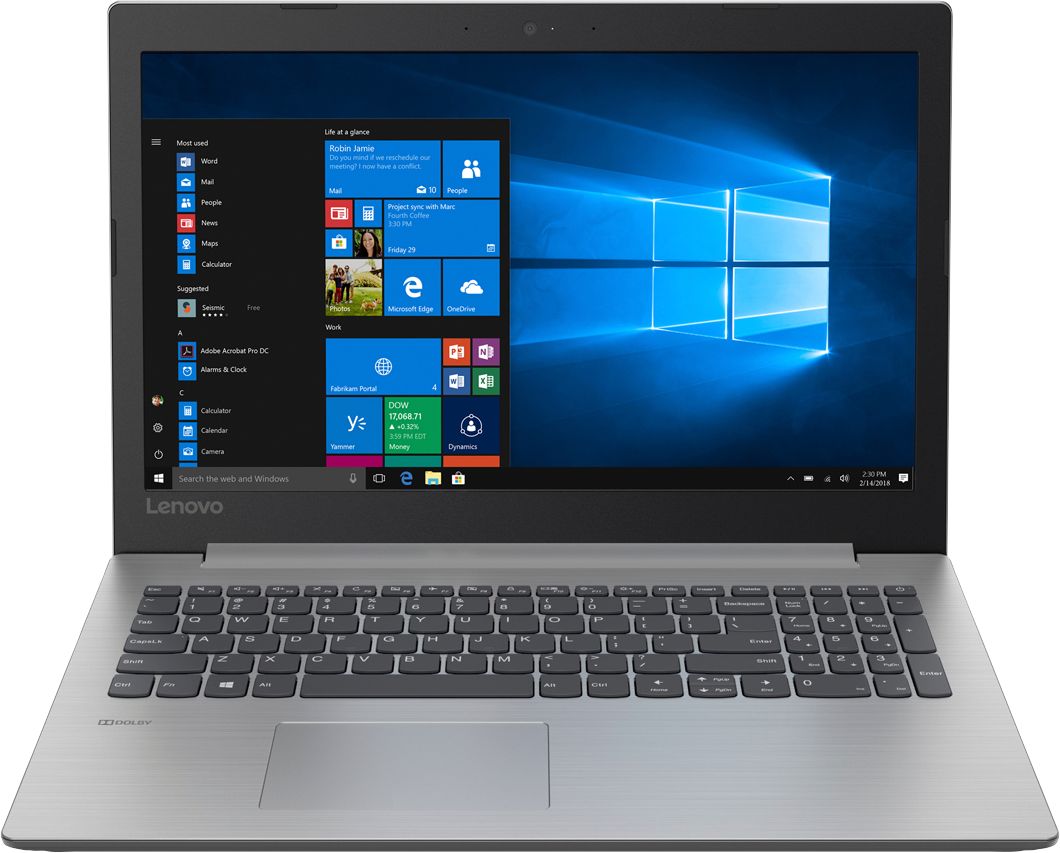
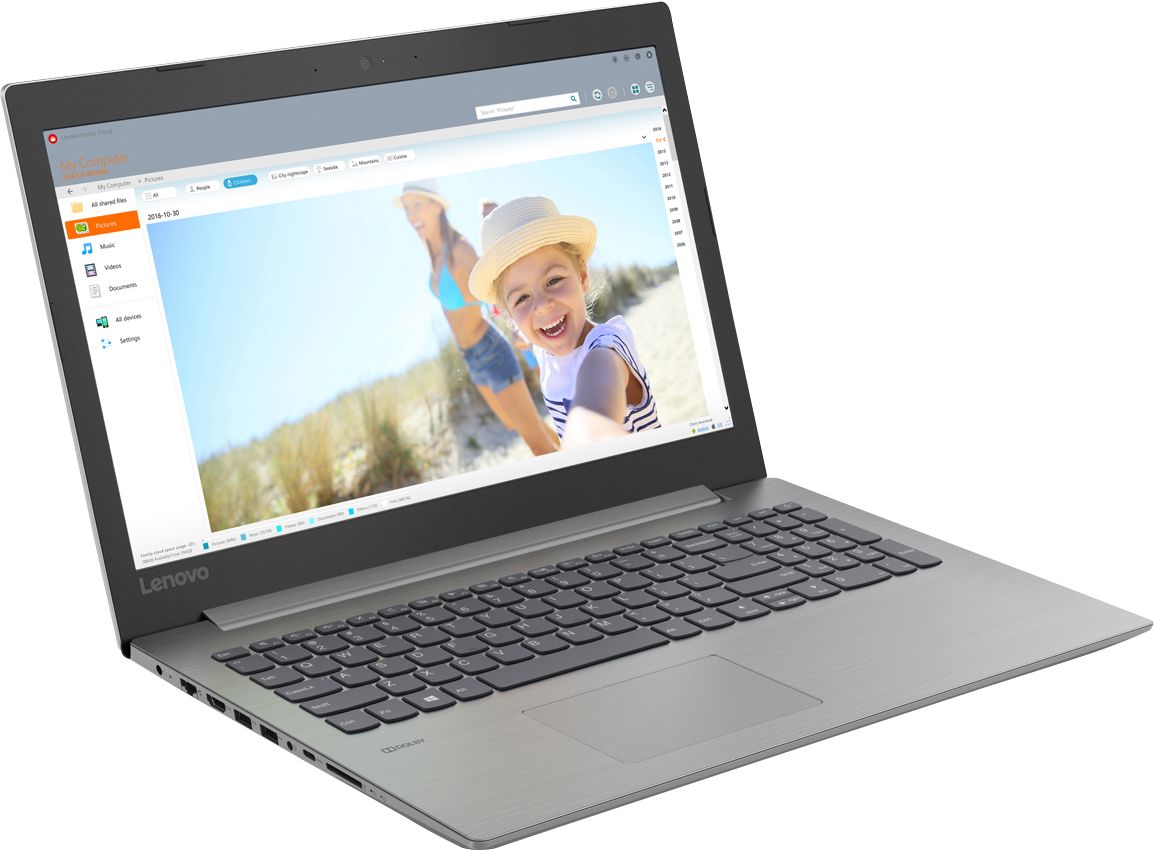
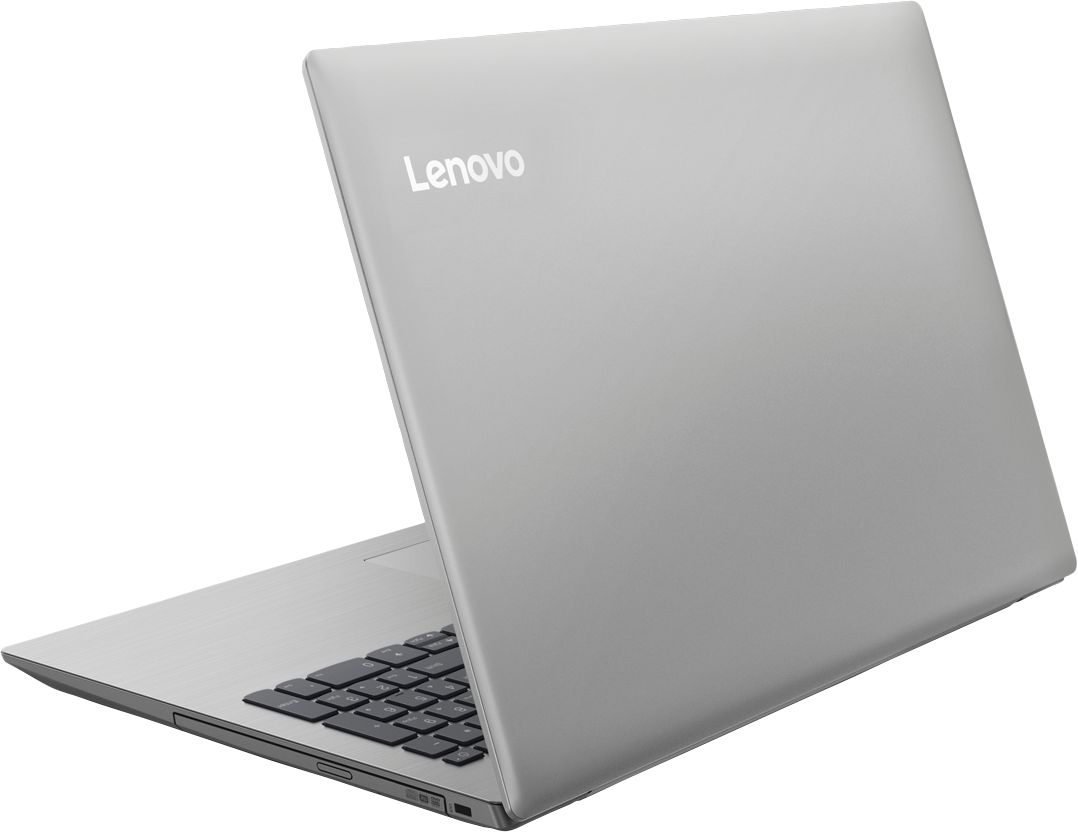
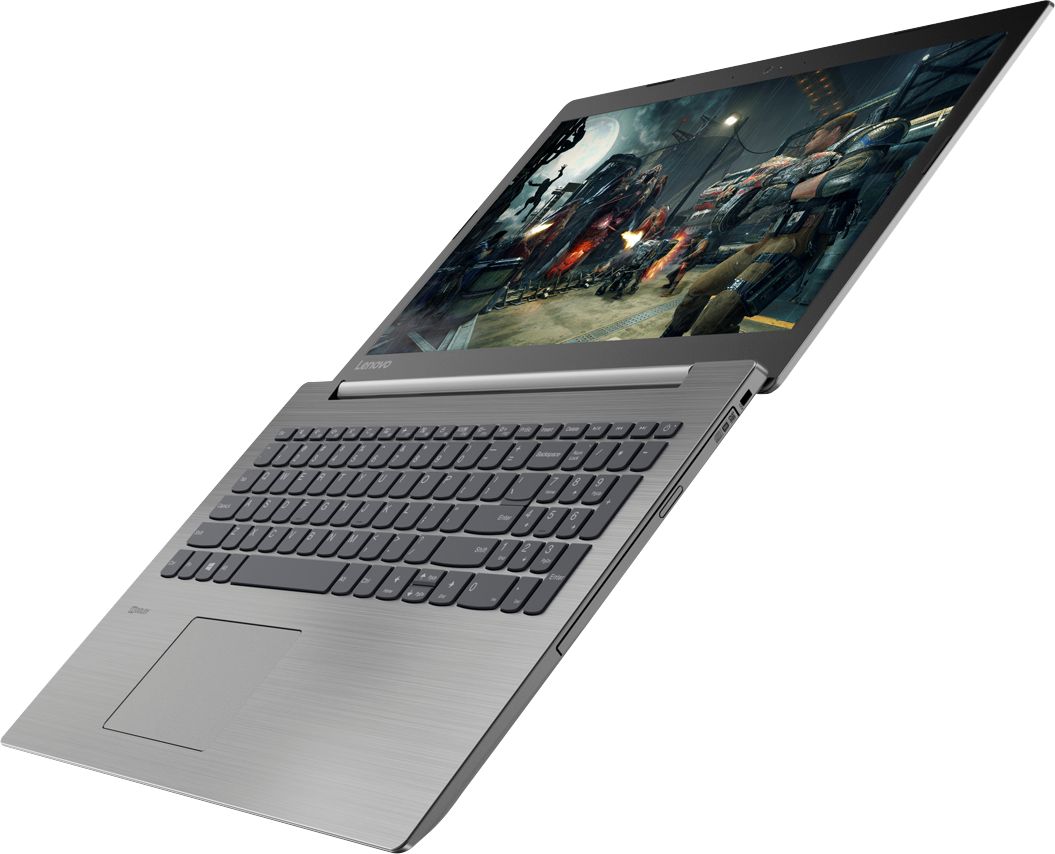
Customers are delighted by the reasonable price, fast performance, ample storage, and lightweight design of the 330-15IKB 15.6" Laptop. They appreciate the large screen size and find it suitable for gaming. However, some users have concerns about the short battery life, boot time, off-center touchpad, loud fan noise, and flimsy build quality.
This summary was generated by AI based on customer reviews.
- Pros mentioned:Fast
Great laptop
||Posted .This reviewer received promo considerations or sweepstakes entry for writing a review.Great Lenovo laptop. Fast, and no major hangups to
I would recommend this to a friend - Pros mentioned:Price
Great computer
||Posted .This reviewer received promo considerations or sweepstakes entry for writing a review.This is a fabulous computer at a reasonable price.
I would recommend this to a friend Great laptop for teen
||Posted .This reviewer received promo considerations or sweepstakes entry for writing a review.This item is working great for school work & games
I would recommend this to a friendBrand response from Lenovo Product Expert
Posted .Thank you for choosing the Lenovo IdeaPad 330-15 laptop. We are pleased to hear that the IdeaPad 330-15 is working out so well.

Excellent laptop for college students
||Posted .This reviewer received promo considerations or sweepstakes entry for writing a review.My daughter was thrilled that purchased this laptop for her freshman year in college. She loves that its full size, yet thin and light. Also the 1TB hard drive ensures she has all the space she needs for assignments, plus movies, pics, and videos.
I would recommend this to a friendBrand response from Lenovo Product Expert
Posted .Thank you for choosing the Lenovo IdeaPad 330-15 laptop for your daughter. We are pleased to hear that the features and performance of the IdeaPad 330-15 meets your daughter's computing needs so well.
- Pros mentioned:Price
Great price for a home/work computer
||Posted .This reviewer received promo considerations or sweepstakes entry for writing a review.great for its price zero complaints at the moment
I would recommend this to a friendBrand response from Lenovo Product Expert
Posted .Thank you for choosing the Lenovo IdeaPad 330-15 laptop. We are pleased to hear that the value and performance of the IdeaPad 330-15 meets your computing needs so well.
Works great
||Posted .This reviewer received promo considerations or sweepstakes entry for writing a review.It's a great laptop for its price. CPU and the good amount of RAM make it a decent laptop. Main weaknesses: screen isn't full HD and the hard disk is a bit slow. I'd go for a computer with a SSD if I could afford it, definitely worth the upgrade.
I would recommend this to a friendBrand response from Lenovo Product Expert
Posted .Thank you for choosing the Lenovo IdeaPad 330-15 laptop. This system ships with a 1366 X 768 (HD) resolution screen. There is a 1TB 5400RPM standard hard drive, coupled with a fast Dual-Core/Four-Thread Intel Core i3-8130U processor and 8GB of RAM, all in an economical package.
Nice for personal use
||Posted .This reviewer received promo considerations or sweepstakes entry for writing a review.I use it for photo management, downloading from cameras and cell phones, organizing and transferring to folders. The 8GB easily handles thousands of photos. There are two things I would like changed; a longer power cord and another USB port.
I would recommend this to a friendBrand response from Lenovo Product Expert
Posted .Thank you for choosing the Lenovo IdeaPad 330-15 laptop. This system has two standard USB 3.0 ports and one USB-c port. If you find you need more standard USB ports, you may want to consider using a USB Hub with this device.
It fit our needs
||Posted .This reviewer received promo considerations or sweepstakes entry for writing a review.Very light weight to carry. I think it's a little slow when turning on and loading the programs (which I only have Microsoft 365 on this computer). There is a lot of pre loaded programs that I will take off. I only want it for PowerPoint.
I would recommend this to a friendBrand response from Lenovo Product Expert
Posted .Thank you for choosing the Lenovo IdeaPad 330-15 laptop. The only adware on this device is a 30 day trial of Microsoft Office 365 as part of the Windows 10 operating system and a 30-day trial of McAfee Anti-Virus software. There are Lenovo Utilities installed to help maintain the health of the device and update operating software.
- Cons mentioned:Battery life
Decent computer for the price.
||Posted .This reviewer received promo considerations or sweepstakes entry for writing a review.Screen has a bluish tint that makes displaying photos to friends unsatisfactory. Battery only works for 2-3 hours. Other features are fine.
No, I would not recommend this to a friendBrand response from Lenovo Product Expert
Posted .You can easily adjust the color levels of your monitor in Windows 10. Here is a link to the steps: https://www.windowscentral.com/how-calibrate-your-pcs-monitor-windows-10. This system has a battery life of up to 5 hours, depending on the work that the device is performing. Be sure there are no unwanted programs running in the background, draining the battery. Here is a link to some tips for finding out what is draining your battery:
https://www.laptopmag.com/articles/battery-saver-windows-10. If there are no un wanted programs running, to maximize battery life, try changing your power management setting to a more conservative one. You can do this in the control panel, in the power management category on your system. Select a more conservative power management setting to extend battery life.
Computer does what I bought it for.
||Posted .This reviewer received promo considerations or sweepstakes entry for writing a review.I wanted a small computer to go along with my larger and older computer. I was not interested in all the "bells and whistles". All I wanted was a good , inexpensive computer for using email, Word and especially Excel. I realized it was necessary to purchase Office. The Lenovo does what I wanted it to do.
I would recommend this to a friendBrand response from Lenovo Product Expert
Posted .Thank you for choosing the Lenovo IdeaPad 330-15 laptop. We are pleased to hear that the value and performance of the IdeaPad 330-15 meets your computing needs so well.
- Cons mentioned:Boot time
Very disappointed - returned two hours later
||Posted .This reviewer received promo considerations or sweepstakes entry for writing a review.I've been researching for weeks to purchase my first laptop. Since I've had lots of luck with my Lenovo desktop computer, I pulled the trigger and purchased this one. First problem started when I turned it on. It took two - three minutes to even boot up. Initial Windows setup was easy, but I'd only been working on it 15-20 mins when it began to get red hot on the bottom (the charging cable got hot too). I also had lots of problems with the mouse pad, which seemed to have a mind of its own. It did not at all behave like the floor model in the store. In addition, random applications from the Microsoft Store began installing themselves on their own. I'd uninstall them, and they'd just re-install again. I finally gave up and returned it to the store two hours later for a refund. So much for my first laptop. Very, very disappointed.
No, I would not recommend this to a friendBrand response from Lenovo Product Expert
Posted .We are sorry to hear that you had issues with your Lenovo IdeaPad 330-15 laptop. With regard to the heat you experienced right after the initial setup of the device, the computer was at maximum effort during the initial activation and setup of Windows 10. This would cause the device to feel warmer than normal. If you had the device plugged in, it was most likely in a charging mode, which would make the AC adapter feel warm as well. With regard to the touchpad, you can make adjustments to the touchpad in your system settings. You can get there by clicking on the magnifying glass at the bottom left of your Windows 10 screen. Type "touchpad" in the search window. Select "Mouse & touchpad settings" from the list of choices. You can make general adjustments to the touchpad there. You can also select "Additional mouse options" for more detailed adjustments to the touchpad sensitivity by increasing the delay of the touchpad. If issues continue, we recommend you call Lenovo Tech Support at: 877-453-6686.
Lil' Power House
||Posted .This reviewer received promo considerations or sweepstakes entry for writing a review.I love this laptop massive storage great picture and durable keyboard plus a DVD burner built in I spoiled myself on a steal of a deal and loveing it immenselly does the trick for gaming on league of legends as well fortnite and battery life is awesome at 6 hours it could be better but I stand by it
I would recommend this to a friendgood, light pc
||Posted .This reviewer received promo considerations or sweepstakes entry for writing a review.This is my first i3 pc and I am happy that it does do all the things I hoped it would be capable of doing. It surfs the net and runs Microsoft Office Student just fine. It's not a gaming pc just a good single task pc.
I would recommend this to a friendBrand response from Lenovo Product Expert
Posted .Thank you for choosing the Lenovo IdeaPad 330-15 laptop. We are pleased to hear that the performance of the IdeaPad 330-15 meets your computing needs so well.
Decent laptop for the price
||Posted .This reviewer received promo considerations or sweepstakes entry for writing a review.I bought this laptop for my boyfriend as a birthday present. He has been using it for about 2 months and is happy with it so far. Has plenty of RAM & hard drive size for his needs and is relatively simple to use.
I would recommend this to a friendBrand response from Lenovo Product Expert
Posted .Thank you for choosing the Lenovo IdeaPad 330-15 laptop. We are pleased to hear that the IdeaPad 330-15 is working out so well.
Solid Laptop
||Posted .This reviewer received promo considerations or sweepstakes entry for writing a review.Not a fan of PCaptops, but I bought the laptop just to have on a day to day basis and it gets the job done. It is a bit bulky, but slim design. I do like idea that it has a ton of hard drive space. Major plus
I would recommend this to a friendThis is the nicest laptop I've had.
||Posted . Owned for 1.5 years when reviewed.This reviewer received promo considerations or sweepstakes entry for writing a review.The key pad is what I like. Very quiet, and soft touch. The size suites me. Not to small or large. The outside is easy to keep clean. I came into the store and told the sales person what my needs were and I came home with this great laptop.
I would recommend this to a friendGreat Overall
||Posted .This reviewer received promo considerations or sweepstakes entry for writing a review.I am not in love with the camera, but I am thrilled with the other aspects of the laptop. I especially love the number pad that mimics a traditional keyboard.
I would recommend this to a friendBrand response from Lenovo Product Expert
Posted .Model number 81DE0085US, has a 300p web cam built in. The IdeaPad 330-15 laptop with the Dual-Core/Four-Thread Intel Core i3-8130U processor and 8GB of RAM is a fast configuration, that can handle most of today's demanding programs for home, work and school. The Intel Core i3-8130U processor has a base speed of 2.2GHz and a boost speed of up to 3.4GHz. If you are looking for an economical, mid-range computer that can handle many of today's most demanding programs, the IdeaPad 330-15 laptop will be a good choice.
Great computer!
||Posted .This reviewer received promo considerations or sweepstakes entry for writing a review.I purchased this computer for my dad. He’s able to maneuver around the keyboard without any issues. The screen is a bit larger than I expected but it’s great for him. Great computer for basic usage.
I would recommend this to a friendA lot of bang for the buck
||Posted .This reviewer received promo considerations or sweepstakes entry for writing a review.I bought this computer as a gift for my father-in-law's 80th birthday. Within 10 minutes of staring it up, he was using it to surf the web and write emails. It looks like a solid laptop, with a comfortable keyboard and good screen. Not too big; not too small.
I would recommend this to a friendBrand response from Lenovo Product Expert
Posted .Thank you for choosing the Lenovo IdeaPad 330-15 laptop. We are pleased to hear that the IdeaPad 330-15 is working out so well.
- Cons mentioned:Battery life
Computer review
||Posted .This reviewer received promo considerations or sweepstakes entry for writing a review.Purchased computer 3 weeks ago , great price , biggest issues is poor battery and horrible Lenova customer service , having issues with the screen .
No, I would not recommend this to a friendBrand response from Lenovo Product Expert
Posted .This system, the Lenovo IdeaPad 330-15 laptop, has a battery life of up to 5 hours, depending on the work that the device is performing. Concerning your screen issues, if the issue is software based, an update of BIOS/Drivers may correct the issue. This system has Lenovo utilities installed to help maintain the health of the device and keep the operating system software up to date. Type "Lenovo Vantage" in the Cortana Search window (if Lenovo Vantage is not installed on your device, you can download the APP and install it now). Select Lenovo Vantage from the list. In the window that opens, click on "Health and Support". In the expanded menu, select "Hardware Scan" In the window that opens, select "Run Quick Tests". This will scan your entire system for errors. Follow any directions that may pop up. If the problem continues after this scan, now click on "System Update". First select Windows update from the menu. Scan your system to be sure you have the latest version of Windows 10. Once that scan is complete, select "Additional Updates". This will scan your device to be sure there are no new BIOS/Driver updates needed. Follow any instructions that may pop up. If the issue still continues after these updates, we recommend you call Lenovo Tech Support at: 877-453-6686 for additional help.