Customer Ratings & Reviews


- Model:
- 81DE0085US
- SKU:
- 6221790
Rating by feature
- Value
Rating 4.1 out of 5 stars
- Quality
Rating 3.9 out of 5 stars
- Ease of Use
Rating 4.1 out of 5 stars
Customers are saying
Customers are delighted by the reasonable price, fast performance, ample storage, and lightweight design of the 330-15IKB 15.6" Laptop. They appreciate the large screen size and find it suitable for gaming. However, some users have concerns about the short battery life, boot time, off-center touchpad, loud fan noise, and flimsy build quality.
This summary was generated by AI based on customer reviews.
Ok computer for basic stuff
||Posted .This reviewer received promo considerations or sweepstakes entry for writing a review.Computer is good for doing basic stuff but not if you intend on doing more advanced stuff.
I would recommend this to a friendBrand response from Lenovo Product Expert
Posted .The Lenovo IdeaPad 330-15 laptop with the Dual Core/Four thread Intel Core i3-8130U processor is a fast, mid-range computer. The processor has a base speed of 2.2GHz and a boost speed of up to 3.4GHz. The processor is supported by 8GHz of DDR4-2133MHz RAM. This configuration is good for many of today's more demanding programs. If you are looking for a mid-range, cost effective computing system, the Lenovo IdeaPad 330-15 with Intel Core i3-8130U processor would be a great choice.

Great laptop.
||Posted .This reviewer received promo considerations or sweepstakes entry for writing a review.So far I'm very pleased with my LENOVO and I would recommend this ideapad 330.
I would recommend this to a friendBrand response from Lenovo Product Expert
Posted .Thank you for choosing the Lenovo IdeaPad 330-15 laptop. We are pleased to hear that the IdeaPad 330-15 meets your computing needs so well.
Good laptop for students
||Posted . Owned for 1.5 years when reviewed.This reviewer received promo considerations or sweepstakes entry for writing a review.Perfect! B+ for students who are just starting out!
I would recommend this to a friendNot as good as previous laptops.
||Posted .This reviewer received promo considerations or sweepstakes entry for writing a review.The mouse pad did not work. The item was bulky and not easy to use.
No, I would not recommend this to a friendBrand response from Lenovo Product Expert
Posted .We are sorry to hear you are having issues with the touchpad on your Lenovo IdeaPad 330-15 laptop. Try the HotKey in the F6 position on your IdeaPad 330-15, this HotKey toggles the touchpad on/off. You can make adjustments to the touchpad in your system settings. You can get there by clicking on the magnifying glass at the bottom left of your Windows 10 screen. Type "touchpad" in the search window. Select "Mouse & touchpad settings" from the list of choices. You can make general adjustments to the touchpad there. You can also select "Additional mouse options" for more detailed adjustments to the touchpad sensitivity by increasing the delay of the touchpad.
Okay but no Mac
||Posted . Owned for 1 year when reviewed.This reviewer received promo considerations or sweepstakes entry for writing a review.This gets the job done but I prefer my Apple products more
No, I would not recommend this to a friendOkay Laptop
||Posted .This reviewer received promo considerations or sweepstakes entry for writing a review.Serviceable laptop...nothing to write home about...decent price
I would recommend this to a friendBrand response from Lenovo Product Expert
Posted .This is a fast system with its Dual-Core/Four-Thread Intel Core i3-8130U processor and 8GB of RAM. The processor has a base speed of 2.2GHz and a burst speed of up to 3.4GHz. Be sure any software you installed is compatible with Windows 10. There is no need to install Microsoft Office software. The software is already part of the operating system, you just need to activate the software with a purchased product key. If you have installed a copy of Microsoft Office, this is conflicting with the existing copy on the system and this will slow your system down. If you have installed a 3rd party anti-virus program, be sure that Windows Defender is turned off and that the trial version of McAfee Anti-Virus software is uninstalled. There can only be one anti-virus program on the system. You may need to restore your system to original factory default settings if any of the programing errors have occurred. You can do that by typing "restore" in the Cortana search window. Just click on the magnifying glass icon at the bottom left of your Windows 10 Desktop. Click on "Reset This PC" Then click on "Get Started" and follow the on screen directions to restore to factory defaults. If the problem persists, we recommend you contact Lenovo Tech Support at: 877-453-6686.
Rated it 3 because
||Posted .This reviewer received promo considerations or sweepstakes entry for writing a review.Its extremely slow at times. It takes a while to boot.
No, I would not recommend this to a friendaverage laptop
||Posted .This reviewer received promo considerations or sweepstakes entry for writing a review.i bought it only to load kali linux on for pentesting.
No, I would not recommend this to a friendHuge disappointment
||Posted . Owned for more than 2 years when reviewed.This reviewer received promo considerations or sweepstakes entry for writing a review.The wifi connection on this is trash. It loses connection constantly. Pc freezes up daily during online class meetings. Always getting knocked offline. Its frustrating. For the cost, I've had better for far less.
No, I would not recommend this to a friendGood laptop for the price
||Posted .This reviewer received promo considerations or sweepstakes entry for writing a review.Just needed a reliable laptop to do work at home..
I would recommend this to a friend- Pros mentioned:PriceCons mentioned:Battery life
Perfect as a basic laptop
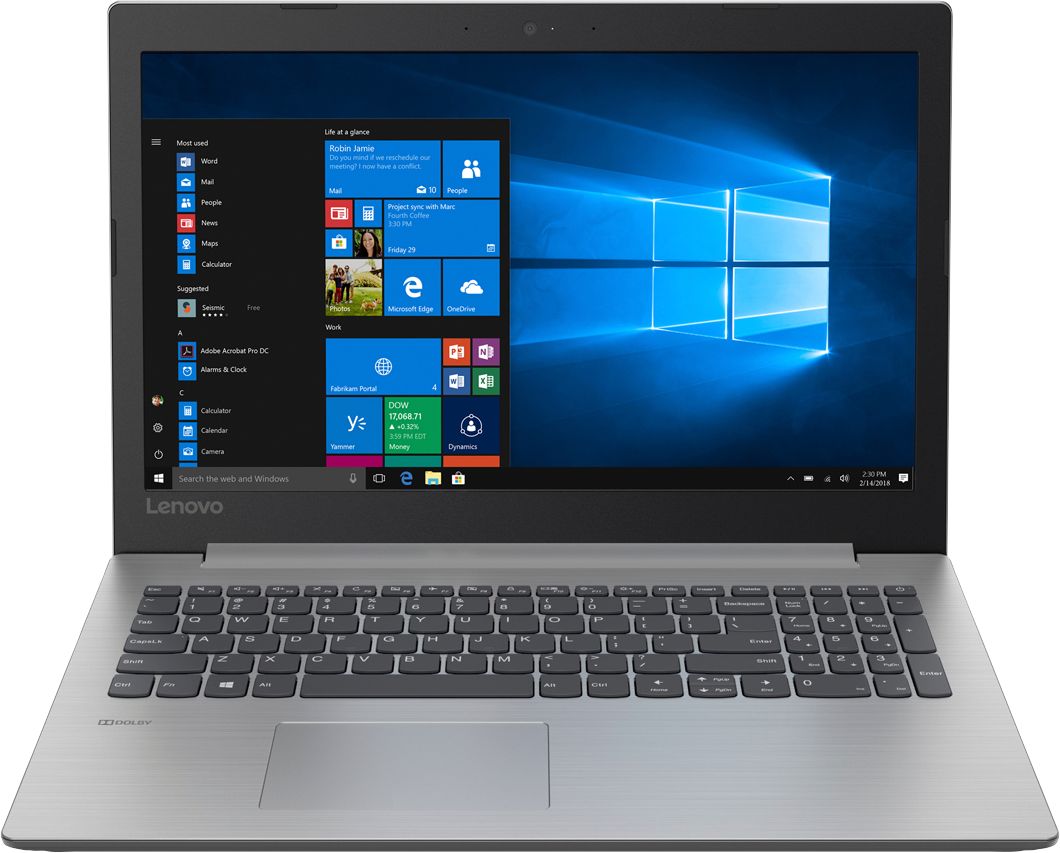
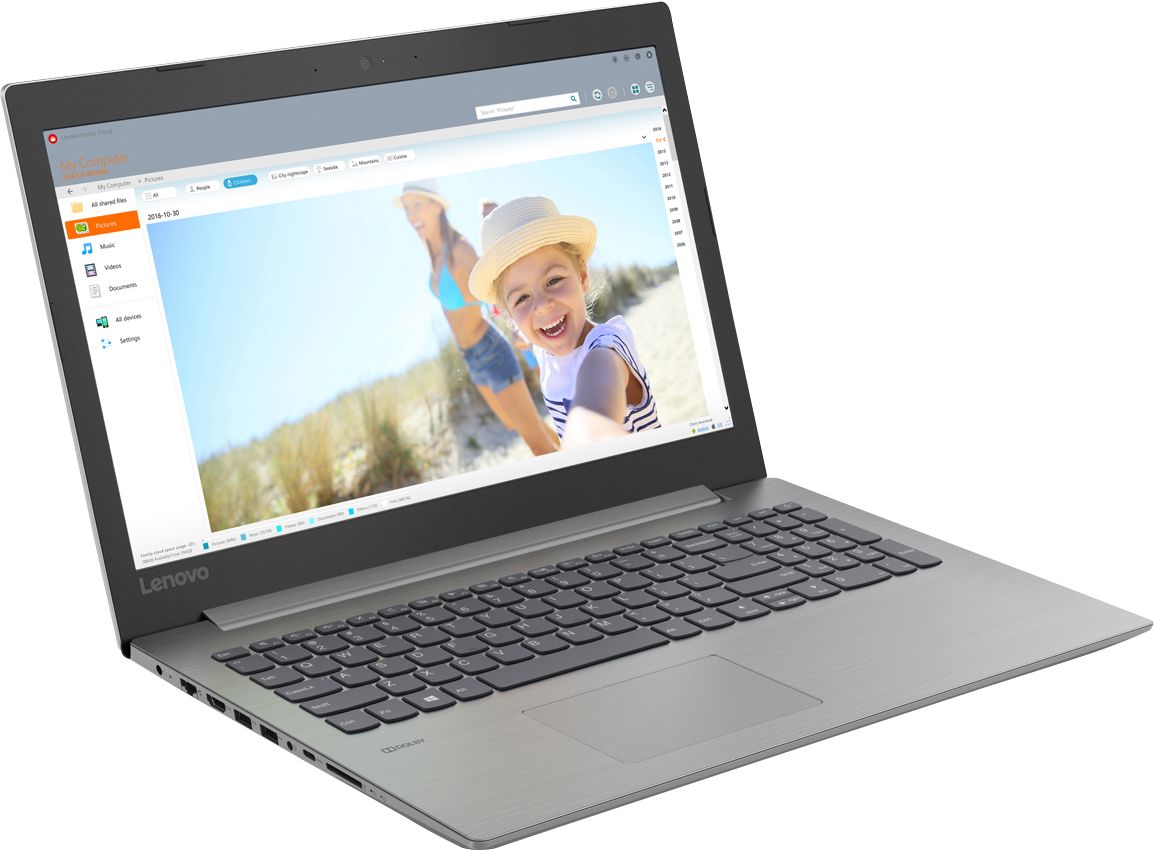
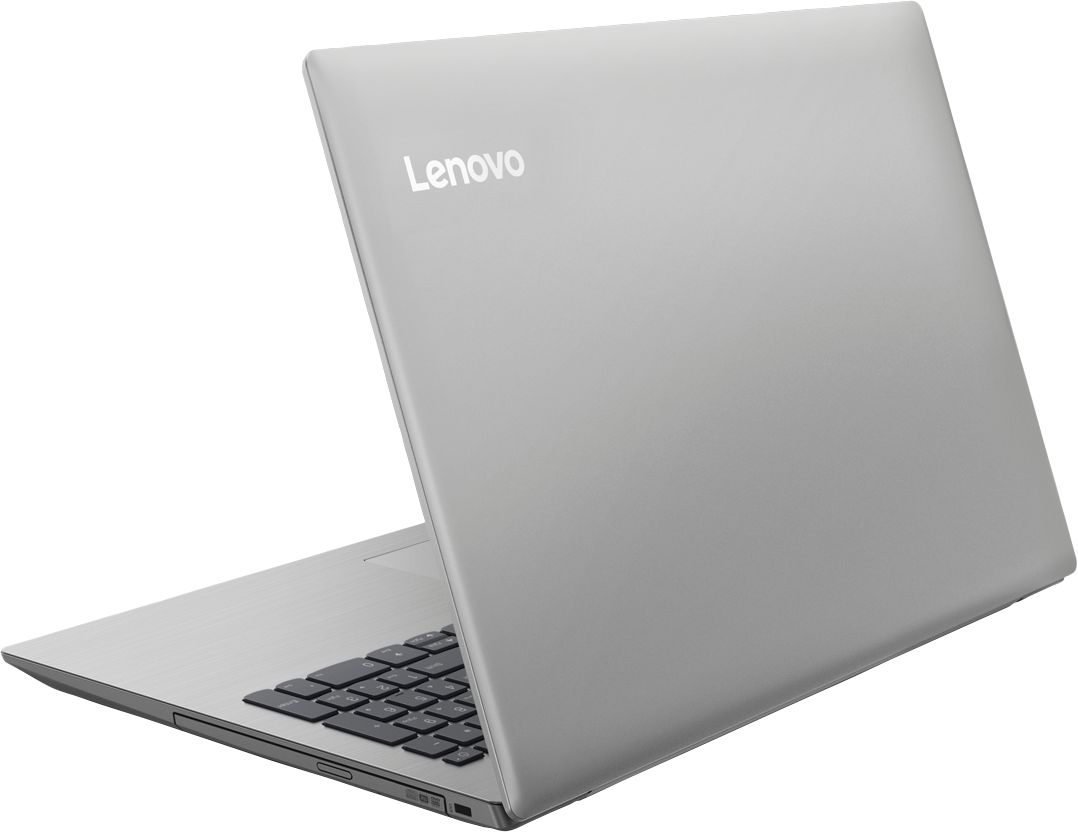
Posted .This reviewer received promo considerations or sweepstakes entry for writing a review.Lenovo did a great job balancing the components of this laptop. It has everything you need for basic browsing and Office. While nothing about the laptop is amazing, nothing is terrible either. As I said, it has everything you need for a very good price. The i3-8130 is quite fast (PassMark 5123) which compares favorably with an i5-7200u (4636). It only has two cores, so won't be a great multi-tasker, but has about the same single core rating as the i5-8250u. So should be really good for most things. The 8 GB of memory seems to be an ideal amount. I usually don't use more than about 60% of that. It is not a gaming machine, but the Intel 620 graphics is not bad (passmark 995, an NVDIA GTX 1050 is 4566). I tried running the Unigine "Heaven" benchmark and it gave about 16 fps on high with normal tessellation as compared with 66 fps for an i7 6700HQ/GTX 960M combination. The screen is matte, which I prefer. It is not very bright. I have an old Acer from 2012 and I would say 100% brightness on the Lenovo is about the same as 75% on the Acer. The default on battery is 50% and I had to turn that up to about 70% to have a reasonable screen intensity. I like the keyboard, it has a nice feel. I had an older Lenovo 310. That also had a keyboard with a nice feel, but Lenovo screwed that one up by making the right enter key half size to make room for a full size up arrow key. I was always making typos. Lenovo has fixed this with the 330 (upper and lower arrow keys are half height and the enter key is full size!). They also added lights on the caps lock and scroll lock keys, which is a nice touch. There are two USB 3 and a USB C port as well as an HDMI port, SD card reader and ethernet RJ45. The laptop is "left-handed" in that all the ports are on the left side. My wife prefers a corded mouse, so no USB port on the right side means running the cord all the way around the back (unless you are left-handed). The 1 TB hard drive is no better than in the 310 (2016) or Acer (2012). If I could change one thing on this laptop, it would be to support Optane memory as a cache for the hard drive. That would be a nice compromise over a full SSD. However, I chatted with Lenovo and even though the 330 has an 8th generation Intel processor, they said you could not add Optane memory. I think it does not have an M2 slot. The other limitation of the 330 is the battery life. It seems to be about the same as the 310, around 3.5 hours. I found a 10 minute YouTube video dropped 5% from the battery charge, which is consistent with that estimate. On the plus side, it has a DVD drive, which I still find useful. I originally went looking for a machine with a 1920x1024 ips screen, an i5-8250U, 8 GB of memory, Optane memory, a 1 TB HDD and 6-8 hours on battery. The reviews of the laptops in my budget (~$500) typically had 1920x1024 TN displays that were not well reviewed and either a 256 GB SSD or a 1 TB HDD. Often they did not have a DVD drive. They were often also described as getting somewhat hot. By the time I got to laptops where all the upgrades were good quality, I was in the $700-800 range. So I am pretty happy having chosen the Lenovo. It's one step down from my "perfect" laptop, but at half the price it is an excellent value.
I would recommend this to a friendBrand response from Lenovo Product Expert
Posted .Thank you for choosing the Lenovo IdeaPad 330-15 laptop. This configuration has the 8th Generation Intel Core i3-8130U processor. This is a Dual-Core/Four-Thread processor. The screen on this model has a resolution of 1366 X 768 (HD) and a brightness level of 200 nits. This model has a battery life of up to 5 hours, depending on the work that the device is performing. This model does have a CD/DVD-RW drive built in.
Decent laptop for the price
||Posted .This reviewer received promo considerations or sweepstakes entry for writing a review.For the low cost of the laptop, it definitely isn't a bad deal. After loading office365 on it, it slowed down CONSIDERABLY. Almost to the point of not wanting to use it.
I would recommend this to a friendBrand response from Lenovo Product Expert
Posted .All Windows 10 computer, including this one, have a 30-day trial of Microsoft Office 365 loaded as part of the Windows 10 operating system. If you loaded additional Microsoft Office 365 software on top of what is already installed, that is the reason for your system slowdown. You will need to uninstall the copy you installed, then use the 25-digit Product Key that came with the software you purchased to activate the software on the device already.
Laptop is okay
||Posted .This reviewer received promo considerations or sweepstakes entry for writing a review.Purchased for my mother who does light duty use and plays a few inline games here and there. Complaints of slow boot times and slow speeds in general. Was later returned for a laptop with an ssd.
No, I would not recommend this to a friendBrand response from Lenovo Product Expert
Posted .We are sorry to hear that you had issues with Your Lenovo IdeaPad 330-15 laptop. This system should boot to the Windows 10 desktop in less than 25 seconds. Be sure any software you installed is compatible with Windows 10. There is no need to install Microsoft Office software. The software is already part of the operating system, you just need to activate the software with a purchased product key. If you have installed a copy of Microsoft Office, this is conflicting with the existing copy on the system and this will slow your system down. If you have installed a 3rd party anti-virus program, be sure that Windows Defender is turned off and that the trial version of McAfee Anti-Virus software is uninstalled. There can only be one anti-virus program on the system. You may need to restore your system to original factory default settings if any of the programing errors have occurred. You can do that by typing "restore" in the Cortana search window. Just click on the magnifying glass icon at the bottom left of your Windows 10 Desktop. Click on "Reset This PC" Then click on "Get Started" and follow the on screen directions to restore to factory defaults. If the problem persists, we recommend you contact Lenovo Tech Support at: 877-453-6686.
Have had less than 1 year. Rebuilt by Geek sqaud
||Posted . Owned for 11 months when reviewed.This reviewer received promo considerations or sweepstakes entry for writing a review.In less than one year the hard drive fried and now still under warranty Microsoft diagnostics said laptop keyboard is unable to maintain the drivers and needs another part.
No, I would not recommend this to a friendLenovo
||Posted . Owned for more than 2 years when reviewed.This reviewer received promo considerations or sweepstakes entry for writing a review.Was a great laptop and somehow I didn't purchase insurance. My fault completely. The hard drive went out 1year 1 month after I bought it, go figure.
No, I would not recommend this to a friendNot plug and play on printers
||Posted .This reviewer received promo considerations or sweepstakes entry for writing a review.No communication between Lenovo and Microsoft. The Microsoft updates conflict with the computer. Cannot choose to stop the updates. These updates cause the computer not to work.
No, I would not recommend this to a friendBrand response from Lenovo Product Expert
Posted .This system has Lenovo utilities installed to help maintain the health of the device and keep the operating system software up to date. Type "Lenovo Vantage" in the Cortana Search window (if Lenovo Vantage is not installed on your device, you can download the APP and install it now). Select Lenovo Vantage from the list. In the window that opens, click on "Health and Support". In the expanded menu, select "Hardware Scan" In the window that opens, select "Run Quick Tests". This will scan your entire system for errors. Follow any directions that may pop up. If the problem continues after this scan, now click on "System Update". First select Windows update from the menu. Scan your system to be sure you have the latest version of Windows 10. Once that scan is complete, select "Additional Updates". This will scan your device to be sure there are no new BIOS/Driver updates needed. Follow any instructions that may pop up. If the issue still continues after these updates, we recommend you call Lenovo Tech Support at: 877-453-6686 for additional help.
Great for a secondary system
||Posted .This reviewer received promo considerations or sweepstakes entry for writing a review.I really lived the laptop. Unfortunately, the touch pad does not work. I had to be sure to use an external mouse. Other than that I would recommend.
No, I would not recommend this to a friendAfter 2 years I am having problems with the board
||Posted . Owned for more than 2 years when reviewed.This reviewer received promo considerations or sweepstakes entry for writing a review.We can only used this PC for 2 years. The board had problem yesterday. I will have to buy a new board or a new laptop.
No, I would not recommend this to a friendBasic & slow
||Posted . Owned for more than 2 years when reviewed.This reviewer received promo considerations or sweepstakes entry for writing a review.Very basic & slow. You get what you pay for. I work from home so this was a disaster for me. Just after 2 years it completely crashed & had to get a new hard drive put in a 2 yr old laptop. Geek squad had 3 wks. Livid is not even a description of what I went through. Now if you just want something inexpensive to bump around on this would work for you.
No, I would not recommend this to a friendJunk
||Posted . Owned for 1.5 years when reviewed.This reviewer received promo considerations or sweepstakes entry for writing a review.Bought this for my daughter for college and it's been nothing but a headache. Customer service is lousy needed tech support and was told NO HELP since warranty had expired. Never heard of no tech support after warranty expiration. Going back to Dell who is always ready and willing to help.
No, I would not recommend this to a friend