Customer Ratings & Reviews


- Model:
- 81DE0085US
- SKU:
- 6221790
Rating by feature
- Value
Rating 4.1 out of 5 stars
- Quality
Rating 3.9 out of 5 stars
- Ease of Use
Rating 4.1 out of 5 stars
Customers are saying
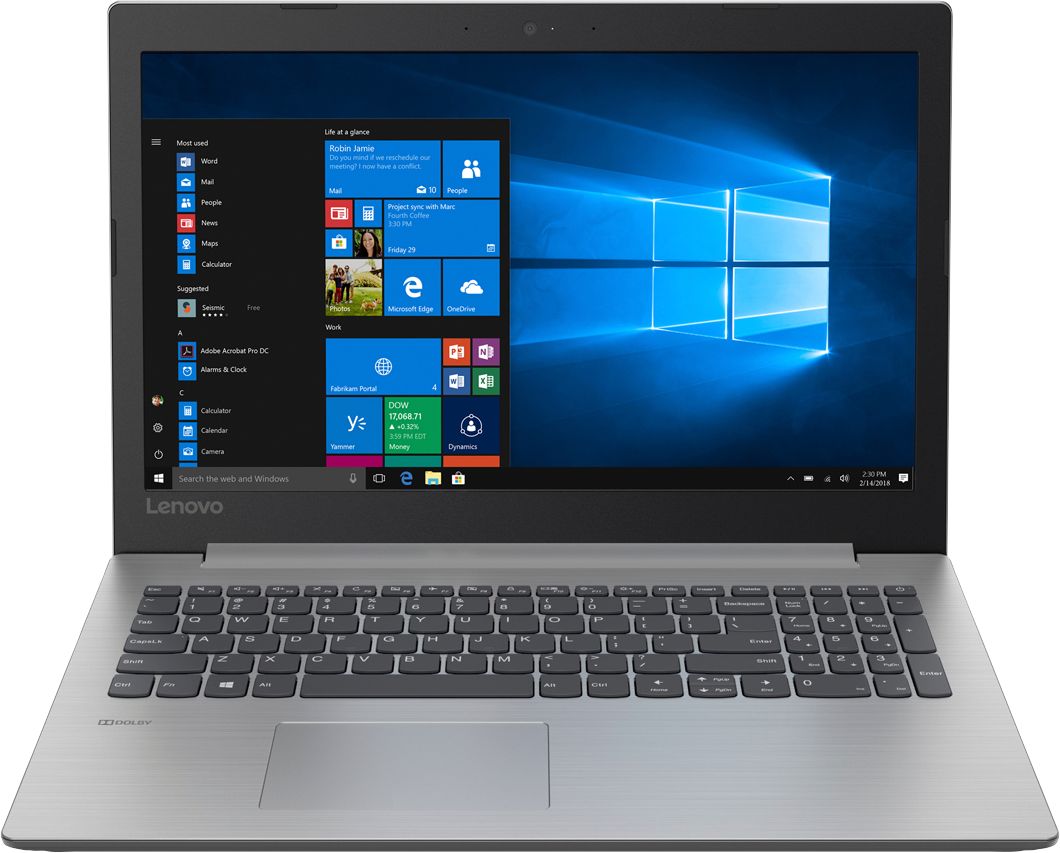
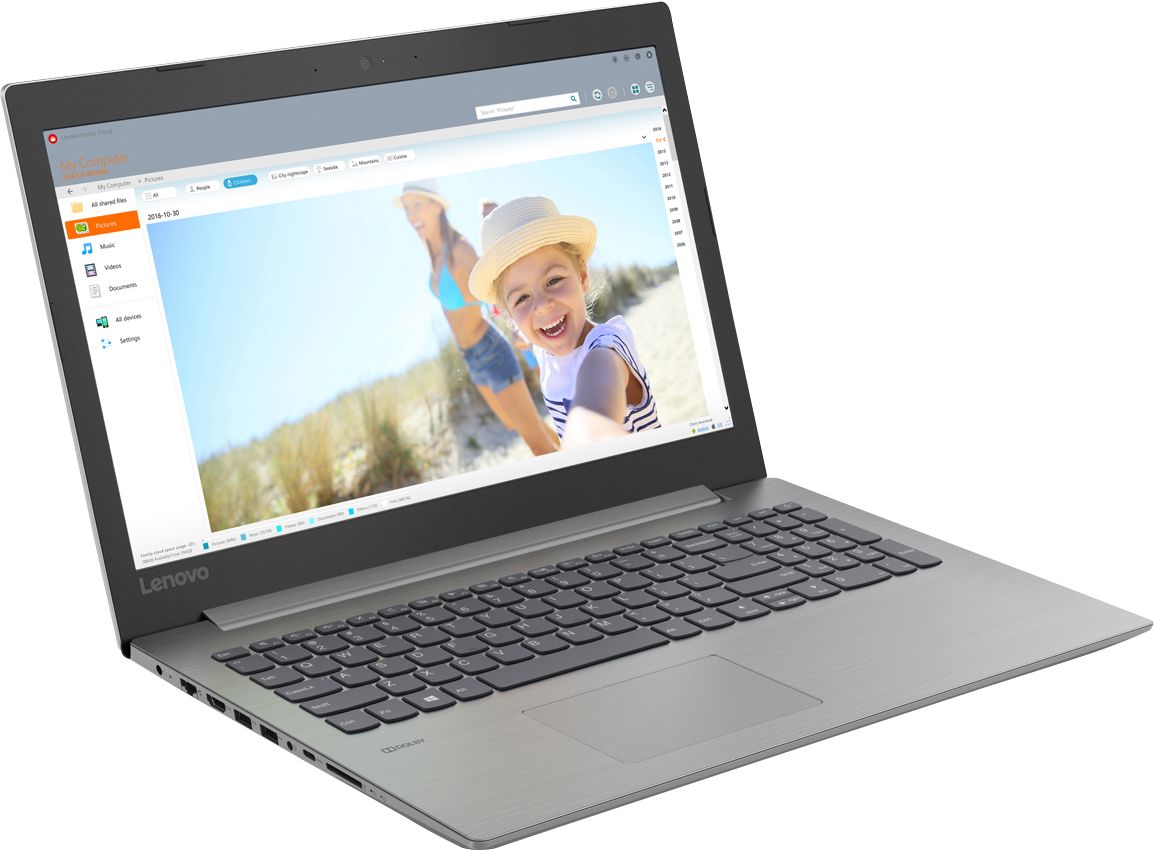
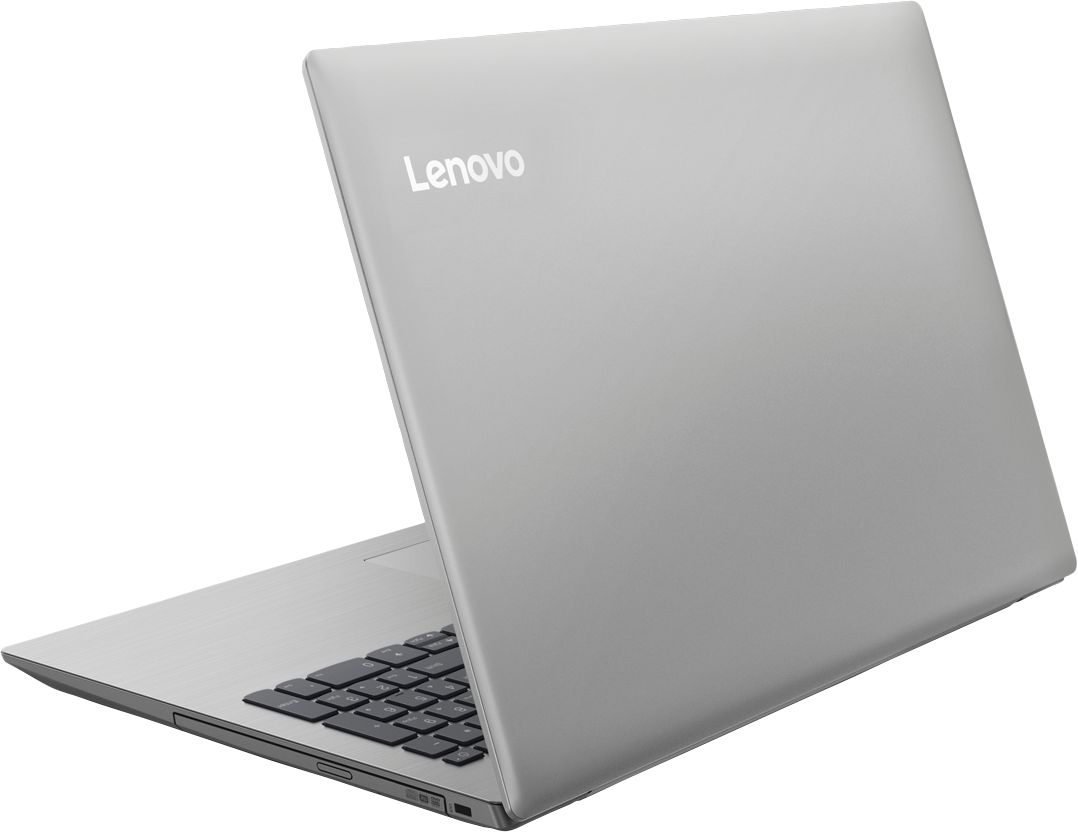
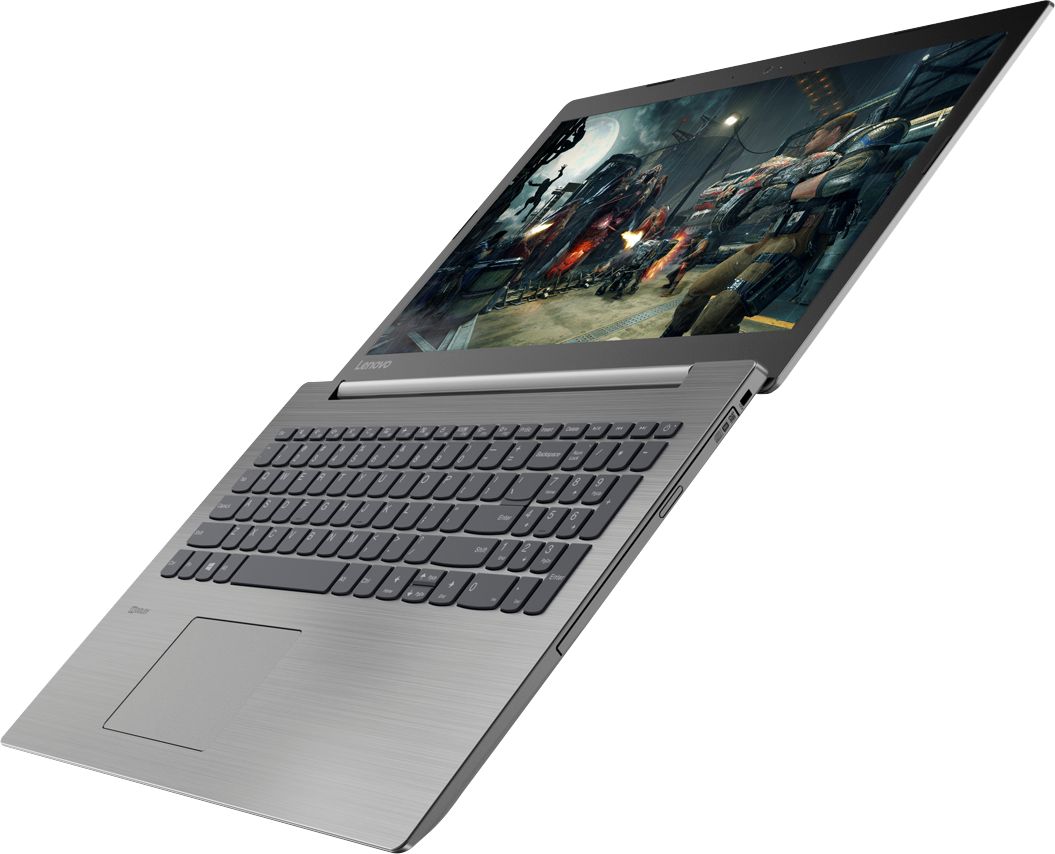
Customers are delighted by the reasonable price, fast performance, ample storage, and lightweight design of the 330-15IKB 15.6" Laptop. They appreciate the large screen size and find it suitable for gaming. However, some users have concerns about the short battery life, boot time, off-center touchpad, loud fan noise, and flimsy build quality.
This summary was generated by AI based on customer reviews.
Very slow
||Posted .This reviewer received promo considerations or sweepstakes entry for writing a review.Bought for son for college but had to return the laptop due to performance issues. Bought different laptop
No, I would not recommend this to a friendWe have named this laptop, POS.
||Posted . Owned for 1.5 years when reviewed.This reviewer received promo considerations or sweepstakes entry for writing a review.I purchased this laptop as a simple device for my wife to take her online college classes. Each start up and most functions after are painfully slow. We have put up with it for over a year and are now feed up and so get to go back on the market for a real laptop.
No, I would not recommend this to a friendVery slow laptop
||Posted . Owned for more than 2 years when reviewed.This reviewer received promo considerations or sweepstakes entry for writing a review.Very slow laptop tough to use. Do not ever buy Lenovo laptops for home use.
No, I would not recommend this to a friendDoes some quirky things
||Posted . Owned for 1.5 years when reviewed.This reviewer received promo considerations or sweepstakes entry for writing a review.Not a big fan.... The screen sizes changes all the time. Would not buy again.
No, I would not recommend this to a friendI hate this computer
||Posted .This reviewer received promo considerations or sweepstakes entry for writing a review.I think this is the worst computer i have ever had. It has more advertisements than any i've had before and what i like least about it is that microsoft is built into it and forces you to t ry to use their Bing instead of google.Also i hate the way when you put your hand over the scroll bar it makes the font very small.
No, I would not recommend this to a friendslow
||Posted .This reviewer received promo considerations or sweepstakes entry for writing a review.cheap and slow. better to spend more money for a businesses use
No, I would not recommend this to a frienddid not like it
||Posted . Owned for 1.5 years when reviewed.This reviewer received promo considerations or sweepstakes entry for writing a review.This is the worse laptop I ever bought. I thought it would be okay since I bought it brand new, but it was way too slow. I decided to resell after 1 month since I could not return it.
I would recommend this to a friendGood cord
||Posted .This reviewer received promo considerations or sweepstakes entry for writing a review.This computer sucks the built-in Mouse stops working have to reset it over and over didn't even have it a month for started doing that piece of crap only thing is good for being a door stop
No, I would not recommend this to a friendOpen box Password locked
||Posted . Owned for 1.5 years when reviewed.This reviewer received promo considerations or sweepstakes entry for writing a review.bought this for my son but had to return it. I got it from an open box and they shipped it to me with a password. So it was password locked and wasn't able to use it.
No, I would not recommend this to a friendMother board damaged in a year
||Posted . Owned for 1 year when reviewed.This reviewer received promo considerations or sweepstakes entry for writing a review.Purchased this laptop last year but the mother board got damaged in a year, dint expect that to happen in a year. Very disappointed!!
No, I would not recommend this to a friendPoor and unstable
||Posted .This reviewer received promo considerations or sweepstakes entry for writing a review.Please don’t buy this laptop. It is slow and unstable. The keybroad stop working after a month of use and Best Buy refuse to replace it.
No, I would not recommend this to a friendBrand response from Lenovo Product Expert
Posted .We are sorry to hear that you are having issues with your Lenovo IdeaPad 330-15 laptop. The issues you describe could be installed software that is not compatible with Windows 10. You can reset this computer back to original factory settings. This system is equipped with OneKey Recovery System. There is a very small pin hole on the left side of the device, right near the SD card slot on the device. You will need a pin to push this reset button. Plug the device in. Let the battery charge for about 15 minutes. Push the reset button. The system should boot to a choice screen where you can choose "Restore To Factory Default". Select this. It will delete everything from the hard drive except the original factory install of the operating system. You will need to reinstall all programs and files after the reset. If you don't have copies of the files, try to make one before you restore by selecting "Boot to desktop" and trying to back up your files. If the problem persists after the factory reset, we recommend you contact Lenovo Tech Support at: 877-453-6686.

Laptop didn't have charger.
||Posted .This reviewer received promo considerations or sweepstakes entry for writing a review.Laptop was open box. Was sold a universal charger that didn't work with this product. Laptop was returned.
No, I would not recommend this to a friendNot for a professional
||Posted . Owned for 9 months when reviewed.This reviewer received promo considerations or sweepstakes entry for writing a review.I purchased because it was on sale at a low price. I got what I paid for. Nothing
No, I would not recommend this to a friendTab key stopped working almost immediately after p
||Posted .This reviewer received promo considerations or sweepstakes entry for writing a review.Too slow for any user.I don't know if it is just with what i bought or all .
No, I would not recommend this to a friendBrand response from Lenovo Product Expert
Posted .This is a fast, mid-range system with its Dual-Core/Four-Thread Intel Core i3-8130U processor and 8GB of RAM. This processor has a base speed of 2.2GHz and a boost speed of up to 3.4GHz. Be sure any software you installed is compatible with Windows 10. There is no need to install Microsoft Office software. The software is already part of the operating system, you just need to activate the software with a purchased product key. If you have installed a copy of Microsoft Office, this is conflicting with the existing copy on the system and this will slow your system down. If you have installed a 3rd party anti-virus program, be sure that Windows Defender is turned off and that the trial version of McAfee Anti-Virus software is uninstalled. There can only be one anti-virus program on the system. You may need to restore your system to original factory default settings if any of the programing errors have occurred. You can do that by typing "restore" in the Cortana search window. Just click on the magnifying glass icon at the bottom left of your Windows 10 Desktop. Click on "Reset This PC" Then click on "Get Started" and follow the on screen directions to restore to factory defaults. We regard to the keyboard issue, this system has Lenovo utilities installed to help maintain the health of the device and keep the operating system software up to date. Type "Lenovo Vantage" in the Cortana Search window (if Lenovo Vantage is not installed on your device, you can download the APP and install it now). Select Lenovo Vantage from the list. In the window that opens, click on "Health and Support". In the expanded menu, select "Hardware Scan" In the window that opens, select "Run Quick Tests". This will scan your entire system for errors. Follow any directions that may pop up. If the problem continues after this scan, now click on "System Update". First select Windows update from the menu. Scan your system to be sure you have the latest version of Windows 10. Once that scan is complete, select "Additional Updates". This will scan your device to be sure there are no new BIOS/Driver updates needed. Follow any instructions that may pop up. If the issue still continues after these updates, we recommend you call Lenovo Tech Support at: 877-453-6686 for additional help.
HDD is not good its crashed
||Posted .This reviewer received promo considerations or sweepstakes entry for writing a review.Its very bad product. HDD is failed with in week. its hanging from day one.
No, I would not recommend this to a friendBrand response from Lenovo Product Expert
Posted .We are sorry to hear that you are having issues with your IdeaPad 330-15 laptop. Be sure any software you installed is compatible with Windows 10. There is no need to install Microsoft Office software. The software is already part of the operating system, you just need to activate the software with a purchased product key. If you have installed a copy of Microsoft Office, this is conflicting with the existing copy on the system and this will slow your system down. If you have installed a 3rd party anti-virus program, be sure that Windows Defender is turned off and that the trial version of McAfee Anti-Virus software is uninstalled. There can only be one anti-virus program on the system. You may need to restore your system to original factory default settings if any of the programing errors have occurred. You can do that by typing "restore" in the Cortana search window. Just click on the magnifying glass icon at the bottom left of your Windows 10 Desktop. Click on "Reset This PC" Then click on "Get Started" and follow the on screen directions to restore to factory defaults. If the problem persists, we recommend you contact Lenovo Tech Support at: 877-453-6686.
Poor quality
||Posted .This reviewer received promo considerations or sweepstakes entry for writing a review.The processor can barely run google chrome and other apps
No, I would not recommend this to a friendLong running laptop
Posted .This reviewer received promo considerations or sweepstakes entry for writing a review.Still using the laptop dec 2023 .Bought the laptop in 2018. I use the laptop for programming,watching movies and performing other task No issues with screen ,Keyboard is working fine. No issues in laptop wrt to heating Its an HDD So don't expect lightning speed during boot up. Sound quality is decent.
I would recommend this to a friendGreat Back up Computer to have around.
Posted .This reviewer received promo considerations or sweepstakes entry for writing a review.I had to bring my 4 year old 17 inch Laptop in to Geek Squad twice in 7 days time due to not being allowed to sign in . The 2nd time I brought it in I decided to buy a back up computer. The Lenovo 15 inch computer is a great little computer. I love the keyboard on this computer. The letters are much larger and easy to see. The keys seem flatter and a little bit larger than my 17" which making it easier to type letters on it. It is the right size to pick up and go in comparison to my 17 inch laptop. The Lenovo has enough software to accomplish what you need to get done. The Graphics are great. It's like the pictures have more depth to them with Brilliant Colors. It has enough power and speed for emails, internet shopping, typing letters, documents,etc. I have not print out any pictures yet but I'm sure they will come out beautifully. This Lenovo is just what I needed. It is a Great back up Computer to have around. I enjoy working on the Lenovo-330-151 KB Laptop.
I would recommend this to a friendBrand response from Lenovo Product Expert
Posted .Thank you for choosing the Lenovo IdeaPad 330-15 laptop. We are pleased to hear that the value and performance of the IdeaPad 330-15 meets your computing needs so well.
- Pros mentioned:FastCons mentioned:Loud fan
Very good basic laptop
Posted .This reviewer received promo considerations or sweepstakes entry for writing a review.I needed a new laptop for basic functions - surfing, spreadsheets, word processing, and Quicken. Picked this one up on sale. I was worried about the speed based on some reviews, but I find its fast. Boots up quickly. I'm very happy with it. Pro - fast, huge hard drive, great bargain Con - mouse pad is funky. Also fan gets a little loud at times
I would recommend this to a friendBrand response from Lenovo Product Expert
Posted .Thank you for choosing the Lenovo IdeaPad 330-15 laptop. With regard to the touchpad, you can make adjustments to the touchpad in your system settings. You can get there by clicking on the magnifying glass at the bottom left of your Windows 10 screen. Type "touchpad" in the search window. Select "Mouse & touchpad settings" from the list of choices. You can make general adjustments to the touchpad there. You can also select "Additional mouse options" for more detailed adjustments to the touchpad sensitivity by increasing the delay of the touchpad. This is a high performance system with its Dual-Core/Four-Thread Intel Core i3-8130U processor and 8GB of RAM. The Dual core processor has a base speed of 2.2GHz and a boost speed f up to 3.4GHz. It will generate heat whenever it is turned on, even at idle, this is normal. The onboard fan will maintain the proper operating temperature for the device. You will hear the fan whenever it runs, this too is normal.
Great value for a reasonable price
Posted .This reviewer received promo considerations or sweepstakes entry for writing a review.The laptop is kind of big, but not too heavy. Nice keypad touch with gray keys instead of black for a change. Good specs: plenty of memory and hard drive space for my needs, 8th gen Core i3 processor helps with fairly fast boot-up and app launches. Nice that you can still find a laptop with optical drive. Wish it had one more USB port (only came with 2). It was between this one and an identically-priced Asus with comparable specs, but with 3 USB ports and 6GB RAM. So far the Lenovo seems to be a good choice.
I would recommend this to a friendBrand response from Lenovo Product Expert
Posted .Thank you for choosing the Lenovo IdeaPad 330-15 laptop. If you need more USB port, you may want to consider using a USB Hub with this device.