Customer Ratings & Reviews


- Model:
- 81DE0085US
- SKU:
- 6221790
Rating by feature
- Value
Rating 4.1 out of 5 stars
- Quality
Rating 3.9 out of 5 stars
- Ease of Use
Rating 4.1 out of 5 stars
Customers are saying
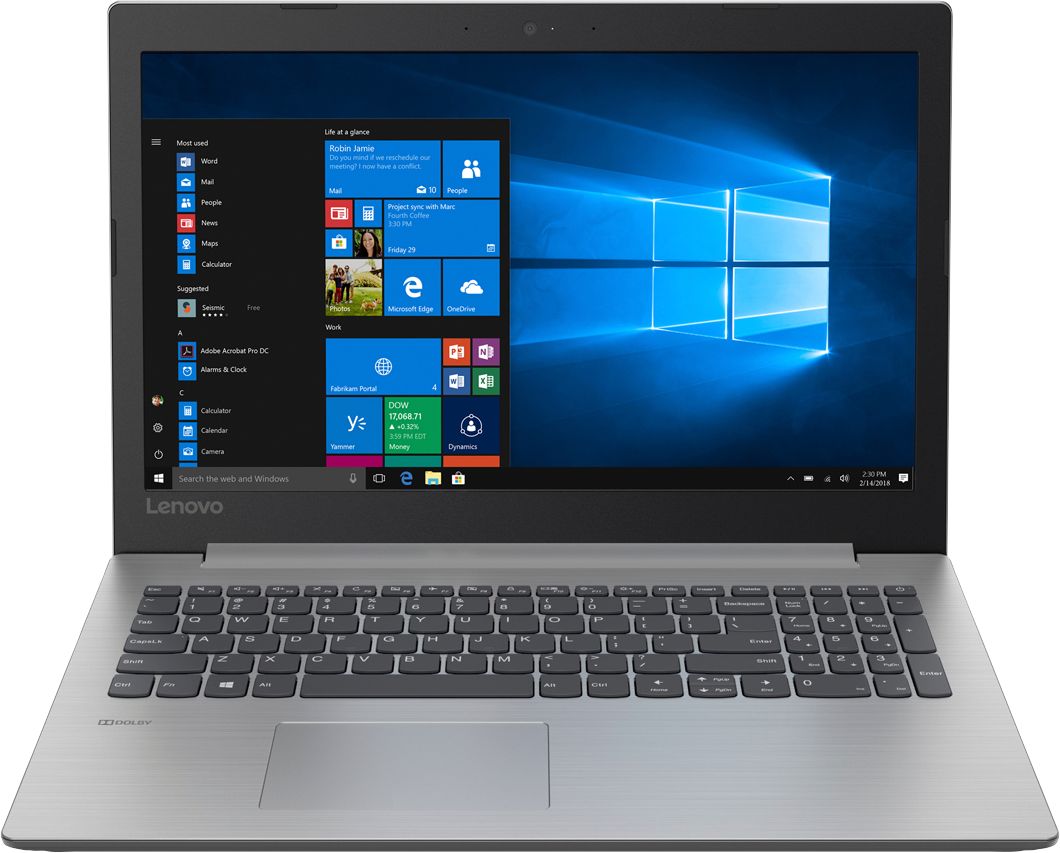
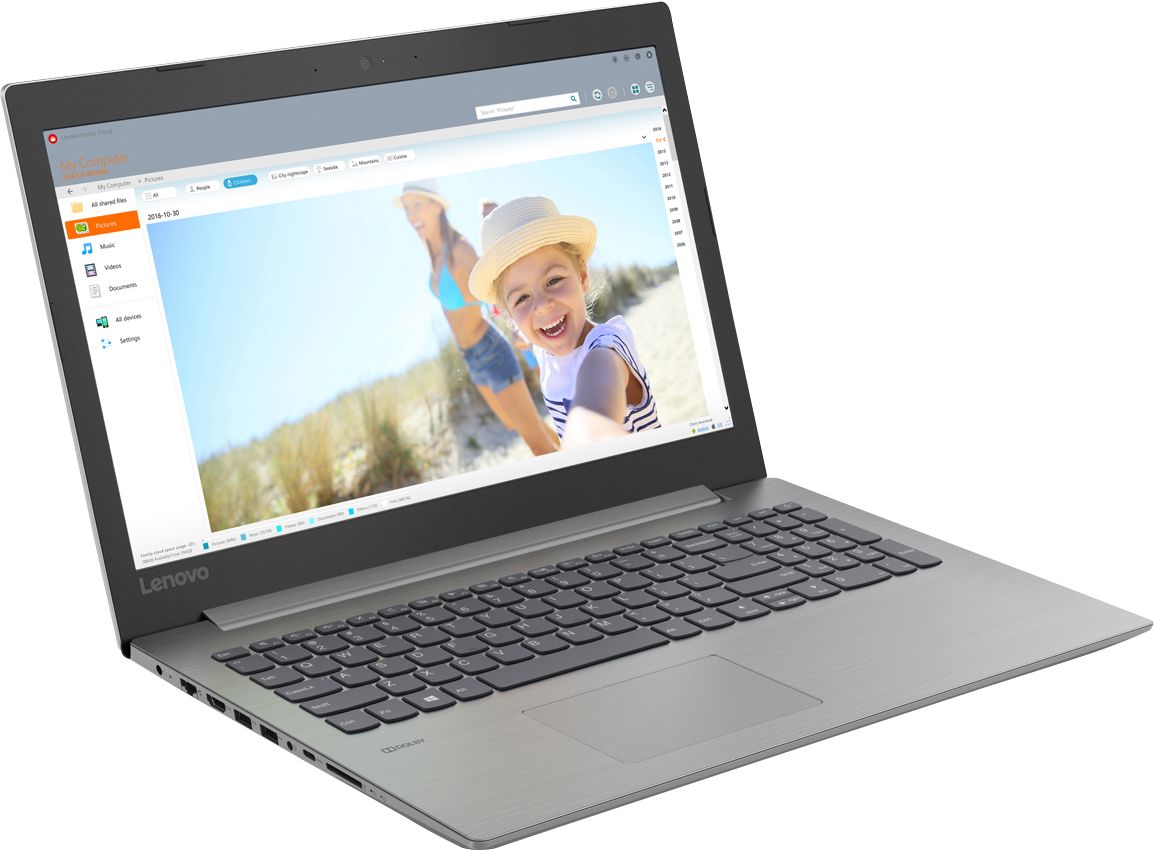
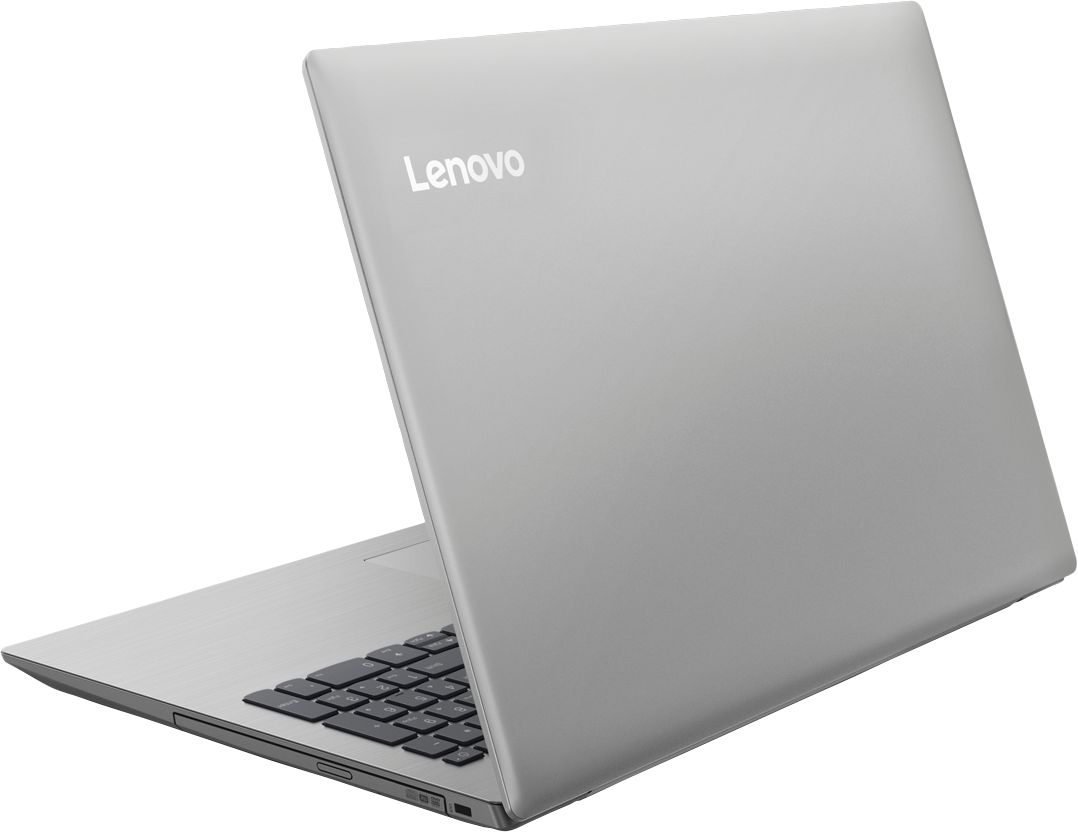
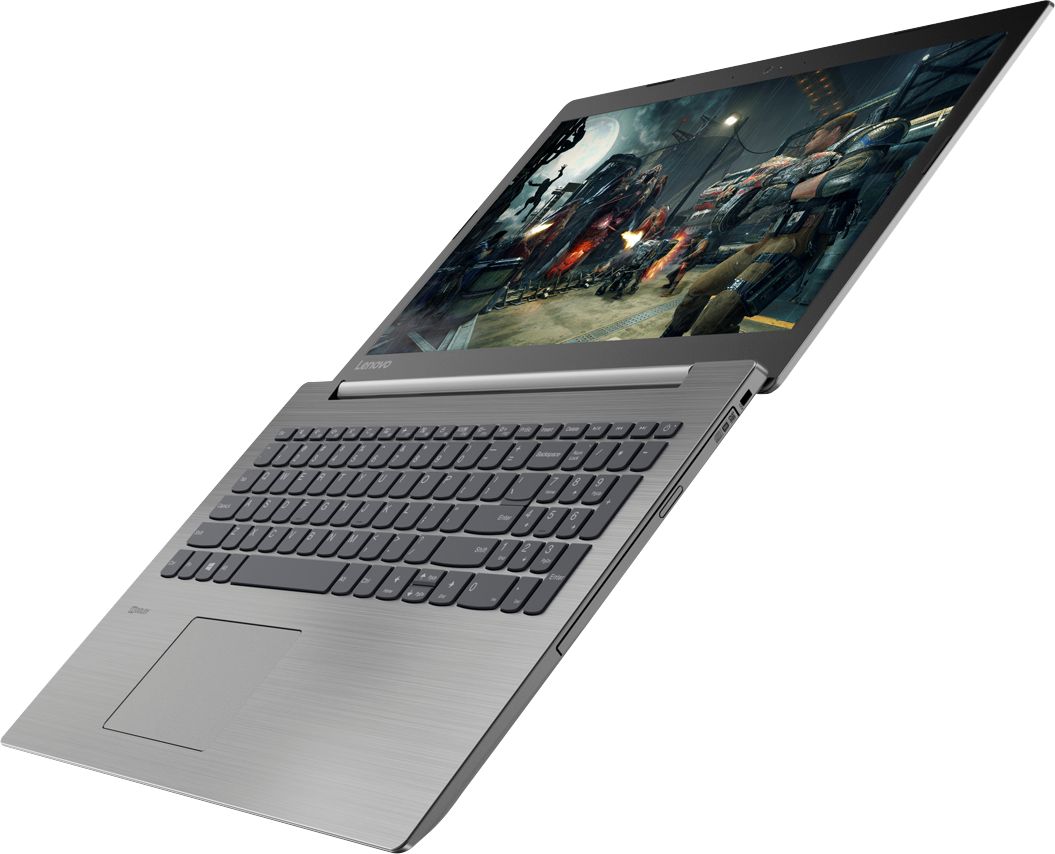
Customers are delighted by the reasonable price, fast performance, ample storage, and lightweight design of the 330-15IKB 15.6" Laptop. They appreciate the large screen size and find it suitable for gaming. However, some users have concerns about the short battery life, boot time, off-center touchpad, loud fan noise, and flimsy build quality.
This summary was generated by AI based on customer reviews.
Do not buy - waste of money
Posted .This reviewer received promo considerations or sweepstakes entry for writing a review.I bought this laptop 2 months ago (2 months ago!) and the display has already failed. Lenovo told me that although its still under warranty they would not fix or replace this and i would need to pay to have it shipped and repaired at one of their authorized repair shops. Lenovo support and warranty are about as good as their products - crap.
No, I would not recommend this to a friendBrand response from Lenovo Product Expert
Posted .We are sorry to hear that you are having an issue with the display on your Lenovo IdeaPad 330-15 laptop. The issue with the display you describe may be a software based issue. This system is equipped with OneKey Recovery System. There is a very small pin hole on the left side of the device, right near the SD card slot on the device. You will need a pin to push this reset button. Plug the device in. Let the battery charge for about 15 minutes. Push the reset button. The system should boot to a choice screen where you can choose "Restore To Factory Default". Select this. It will delete everything from the hard drive except the original factory install of the operating system. You will need to reinstall all programs and files after the reset. If you don't have copies of the files, try to make one before you restore by selecting "Boot to desktop" and trying to back up your files. If the problem persists after the factory reset, we recommend you contact Lenovo Tech Support at: 877-453-6686.

Worst laptop I have owned
Posted .This reviewer received promo considerations or sweepstakes entry for writing a review.Absolutely slowest laptop I’ve ever purchased. Do not buy.
No, I would not recommend this to a friendBrand response from Lenovo Product Expert
Posted .The Lenovo IdeaPad 330-15 with the Dual Core/Four Thread Intel Core i3-8130U processor is a fast mid-range computer. This processor has a base speed of 2.2GHz and a boost speed of up to 3.4GHz. This processor is supported by 8GB of DDR4-2133MHz RAM. Be sure any software you installed is compatible with Windows 10. There is no need to install Microsoft Office software. The software is already part of the operating system, you just need to activate the software with a purchased product key. If you have installed a copy of Microsoft Office, this is conflicting with the existing copy on the system and this will slow your system down. If you have installed a 3rd party anti-virus program, be sure that Windows Defender is turned off and that the trial version of McAfee Anti-Virus software is uninstalled. There can only be one anti-virus program on the system. You may need to restore your system to original factory default settings if any of the programing errors have occurred. You can do that by typing "restore" in the Cortana search window. Just click on the magnifying glass icon at the bottom left of your Windows 10 Desktop. Click on "Reset This PC" Then click on "Get Started" and follow the on screen directions to restore to factory defaults. If the problem persists, we recommend you contact Lenovo Tech Support at: 877-453-6686.