Customer Ratings & Reviews
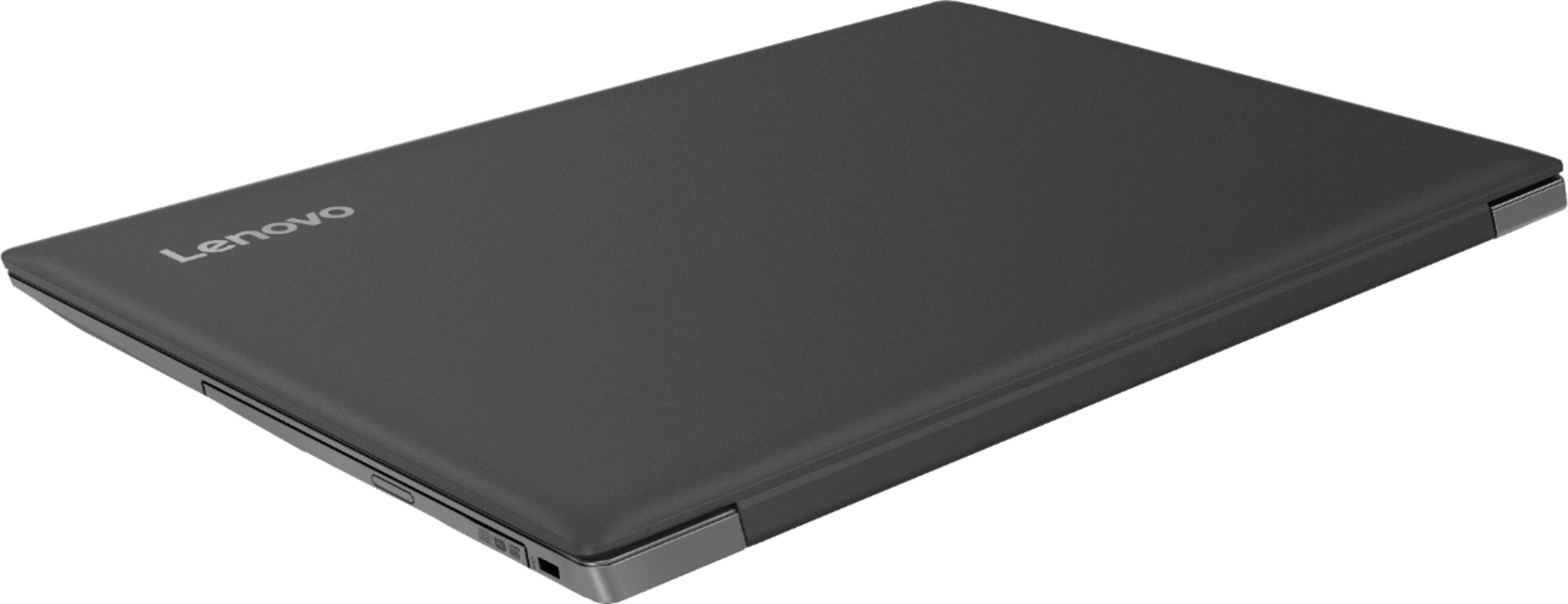
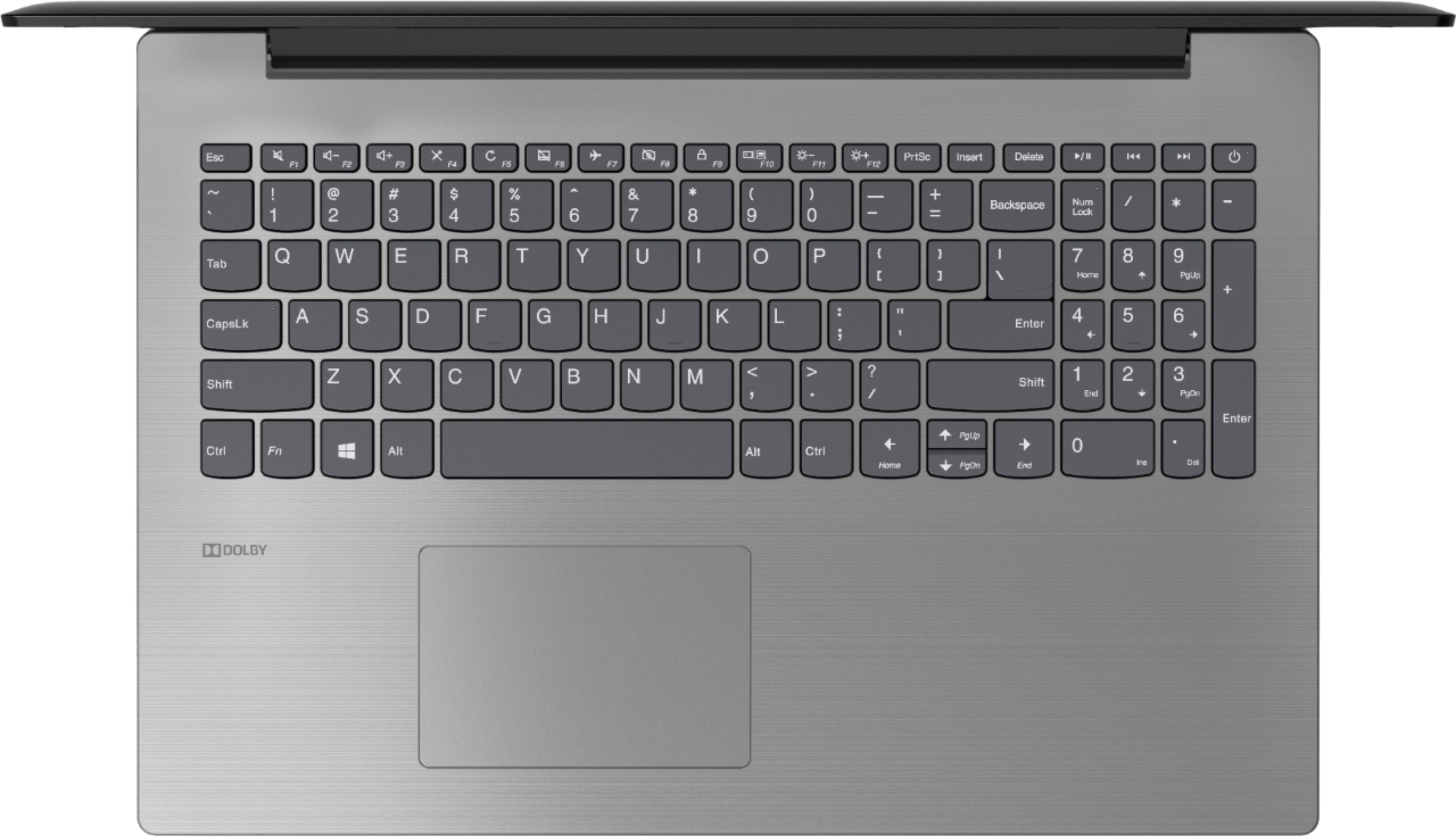
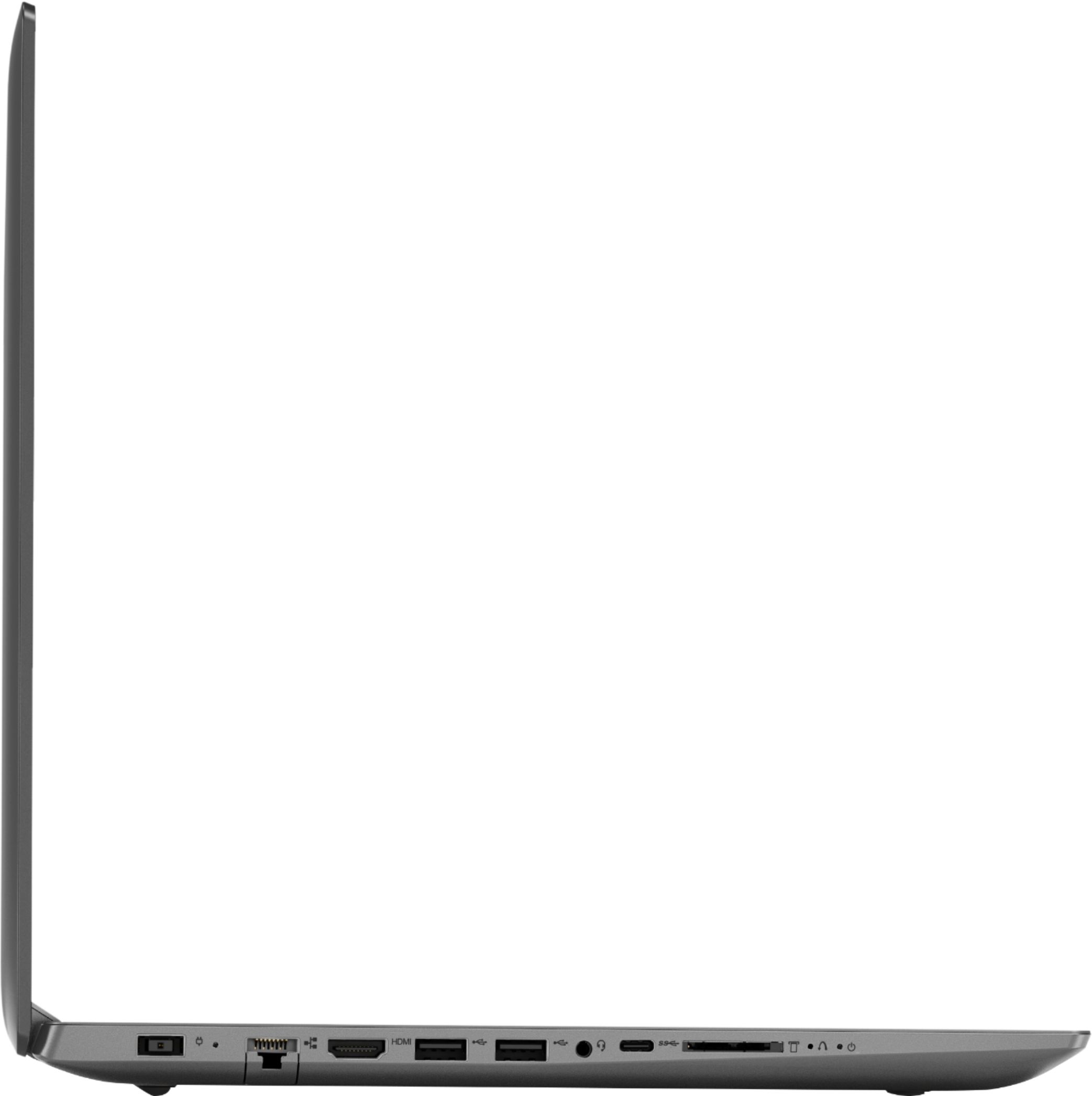
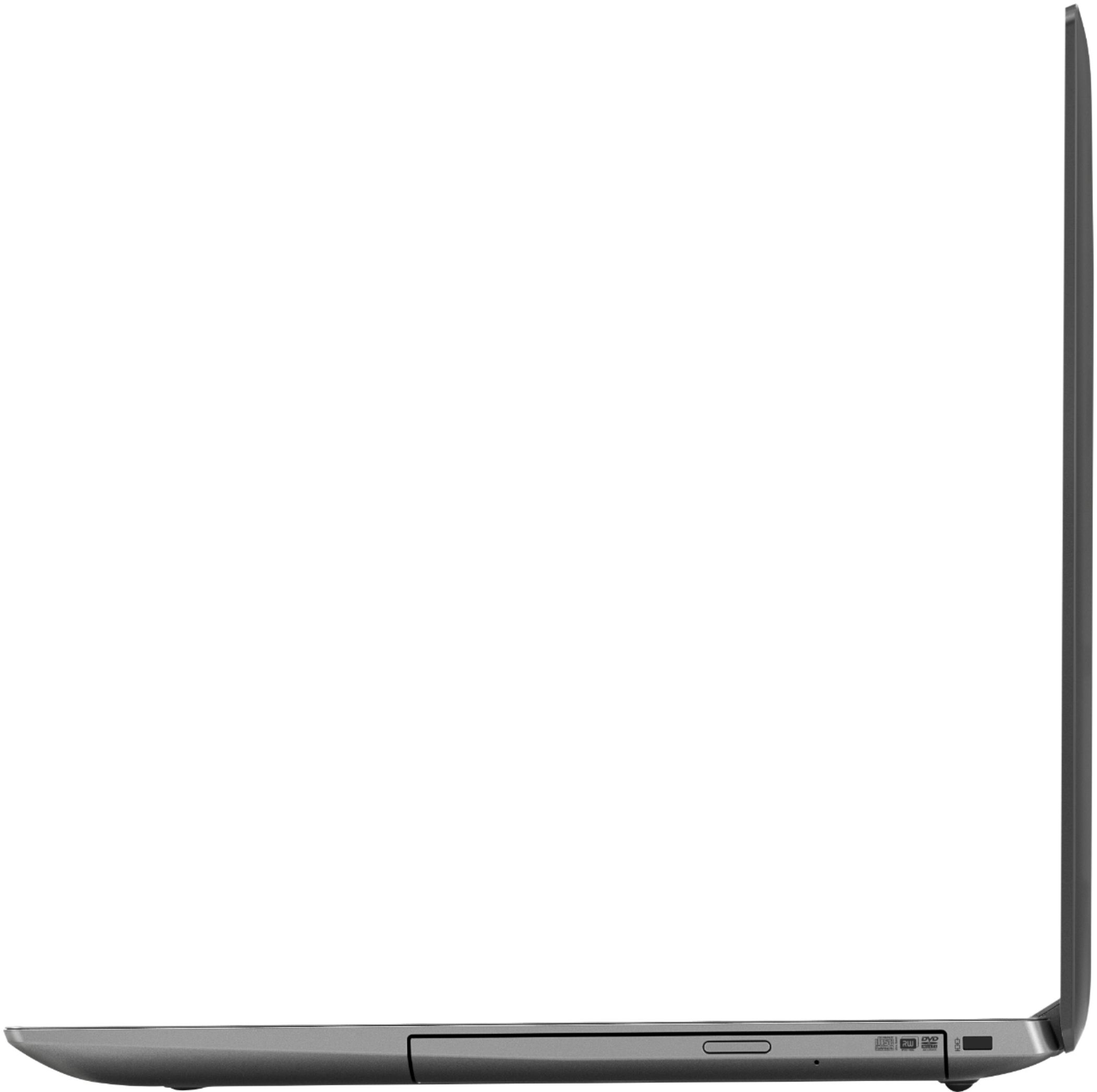

- Model:
- 81DE017BUS
- SKU:
- 6291892
Rating by feature
- Battery Life
Rating 3.9 out of 5 stars
- Speed
Rating 3.5 out of 5 stars
- Display
Rating 3.8 out of 5 stars
Customers are saying
Customers often highlight the affordability, user-friendly interface, and ample storage space of the 330-15IKBR laptop. It is considered a great value for the price, making it suitable for various tasks including work, school, and gaming. However, some users have concerns about the battery life, touchpad sensitivity, and boot time, suggesting areas where improvements could be made.
This summary was generated by AI based on customer reviews.
levnovo 330
||Posted .This reviewer received promo considerations or sweepstakes entry for writing a review.Was tired of buying highpriced laptops and all the hinges breaking . Sooo... I figured I would buy a less expensive laptop since its capabilities were nearly as good as a top notch machine of just a few years ago . NOT Display was dim and all it did was update , or should I say ATTEMPT to update . Then reset ... UH , we quit trying to reset after 10 hours . That was enough . Back for an exchange . Got a DELL . ist DELL we ever had . So far wonderful . I do have to admit , BESTBUY is THE place to purchase . Guys ( and Gals ) know their stuff and dont give u any snow jobs on equipment .
No, I would not recommend this to a friendBrand response from Lenovo Product Expert
Posted .The Lenovo IdeaPad 330-15 laptop is a mid-level, moderate use configuration, with its Intel Core i3-8130U processor. This Dual-Core processor has a base speed of 2.2GHz and a boost speed of up to 3.4GHz. This configuration has 8GB of DDR4-2133MHz RAM. It is good with Microsoft Office type programs, internet browsing and other moderate work. If you experienced issues updating your Lenovo 330-15, be sure any software you installed is compatible with Windows 10. There is no need to install Microsoft Office software. The software is already part of the operating system, you just need to activate the software with a purchased product key. If you have installed a copy of Microsoft Office, this is conflicting with the existing copy on the system and this will slow your system down. If you have installed a 3rd party anti-virus program, be sure that Windows Defender is turned off and that the trial version of McAfee Anti-Virus software is uninstalled. There can only be one anti-virus program on the system. You may need to restore your system to original factory default settings if any of the programing errors have occurred. You can do that by typing "restore" in the Cortana search window. Just click on the magnifying glass icon at the bottom left of your Windows 10 Desktop. Click on "Reset This PC" Then click on "Get Started" and follow the on screen directions to restore to factory defaults. If the problem persists, we recommend you contact Lenovo Tech Support at: 877-453-6686. For 2018, Lenovo retained its place for a second year as the best laptop vendor:
https://www.laptopmag.com/articles/laptop-brand-ratings
Defective battery, extremely slow & bloated
||Posted . Owned for 1 year when reviewed.This reviewer received promo considerations or sweepstakes entry for writing a review.I hate this laptop so much. It is slow, bloated, and weak. I only bought it so I could use it to occasionally print on a nonAirPrint printer. I could deal with the extreme amount of bloatware because I rarely used it. I’ve used it maybe 10 times in the last six months. However, now the battery is no longer charging. I see lots of others have the same complaint. This is a nearly new (manufacture date Oct 2018, purchase date Jan 2019), barely used laptop. I would never recommend buying this to anyone. It is literally a piece of junk.
No, I would not recommend this to a friend- Cons mentioned:Boot time
Garbage
||Posted .This reviewer received promo considerations or sweepstakes entry for writing a review.It takes almost 2 minutes to boot up. It's slow at doing everything. It has windows 10. Windows 3.1 and windows Xp makes this obsolete. Don't buy .
No, I would not recommend this to a friendBrand response from Lenovo Product Expert
Posted .The Lenovo IdeaPad 330-15 should boot from off to the Windows 10 desktop in less than 40 seconds. Be sure any software you installed is compatible with Windows 10. There is no need to install Microsoft Office software. The software is already part of the operating system, you just need to activate the software with a purchased product key. If you have installed a copy of Microsoft Office, this is conflicting with the existing copy on the system and this will slow your system down. If you have installed a 3rd party anti-virus program, be sure that Windows Defender is turned off and that the trial version of McAfee Anti-Virus software is uninstalled. There can only be one anti-virus program on the system. You may need to restore your system to original factory default settings if any of the programing errors have occurred. You can do that by typing "restore" in the Cortana search window. Just click on the magnifying glass icon at the bottom left of your Windows 10 Desktop. Click on "Reset This PC" Then click on "Get Started" and follow the on screen directions to restore to factory defaults. If the problem persists, we recommend you contact Lenovo Tech Support at: 877-453-6686.
Wouldn't recommend
||Posted . Owned for 1 year when reviewed.This reviewer received promo considerations or sweepstakes entry for writing a review.Not good. Slow, locks up on chrome. Gave it to someone who had a 10 year old desktop so this worked out well for her until she can upgrade.
No, I would not recommend this to a friendSuper Light use
||Posted . Owned for 11 months when reviewed.This reviewer received promo considerations or sweepstakes entry for writing a review.I have my custom build gaming pc I only use this laptop for school because I have to have a laptop with me in some classes I use it for 2 to 3 hours a week and I didn't use it for a while and now it's super slow and whenever I open the task manager the disk is at 100% when there is nothing running but the desktop I am super unsatisfied and only need it for super light work and still I can't get that I tried so hard solving that 100% disk usage without any luck
No, I would not recommend this to a friendBrand response from Lenovo Product Expert
Posted .We are sorry to hear that you are having issues with your Lenovo IdeaPad 330-15 laptop. Be sure any software you installed is compatible with Windows 10. There is no need to install Microsoft Office software. The software is already part of the operating system, you just need to activate the software with a purchased product key. If you have installed a copy of Microsoft Office, this is conflicting with the existing copy on the system and this will slow your system down. If you have installed a 3rd party anti-virus program, be sure that Windows Defender is turned off and that the trial version of McAfee Anti-Virus software is uninstalled. There can only be one anti-virus program on the system. You may need to restore your system to original factory default settings if any of the programming errors have occurred. You can do that by typing "restore" in the Cortana search window. Just click on the magnifying glass icon at the bottom left of your Windows 10 Desktop. Click on "Reset This PC" Then click on "Get Started" and follow the on screen directions to restore to factory defaults. If the problem persists, we recommend you contact Lenovo Tech Support at: 877-453-6686.
Rip Off
||Posted . Owned for 11 months when reviewed.This reviewer received promo considerations or sweepstakes entry for writing a review.This died 6 months after I purchased it. The system started running very slowly. I use Google Docs and do not store anything on the machine. I also do not game. I had to purchase another laptop in an emergancy which isn't fun at all when it is finals week and grades are due. My job and 34 students were relying on me having my system together and it failed. Luckily, grades were in on time.
No, I would not recommend this to a friendWould not connect to router .
||Posted .This reviewer received promo considerations or sweepstakes entry for writing a review.Would not connect to network router. Geek squad tried for over an hour and stated that it has a bad wifi card. Returned it to store and they said it connected to their wifi and that I am using the wrong password which is ridiculous but they rudely insisted that was the problem. Bought a different laptop and it connected immediately. Some employees need to listen to the customer and realize they don't know everything.
No, I would not recommend this to a friendBrand response from Lenovo Product Expert
Posted .The Lenovo IdeaPad 330-15 laptop ships with the latest 5G 802.11AC frequency WiFi. Be sure your router has the latest firmware updates available on the router manufacturer's web site.
- Cons mentioned:Battery life
Poor
||Posted .This reviewer received promo considerations or sweepstakes entry for writing a review.Battery sucks and very slow memory. Had to get another
No, I would not recommend this to a friend Very Slow Laptop
||Posted . Owned for 4 months when reviewed.This reviewer received promo considerations or sweepstakes entry for writing a review.Very slow to load desktop. Installed all of the updates but response time is brutal. Would definitely not reccomend.
No, I would not recommend this to a friendBrand response from Lenovo Product Expert
Posted .The Lenovo IdeaPad 330-15 laptop is a mid-level, moderate use configuration, with its Intel Core i3-8130U processor. This Dual-Core processor has a base speed of 2.2GHz and a boost speed of up to 3.4GHz. This configuration has 8GB of DDR4-2133MHz RAM. It is good with Microsoft Office type programs, internet browsing and other moderate work. If this describes your computing needs, the IdeaPad 330-15 would be a good choice for you. If your performance is slower than expected, be sure any software you installed is compatible with Windows 10. There is no need to install Microsoft Office software. The software is already part of the operating system, you just need to activate the software with a purchased product key. If you have installed a copy of Microsoft Office, this is conflicting with the existing copy on the system and this will slow your system down. If you have installed a 3rd party anti-virus program, be sure that Windows Defender is turned off and that the trial version of McAfee Anti-Virus software is uninstalled. There can only be one anti-virus program on the system. You may need to restore your system to original factory default settings if any of the programing errors have occurred. You can do that by typing "restore" in the Cortana search window. Just click on the magnifying glass icon at the bottom left of your Windows 10 Desktop. Click on "Reset This PC" Then click on "Get Started" and follow the on screen directions to restore to factory defaults. If the problem persists, we recommend you contact Lenovo Tech Support at: 877-453-6686
Lenovo is the worst waste of money
||Posted . Owned for 1.5 years when reviewed.This reviewer received promo considerations or sweepstakes entry for writing a review.Do not buy Lenovo, wifi drops, the screen is blurry and they have denied it for 2 years until now they put out multiple configurations in command prompts that dont work, It should have been recalled. Their answer for the blurry screen is 125% scale which is no answer it burns your vision trying to focus.
No, I would not recommend this to a friendGood grief what a piece of S&$@
||Posted .This reviewer received promo considerations or sweepstakes entry for writing a review.From the start the computer didn't act right. Cd ROM would not load could not even find a CD ROM file. I took it back. It took them 45 minutes to start up the computer and then do a complete re-start to clear all my info. Will not buy another Lenovo computer. It felt like a cheap piece of. Very cheaply made
No, I would not recommend this to a friendBrand response from Lenovo Product Expert
Posted .We are sorry to hear that you are having issues with your Lenovo IdeaPad 330-15 laptop. Be sure any software you installed is compatible with Windows 10. There is no need to install Microsoft Office software. The software is already part of the operating system, you just need to activate the software with a purchased product key. If you have installed a copy of Microsoft Office, this is conflicting with the existing copy on the system and this will slow your system down. If you have installed a 3rd party anti-virus program, be sure that Windows Defender is turned off and that the trial version of McAfee Anti-Virus software is uninstalled. There can only be one anti-virus program on the system. You may need to restore your system to original factory default settings if any of the programing errors have occurred. You can do that by typing "restore" in the Cortana search window. Just click on the magnifying glass icon at the bottom left of your Windows 10 Desktop. Click on "Reset This PC" Then click on "Get Started" and follow the on screen directions to restore to factory defaults. If the problem persists, we recommend you contact Lenovo Tech Support at: 877-453-6686. For 2018, Lenovo retained its place for a second year as the best laptop vendor:
https://www.laptopmag.com/articles/laptop-brand-ratings
Not Sure about quality
||Posted .This reviewer received promo considerations or sweepstakes entry for writing a review.I am trying to adjust myself with it. It is very silent and I am not sure yet for being happy to have it.
No, I would not recommend this to a friendBrand response from Lenovo Product Expert
Posted .The Lenovo IdeaPad 330-15 laptop is a mid-level, moderate use configuration, with its Intel Core i3-8130U processor. This Dual-Core processor has a base speed of 2.2GHz and a boost speed of up to 3.4GHz. This configuration has 8GB of DDR4-2133MHz RAM. It is good with Microsoft Office type programs, internet browsing and other moderate work. If this describes your computing needs, the IdeaPad 330-15 would be a good choice for you.
Basic Computer
||Posted .This reviewer received promo considerations or sweepstakes entry for writing a review.This computer is very basic. You get what you pay for. I would not recommend the i3 processor.
No, I would not recommend this to a friendBrand response from Lenovo Product Expert
Posted .The Lenovo IdeaPad 330-15 laptop is a mid-level, moderate use configuration, with its Intel Core i3-8130U processor. This Dual-Core processor has a base speed of 2.2GHz and a boost speed of up to 3.4GHz. This configuration has 8GB of DDR4-2133MHz RAM. It is good with Microsoft Office type programs, internet browsing and other moderate work. If this describes your computing needs, the IdeaPad 330-15 would be a good choice for you. For 2018, Lenovo retained its place for a second year as the best laptop vendor:
https://www.laptopmag.com/articles/laptop-brand-ratings
Bad Computer
||Posted . Owned for more than 2 years when reviewed.This reviewer received promo considerations or sweepstakes entry for writing a review.had the computer for about a year rarely used it about 9-10 times in the whole year and last time i used it kept getting a OS boot up error took it in to best buy and they told me hard drive and ram might be bad...disappointed after only having it for so little time and rarely using it
No, I would not recommend this to a friendDon’t buy this computer
||Posted . Owned for 1.5 years when reviewed.This reviewer received promo considerations or sweepstakes entry for writing a review.Horriable product does not keep or charge completely had it in Best Buy multiple times. This summer I was in the hospital for a whole month and when I came home could not get it to charge or it would no longer hook up to the internet. Looking for a different computer but not at Best Buy.
No, I would not recommend this to a friendBasic
||Posted .This reviewer received promo considerations or sweepstakes entry for writing a review.This computer is good but is basic. It’s kinda slow and dated but will fit basic needs.
No, I would not recommend this to a friendBrand response from Lenovo Product Expert
Posted .The Lenovo IdeaPad 330-15 laptop is a mid-level, moderate use configuration, with its 8th Generation, Intel Core i3-8130U processor. This Dual-Core processor has a base speed of 2.2GHz and a boost speed of up to 3.4GHz. This configuration has 8GB of DDR4-2133MHz RAM. This model ships with the latest 5G 802.11AC frequency WiFi capability built in. It is good with Microsoft Office type programs, internet browsing and other moderate work. If this describes your computing needs, the IdeaPad 330-15 would be a good choice for you.
Fair not what sales guy said it was
||Posted .This reviewer received promo considerations or sweepstakes entry for writing a review.Fair performance. Not what sales rep said it was. Slow response . Difficult to operate
No, I would not recommend this to a friendBrand response from Lenovo Product Expert
Posted .We are sorry to hear that you are having issues with your Lenovo IdeaPad 330-15 laptop. This is a mid-level, moderate use configuration, with its Intel Core i3-8130U processor. This Dual-Core processor has a base speed of 2.2GHz and a boost speed of up to 3.4GHz. This configuration has 8GB of DDR4-2133MHz RAM. It is good with Microsoft Office type programs, internet browsing and other moderate work. Be sure any software you installed is compatible with Windows 10. There is no need to install Microsoft Office software. The software is already part of the operating system, you just need to activate the software with a purchased product key. If you have installed a copy of Microsoft Office, this is conflicting with the existing copy on the system and this will slow your system down. If you have installed a 3rd party anti-virus program, be sure that Windows Defender is turned off and that the trial version of McAfee Anti-Virus software is uninstalled. There can only be one anti-virus program on the system. You may need to restore your system to original factory default settings if any of the programing errors have occurred. You can do that by typing "restore" in the Cortana search window. Just click on the magnifying glass icon at the bottom left of your Windows 10 Desktop. Click on "Reset This PC" Then click on "Get Started" and follow the on screen directions to restore to factory defaults. If the problem persists, we recommend you contact Lenovo Tech Support at: 877-453-6686.
Ok
||Posted . Owned for 1 year when reviewed.This reviewer received promo considerations or sweepstakes entry for writing a review.It’s ok slow I could of got a better computer for what I paid
No, I would not recommend this to a friendWeak computing power
||Posted .This reviewer received promo considerations or sweepstakes entry for writing a review.Knew I was investing in a weak computer but didn't realize how weak
No, I would not recommend this to a friendBrand response from Lenovo Product Expert
Posted .The Lenovo IdeaPad 330-15 laptop is a mid-level, moderate use configuration, with its Intel Core i3-8130U processor. This Dual-Core processor has a base speed of 2.2GHz and a boost speed of up to 3.4GHz. This configuration has 8GB of DDR4-2133MHz RAM. It is good with Microsoft Office type programs, internet browsing and other moderate work. If this describes your computing needs, the IdeaPad 330-15 would be a good choice for you.
CD Port is flimsy
||Posted .This reviewer received promo considerations or sweepstakes entry for writing a review.Port is lopsided and expected it to be better than that
No, I would not recommend this to a friendBrand response from Lenovo Product Expert
Posted .Be sure that the disc is properly seated on the spindle within the Optical drive before you close the tray.