Customer Ratings & Reviews



- Model:
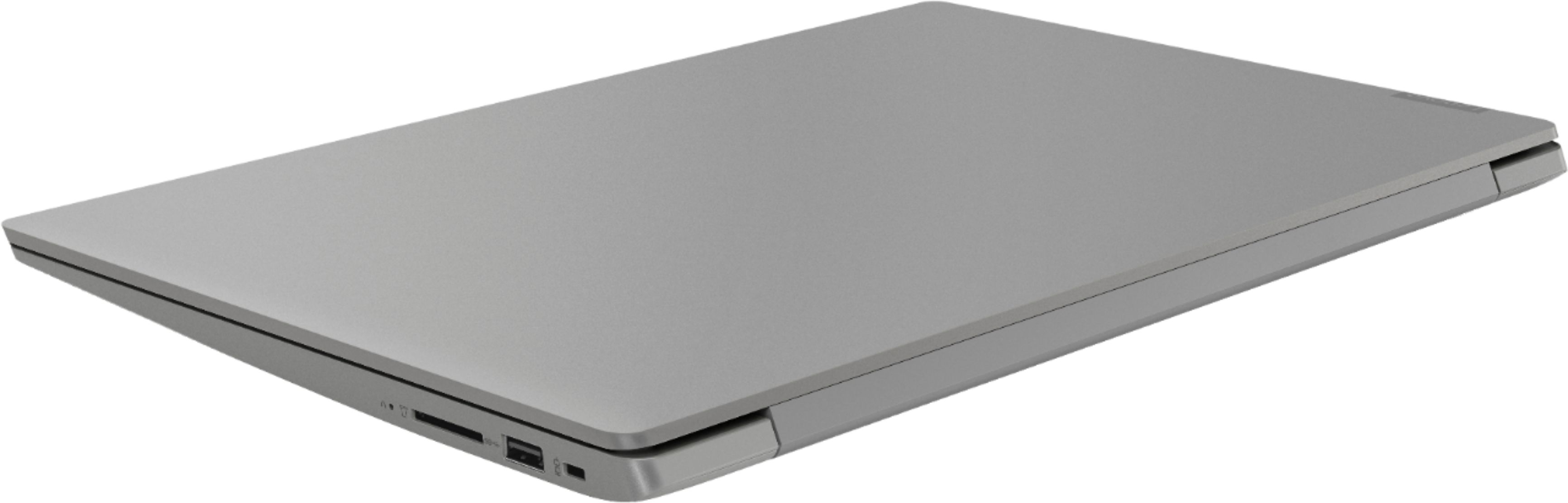
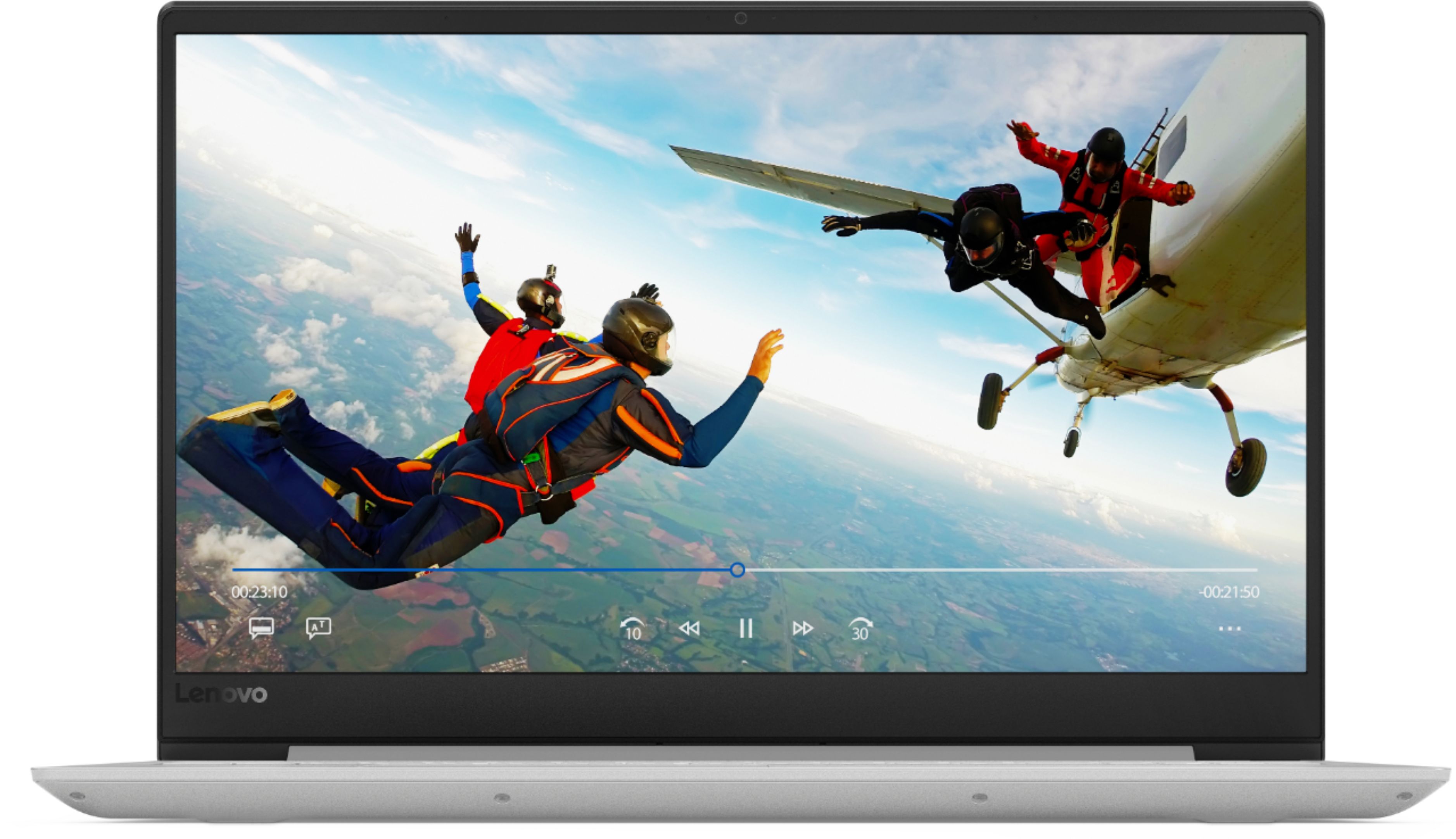
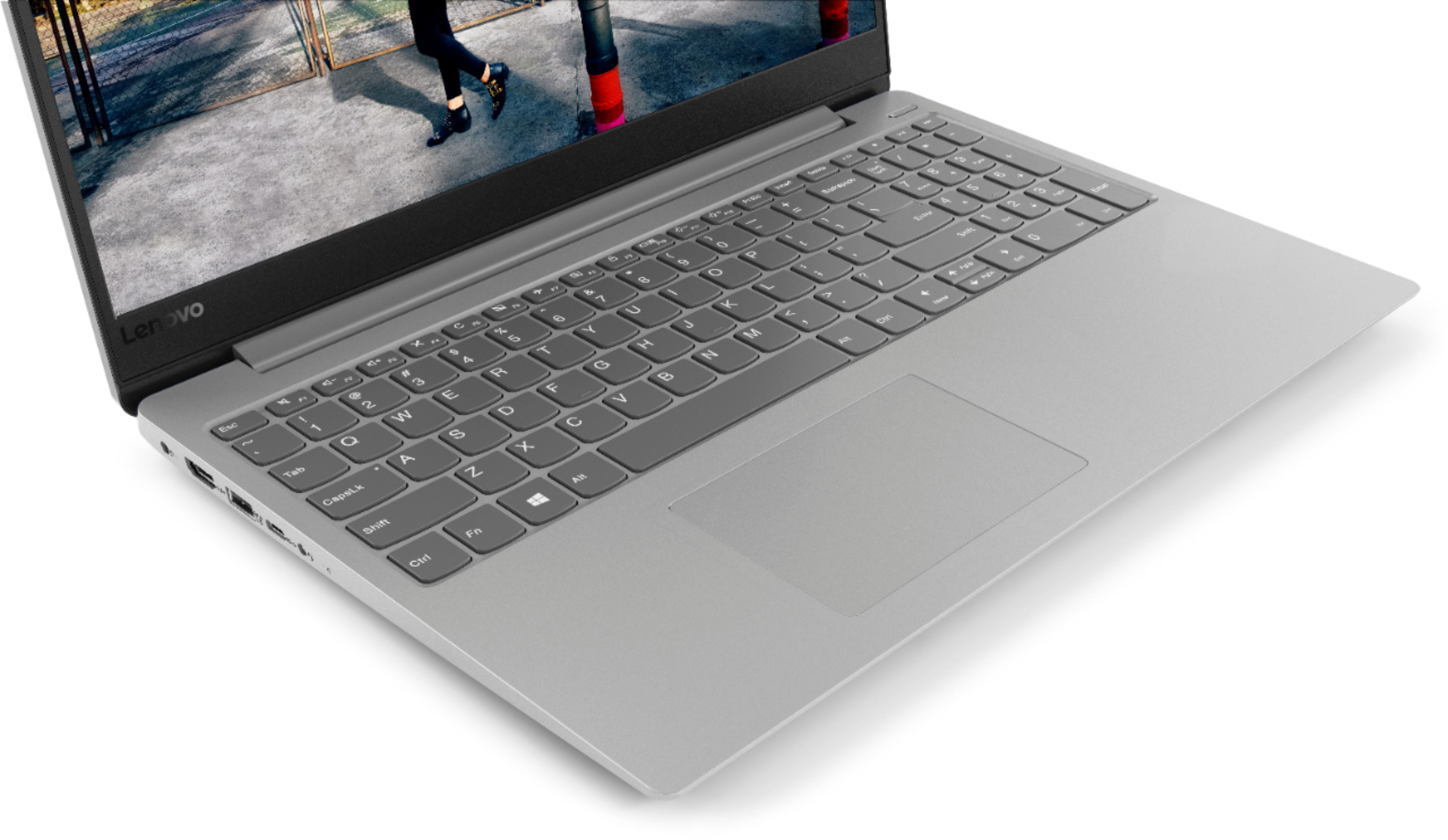
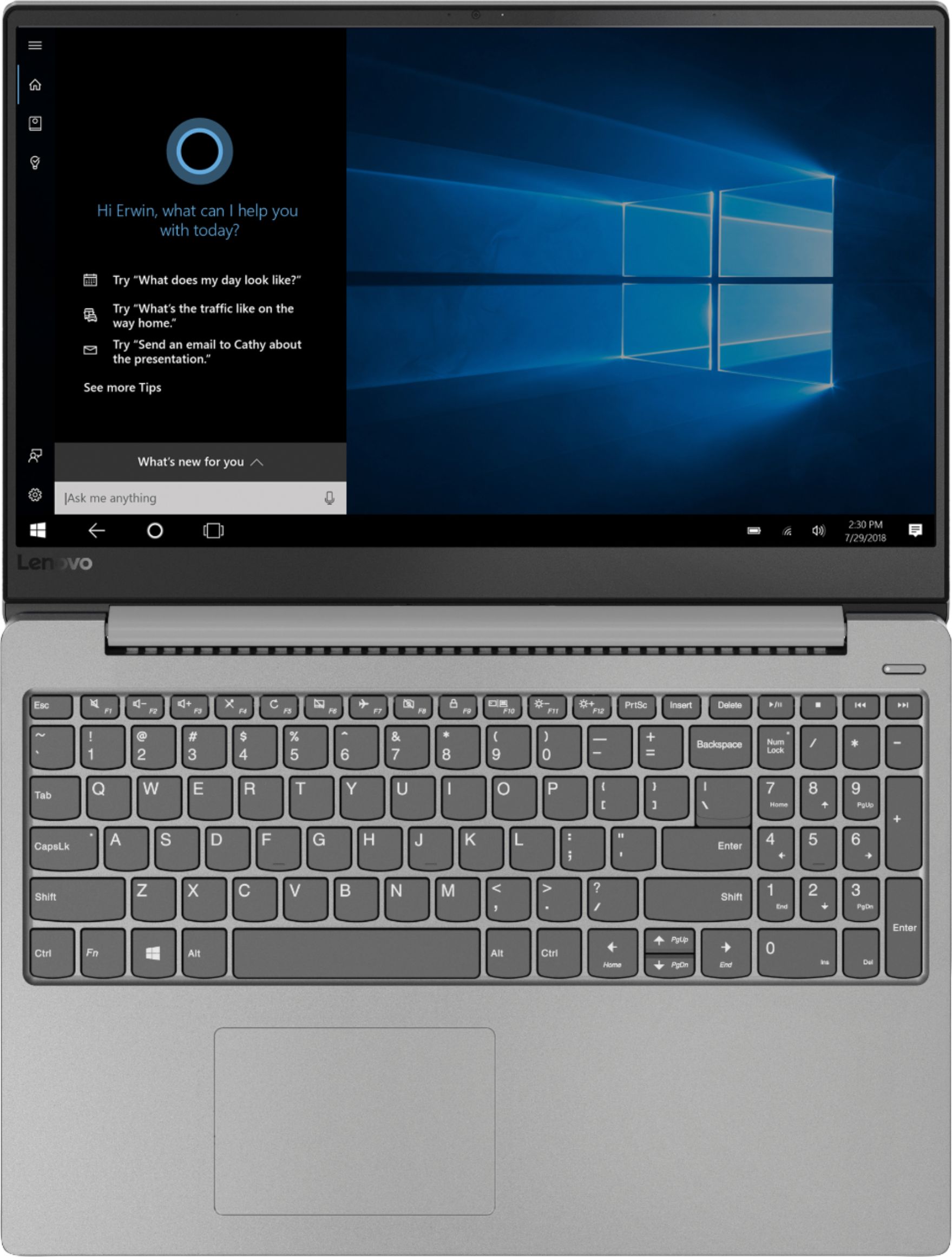
- IDEAPAD 330S 15 - 81FB006AUS
- SKU:
- 6266403
Rating by feature
- Value
Rating 3.9 out of 5 stars
- Quality
Rating 3.9 out of 5 stars
- Ease of Use
Rating 4.2 out of 5 stars
Customers are saying
Customers commend the 330S-15ARR 15.6" Laptop for its fast performance, lightweight design, and affordable price. It is well-suited for gaming and schoolwork. However, some users have concerns about the short battery life, limited storage capacity, and noisy fan.
This summary was generated by AI based on customer reviews.
Great Laptop
||Posted .This reviewer received promo considerations or sweepstakes entry for writing a review.I loveeee everything about this laptop! Buy it. :)
I would recommend this to a friendBrand response from Lenovo Product Expert
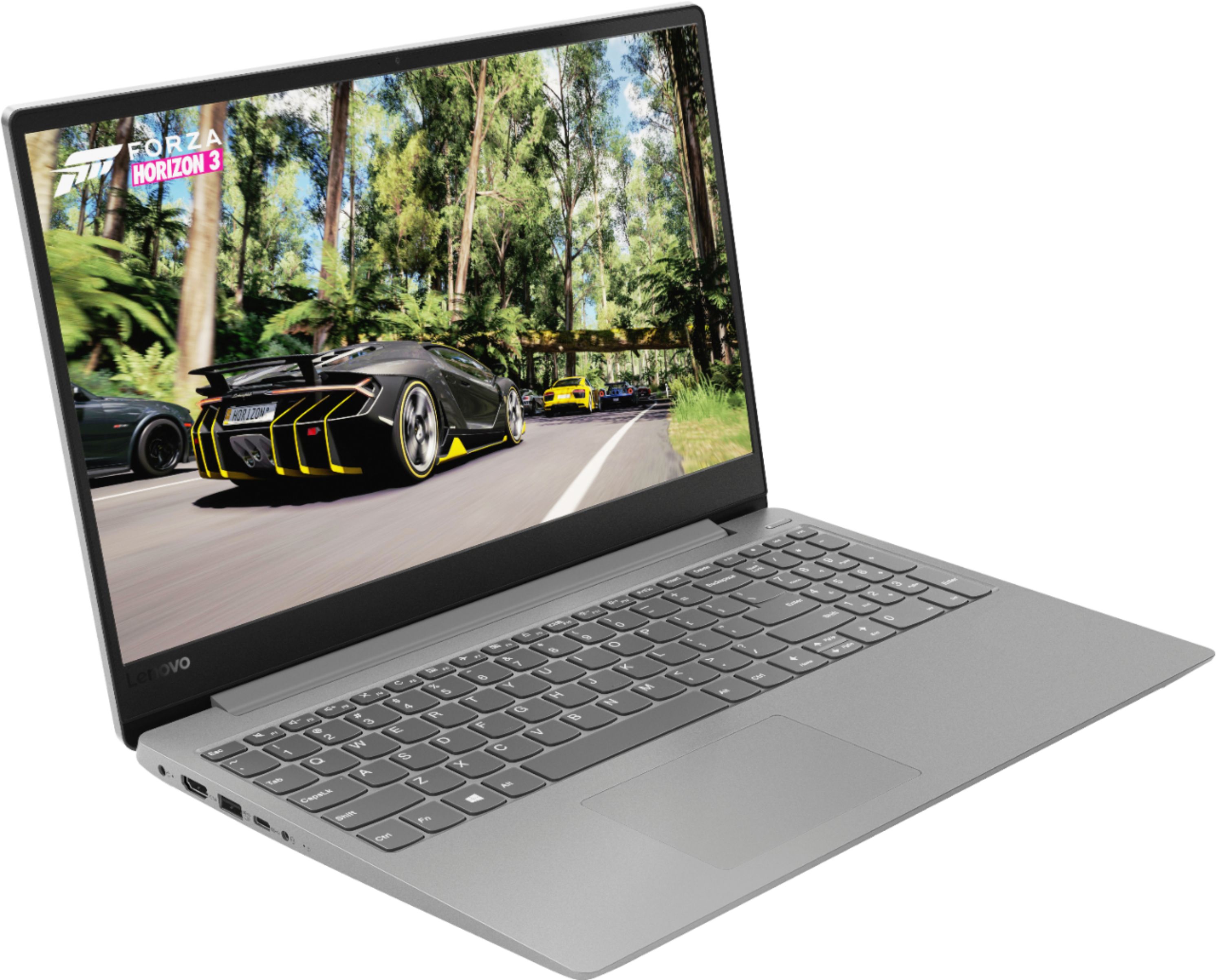
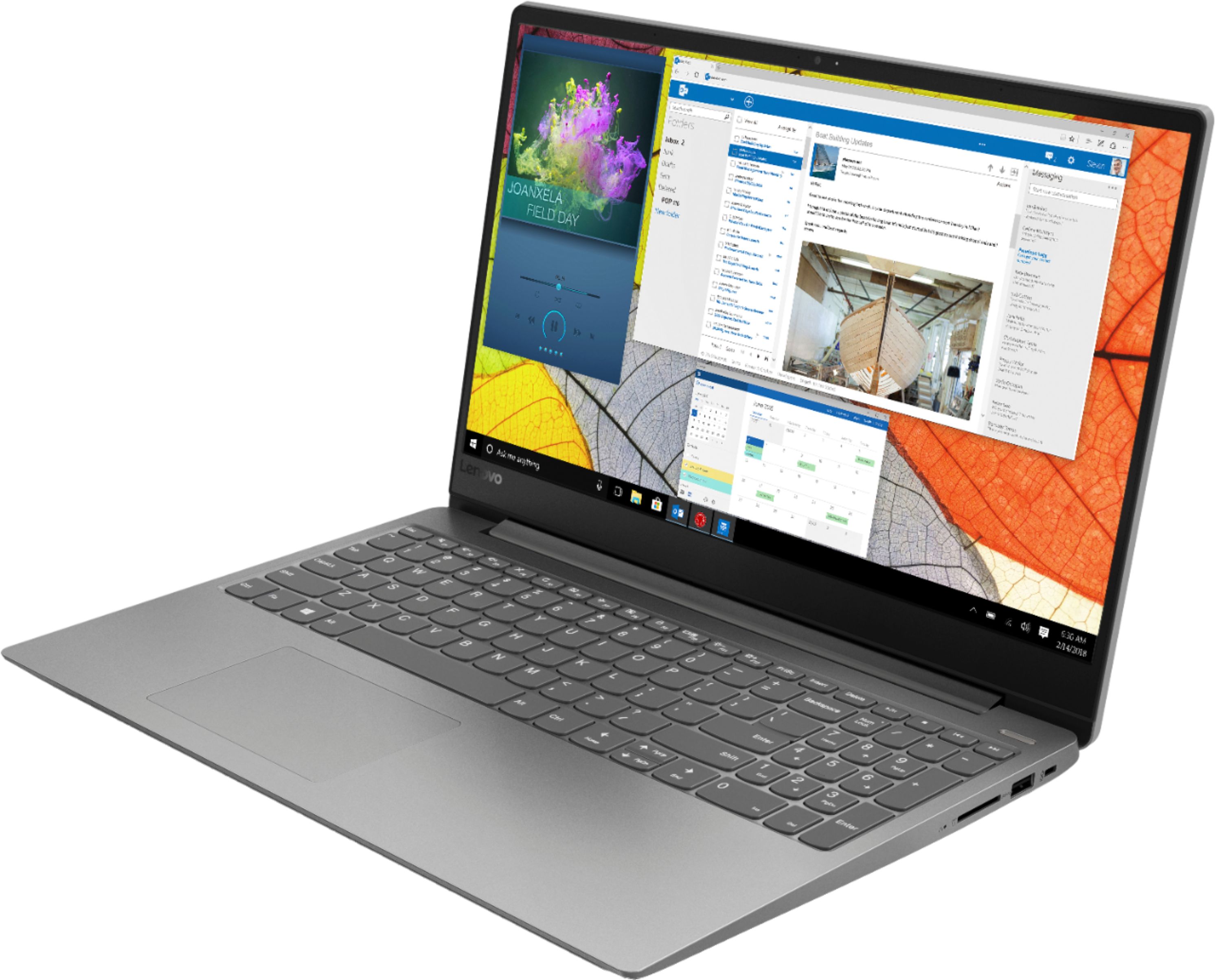
Posted .Thank you for choosing the Lenovo IdeaPad 330s-15 laptop. The Lenovo IdeaPad 330s-15 ships with a powerful Quad-Core/Eight-Thread AMD Ryzen 5 2500U processor, 8GB of DDR4-2400MHz RAM and a 128GB solid state hard drive. This configuration has a 15.6" (measured diagonally) 1920 x 1080 (FHD) resolution screen, with a brightness level of 250 nits. This configuration can handle many of today's most demanding programs and is good with multi-tasking. If this describes the kind of computing you do, the Lenovo IdeaPad 330s-15 will be a great choice for you.

Great & fast performance!
||Posted .This reviewer received promo considerations or sweepstakes entry for writing a review.Great boot up speed. Screen resolution is amazing.
I would recommend this to a friendBrand response from Lenovo Product Expert
Posted .Thank you for choosing the lenovo IdeaPad 330s-15 laptop. The Lenovo IdeaPad 330s-15 ships with a powerful Quad-Core/Eight-Thread AMD Ryzen 5 2500U processor, 8GB of DDR4-2400MHz RAM and a 128GB solid state hard drive. This configuration has a 15.6" (measured diagonally) 1920 x 1080 (FHD) resolution screen, with a brightness level of 250 nits. This configuration can handle many of today's most demanding programs and is good with multi-tasking. If this describes the kind of computing you do, the Lenovo IdeaPad 330s-15 will be a great choice for you.
Very good
||Posted .This reviewer received promo considerations or sweepstakes entry for writing a review.This product is very good! My experience is note 10
I would recommend this to a friendBrand response from Lenovo Product Expert
Posted .Thank you for choosing the Lenovo IdeaPad 330s-15 laptop. We are pleased to hear that the IdeaPad 330s-15 is working out so well for you. The Lenovo IdeaPad 330s-15 ships with a powerful Quad-Core/Eight-Thread AMD Ryzen 5 2500U processor, 8GB of DDR4-2400MHz RAM and a 128GB solid state hard drive. This configuration has a 15.6" (measured diagonally) 1920 x 1080 (FHD) resolution screen, with a brightness level of 250 nits. This configuration can handle many of today's most demanding programs and is good with multi-tasking. If this describes the kind of computing you do, the Lenovo IdeaPad 330s-15 will be a great choice for you. For 2018, Lenovo retained its place for a second year as the best laptop vendor:
https://www.laptopmag.com/articles/laptop-brand-ratings
great computer
||Posted .This reviewer received promo considerations or sweepstakes entry for writing a review.Love the solid state hard drive. Worth the money .
I would recommend this to a friendBrand response from Lenovo Product Expert
Posted .Thank you for choosing the lenovo IdeaPad 330s-15 laptop. The Lenovo IdeaPad 330s-15 ships with a powerful Quad-Core/Eight-Thread AMD Ryzen 5 2500U processor, 8GB of DDR4-2400MHz RAM and a 128GB solid state hard drive. This configuration has a 15.6" (measured diagonally) 1920 x 1080 (FHD) resolution screen, with a brightness level of 250 nits. This configuration can handle many of today's most demanding programs and is good with multi-tasking. If this describes the kind of computing you do, the Lenovo IdeaPad 330s-15 will be a great choice for you.
Looks nice...
||Posted .This reviewer received promo considerations or sweepstakes entry for writing a review.Looks very nice and I bought it on sale but I've been hit with Bios update warnings and static screens from time to time...and that's after about 5 weeks.
No, I would not recommend this to a friendBrand response from Lenovo Product Expert
Posted .You can be sure you have the latest BIOS update installed on your computer easily. Just scan the computer regularly with the Lenovo Utility software installed on the computer. This system has Lenovo utilities installed to help maintain the health of the device and keep the operating system software up to date. Type "Lenovo Vantage" in the Cortana Search window (if Lenovo Vantage is not installed on your device, you can download the APP and install it now). Select Lenovo Vantage from the list. In the window that opens, click on "Health and Support". In the expanded menu, select "Hardware Scan" In the window that opens, select "Run Quick Tests". This will scan your entire system for errors. Follow any directions that may pop up. If the problem continues after this scan, now click on "System Update". First select Windows update from the menu. Scan your system to be sure you have the latest version of Windows 10. Once that scan is complete, select "Additional Updates". This will scan your device to be sure there are no new BIOS/Driver updates needed. Follow any instructions that may pop up. If the issue still continues after these updates, we recommend you call Lenovo Tech Support at: 877-453-6686 for additional help.
- Cons mentioned:Battery life
It was okay
||Posted .This reviewer received promo considerations or sweepstakes entry for writing a review.The only thing I had a problem with was always had to plug in the charger. Battery will dye in an hour
No, I would not recommend this to a friendBrand response from Lenovo Product Expert
Posted .The Lenovo IdeaPad 330s-15 laptop ships with a 2CELL 30WH, Lithium Polymer battery, with a battery life of up to 7 hours, depending on the work that the device is performing. To maximize battery life, first adjust your battery saver settings. Here is a link to instruction for doing this in Windows 10: https://www.digitalcitizen.life/how-use-configure-battery-saver-windows-10. Next, to maximize battery life, be sure there are no unwanted programs running in the background, draining the battery. Here is a link to some tips for finding out what is draining your battery:
https://www.laptopmag.com/articles/battery-saver-windows-10. Also, to maximize battery life, try changing your power management setting to a more conservative one. You can do this in the control panel, in the power management category on your system. Select a more conservative power management setting to extend battery life. Finally, if the battery life does not improve, a battery reset may help. Here is a link to instructions for reconditioning a non-removable battery, using the Battery Management Software installed on the computer. If you need further assistance, we recommend you call Lenovo Tech Support at: 877-453-6686. Here is the link: https://windowsreport.com/laptop-battery-not-charging-windows-10/. For 2018, Lenovo retained its place for a second year as the best laptop vendor:
https://www.laptopmag.com/articles/laptop-brand-ratings
Xmas gift
||Posted .This reviewer received promo considerations or sweepstakes entry for writing a review.Bought for my son for xmas. Haven't heard anything from him yet. Thats a pretty good sign. 3 stars only because Its not mine.
I would recommend this to a friendBrand response from Lenovo Product Expert
Posted .The Lenovo IdeaPad 330s-15 ships with a powerful Quad-Core/Eight-Thread AMD Ryzen 5 2500U processor, 8GB of DDR4-2400MHz RAM and a 128GB solid state hard drive. This configuration has a 15.6" (measured diagonally) 1920 x 1080 (FHD) resolution screen, with a brightness level of 250 nits. This configuration can handle many of today's most demanding programs and is good with multi-tasking. If this describes the kind of computing you do, the Lenovo IdeaPad 330s-15 will be a great choice for you.
Computer is ok. A little slow at first
||Posted .This reviewer received promo considerations or sweepstakes entry for writing a review.Computer started off slow but has picked up. Computer seems to be working fine now.
I would recommend this to a friendBrand response from Lenovo Product Expert
Posted .This is a fast system with its Quad-Core/Eight-Thread AMD Ryzen 5 2500U processor, 8GB of RAM and a 128GB Solid State hard drive. Be sure any software you installed is compatible with Windows 10. There is no need to install Microsoft Office software. The software is already part of the operating system, you just need to activate the software with a purchased product key. If you have installed a copy of Microsoft Office, this is conflicting with the existing copy on the system and this will slow your system down. If you have installed a 3rd party anti-virus program, be sure that Windows Defender is turned off and that the trial version of McAfee Anti-Virus software is uninstalled. There can only be one anti-virus program on the system. You may need to restore your system to original factory default settings if any of the programing errors have occurred. You can do that by typing "restore" in the Cortana search window. Just click on the magnifying glass icon at the bottom left of your Windows 10 Desktop. Click on "Reset This PC" Then click on "Get Started" and follow the on screen directions to restore to factory defaults. If the problem persists, we recommend you contact Lenovo Tech Support at: 877-453-6686.

- Cons mentioned:Battery life
Battery keeps draining....
||Posted .This reviewer received promo considerations or sweepstakes entry for writing a review.The battery drains really fast even when nothing is opened and being used.
No, I would not recommend this to a friendBrand response from Lenovo Product Expert
Posted .The Lenovo IdeaPad 330s-15 laptop ships with a 2CELL 30WH, Lithium Polymer battery, with a battery life of up to 7 hours, depending on the work that the device is performing. The battery will drain, even when turned off, when it is not plugged in.
Good laptop for everyday use
||Posted .This reviewer received promo considerations or sweepstakes entry for writing a review.Not real happy that it does not have Google. I tried to install it but no luck just wish I could figure it out
I would recommend this to a friendBrand response from Lenovo Product Expert
Posted .Here is a link to instructions for installing Google Chrome Browser within Windows 10: https://support.google.com/chrome/answer/95346?co=GENIE.Platform%3DDesktop&hl=en
Nice if you like PC
||Posted .This reviewer received promo considerations or sweepstakes entry for writing a review.Overall it wasn’t a bad computer but I’m an Apple person so To me it fell short. I did return it.
No, I would not recommend this to a friendBrand response from Lenovo Product Expert
Posted .The Lenovo IdeaPad 330s-15 laptop is a Windows 10 based system. For 2018, Lenovo retained its place for a second year as the best laptop vendor:
https://www.laptopmag.com/articles/laptop-brand-ratings
- Cons mentioned:Battery life
battery life is terrible
||Posted .This reviewer received promo considerations or sweepstakes entry for writing a review.laptop is alright , battery life is terrible !!!!!!!!!!!!!!!!!!!!
No, I would not recommend this to a friendBrand response from Lenovo Product Expert
Posted .The Lenovo IdeaPad 330s-15 laptop ships with a 2CELL 30WH, Lithium Polymer battery, with a battery life of up to 7 hours, depending on the work that the device is performing. To maximize battery life, be sure there are no unwanted programs running in the background, draining the battery. Here is a link to some tips for finding out what is draining your battery:
https://www.laptopmag.com/articles/battery-saver-windows-10. Also, to maximize battery life, try changing your power management setting to a more conservative one. You can do this in the control panel, in the power management category on your system. Select a more conservative power management setting to extend battery life. Finally, if the battery life does not improve, a battery reset may help. Here is a link to instructions for resetting a non-removable battery. If you need further assistance, we recommend you call Lenovo Tech Support at: 877-453-6686. Here is the link: https://www.techwalla.com/articles/how-to-reset-a-laptop-battery
First one DOA
||Posted .This reviewer received promo considerations or sweepstakes entry for writing a review.First laptop had an issue where the keyboard did not work out of the box. Had to return and get a new one. The second laptop is working fine so far and is a good bargain for the price.
No, I would not recommend this to a friendBrand response from Lenovo Product Expert
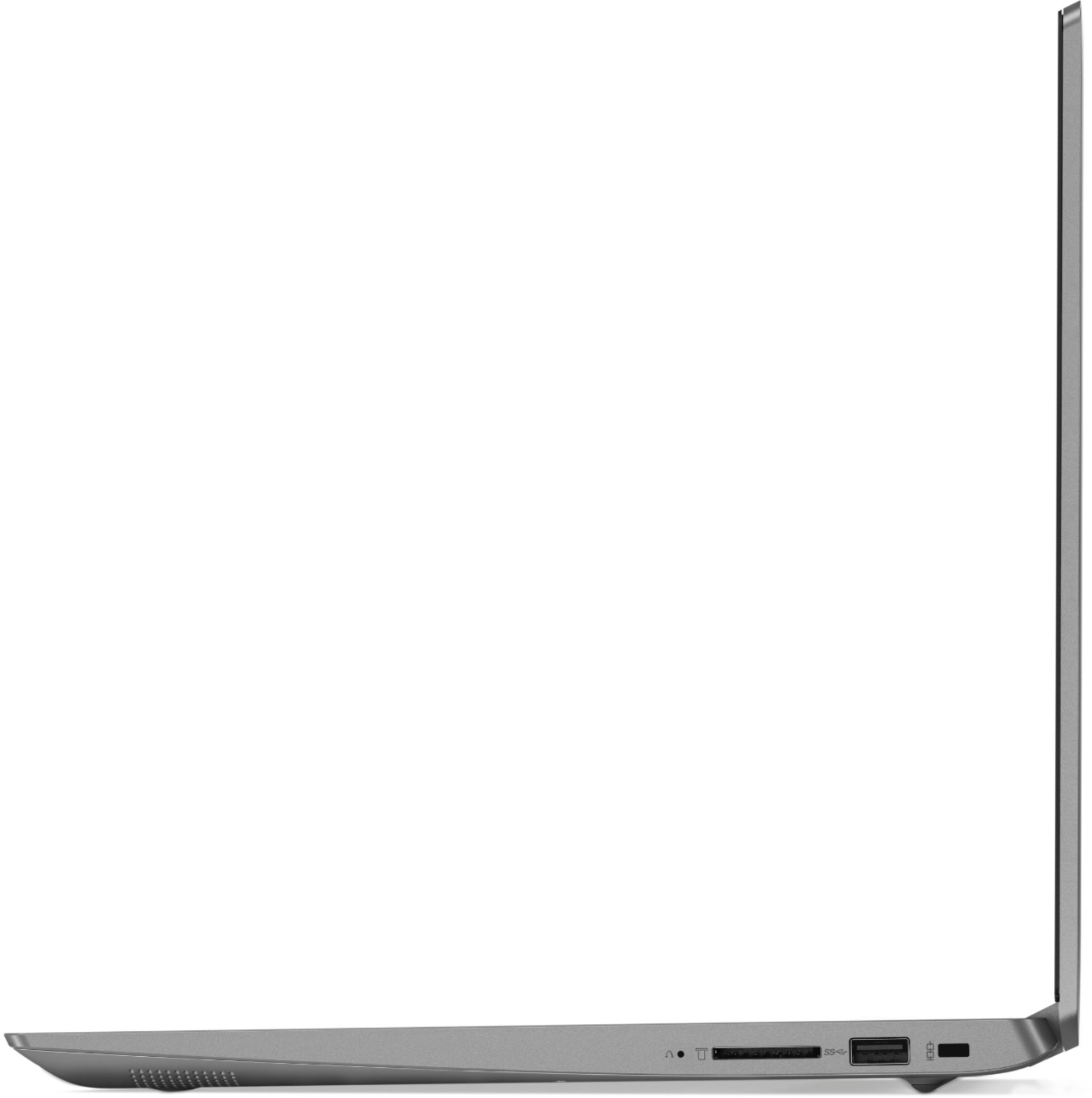
Posted .We are sorry to hear that you had an issue with the initial activation of Windows 10 on your first Lenovo IdeaPad 330s-15 laptop. This system is equipped with OneKey Recovery System. There is a very small pin hole on the right side of the device, right near the SD card slot on the device. You will need a pin to push this reset button. Plug the device in. Let the battery charge for about 15 minutes. Push the reset button. The system should boot to a choice screen where you can choose "Restore To Factory Default". Select this. It will delete everything from the hard drive except the original factory install of the operating system. You will need to reinstall all programs and files after the reset. If you don't have copies of the files, try to make one before you restore by selecting "Boot to desktop" and trying to back up your files. If the problem persists after the factory reset, we recommend you contact Lenovo Tech Support at: 877-453-6686.
Not a great laptop
||Posted .This reviewer received promo considerations or sweepstakes entry for writing a review.This laptop crashes repeatedly. Must shut it down after use. Pain on the rear.
No, I would not recommend this to a friendBrand response from Lenovo Product Expert
Posted .We are sorry to hear that you are having issues with your Lenovo IdeaPad 330s-15 laptop. Windows 10 should not crash. Be sure any software you installed is compatible with Windows 10. There is no need to install Microsoft Office software. The software is already part of the operating system, you just need to activate the software with a purchased product key. If you have installed a copy of Microsoft Office, this is conflicting with the existing copy on the system and this will slow your system down. If you have installed a 3rd party anti-virus program, be sure that Windows Defender is turned off and that the trial version of McAfee Anti-Virus software is uninstalled. There can only be one anti-virus program on the system. You may need to restore your system to original factory default settings if any of the programing errors have occurred. You can do that by typing "restore" in the Cortana search window. Just click on the magnifying glass icon at the bottom left of your Windows 10 Desktop. Click on "Reset This PC" Then click on "Get Started" and follow the on screen directions to restore to factory defaults. If the problem persists, we recommend you contact Lenovo Tech Support at: 877-453-6686. For 2018, Lenovo retained its place for a second year as the best laptop vendor:
https://www.laptopmag.com/articles/laptop-brand-ratings
okay
||Posted .This reviewer received promo considerations or sweepstakes entry for writing a review.Just a basic laptop computer. no bells and whistles, but it gets the job done.
I would recommend this to a friendBrand response from Lenovo Product Expert
Posted .The Lenovo IdeaPad 330s-15 ships with a powerful Quad-Core/Eight-Thread AMD Ryzen 5 2500U processor, 8GB of DDR4-2400MHz RAM and a 128GB solid state hard drive. This configuration has a 15.6" (measured diagonally) 1920 x 1080 (FHD) resolution screen, with a brightness level of 250 nits. This configuration can handle many of today's most demanding programs and is good with multi-tasking. If this describes the kind of computing you do, the Lenovo IdeaPad 330s-15 will be a great choice for you. For 2018, Lenovo retained its place for a second year as the best laptop vendor:
https://www.laptopmag.com/articles/laptop-brand-ratings
DO NOT BUY THIS LAPTOP!!
||Posted . Owned for 1 year when reviewed.This reviewer received promo considerations or sweepstakes entry for writing a review.This is by far the worst laptop I have ever owned. After about 9 mos. I started to have a host of problems: blue screen of death very often, starts up with no cursor, won't maintain a wifi connection for more than a few minutes, works normally for a while then the cursor freezes and I have to cold boot. I spent a great deal of time on the phone with Lenove, then finally spent another $100 for a 3-yr at home warranty. I have had tecnicians come and replace the wifi adaptor and replace the mother board, but all problems persist!! It is unbelievably frustrating and I wish I never bought this piece of crap. Would give 0 stars if I could.
No, I would not recommend this to a friendGood basic
||Posted .This reviewer received promo considerations or sweepstakes entry for writing a review.Using for work and has all features I need. Wouldn’t buy for gaming
I would recommend this to a friendBrand response from Lenovo Product Expert
Posted .The Lenovo IdeaPad 330s-15 ships with a powerful Quad-Core/Eight-Thread AMD Ryzen 5 2500U processor, 8GB of DDR4-2400MHz RAM and a 128GB solid state hard drive. This configuration has a 15.6" (measured diagonally) 1920 x 1080 (FHD) resolution screen, with a brightness level of 250 nits. This configuration can handle many of today's most demanding programs and is good with multi-tasking. If this describes the kind of computing you do, the Lenovo IdeaPad 330s-15 will be a great choice for you. For 2018, Lenovo retained its place for a second year as the best laptop vendor:
https://www.laptopmag.com/articles/laptop-brand-ratings
Fast reliable
||Posted .This reviewer received promo considerations or sweepstakes entry for writing a review.Very fast reliable laptop. Works well for writing and reading books.
I would recommend this to a friendBrand response from Lenovo Product Expert
Posted .The Lenovo IdeaPad 330s-15 ships with a powerful Quad-Core/Eight-Thread AMD Ryzen 5 2500U processor, 8GB of DDR4-2400MHz RAM and a 128GB solid state hard drive. This configuration has a 15.6" (measured diagonally) 1920 x 1080 (FHD) resolution screen, with a brightness level of 250 nits. This configuration can handle many of today's most demanding programs and is good with multi-tasking. If this describes the kind of computing you do, the Lenovo IdeaPad 330s-15 will be a great choice for you.
Not user friendly
||Posted .This reviewer received promo considerations or sweepstakes entry for writing a review.Am a seasoned DBA and laptop denies access to modify actions.
No, I would not recommend this to a friendBrand response from Lenovo Product Expert
Posted .This system uses Windows 10 Home 64-bit operating system. Here is a link to instructions for changing "Actions" within Windows 10: https://www.windowscentral.com/how-customize-action-center-windows-10. If you need more detailed access to customize actions within Windows 10, we recommend you call Lenovo Tech Support for more detailed help with Windows 10 Home 64-bit operating system.
Good
||Posted .This reviewer received promo considerations or sweepstakes entry for writing a review.Was a good computer...no regrets yet...hope it holds out.
I would recommend this to a friendBrand response from Lenovo Product Expert
Posted .The Lenovo IdeaPad 330s-15 ships with a powerful Quad-Core/Eight-Thread AMD Ryzen 5 2500U processor, 8GB of DDR4-2400MHz RAM and a 128GB solid state hard drive. This configuration has a 15.6" (measured diagonally) 1920 x 1080 (FHD) resolution screen, with a brightness level of 250 nits. This configuration can handle many of today's most demanding programs and is good with multi-tasking. If this describes the kind of computing you do, the Lenovo IdeaPad 330s-15 will be a great choice for you.