Customer Ratings & Reviews

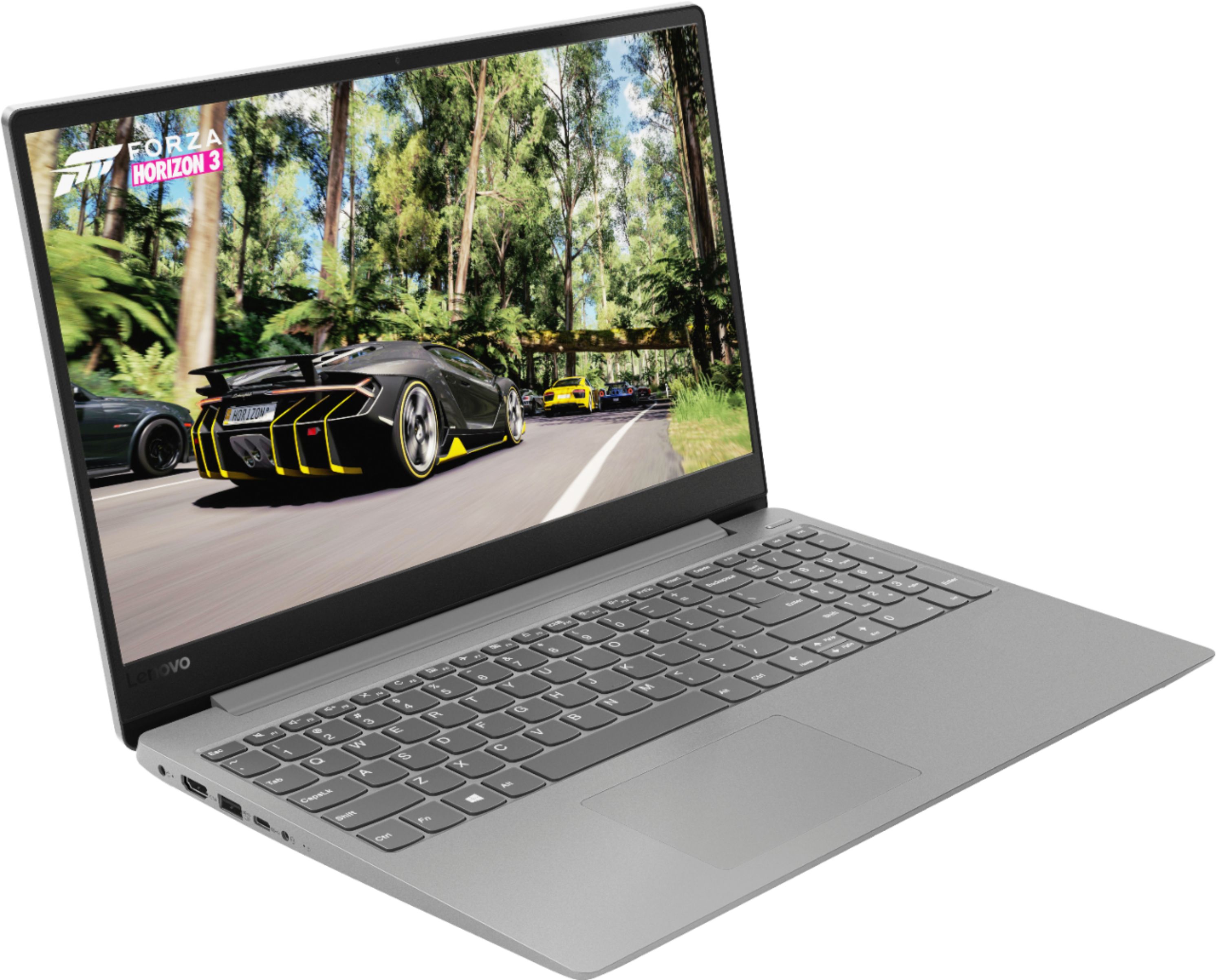
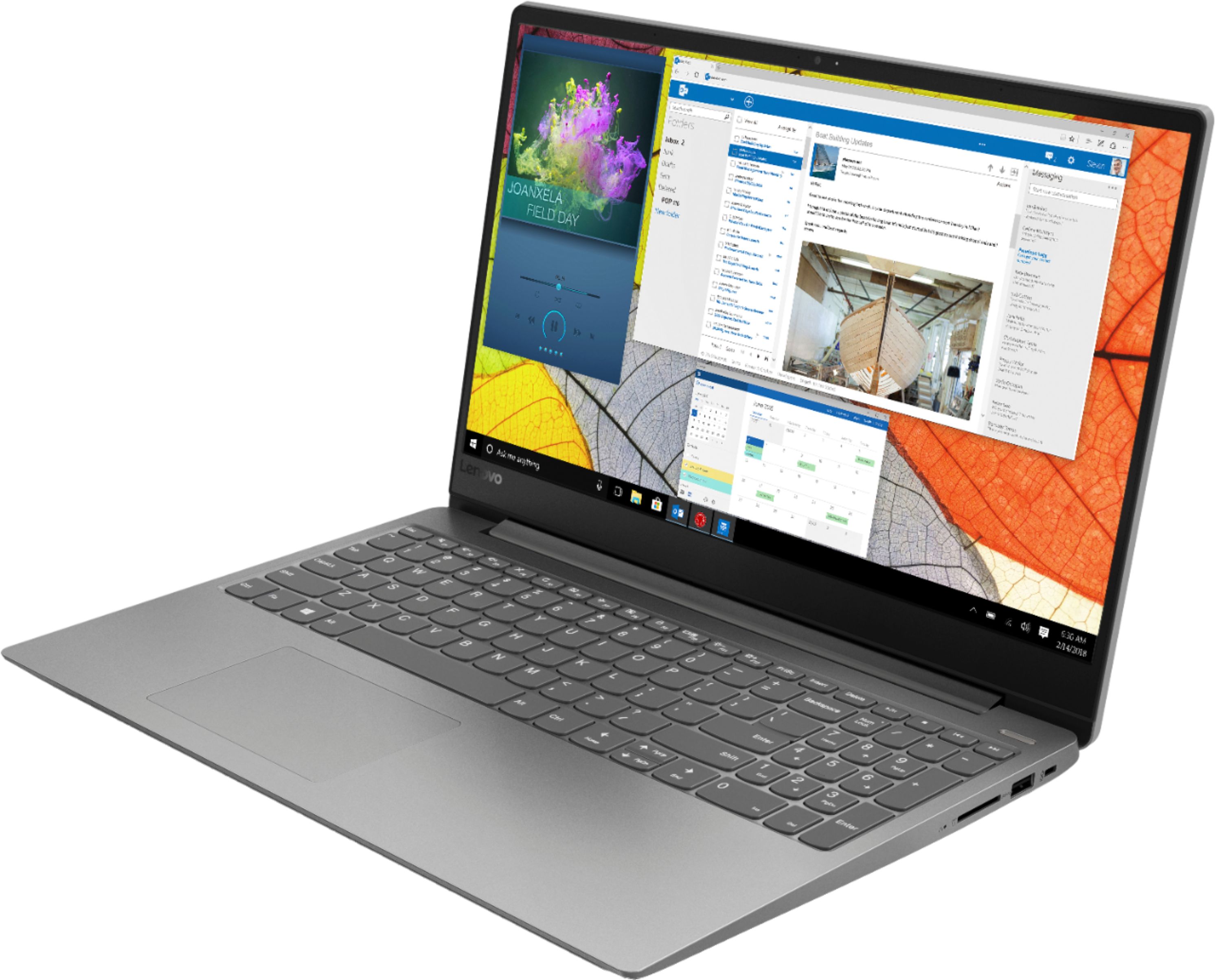


- Model:
- IDEAPAD 330S 15 - 81FB006AUS
- SKU:
- 6266403
Rating by feature
- Value
Rating 3.9 out of 5 stars
- Quality
Rating 3.9 out of 5 stars
- Ease of Use
Rating 4.2 out of 5 stars
Customers are saying
Customers commend the 330S-15ARR 15.6" Laptop for its fast performance, lightweight design, and affordable price. It is well-suited for gaming and schoolwork. However, some users have concerns about the short battery life, limited storage capacity, and noisy fan.
This summary was generated by AI based on customer reviews.
Lap top broke
||Posted .This reviewer received promo considerations or sweepstakes entry for writing a review.I have not downloaded anything to this lap top. No music no Microsoft office stuff.. absolutely nothing. Well I purchased in November and about 3 months ago my computer completely crashed. The hard drive is shot and it won't load passed a boot screen.
No, I would not recommend this to a friendBrand response from Lenovo Product Expert
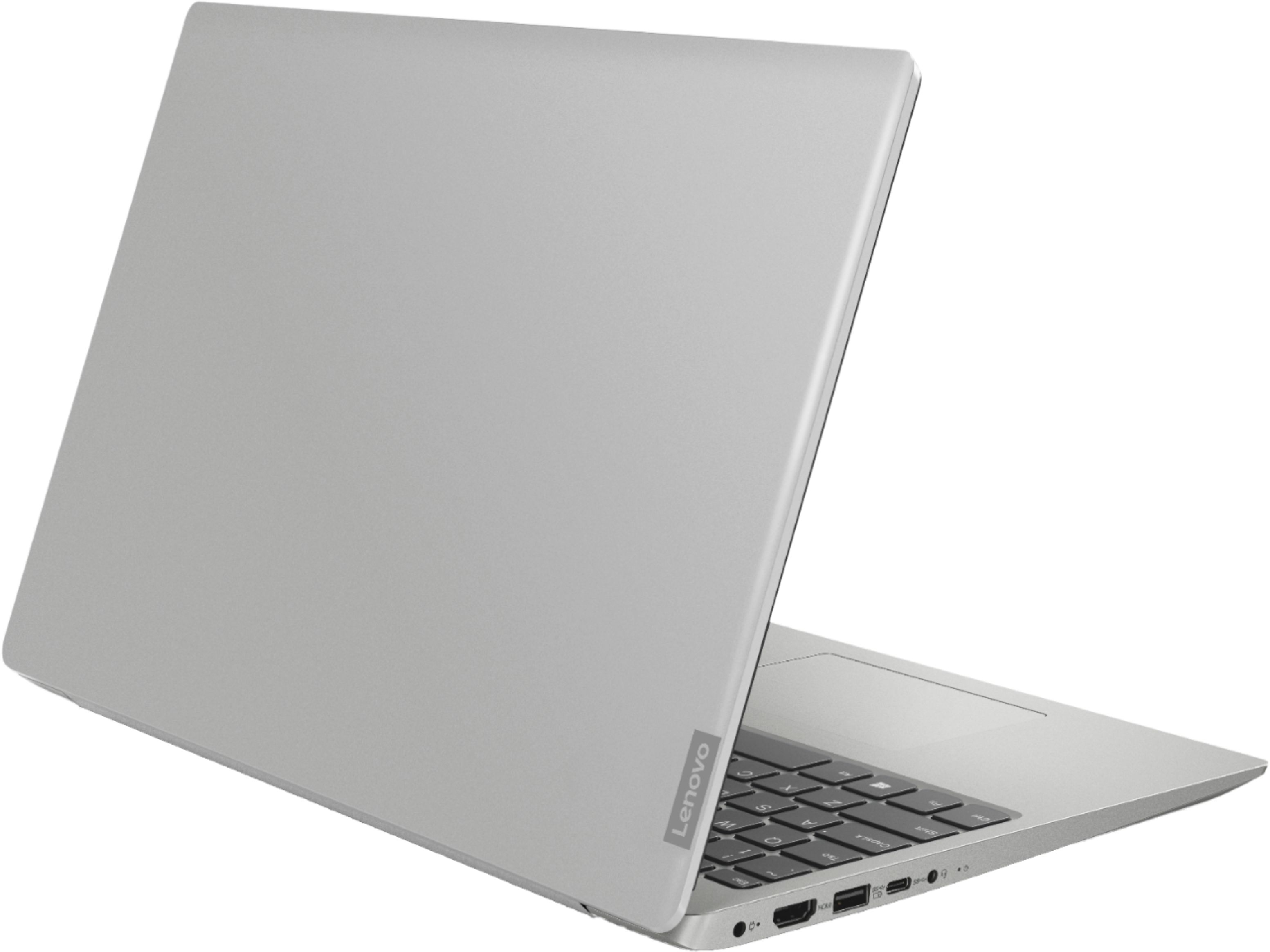
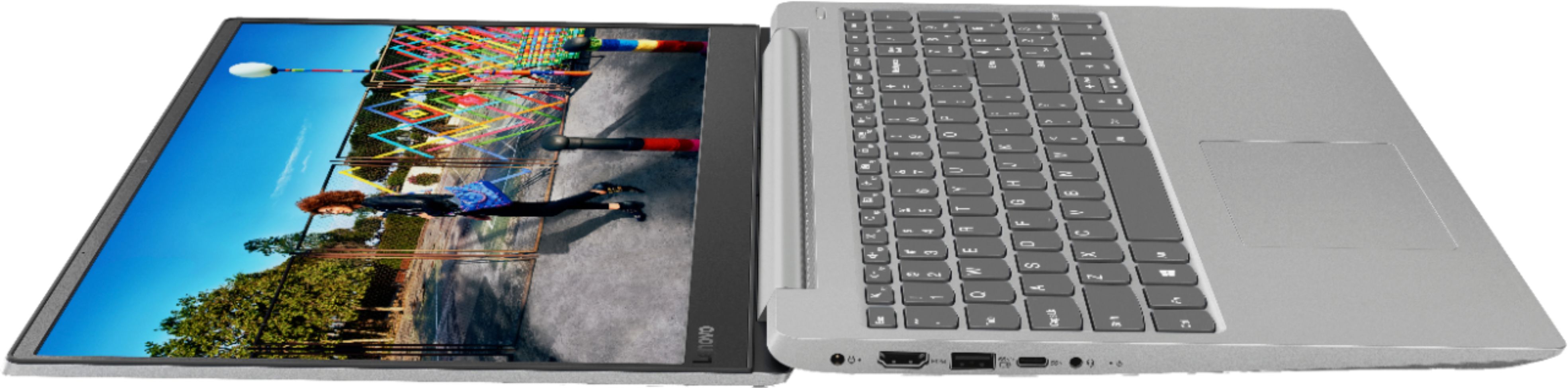
Posted .We are sorry to hear that you are having issues with your Lenovo IdeaPad 330s-15 laptop. The issue you describe may be due to a failed Windows 10 update. Restoring the device back to original factory settings may fix the issue. If you can no longer boot the computer, this system is equipped with OneKey Recovery System. There is a very small pin hole on the left side of the device, right near the headphone jack on the device. You will need a pin to push this reset button. Plug the device in. Let the battery charge for about 15 minutes. Push the reset button. The system should boot to a choice screen where you can choose "Restore To Factory Default". Select this. It will delete everything from the hard drive except the original factory install of the operating system. You will need to reinstall all programs and files after the reset. If you don't have copies of the files, try to make one before you restore by selecting "Boot to desktop" and trying to back up your files. If the problem persists after the factory reset, we recommend you contact Lenovo Tech Support at: 877-453-6686. For 2018, Lenovo retained its place for a second year as the best laptop vendor:
https://www.laptopmag.com/articles/laptop-brand-ratings
wouldn't buy another
||Posted . Owned for 9 months when reviewed.This reviewer received promo considerations or sweepstakes entry for writing a review.Doesn't always turn on. Sometimes it goes to a screen of static and other times, just a black screen. Stick with HP or Dell.
No, I would not recommend this to a friend- Cons mentioned:Battery life
It does not work good.
||Posted . Owned for 11 months when reviewed.This reviewer received promo considerations or sweepstakes entry for writing a review.Just 6 months in laptop got damaged. Had to take it back to get it fixed. Was told this was the best but battery goes out fast not very good.
No, I would not recommend this to a friend - Cons mentioned:Battery life
Battery is very poor
||Posted .This reviewer received promo considerations or sweepstakes entry for writing a review.I couldn't even wait for a week to return it. A new laptop and the battery doesn't even last for 2 hours. Super disappointed!
No, I would not recommend this to a friendBrand response from Lenovo Product Expert
Posted .The Lenovo IdeaPad 330s-15 laptop ships with a 2CELL 30WH, Lithium Polymer battery, with a battery life of up to 7 hours, depending on the work that the device is performing. To maximize battery life, be sure there are no unwanted programs running in the background, draining the battery. Here is a link to some tips for finding out what is draining your battery:
https://www.laptopmag.com/articles/battery-saver-windows-10. Also, try changing your power management setting to a more conservative one. You can do this in the control panel, in the power management category on your system. Select a more conservative power management setting to extend battery life. Finally, a reset of the battery might be necessary. Here is a link to instructions for resetting a non-removable battery. If you need further assistance, we recommend you call Lenovo Tech Support at: 877-453-6686. Here is the link: https://www.techwalla.com/articles/how-to-reset-a-laptop-battery
- Cons mentioned:Screen
After two months the screen went black.
||Posted .This reviewer received promo considerations or sweepstakes entry for writing a review.The extra warranty I bought better cover the screen going black. According to google this is a common issue.
No, I would not recommend this to a friendBrand response from Lenovo Product Expert
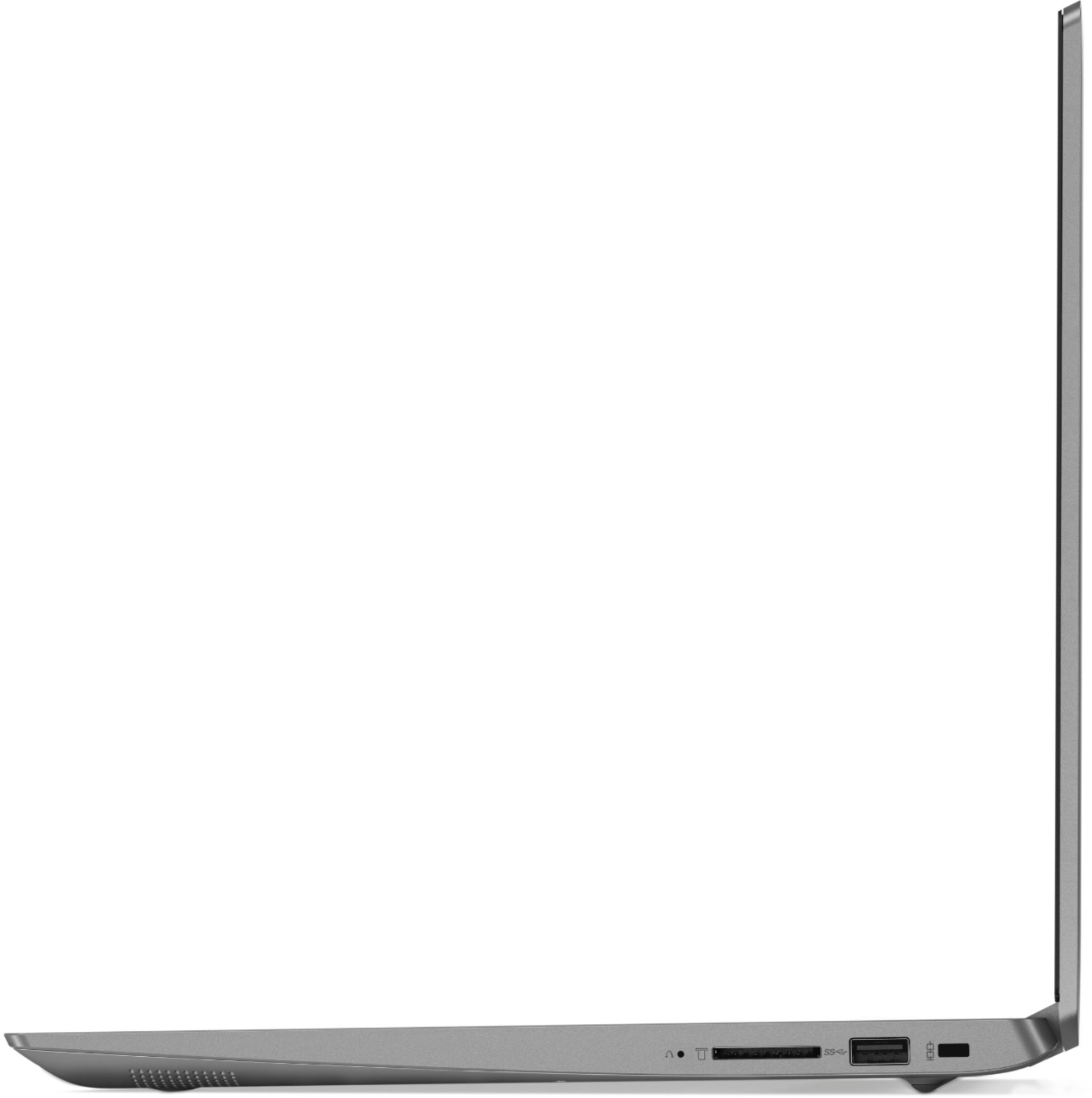
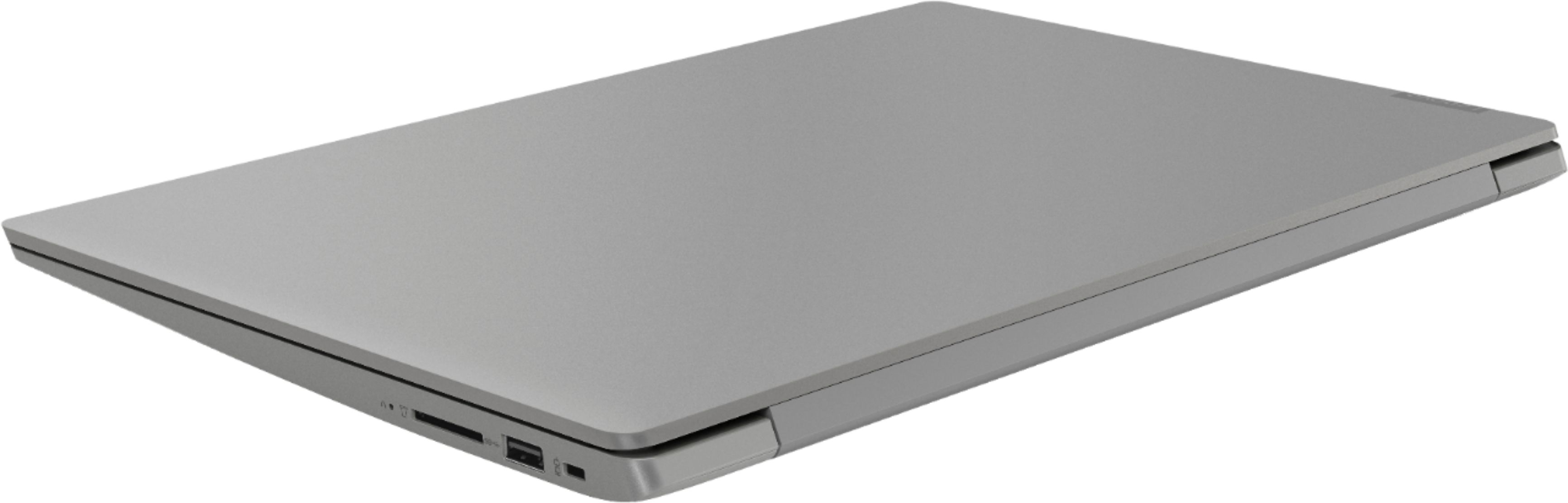
Posted .We are sorry to hear that you are having issues with your Lenovo IdeaPad 330s-15 laptop. Be sure any software you installed is compatible with Windows 10. There is no need to install Microsoft Office software. The software is already part of the operating system, you just need to activate the software with a purchased product key. If you have installed a copy of Microsoft Office, this is conflicting with the existing copy on the system and this will slow your system down. If you have installed a 3rd party anti-virus program, be sure that Windows Defender is turned off and that the trial version of McAfee Anti-Virus software is uninstalled. There can only be one anti-virus program on the system. You may need to restore your system to original factory default settings if any of the programing errors have occurred. Since you can no longer boot your computer, this system is equipped with OneKey Recovery System. There is a very small pin hole on the right side of the device, right near the SD card slot on the device. You will need a pin to push this reset button. Plug the device in. Let the battery charge for about 15 minutes. Push the reset button. The system should boot to a choice screen where you can choose "Restore To Factory Default". Select this. It will delete everything from the hard drive except the original factory install of the operating system. You will need to reinstall all programs and files after the reset. If you don't have copies of the files, try to make one before you restore by selecting "Boot to desktop" and trying to back up your files. If the problem persists after the factory reset, we recommend you contact Lenovo Tech Support at: 877-453-6686.
- Pros mentioned:FastCons mentioned:Battery life, Storage
Blazzing fast latop
Posted .This reviewer received promo considerations or sweepstakes entry for writing a review.I am used to buying laptops in this price range just to be disappointment right out the box, and they typically don't last long. This is probably the fastest computer I have owned. It boots up in mere seconds as opposed to minutes, and everything else is very responsive. Programs load very fast. The cons that I can think of, as most people have mentioned, is the battery life. At "medium" performance, in my case it seems to last at most 3 hours. Even with the lowest possible setting at most 4 hours. I'm not sure of where they are getting 7 hours from. But I'm always near a plug, so this is not an issue, and the battery seems to charge very fast. The storage also fills up very quickly. Right out of the box it had 93 GB available (presumably the rest was taken up by windows). As soon as I started installing programs, it started eating up the space quickly, sometimes shaving GBs when the programs being installed were only a few MBs. So if you can buy an external SSD storage device, 1 TB currently only goes for $50 so it's cheap, or one of those 256GBs SD cards that seems to be going at around the same price. You can store your heavier files on that.
I would recommend this to a friendBrand response from Lenovo Product Expert
Posted .Thank you for choosing the Lenovo IdeaPad 330s-15 laptop. This model ships with a 2CELL 30WH, Lithium Polymer battery, with a battery life of up to 7 hours depending on the work that the device is performing. To maximize battery life, be sure there are no unwanted programs running in the background, draining the battery. Here is a link to some tips for finding out what is draining your battery:
https://www.laptopmag.com/articles/battery-saver-windows-10. Additionally, to maximize battery life, try changing your power management setting to a more conservative one. You can do this in the control panel, in the power management category on your system. Select a more conservative power management setting to extend battery life. Finally, if battery life has not improved, try resetting the battery. Here is a link to instructions for resetting a non-removable battery. If you need further assistance, we recommend you call Lenovo Tech Support at: 877-453-6686. Here is the link: https://www.techwalla.com/articles/how-to-reset-a-laptop-battery
Not impressed
||Posted .This reviewer received promo considerations or sweepstakes entry for writing a review.This laptop was very disappointing . Guess I’m just used to Apple products . If you buy a Lenovo do not buy this one!
No, I would not recommend this to a friendBrand response from Lenovo Product Expert
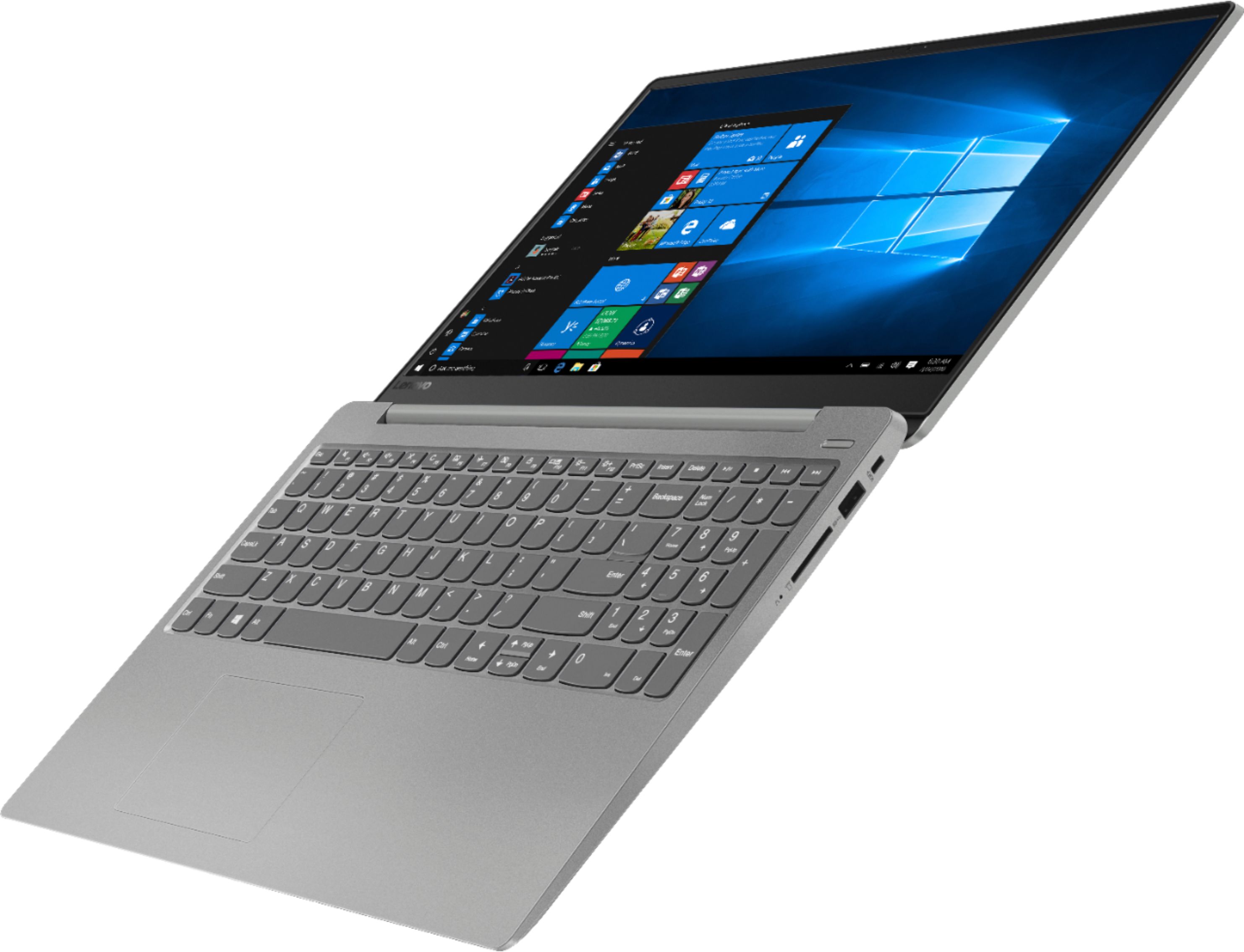
Posted .The Lenovo IdeaPad 330s-15 ships with a powerful Quad-Core/Eight-Thread AMD Ryzen 5 2500U processor, 8GB of DDR4-2400MHz RAM and a 128GB solid state hard drive. This configuration has a 15.6" (measured diagonally) 1920 x 1080 (FHD) resolution screen, with a brightness level of 250 nits. This configuration can handle many of today's most demanding programs and is good with multi-tasking. If this describes the kind of computing you do, the Lenovo IdeaPad 330s-15 will be a great choice for you.
Total waste of money
||Posted . Owned for 11 months when reviewed.This reviewer received promo considerations or sweepstakes entry for writing a review.Got this laptop in Dec and I got same problem of black screen after windows update TWICE. Lenovo did a factory reset and i lost my data in the hard drive. today it crashed again with same problem. Checked online for this problem and found its very common. i will avoid Lenovo products if this common problem with their devices.
No, I would not recommend this to a friendan annoying laptop, problems right away
||Posted .This reviewer received promo considerations or sweepstakes entry for writing a review.I didn't have this laptop for a month and have experienced problems.
No, I would not recommend this to a friendBrand response from Lenovo Product Expert
Posted .We are sorry to hear that you are having issues with your Lenovo IdeaPad 330s-15 laptop. Be sure any software you installed is compatible with Windows 10. There is no need to install Microsoft Office software. The software is already part of the operating system, you just need to activate the software with a purchased product key. If you have installed a copy of Microsoft Office, this is conflicting with the existing copy on the system and this will slow your system down. If you have installed a 3rd party anti-virus program, be sure that Windows Defender is turned off and that the trial version of McAfee Anti-Virus software is uninstalled. There can only be one anti-virus program on the system. You may need to restore your system to original factory default settings if any of the programing errors have occurred. You can do that by typing "restore" in the Cortana search window. Just click on the magnifying glass icon at the bottom left of your Windows 10 Desktop. Click on "Reset This PC" Then click on "Get Started" and follow the on screen directions to restore to factory defaults. If the problem persists, we recommend you contact Lenovo Tech Support at: 877-453-6686.
good but not good
||Posted .This reviewer received promo considerations or sweepstakes entry for writing a review.good image really bad audio, will not recomended it
No, I would not recommend this to a friendBrand response from Lenovo Product Expert
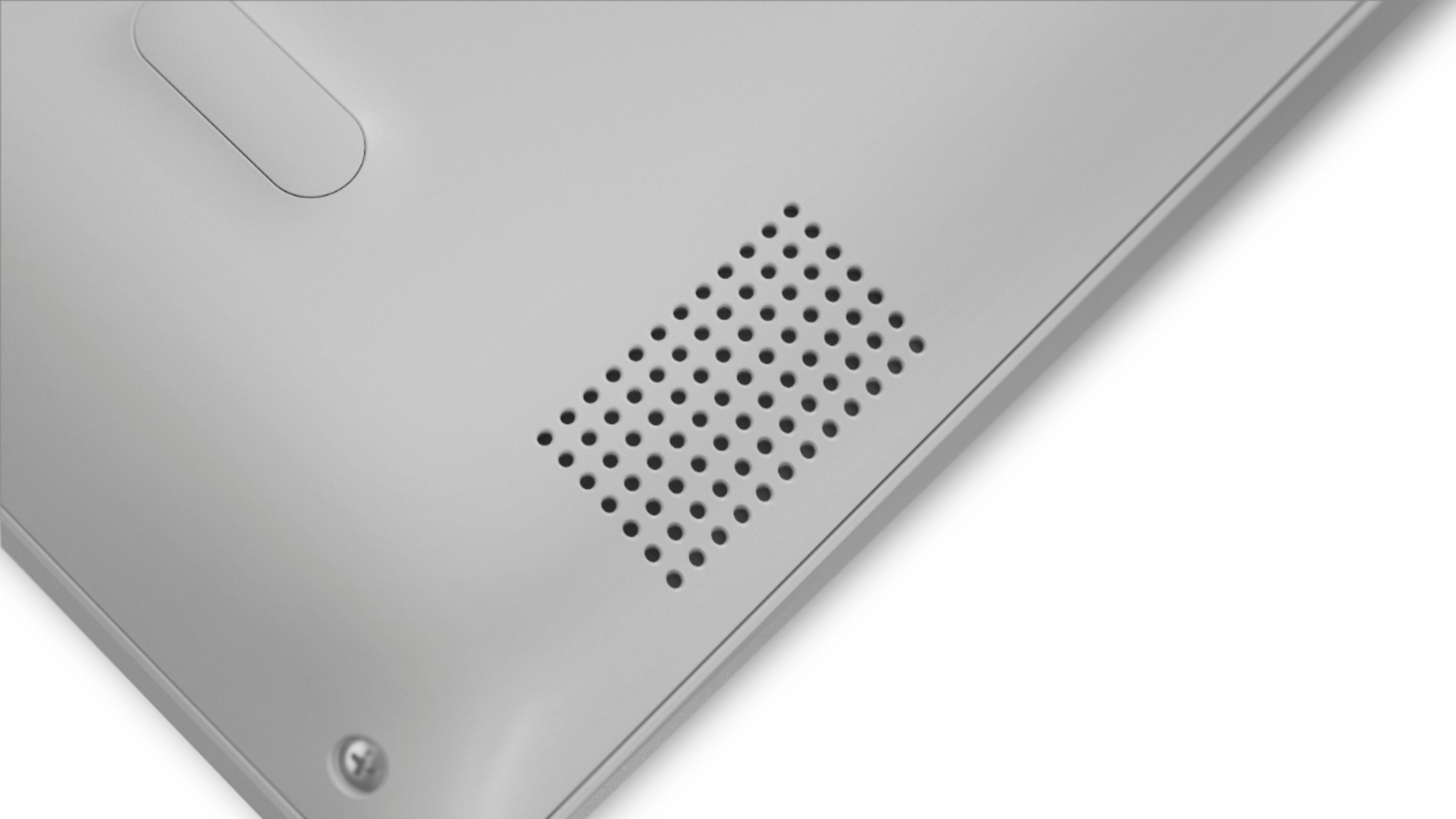
Posted .The Lenovo IdeaPad 330s-15 laptop ships with stereo 2W speakers and Dolby Audio Premium sound enhancement software. For the best audio experience, be sure you have Dolby Audio Premium turned on and adjusted to your personal preferences.
regret buying refurbished
||Posted . Owned for 11 months when reviewed.This reviewer received promo considerations or sweepstakes entry for writing a review.While the product might be fine when new, I regret buying a refurbished computer. It has quirks and problems and I've lost work and time dealing with it. As soon as I can afford it, I'm replacing it.
No, I would not recommend this to a friendNot great
||Posted .This reviewer received promo considerations or sweepstakes entry for writing a review.My son has had it less than six months. Sent it in to get it fixed. Hasn’t only had it for a week and it’s not working again. And they didn’t send the power coated back with it. Extremely dissatisfied!
No, I would not recommend this to a friendBrand response from Lenovo Product Expert
Posted .We are sorry to hear that you are having issues with the repair process for your Lenovo IdeaPad 330s-15 laptop. If you are missing parts from your computer upon return from Lenovo after repairs, we recommend you call Lenovo Tech Support ASAP with your case number at: 877-453-6686. For 2018, Lenovo retained its place for a second year as the best laptop vendor:
https://www.laptopmag.com/articles/laptop-brand-ratings
- Pros mentioned:PriceCons mentioned:Battery life
This review
Posted .This reviewer received promo considerations or sweepstakes entry for writing a review.This laptop is sort of misleading in ways that only effect 5% of people who are going to buy it (GAMERS). At 440$, the value of this laptop is amazing. The SSD and great screen are on par with many 1000$ laptops. The battery is rather rubbish but it will last an alright amount for most (2-3 hours of normal use). The fan is obnoxious and doesn't seem to know how to fan, also the track-pad feels extremely lacking in quality so plan on getting a mouse. Throughout writing this review the fan has turned on and off at random points in roughly 20 seconds intervals. FOR GAMERS This laptop lacks pretty severely in performance when gaming. I bought this laptop for school with the idea that i would use it to do light gaming with friends when i went over to their houses. However when running many games that my friend had with his ryzen 5, they didnt compare. Doing alot of research i discovered this was due to the TDP usage and gpu clock. The gpu in my model and many others never reaches above 444mz which is much lower than advertised (a thousand something). The CPU only ran at 11w at maximum usage, which is much less than the tdp of 25 in other ryzen laptops. Throughout 2 hours of the gaming i tried to do, the laptop didn't even warm up because of this. Overall, On paper and in practice this laptop is an amazing value. It beats many others at the below 500 range. Many of the issues it has can very easily be fixed by a bios update by Lenovo however that won't likely come.
No, I would not recommend this to a friendBrand response from Lenovo Product Expert
Posted .The Lenovo IdeaPad 330s-15 laptop ships with a 2CELL 30WH, Lithium Polymer battery, with a battery life of up to 7 hours, depending on the work that the device is performing. This is a high performance system with its Quad-Core/Eight-Thread 15W, AMD Ryzen 5 2500U processor and 8GB of DDR4-2400MHz RAM. It will generate heat whenever it is turned on, even at idle, this is normal. The onboard fan will maintain the proper operating temperature for the device. You will hear the fan whenever it runs, this too is normal. With regard to this configuration's compatibility with specific games, we recommend you check with the specific game's software publisher's web site for their compatibility with Windows 10 Home 64-bit operating system and the minimum/recommended hardware requirements (Is a Graphics card required, the processor speed and the minimum required system RAM and the minimum available hard drive space) to run their program, then compare those requirements to this system's configuration. Concerning BIOS and Driver updates, you can easily update the BIOS and other operating system software on this device by using the Lenovo Utility software installed on this computer. This system has Lenovo utilities installed to help maintain the health of the device and keep the operating system software up to date. Type "Lenovo Vantage" in the Cortana Search window (if Lenovo Vantage is not installed on your device, you can download the APP and install it now). Select Lenovo Vantage from the list. In the window that opens, click on "Health and Support". In the expanded menu, select "Hardware Scan" In the window that opens, select "Run Quick Tests". This will scan your entire system for errors. Follow any directions that may pop up. If the problem continues after this scan, now click on "System Update". First select Windows update from the menu. Scan your system to be sure you have the latest version of Windows 10. Once that scan is complete, select "Additional Updates". This will scan your device to be sure there are no new BIOS/Driver updates needed. Follow any instructions that may pop up. If you have questions about the operation of your IdeaPad 330s-15, we recommend you call Lenovo Tech Support at: 877-453-6686 for additional help.
Great for business
||Posted .This reviewer received promo considerations or sweepstakes entry for writing a review.Not sure which computer to by ,had great help from sales associate Good purchase
I would recommend this to a friendGreat laptop for home and small business use
||Posted .This reviewer received promo considerations or sweepstakes entry for writing a review.Easy to set up and use for my daily household and small business uses.
I would recommend this to a friendBrand response from Lenovo Product Expert
Posted .The Lenovo IdeaPad 330s-15 ships with a powerful Quad-Core/Eight-Thread AMD Ryzen 5 2500U processor, 8GB of DDR4-2400MHz RAM and a 128GB solid state hard drive. This configuration has a 15.6" (measured diagonally) 1920 x 1080 (FHD) resolution screen, with a brightness level of 250 nits. This configuration can handle many of today's most demanding programs and is good with multi-tasking. If this describes the kind of computing you do, the Lenovo IdeaPad 330s-15 will be a great choice for you.
It does not even rate a star. We had two bad ones
||Posted .This reviewer received promo considerations or sweepstakes entry for writing a review.I would never recommend this computer we gas tow that were bad.
No, I would not recommend this to a friendBrand response from Lenovo Product Expert
Posted .We are sorry to hear that you had issues with your lenovo IdeaPad 330s-15 laptops. Be sure any software you installed is compatible with Windows 10. There is no need to install Microsoft Office software. The software is already part of the operating system, you just need to activate the software with a purchased product key. If you have installed a copy of Microsoft Office, this is conflicting with the existing copy on the system and this will slow your system down. If you have installed a 3rd party anti-virus program, be sure that Windows Defender is turned off and that the trial version of McAfee Anti-Virus software is uninstalled. There can only be one anti-virus program on the system. You may need to restore your system to original factory default settings if any of the programing errors have occurred. You can do that by typing "restore" in the Cortana search window. Just click on the magnifying glass icon at the bottom left of your Windows 10 Desktop. Click on "Reset This PC" Then click on "Get Started" and follow the on screen directions to restore to factory defaults. If the problem persists, we recommend you contact Lenovo Tech Support at: 877-453-6686.
HATE IT !
||Posted .This reviewer received promo considerations or sweepstakes entry for writing a review.MICROSOFT 10 IS ABOUT AS HORRIBLE AS IT GETS. HATE
No, I would not recommend this to a friend- Pros mentioned:PriceCons mentioned:Battery life
Top Entry Level Laptop
Posted .This reviewer received promo considerations or sweepstakes entry for writing a review.A really great option at $400-450 for a student or your first higher-quality laptop. If you dont need to store huge amounts of stuff, the 128GB SSD makes it speedy...MUCH better than a typical 1TB HDD you'd get at this price. For students, if you don't need to do heavy image/video editing, this will do the job for sure. I use it for some Python programming, YouTube, browsing, and some Wordpress web stuff and its great. Battery life is poor, but for me, that something I can live with considering the price, quality, and speed.
I would recommend this to a friendBrand response from Lenovo Product Expert
Posted .Thank you for choosing the Lenovo IdeaPad 330s-15 laptop. This model ships with a 2CELL 30WH, Lithium Polymer battery, with a battery life of up to 7 hours, depending on the work that the device is performing. Be sure there are no unwanted programs running in the background, draining the battery. Here is a link to some tips for finding out what is draining your battery:
https://www.laptopmag.com/articles/battery-saver-windows-10. Also, to maximize battery life, try changing your power management setting to a more conservative one. You can do this in the control panel, in the power management category on your system. Select a more conservative power management setting to extend battery life. Finally, if battery life has not improved, a battery reset may help. Here is a link to instructions for resetting a non-removable battery. If you need further assistance, we recommend you call Lenovo Tech Support at: 877-453-6686. Here is the link: https://www.techwalla.com/articles/how-to-reset-a-laptop-battery
- Cons mentioned:Battery life
My First Laptop
Posted .This reviewer received promo considerations or sweepstakes entry for writing a review.Blazing fast laptop. Only downside is battery life lasts 4-5 hours. Some data I collected using Tropic's Demo V1.3 shows the average FPS is 41.7 on the Unigine score. On Cinebench for the picture render I got 561 cb. In the car race test the computer scored 34.05 fps.
I would recommend this to a friendBrand response from Lenovo Product Expert
Posted .The Lenovo IdeaPad 330s-15 laptop ships with 2CELL 30WH, Lithium Polymer battery, with a battery life of up to 7 hours, depending on the work that the device is performing. To maximize battery life, be sure there are no unwanted programs running in the background, draining the battery. Here is a link to some tips for finding out what is draining your battery:
https://www.laptopmag.com/articles/battery-saver-windows-10. Also, to maximize battery life, try changing your power management setting to a more conservative one. You can do this in the control panel, in the power management category on your system. Select a more conservative power management setting to extend battery life. Finally, if the battery life does not improve, a battery reset may help. Here is a link to instructions for resetting a non-removable battery. If you need further assistance, we recommend you call Lenovo Tech Support at: 877-453-6686. Here is the link: https://www.techwalla.com/articles/how-to-reset-a-laptop-battery. This system ships with a IPS LCD w/LED Backlight (Anti-glare) screen, with a resolution of 1920 x 1080 (FHD) and a brightness level of 250 nits. The refresh rate of this screen is 60Hz at normal use.
- Cons mentioned:Fan noise
Obnoxious fan noise
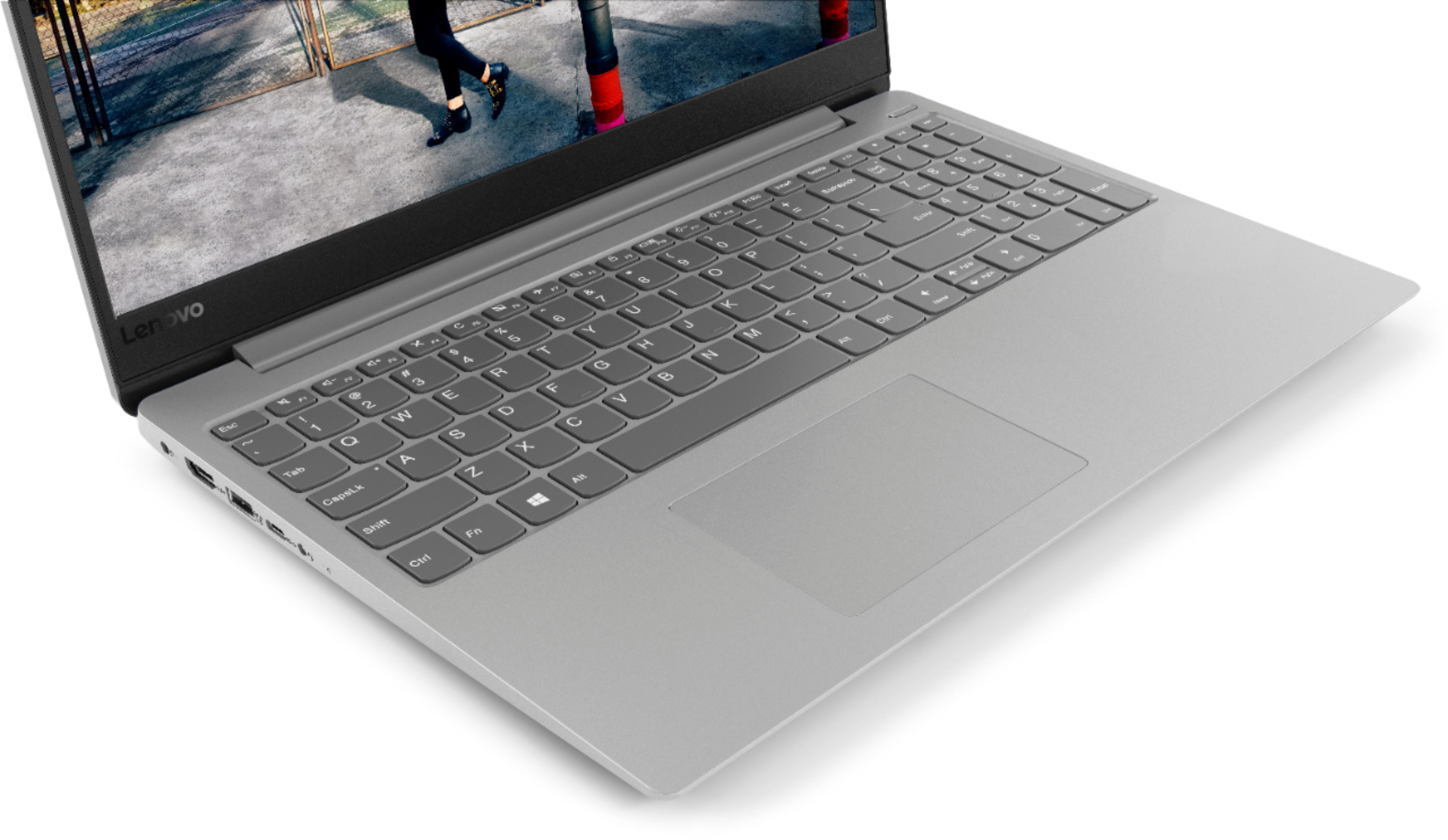
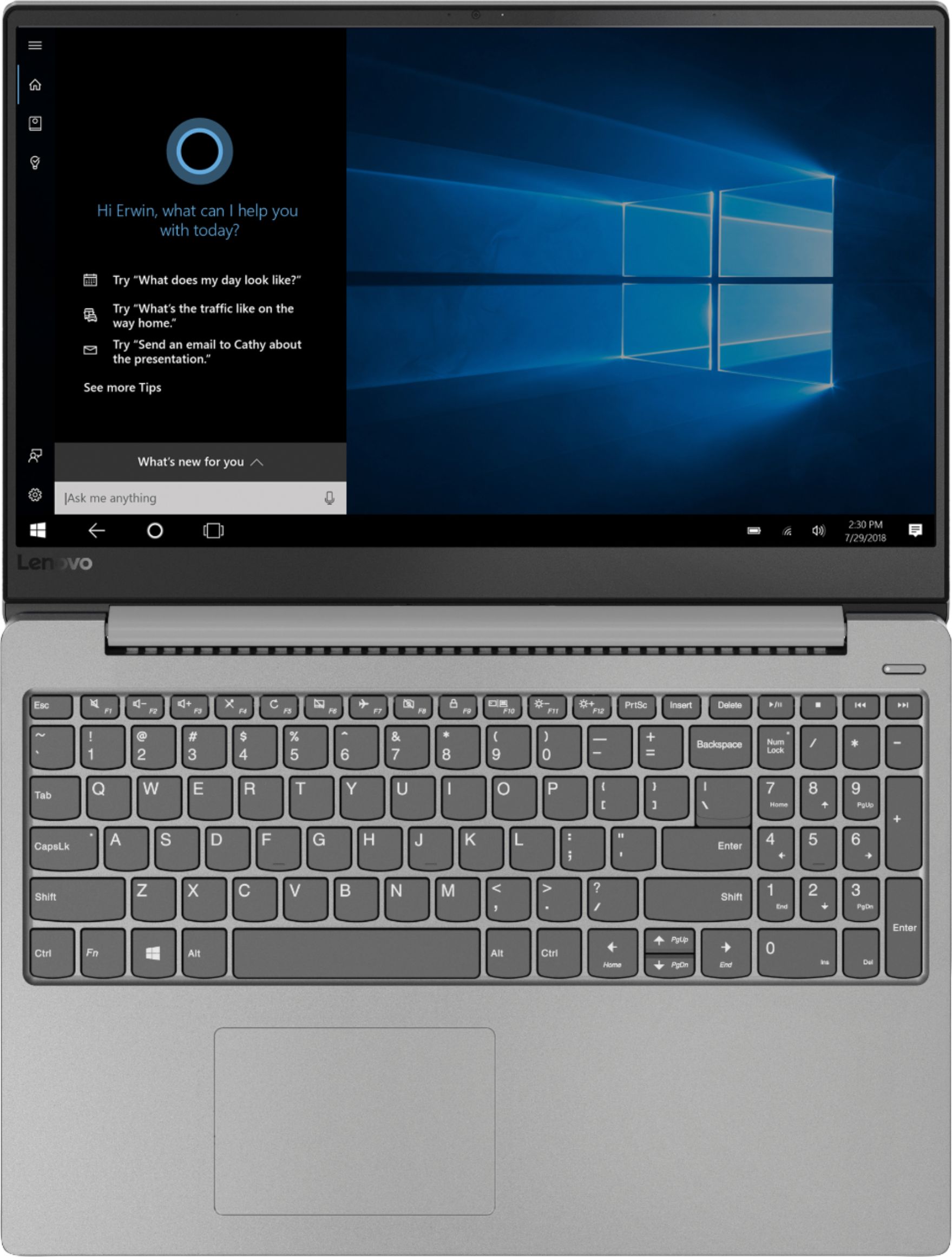
Posted .This reviewer received promo considerations or sweepstakes entry for writing a review.I picked one of these up a month ago as it seemed like a pretty good value. I had an extra 500GB SSD from a previous Lenovo that had died (it lasted about 6 years) as the tiny 128 gig drive would never cut it. You can get 128GB USB 3.0 drives and SD cards for $20-25 so that should give some you some idea as to where the cost cutting went just from looking at the unit's specs. But the laptop looks nice despite not including a backlit keyboard. The screen is really nice IPS panel for nice color and viewing angles with narrow bezels. And the Ryzen 5 2500U is a decent enough little quad core processor with a Vega 8 GPU that should be able enough for multi-tasking, web viewing, streaming video, and light gaming. However. The one thing you wouldn't be able to tell from the specs and pictures is how loud and obnoxious the fan noise in this thing is. Which would be fine if it happened while under load, but it just randomly spins up and down for no reason constantly, even while writing this with just google chrome open and no other tabs running. I had Speccy open and it showed that the processor is running at 40°C and still the fan kicks on. It just randomly starts up for a few seconds and the just turns off, over and over with just Chrome open. I have tried lighter web browsers such as Opera and it makes little to no difference. Adjusting power profile settings in windows changes nothing, fan speed controller software doesnt even recognize the fan, and Lenovo offers no utilities for download under their drivers page that would allow you to modify how aggressive this fan's curve is. And for all AMD Ryzen-powered laptops you may be considering, know that AMD offers no driver support for their mobile processors through their site. So while AMD pumps out driver updates for their graphics cards at least monthly you'll be stuck with whatever the manufacturer provides every 4-6 months, at best, until they drop support in two years.
No, I would not recommend this to a friendBrand response from Lenovo Product Expert
Posted .This Lenovo IdeaPad 330s-15 laptop ships with the Quad-Core/Eight-Thread AMD Ryzen 5 2500U processor, which is supported by 8GB DDR4-2400MHz RAM and a 128GB solid state hard drive. This is a high performance configuration. It will generate heat whenever it is turned on, even at idle, this is normal. The onboard fan will maintain the proper operating temperature for the device. You will hear the fan whenever it runs, this too is normal. You can check for driver updates by using the Lenovo Utility software installed on this device. This system has Lenovo utilities installed to help maintain the health of the device and keep the operating system software up to date. Type "Lenovo Vantage" in the Cortana Search window (if Lenovo Vantage is not installed on your device, you can download the APP and install it now). Select Lenovo Vantage from the list. In the window that opens, click on "Health and Support". In the expanded menu, select "Hardware Scan" In the window that opens, select "Run Quick Tests". This will scan your entire system for errors. Follow any directions that may pop up. If the problem continues after this scan, now click on "System Update". First select Windows update from the menu. Scan your system to be sure you have the latest version of Windows 10. Once that scan is complete, select "Additional Updates". This will scan your device to be sure there are no new BIOS/Driver updates needed. Follow any instructions that may pop up. If the issue still continues after these updates, we recommend you call Lenovo Tech Support at: 877-453-6686 for additional help.