Customer Ratings & Reviews

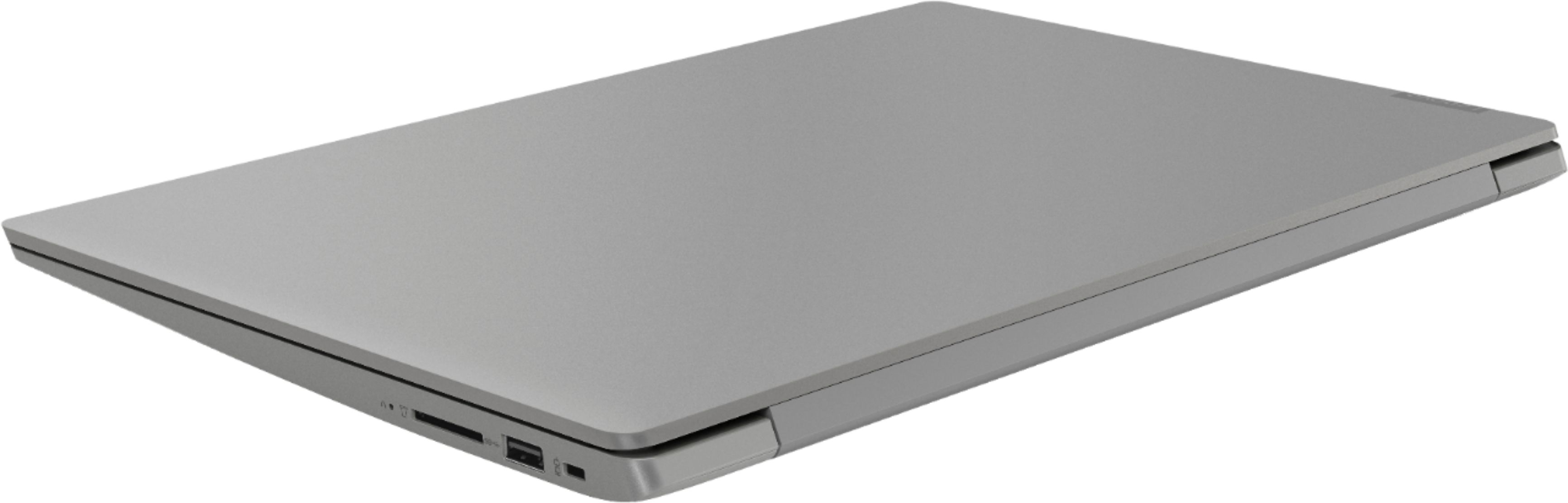
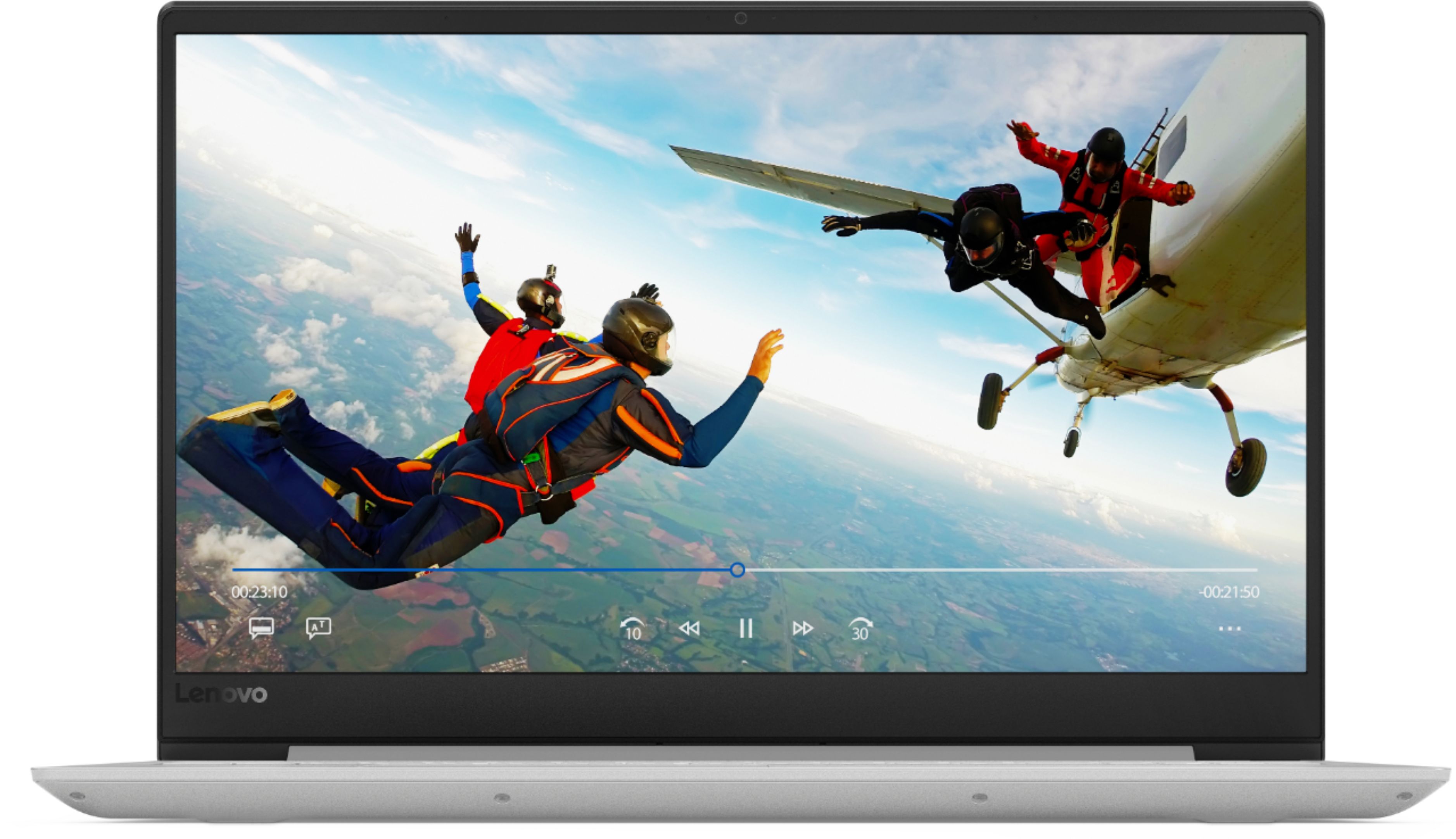

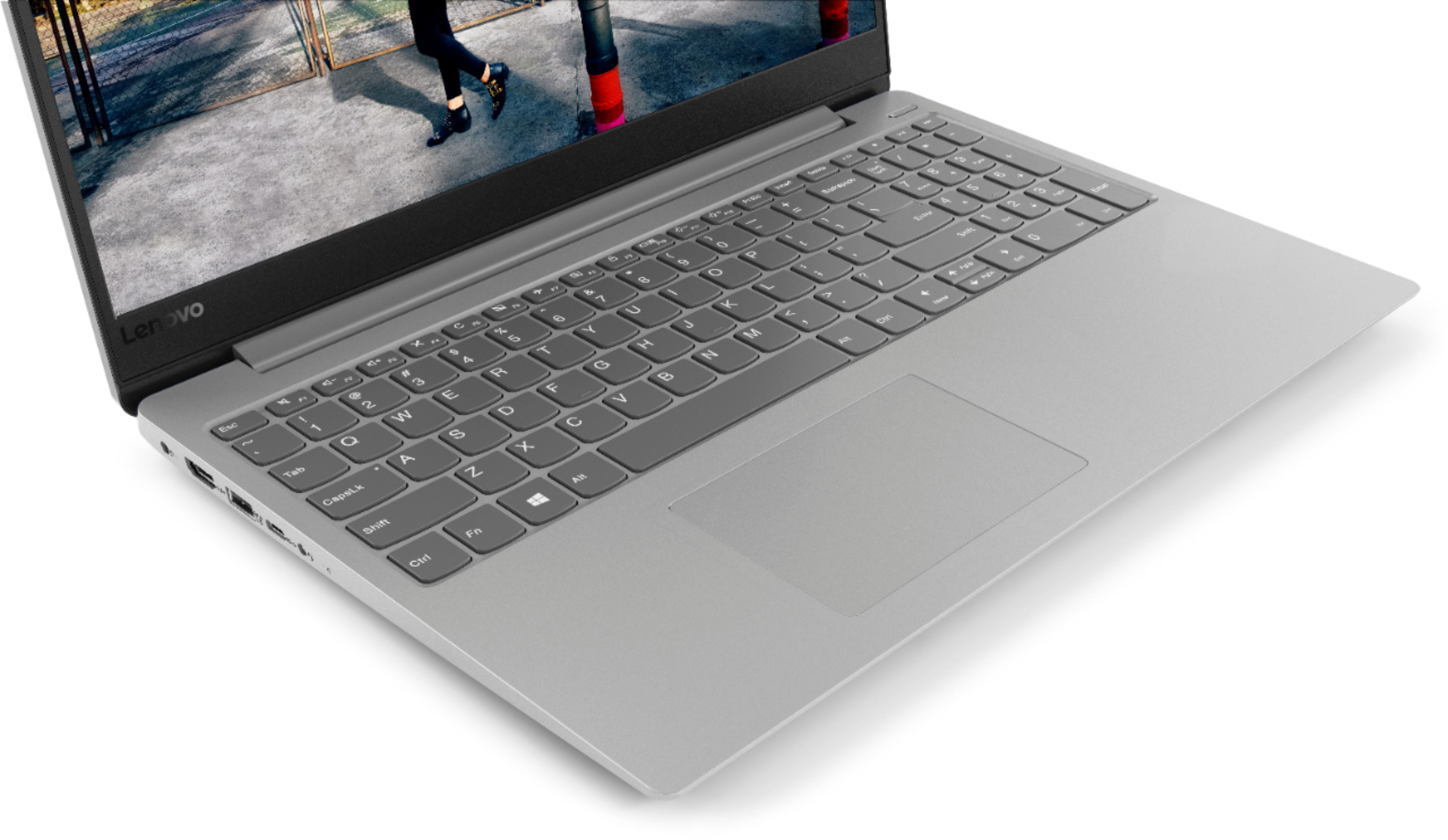
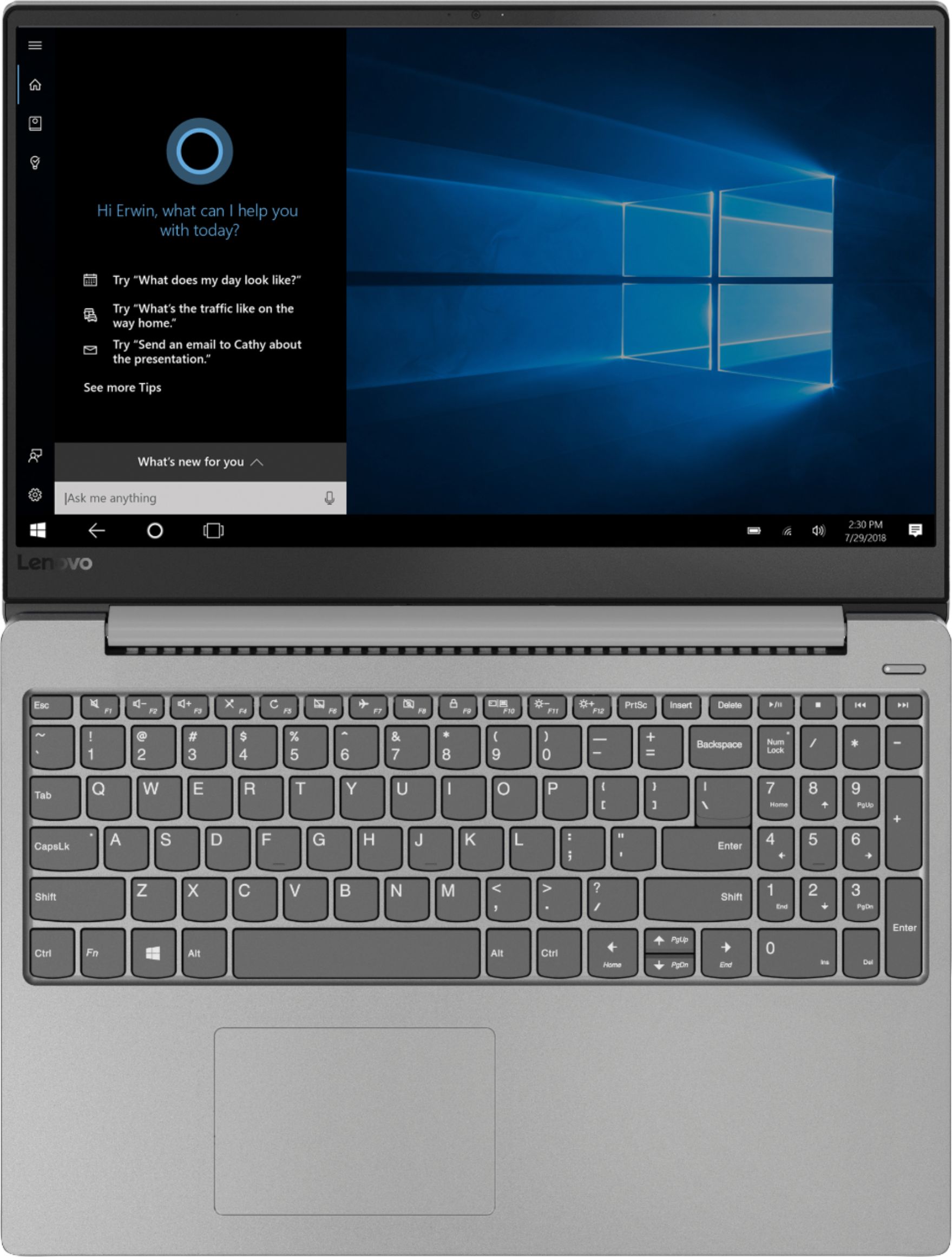
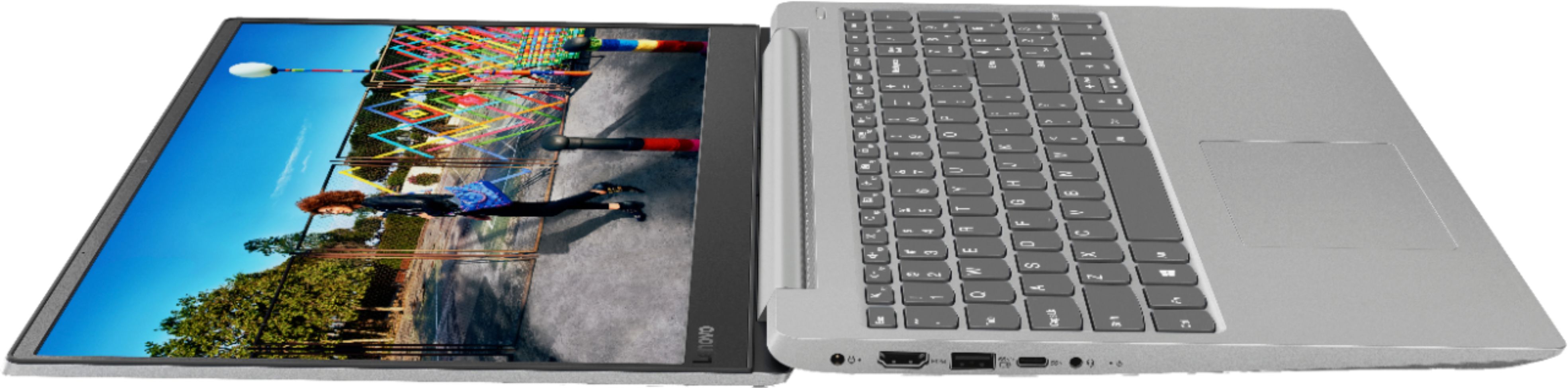
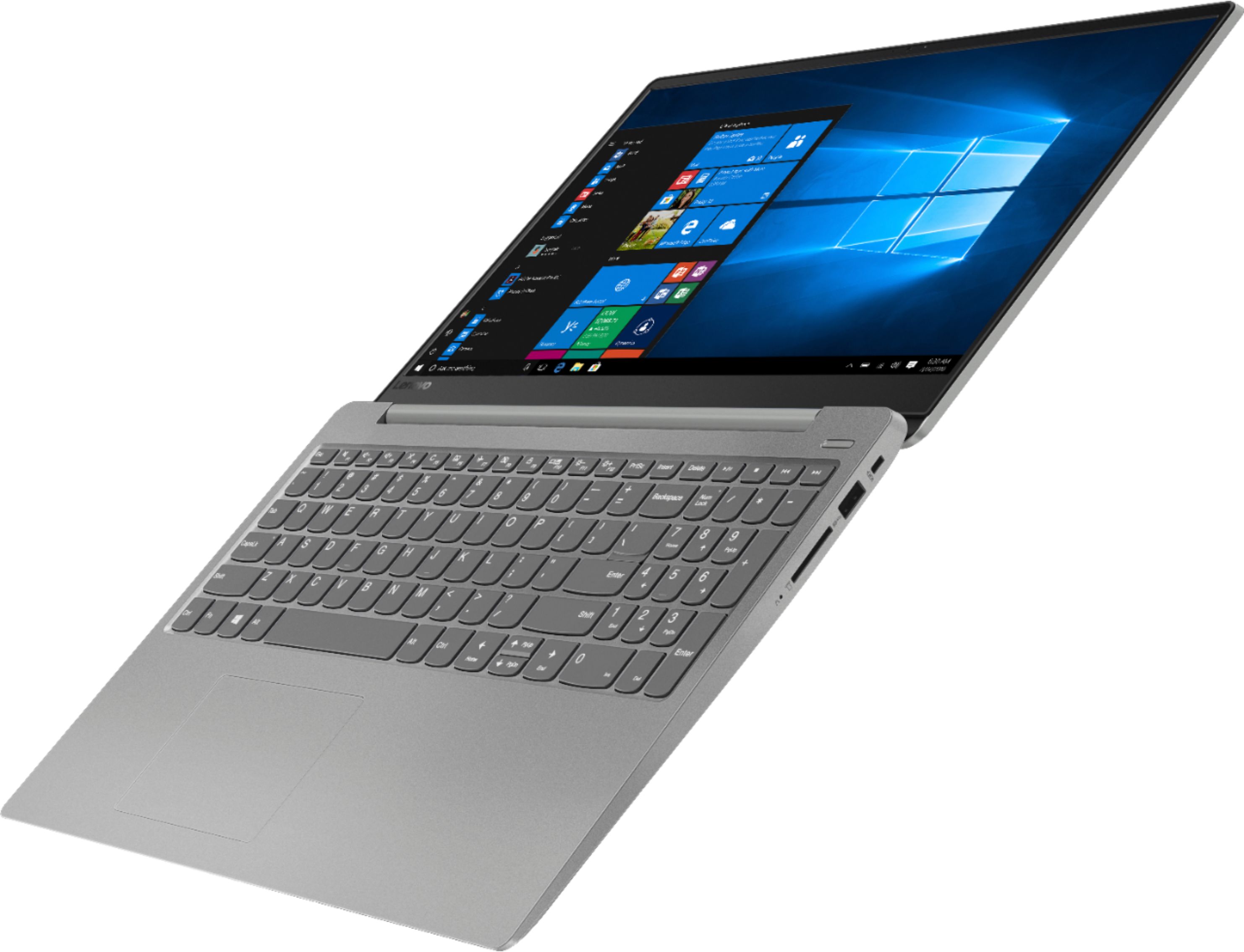
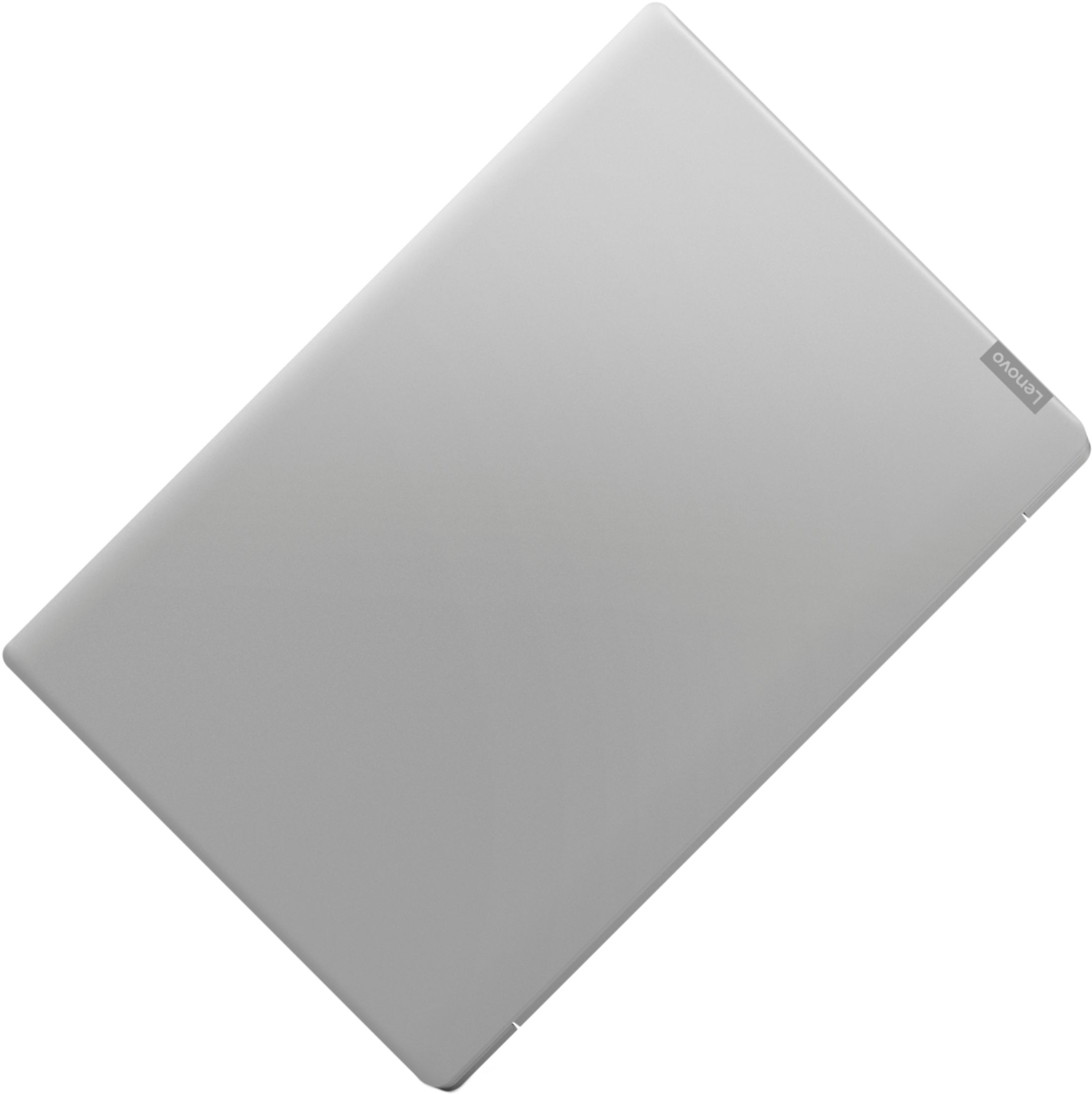
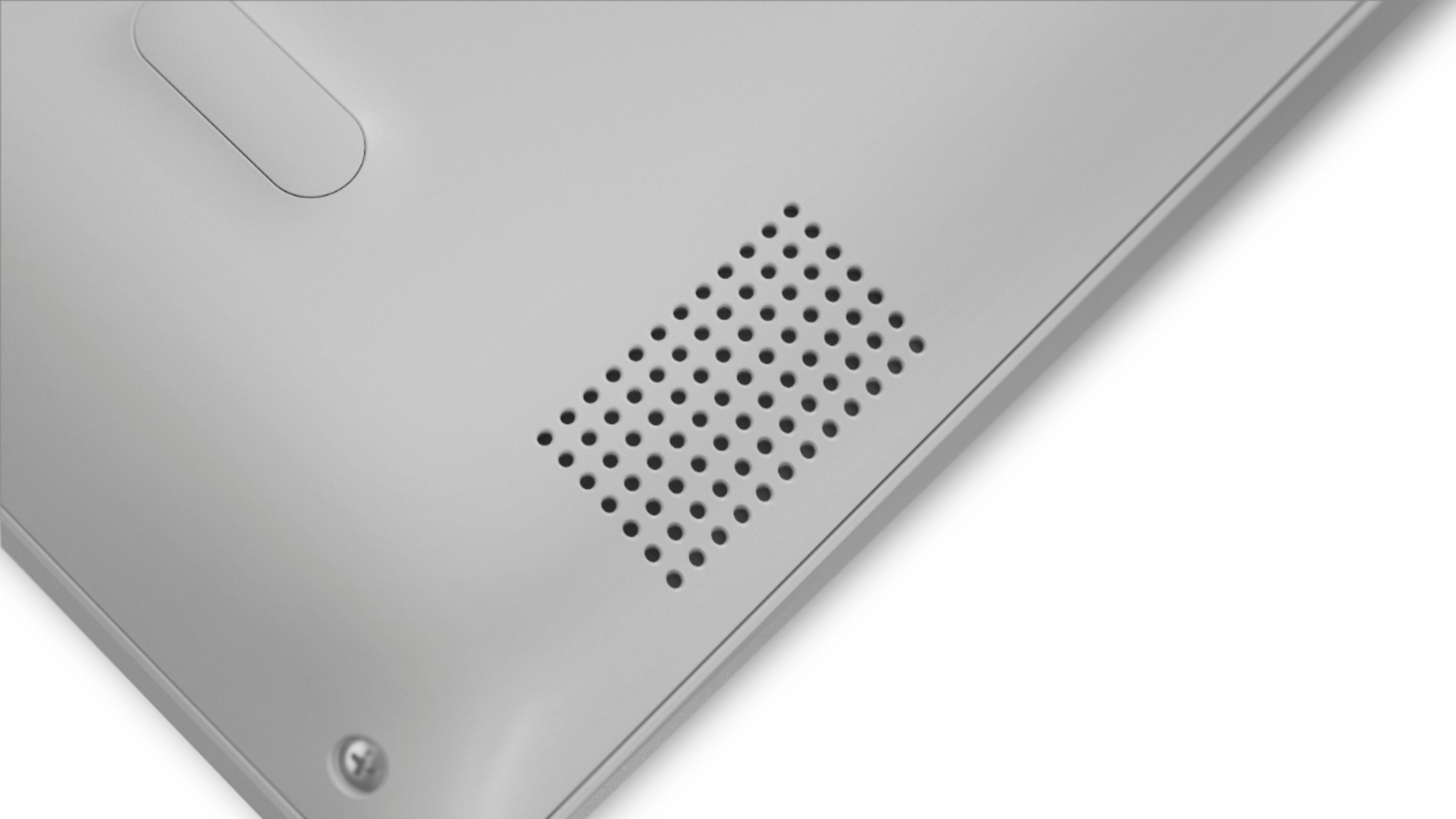
- Model:
- IDEAPAD 330S 15 - 81FB006AUS
- SKU:
- 6266403
Rating by feature
- Value
Rating 3.9 out of 5 stars
- Quality
Rating 3.9 out of 5 stars
- Ease of Use
Rating 4.2 out of 5 stars
Customers are saying
Customers commend the 330S-15ARR 15.6" Laptop for its fast performance, lightweight design, and affordable price. It is well-suited for gaming and schoolwork. However, some users have concerns about the short battery life, limited storage capacity, and noisy fan.
This summary was generated by AI based on customer reviews.
BAD
Posted .This reviewer received promo considerations or sweepstakes entry for writing a review.It is a very cheap computer but very bad. you will lose your time. It does not work well with internet
No, I would not recommend this to a friendBrand response from Lenovo Product Expert
Posted .We are sorry to hear that you are having issues with your Lenovo IdeaPad 330s-15 laptop. This model ships with the latest 5G 802.11AC frequency WiFi, the IdeaPad 330s-15 is made for today's web. If you are having trouble with your internet connectivity, first be sure you have the latest version of Windows 10 on the computer, then be sure all of the supporting BIOS files and drivers are also up to date. You can easily do this by scanning the computer with the Lenovo Utility software installed on the device. This system has Lenovo utilities installed to help maintain the health of the device and keep the operating system software up to date. Type "Lenovo Vantage" in the Cortana Search window (if Lenovo Vantage is not installed on your device, you can download the APP and install it now). Select Lenovo Vantage from the list. In the window that opens, click on "Health and Support". In the expanded menu, select "Hardware Scan" In the window that opens, select "Run Quick Tests". This will scan your entire system for errors. Follow any directions that may pop up. If the problem continues after this scan, now click on "System Update". First select Windows update from the menu. Scan your system to be sure you have the latest version of Windows 10. Once that scan is complete, select "Additional Updates". This will scan your device to be sure there are no new BIOS/Driver updates needed. Follow any instructions that may pop up. If the issue still continues after these updates, we recommend you call Lenovo Tech Support at: 877-453-6686 for additional help. For 2018, Lenovo retained its place for a second year as the best laptop vendor:
https://www.laptopmag.com/articles/laptop-brand-ratings