Customer Ratings & Reviews

- Model:
- F0CB00RNUS
- SKU:
- 5732320
to a friend
Customers are saying
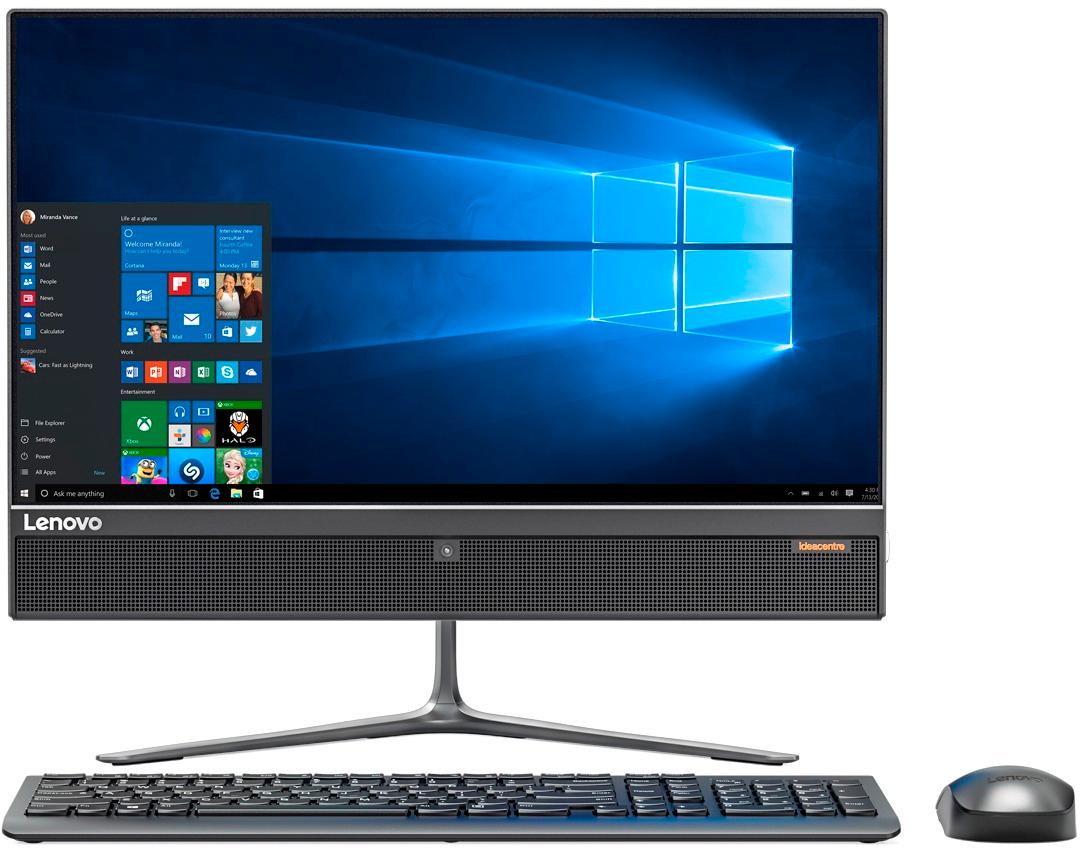
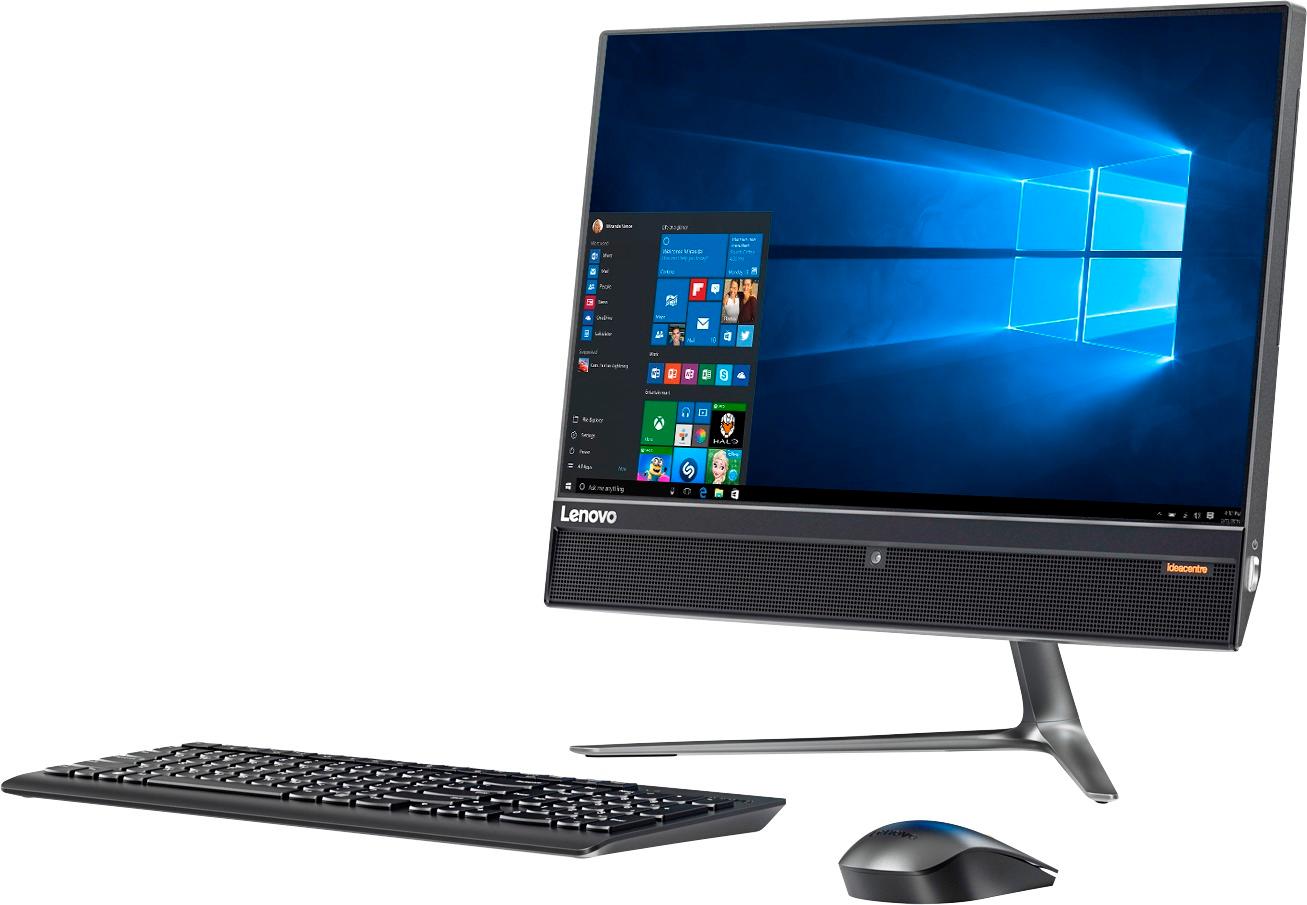
Customers are impressed with the 510-22ISH 21.5" Touch-Screen All-in-One's ease of use, touch screen functionality, and performance. Many appreciate its size and ample storage, finding it to be a great value for the price. While some users found the included mouse less than ideal, the overall experience has been positive.
This summary was generated by AI based on customer reviews.
Pleased with LENOVO.
||Posted .This reviewer received promo considerations or sweepstakes entry for writing a review.Some problems setting-up, but not due to computer function.
I would recommend this to a friendGood products
||Posted .This reviewer received promo considerations or sweepstakes entry for writing a review.Products serve the purpose intended for my business
I would recommend this to a friendBrand response from Lenovo Product Expert
Posted .Thank you for choosing the Lenovo IdeaCentre 510-22 All-In-One system for your business. We are pleased to hear that the IdeaCentre 510-22 AIO meets your business computing needs so well.

Great computer for beginners
||Posted .This reviewer received promo considerations or sweepstakes entry for writing a review.It works well and is a very good computer, also a space saver.
I would recommend this to a friendPoor
||Posted .This reviewer received promo considerations or sweepstakes entry for writing a review.Did not like this one as it was very heavy and the overall set up was not great
No, I would not recommend this to a friend- Pros mentioned:Speed
Best PC I have purchased
Posted .This reviewer received promo considerations or sweepstakes entry for writing a review.This is the best PC I have ever right-off purchased. I was a bit skeptical at first because of the processor - but I went for it. I've bought a $950 gaming laptop before and this beats that no questions asked. It has no bloatware at all (maybe one program for Lenovo) and it does not affect the PC at all in a bad way. Putting it together was a breeze - no tools required! It's fast and handles all of my heavy day-to-day use! The HDD is very fast and the 8GB of RAM makes things work well as well. I have no complaints what-so-ever. I've only had to restart it once in the month I've owned it for updates and that's all. Windows offers a Performance setting that will use the PC to it's full potential and man.. it has potential. I would buy this computer again and again for school, work, home use, and basically any other thing. It runs some games very well which is all I needed so this is the best buy I've really ever had. Don't waste your time with the useless HP computers that are full of annoying and performance-dragging bloatware.. go for Lenovo and you're sure to be amazed just as I was.
I would recommend this to a friendBrand response from Lenovo Product Expert
Posted .Thank you for choosing the Lenovo IdeaCentre 510-22 All-In-One system. We are pleased to hear that the performance of the IdeaCentre 510-22 AIO meets your computing needs so well.
Good computer for kids.
||Posted .This reviewer received promo considerations or sweepstakes entry for writing a review.The overall computer build is not too bad for this price point.
No, I would not recommend this to a friend- Pros mentioned:PerformanceCons mentioned:Mouse
Very nice
Posted .This reviewer received promo considerations or sweepstakes entry for writing a review.Quick setup, fast. Went with the All-in-one because I no longer need a laptop, (after all, I have a cell phone).... Screen res is great, decent sound. Not a lot of extra BS software, (BONUS)... My only drawback, the wired mouse is a little slow.... I'll have to address that in the settings. Happy Camper here....
I would recommend this to a friendBrand response from Lenovo Product Expert
Posted .Thank you for choosing the Lenovo IdeaCentre 510-22 All-In-One system. With regard to the mouse, you can make adjustments to the mouse in your system settings. You can get there by clicking on the magnifying glass at the bottom left of your Windows 10 screen. Type "mouse" in the search window. Select "Mouse & touchpad settings" from the list of choices. You can make general adjustments to the mouse there. You can also select "Additional mouse options" for more detailed adjustments to the mouse sensitivity by increasing the delay of the mouse.
- Pros mentioned:Speed
Wonderfully Pleased
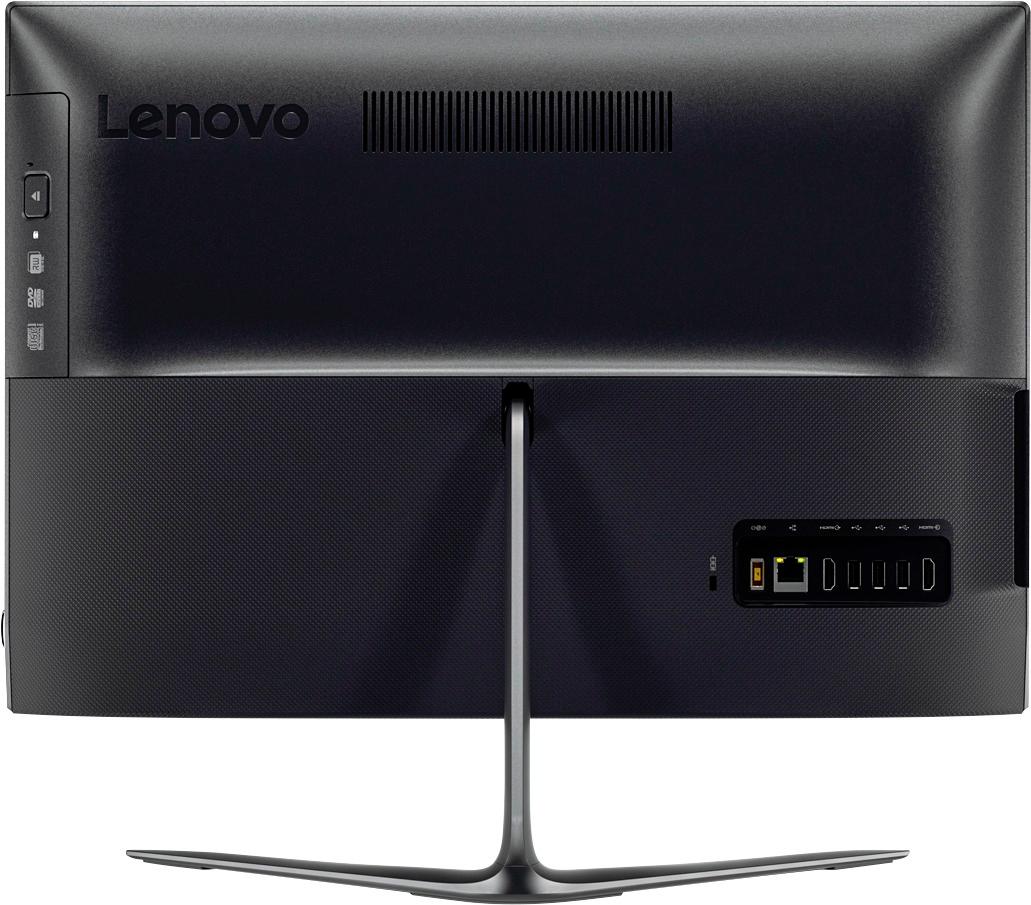
Posted .This reviewer received promo considerations or sweepstakes entry for writing a review.Purchased 9/25/2017. Recognized my Logitech M325c wireless mouse upon power up. Included wired mouse is ok. Included wired keyboard is good Lenovo quality kbd. Kbd function keys default to Fn. Need to press Fn key to get to volume up/down, for this particular keyboard model. AIO 22ISH : this model's config = 8GB RAM / 1TB 7200 rpm drive. Out of box to usable (after Win10's series of updates) : approx. 2hr 30min. What I like about this AIO22ISH: * Beautiful screen. Wide viewing angle, just gorgeous. Mine came out of box without any defective pixel. * Fast. Pentium G4560T may be called a "Pentium", but is faster than the Core i5-4200U of my laptop purchased several years ago. IOW, I do not perceive delays during use. Any slowness is due to hard disk, which is unavoidable. * Quietness. Desktop power at laptop quietness. Cannot hear fan. Only a little sound perceivable only in dead of night. But is much quieter than a traditional desktop would be. * Build quality. Out of box, has high quality feel to external cover, the stand, the screen, kbd, and mouse. Since I've only had it for 4 days, can't comment on durability, but I have that covered by a 2 year hw service plan. * Lenovo HW maintenance manual, quick startup guide shows how to add your own SSD drive. Easy access for memory too. * Included PowerDVD sw can play commercial DVD content (something left out by Win10). Cons? If I have to pick one, it would be the included kbd/mouse being wired and not wireless. A very minor one though. I have a lot of extra wireless mouse and do have a Bluetooth keyboard, so no biggie. Expandable : After loading CPU-Z utility sw, I can see that the 8GB of memory consists of 1 DIMM, with the other slot empty. This means I can pop in another 8GB DIMM. You can do homework to find the same speed & type of memory as the existing DIMM. Some memory vendor (eg Crucial) employs use of drop down menu, allowing you to select pc's brand, family, model to find exact type of compatible memory. There is also a M.2 SSD expansion slot, for adding in a SSD. You can either clone the existing hard disk to the new SSD, or install Win10 on it from scratch with the bootable ISO image downloaded from Microsoft. Since the copy of Win10 is already registered with Microsoft, the new install-from-scratch Win10 will be auto activated. If you do it this way, you should be able to get the computer up and running, then go to Lenovo.com to get the latest drivers for this model. Current disk usage is about 60GB, so you can squeeze by with a 128GB SSD, or get a 256GB. The existing 1TB drive can be used for storing large media files.
I would recommend this to a friendBrand response from Lenovo Product Expert
Posted .Thank you for choosing the Lenovo IdeaCentre 510-22 All-In-One system. We are pleased to hear that the value, features and performance of the IdeaCentre 510-22 AIO meets your computing needs so well.
- Cons mentioned:Mouse
Good price / performance value
Posted .This reviewer received promo considerations or sweepstakes entry for writing a review.I got this PC for my 7-year-old. He mostly browses the net and plays video games. I really like the form factor and the sound. I did install an SSD as even 7200 felt slow, which was a matter of preference. and got a new wireless keyboard/mouse from Logitech for under 20, which is a must: the bundled mouse virtually unusable. Otherwise, my only gripe would be no riser or screw for the SSD; come one would not have killed you to include that.
I would recommend this to a friend - Pros mentioned:Performance, Touch screen
my 2nd Lenovo
Posted .This reviewer received promo considerations or sweepstakes entry for writing a review.love love love it pretty snappy awesome touch screen nice speakers to I would highly recommend this pc
I would recommend this to a friendBrand response from Lenovo Product Expert
Posted .Thank you for choosing the Lenovo IdeaCentre 510-22 All-In-One system. We are pleased to hear that the features and performance of the IdeaCentre 510-22 AIO meets your computing needs so well.
Frustrated
Posted .This reviewer received promo considerations or sweepstakes entry for writing a review.I always look to customer reviews before I buy. I didnt see my issue listed in any reviews..... First trip across town to purchase, got excited brought it back to the office started everything up- NO OPERATING SYSTEM- Hmmmmm check order details supposed to have Windows 10. Pack it all back up. SECOND trip to store return one with no operating system. Get back to the office all excited I might be able to get something done today! Unpack, set up, turn on -NO OPERATING SYSTEM- check order details still supposed to have Windows 10. Headed back to the store for the 3rd time here's hoping. Will update my review IF I ever get one that actually has a operating system.
No, I would not recommend this to a friendBrand response from Lenovo Product Expert
Posted .At initial start up of the device repeatedly hit the F2 key until a menu opens that will allow you to select "OneKey Recovery". Select this option and restore to factory default. This should restore/initiate Windows 10.
Would not recommend
Posted .This reviewer received promo considerations or sweepstakes entry for writing a review.Pro - easy set up. Con - computer can be sluggish and cause you to wait for pages to fill. Would not recommend to a friend
No, I would not recommend this to a friendBrand response from Lenovo Product Expert
Posted .This system should provide adequate speed with its Intel Pentium processor and 8GB of RAM. The processor has a clock speed of 2.90 GHz. Be sure any software you installed is compatible with Windows 10. There is no need to install Microsoft Office software. The software is already part of the operating system, you just need to activate the software with a purchased product key. If you have installed a copy of Microsoft Office, this is conflicting with the existing copy on the system and this will slow your system down. If you have installed a 3rd party anti-virus program, be sure that Windows Defender is turned off and that the trial version of McAfee Anti-Virus software is uninstalled. There can only be one anti-virus program on the system. You may need to restore your system to original factory default settings if any of the programing errors have occurred. You can do that by typing "restore" in the Cortana search window. Just click on the magnifying glass icon at the bottom left of your Windows 10 Desktop. Click on "Reset This PC" Then click on "Get Started" and follow the on screen directions to restore to factory defaults.