Customer Ratings & Reviews
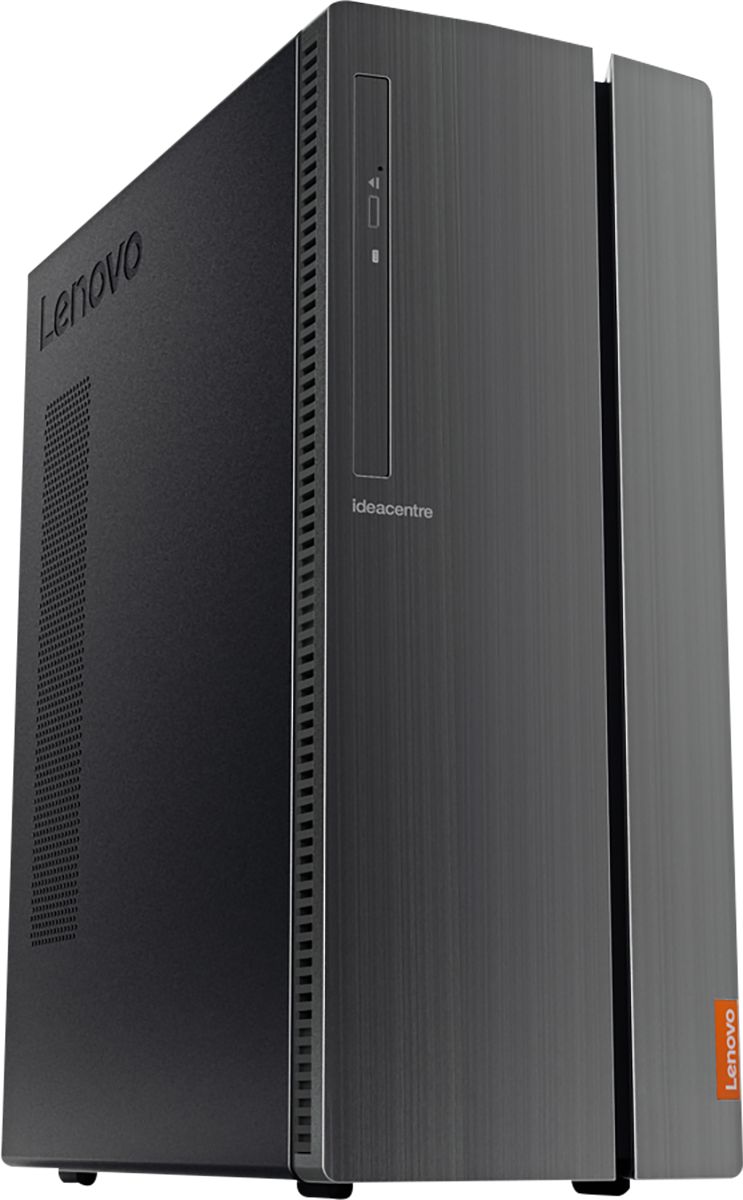
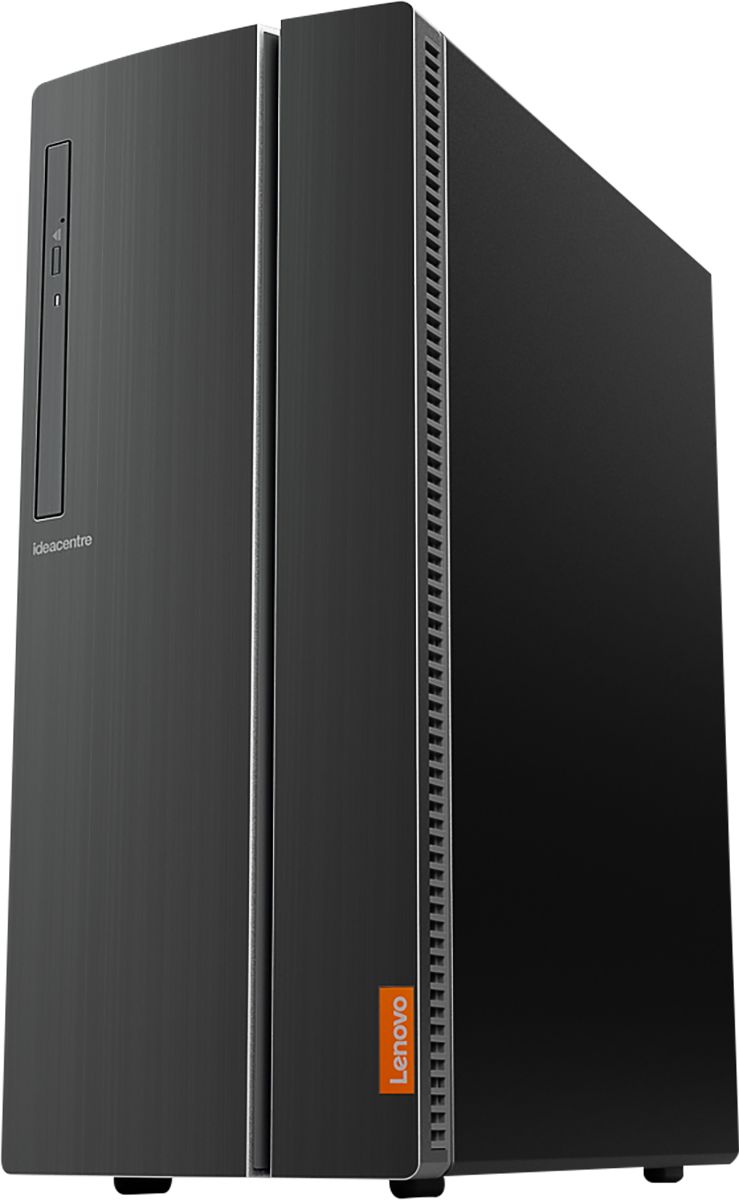
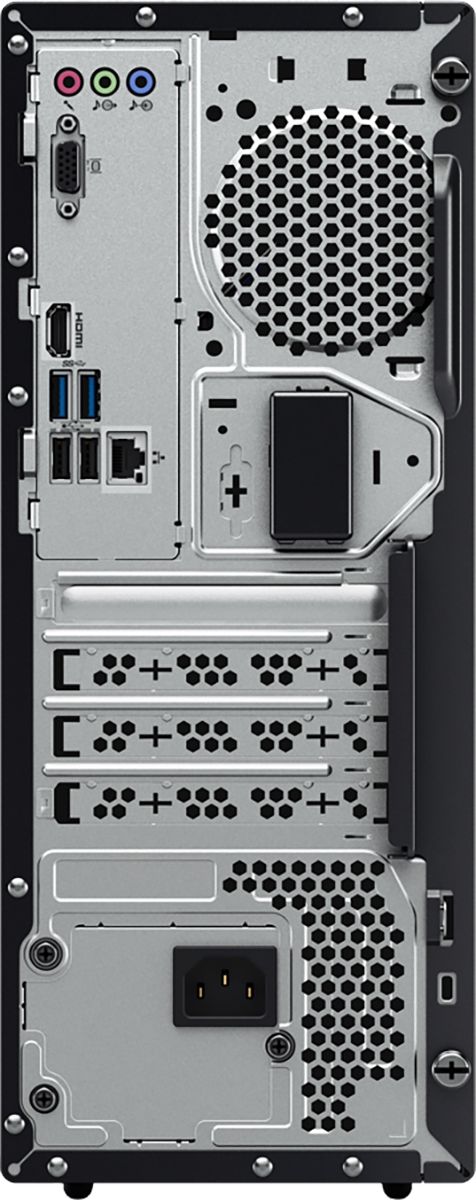
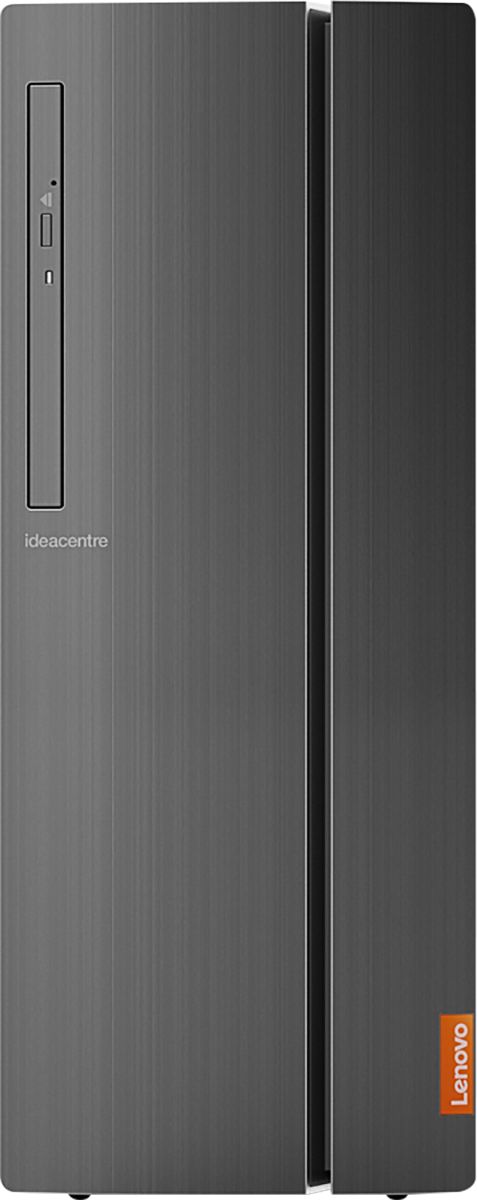
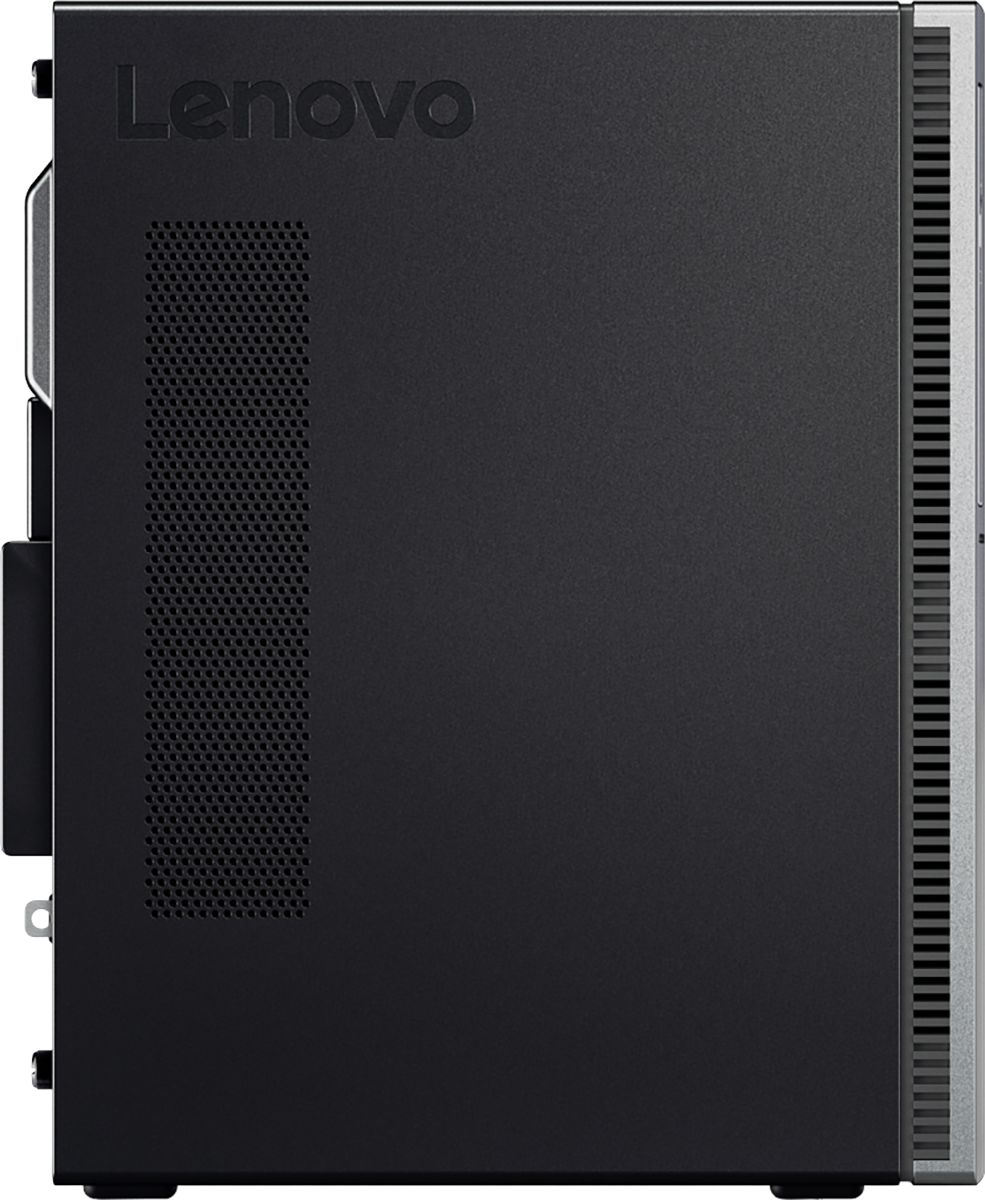

- Model:
- 90HV001MUS
- SKU:
- 6325578
Rating by feature
- Value
Rating 4.4 out of 5 stars
- Quality
Rating 4.4 out of 5 stars
- Ease of Use
Rating 4.5 out of 5 stars
Customers are saying
Customers consistently note the 510A-15ICB Desktop's ease of use, strong performance for its price, and ample storage. Many appreciate its compact size and quiet operation during use. While some users experienced issues with the operating system, the positive feedback on other features outweighs these concerns.
This summary was generated by AI based on customer reviews.
- Pros mentioned:Ease of use, Speed
Big improvement over 8 year old Dell
||Posted . Owned for 3 weeks when reviewed.This reviewer received promo considerations or sweepstakes entry for writing a review.Ease in setting up Nice displays on screen Fairly fast
I would recommend this to a friend Speedy Desktop gets it done for me
||Posted . Owned for 3 weeks when reviewed.This reviewer received promo considerations or sweepstakes entry for writing a review.This is a speedy desktop with lots of room for picture, music and video storage. I had used some Lenovo products at previous jobs and I always liked them. This is the first one I have owned personally, and I really do like it compared to the HP's I have had in the past (not that the HP's were bad).
I would recommend this to a friendBrand response from Lenovo Product Expert
Posted .Thanks for choosing the Lenovo IdeaCentre 510A Desktop. We are so happy to hear the features, performance, and user-friendly design of the IdeaCentre 510A Desktop is meeting your computing needs so well!

- Pros mentioned:PriceCons mentioned:Operating system
Stuck in infinite Windows auto repair loop... ugh
||Posted . Owned for 1 week when reviewed.This reviewer received promo considerations or sweepstakes entry for writing a review.At first we thought this was a great purchase for our 82 year old mom. All she needed was internet access for her movie schedules and email. First, we could not set up the computer without a text confirmation (she has no texting phone) or a non-academic system email address (she has an old academic system email). We had to get her a gmail account which she really didn't want at all. No option to get a phone call access code. Then, 2 weeks later, we are faced with a Windows 10 Stop Code: Bad System Config Info. No advanced options solves it after hours of trying. Returning for something else since we are within the return window. No happy. If it worked, it would be a great price for what we thought was a reputable brand.
No, I would not recommend this to a friend - Pros mentioned:Ease of use
Great Desktop!
||Posted . Owned for 2 weeks when reviewed.This reviewer received promo considerations or sweepstakes entry for writing a review.This works great and has 8GB of Memory! Easy to install!
I would recommend this to a friendBrand response from Lenovo Product Expert
Posted .Once again, thank you for choosing the Lenovo IdeaCentre 510A Desktop. You can keep your computer running at its best by keeping the Windows 10 Operating System and all supporting BIOS files and drivers up to date. You can easily accomplish this by scanning the computer with the Lenovo Utility software available on this computer. This system has Lenovo utilities installed to help maintain the health of the device and keep the operating system software up to date. Type "Lenovo Vantage" in the Cortana Search window (if Lenovo Vantage is not installed on your device, you can download the APP and install it now). Select Lenovo Vantage from the list. In the window that opens, click on "Health and Support". In the expanded menu, select "Hardware Scan" In the window that opens, select "Run Quick Tests". This will scan your entire system for errors. Follow any directions that may pop up. If the problem continues after this scan, now click on "System Update". First select Windows update from the menu. Scan your system to be sure you have the latest version of Windows 10. Once that scan is complete, select "Additional Updates". This will scan your device to be sure there are no new BIOS/Driver updates needed. Follow any instructions that may pop up. If you ever need additional help with your Lenovo computer, we recommend you call Lenovo Tech Support at: 877-453-6686 for additional help.
- Pros mentioned:Speed
In the FAST lane.
||Posted . Owned for 1 month when reviewed.This reviewer received promo considerations or sweepstakes entry for writing a review.This Lenovo really gets things done much faster than my older laptop computer. I can only give it 4 stars because when playing my exercise DVD, about 1 out of 10 times it pauses intermittently, then fast-forwards and skips over a part of the exercise program.
I would recommend this to a friendBrand response from Lenovo Product Expert
Posted .Thank you for choosing the Lenovo IdeaCentre 510A desktop. With regard to the skipping you are experiencing when you play your DVD, be sure the DVD format is compatible with the Media Player Software you are using. You can find out what file format the DVD is in from the package the DVD came in. Then check the files that your Media Payer software is compatible with. If you are using Windows Media Player softer, you can see the file formats that are compatible are: https://support.microsoft.com/en-us/help/316992/file-types-supported-by-windows-media-player. If you are using a 3rd party media player softer, check the packaging the software came in for compatible files or check the software publisher's website for compatibility.
- Pros mentioned:Ease of use
nice computer
||Posted . Owned for 3 weeks when reviewed.This reviewer received promo considerations or sweepstakes entry for writing a review.easy to use quiet when it is being used nice looking
I would recommend this to a friendBrand response from Lenovo Product Expert
Posted .Thank you for choosing the Lenovo IdeaCentre 510A Desktop. We are pleased to hear that the ease of use and performance of the IdeaCentre 510A meets your computing needs so well. The Lenovo IdeaCentre 510A Desktop, model number 90HV001MUS, ships with the Quad-Core Intel Core i3-8100 processor, with a speed of 3.6GHz. This processor is supported by 8GB DDR4-2666MHz RAM. This is a mid-level, moderate use configuration. It is good with Microsoft Office type programs, internet browsing and other moderate work. If this describes your computing needs, the Lenovo IdeaCentre 510A Desktop, model number 90HV001MUS would be a good choice for you.
Great deal
||Posted . Owned for 3 weeks when reviewed.This reviewer received promo considerations or sweepstakes entry for writing a review.I suppose to buy a desktop from Costco.com but can't wait for the deliver, check costco warehouse but they can't carry the same model as online so drive to BestBuy, I pick up this model a bit lower spec i3 instead i5 than the on on Costco.com but I save $120.00. The store sales is very helpful as well. I am happy with my purchase!
I would recommend this to a friendBrand response from Lenovo Product Expert
Posted .Thank you for choosing the Lenovo IdeaCentre 510A desktop, model number 90HV001MUS. This model ships with the Quad-Core Intel Core i3-8100 processor, with a speed of 3.6GHz. This processor is supported by 8GB DDR4-2666MHz RAM. This configuration is good for moderate levels of usage with programs like Microsoft Office, streaming online video and general internet browsing. If this describes your level of computing, the Lenovo IdeaCentre 510A desktop, model number 90HV001MUS is a great choice.
- Pros mentioned:Ease of use, Performance
Very good computer
||Posted . Owned for 3 weeks when reviewed.This reviewer received promo considerations or sweepstakes entry for writing a review.Works well. Installed easily. Quick delivery. Thank you.
I would recommend this to a friendBrand response from Lenovo Product Expert
Posted .Thank you for choosing the Lenovo IdeaCentre 510A desktop. We are pleased to hear that the easy setup and performance of the IdeaCentre 510A meets your computing needs so well.
- Pros mentioned:Speed
great computer
||Posted . Owned for 1 month when reviewed.This reviewer received promo considerations or sweepstakes entry for writing a review.computer is fast,and has great controls,and good memory.
I would recommend this to a friendBrand response from Lenovo Product Expert
Posted .Thank you for choosing the Lenovo IdeaCentre 510A desktop. We are pleased to hear that the features and performance of the IdeaCentre 510A meets your computing needs so well.
- Pros mentioned:Ease of use, Speed
Speed
||Posted . Owned for 3 weeks when reviewed.This reviewer received promo considerations or sweepstakes entry for writing a review.Easy set up and the speed of the processor is great
I would recommend this to a friendBrand response from Lenovo Product Expert
Posted .Thank you for choosing the Lenovo IdeaCentre 510A Desktop, model number 90HV001MUS. The Lenovo IdeaCentre 510A Desktop, model number 90HV001MUS, ships with the Quad-Core Intel Core i3-8100 processor, with a speed of 3.6GHz. This processor is supported by 8GB DDR4-2666MHz RAM. This is a mid-level, moderate use configuration. It is good with Microsoft Office type programs, internet browsing and other moderate work. If this describes your computing needs, the Lenovo IdeaCentre 510A Desktop, model number 90HV001MUS would be a good choice for you.
- Pros mentioned:Ease of use, Speed
Love it
||Posted . Owned for 1 month when reviewed.This reviewer received promo considerations or sweepstakes entry for writing a review.Great computer for beginners, very easy and very fast
I would recommend this to a friendBrand response from Lenovo Product Expert
Posted .Thank you for choosing the Lenovo IdeaCentre 510A desktop, model number 90HV001MUS. This configuration ships with the Quad-Core Intel Core i3-8100 processor, with a speed of 3.6GHz. This processor is supported by 8GB DDR4-2666GHz. This is a mid-level, moderate use configuration, it is good with Microsoft Office type programs, internet browsing and other moderate work. If this describes your computing needs, the Lenovo IdeaCentre 510A desktop, model number 90HV001MUS would be a good choice for you.
- Pros mentioned:Ease of use
Good buy for the price
||Posted . Owned for 3 weeks when reviewed.This reviewer received promo considerations or sweepstakes entry for writing a review.I’m still learning because I had Windows 7 before . The computer works great for what I do . Now I just need to get used to Microsoft Edge and I will be fine. I have no complaints about the computer- it’s just what I needed to catch up with the times. If anyone asks me about it I would recommend it for my age group— over 65.
I would recommend this to a friendBrand response from Lenovo Product Expert
Posted .Once again, thank you for choosing the Lenovo IdeaCentre 510A Desktop. You can keep your computer running at its best by keeping the Windows 10 Operating System and all supporting BIOS files and drivers up to date. You can easily accomplish this by scanning the computer with the Lenovo Utility software available on this computer. This system has Lenovo utilities installed to help maintain the health of the device and keep the operating system software up to date. Type "Lenovo Vantage" in the Cortana Search window (if Lenovo Vantage is not installed on your device, you can download the APP and install it now). Select Lenovo Vantage from the list. In the window that opens, click on "Health and Support". In the expanded menu, select "Hardware Scan" In the window that opens, select "Run Quick Tests". This will scan your entire system for errors. Follow any directions that may pop up. If the problem continues after this scan, now click on "System Update". First select Windows update from the menu. Scan your system to be sure you have the latest version of Windows 10. Once that scan is complete, select "Additional Updates". This will scan your device to be sure there are no new BIOS/Driver updates needed. Follow any instructions that may pop up. If you ever need additional help with your Lenovo computer, we recommend you call Lenovo Tech Support at: 877-453-6686 for additional help.
- Pros mentioned:Ease of use, Performance
Great value
||Posted . Owned for 1 month when reviewed.This reviewer received promo considerations or sweepstakes entry for writing a review.Great value easy to setup and good for office work
I would recommend this to a friendBrand response from Lenovo Product Expert
Posted .Thank you for choosing the Lenovo IdeaCentre 510A Desktop, model number 90HV001MUS. This model ships with the Quad-Core Intel Core i3-8100 processor, with a speed of 3.6GHz. This processor is supported by 8GB DDR4-2666MHz RAM. This is a mid-level, moderate use configuration. It is good with Microsoft Office type programs, internet browsing and other moderate work. If this describes your computing needs, the Lenovo IdeaCentre 510A Desktop, model number 90HV001MUS would be a good choice for you.
- Pros mentioned:Ease of use, Performance
Great computer
||Posted . Owned for 1 month when reviewed.This reviewer received promo considerations or sweepstakes entry for writing a review.Great computer! Fits all my needs. Would recommend.
I would recommend this to a friendBrand response from Lenovo Product Expert
Posted .Once again, thank you for choosing the Lenovo IdeaCentre 510A Desktop. You can keep your computer running at its best by keeping the Windows 10 Operating System and all supporting BIOS files and drivers up to date. You can easily accomplish this by scanning the computer with the Lenovo Utility software available on this computer. This system has Lenovo utilities installed to help maintain the health of the device and keep the operating system software up to date. Type "Lenovo Vantage" in the Cortana Search window (if Lenovo Vantage is not installed on your device, you can download the APP and install it now). Select Lenovo Vantage from the list. In the window that opens, click on "Health and Support". In the expanded menu, select "Hardware Scan" In the window that opens, select "Run Quick Tests". This will scan your entire system for errors. Follow any directions that may pop up. If the problem continues after this scan, now click on "System Update". First select Windows update from the menu. Scan your system to be sure you have the latest version of Windows 10. Once that scan is complete, select "Additional Updates". This will scan your device to be sure there are no new BIOS/Driver updates needed. Follow any instructions that may pop up. If you ever need additional help with your Lenovo computer, we recommend you call Lenovo Tech Support at: 877-453-6686 for additional help.
- Pros mentioned:Price
Good Computer. Not to fast,but that is OK
||Posted . Owned for 1 week when reviewed.This reviewer received promo considerations or sweepstakes entry for writing a review.I bought this computer for my small business. It is what I needed. I did not want to spend to much on a new computer at this time. I am thinking about selling my business is why. I usually buy Dell but i could not pass this lenovo up for thay price. It was only 475.00 dollars with a 23 inch dell monitor.
I would recommend this to a friendBrand response from Lenovo Product Expert
Posted .The Lenovo IdeaCentre 510A desktop model number 90HV001MUS, ships with the Quad-Core Intel Core i3-8100 processor, with a speed of 3.6GHz. This processor is supported by 8GB DDR4-2666MHz RAM.
- Pros mentioned:Speed
Works great
||Posted . Owned for 7 months when reviewed.This reviewer received promo considerations or sweepstakes entry for writing a review.I only use this computer to pay my bills and it works great I do not have any issues with it now that I added protection plan on it to protect it from any viruses love the quality and speed in which the computer works
I would recommend this to a friendBrand response from Lenovo Product Expert
Posted .Thank you for choosing the Lenovo IdeaCentre 510A Desktop, model number 90HV001MUS. We are pleased to hear that the performance of the IdeaCentre 510A meets your computing needs so well. The Lenovo IdeaCentre 510A Desktop, model number 90HV001MUS, ships with the Quad-Core Intel Core i3-8100 processor, with a speed of 3.6GHz. This processor is supported by 8GB DDR4-2666MHz RAM. This is a mid-level, moderate use configuration. It is good with Microsoft Office type programs, internet browsing and other moderate work. If this describes your computing needs, the Lenovo IdeaCentre 510A Desktop, model number 90HV001MUS would be a good choice for you.
- Pros mentioned:Performance
RFJO
||Posted . Owned for 3 months when reviewed.This reviewer received promo considerations or sweepstakes entry for writing a review.I bought this computer for a friend of mine. I had purchased this computer in the i7 version in January 2019. I like it so much that when my friend needed a computer, but didn't need a whole lot of horsepower, I recommended the i3. They are very happy with it.
I would recommend this to a friendBrand response from Lenovo Product Expert
Posted .Thanks for choosing the Lenovo IdeaCentre 510A Desktop. We are so happy to hear the features, performance, and user-friendly design of the IdeaCentre 510A Desktop is meeting your computing needs so well! We appreciate your recommendation to your friend =)
- Pros mentioned:Speed
Great upgrade from 4th generation processor
||Posted . Owned for less than 1 week when reviewed.This reviewer received promo considerations or sweepstakes entry for writing a review.My old unit started to crash on me for simple tasks. Got this for basic stuff but the 8th gen processor does a little more than I thought so I've done some gaming on the unit as well. Nothing graphic heavy but still happily surprised how much multi tasking this unit can do for an i3.
I would recommend this to a friendBrand response from Lenovo Product Expert
Posted .Thank you for choosing the Lenovo IdeaCentre 510A Desktop, model number 90HV001MUS. The Lenovo IdeaCentre 510A Desktop, model number 90HV001MUS, ships with the Quad-Core Intel Core i3-8100 processor, with a speed of 3.6GHz. This processor is supported by 8GB DDR4-2666MHz RAM. This is a mid-level, moderate use configuration. It is good with Microsoft Office type programs, internet browsing and other moderate work. If this describes your computing needs, the Lenovo IdeaCentre 510A Desktop, model number 90HV001MUS would be a good choice for you.
- Pros mentioned:Price
Great new tower, easy to use, no complicated setup
||Posted . Owned for 3 weeks when reviewed.This reviewer received promo considerations or sweepstakes entry for writing a review.Sales person said that Lenovo had brought out IBM and was that this was a very good and up to date computer, I Google it, and yes everything the sales persons said was correct and right on point. Bought this computer and very happy with it. Good product at a sale price - win-win for me.
I would recommend this to a friendBrand response from Lenovo Product Expert
Posted .Thank you for choosing the Lenovo IdeaCentre 510A Desktop, model number 90HV001MUS. We are pleased to hear that the value and performance of the IdeaCentre 510A Desktop meets your computing needs so well. The Lenovo IdeaCentre 510A Desktop, model number 90HV001MUS, ships with the Quad-Core Intel Core i3-8100 processor, with a speed of 3.6GHz. This processor is supported by 8GB DDR4-2666MHz RAM. This is a mid-level, moderate use configuration. It is good with Microsoft Office type programs, internet browsing and other moderate work. If this describes your computing needs, the Lenovo IdeaCentre 510A Desktop, model number 90HV001MUS would be a good choice for you.
- Pros mentioned:Size
Truly a BESTBUY
||Posted . Owned for 1 month when reviewed.This reviewer received promo considerations or sweepstakes entry for writing a review.Very good unit. Compact enough that you can put on or under a desk. The new generation of the Intel I3 performs better than the I5 and approaches that of the 1st & 2nd generation of the I7. Overall this was a great buy and comes w/my highest reccomendation.
I would recommend this to a friendBrand response from Lenovo Product Expert
Posted .Thanks for choosing the Lenovo IdeaCentre 510A Desktop. We are so happy to hear the features, performance, and user-friendly design of the IdeaCentre 510A Desktop is meeting your computing needs so well! We appreciate your recommendation.