Customer Ratings & Reviews
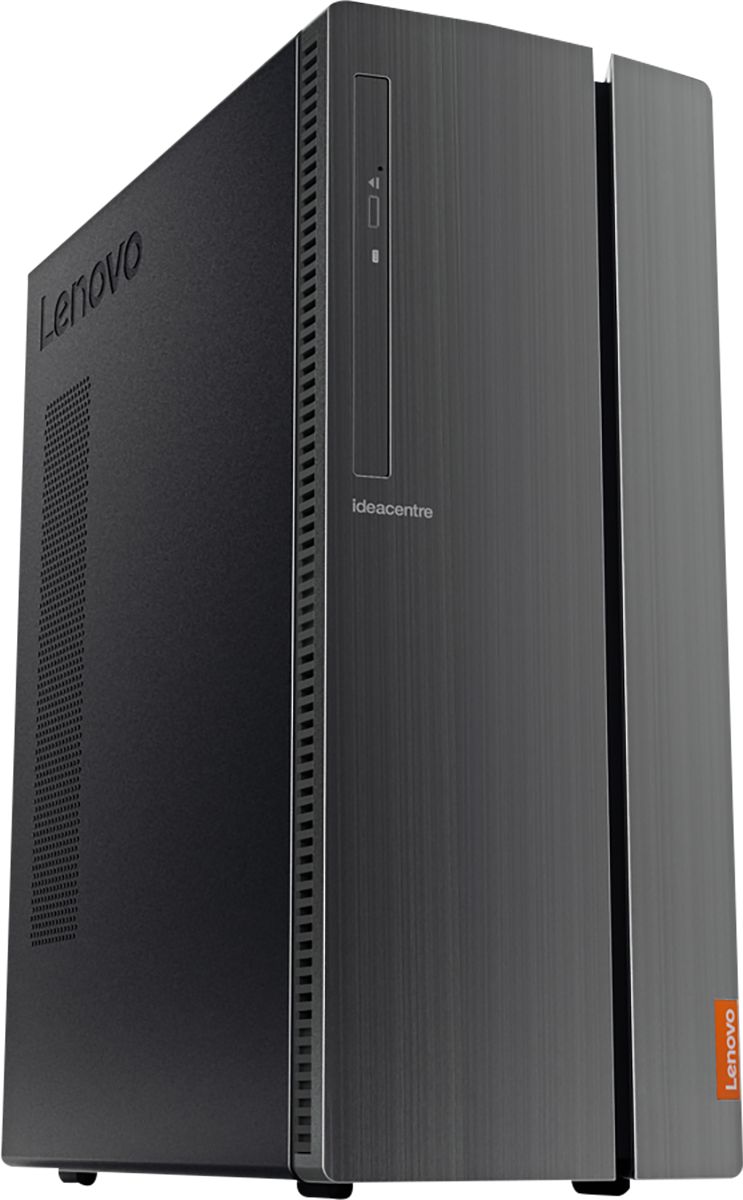
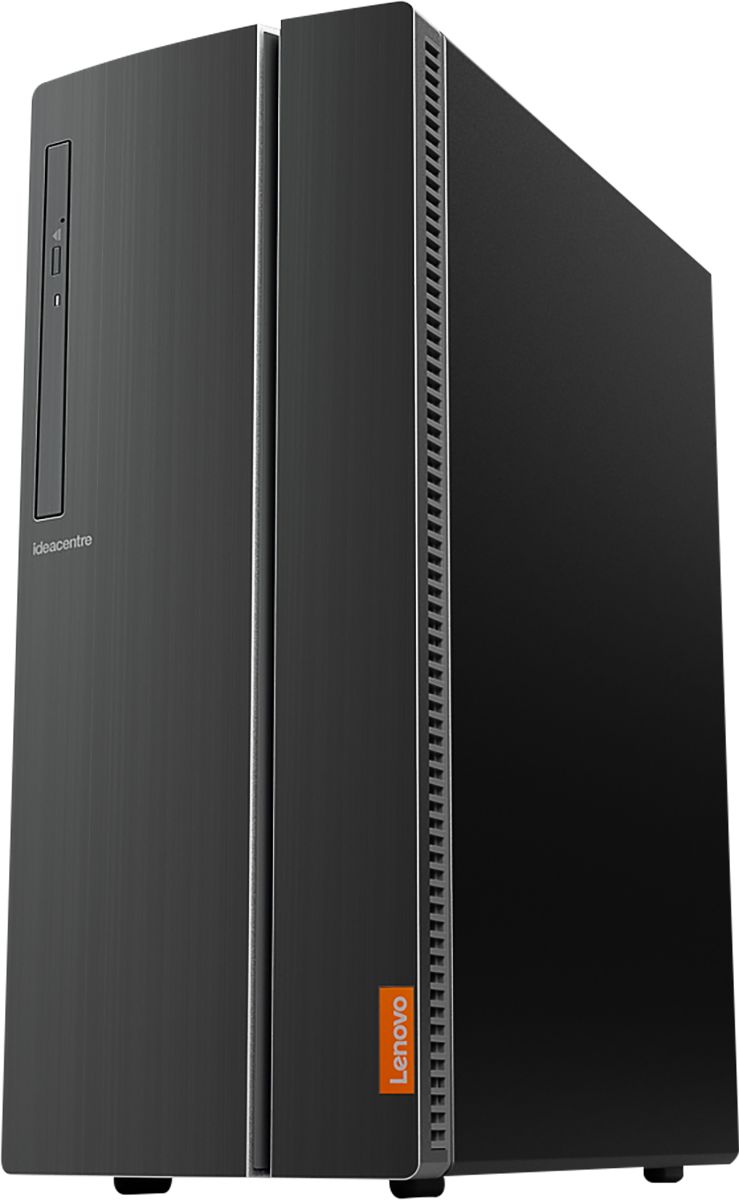
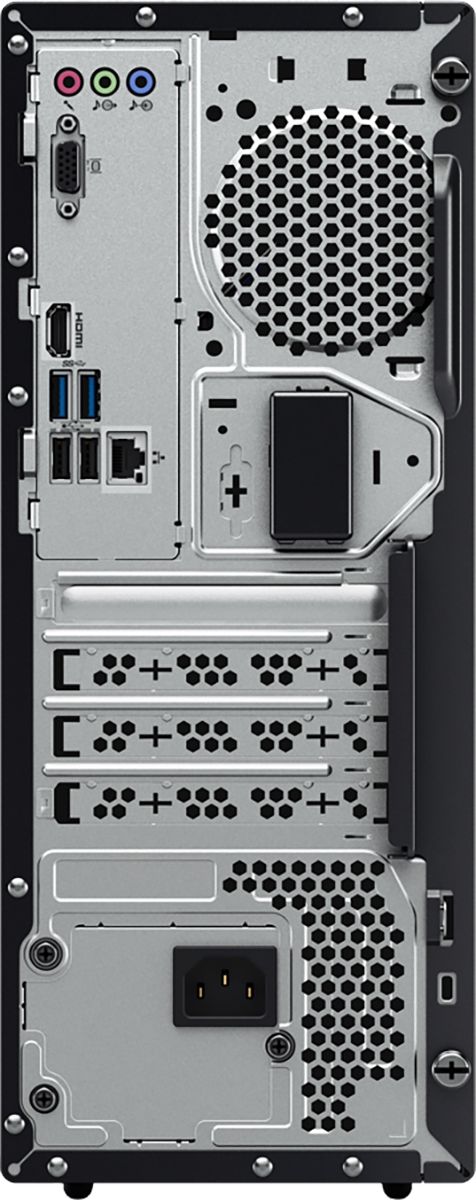
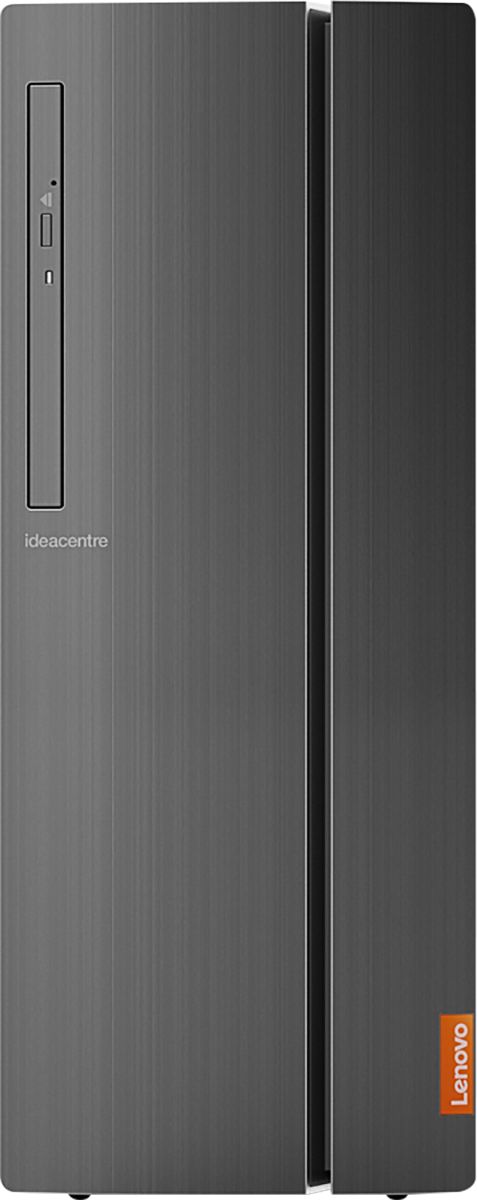
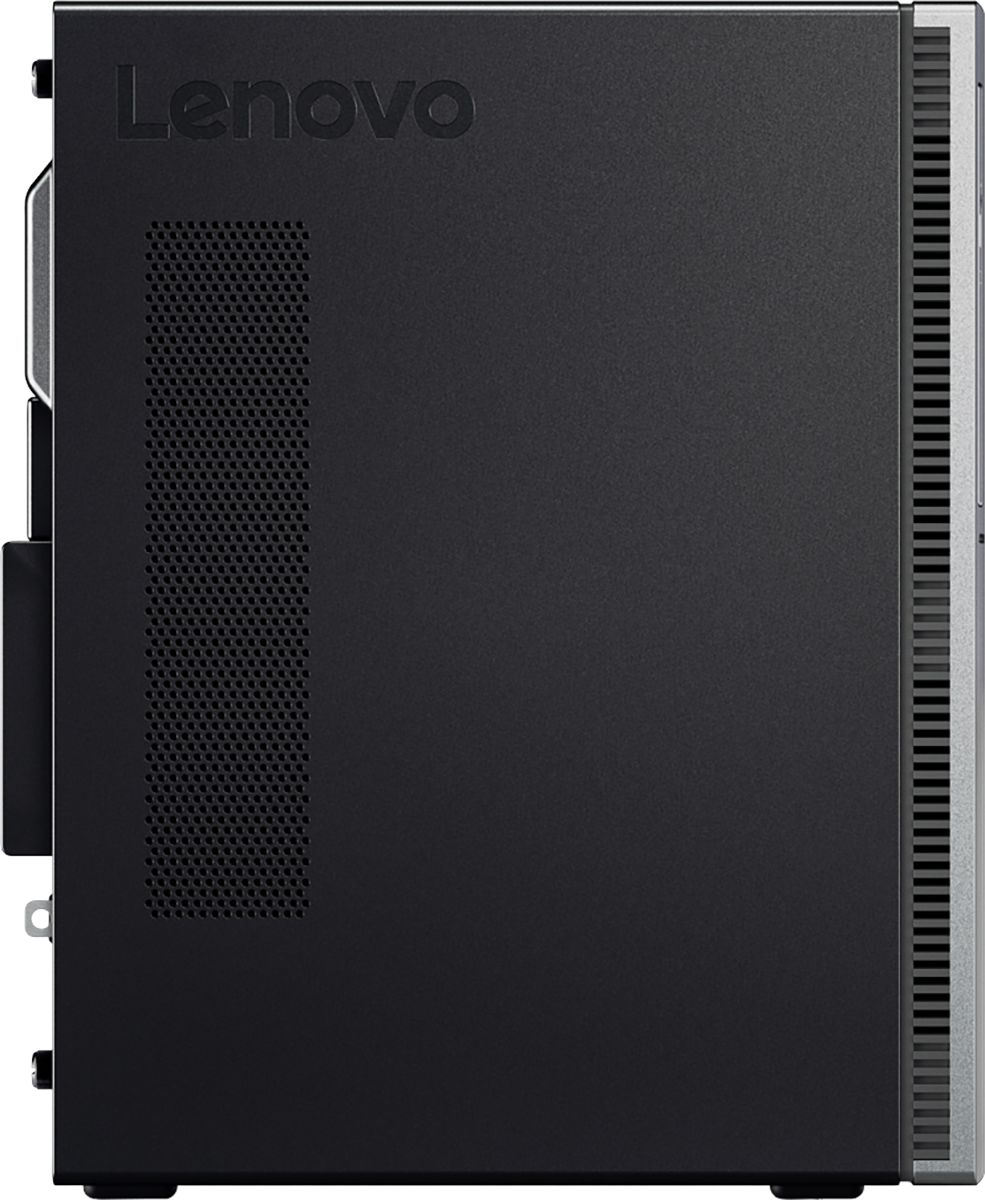

- Model:
- 90HV001MUS
- SKU:
- 6325578
Rating by feature
- Value
Rating 4.4 out of 5 stars
- Quality
Rating 4.4 out of 5 stars
- Ease of Use
Rating 4.5 out of 5 stars
Customers are saying
Customers consistently note the 510A-15ICB Desktop's ease of use, strong performance for its price, and ample storage. Many appreciate its compact size and quiet operation during use. While some users experienced issues with the operating system, the positive feedback on other features outweighs these concerns.
This summary was generated by AI based on customer reviews.
- Pros mentioned:Price
Nice desk too
||Posted . Owned for 3 weeks when reviewed.This reviewer received promo considerations or sweepstakes entry for writing a review.Nice desk top computer for the price. Had geek squad come to troubleshoot printer and had it working in 10 minutes. Only the next day it quit again. Going to have to have them come back
I would recommend this to a friendBrand response from Lenovo Product Expert
Posted .We hope the issues you were having pairing your printer to the Windows 10 Operating System within your Lenovo IdeaCentre 510A Desktop computer have been successfully corrected. You can keep your computer running at its best by keeping the Windows 10 Operating System and all supporting BIOS files and drivers up to date. You can easily accomplish this by scanning the computer with the Lenovo Utility software available on this computer. This system has Lenovo utilities installed to help maintain the health of the device and keep the operating system software up to date. Type "Lenovo Vantage" in the Cortana Search window (if Lenovo Vantage is not installed on your device, you can download the APP and install it now). Select Lenovo Vantage from the list. In the window that opens, click on "Health and Support". In the expanded menu, select "Hardware Scan" In the window that opens, select "Run Quick Tests". This will scan your entire system for errors. Follow any directions that may pop up. If the problem continues after this scan, now click on "System Update". First select Windows update from the menu. Scan your system to be sure you have the latest version of Windows 10. Once that scan is complete, select "Additional Updates". This will scan your device to be sure there are no new BIOS/Driver updates needed. Follow any instructions that may pop up. If you ever need additional help with your Lenovo computer, we recommend you call Lenovo Tech Support at: 877-453-6686 for additional help.

- Pros mentioned:Price
Quality New Computer
||Posted .This reviewer received promo considerations or sweepstakes entry for writing a review.Went in a week prior to scout out the best option for a new computer. Came between this one & a HP Pavillion that was slightly more expensive. Went with this one & am not disappointed.
I would recommend this to a friendBrand response from Lenovo Product Expert
Posted .Thank you for choosing the Lenovo IdeaCentre 510A desktop model number 90HV001MUS. We are pleased to hear that the value, features and performance of the IdeaCentre 510A meets your computing needs so well.
- Pros mentioned:Ease of use
Much Needed Addition
||Posted . Owned for 3 weeks when reviewed.This reviewer received promo considerations or sweepstakes entry for writing a review.We needed the upgrade so there is no complaint!! Easy to use, and with a fairly small footprint, it fits well in our small apartment on our corner desk.
I would recommend this to a friend - Pros mentioned:Speed
Desk top comments
||Posted . Owned for 3 weeks when reviewed.This reviewer received promo considerations or sweepstakes entry for writing a review.Had an old lap top that was extremely slow. Not needing a laptop (due to have tablets when we travel), I opted for a desk top. been very pleased with this unit
I would recommend this to a friend - Pros mentioned:Ease of use
Easy setup!
||Posted . Owned for 2 weeks when reviewed.This reviewer received promo considerations or sweepstakes entry for writing a review.If I had known how easy this was to setup and get started working I would have bought it a year ago! Perfect computer for me to use for work! (No gaming on this one for me).
I would recommend this to a friendBrand response from Lenovo Product Expert
Posted .Thank you for choosing the Lenovo IdeaCentre 510A Desktop. The Lenovo IdeaCentre 510A Desktop, model number 90HV001MUS, ships with the Quad-Core Intel Core i3-8100 processor, with a speed of 3.6GHz. This processor is supported by 8GB DDR4-2666MHz RAM. This is a mid-level, moderate use configuration. It is good with Microsoft Office type programs, internet browsing and other moderate work. If this describes your computing needs, the Lenovo IdeaCentre 510A Desktop, model number 90HV001MUS would be a good choice for you.
- Pros mentioned:Speed
Great price and computer!
||Posted . Owned for 3 weeks when reviewed.This reviewer received promo considerations or sweepstakes entry for writing a review.Exactly what I wanted and works great! I had an ancient computer for crafting and would take forever to do anything. This is great for what I was needing!
I would recommend this to a friendBrand response from Lenovo Product Expert
Posted .Thank you for choosing the Lenovo IdeaCentre 510A Desktop, model number 90HV001MUS. We are pleased to hear that the performance of the IdeaCentre 510A Desktop meets your computing needs so well.
Lenovo - 510A-15ICB Desktop
||Posted . Owned for 1 month when reviewed.This reviewer received promo considerations or sweepstakes entry for writing a review.I would have preferred a little faster computer but for home use it manages. Looking back, I should have purchased the next tier up. It is very quiet compared to my past HP.
I would recommend this to a friendBrand response from Lenovo Product Expert
Posted .The Lenovo IdeaCentre 510A Desktop, model number 90HV001MUS, ships with the Quad-Core Intel Core i3-8100 processor, with a speed of 3.6GHz. This processor is supported by 8GB DDR4-2666MHz RAM. This is a mid-level, moderate use configuration. It is good with Microsoft Office type programs, internet browsing and other moderate work. If this describes your computing needs, the Lenovo IdeaCentre 510A Desktop, model number 90HV001MUS would be a good choice for you.
- Pros mentioned:Performance
Life saver during quarantine
||Posted . Owned for 1 month when reviewed.This reviewer received promo considerations or sweepstakes entry for writing a review.Got this so I wouldn’t have to work from home on a laptop. It is a little slower than I’m used to, but all the same, works great and is making my work life so much easier.
I would recommend this to a friendBrand response from Lenovo Product Expert
Posted .Once again, thank you for choosing the Lenovo IdeaCentre 510A Desktop. You can keep your computer running at its best by keeping the Windows 10 Operating System and all supporting BIOS files and drivers up to date. You can easily accomplish this by scanning the computer with the Lenovo Utility software available on this computer. This system has Lenovo utilities installed to help maintain the health of the device and keep the operating system software up to date. Type "Lenovo Vantage" in the Cortana Search window (if Lenovo Vantage is not installed on your device, you can download the APP and install it now). Select Lenovo Vantage from the list. In the window that opens, click on "Health and Support". In the expanded menu, select "Hardware Scan" In the window that opens, select "Run Quick Tests". This will scan your entire system for errors. Follow any directions that may pop up. If the problem continues after this scan, now click on "System Update". First select Windows update from the menu. Scan your system to be sure you have the latest version of Windows 10. Once that scan is complete, select "Additional Updates". This will scan your device to be sure there are no new BIOS/Driver updates needed. Follow any instructions that may pop up. If you ever need additional help with your Lenovo computer, we recommend you call Lenovo Tech Support at: 877-453-6686 for additional help.
Fast!
||Posted . Owned for 3 weeks when reviewed.This reviewer received promo considerations or sweepstakes entry for writing a review.I needed to update. This computer has more memory, and I have the most current windows program. I am happy with it's performance so far.
I would recommend this to a friendBrand response from Lenovo Product Expert
Posted .Thank you for choosing the Lenovo IdeaCentre 510A desktop. We are pleased to hear that the features and performance of the IdeaCentre 510A meets your computing needs so well.
- Cons mentioned:Operating system
Great but I Hate windows 10
||Posted . Owned for 1 month when reviewed.This reviewer received promo considerations or sweepstakes entry for writing a review.Due to Windows 10 Everything is Different but Geek Squad is working on computer now I bought a Tech Support membership before I bought Lenovo old computer was nothing but problems
I would recommend this to a friendBrand response from Lenovo Product Expert
Posted .With regard to learning your way around Windows 10, you may want to try YouTube.com (just type that address in your browser address window). There are hundreds for free instructional videos there about Windows 10. Just type Windows 10 Introduction in to the YouTube search window. You can watch free videos there that will show you the basics all the way up to tips and tricks videos and they're all free.
- Pros mentioned:Performance
Does what we needed it for
||Posted . Owned for 1 month when reviewed.This reviewer received promo considerations or sweepstakes entry for writing a review.So far, this computer has performed as expected with no problems. We purchased it specifically to run our CNC router machine and have been happy with our purchase.
I would recommend this to a friendBrand response from Lenovo Product Expert
Posted .Thank you for choosing the Lenovo IdeaCentre 510A Desktop, model number 90HV001MUS. We are pleased to hear that the performance of the IdeaCentre 510A meets your computing needs so well. The Lenovo IdeaCentre 510A Desktop, model number 90HV001MUS, ships with the Quad-Core Intel Core i3-8100 processor, with a speed of 3.6GHz. This processor is supported by 8GB DDR4-2666MHz RAM. This is a mid-level, moderate use configuration. It is good with Microsoft Office type programs, internet browsing and other moderate work. If this describes your computing needs, the Lenovo IdeaCentre 510A Desktop, model number 90HV001MUS would be a good choice for you.
- Pros mentioned:Speed
Christmas Gift
||Posted . Owned for 1 month when reviewed.This reviewer received promo considerations or sweepstakes entry for writing a review.We bought mom and dad a new computer for Christmas and was very pleased with it. My mom is thrilled how much faster it is than her old computer. Easy to install and set up.
I would recommend this to a friendBrand response from Lenovo Product Expert
Posted .Thank you for choosing the Lenovo IdeaCentre 510A Desktop for your parents. We are pleased to hear that the IdeaCentre 510A meets the computing needs of your parents' so well. The Lenovo IdeaCentre 510A Desktop, model number 90HV001MUS, ships with the Quad-Core Intel Core i3-8100 processor, with a speed of 3.6GHz. This processor is supported by 8GB DDR4-2666MHz RAM. This is a mid-level, moderate use configuration. It is good with Microsoft Office type programs, internet browsing and other moderate work. If this describes your computing needs, the Lenovo IdeaCentre 510A Desktop, model number 90HV001MUS would be a good choice for you.
- Pros mentioned:Speed
Great desktop for home use.
||Posted . Owned for 1 month when reviewed.This reviewer received promo considerations or sweepstakes entry for writing a review.This desktop actually has more than what we need, but the price was right. The machine is quiet and the speed of the internet connection is so much faster than our old desktop.
I would recommend this to a friendBrand response from Lenovo Product Expert
Posted .Thank you for choosing the lenovo IdeaCentre 510A Desktop, model number 90HV001MUS. This model ships with the Quad-Core Intel Core i3-8100 processor, with a speed of 3.6GHz. This processor is supported by 8GB DDR4-2666MHz RAM. This is a mid-level, moderate use configuration. It is good with Microsoft Office type programs, internet browsing and other moderate work. If this describes your computing needs, the lenovo IdeaCentre 510A Desktop, model number 90HV001MUS would be a good choice for you.
- Pros mentioned:Speed
Great computer
||Posted . Owned for 1 month when reviewed.This reviewer received promo considerations or sweepstakes entry for writing a review.I purchased this computer for my granddaughter in college. She loves how fast the processor is. It is not only great for school but she also plays games on it.
I would recommend this to a friendBrand response from Lenovo Product Expert
Posted .Thank you for choosing the Lenovo IdeaCentre 510A Desktop computer for your grand daughter. We are pleased to hear that the IdeaCentre 510A is working out so well for your grand daughter.
- Pros mentioned:Price
Good replacement
||Posted . Owned for 1 month when reviewed.This reviewer received promo considerations or sweepstakes entry for writing a review.I was having a problem with an older computer. I liked the price and specifications. Very easily I was able to install all of my files. Great price. Quiet.
I would recommend this to a friendBrand response from Lenovo Product Expert
Posted .Thank you for choosing the Lenovo IdeaCentre 510A Desktop, model number 90HV001MUS. We are pleased to hear that the easy setup and performance of the IdeaCentre 510A meets your computing needs so well. The Lenovo IdeaCentre 510A Desktop, model number 90HV001MUS, ships with the Quad-Core Intel Core i3-8100 processor, with a speed of 3.6GHz. This processor is supported by 8GB DDR4-2666MHz RAM. This is a mid-level, moderate use configuration. It is good with Microsoft Office type programs, internet browsing and other moderate work. If this describes your computing needs, the Lenovo IdeaCentre 510A Desktop, model number 90HV001MUS would be a good choice for you.
- Pros mentioned:Ease of use
Worked out great for our new employee
||Posted . Owned for 3 weeks when reviewed.This reviewer received promo considerations or sweepstakes entry for writing a review.We purchased this system for out new Priest. It was very easy to set up and the Priest is very pleased with the system. I have had good luck with Lenovo products.
I would recommend this to a friendBrand response from Lenovo Product Expert
Posted .Once again, thank you for choosing the Lenovo IdeaCentre 510A Desktop. This computer can continue running at its best by keeping the Windows 10 Operating System and all supporting BIOS files and drivers up to date. You can easily accomplish this by scanning the computer with the Lenovo Utility software available on this computer. This system has Lenovo utilities installed to help maintain the health of the device and keep the operating system software up to date. Type "Lenovo Vantage" in the Cortana Search window (if Lenovo Vantage is not installed on your device, you can download the APP and install it now). Select Lenovo Vantage from the list. In the window that opens, click on "Health and Support". In the expanded menu, select "Hardware Scan" In the window that opens, select "Run Quick Tests". This will scan your entire system for errors. Follow any directions that may pop up. If the problem continues after this scan, now click on "System Update". First select Windows update from the menu. Scan your system to be sure you have the latest version of Windows 10. Once that scan is complete, select "Additional Updates". This will scan your device to be sure there are no new BIOS/Driver updates needed. Follow any instructions that may pop up. If you ever need additional help with your Lenovo computer, we recommend you call Lenovo Tech Support at: 877-453-6686 for additional help.
Upgraded
||Posted . Owned for 8 months when reviewed.This reviewer received promo considerations or sweepstakes entry for writing a review.I got this as a gift for my grandmother she has used it for a year almost and likes i And it was a massive update from her 2005 HP dual core
I would recommend this to a friend- Pros mentioned:Performance
Great computer for your needs
||Posted . Owned for 1 month when reviewed.This reviewer received promo considerations or sweepstakes entry for writing a review.The Lenova installed very smoothly and is running great. We installed several software packages all smoothly too. We had this up and running quickly with zero issues.
I would recommend this to a friendBrand response from Lenovo Product Expert
Posted .Thank you for choosing the Lenovo IdeaCentre 510A Desktop. We are pleased to hear that the ease of setup and performance of the IdeaCentre 510A meets your computing needs so well. The Lenovo IdeaCentre 510A Desktop, model number 90HV001MUS, ships with the Quad-Core Intel Core i3-8100 processor, with a speed of 3.6GHz. This processor is supported by 8GB DDR4-2666MHz RAM. This is a mid-level, moderate use configuration. It is good with Microsoft Office type programs, internet browsing and other moderate work. If this describes your computing needs, the Lenovo IdeaCentre 510A Desktop, model number 90HV001MUS would be a good choice for you.
- Pros mentioned:Price
great price for a good computer
||Posted . Owned for 3 months when reviewed.This reviewer received promo considerations or sweepstakes entry for writing a review.Excellent price for this computer. Needed to replace a few computers at work and this worked out perfectly since I can pick it up same day from local store.
I would recommend this to a friendBrand response from Lenovo Product Expert
Posted .Once again, thank you for choosing the Lenovo IdeaCentre 510A Desktop for your business. You can keep your computer running at its best by keeping the Windows 10 Operating System and all supporting BIOS files and drivers up to date. You can easily accomplish this by scanning the computer with the Lenovo Utility software available on this computer. Just type "Lenovo Vantage" in the Cortana Search window (if Lenovo Vantage is not installed on your device, you can download the APP and install it now). Select Lenovo Vantage from the list. In the window that opens, click on "Health and Support". In the expanded menu, select "Hardware Scan" In the window that opens, select "Run Quick Tests". This will scan your entire system for errors. Follow any directions that may pop up. If the problem continues after this scan, now click on "System Update". First select Windows update from the menu. Scan your system to be sure you have the latest version of Windows 10. Once that scan is complete, select "Additional Updates". This will scan your device to be sure there are no new BIOS/Driver updates needed. Follow any instructions that may pop up. If you ever need additional help with your Lenovo computer, we recommend you call Lenovo Tech Support at: 877-453-6686 for additional help.
- Pros mentioned:Performance
Very good for home use
||Posted .This reviewer received promo considerations or sweepstakes entry for writing a review.Lenovo - 510A-15ICB Desktop - Intel Core i3 - 8GB Memory - 1TB Hard Drive - Black works very well for my home use. I have nothing bad to say about the product.
I would recommend this to a friendBrand response from Lenovo Product Expert
Posted .Once again, thank you for choosing the Lenovo IdeaCentre 510A Desktop. You can keep your computer running at its best by keeping the Windows 10 Operating System and all supporting BIOS files and drivers up to date. You can easily accomplish this by scanning the computer with the Lenovo Utility software available on this computer. This system has Lenovo utilities installed to help maintain the health of the device and keep the operating system software up to date. Type "Lenovo Vantage" in the Cortana Search window (if Lenovo Vantage is not installed on your device, you can download the APP and install it now). Select Lenovo Vantage from the list. In the window that opens, click on "Health and Support". In the expanded menu, select "Hardware Scan" In the window that opens, select "Run Quick Tests". This will scan your entire system for errors. Follow any directions that may pop up. If the problem continues after this scan, now click on "System Update". First select Windows update from the menu. Scan your system to be sure you have the latest version of Windows 10. Once that scan is complete, select "Additional Updates". This will scan your device to be sure there are no new BIOS/Driver updates needed. Follow any instructions that may pop up. If you ever need additional help with your Lenovo computer, we recommend you call Lenovo Tech Support at: 877-453-6686 for additional help.