Customer Ratings & Reviews
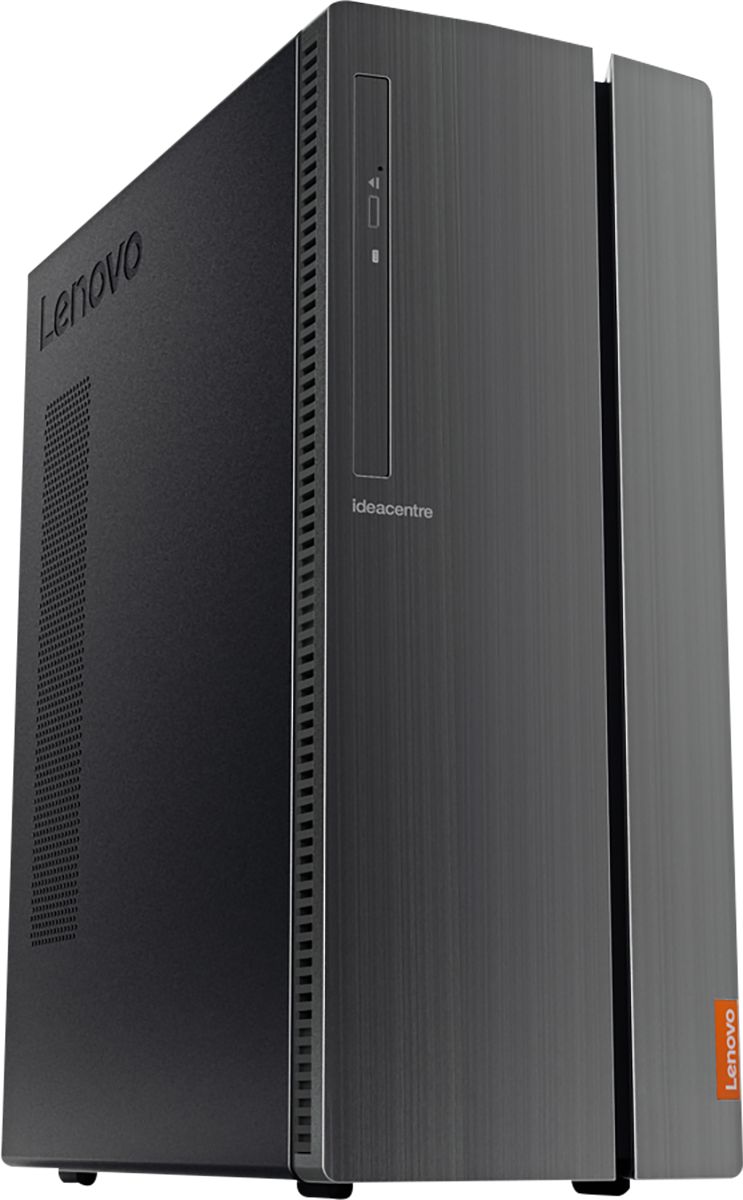
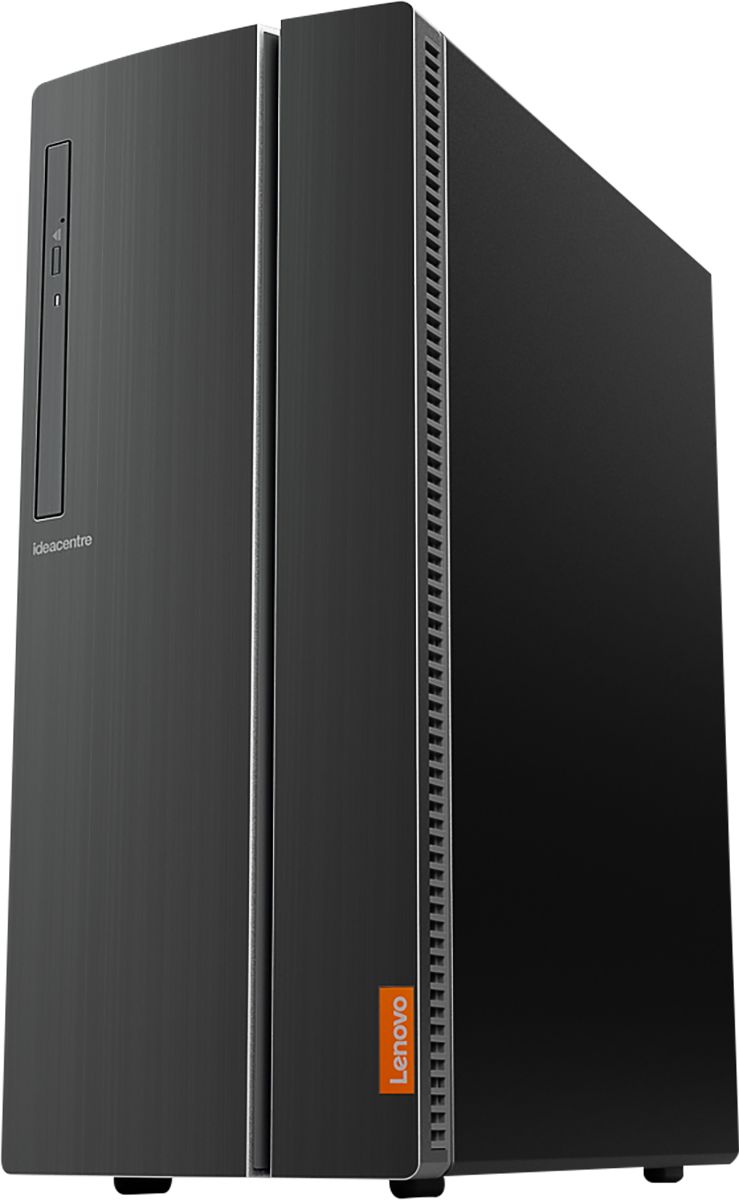
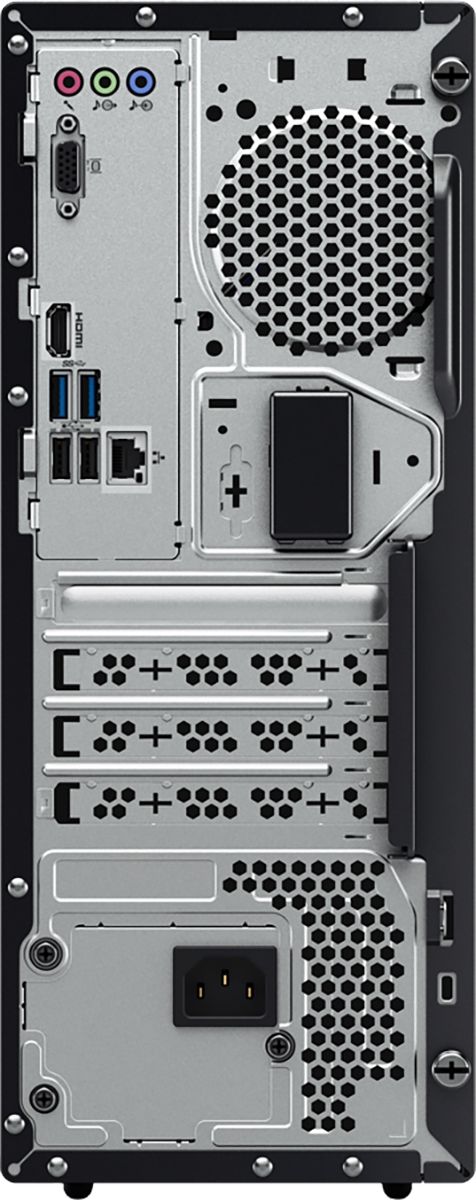
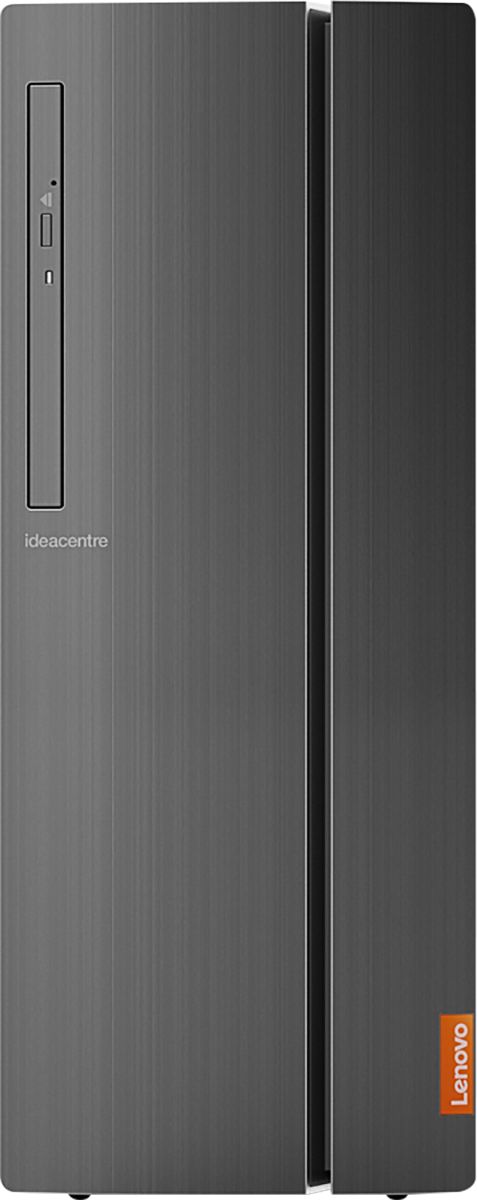

- Model:
- 90HV001MUS
- SKU:
- 6325578
Rating by feature
- Value
Rating 4.4 out of 5 stars
- Quality
Rating 4.4 out of 5 stars
- Ease of Use
Rating 4.5 out of 5 stars
Customers are saying
Customers consistently note the 510A-15ICB Desktop's ease of use, strong performance for its price, and ample storage. Many appreciate its compact size and quiet operation during use. While some users experienced issues with the operating system, the positive feedback on other features outweighs these concerns.
This summary was generated by AI based on customer reviews.
Great computer for beginners
||Posted . Owned for 1 month when reviewed.This reviewer received promo considerations or sweepstakes entry for writing a review.Good product to use for personal use. Recommended.
I would recommend this to a friendBrand response from Lenovo Product Expert
Posted .Once again, thank you for choosing the Lenovo IdeaCentre 510A Desktop. You can keep your computer running at its best by keeping the Windows 10 Operating System and all supporting BIOS files and drivers up to date. You can easily accomplish this by scanning the computer with the Lenovo Utility software available on this computer. This system has Lenovo utilities installed to help maintain the health of the device and keep the operating system software up to date. Type "Lenovo Vantage" in the Cortana Search window (if Lenovo Vantage is not installed on your device, you can download the APP and install it now). Select Lenovo Vantage from the list. In the window that opens, click on "Health and Support". In the expanded menu, select "Hardware Scan" In the window that opens, select "Run Quick Tests". This will scan your entire system for errors. Follow any directions that may pop up. If the problem continues after this scan, now click on "System Update". First select Windows update from the menu. Scan your system to be sure you have the latest version of Windows 10. Once that scan is complete, select "Additional Updates". This will scan your device to be sure there are no new BIOS/Driver updates needed. Follow any instructions that may pop up. If you ever need additional help with your Lenovo computer, we recommend you call Lenovo Tech Support at: 877-453-6686 for additional help.

after return worked through the issues
||Posted . Owned for 3 weeks when reviewed.This reviewer received promo considerations or sweepstakes entry for writing a review.Bought a certified geek squad unit and it had problems loading through the start-up. Took it back and got a new one and it had the same problem. Several hours later with tech support I was able to get the computer to boot, and have not had problems since.
No, I would not recommend this to a friendGreat deal
||Posted . Owned for 1 week when reviewed.This reviewer received promo considerations or sweepstakes entry for writing a review.High quality and slim fitting in a small workspace
I would recommend this to a friendBrand response from Lenovo Product Expert
Posted .Thank you for choosing the Lenovo IdeaCentre 510A desktop model number 90HV001MUS. This configuration ships with the Quad-Core Intel Core i3-8100 processor, with a speed of 3.6GHz. This processor is supported by 8GB DDR4-2666MHz RAM.
good buy
||Posted . Owned for 3 weeks when reviewed.This reviewer received promo considerations or sweepstakes entry for writing a review.so far we are having good success with our desktop
I would recommend this to a friendBrand response from Lenovo Product Expert
Posted .Thank you for choosing the Lenovo IdeaCentre 510A desktop model number 90HV001MUS. This model ships with the Quad-Core Intel Core i3-8100 processor, with a speed of 3.6GHz. This processor is supported by 8GB DDR4-2666MHz RAM.
Great
||Posted .This reviewer received promo considerations or sweepstakes entry for writing a review.Processor is good enough for my usage. No problems.
I would recommend this to a friendcomputer (for an old lady)
||Posted . Owned for 3 weeks when reviewed.This reviewer received promo considerations or sweepstakes entry for writing a review.I'm still trying to get used to it. I was able to retrieve my email account but was very disappointed that I could not do the same with Facebook. The "Geek" told me why. Other items are lost also - Word and my greeting cards.
I would recommend this to a friendStill trying to cope with Windows 10. Optional Gee
||Posted . Owned for 1 month when reviewed.This reviewer received promo considerations or sweepstakes entry for writing a review.Optional Geek Squad programs should include software assistance if the software was preloaded on the hardware. The computer requires regular restarts due to what appears to be a backup of actions that don't stop working when discontinued.
No, I would not recommend this to a friendBrand response from Lenovo Product Expert
Posted .We hope that the issues you were having with the Windows 10 Operating System have been resolved to your satisfaction. If not, always be sure any software you installed is compatible with Windows 10. There is no need to install Microsoft Office software. The software is already part of the operating system, you just need to activate the software with a purchased product key. If you have installed a copy of Microsoft Office, this is conflicting with the existing copy on the system and this will slow your system down. If you have installed a 3rd party anti-virus program, be sure that Windows Defender is turned off and that the trial version of McAfee Anti-Virus software is uninstalled. There can only be one anti-virus program on the system. You may need to restore your system to original factory default settings if any of the programming errors have occurred. You can do that by typing "restore" in the Cortana search window. Just click on the magnifying glass icon at the bottom left of your Windows 10 Desktop. Click on "Reset This PC" Then click on "Get Started" and follow the on screen directions to restore to factory defaults. If the problem persists, we recommend you contact Lenovo Tech Support at: 877-453-6686.
Good price
||Posted . Owned for 3 weeks when reviewed.This reviewer received promo considerations or sweepstakes entry for writing a review.I returned a Lenovo laptop for this desktop. However after getting it setup and turning it off, I went back to down load something and I only could get a blank screen. So I took it back to Best Buy and exchanged it for a HP.
No, I would not recommend this to a friendBrand response from Lenovo Product Expert
Posted .We are sorry to hear that you had issues with the Lenovo IdeaCentre 510A Desktop, model number 90HV001MUS. Be sure any software you installed is compatible with Windows 10. There is no need to install Microsoft Office software. The software is already part of the operating system, you just need to activate the software with a purchased product key. If you have installed a copy of Microsoft Office, this is conflicting with the existing copy on the system and this will slow your system down. If you have installed a 3rd party anti-virus program, be sure that Windows Defender is turned off and that the trial version of McAfee Anti-Virus software is uninstalled. There can only be one anti-virus program on the system. You may need to restore your system to original factory default settings if any of the programming errors have occurred. You can do that by typing "restore" in the Cortana search window. Just click on the magnifying glass icon at the bottom left of your Windows 10 Desktop. Click on "Reset This PC" Then click on "Get Started" and follow the on screen directions to restore to factory defaults. If the problem persists, we recommend you contact Lenovo Tech Support at: 877-453-6686.
Vibrant color
||Posted . Owned for 3 weeks when reviewed.This reviewer received promo considerations or sweepstakes entry for writing a review.The colors are vibrant. However I find too many things on the "START" screen, when you are looking for "POWER". My E Machine, had two simple steps to shut down. Other then that not too confusing for a senior.
I would recommend this to a friendBrand response from Lenovo Product Expert
Posted .Regarding finding the Power Button within the Windows 10 menu, just tap the Windows Button on your keyboard. The Power Button will be the closest button to the Windows Logo on the bottom of the menu. The Lenovo IdeaCentre 510A Desktop, model number 90HV001MUS, ships with the Quad-Core Intel Core i3-8100 processor, with a speed of 3.6GHz. This processor is supported by 8GB DDR4-2666MHz RAM. This is a mid-level, moderate use configuration. It is good with Microsoft Office type programs, internet browsing and other moderate work. If this describes your computing needs, the Lenovo IdeaCentre 510A Desktop, model number 90HV001MUS would be a good choice for you.
Decent computer for basic... But price a bit high
||Posted . Owned for 1 month when reviewed.This reviewer received promo considerations or sweepstakes entry for writing a review.For everyday web browsing and paying bills. A bit cheaper on design. The specs sound good but together don't put out enough performance. Should've spent a little more
No, I would not recommend this to a friendBrand response from Lenovo Product Expert
Posted .The Lenovo IdeaCentre 510A model number 90HV001MUS, ships with the Quad-Core Intel Core i3-8100 processor, with a speed of 3.6GHz. This processor is supported by 8GB DDR4-2666MHz RAM. This configuration is good for moderate levels of usage with programs like Microsoft Office, streaming online video and general internet browsing. If this describes your level of computing, the IdeaCentre 510A Desktop model number 90HV001MUS is a great choice.
Worst desktop I've ever owned.
||Posted . Owned for 3 months when reviewed.This reviewer received promo considerations or sweepstakes entry for writing a review.I bought this in July and have had nothing but problems with it. I previously owned a Dell with the same specs as this and until it was damaged during a home project it was great! This runs slow, freezes up on me constantly and I spend half the time rebooting it. I tried for weeks to get through cust. serv. and finally left my number for a call back. Never came and recently I got through only to have the rep tell me to reset the computer as he said it would only take an hour. 6 hours later it was up and running and freezing me out like before. I've been trying to call back with no luck. I know like anything you buy sometimes you get a lemon but I expect a company to stand behind their product and repair and replace if nothing else. I'm still trying to get through and if it comes out good I'll update this asap. Thank you but this is just frustrating.
No, I would not recommend this to a friendBrand response from Lenovo Product Expert
Posted .We are sorry to hear that you are having issues with your Lenovo IdeaCentre 510A Desktop, model number 90HV001MUS. Windows 10 should not freeze. Be sure any software you installed is compatible with Windows 10. There is no need to install Microsoft Office software. The software is already part of the operating system, you just need to activate the software with a purchased product key. If you have installed a copy of Microsoft Office, this is conflicting with the existing copy on the system and this will slow your system down. If you have installed a 3rd party anti-virus program, be sure that Windows Defender is turned off and that the trial version of McAfee Anti-Virus software is uninstalled. There can only be one anti-virus program on the system. You may need to restore your system to original factory default settings if any of the programing errors have occurred. You can do that by typing "restore" in the Cortana search window. Just click on the magnifying glass icon at the bottom left of your Windows 10 Desktop. Click on "Reset This PC" Then click on "Get Started" and follow the on screen directions to restore to factory defaults. If the problem persists, we recommend you contact Lenovo Tech Support at: 877-453-6686
Good pc but issues
||Posted . Owned for 3 weeks when reviewed.This reviewer received promo considerations or sweepstakes entry for writing a review.This pc had issues connecting a headset for work. Could be just some setting. But neither I nor tech support could make it work consistently. Exchanged for another brand.
No, I would not recommend this to a friendNot the best experience I've ever had....
||Posted . Owned for 1.5 years when reviewed.This reviewer received promo considerations or sweepstakes entry for writing a review.I bought 3 of these based on reviews. 2 are dead ( mother board or hard drive failures ) and one is beyond finicky if you restart it or shut it down it has to be re-booted at least twice to get into windows. They are used in small business application that are used all day 6 days a week. I expected more for sure. But maybe they are meant for limited use....
No, I would not recommend this to a friendGot the new computer. The next day you closed up.
||Posted . Owned for 1 month when reviewed.This reviewer received promo considerations or sweepstakes entry for writing a review.I know very little, so I had problems and still do. I know the safety problem. But i could not get an answer on the phone. Never in the time i have had it. I stayed on over one hour on three calls and thirty min on the other daily ones. I got a bill and paid the total amount in full.I have gotten three more and replied with a statement from the bank with a copy from my bank I paid for everything i purchased. The last bill was far a monthly payment ?
No, I would not recommend this to a friendLenovo computer with windows 10
||Posted . Owned for 3 weeks when reviewed.This reviewer received promo considerations or sweepstakes entry for writing a review.I can't figure out how the email system works and there are no directions on how to use windows10. Overall, I am not satisfied.
No, I would not recommend this to a friendOK
||Posted . Owned for 1 year when reviewed.This reviewer received promo considerations or sweepstakes entry for writing a review.Lost functionality, had to have its software wiped and reinstalled . Now stored as a backup in the event my HP desktop fails.
No, I would not recommend this to a friend- Pros mentioned:Price
Okay for home use.
||Posted . Owned for 3 weeks when reviewed.This reviewer received promo considerations or sweepstakes entry for writing a review.I like this product because it’s cheap! I don’t like it because no plugging in for ear set.
No, I would not recommend this to a friendBrand response from Lenovo Product Expert
Posted .The Lenovo IdeaCentre 510A Desktop, model number 90HV001MUS, ships with a separate 3.5 mm earphone jack and a 3.5 mm microphone jack behind the door on the front right side of this computer. Here is a link to the User Guide with diagrams illustrating the location of the audio jacks.
https://download.lenovo.com/consumer/desktop_pub/aio_510_510a_series_hmm_20180507.pdf. If you will be using a headset that requires both audio in as well as audio out for a microphone, you will need to connect your 3.5 mm headset to this computer with a splitter, like this one: https://www.bestbuy.com/site/insignia-headphones-splitter-black/6348659.p?skuId=6348659
doesn't have everything I need
||Posted . Owned for less than 1 week when reviewed.This reviewer received promo considerations or sweepstakes entry for writing a review.I can't find the serial number for this PC so I can't register it on the Lenovo website. I can't find an audio output jack on the PC. I need sound!
No, I would not recommend this to a friendBrand response from Lenovo Product Expert
Posted .The serial number of you specific computer is on the product label on the box the computer came in. If you no longer have the original box, you can allow the Lenovo.com website scan your system for the serial number, here is a link to instructions for doing this: https://pcsupport.lenovo.com/us/en/products/DESKTOPS-AND-ALL-IN-ONES/500-SERIES/510A-15ICB/solutions/HT505229?linkTrack=diagTopSolution%3AFind%20my%20product%20or%20serial%20number. Finally, the serial number can also be found on the operating system itself, within the BIOS of the operating system. Here is a link for finding your serial number within the BIOS: http://www.it4nextgen.com/how-to-find-serial-number-of-windows-pc/. You can plug external speakers into the 3.5mm headphone jack on the device. If you need additional help, we recommend you call Lenovo Tech Support at: 877-453-6686. Lenovo is the number #1 manufacturer of computers in the World:
https://venturebeat.com/2019/01/10/gartner-and-idc-hp-and-lenovo-shipped-the-most-pcs-in-2018-but-total-numbers-fell/
Ok product
||Posted . Owned for more than 2 years when reviewed.This reviewer received promo considerations or sweepstakes entry for writing a review.Work for two years great after two years started to have issues
No, I would not recommend this to a friendLenovo Desktop
||Posted . Owned for 1 month when reviewed.This reviewer received promo considerations or sweepstakes entry for writing a review.Got this computer on special. It is slow, but works as a simple use computer. Not something I would recommend for heavy use.
No, I would not recommend this to a friend