Customer Ratings & Reviews
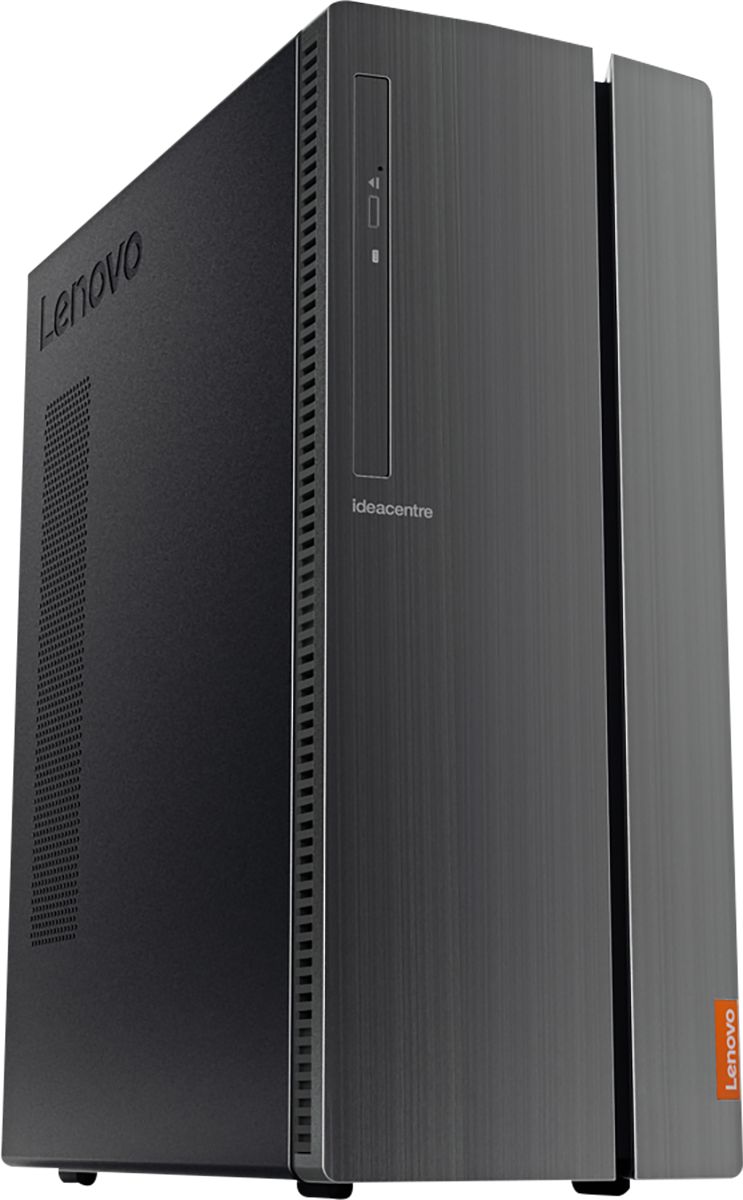
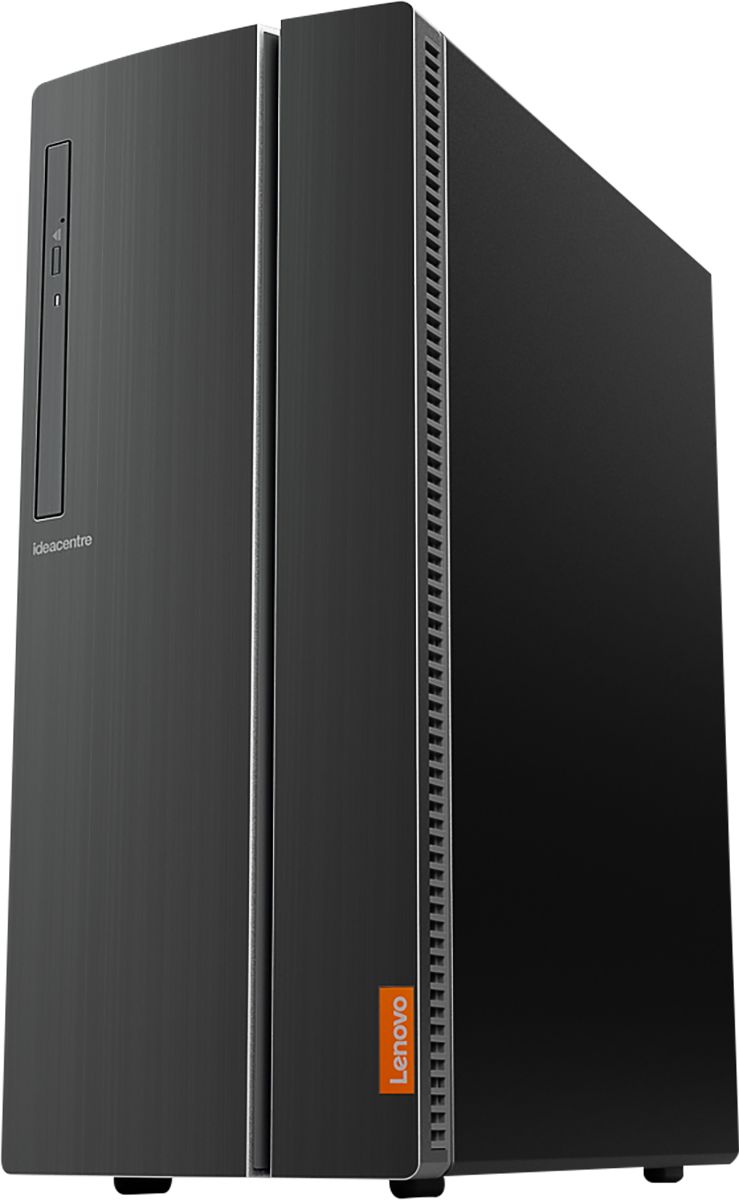
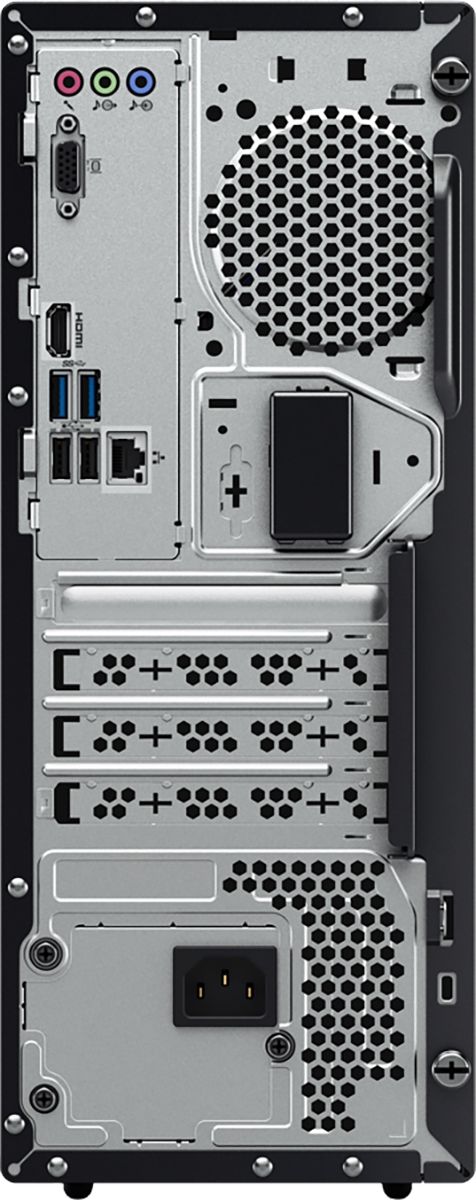
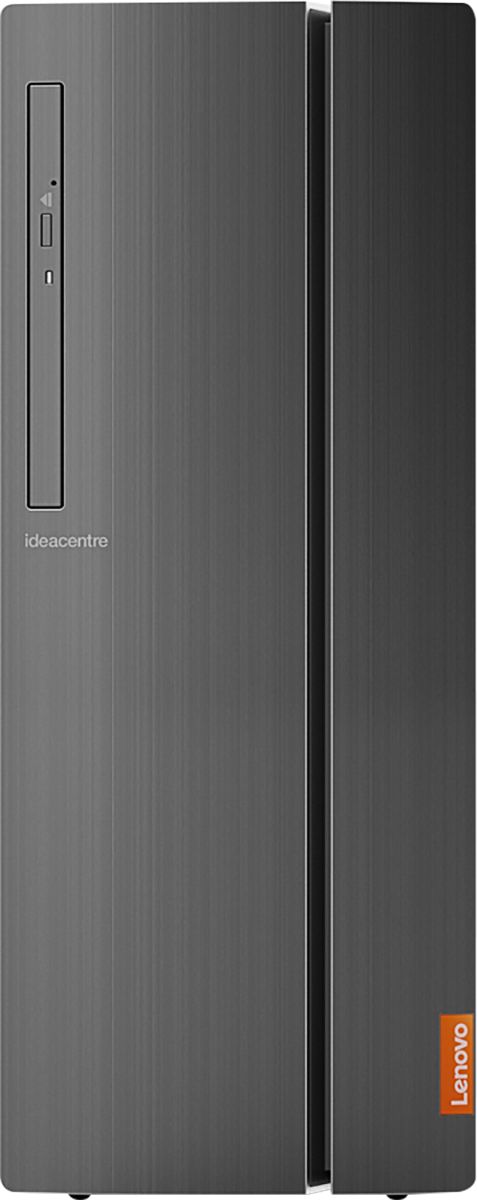
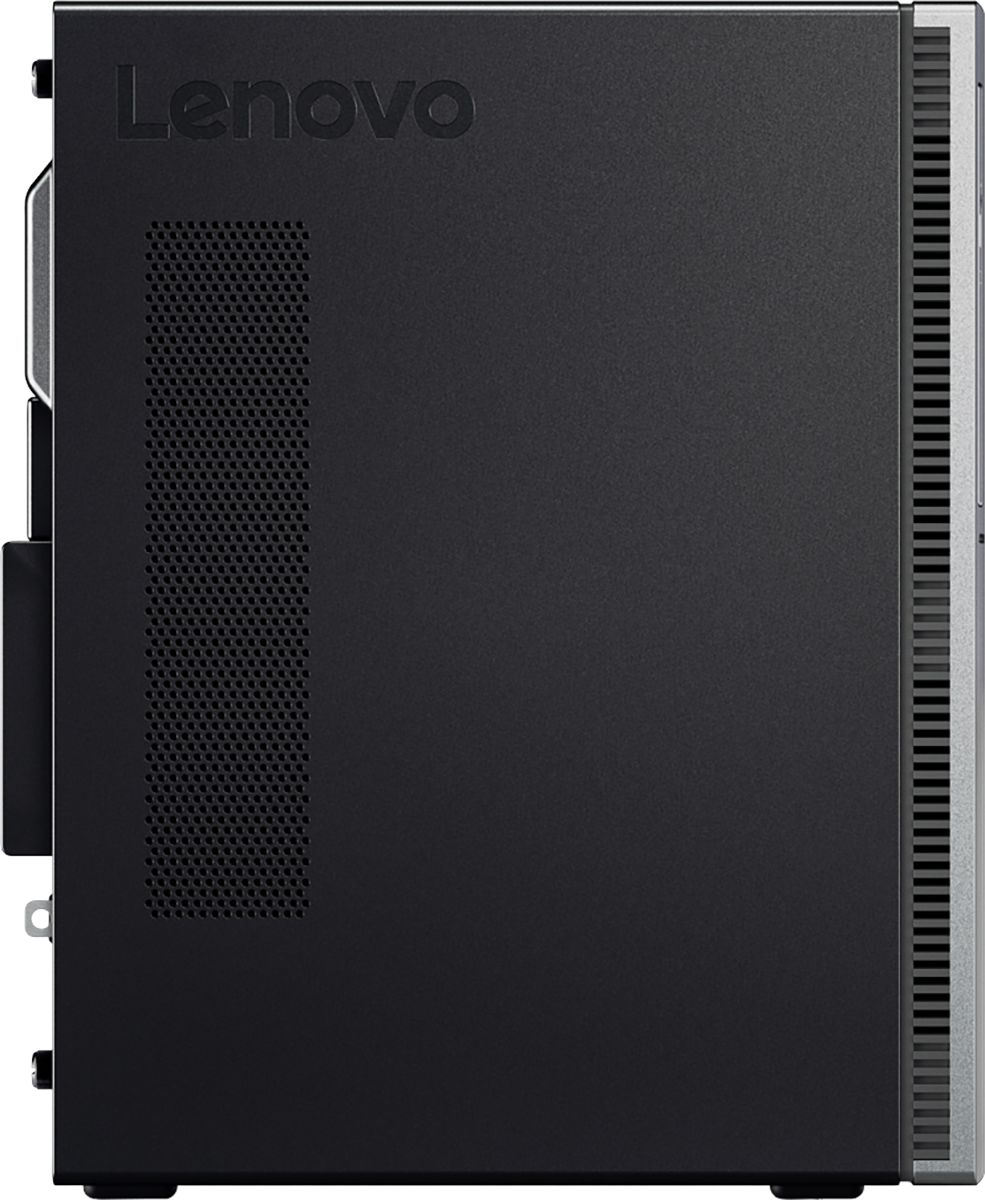

- Model:
- 90HV001MUS
- SKU:
- 6325578
Rating by feature
- Value
Rating 4.4 out of 5 stars
- Quality
Rating 4.4 out of 5 stars
- Ease of Use
Rating 4.5 out of 5 stars
Customers are saying
Customers consistently note the 510A-15ICB Desktop's ease of use, strong performance for its price, and ample storage. Many appreciate its compact size and quiet operation during use. While some users experienced issues with the operating system, the positive feedback on other features outweighs these concerns.
This summary was generated by AI based on customer reviews.
too many problems
||Posted . Owned for 1 month when reviewed.This reviewer received promo considerations or sweepstakes entry for writing a review.I have had problems since bringing it home. I have spoken with tech, to no help since we could not figure a way to get them to remote in computer due to issues. Sat on the phone for 2 hours with Lenovo then Microsoft support. it helped a little but now it has reverted to the same problems. I emailed best buy to ask for a replacement computer. this one seems to be a dud, I know computers and have never had any issues like this. my nephew who can build a computer from scratch and is a mechanical engineer is stumped too. I need to get time to come in there to insist on a new desktop box. this is disappointing. Should have stuck with HP maybe?
No, I would not recommend this to a friendBrand response from Lenovo Product Expert
Posted .We are sorry to hear that you are having issues with your Lenovo IdeaCentre 510A Desktop, model number 90HV001MUS. Be sure any software you installed is compatible with Windows 10. There is no need to install Microsoft Office software. The software is already part of the operating system, you just need to activate the software with a purchased product key. If you have installed a copy of Microsoft Office, this is conflicting with the existing copy on the system and this will slow your system down. If you have installed a 3rd party anti-virus program, be sure that Windows Defender is turned off and that the trial version of McAfee Anti-Virus software is uninstalled. There can only be one anti-virus program on the system. You may need to restore your system to original factory default settings if any of the programming errors have occurred. You can do that by typing "restore" in the Cortana search window. Just click on the magnifying glass icon at the bottom left of your Windows 10 Desktop. Click on "Reset This PC" Then click on "Get Started" and follow the on screen directions to restore to factory defaults. If you can not properly boot this computer to the Windows 10 Desktop, ensure that your computer is connected to ac power during the recovery process. The Windows recovery environment on your computer operates independently from the Windows 10 operating system. It enables you to recover or repair the operating system even if the Windows 10 operating system fails to start. After two consecutive failed boot attempts, the Windows recovery environment starts automatically. Then, you can choose repair and recovery options by following the on-screen instructions. If the problem persists, we recommend you contact Lenovo Tech Support at: 877-453-6686.

Okay PC
||Posted . Owned for 1 month when reviewed.This reviewer received promo considerations or sweepstakes entry for writing a review.The Desktop has stalled a few times and it is very annoying. It is just an OKAY pc I am not thrilled with it.
No, I would not recommend this to a friendNot good
||Posted . Owned for more than 2 years when reviewed.This reviewer received promo considerations or sweepstakes entry for writing a review.This computer is very slow, really waste of money ,
No, I would not recommend this to a friendSnail slow PC
||Posted . Owned for 4 months when reviewed.This reviewer received promo considerations or sweepstakes entry for writing a review.This computer is super slow, even for basic tasks. It's actually as slow as my old one from 10 years ago. Also, I'm constantly getting problems with my audio drivers. It's also very bulky and heavy. The ports are unimpressive too. Looks like a computer from twenty years ago. Before buying this, I had a better opinion of the brand name.
No, I would not recommend this to a friendtook up both ram slots
||Posted . Owned for 3 weeks when reviewed.This reviewer received promo considerations or sweepstakes entry for writing a review.good except it did not have 8 gig of ram on one stick it was 2 four gig sticks therefore taking both slots.
No, I would not recommend this to a friendBrand response from Lenovo Product Expert
Posted .The Lenovo IdeaCentre 510A Desktop, model number 90HV001MUS, ships with dual channel 8 (2x 4G) DDR4-2666MHz RAM for the best performance. The Lenovo IdeaCentre 510A Desktop ships with the Quad-Core Intel Core i3-8100 processor, with a speed of 3.6GHz. This is a mid-level, moderate use configuration. It is good with Microsoft Office type programs, internet browsing and other moderate work. If this describes your computing needs, the Lenovo IdeaCentre 510A Desktop, model number 90HV001MUS would be a good choice for you.
Lenovo
||Posted .This reviewer received promo considerations or sweepstakes entry for writing a review.The processor is Slow when you have multiple windows open.
I would recommend this to a friend- Pros mentioned:Speed

Awesome
|Posted .This reviewer received promo considerations or sweepstakes entry for writing a review.My primary home office computer is a high-end Lenovo. I decided to get the 510A-151CB for my son while he's in college. I had some concern about the i3 processor, but this computer has been a very pleasant surprise. Speed across all normal consumer applications was very solid. No issues at all. Color reproduction was good and images appeared well processed. The wireless card worked perfectly with my GB wifi and held a very strong and fast signal. It has a variety of ports. Some are on the back and some are in a hidden cabinet on the front. The computer is sleek and attractive. It includes a vertical stack cd/dvd burner. It has a 1T HD. The included wired keyboard and mouse are decent. They're not the best in the world, but they are solid. The keyboard is a low-profile version. The keys have a reasonable feel to them. The mouse feels sturdy. As with almost every new computer, it includes McAfee. I highly recommend removing it and installing a good anti-virus program instead. I appreciated the fact it doesn't have a ton of bloatware. This little computer really impresses me. It has a lot more processing power than I gave it credit for. I'm very happy with it. The i3-8100 is a very solid performer, and the 510A-151CB is a very attractive and sleek package.
I would recommend this to a friendBrand response from Lenovo Product Expert
Posted .Thank you for choosing the Lenovo IdeaCentre 510A desktop for your son. We are pleased to hear that the features and performance of the IdeaCentre 510A meets your son's computing needs so well. We appreciate your loyalty to the Lenovo Brand.
Lenovo like others employs planned obsolescence
||Posted .This reviewer received promo considerations or sweepstakes entry for writing a review.Showing its age now. Takes a while to boot up. Time to upgrade.
No, I would not recommend this to a friendHaving a few problems
||Posted . Owned for 3 weeks when reviewed.This reviewer received promo considerations or sweepstakes entry for writing a review.The computer does not show my emails. Even after over 3 hours with Microsoft technician.
I would recommend this to a friend- Pros mentioned:Performance, Size
Perfect PC for the Den
|Posted .This reviewer received promo considerations or sweepstakes entry for writing a review.I have a gaming PC desktop and laptop. I didn't need a desktop able to play games or applications demanding high end graphic hardware. I wanted a system close to where we spend a lot of time, the den, kitchen nook etc. This system fits that bill. First off it's quiet and small. Just add a monitor and speakers and it's ready to work. It comes with a basic mouse and keyboard. I had it assembled in a few minutes (that includes finding the card table to put it on) and it powered up. Now the unit I received does need a bunch of updates. I first removed McAfee from the unit. Microsoft Security is just fine for this PC. That and a few Candy Crush games were the only bloatware I found that had to go. Then it was about 3-5 download sessions and reboots to get Windows Update to install all the needed patches. I do have Office 365, so there could have been a few for Office also. After that, I've been using it for social media and basic games like Mafia Reloaded and Age of Empires with no issues. It does everything most users need to do on a daily basis...besides intense graphic applications like Photoshop. I didn't install that since I have it on my Ryzen 7 machine. The ability to walk over and check email, Google something or authorize a Roku channel next to the tv is very convenient. There are 2 USB 3.0 and 2 USB 2.0 ports on the front as well as a USB C, which are nice, but it would be better if they were on the back of the unit. One of each on the front is good for intermittent use, but for addons that are stationary, back is better. Using the front ones leaves the door open, so why have a door if you never can close it??? That's about the only complaint I have about the unit. I like the large power button on top, the 4 USB's in the back (although they are all black...so 2.0 I guess) and the small power supply. I leave my desktop on most of the time and it has a 650 power supply, so having this one on too with such a tiny power supply works for my energy bill. I definitely recommend this to anyone that doesn't want to play first person shooters, graphically demanding games, video or photo editing etc. If you just need a nice PC that works for your daily needs, I think the Lenovo 510A fits that need.
I would recommend this to a friendBrand response from Lenovo Product Expert
Posted .Thank you for choosing the Lenovo IdeaCentre 510A desktop. If you need more standard USB ports on the back of the computer, you may want to consider using a portable USB Hub with the computer. The Lenovo IdeaCentre 510A desktop ships with just two adware programs, a 30-day trial of Microsoft Office 365 (as part of Windows 10 operating system) and a 30-day trial of McAfee virus protection. Lenovo computers ship with one of the cleanest factory software installs within the consumer computer industry.
lenovo slow
||Posted . Owned for 3 weeks when reviewed.This reviewer received promo considerations or sweepstakes entry for writing a review.slow not good for what I needed for graphics are slow and not too clear.
No, I would not recommend this to a friendYou get what you pay for
||Posted . Owned for 11 months when reviewed.This reviewer received promo considerations or sweepstakes entry for writing a review.Bought brand new & it was already a little laggy & freezing a bit.
No, I would not recommend this to a friendBrand response from Lenovo Product Expert
Posted .We are sorry to hear that the performance of the Lenovo IdeaCentre 510A Desktop Computer is not meeting your expectation. Be sure any software you installed is compatible with Windows 10. There is no need to install Microsoft Office software. The software is already part of the operating system, you just need to activate the software with a purchased product key. If you have installed a copy of Microsoft Office, this is conflicting with the existing copy on the system and this will slow your system down. If you have installed a 3rd party anti-virus program, be sure that Windows Defender is turned off and that the trial version of McAfee Anti-Virus software is uninstalled. There can only be one anti-virus program on the system. You may need to restore your system to original factory default settings if any of the programming errors have occurred. You can do that by typing "restore" in the Cortana search window. Just click on the magnifying glass icon at the bottom left of your Windows 10 Desktop. Click on "Reset This PC" Then click on "Get Started" and follow the on screen directions to restore to factory defaults. If the problem persists, we recommend you contact Lenovo Tech Support at: 877-453-6686.
word processing computer
||Posted .This reviewer received promo considerations or sweepstakes entry for writing a review.Has served its purpose. Not a fast machine, however.
I would recommend this to a friendA bit slow
||Posted . Owned for 3 weeks when reviewed.This reviewer received promo considerations or sweepstakes entry for writing a review.Not as fast as i thought it should be. Hard drive should be larger
No, I would not recommend this to a friendBrand response from Lenovo Product Expert
Posted .The Lenovo IdeaCentre 510A Desktop, model number 90HV001MUS, ships with the Quad-Core Intel Core i3-8100 processor, with a speed of 3.6GHz. This processor is supported by 8GB DDR4-2666MHz RAM. There is a 1TB mechanical hard drive for storage space. This is a mid-level, moderate use configuration. It is good with Microsoft Office type programs, internet browsing and other moderate work. If this describes your computing needs, the Lenovo IdeaCentre 510A Desktop, model number 90HV001MUS would be a good choice for you.
Disapointed in performance and speed
||Posted . Owned for 4 months when reviewed.This reviewer received promo considerations or sweepstakes entry for writing a review.Poor overall performance, it locks up to easily when moving between programs. Wait time for moving into my email program sometimes takes minutes, just watching the little loading circle go round and round. Some times I have to use task manager to stop the 'loading' and try again and again and again. This computer has all the features I wanted and needed, except loading and running programs speed. I wish that I had stayed with the old HP that it replaced, even maxed out it was faster loading and running than this. I have given this Lenova a fair trial, but I would return it in a minute and get another HP
No, I would not recommend this to a friendBrand response from Lenovo Product Expert
Posted .We are sorry to hear that you are having issues with your Lenovo IdeaPad 510A Desktop. Be sure any software you installed is compatible with Windows 10. There is no need to install Microsoft Office software. The software is already part of the operating system, you just need to activate the software with a purchased product key. If you have installed a copy of Microsoft Office, this is conflicting with the existing copy on the system and this will slow your system down. If you have installed a 3rd party anti-virus program, be sure that Windows Defender is turned off and that the trial version of McAfee Anti-Virus software is uninstalled. There can only be one anti-virus program on the system. You may need to restore your system to original factory default settings if any of the programming errors have occurred. You can do that by typing "restore" in the Cortana search window. Just click on the magnifying glass icon at the bottom left of your Windows 10 Desktop. Click on "Reset This PC" Then click on "Get Started" and follow the on screen directions to restore to factory defaults. If the problem persists, we recommend you contact Lenovo Tech Support at: 877-453-6686.
computer for work
||Posted . Owned for 1 month when reviewed.This reviewer received promo considerations or sweepstakes entry for writing a review.computer serves the purpose, not many features but it gets the job done
I would recommend this to a friendBrand response from Lenovo Product Expert
Posted .The Lenovo IdeaCentre 510A desktop, model number 90HV001MUS. This model ships with the Quad-Core Intel Core i3-8100 processor, with a speed of 3.6GHz. This processor is supported by 8GB DDR4-2666MHz RAM. This configuration is good for moderate levels of usage with programs like Microsoft Office, streaming online video and general internet browsing. If this describes your level of computing, the Lenovo IdeaCentre 510A desktop, model number 90HV001MUS is a great choice.
A little slow
||Posted . Owned for 3 weeks when reviewed.This reviewer received promo considerations or sweepstakes entry for writing a review.Was told in store that it was fast and that its was one of the better models. It takes about a good 20 mins to load to the home screen. Was kinda disappointed for the price you would think it would be a decent tower. Also was told the keyboard and mouse were bluetooth that wasnt true.
No, I would not recommend this to a friendBrand response from Lenovo Product Expert
Posted .The Lenovo IdeaCentre 510A Desktop will boot from off to the Windows 10 desktop in less than 40-seconds. If you are waiting 20-minutes for Windows 10 to boot up, there is something wrong. Be sure any software you installed is compatible with Windows 10. There is no need to install Microsoft Office software. The software is already part of the operating system, you just need to activate the software with a purchased product key. If you have installed a copy of Microsoft Office, this is conflicting with the existing copy on the system and this will slow your system down. If you have installed a 3rd party anti-virus program, be sure that Windows Defender is turned off and that the trial version of McAfee Anti-Virus software is uninstalled. There can only be one anti-virus program on the system. You may need to restore your system to original factory default settings if any of the programming errors have occurred. You can do that by typing "restore" in the Cortana search window. Just click on the magnifying glass icon at the bottom left of your Windows 10 Desktop. Click on "Reset This PC" Then click on "Get Started" and follow the on screen directions to restore to factory defaults. If the problem persists, we recommend you contact Lenovo Tech Support at: 877-453-6686.
I returned my purchase.
||Posted . Owned for 4 months when reviewed.This reviewer received promo considerations or sweepstakes entry for writing a review.I had purchased this pc, but I was not happy with it.
No, I would not recommend this to a friendBrand response from Lenovo Product Expert
Posted .The Lenovo IdeaCentre 510A Desktop, model number 90HV001MUS, ships with the Quad-Core Intel Core i3-8100 processor, with a speed of 3.6GHz. This processor is supported by 8GB DDR4-2666MHz RAM. This is a mid-level, moderate use configuration. It is good with Microsoft Office type programs, internet browsing and other moderate work. If this describes your computing needs, the Lenovo IdeaCentre 510A Desktop, model number 90HV001MUS would be a good choice for you.
Nice and affordable PC for beginners
||Posted . Owned for 1 month when reviewed.This reviewer received promo considerations or sweepstakes entry for writing a review.Nice computer for beginners and students. Price is average
I would recommend this to a friendBrand response from Lenovo Product Expert
Posted .The Lenovo IdeaCentre 510A Desktop, model number 90HV001MUS ships with the Quad-Core Intel Core i3-8100 processor, with a speed of 3.6GHz. This processor is supported by 8GB DDR4-2666MHz. This is a mid-level, moderate use configuration. It is good with Microsoft Office type programs, internet browsing and other moderate work. If this describes your computing needs, the Lenovo IdeaCentre 510A Desktop, model number 90HV001MUS would be a good choice for you.
Do An Extensive Research
||Posted . Owned for 1 month when reviewed.This reviewer received promo considerations or sweepstakes entry for writing a review.This computer is making a "grinding" type noise after only having it 6 weeks. I also received a "free?" virus protection for 3 months that would not work. I plan on returning this computer and possible going back to a Dell!
No, I would not recommend this to a friend