Customer Ratings & Reviews

- Model:
- 90HV001MUS
- SKU:
- 6325578
Rating by feature
- Value
Rating 4.4 out of 5 stars
- Quality
Rating 4.4 out of 5 stars
- Ease of Use
Rating 4.5 out of 5 stars
Customers are saying
Customers consistently note the 510A-15ICB Desktop's ease of use, strong performance for its price, and ample storage. Many appreciate its compact size and quiet operation during use. While some users experienced issues with the operating system, the positive feedback on other features outweighs these concerns.
This summary was generated by AI based on customer reviews.

Good Value PC
|Posted .This reviewer received promo considerations or sweepstakes entry for writing a review.Great machine for casual home use. Easy setup and useful for web browsing and video streaming. I also liked that there was minimal bloatware on this machine.
I would recommend this to a friendBrand response from Lenovo Product Expert
Posted .Thank you for choosing the Lenovo IdeaCentre 510A desktop. We are pleased to hear that the easy setup and performance of the IdeaCentre 510A meets your computing needs so well.

Very good product
Posted .This reviewer received promo considerations or sweepstakes entry for writing a review.Hello this is ShadowMiner365 and i loved this product becaue of its many uses and great functionality, 10/10 for this
I would recommend this to a friendBrand response from Lenovo Product Expert
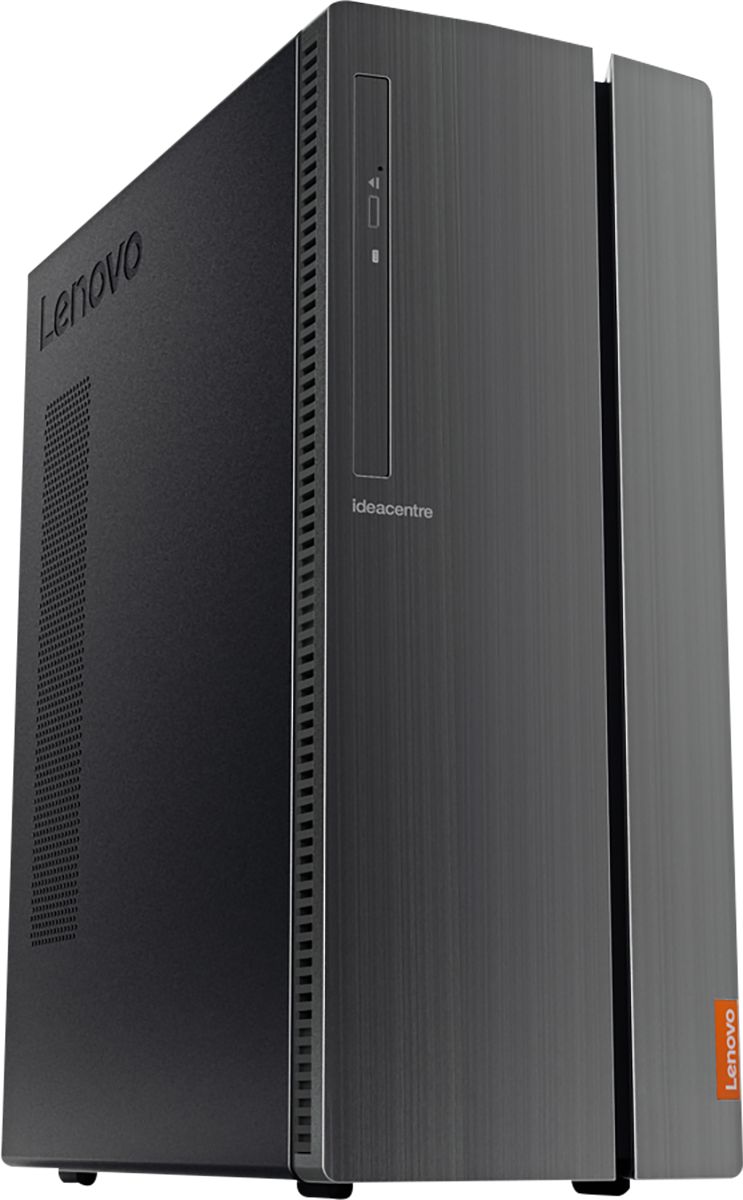
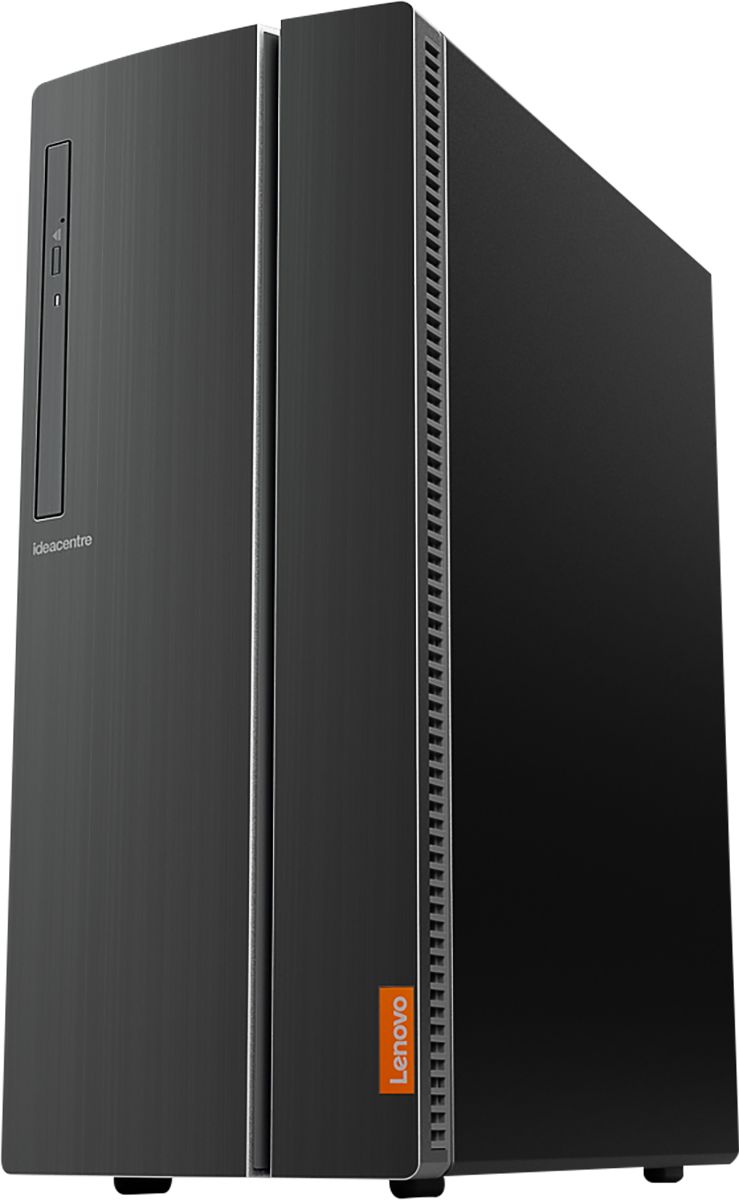
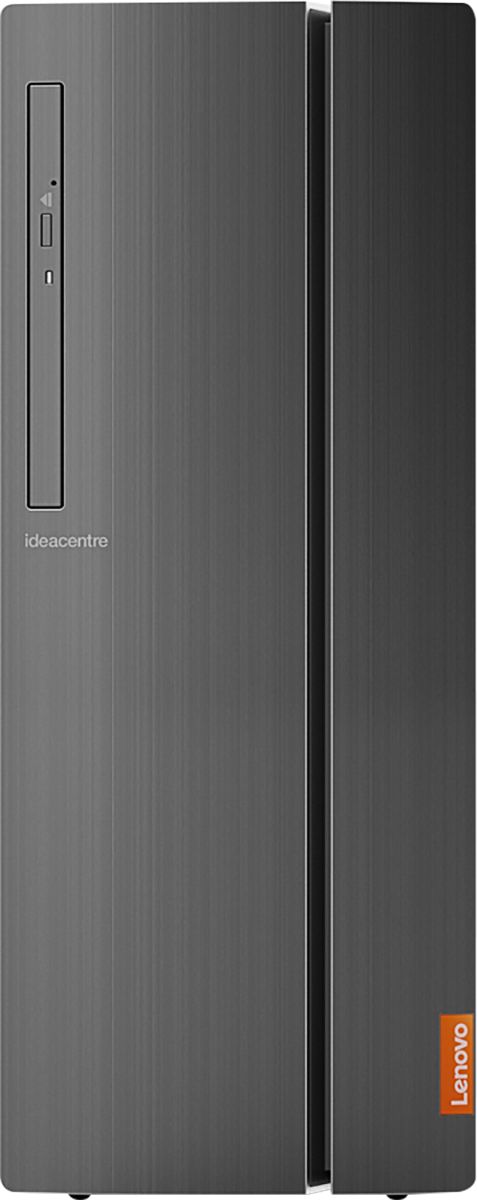
Posted .The Lenovo IdeaCentre 510A Desktop, model number 90HV001MUS, ships with the Quad-Core Intel Core i3-8100 processor, with a speed of 3.6GHz. This processor is supported by 8GB DDR4-2666MHz RAM. This is a mid-level, moderate use configuration. It is good with Microsoft Office type programs, internet browsing and other moderate work. If this describes your computing needs, the Lenovo IdeaCentre 510A Desktop, model number 90HV001MUS would be a good choice for you.
- Pros mentioned:Speed
Doesn't boot up.
Posted .This reviewer received promo considerations or sweepstakes entry for writing a review.I just wanted a simple computer for excel, pictures, internet. Computer is fast when it actually boots up. Nine times out of ten nothing happens. Turn it on and just a black screen. Very disappointed. I know it is just a basic computer, but come on. It should at least start. Willl be returning.
No, I would not recommend this to a friendBrand response from Lenovo Product Expert
Posted .We are sorry to hear that you are having issues with your Lenovo IdeaCentre 510A Desktop, model number 90HV001MUS. Be sure any software you installed is compatible with Windows 10. There is no need to install Microsoft Office software. The software is already part of the operating system, you just need to activate the software with a purchased product key. If you have installed a copy of Microsoft Office, this is conflicting with the existing copy on the system and this will slow your system down. If you have installed a 3rd party anti-virus program, be sure that Windows Defender is turned off and that the trial version of McAfee Anti-Virus software is uninstalled. There can only be one anti-virus program on the system. You may need to restore your system to original factory default settings if any of the programming errors have occurred. You can do that by typing "restore" in the Cortana search window. Just click on the magnifying glass icon at the bottom left of your Windows 10 Desktop. Click on "Reset This PC" Then click on "Get Started" and follow the on screen directions to restore to factory defaults. If the problem persists, we recommend you contact Lenovo Tech Support at: 877-453-6686.
Flaws with power system
Posted .This reviewer received promo considerations or sweepstakes entry for writing a review.I will be bringing my second Lenovo tower back to local Best Buy because I keep having trouble with getting these to power up. First one would not power up at all when I got it home. The second one worked for about a week before it decided to power down and now will not come back on. And now I am stuck with a Lenovo because I cannot afford to upgrade to a better system.
No, I would not recommend this to a friendBrand response from Lenovo Product Expert
Posted .We are sorry to hear that you are having issues with your Lenovo IdeaCentre 510A Desktop. Be sure any software you installed is compatible with Windows 10. There is no need to install Microsoft Office software. The software is already part of the operating system, you just need to activate the software with a purchased product key. If you have installed a copy of Microsoft Office, this is conflicting with the existing copy on the system and this will slow your system down. If you have installed a 3rd party anti-virus program, be sure that Windows Defender is turned off and that the trial version of McAfee Anti-Virus software is uninstalled. There can only be one anti-virus program on the system. You may need to restore your system to original factory default settings if any of the programing errors have occurred. You can do that by typing "restore" in the Cortana search window. Just click on the magnifying glass icon at the bottom left of your Windows 10 Desktop. Click on "Reset This PC" Then click on "Get Started" and follow the on screen directions to restore to factory defaults. If the problem persists, we recommend you contact Lenovo Tech Support at: 877-453-6686.
Not too impressed
Posted .This reviewer received promo considerations or sweepstakes entry for writing a review.This tower seemed like a good purchase at first, not anymore, I have had my tower for five months and I have to send it back to the manufacturer. I got a blue screen warning, and tried to send back to factory settings, and it didn’t work. This will be my first and last Lenovo product.
No, I would not recommend this to a friendBrand response from Lenovo Product Expert
Posted .We are sorry to hear that you had issues resetting your Lenovo IdeaCentre 510A Desktop back to original factory settings. Here is a link to instructions for resetting a Windows 10 computer back to original factory settings: https://support.microsoft.com/en-us/help/17085/windows-8-restore-refresh-reset-pc
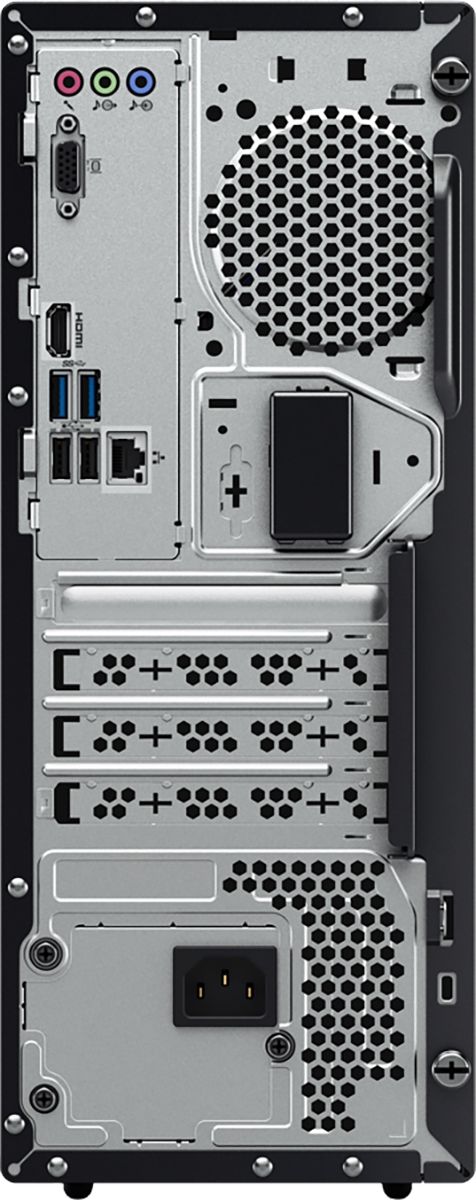
VGA port no good
Posted .This reviewer received promo considerations or sweepstakes entry for writing a review.VGA port doesn't work. Tried with 2 different monitors (that worked with other PCs) and 2 different VGA cables (that I tested for continuity on all pins). 1/2 hour delay for support only to be asked 5 times if the computer was working and then ghosted.
No, I would not recommend this to a friendBrand response from Lenovo Product Expert
Posted .Hello, we are sorry to hear you are experiencing this issue with the VGA port on your Lenovo 510A desktop. Please ensure you are running the latest version of Microsoft Windows 10. instructions for updating windows can be found in the following link https://support.microsoft.com/en-us/windows/update-windows-10-3c5ae7fc-9fb6-9af1-1984-b5e0412c556a . We also recommend updating to the latest System Device/BIOS drivers with the included Lenovo Vantage App. You can easily accomplish this by scanning the computer with the Lenovo Utility software available on this computer. This system has Lenovo utilities installed to help maintain the health of the device and keep the operating system software up to date. Type "Lenovo Vantage" in the Cortana Search window (if Lenovo Vantage is not installed on your device, you can download the APP and install it now). Select Lenovo Vantage from the list. In the window that opens, click on "Health and Support". In the expanded menu, select "Hardware Scan” In the window that opens, select "Run Quick Tests". This will scan your entire system for errors. Follow any directions that may pop up. If the problem continues after this scan, now click on "System Update". First select Windows update from the menu. Scan your system to be sure you have the latest version of Windows 10. Once that scan is complete, select "Additional Updates". This will scan your device to be sure there are no new BIOS/Driver updates needed. Follow any instructions that may pop up. If the issue continues after these updates, we recommend you call Lenovo Tech Support at: 877-453-6686 for additional help.