Customer Ratings & Reviews
- Model:
- F0C30012US
- SKU:
- 5196102
to a friend
Customers are saying
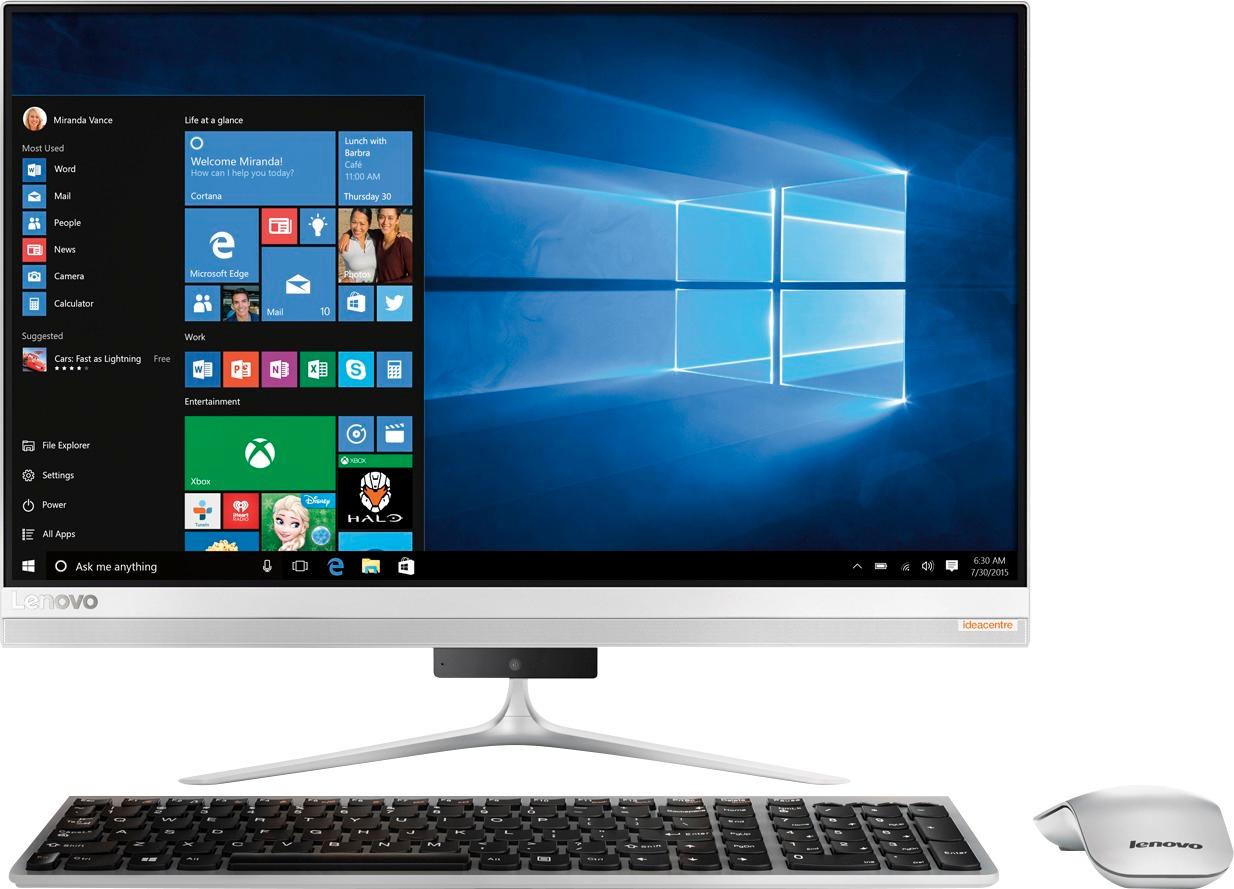
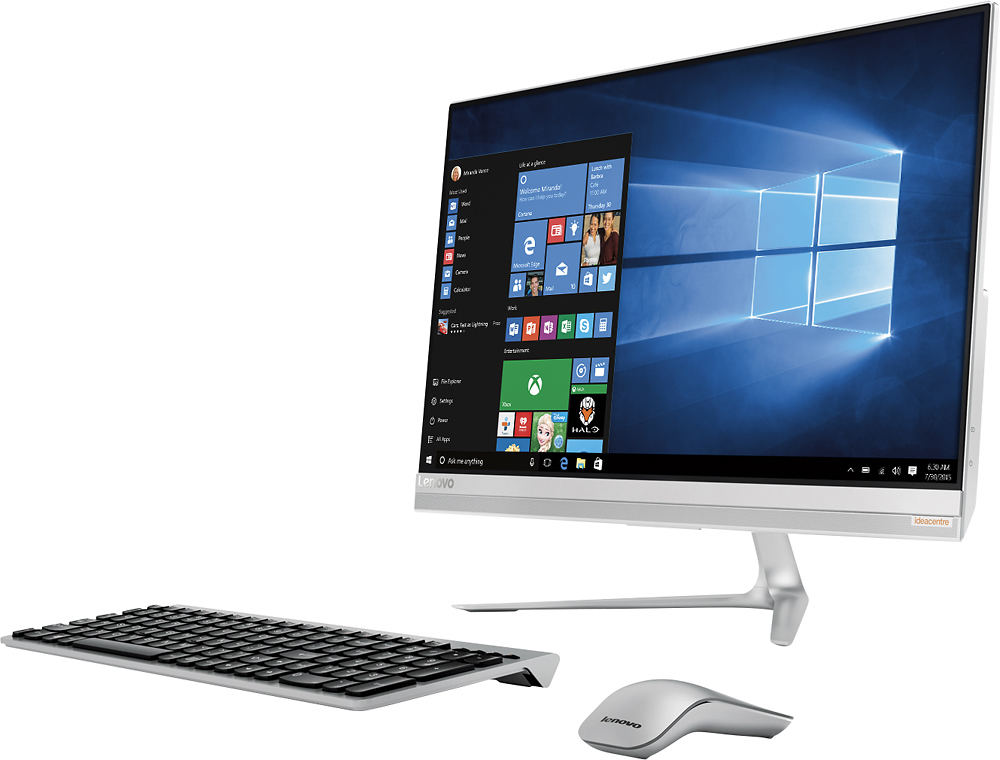
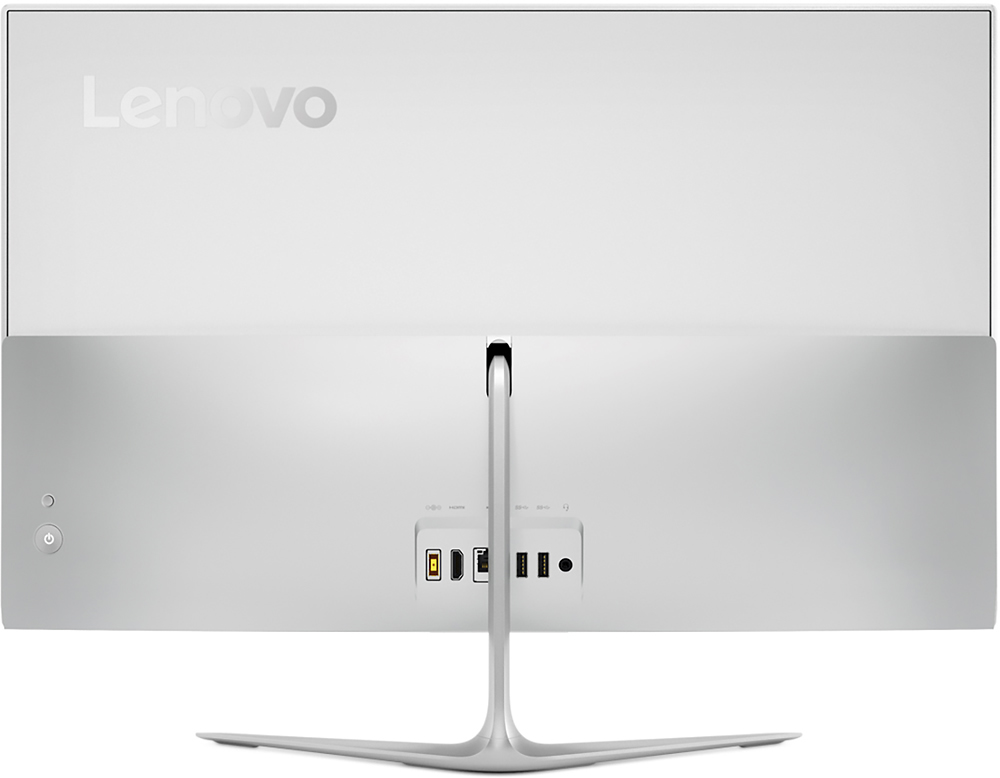
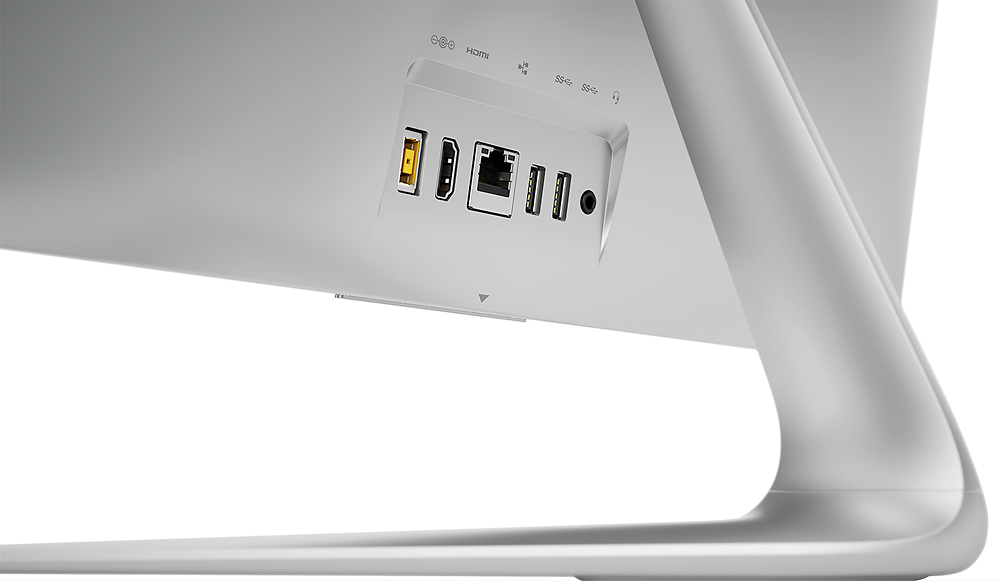
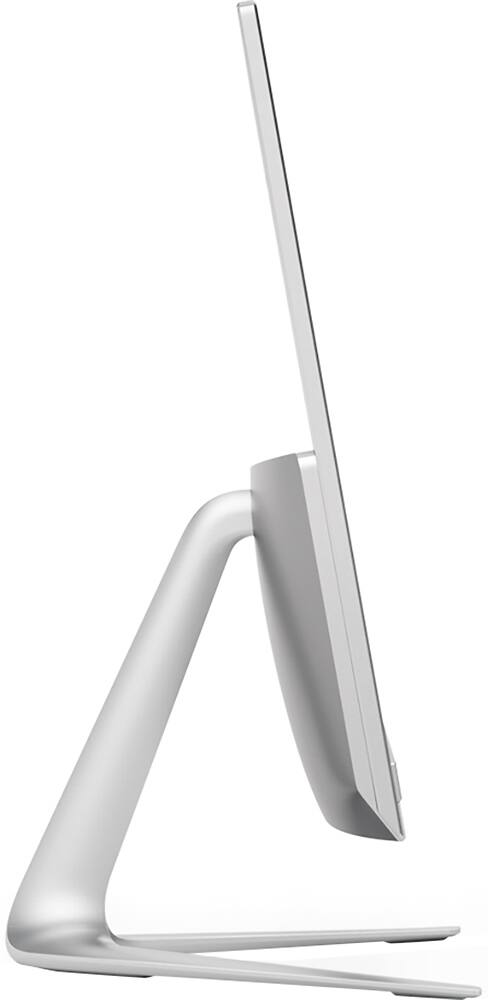
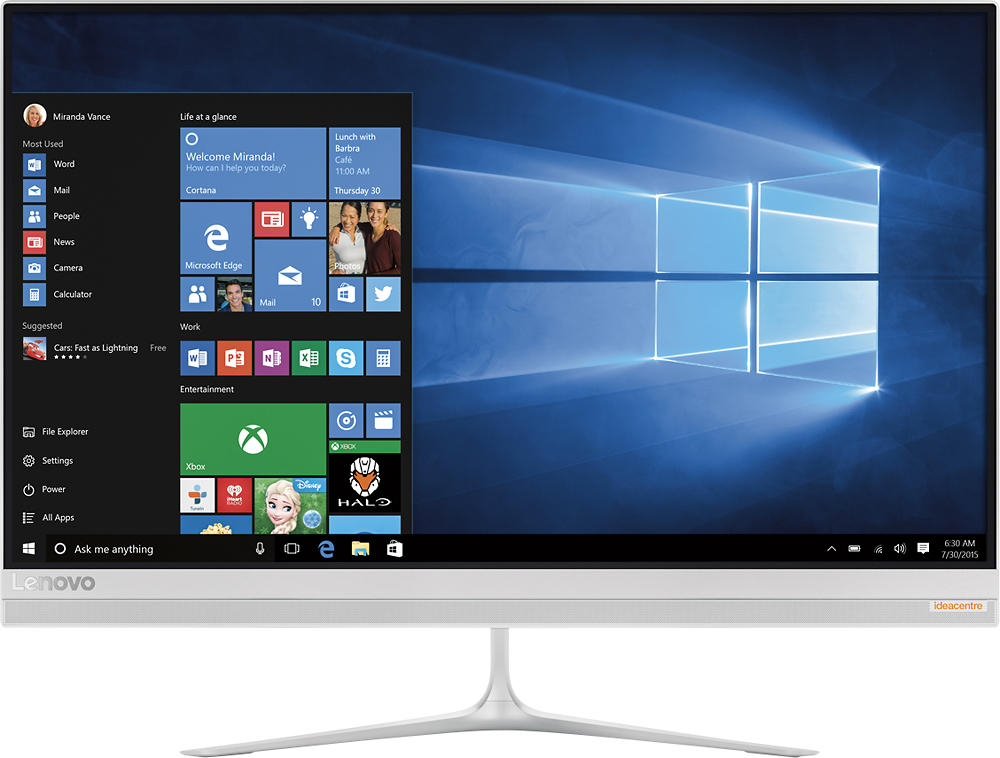
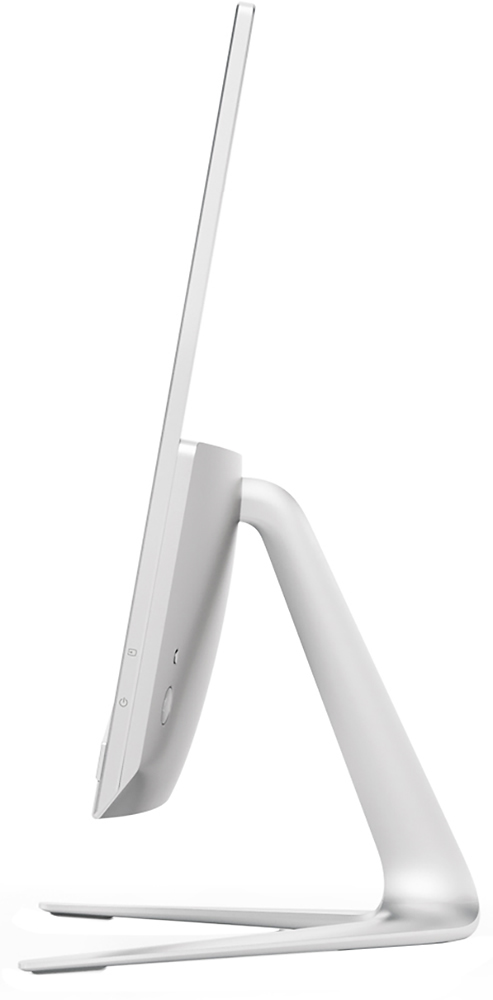
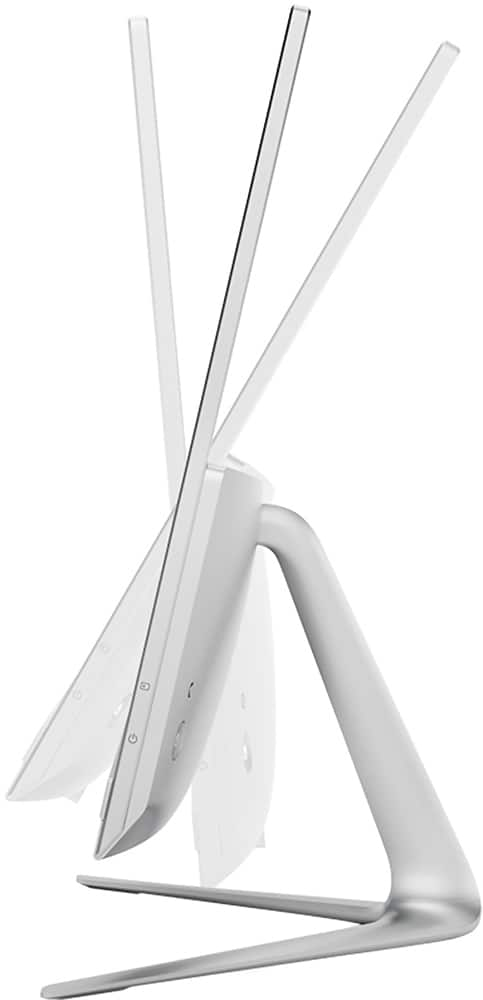
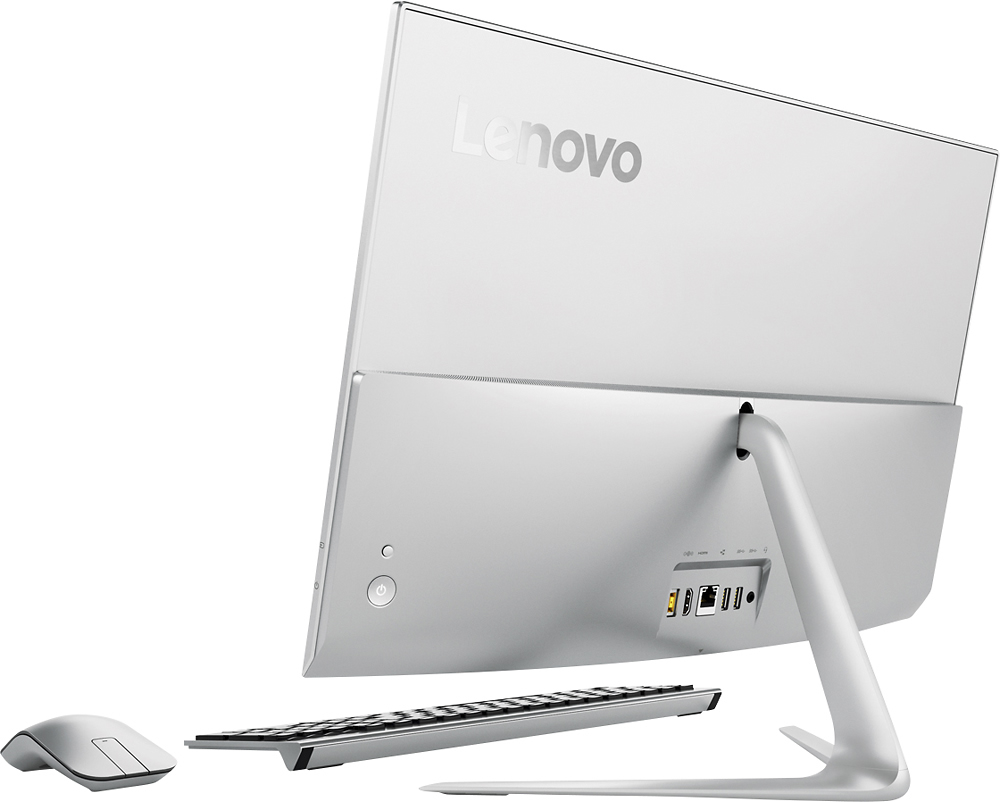
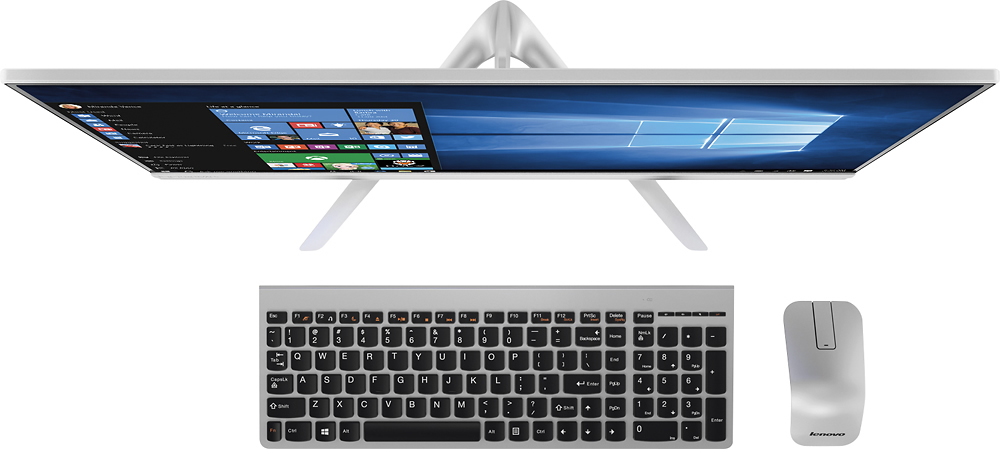
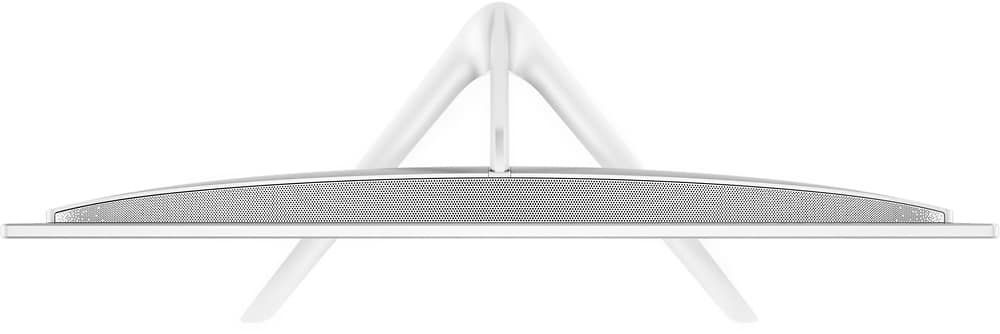
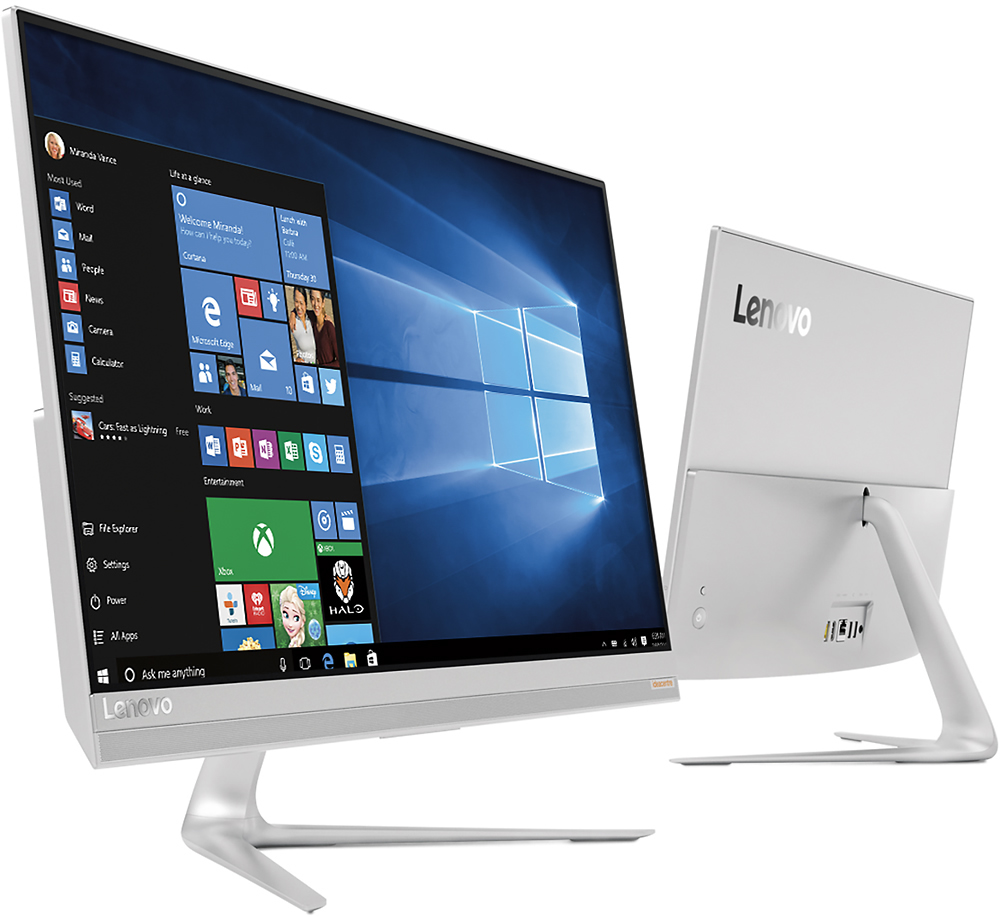
Customers love the responsive touch screen and the ease of use of the 510S-23ISU 23" All-in-One. Many appreciate its sleek design, performance capabilities, and compact size, which is easy to move. However, some customers found the number of USB ports insufficient and the sound quality of the built-in speakers lacking. The overall experience is largely positive, though improvements could be made to the I/O and audio.
This summary was generated by AI based on customer reviews.
Great computer but all files lost by Geek Squad
||Posted .This reviewer received promo considerations or sweepstakes entry for writing a review.When we had our files transferred every one was lost by geek squad.
I would recommend this to a friendPretty Good
||Posted .This reviewer received promo considerations or sweepstakes entry for writing a review.Took some time to get use to. A bit slow for a new computer though.
No, I would not recommend this to a friendBrand response from Lenovo Product Expert
Posted .Thank you for choosing the Lenovo IdeaCentre 510s All-In-One system. This should not be a slow system with a Core I-5 processor, 8GB of RAM and a Hybrid hard drive. There are a couple of things you should check: If you installed a 3rd party anti-virus software product other than the trial version of MacAfee that is already on this system, this will slow your system down because there can only be one anti-virus software package on the system at a time. Also, there may be driver updates for your specific system. Follow the link below to look for new driver updates for your specific system. You can also run diagnostics from the Lenovo site as well. As always, be sure to create a restore point on your system before you make any changes. Here is the link:
http://support.lenovo.com/us/en/products/Desktops-and-all-in-ones/500-Series/aio-510s-23isu/F0C3/0012US?query=&Shallow=1&Type=&OperatingSystems=&Component=&Symptom=&linkTrack=Caps%253ABody_SearchProduct&tabName=downloads&beta=false
great for dad
||Posted .This reviewer received promo considerations or sweepstakes entry for writing a review.x-mas gift for dad. perfect systems for his computer abilities.
I would recommend this to a friendBrand response from Lenovo Product Expert
Posted .Thank you for choosing the IdeaCentre 510s-23 All-In-One system for your father. We are pleased to hear that the IdeaCentre 510s-23 AIO is working out so well for your father.
Great for family computer
||Posted .This reviewer received promo considerations or sweepstakes entry for writing a review.Great features and small footprint - external cd nice touch
I would recommend this to a friendBrand response from Lenovo Product Expert
Posted .Thank you for choosing the Lenovo IdeaCentre 510s-23 All-In-One system. We are pleased to hear that the features and performance of the IdeaCentre 510s-23 AIO meets your computing needs so well.
levano computer
||Posted .This reviewer received promo considerations or sweepstakes entry for writing a review.screen display is terrific. Liked Windows 7 better than 10.
I would recommend this to a friendBrand response from Lenovo Product Expert
Posted .Thank you for choosing the Lenovo IdeaCentre 510s-23 All-In-One system. We are pleased to hear that the IdeaCentre 510s-23 AIO is working out so well.
Great all-in-one for the price.
||Posted .This reviewer received promo considerations or sweepstakes entry for writing a review.Great all-in-one for the price. Stylish white color.
I would recommend this to a friendBrand response from Lenovo Product Expert
Posted .Thank you for choosing the Lenovo IdeaCentre 510s-23 All-In-One system. We are pleased to hear that the value and performance of the IdeaCentre 510s-23 AIO meets your computing needs so well.
Quality is ok for the price
||Posted .This reviewer received promo considerations or sweepstakes entry for writing a review.Some plastic parts, but overall is a good computer
I would recommend this to a frienddecent
||Posted .This reviewer received promo considerations or sweepstakes entry for writing a review.The 8gm solid state part is a joke as this computer is not much faster than one with an i3 and a full SSD. Other than that it is a good machine, just not good enough, but then the one that is cost nearly $1700.
I would recommend this to a friendBrand response from Lenovo Product Expert
Posted .The 8GB of solid state flash memory on the hybrid hard drive is meant for the operating system. It provides fast startups and quick access to Windows 10 programs. The 8GB of flash storage is not meant to be user accessible.
Smart watch
||Posted .This reviewer received promo considerations or sweepstakes entry for writing a review.I was in the store as I was returning a computer that I had purchased. Jason he help me get another computer or suggest another computer and he help me purchase an Apple smart watch wonderful person
I would recommend this to a friendSlower Than Expected
||Posted .This reviewer received promo considerations or sweepstakes entry for writing a review.Overall I was happy with the computer it is just slower loading files than I would expect for it having the specs it supposed to have in it.
I would recommend this to a friendNot as I expected
||Posted .This reviewer received promo considerations or sweepstakes entry for writing a review.This Lenovo computer is brand new. We have already had to return it to the Best Buy store once. It froze again yesterday. We have a Squad warranty. When I called yesterday-the geek member offered no help and told me to bring the computer in !!!!!!! I decided to unplug everything hoping to reboot and it worked. Not very happy with Lazy Geek member or Best Buy Store where we have spent a large sum of money over the years.
No, I would not recommend this to a friendBrand response from Lenovo Product Expert
Posted .Obviously this system should not freeze up. There is a software issue, either the Windows 10 operating system or a program that was installed is not operating properly. The best way to correct the problem would be for the Geek Squad to diagnose the problem. You might check with the Geek Squad about in home service, if you would rather not bring the device in to the store.
poor camera placement
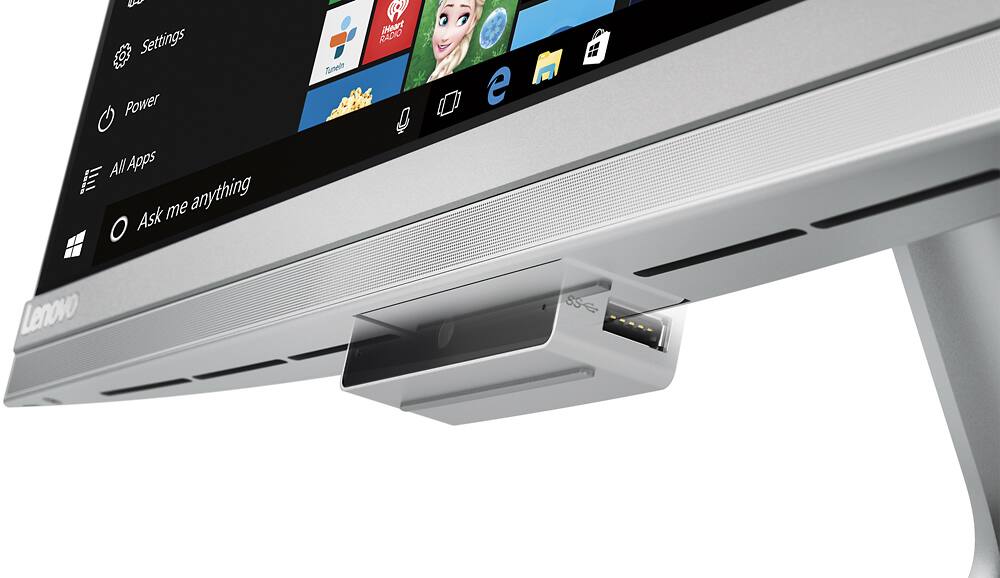
||Posted .This reviewer received promo considerations or sweepstakes entry for writing a review.This computer was a disappointment. The camera is in an awkward place. Bottom of the monitor. To have the other person be able to see your face, you have to tilt your monitor all the way back, which gives the viewer a perfect view of your nostril hairs. Also, the camera itself seems a little flimsy when you try to us the USB ports on each side of it. And when the camera is pushed back into the bottom of the monitor, it is crooked, not flush along the bottom of the monitor. Did not like the mouse at all, No wheel, just a flat spot that is very erratic when you move your finger along it to scroll, Wouldn't work, then would scroll in high speed! Problems with the Wi-Fi too.Took the computer back to Best Buy for a full refund. they were great, no hassle at all.
No, I would not recommend this to a friendWish I had my old computer back
||Posted .This reviewer received promo considerations or sweepstakes entry for writing a review.This computer is no faster than the Sony Viao that I replaced. It froze up on me in the first week. It churned and churned and eventually I just had to shut it down. The touch screen has failed to react several times no matter how hard you press. It comes with NO information on any of the features. I would not buy a Lenovo computer again.
No, I would not recommend this to a friendBrand response from Lenovo Product Expert
Posted .This system should be a fast system with its Core I-5 processor and 8GB of RAM and the hybrid hard drive. Be sure any software you installed is compatible with Windows 10. There is no need to install Microsoft Office software. The software is already part of the operating system, you just need to activate the software with a purchased product key. If you have installed a copy of Microsoft Office, this is conflicting with the existing copy on the system and this will slow your system down. If you have installed a 3rd party anti-virus program, be sure that Windows Defender is turned off and that the trial version of McAfee Anti-Virus software is uninstalled. There can only be one anti-virus program on the system. You may need to restore your system to original factory default settings if any of the programing errors have occurred. You can do that by typing "restore" in the Cortana search window. Just click on the magnifying glass icon at the bottom left of your Windows 10 Desktop. Click on "Reset This PC" Then click on "Get Started" and follow the on screen directions to restore to factory defaults. With regard to documentation for this device, all are online now. Here is the link:
http://pcsupport.lenovo.com/us/en/products/desktops-and-all-in-ones/500-series/aio-510s-23isu/f0c3/f0c30012us/documentation
Decent System for the Price
||Posted .This reviewer received promo considerations or sweepstakes entry for writing a review.Overall average workstation for a user. Does the job for what we required.
No, I would not recommend this to a friendNot so nice
||Posted .This reviewer received promo considerations or sweepstakes entry for writing a review.I won't recommend this product. There were a lot of time that the computer is freezing while i am working. I want to send my report as fast as I could but I have to seat back little to wait for the computer to settle & get back to work. This happens 2 to 3 times in 3 hours continues working.
No, I would not recommend this to a friendBrand response from Lenovo Product Expert
Posted .Thank you for choosing the Lenovo IdeaCentre 510s-23 All-In-One system. With regard to the freezing and slowness of the system, there is some program or system operation that is consuming your system resources in the background. Check to see what programs are running in the background. There may also be driver updates for your specific system. Follow the link below to look for new driver updates for your specific system. You can also run diagnostics from the Lenovo site as well. As always, be sure to create a restore point on your system before you make any changes. You can do this by just typing "restore point" in the search window within Cortana and follow the link to create a restore point. Here is the link:
http://support.lenovo.com/us/en/products/Desktops-and-all-in-ones/500-Series/aio-510s-23isu/F0C3/0012US?tabName=Downloads&linkTrack=Mast:SubNav:Support:Drivers and Software|Drivers and Software
Yes
||Posted .This reviewer received promo considerations or sweepstakes entry for writing a review.Good. Product for every one good Great display and moues
I would recommend this to a friendBrand response from Lenovo Product Expert
Posted .Thank you for choosing the Lenovo IdeaCentre 510s All-In-One system. We are pleased to hear that the features and performance of the IdeaCentre 510s AIO meets your needs.
Lenovo desktop
||Posted .This reviewer received promo considerations or sweepstakes entry for writing a review.PC is very slow right out of the box. Apps are slow to run. Microsoft Edge is one of the worst, if not the worst, browser. It takes a MINIMUM of 43 seconds to load. My 6 year old HP is faster than this Intel5 machine
No, I would not recommend this to a friendBrand response from Lenovo Product Expert
Posted .This system should be a fast system with its Core I-5 processor and 8GB of RAM. It sounds as though there may be an issue with the initial set up of Windows 10 and/or the programs installed. Be sure any software you installed is compatible with Windows 10. There is no need to install Microsoft Office software. The software is already part of the operating system, you just need to activate the software with a purchased product key. If you have installed a copy of Microsoft Office, this is conflicting with the existing copy on the system and this will slow your system down. If you have installed a 3rd party anti-virus program, be sure that Windows Defender is turned off and that the trial version of McAfee Anti-Virus software is uninstalled. There can only be one anti-virus program on the system. You may need to restore your system to original factory default settings if any of the programing errors have occurred. You can do that by typing "restore" in the Cortana search window. Just click on the magnifying glass icon at the bottom left of your Windows 10 Desktop. Click on "Reset This PC" Then click on "Get Started" and follow the on screen directions to restore to factory defaults.
Lots of glitches..
||Posted .This reviewer received promo considerations or sweepstakes entry for writing a review.I didn't research and I am very unhappy with this computer. Freezes up a lot, sometimes it won't shut down the proper way, I called their customer service line and they were useless! Would not buy again!
No, I would not recommend this to a friendBrand response from Lenovo Product Expert
Posted .This system is equipped with OneKey Recovery system.. It will allow you to restore the operating system back to original factory default settings. It will delete all other programs and files, so back up anything you can't reinstall later.
1. Turn the computer on and repeatedly press and release the F2 key until the Lenovo
Rescue System opens. Select OneKey Recovery.
2. Follow the on-screen instructions to select the backup task you want to restore from
and the disk where you want to install the operating system, then press Next to
start the restore.
3. Please wait while system recovery takes place. Do not interrupt the recovery
process.
4. After the system is recovered successfully, the software will prompt you to restart
the computer. Restart the computer and start the operating system.
- Cons mentioned:Usb ports
Computer stinks
||Posted .This reviewer received promo considerations or sweepstakes entry for writing a review.Had important drivers missing for Bluetooth, wasn't Best Buy's fault. Won't ever buy another Lenovo computer or laptop again.
No, I would not recommend this to a friendBrand response from Lenovo Product Expert
Posted .Thank you for choosing the Lenovo IdeaCentre 510s All-In-One system. With regard to the Bluetooth issues you mention with your device, there may be driver updates for your specific system. Follow the link below to look for new driver updates for your specific system. As always, be sure to create a restore point on your system before you make any changes. Here is the link:
http://support.lenovo.com/us/en/products/Desktops-and-all-in-ones/500-Series/aio-510s-23isu/F0C3/0012US?query=&Shallow=1&Type=&OperatingSystems=&Component=&Symptom=&linkTrack=Caps%253ABody_SearchProduct&tabName=downloads&beta=false
- Pros mentioned:Design
Lousy hardware
||Posted .This reviewer received promo considerations or sweepstakes entry for writing a review.Looked nice. Streamlined design. CPU fan stopped working in less than a week. Returned but decided to use a US brand.
No, I would not recommend this to a friend