Customer Ratings & Reviews
- Model:
- F0C30012US
- SKU:
- 5196102
to a friend
Customers are saying
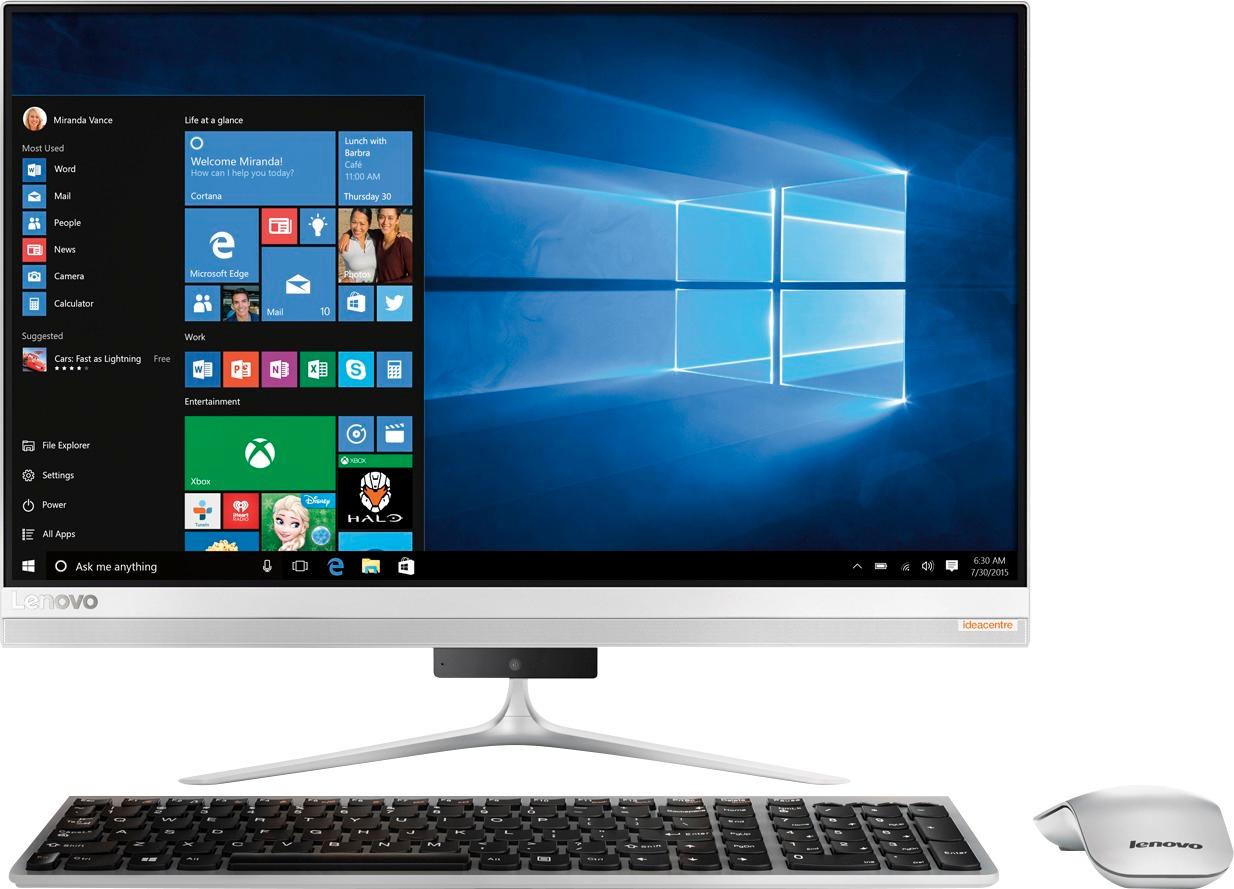
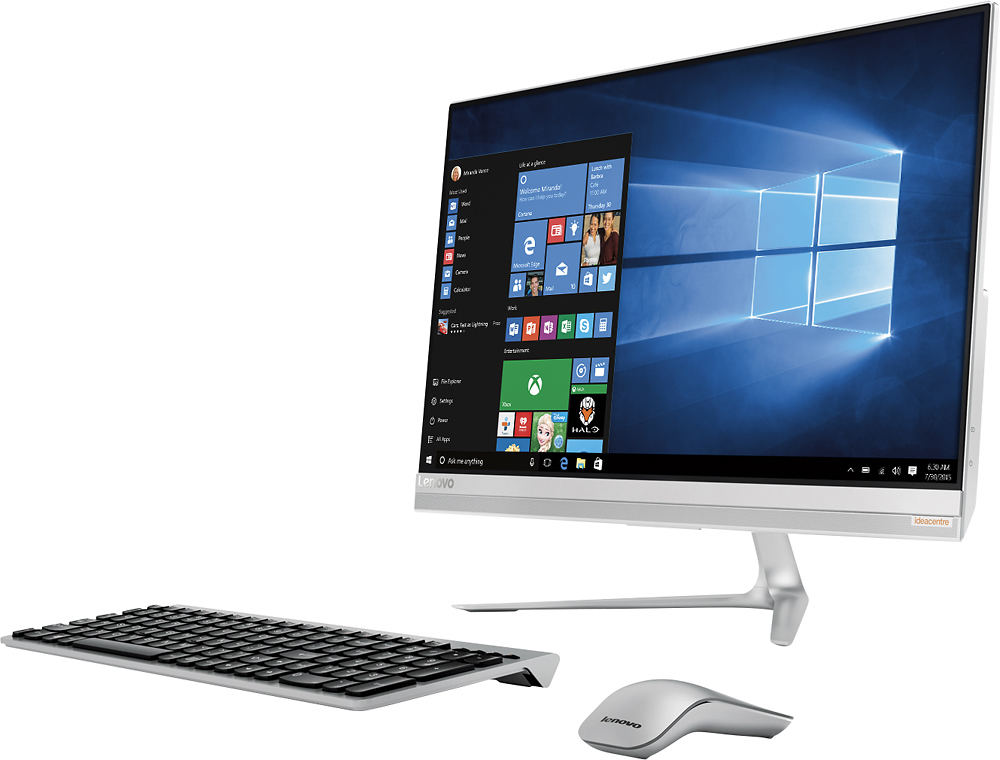
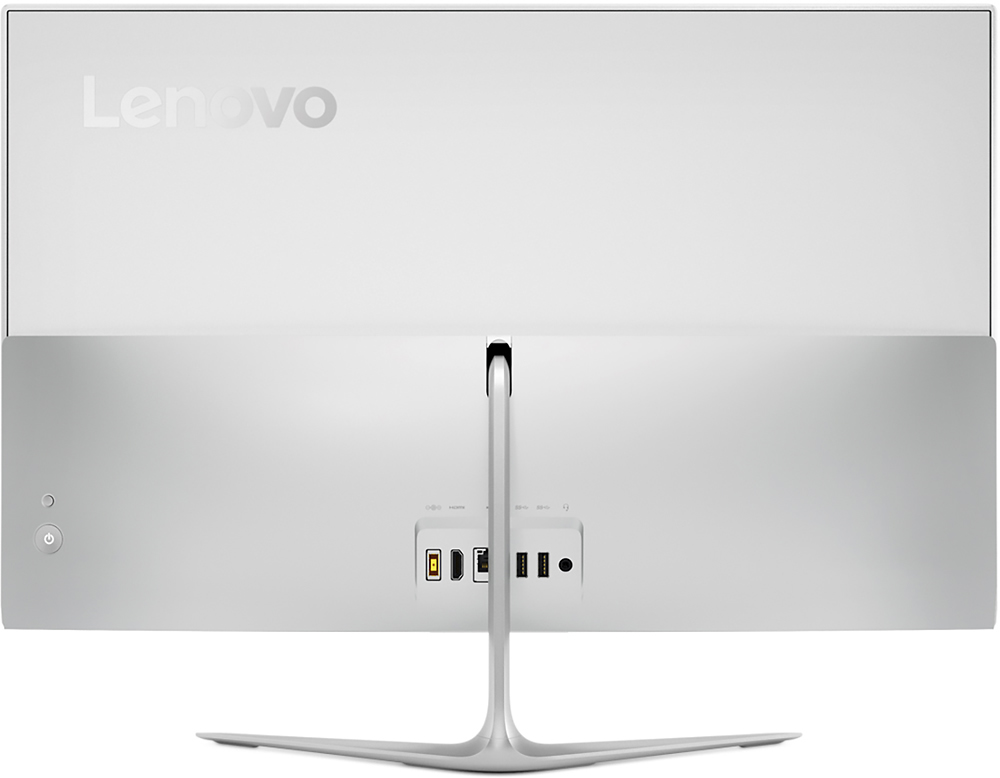
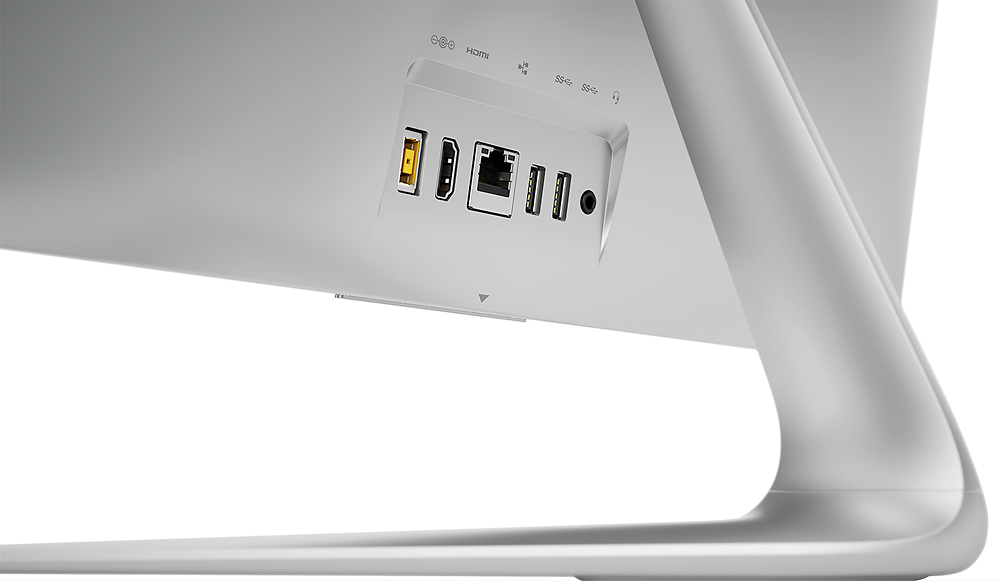
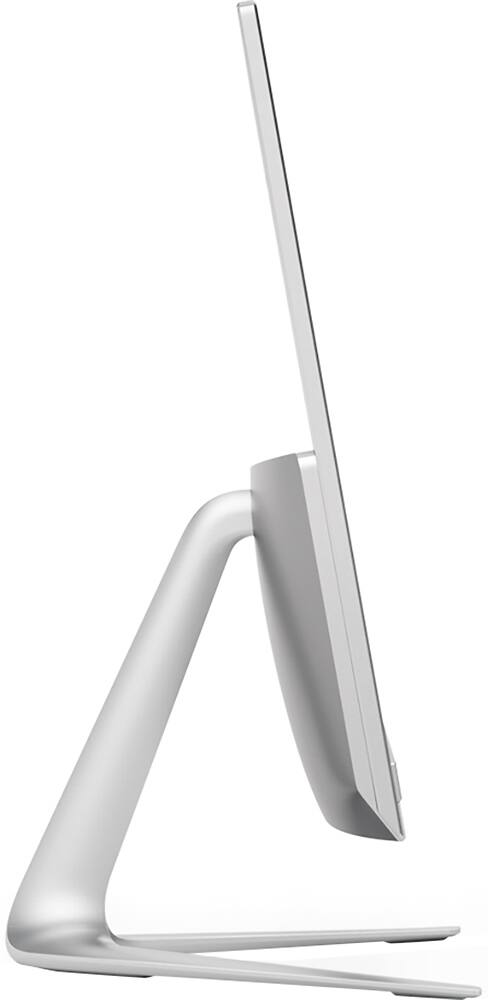
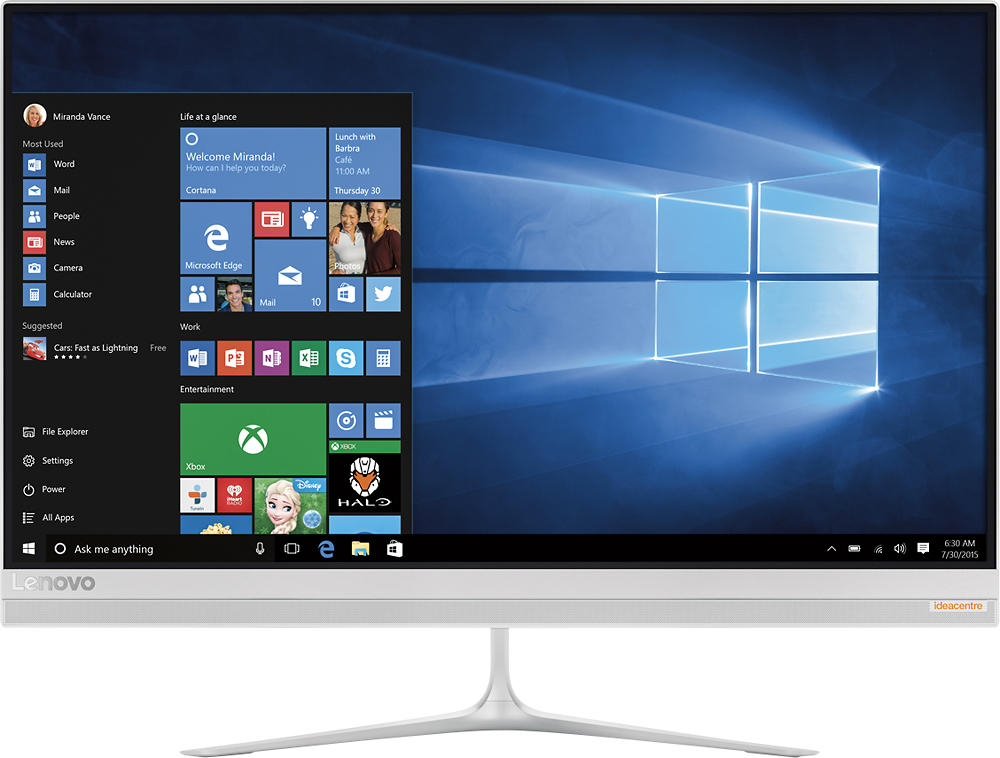
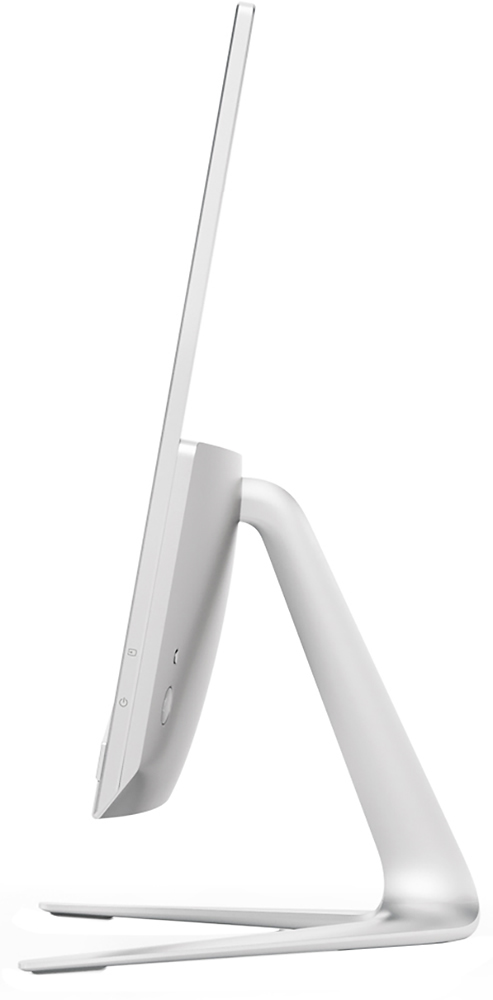
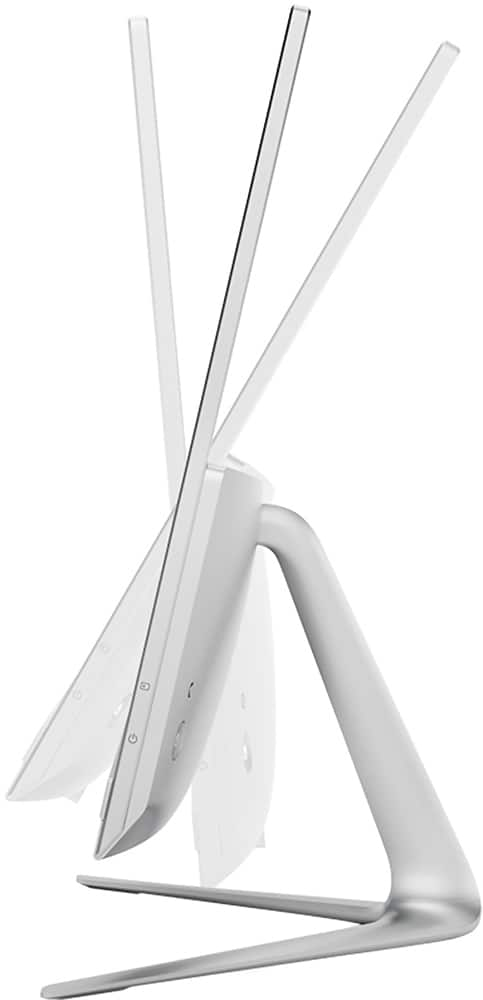
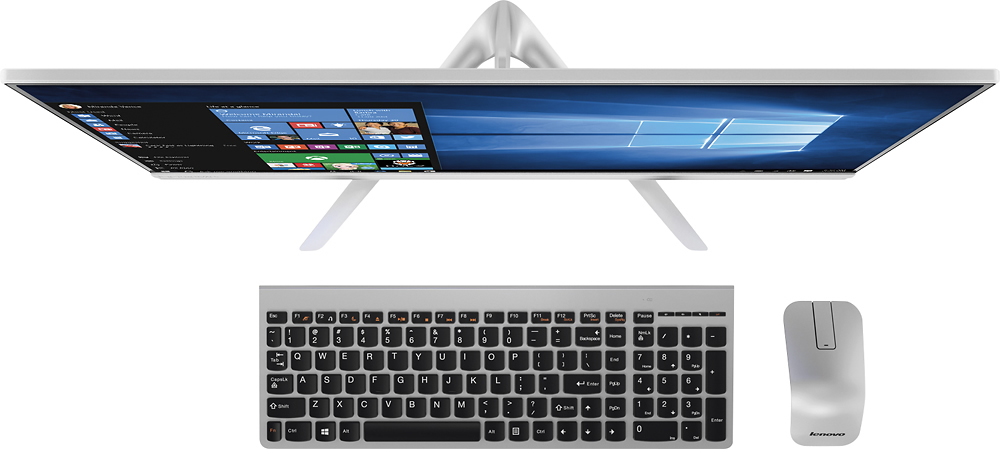
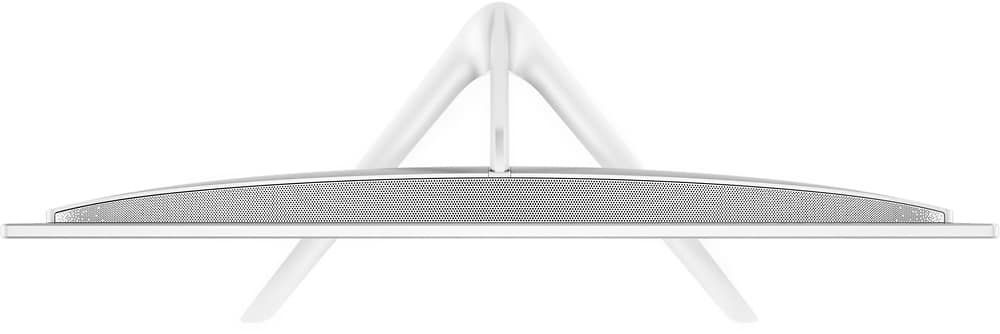
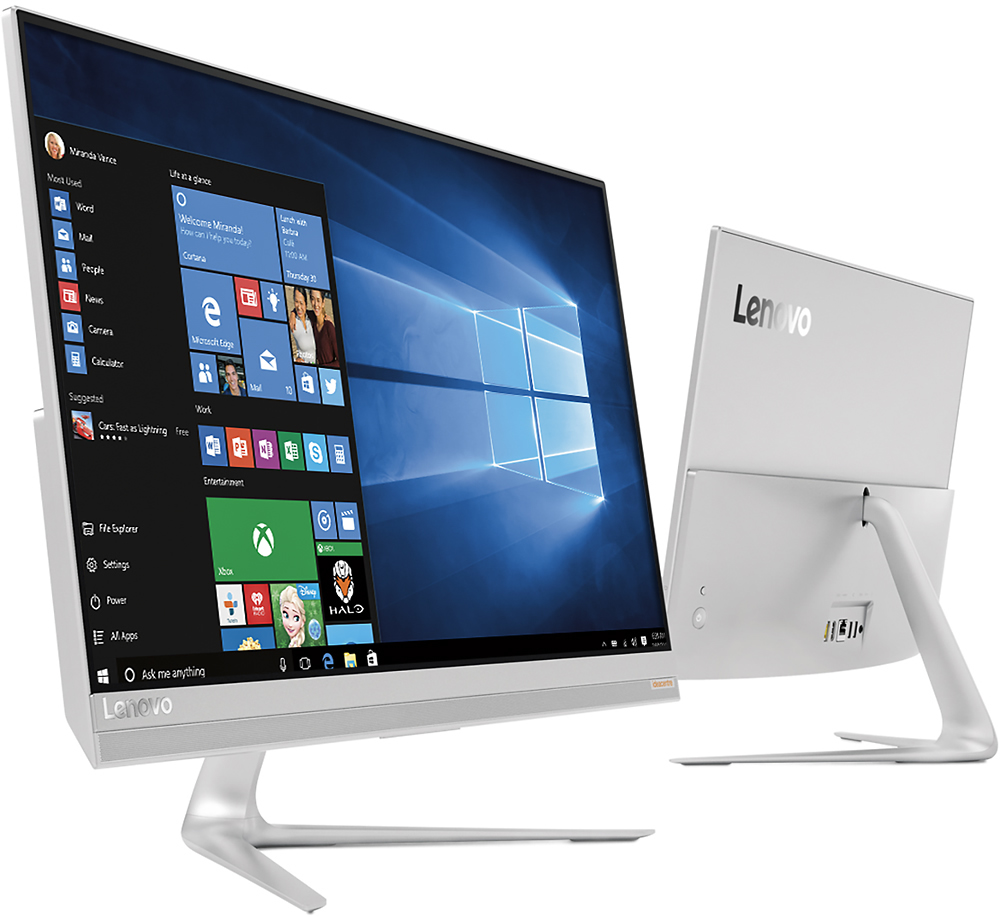
Customers love the responsive touch screen and the ease of use of the 510S-23ISU 23" All-in-One. Many appreciate its sleek design, performance capabilities, and compact size, which is easy to move. However, some customers found the number of USB ports insufficient and the sound quality of the built-in speakers lacking. The overall experience is largely positive, though improvements could be made to the I/O and audio.
This summary was generated by AI based on customer reviews.
Terrible customer service from Lenovo!!!
||Posted .This reviewer received promo considerations or sweepstakes entry for writing a review.I called Lenovo with a problem 6 days after buying it and was told that they could help me but that I would have to pay for the service assistance. I told them that I had just purchased it from Best Buy 6 days earlier but they said I would have to pay for help regardless . I couldn't take it back to Best Buy fast enough!!! If you are considering a Lenovo product run away fast!!!
No, I would not recommend this to a friendStill learning.
||Posted .This reviewer received promo considerations or sweepstakes entry for writing a review.Windows 10 is new to us, so becoming familiar with it. Otherwise quite happy.
I would recommend this to a friendBrand response from Lenovo Product Expert
Posted .Thank you for choosing the Lenovo IdeaCentre 510s-23 All-In-One system. With regard to learning your way around Windows 10, you may want to try YouTube.com (just type that address in your browser address window). There are hundreds for free instructional videos there about Windows 10. Just type Windows 10 Introduction in to the YouTube search window. You can watch free videos there that will show you the basics all the way up to tips and tricks videos and they're all free.

Freezes
||Posted .This reviewer received promo considerations or sweepstakes entry for writing a review.Always freezes when I use it for normal internet brozing
No, I would not recommend this to a friendDisgusted
||Posted .This reviewer received promo considerations or sweepstakes entry for writing a review.Was told it would be compatible with existing printer scanner combo. This does not seem to be the case. Also cannot download the office program I purchased. It's 105 miles one way to Cruces and I am not sure it is worth my time and expense to come back to Best Buy.
No, I would not recommend this to a friendBrand response from Lenovo Product Expert
Posted .Check with the printer manufacturer's web site for the Windows 10 driver for the printer. You will need to install this driver to this system, then pair the printer to this device according to the pairing procedure of the printer manufacturer. There is a 30-day trial of Microsoft Office 365 included as part of the Windows 10 operating system. In order to keep the program active after the trial period, you will need to purchase a product key. You will not need to download any additional software. So all you need to do is activate the Microsoft Office Software that is already on the device by using the 26-digit activation code on the Microsoft Office Software key you purchased.
Bad audio
||Posted .This reviewer received promo considerations or sweepstakes entry for writing a review.I will never buy another Lenovo product! Customer service is a joke. Worst computer I have ever owned. My Audio squeaks and breaks.
No, I would not recommend this to a friendBrand response from Lenovo Product Expert
Posted .We are sorry to hear about the audio issue you are having with your IdeaCentre 510s-23 All-In-One system. There may be audio driver updates for your specific system that may help correct this issue. Follow the link below to look for new driver updates for your specific system. You can also run diagnostics from the Lenovo site as well. As always, be sure to create a restore point on your system before you make any changes. You can do this by just typing "restore point" in the search window within Cortana and follow the link to create a restore point. Here is the link:
http://support.lenovo.com/us/en/products/Desktops-and-all-in-ones/500-Series/aio-510s-23isu/F0C3/0012US?linkTrack=Caps%253ABody_SearchProduct&tabName=downloads&beta=false
- Pros mentioned:Ease of use, Performance
Great, but....
Posted .This reviewer received promo considerations or sweepstakes entry for writing a review.So, let me start off by saying I love this computer. It was effortless to put together, and I even like the keyboard that came with it (not so much the mouse but I have another one so it's okay). The only issue I've had is earlier today. I was away from my computer long enough where the screen turned off (on sleep mode I guess) and when I came back and jiggled the mouse it wouldn't turn back on. I had to press and hold down the power button for it to come back on. I really hope this is not a recurring issue. I love Lenovo products, and I wanted to upgrade from my Lenovo laptop to a desktop. I just hope I made the right decision with this purchase.
I would recommend this to a friendBrand response from Lenovo Product Expert
Posted .Thank you for choosing the Lenovo 510s All-In-One computer. You may want to take a look at this Windows 10 tips/tricks article about fixes for systems not waking from sleep mode:
http://www.troublefixers.org/windows/fix-windows-10-wont-wake-up-from-sleep-or-turn-on-issue/166/
Not a good choice.
||Posted .This reviewer received promo considerations or sweepstakes entry for writing a review.We are returning this item. Poor quality and performance.
No, I would not recommend this to a friendBrand response from Lenovo Product Expert
Posted .We are sorry to hear you are experiencing issues with the Lenovo IdeaCentre 510s-23 All-In-One system. We would like to help with any issue you are experiencing. You can reach us here or you can call Lenovo Tech Support at 877-453-6686.
- Pros mentioned:Speed, Touch screen
Sleek styled workhorse.
Posted .This reviewer received promo considerations or sweepstakes entry for writing a review.My workhorse. This product has lasted for more than five years and has not failed me yet. It is sleek and the screen is huge. The processor is fast, and the color is amazing.
I would recommend this to a friend - Pros mentioned:Speed
WOW-please read my review if you read bad ones!
Posted .This reviewer received promo considerations or sweepstakes entry for writing a review.This is a great fast computer...!!! We almost took it back the next day! it was slow at first and could not load..I went on line to read the reviews and saw people had the same issues!!! THEN!!! I thought WAIT I think the computer already had an antivirus loaded when I added another one!! YES that was it we uninstalled the McAfee it came with and left our antivirus. AND NOW THIS IS THE FASTEST COMPUTER I HAVE EVER OWNED!! yes the issue was that it came preloaded with protection and we added another once we uninstalled their antivirus this has been a dream...and the price is amazing. I can have several windows open and it is still fast LOVE IT!!
I would recommend this to a friendBrand response from Lenovo Product Expert
Posted .Thank you for choosing the Lenovo IdeaCentre 510s-23 All-In-One system. We are pleased to hear to you were able to fix the anti-virus issue and now find the IdeaCentre 510s-23 AIO meets your computing needs.
- Cons mentioned:Usb ports
Disappointed; Actual vs. Specification
Posted .This reviewer received promo considerations or sweepstakes entry for writing a review.Good news first. Easy start-up and handles loading old software and new versions without problems. Performance of processor and HDD as expected and has performed well for the first week. Now for the disappointment. Best Buy specification clearly says Bluetooth and 4 USB ports. Actually, the bluetooth is NOT integrated into the unit but is a USB adapter included with the mouse. Sooo, it used a USB port. Now for the big Disappointment. The unit DOES NOT HAVE 4 USB ports as written in the specifications on the Best Buy site. It has 2 USB ports and as mentioned one has to be used for the Bluetooth mouse and keyboard. Big disappointment and problem for most users. Additionally, the keyboard is only fair at best. If I had known about the actual vs. advertised specifications, I would not have purchased. Hope you find this information.
No, I would not recommend this to a friendBrand response from Lenovo Product Expert
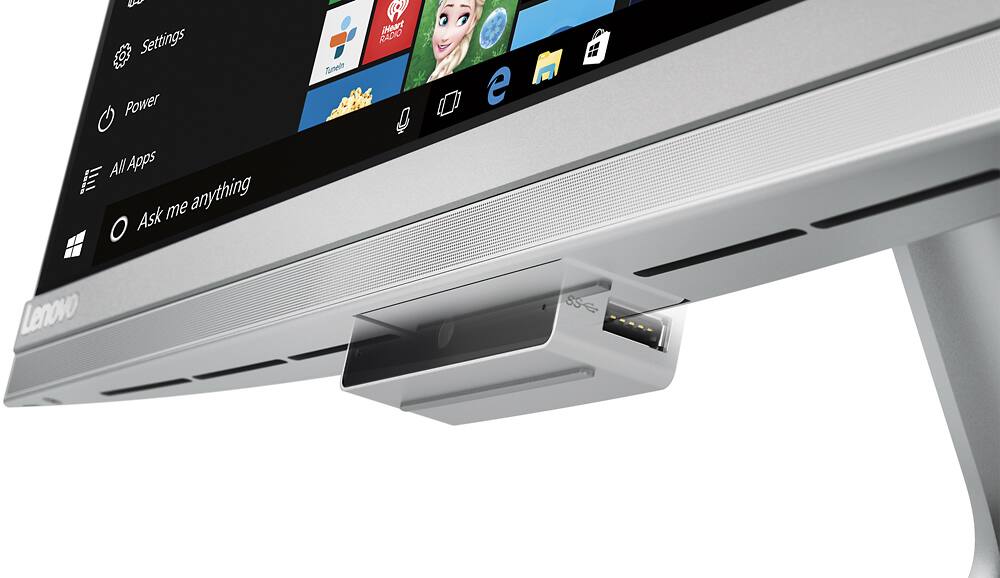
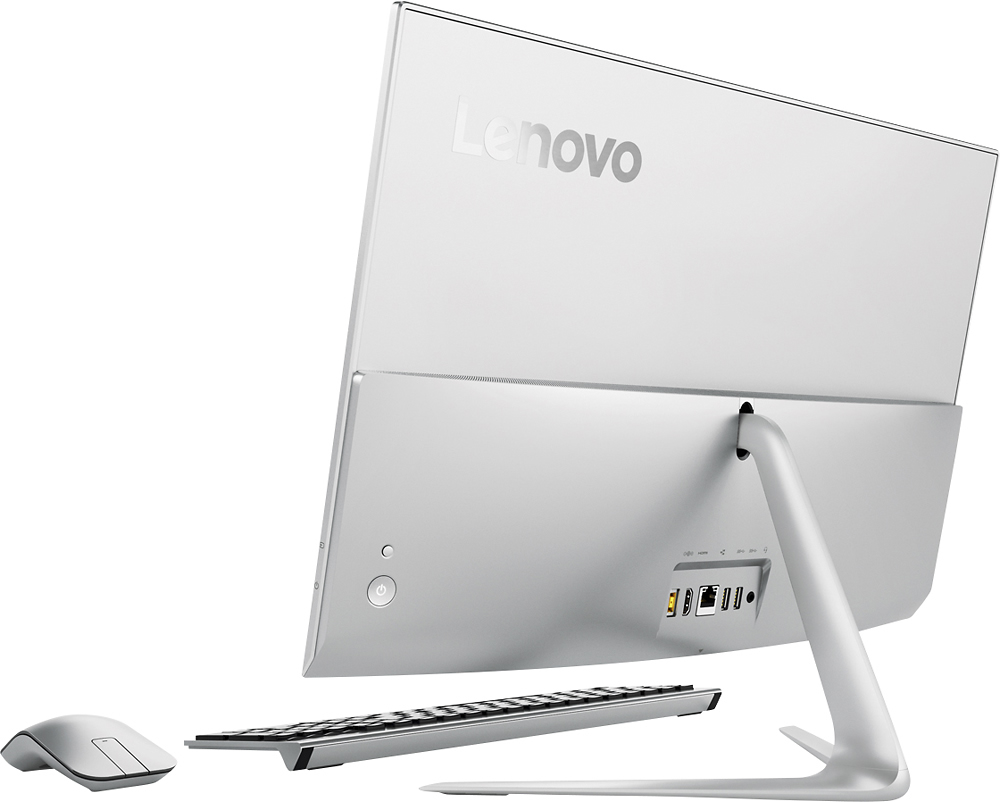
Posted .There are four USB ports on this device, two on the back and two more on the dropdown web cam housing at the bottom of the screen. There is Bluetooth 4.0 built in to this device. The mouse and keyboard are wireless 2.4Ghz and run off of the USB receiver found within the mouse - The mouse and keyboard are not Bluetooth. If you need more USB ports, you may consider using a USB hub.
- Pros mentioned:Touch screen
Great all in one, terrible web cam
Posted .This reviewer received promo considerations or sweepstakes entry for writing a review.Overall I've been very pleased with this computer. This is my first desktop in over 15 years so I was cautious about my expectations. I'm still getting used to a touch screen desktop as this seems unnecessary but has proven to be useful a few times. The biggest issue I have is with the webcam. It pops out of the bottom of the screen which pretty much gives a solid view straight up your nose. Not exactly a professional view. I will be purchasing a separate cam to mount on the top of the computer (if I can get it to mount without causing problems with the touch screen). Kind of a hassle.
I would recommend this to a friendBrand response from Lenovo Product Expert
Posted .Thank you for choosing the Lenovo IdeaCentre 510s All-In-One system. With regard to the location of the web cam, we will look in to this for future improvements.
- Pros mentioned:Touch screen
Love this touchscreen desktop!
Posted .This reviewer received promo considerations or sweepstakes entry for writing a review.Very sleek silver monitor with wireles mouse & keyboard takes up NO space on desk! Love the touchscreen monitor with anti-glare screen too.
I would recommend this to a friendBrand response from Lenovo Product Expert
Posted .Thank you for choosing the Lenovo IdeaCentre 510s All-In-One system. We are pleased to hear that the performance and features of the IdeaCentre 510s AIO meets your computing needs so well.
- Pros mentioned:Touch screen
Just ok
Posted .This reviewer received promo considerations or sweepstakes entry for writing a review.Pros - looks great & touch screen seems nicely responsive. Cons- doesn't load web pages particularly fast. Big issue - Having trouble with wireless mouse and key board not being responsive to the point you just want to return the computer. I have a second wireless keyboard and mouse which I've never had issues with - it's also not working with this computer. Slow and sometimes not responsive. Might need to return this one if I can't figure it out.
No, I would not recommend this to a friendBrand response from Lenovo Product Expert
Posted .Thank you for choosing the Lenovo IdeaCentre 510s-23 All-In-One system. With regard to the issues you mention with your device, there may be driver updates for your specific system. Follow the link below to look for new driver updates for your specific system. You can also run diagnostics from the Lenovo site as well. As always, be sure to create a restore point on your system before you make any changes. Here is the link:
http://support.lenovo.com/us/en/products/Desktops-and-all-in-ones/500-Series/aio-510s-23isu/F0C3/0012US?linkTrack=Caps%253ABody_SearchProduct&tabName=downloads&beta=false
Excellent Choice for All in one PC
Posted .This reviewer received promo considerations or sweepstakes entry for writing a review.Only had for a week but so far this is an excellent PC. Don't be swayed by the reviews that mention fan blowing all the time. Why it does blow nearly 100% of the time it has to be one of the quietest fans I've ever heard. I use this in an area off the kitchen and usually at night when it is quiet in the house. It is barely audible. Not distracting and in a normal environment is undetectable.
I would recommend this to a friendBrand response from Lenovo Product Expert
Posted .Thank you for choosing the IdeaCentre 510s-23 All-In-One system. We are pleased to hear that the IdeaCentre 510s-23 AIO is working out so well for you.
Love this Lenovo
Posted .This reviewer received promo considerations or sweepstakes entry for writing a review.Great 23" touchscreen, system is flawless, still amazed by capabilities Glad the salesman guided me in this direction. Highly recommend to anyone wanting a new system.
I would recommend this to a friendBrand response from Lenovo Product Expert
Posted .Thank you for choosing the Lenovo IdeaCentre 510s All-In-One system. We are pleased to hear that the features and performance of the IdeaCentre 510s AIO meets your computing needs so well.
Multiple programs are SLOW
Posted .This reviewer received promo considerations or sweepstakes entry for writing a review.Have used the all in one for a month now. For whatever reason, multiple programs/websites run extrmely SLOW - Facebook (website and app) is the biggest example. I have other devices in my home using the same network connection (iPad Air for example) without any of these issues. The wireless mouse is not good at all, the scroll button is hit and miss compared with my previous scroll wheel mouse. Attempted to replace the included mouse with a scroll, but that made the wireless keyboard unusable. Thinking I might need to take it back and get it checked out.
No, I would not recommend this to a friendBrand response from Lenovo Product Expert
Posted .Thank you for choosing the Lenovo IdeaCentre 510s All-In-One system. This should not be a slow system. The Core I-5 processor is a dual core/four thread processor with clock speed at idle of 2.3Ghz and turbo-boost speed of 2.8Ghz. The 8GB of RAM is more than enough space to have multiple programs/windows open at once. There sound like there is background activity going on within your system. Other programs running in the background that are using up system resources. Some things to consider: Check your task manager first. You can hold down the ctrl+shift+Esc keys at the same time and the task manger window will open. The first tab there is "processes". In here you can see how much activity is going on within your system at idle. At idle, there should be no more than 2% of CPU usage, 25-30% of Memory. Any more than this and there are programs running in the background. Go down the list and see what's running. Shutdown what you can. This should free up resources and make your system run faster.
- Pros mentioned:Design
Two star, the best the PC can earned!
Posted .This reviewer received promo considerations or sweepstakes entry for writing a review.First of all this AiO looks so nice! Extremely thin design is sososo attractive besides personally love white color which looks pretty nice! But the CPU performance is kind of tragedy when I want to run some game with higher loading, besides the camera location is totally a joke. It shoots my nose hair clear than my face, which my friends make fun if me. Keyboard is ok but not a fan about the texture of mouse. Wont recommend this PC to my friend.
No, I would not recommend this to a friendBrand response from Lenovo Product Expert
Posted .Thank you for choosing the Lenovo IdeaCentre 510s All-In-One system. With regard to the issues you raise, we will look in to these for future improvements.
great monitor and sleek design
Posted .This reviewer received promo considerations or sweepstakes entry for writing a review.The Li5 is really good especially the anti glare monitor....but i dont know if i can download RFS games with this computer.
I would recommend this to a friendExcellent all in one
Posted .This reviewer received promo considerations or sweepstakes entry for writing a review.Got this on sale and with student discount (great program with Best Buy). New design, works great, recommend it>
I would recommend this to a friendBrand response from Lenovo Product Expert
Posted .Thank you for choosing the Lenovo IdeaCentre 510s All-In-One system. We are pleased to hear that the value and performance of the IdeaCentre 510s AIO meets your computing needs so well.
- Cons mentioned:Usb ports
Machine loaded with problems
Posted .This reviewer received promo considerations or sweepstakes entry for writing a review.Bought it for my elementary school kids thinking it was a good deal for the configuration. It is one month old and maybe less than 24 hrs of actual run time. The bluetooth mouse doesnt work 99% of the time. There are horizontal lines on my screen now indicating a hardware problem with the graphics card according to Lenovo. Taking it back to Best-buy as base warranty should cover this. Hopefully the Best Buy repair experience is better than Lenovo's warranty repair guy. I had bought 5 other lenovo AIOs for work over the last 2 years and have to trash 2 of them since they are out of warranty and not worth the cost of shipping and repair. I would advice to stay away from Lenovo AIOs in general. Not worth the money or the hassle dealing with the issues.
No, I would not recommend this to a friend