Customer Ratings & Reviews
- Model:
- F0C30012US
- SKU:
- 5196102
to a friend
Customers are saying
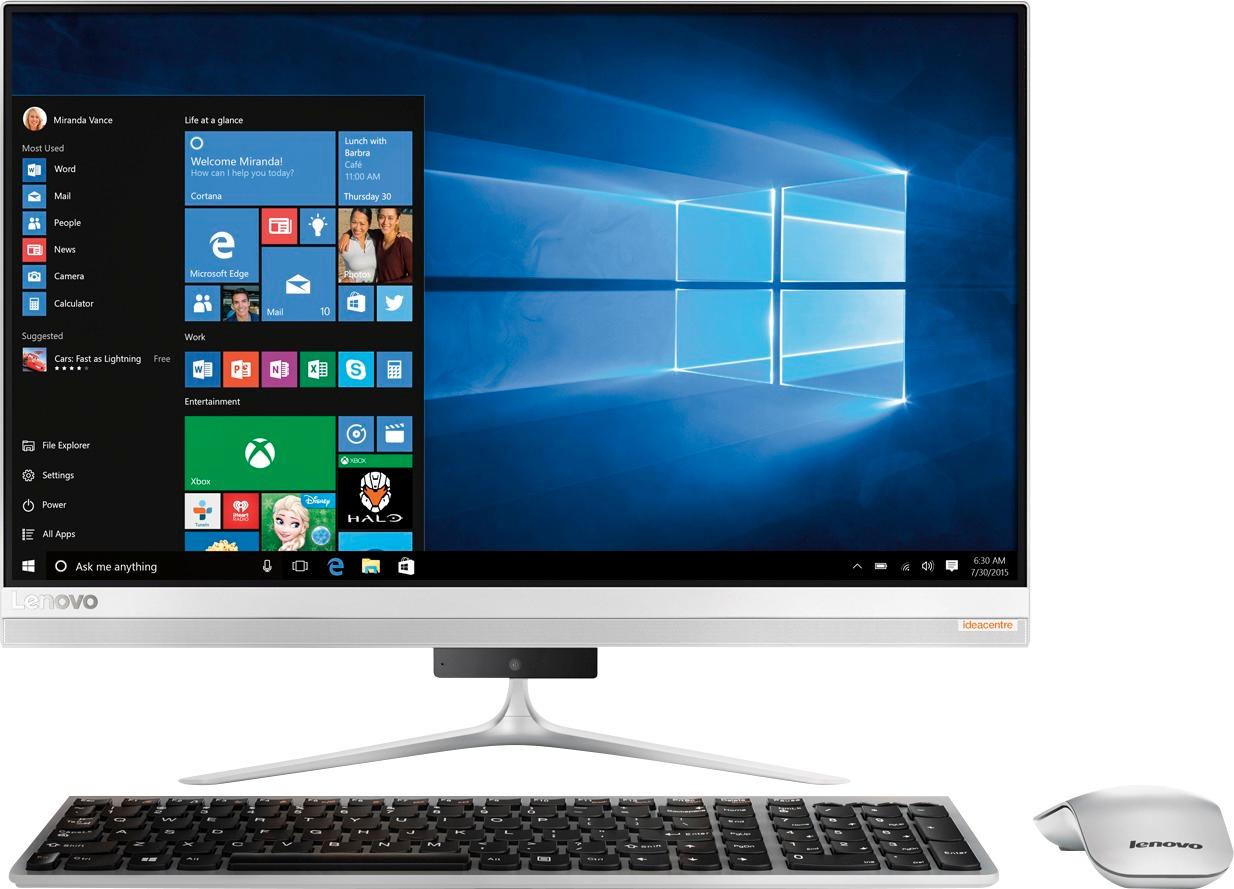
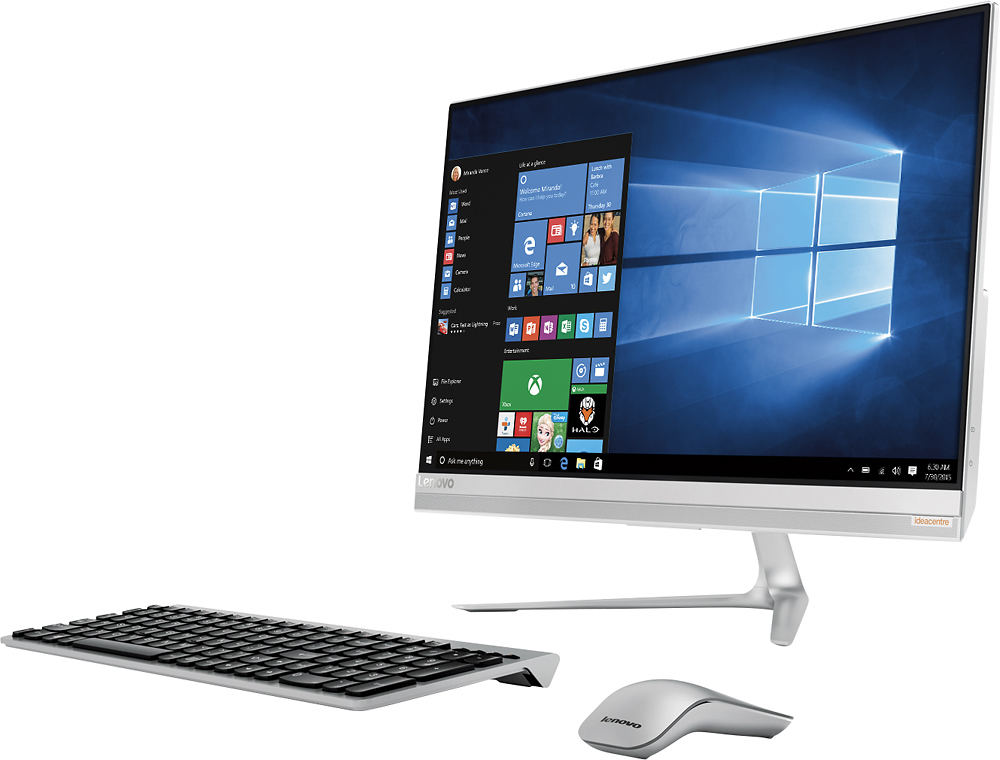
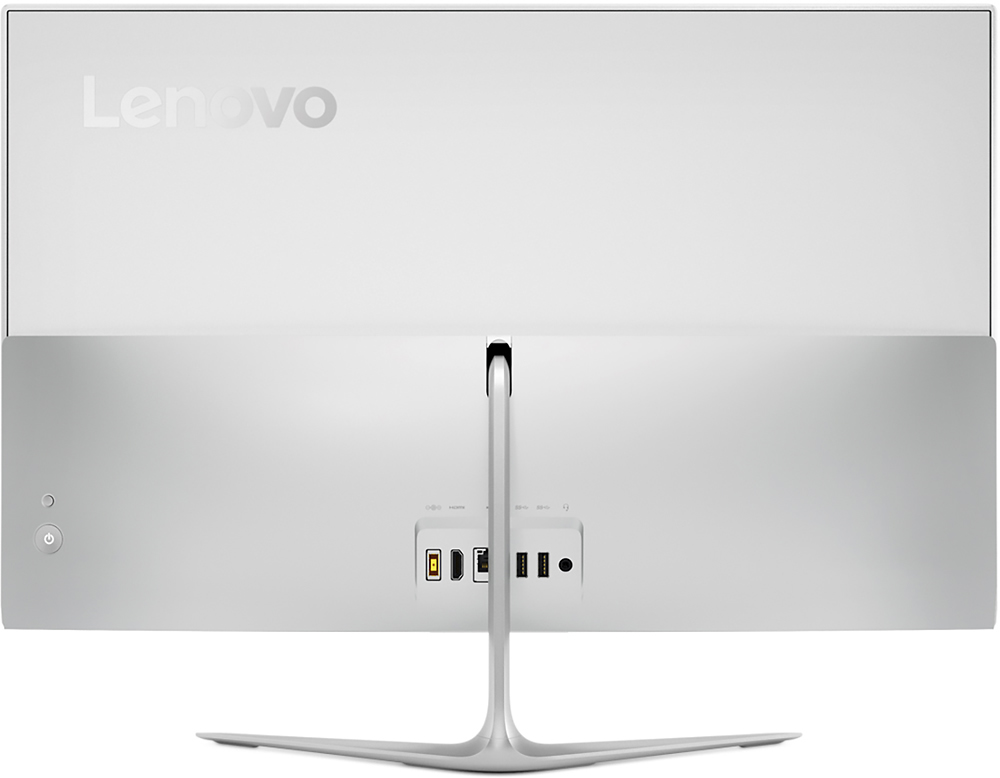
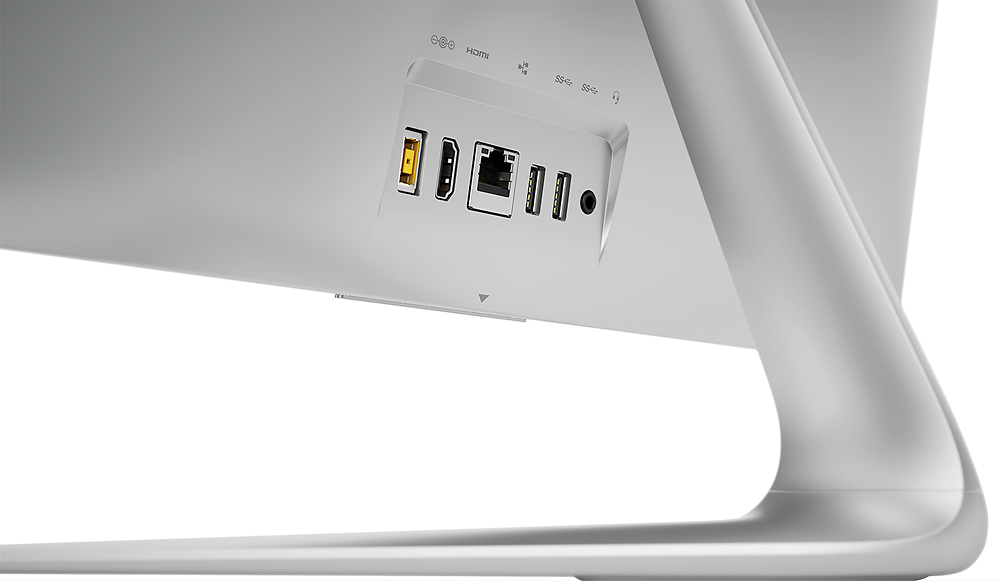
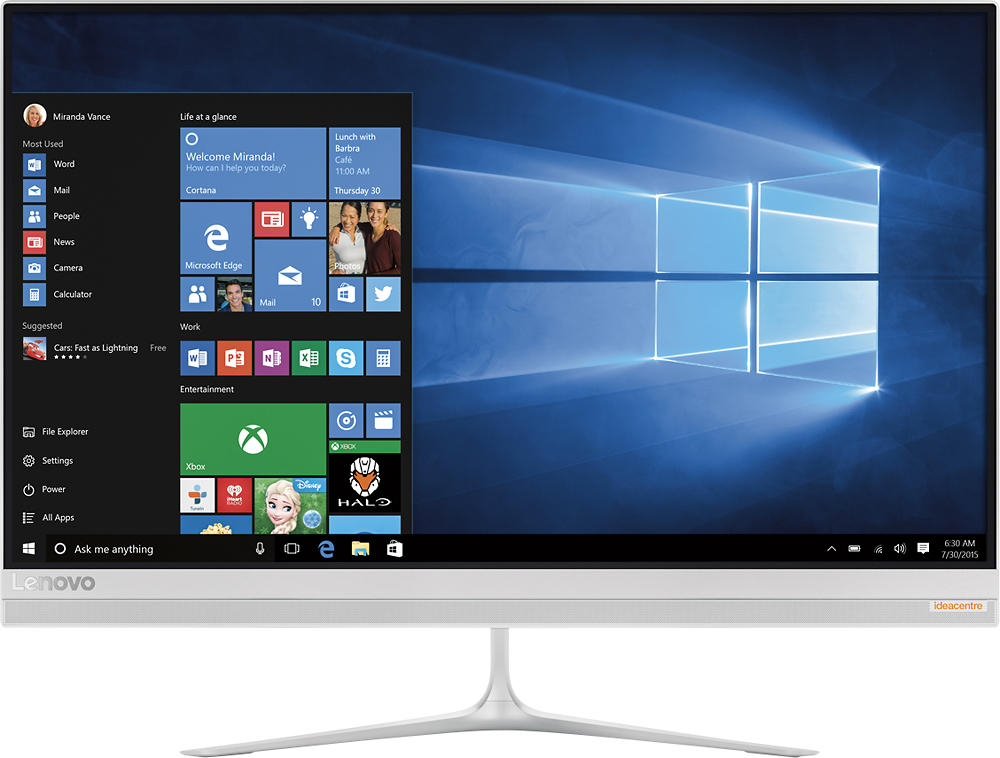
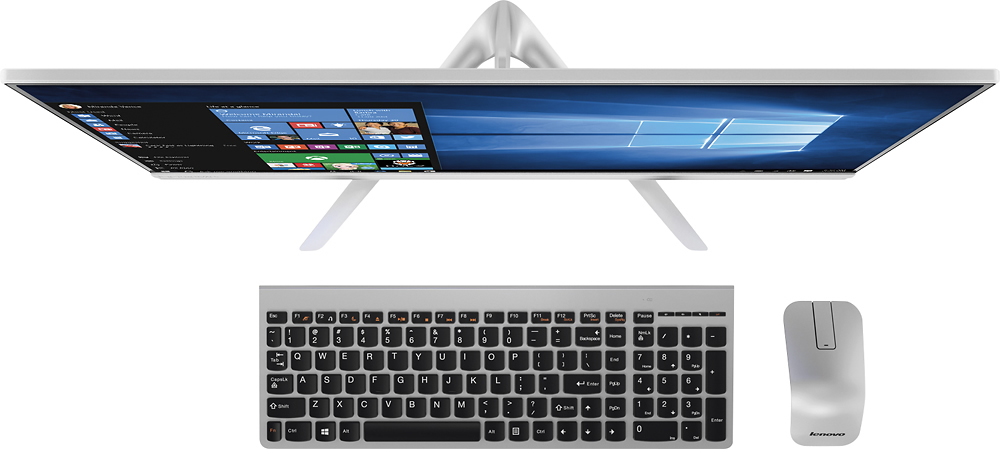
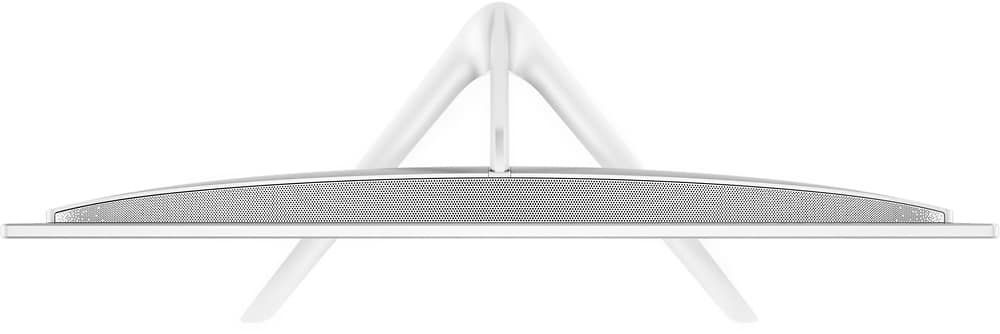
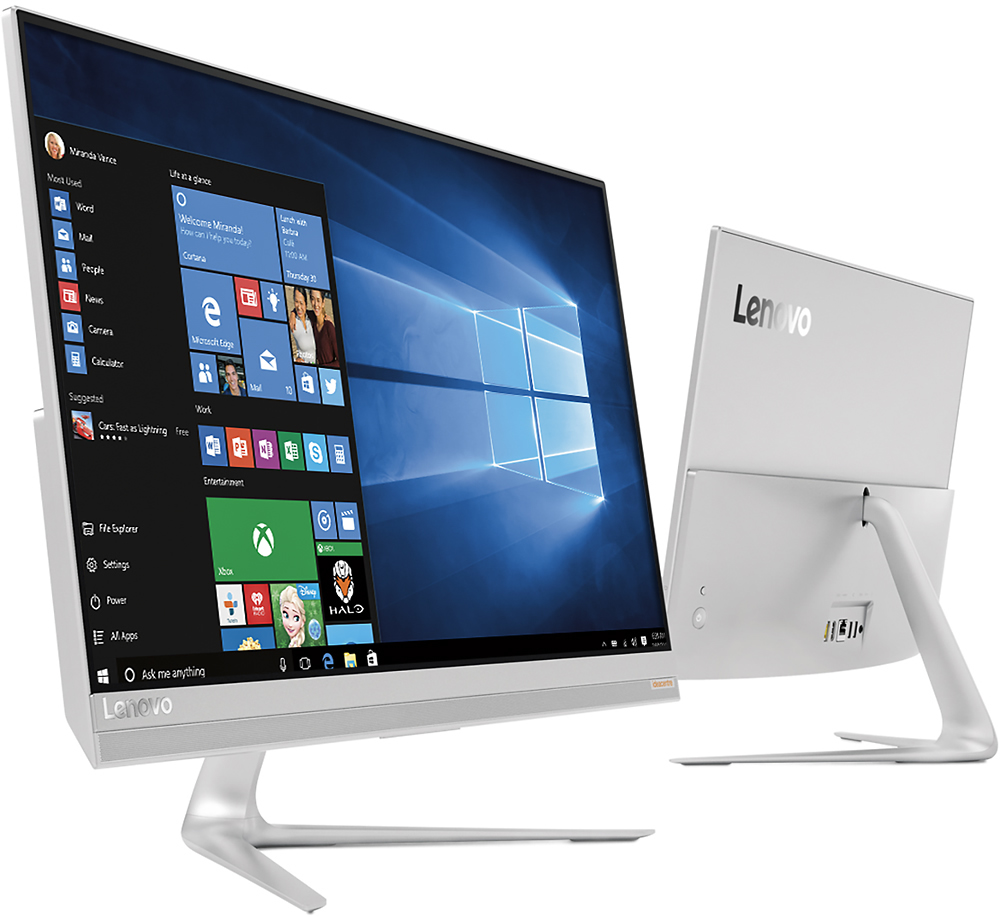
Customers love the responsive touch screen and the ease of use of the 510S-23ISU 23" All-in-One. Many appreciate its sleek design, performance capabilities, and compact size, which is easy to move. However, some customers found the number of USB ports insufficient and the sound quality of the built-in speakers lacking. The overall experience is largely positive, though improvements could be made to the I/O and audio.
This summary was generated by AI based on customer reviews.
Good computer
Posted .This reviewer received promo considerations or sweepstakes entry for writing a review.No setup guide to assist with all features that could be used.
I would recommend this to a friendBrand response from Lenovo Product Expert
Posted .Thank you for choosing the Lenovo IdeaCentre 510s-23 All-In-One. All documentation is now online. Here is the link for this device: http://pcsupport.lenovo.com/us/en/products/desktops-and-all-in-ones/500-series/aio-510s-23isu/f0c3/f0c30012us/documentation

NOT an all-in-one
Posted .This reviewer received promo considerations or sweepstakes entry for writing a review.I bought this computer because of the good reviews. When it arrived, I realized that it had a stand alone DVD drive (not part of the computer). The whole purpose of an all-in-one is that everything is contained together in one machine. Now I have alleged all-in-one computer with an external DVD drive attached. Very DISAPPOINTED!! Also, the keyboard skips characters if you press the keys too hard. The scrolling feature of the mouse is spottyy also.
No, I would not recommend this to a friendVery disappointed
Posted .This reviewer received promo considerations or sweepstakes entry for writing a review.Not many reviews but were all good so had high hopes when I took the plunge of faith. Bought the AIO today. Brought it home excited. Set it up. Bam! Error message right away. Can't find media. Will reboot automatically. Turned on and off several times. Same error message. Maybe only this one is a dud. Going to take it back tomorrow for sure. Not sure if I will try another one or go with something else.
No, I would not recommend this to a friendbrand new Lenovo All in One Hangs
Posted .This reviewer received promo considerations or sweepstakes entry for writing a review.I've only been using this for 2 weeks. I spent time researching but made the wrong choice. Randomly, after using it for awhile, it will just hang while on the internet. Have tried calling & they seem anxious to have me ship it to them, which I do't want to do. They're not finding anything wrong & I'm spending all my time searching on their webpage for help trying to find whats wrong. Let's of reports of systems freezing & hanging on Lenovo page.
No, I would not recommend this to a friendBrand response from Lenovo Product Expert
Posted .This appears to be an issue with the Windows 10 "Creators" Update that occurred recently. Here is a link to a Windows article about this and recommended fixes: https://www.drivereasy.com/knowledge/solved-windows-10-freezes-locks-up-randomly-easily/
There may be driver updates for your specific system. Follow the link below to look for new driver updates for your specific system. You can also run diagnostics from the Lenovo site as well. As always, be sure to create a restore point on your system before you make any changes. You can do this by just typing "restore point" in the search window within Cortana and follow the link to create a restore point. Here is the link:
http://pcsupport.lenovo.com/us/en/products/desktops-and-all-in-ones/500-series/aio-510s-23isu/f0c3/f0c30012us/downloads?linkTrack=Caps%3ABody_SearchProduct