Customer Ratings & Reviews




- Model:
- F0CU0022US
- SKU:
- 5732317
to a friend
Customers are saying
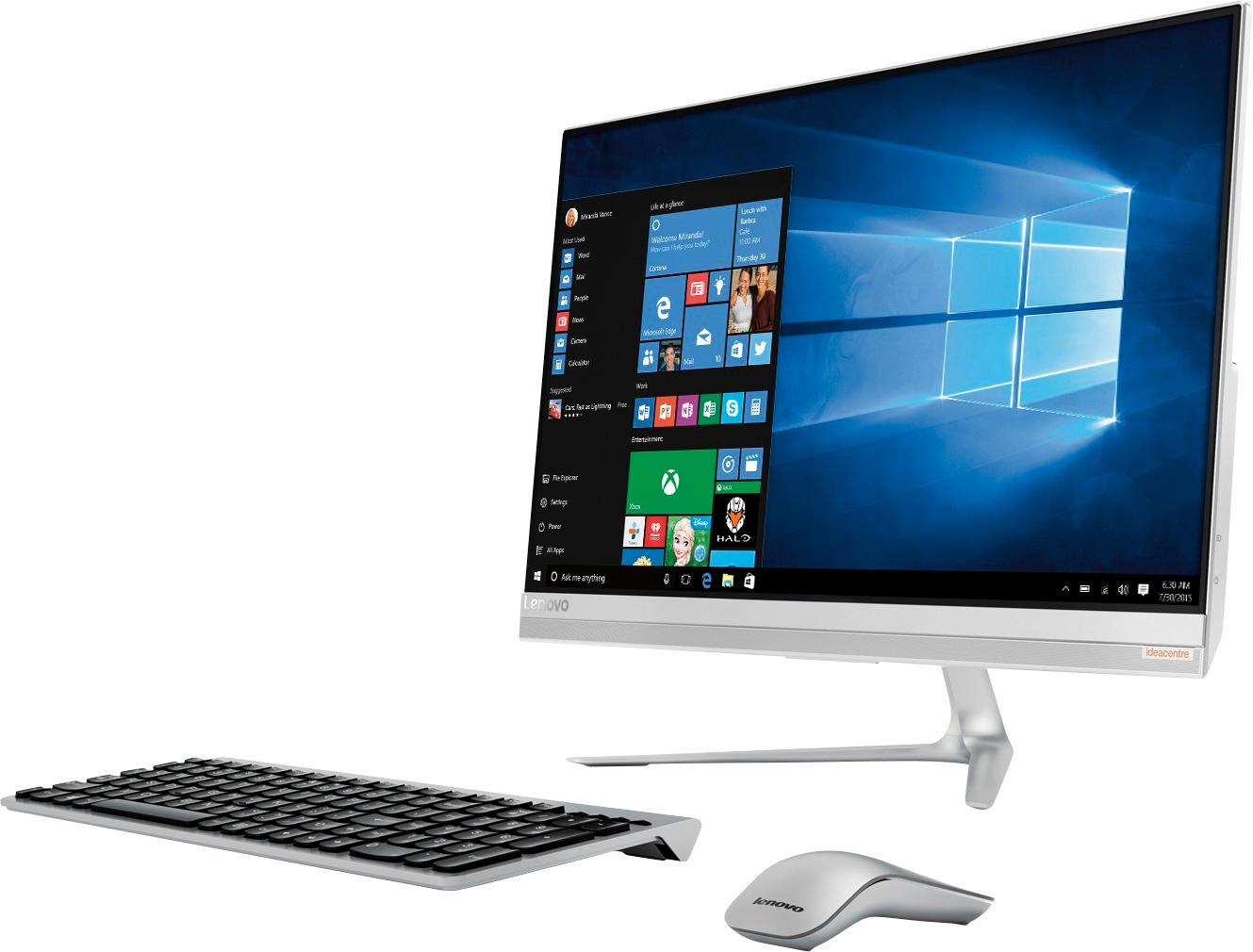
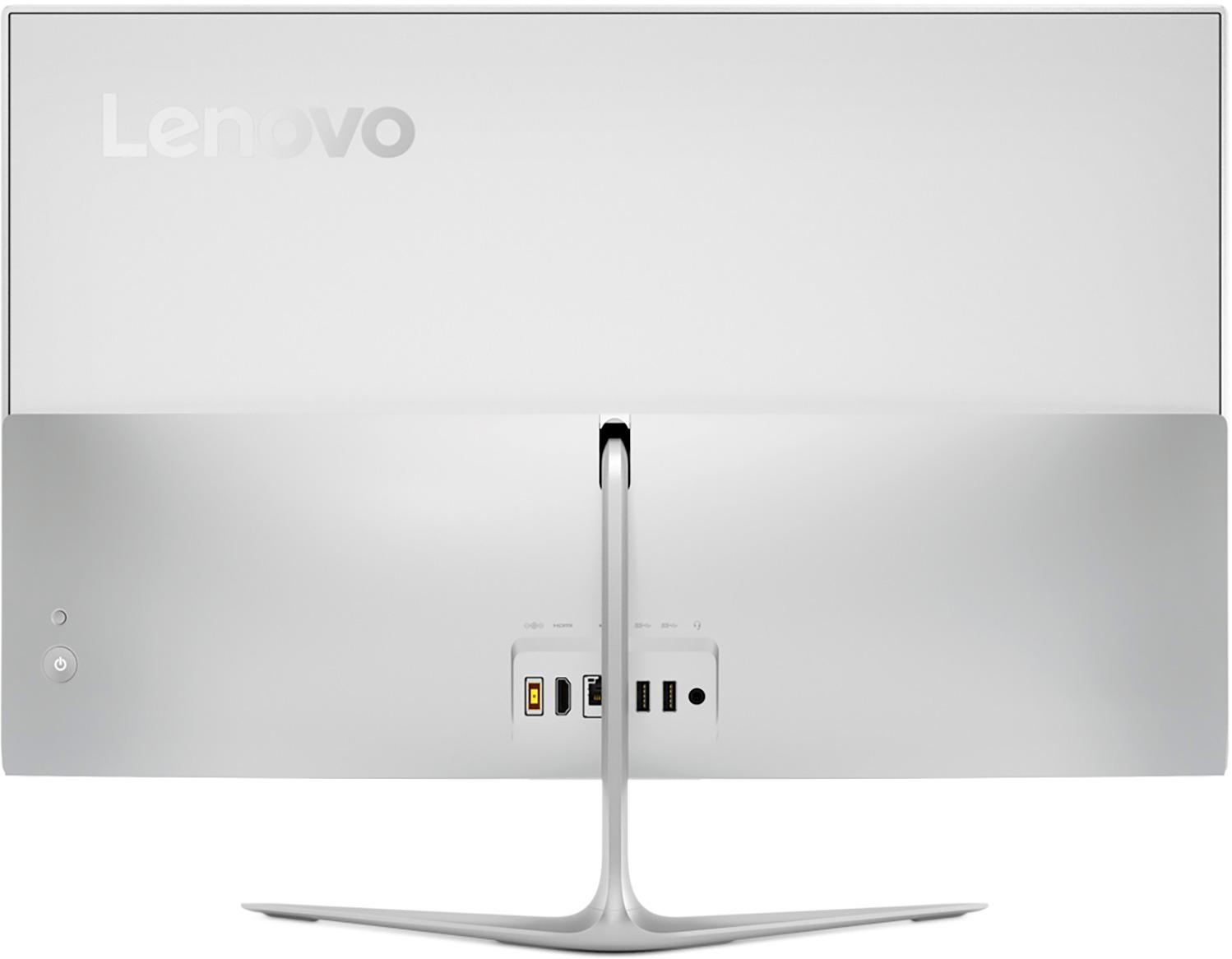
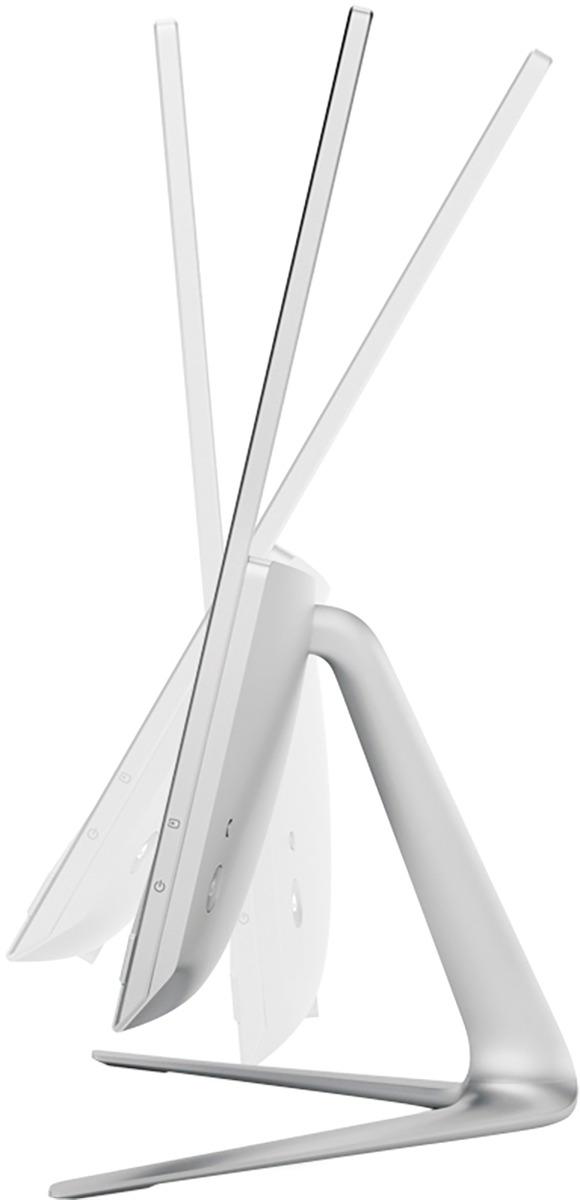
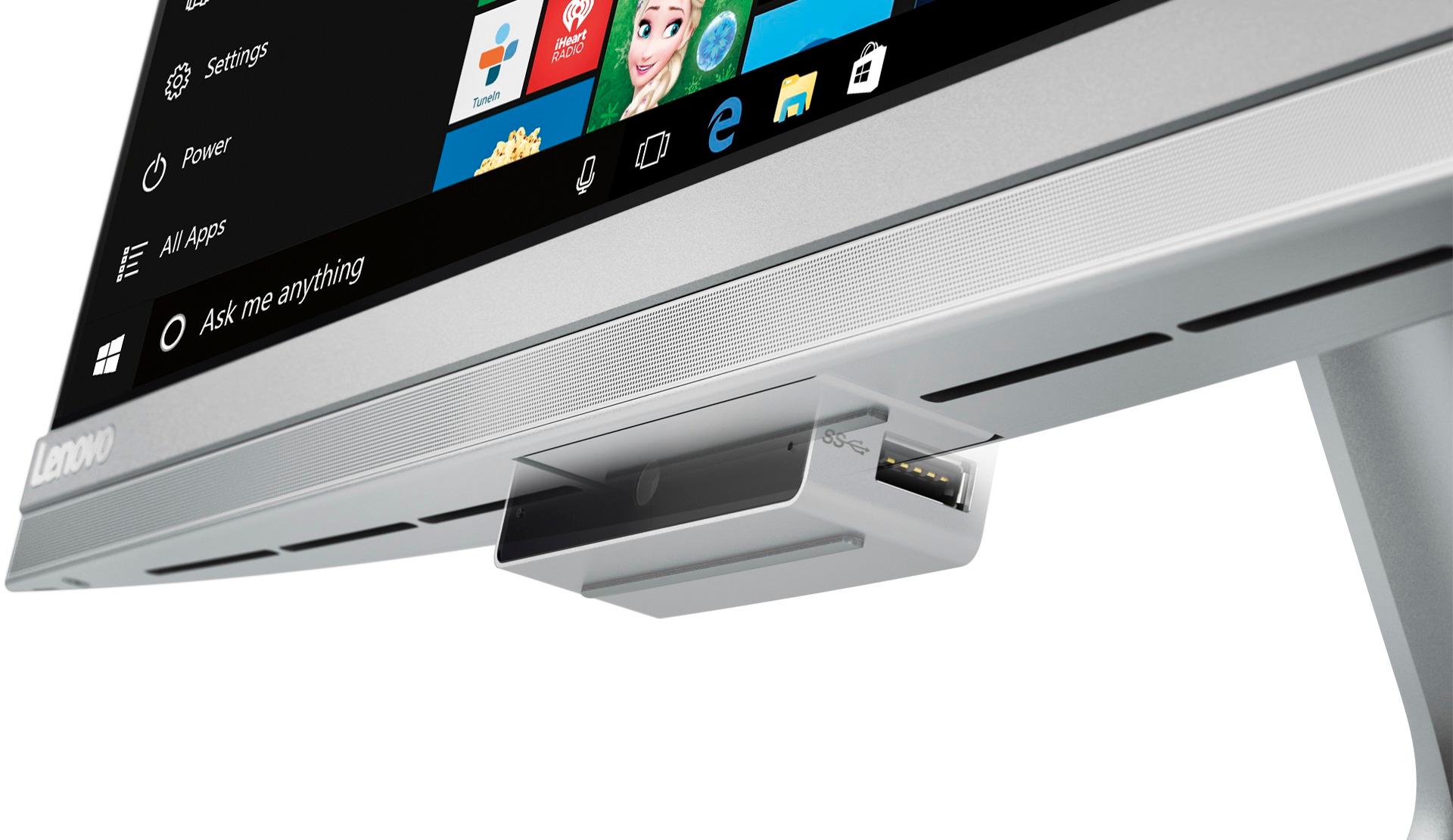
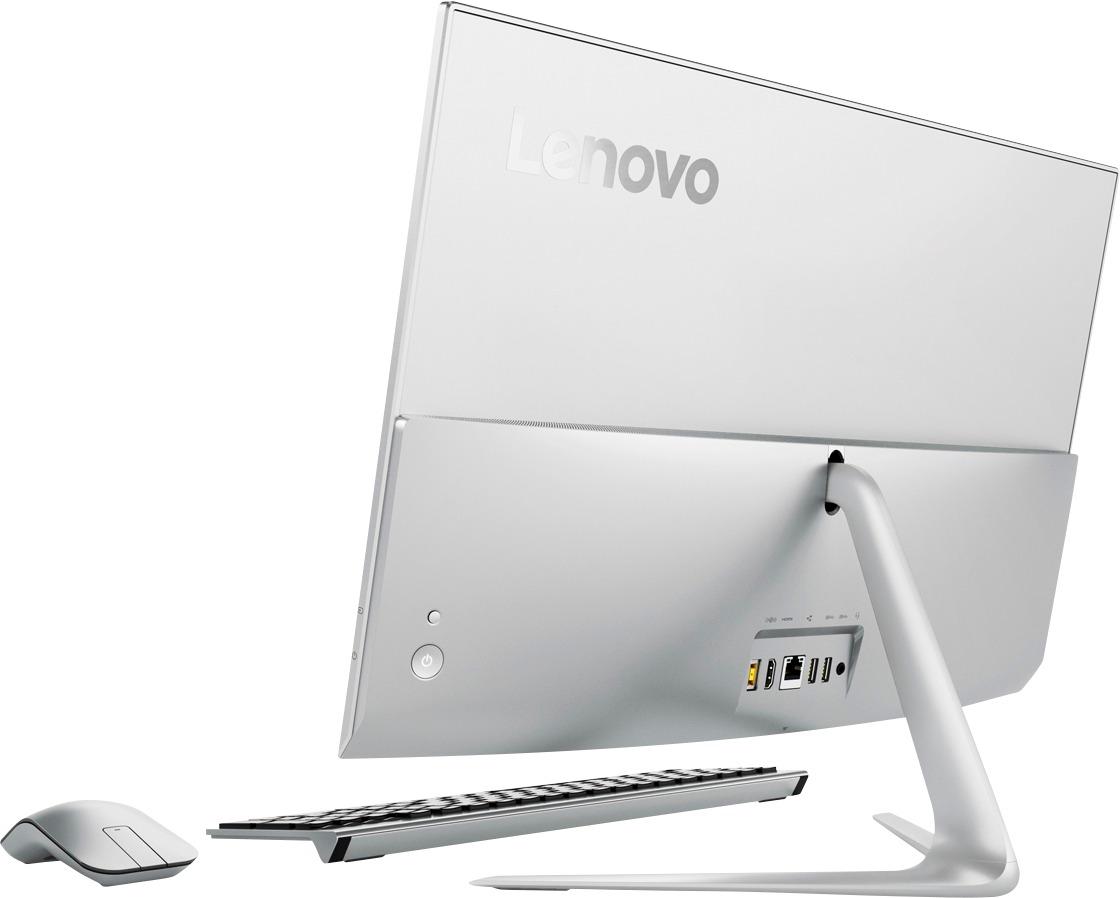
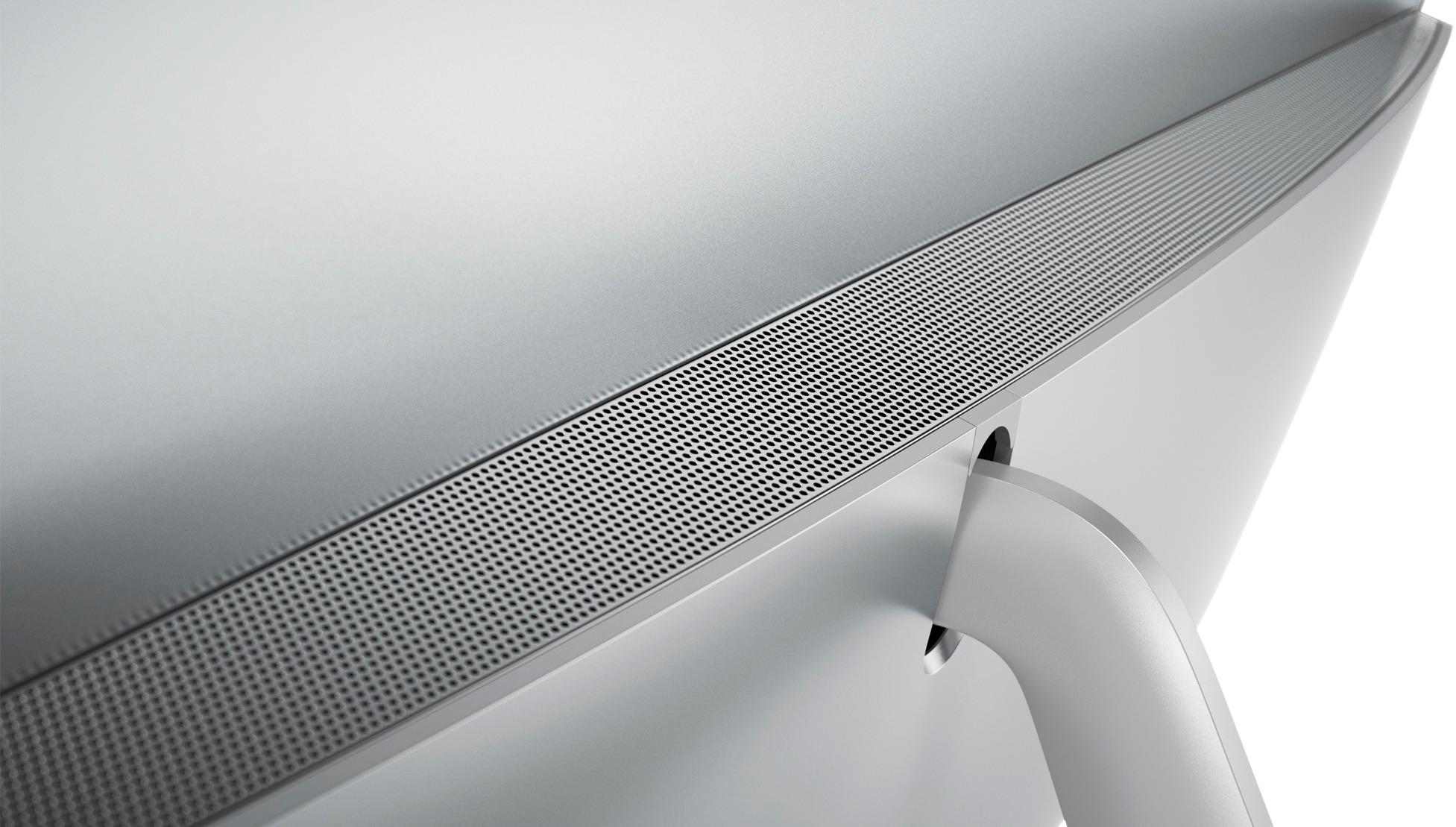
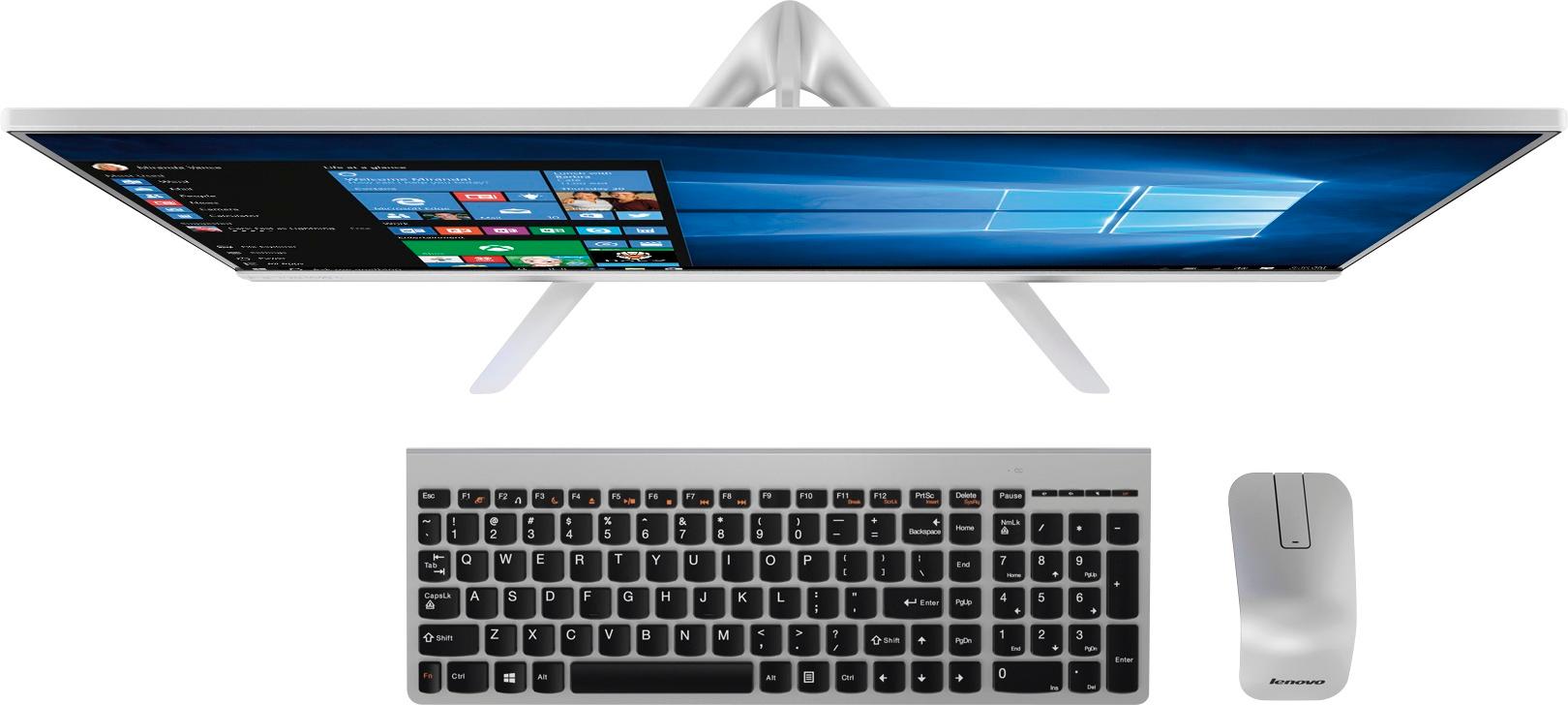
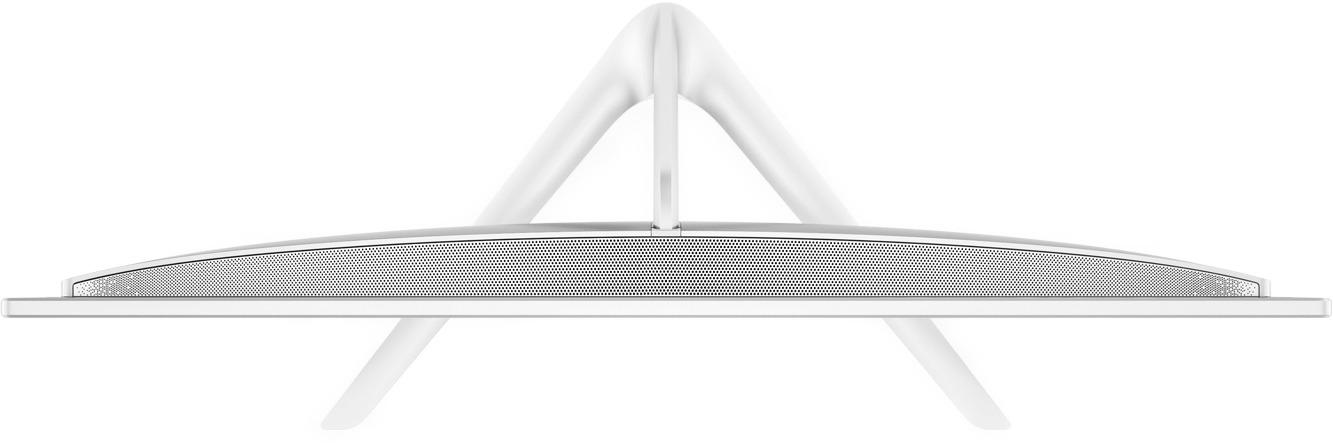
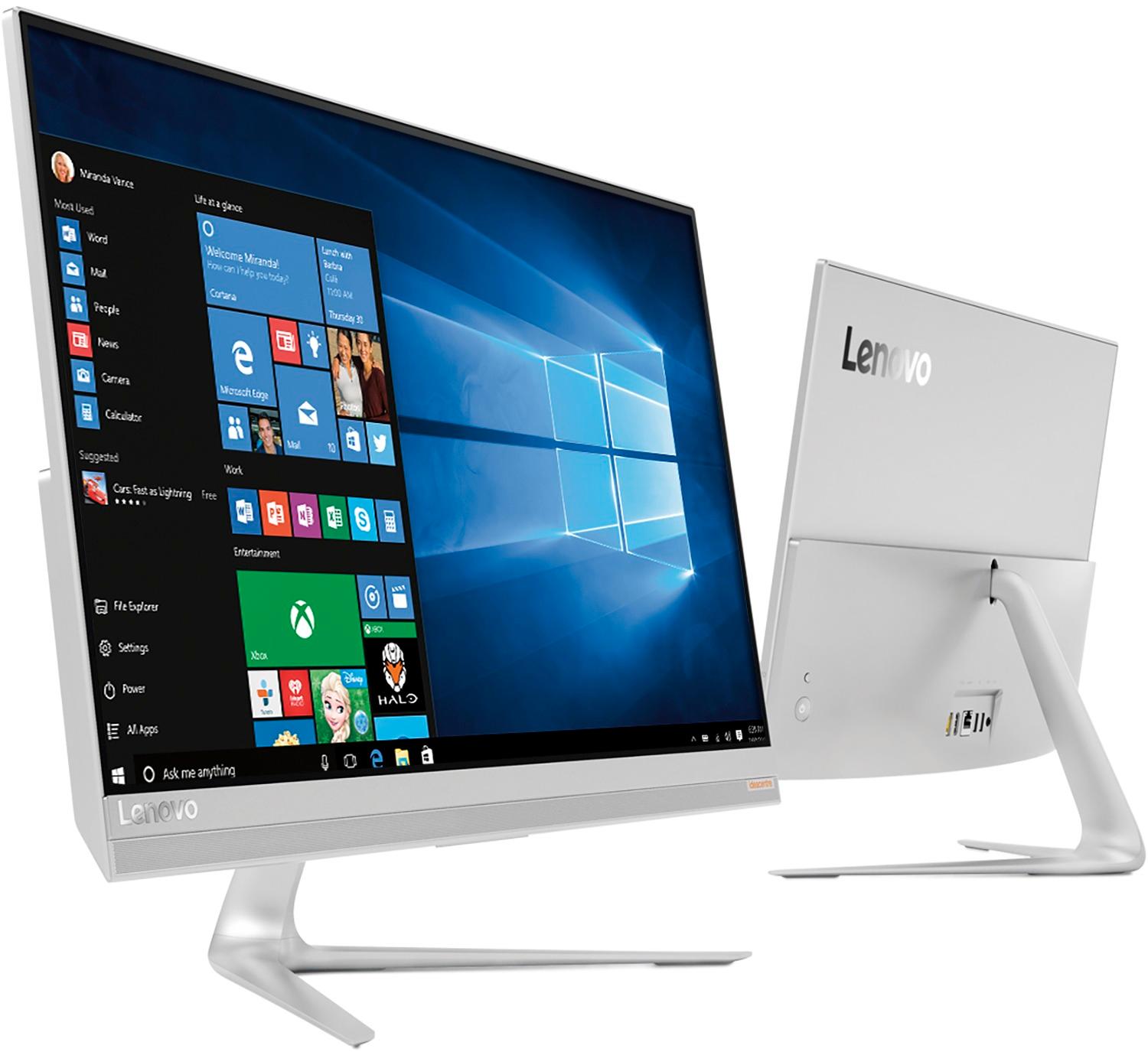
Customers are delighted by the 520S-23IKU's responsive touch screen and ease of use, praising its performance and compact design. Many appreciate the clear picture quality and the space-saving all-in-one form factor. However, some customers wish it had more conveniently located USB ports and better speakers.
This summary was generated by AI based on customer reviews.
Works great
||Posted .This reviewer received promo considerations or sweepstakes entry for writing a review.Can't. Be happier. Would reccomend this to anyone looking for light portable
I would recommend this to a friendBrand response from Lenovo Product Expert
Posted .Thank you for choosing the Lenovo IdeaCentre 520s-23 All-In-One system. We are pleased to hear that the IdeaCentre 520s-23 AIO meets your computing needs so well.

- Pros mentioned:Ease of use
EASY TO USE
||Posted .This reviewer received promo considerations or sweepstakes entry for writing a review.GREAT ALL IN ONE COMPUTER-TAKES UP A LOT LESS SPACE-EASY TO USE-GREAT PURCHASE
I would recommend this to a friend Nice computer
||Posted .This reviewer received promo considerations or sweepstakes entry for writing a review.So far, really good. I just wish it had a solid-state hard drive
I would recommend this to a friendproduct is fine, so far
||Posted .This reviewer received promo considerations or sweepstakes entry for writing a review.Computer works so far, but frustrated by lack of instructional manual, online or on paper. Definitely a mark against Lenovo.
I would recommend this to a friendBrand response from Lenovo Product Expert
Posted .Thank you for choosing the Lenovo IdeaCentre 520s-23 All-In-One system. All documentation is now available online. Here is the link to this model's User Manual: https://download.lenovo.com/consumer/desktop_pub/510s_520s_hmm_20170306.pdf
Great computer
||Posted .This reviewer received promo considerations or sweepstakes entry for writing a review.Best computer I ever bought. I did a lot of research and this was rated among the top ten
I would recommend this to a friendBrand response from Lenovo Product Expert
Posted .Thank you for choosing the Lenovo IdeaCentre 520s-23 All-In-One system. We are pleased to hear that the IdeaCentre 520s-23 AIO is working out so well for you.
Very slow for an i7
||Posted .This reviewer received promo considerations or sweepstakes entry for writing a review.I upgraded from and i5 tobthe i7 processor on this specific all in one. I want the i5 back tgjs new computer takes 20 min just to boot up and freezes non stop while using it. Geek Squad just wants money to look at it despite just having bought it, so frustraiting!
No, I would not recommend this to a friendBrand response from Lenovo Product Expert
Posted .We are sorry to hear that you are having issues with your Lenovo IdeaCentre 520s-23 All-In-One system. This system is a fast system with its Intel Core i7-7500U processor and 8GB of RAM. Be sure any software you installed is compatible with Windows 10. There is no need to install Microsoft Office software. The software is already part of the operating system, you just need to activate the software with a purchased product key. If you have installed a copy of Microsoft Office, this is conflicting with the existing copy on the system and this will slow your system down. If you have installed a 3rd party anti-virus program, be sure that Windows Defender is turned off and that the trial version of McAfee Anti-Virus software is uninstalled. There can only be one anti-virus program on the system. You may need to restore your system to original factory default settings if any of the programing errors have occurred. You can do that by typing "restore" in the Cortana search window. Just click on the magnifying glass icon at the bottom left of your Windows 10 Desktop. Click on "Reset This PC" Then click on "Get Started" and follow the on screen directions to restore to factory defaults. Additionally, there are Lenovo utilities installed on this device that can help you maintain the health of the device and keep operating software up to date. Type "Lenovo Vantage" in the Cortana Search window. Select Lenovo Vantage from the list. In the window that opens, click on "Health and Support". In the expanded menu, select "Hardware Scan" In the window that opens, select "Run Quick Tests". This will scan your entire system for errors. Follow any directions that may pop up. If the problem continues after this scan, now click on "System Update". First select Windows update from the menu. Scan your system to be sure you have the latest version of Windows 10. Once that scan is complete, select "Additional Updates". This will scan your device to be sure there are no new BIOS/Driver updates needed. Follow any instructions that may pop up. If the issue still continues after these updates, we recommend you call Lenovo Tech Support at: 877-453-6686 for additional help.
Love it!
||Posted .This reviewer received promo considerations or sweepstakes entry for writing a review.We were looking for a family computer. This was a wonderful bang for the buck.
I would recommend this to a friendBrand response from Lenovo Product Expert
Posted .Thank you for choosing the Lenovo IdeaCentre 520s-23 All-In-One system for your family. We are pleased to hear that the value and performance of the IdeaCentre 520s-23 AIO meets your family's computing needs so well.
Slow and Sluggish
||Posted .This reviewer received promo considerations or sweepstakes entry for writing a review.Don't like this computer! The screen is very low resolution and has poor colors and contrast compared to my iMac retina display. The touch screen doesn't respond very well. Processing speed seem to be very sluggish.
No, I would not recommend this to a friendBrand response from Lenovo Product Expert
Posted .This system should be an extremely fast system with its Core I-7 processor and 8GB of RAM. The screen is 1920 x 1080 resolution. Be sure any software you installed is compatible with Windows 10. There is no need to install Microsoft Office software. The software is already part of the operating system, you just need to activate the software with a purchased product key. If you have installed a copy of Microsoft Office, this is conflicting with the existing copy on the system and this will slow your system down. If you have installed a 3rd party anti-virus program, be sure that Windows Defender is turned off and that the trial version of McAfee Anti-Virus software is uninstalled. There can only be one anti-virus program on the system. You may need to restore your system to original factory default settings if any of the programing errors have occurred. You can do that by typing "restore" in the Cortana search window. Just click on the magnifying glass icon at the bottom left of your Windows 10 Desktop. Click on "Reset This PC" Then click on "Get Started" and follow the on screen directions to restore to factory defaults.
Awesome machine
||Posted .This reviewer received promo considerations or sweepstakes entry for writing a review.This pc is the perfect workhorse for the home user and is a great value
I would recommend this to a friendBrand response from Lenovo Product Expert
Posted .Thank you for choosing the Lenovo IdeaCentre 520s-23 All-In-One system. We are pleased to hear that the value and performance of the IdeaCentre 520s-23 AIO meets your computing needs so well.
streamline desktop pc
||Posted .This reviewer received promo considerations or sweepstakes entry for writing a review.so far, so good! Keyboard keys are not secure yet.
I would recommend this to a friendPerfect for my college needs
||Posted .This reviewer received promo considerations or sweepstakes entry for writing a review.This is a great quality all in one computer! Fast and plenty of memory!
I would recommend this to a friendBrand response from Lenovo Product Expert
Posted .Thank you for choosing the Lenovo IdeaCentre 520s-23 All-In-One system. We are pleased to hear that the IdeaCentre 520s-23 AIO is working out so well for you.
Great
||Posted .This reviewer received promo considerations or sweepstakes entry for writing a review.It's a great computer. Just don't really care for the mouse. The scrolling option on it is terrible.
I would recommend this to a friendBrand response from Lenovo Product Expert
Posted .Thank you for choosing the Lenovo IdeaCentre 520s-23 All-In-One system. With regard to the mouse, you can make adjustments to the mouse in your system settings. You can get there by clicking on the magnifying glass at the bottom left of your Windows 10 screen. Type "mouse" in the search window. Select "Mouse & touchpad settings" from the list of choices. You can make general adjustments to the mouse there. You can also select "Additional mouse options" for more detailed adjustments to the mouse scroll sensitivity by increasing the delay of the mouse.
Good computer
||Posted .This reviewer received promo considerations or sweepstakes entry for writing a review.Nice Desktop, working is good but little slow compare with another laptop i7.
I would recommend this to a friendBrand response from Lenovo Product Expert
Posted .Thank you for choosing the Lenovo IdeaCentre 520s-23 All-In-One system. This is a fast configuration with the Dual-Core/Four-Thread Intel Core i7-7500U processor and 8GB of RAM. The processor has a base speed of 2.7GHz and a Turbo Boost speed of up to 3.5GHz. Be sure any software you installed is compatible with Windows 10. There is no need to install Microsoft Office software. The software is already part of the operating system, you just need to activate the software with a purchased product key. If you have installed a copy of Microsoft Office, this is conflicting with the existing copy on the system and this will slow your system down. If you have installed a 3rd party anti-virus program, be sure that Windows Defender is turned off and that the trial version of McAfee Anti-Virus software is uninstalled. There can only be one anti-virus program on the system. You may need to restore your system to original factory default settings if any of the programing errors have occurred. You can do that by typing "restore" in the Cortana search window. Just click on the magnifying glass icon at the bottom left of your Windows 10 Desktop. Click on "Reset This PC" Then click on "Get Started" and follow the on screen directions to restore to factory defaults. If the problem persists, we recommend you contact Lenovo Tech Support at: 877-453-6686.
Love this!!!!!
||Posted .This reviewer received promo considerations or sweepstakes entry for writing a review.It was abit of a change from a Mac to this but once I figured it out it’s been a amazing computer
I would recommend this to a friendlove it
||Posted .This reviewer received promo considerations or sweepstakes entry for writing a review.I'm setting up my new office. Levono is perfect. Thanks to Monty for all his help and patience.
I would recommend this to a friendBrand response from Lenovo Product Expert
Posted .Thank you for choosing the Lenovo IdeaCentre 520s-23 All-In-One system for your office. We are pleased to hear that the IdeaCentre 520s-23 AIO meets your business computing needs so well.
Great PC
||Posted .This reviewer received promo considerations or sweepstakes entry for writing a review.I bought this product with an open box but it was perfect and I'm really enjoying it!
I would recommend this to a friendBrand response from Lenovo Product Expert
Posted .Thank you for choosing the Lenovo IdeaCentre 520s-23 All-In-One system. We are pleased to hear that the IdeaCentre 520s-23 AIO meets your computing needs so well.
happy with my purchase
||Posted .This reviewer received promo considerations or sweepstakes entry for writing a review.on advice of sales assistant have I purchased this.
I would recommend this to a friendFantastic computer
||Posted .This reviewer received promo considerations or sweepstakes entry for writing a review.My Lenovo computer is all I hoped for and more in a reasonably priced computer.
I would recommend this to a friendBrand response from Lenovo Product Expert
Posted .Thank you for choosing the Lenovo IdeaCentre 520s-23 All-In-One system. We are pleased to hear that the value and performance of the IdeaCentre 520s-23 AIO meets your computing needs so well.
Great computer
||Posted .This reviewer received promo considerations or sweepstakes entry for writing a review.No complaints about this computer. Great monitor size and computer speed.
I would recommend this to a friendBrand response from Lenovo Product Expert
Posted .Thank you for choosing the Lenovo IdeaCentre 520s-23 All-In-One system. We are pleased to hear that the IdeaCentre 520s-23 AIO is working out so well for you.
User friendly.
||Posted .This reviewer received promo considerations or sweepstakes entry for writing a review.The computer has a lot of great apps needed for school and work.
I would recommend this to a friend