Customer Ratings & Reviews

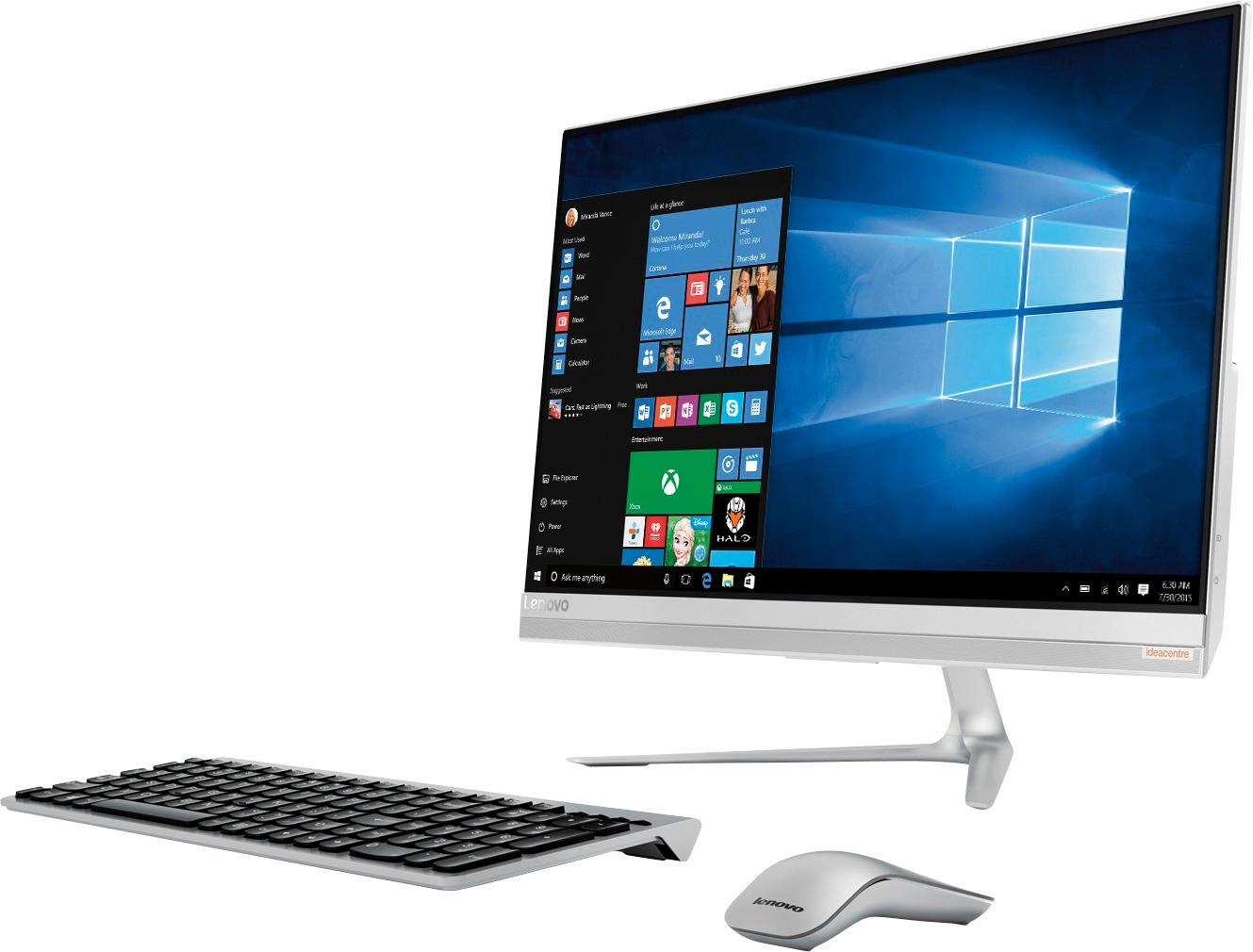
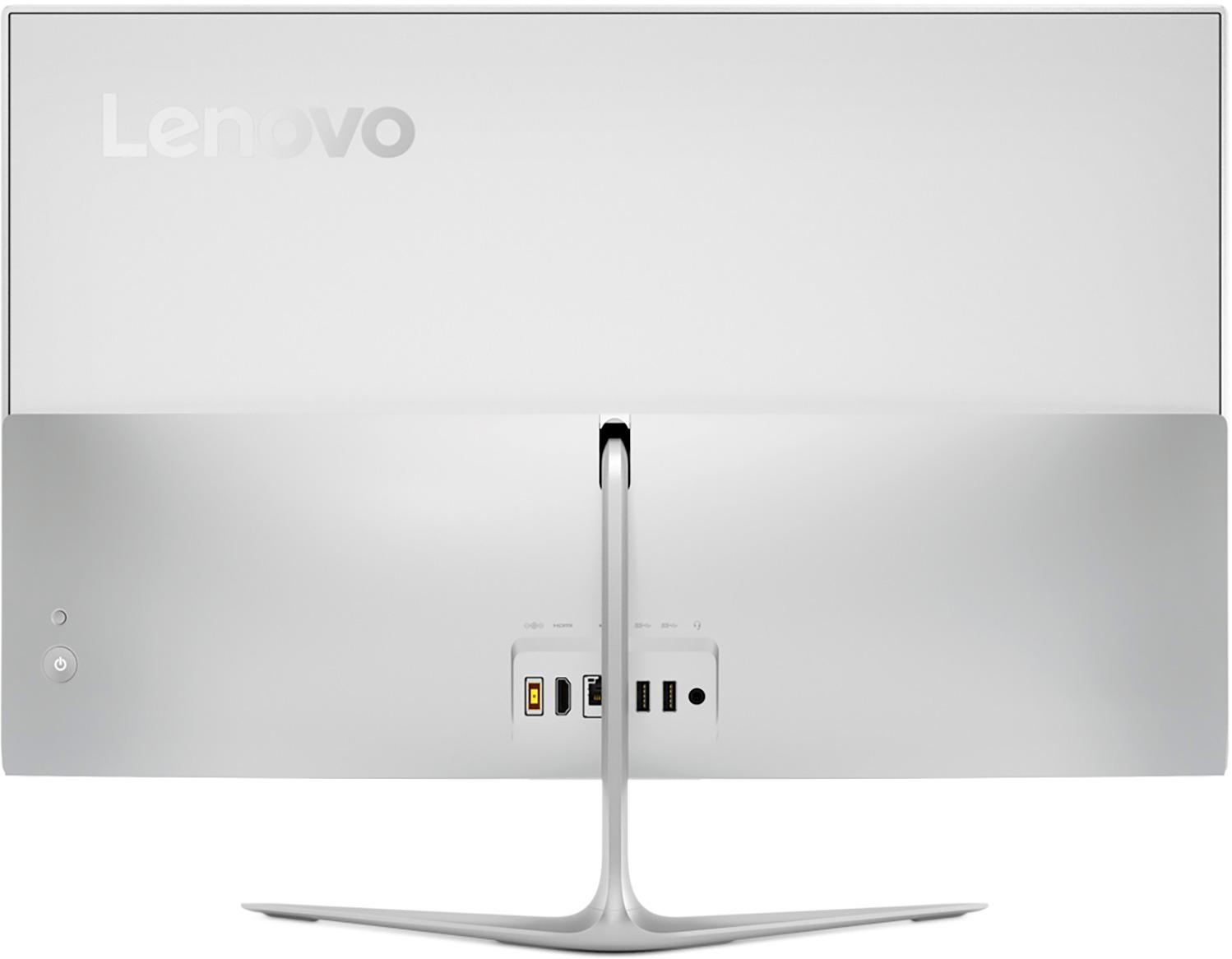


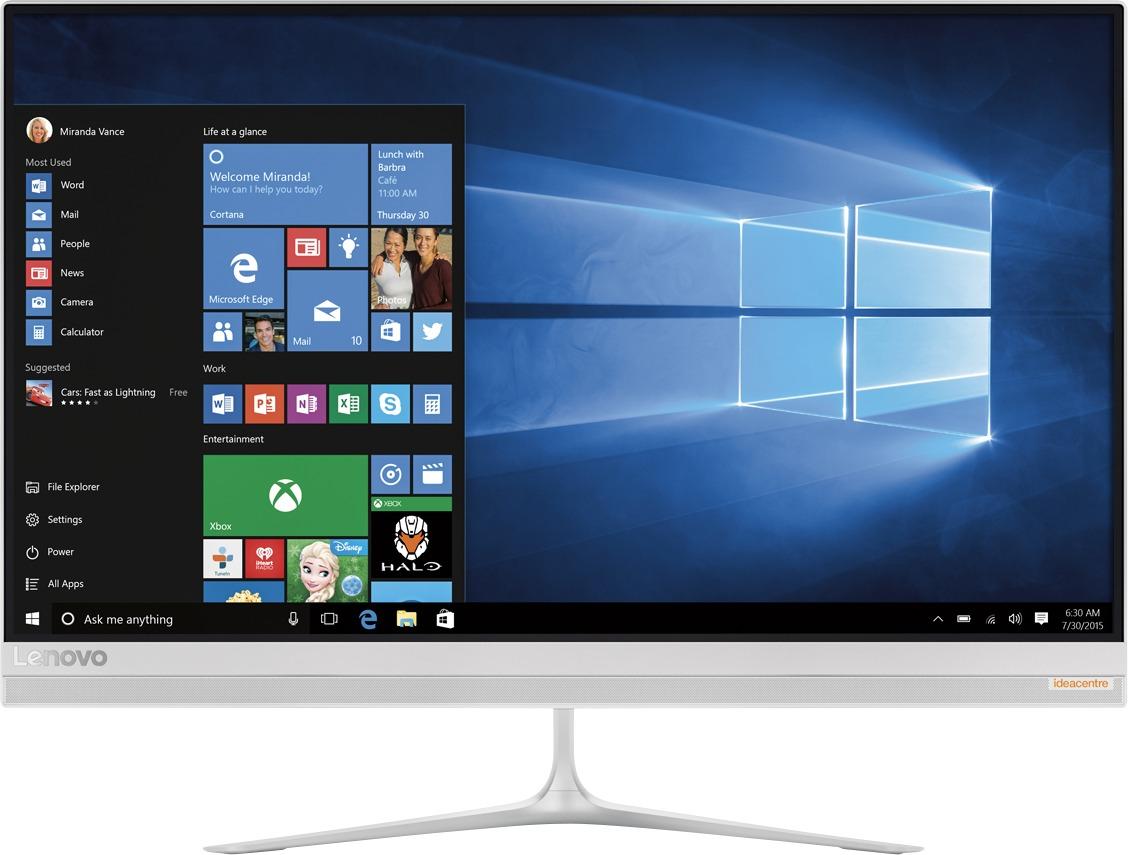
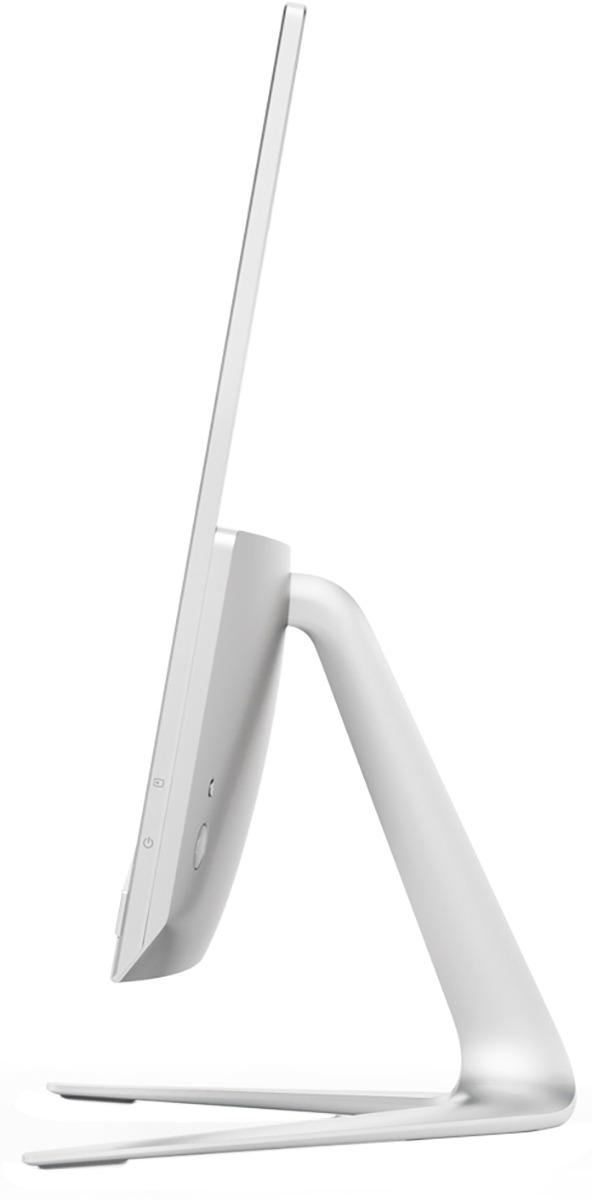

- Model:
- F0CU0022US
- SKU:
- 5732317
to a friend
Customers are saying
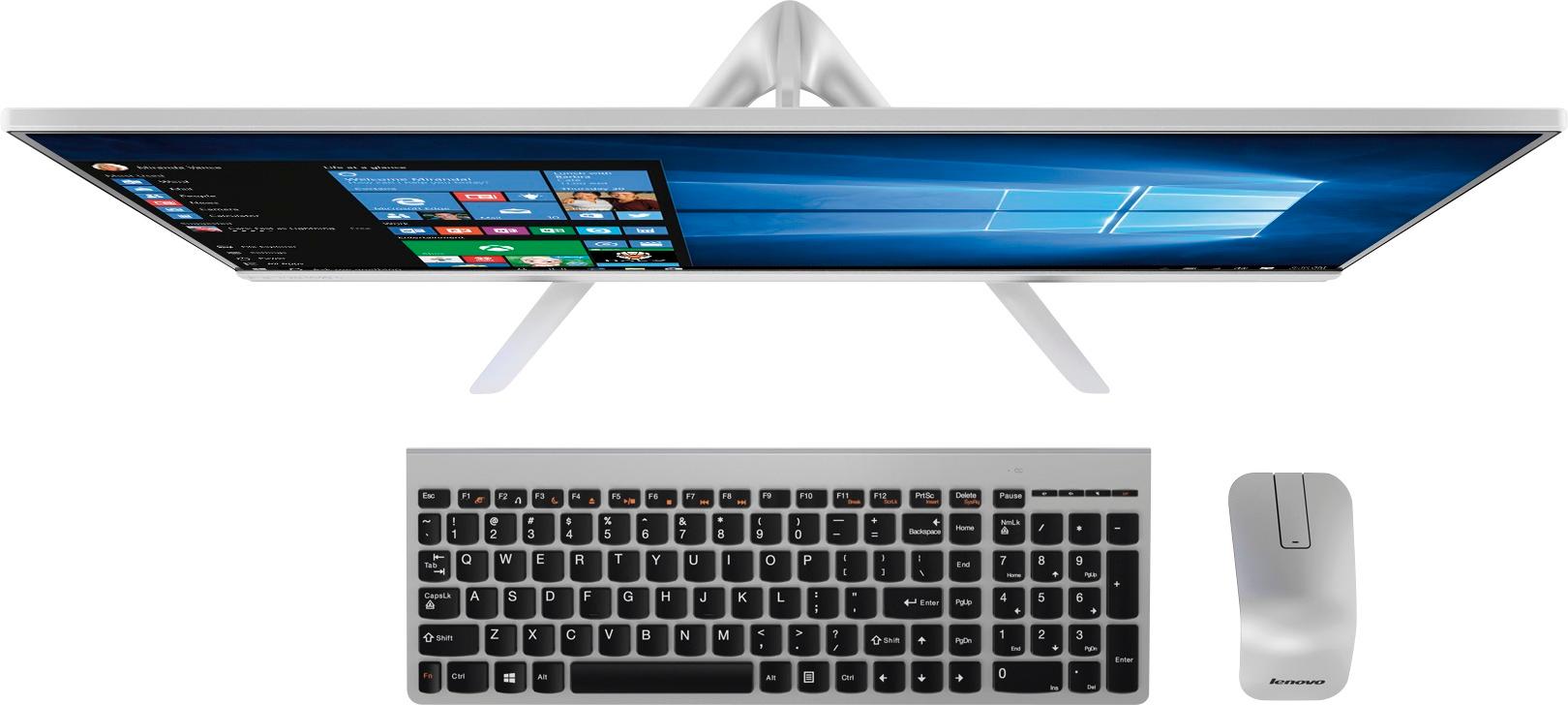
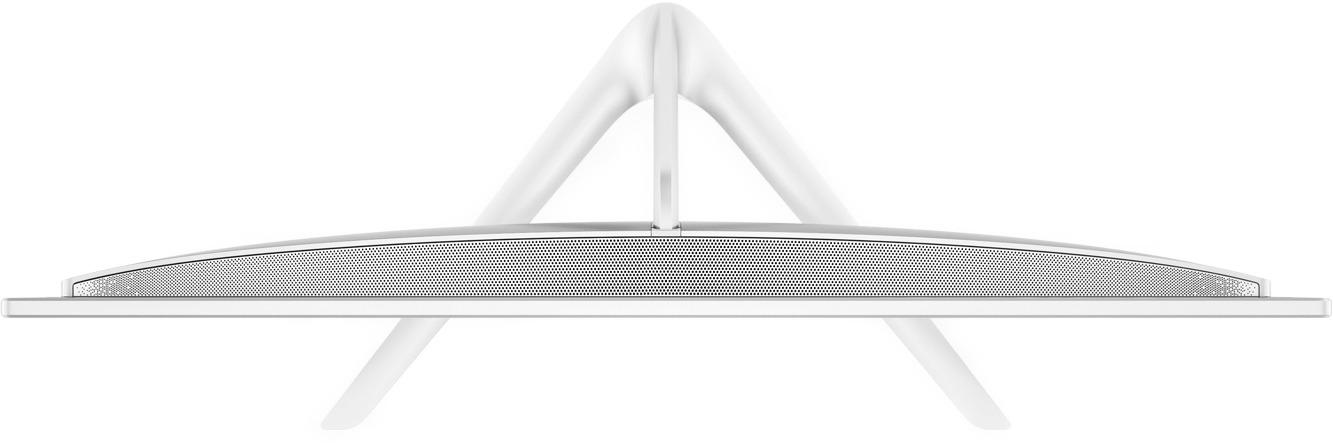
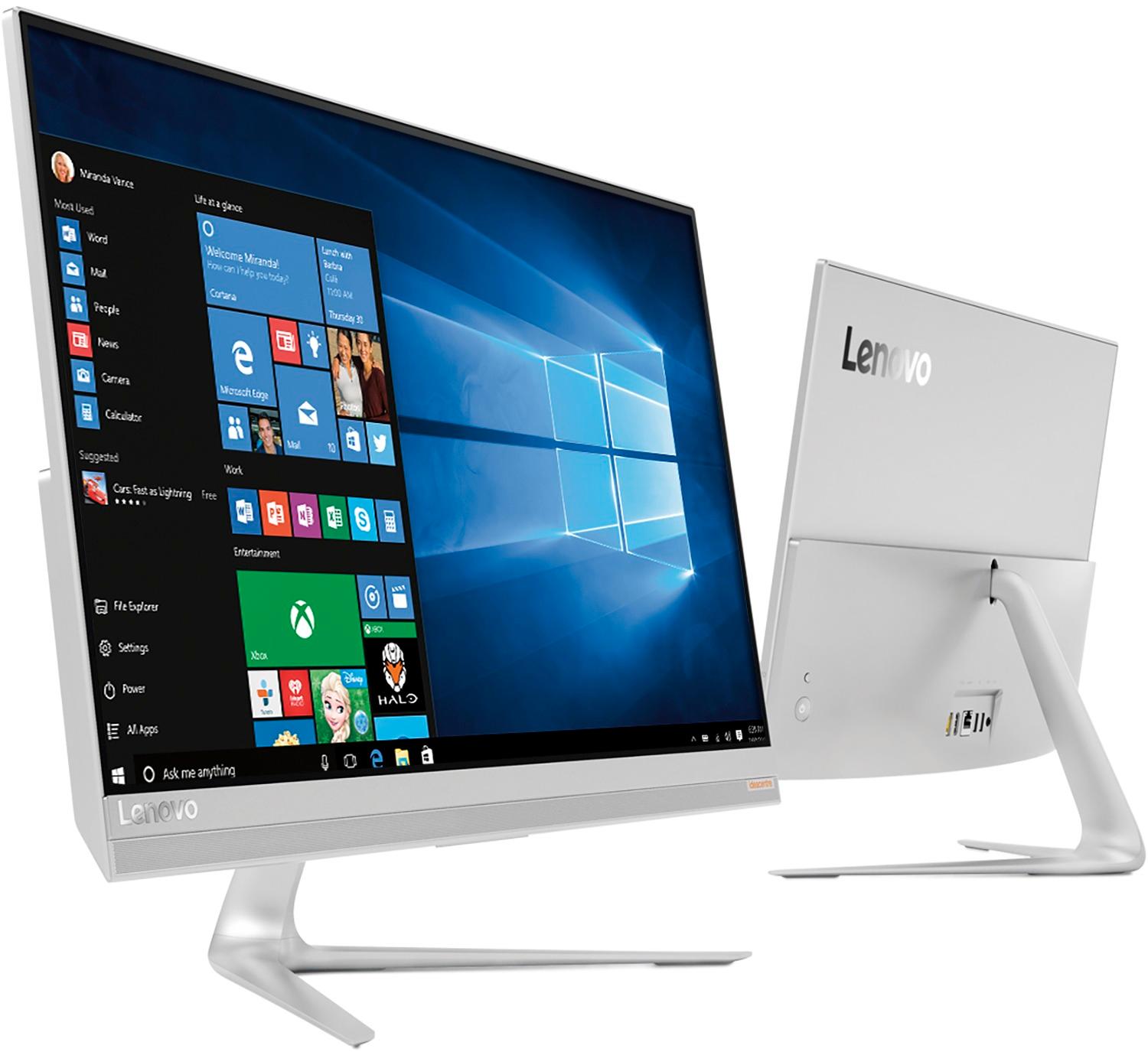
Customers are delighted by the 520S-23IKU's responsive touch screen and ease of use, praising its performance and compact design. Many appreciate the clear picture quality and the space-saving all-in-one form factor. However, some customers wish it had more conveniently located USB ports and better speakers.
This summary was generated by AI based on customer reviews.
Beyond expectation. Switiched from MAC PRO TO Mic
||Posted .This reviewer received promo considerations or sweepstakes entry for writing a review.I tried to convert to the Apple product for 5 years. Had to flip back.
I would recommend this to a friendBrand response from Lenovo Product Expert
Posted .Thank you for choosing the Lenovo IdeaCentre 520s-23 All-In-One system. We are pleased to hear that the IdeaCentre 520s-23 AIO meets your computing needs so well.

Lenovo computer
||Posted . Owned for 1.5 years when reviewed.This reviewer received promo considerations or sweepstakes entry for writing a review.Picked up this open box computer for a great price.
I would recommend this to a friendPowerful and versatile. Value plus!
||Posted .This reviewer received promo considerations or sweepstakes entry for writing a review.I have had several Lenovo tablet/ laptops and this is the best!
I would recommend this to a friendBrand response from Lenovo Product Expert
Posted .Thank you for choosing the Lenovo IdeaCentre 520s-23 All-In-One system. We are pleased to hear that the IdeaCentre 520s-23 AIO is working out so well for you.
Great
||Posted .This reviewer received promo considerations or sweepstakes entry for writing a review.I loved it. Lady to use it. Would buying again for sure.
I would recommend this to a friendJunk
||Posted .This reviewer received promo considerations or sweepstakes entry for writing a review.I went in wanting an HP and the “windows expert” talked me into this one. It is super slow and the keyboard and mouse don’t even work. This will be going back
No, I would not recommend this to a friendBrand response from Lenovo Product Expert
Posted .This system should be an extremely fast system with its Core I-7 processor and 8GB of RAM. Be sure you plug the USB receiver for the wireless keyboard and mouse into the device, install the batteries into the keyboard and mouse (batteries are shipped with the system) and turn on both the keyboard and mouse. The USB receiver can be found within the battery compartment of the mouse. Be sure any software you installed is compatible with Windows 10. There is no need to install Microsoft Office software. The software is already part of the operating system, you just need to activate the software with a purchased product key. If you have installed a copy of Microsoft Office, this is conflicting with the existing copy on the system and this will slow your system down. If you have installed a 3rd party anti-virus program, be sure that Windows Defender is turned off and that the trial version of McAfee Anti-Virus software is uninstalled. There can only be one anti-virus program on the system. You may need to restore your system to original factory default settings if any of the programing errors have occurred. You can do that by typing "restore" in the Cortana search window. Just click on the magnifying glass icon at the bottom left of your Windows 10 Desktop. Click on "Reset This PC" Then click on "Get Started" and follow the on screen directions to restore to factory defaults.
Tooslow
||Posted .This reviewer received promo considerations or sweepstakes entry for writing a review.I did not like the computer because it was too slow my hp I not even that new and it was faster then this computer and it was more expensive
No, I would not recommend this to a friendBrand response from Lenovo Product Expert
Posted .This system should be an extremely fast system with its Core I-7 processor and 8GB of RAM. Be sure any software you installed is compatible with Windows 10. There is no need to install Microsoft Office software. The software is already part of the operating system, you just need to activate the software with a purchased product key. If you have installed a copy of Microsoft Office, this is conflicting with the existing copy on the system and this will slow your system down. If you have installed a 3rd party anti-virus program, be sure that Windows Defender is turned off and that the trial version of McAfee Anti-Virus software is uninstalled. There can only be one anti-virus program on the system. You may need to restore your system to original factory default settings if any of the programing errors have occurred. You can do that by typing "restore" in the Cortana search window. Just click on the magnifying glass icon at the bottom left of your Windows 10 Desktop. Click on "Reset This PC" Then click on "Get Started" and follow the on screen directions to restore to factory defaults.
A little disappointed
||Posted .This reviewer received promo considerations or sweepstakes entry for writing a review.Sealed system and can't upgrade the rom but befudes that computer works great
No, I would not recommend this to a friendcomputer runs slow
||Posted .This reviewer received promo considerations or sweepstakes entry for writing a review.Computer does not live up to expectations very disappointed
No, I would not recommend this to a friendBrand response from Lenovo Product Expert
Posted .This system should be a fast system with its Core I-7 processor and 8GB of RAM. Be sure any software you installed is compatible with Windows 10. There is no need to install Microsoft Office software. The software is already part of the operating system, you just need to activate the software with a purchased product key. If you have installed a copy of Microsoft Office, this is conflicting with the existing copy on the system and this will slow your system down. If you have installed a 3rd party anti-virus program, be sure that Windows Defender is turned off and that the trial version of McAfee Anti-Virus software is uninstalled. There can only be one anti-virus program on the system. You may need to restore your system to original factory default settings if any of the programing errors have occurred. You can do that by typing "restore" in the Cortana search window. Just click on the magnifying glass icon at the bottom left of your Windows 10 Desktop. Click on "Reset This PC" Then click on "Get Started" and follow the on screen directions to restore to factory defaults. If the problem persists, we recommend you contact Lenovo Tech Support at: 877-453-6686.
Loud fan, Dead pixel
||Posted .This reviewer received promo considerations or sweepstakes entry for writing a review.Opened this up, plugged it in, and booted it up. The fan kicked on by the time I was halfway through the initial Windows setup and kept on screaming as I installed software. By the time I got it setup I noticed a dead pixel centered on the screen. It went back the next morning.
No, I would not recommend this to a friendWorks fine till it shuts down
||Posted .This reviewer received promo considerations or sweepstakes entry for writing a review.everything works perfect but after a month it started turning off by itself
I would recommend this to a friendNothing but trouble!
||Posted .This reviewer received promo considerations or sweepstakes entry for writing a review.Brought back twice + 1 online Geek Squad session and still can't connect to a 2nd monitor. Need for business however it's nothing but trouble. Should have returned it for another laptop while I had the chance!
No, I would not recommend this to a friendBrand response from Lenovo Product Expert
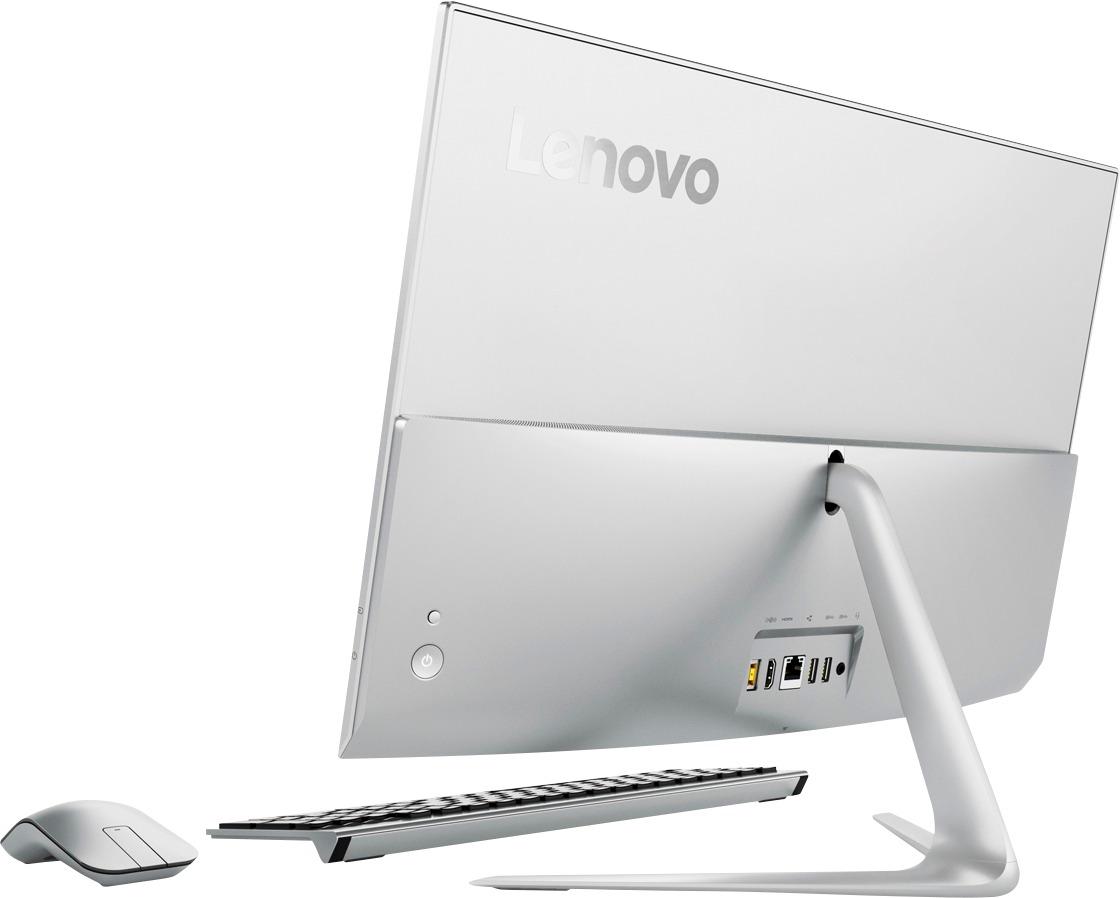
Posted .Thank you for choosing the Lenovo IdeaCentre 520s-23 All-In-One system. This system uses a combo HDMI port. Connect your external monitor via the HDMI port, then push the HDMI button, as small button over the device power button. This reverses the video signal flow from inbound to outbound. Here is a link to the User Manual for this device showing where the HDMI button is located on page 23: https://download.lenovo.com/consumer/desktop_pub/510s_520s_hmm_20170306.pdf
Not what I was looking for
||Posted .This reviewer received promo considerations or sweepstakes entry for writing a review.Sales person upsold me to this unit and it was not what I asked for, needed or wanted at all. I made it clear while I was upgrading from XP, I still needed to be able to use the monitor as my TV screen/ via HDMI cable from my DTV receiver, but I was back home before I realized that was not possible with this all in one. Beyond the initial trip, I Wasted two hours in store, then the coupons I was counting on using didnt work.. Then had to drive RT 3 hours to return the unit. All in all a HORRIBLE buying experience
No, I would not recommend this to a friendBrand response from Lenovo Product Expert
Posted .This device does have an HDMI in/out port that will allow at TV to be connected. It does not have a TV tuner, so it can only mirror an existing TV screen.
Bad functioning in processor
||Posted .This reviewer received promo considerations or sweepstakes entry for writing a review.The computer continues to overheat because fan continues to turn on without cause. Mouse keeps killing batteries left and right. You have to shut down mouse every time you away from computer or mouse will kill it. however, the keyboard is great with batteries. The computer continues to move slow for some odd reason.
No, I would not recommend this to a friendBrand response from Lenovo Product Expert
Posted .This is a high performance system with its Intel Core I-7 processor. If the system is turned on, even at idle, the system is generating heat and the fan must run to keep the system within optimum operating temperatures. This is normal. Be sure you are using long life, alkaline batteries in the mouse. The batteries should last at least 60 to 90 days depending on the amount of usage. Finally, concerning system speed, This system should be a fast system with its Core I-7 processor and 8GB of RAM. Be sure any software you installed is compatible with Windows 10. There is no need to install Microsoft Office software. The software is already part of the operating system, you just need to activate the software with a purchased product key. If you have installed a copy of Microsoft Office, this is conflicting with the existing copy on the system and this will slow your system down. If you have installed a 3rd party anti-virus program, be sure that Windows Defender is turned off and that the trial version of McAfee Anti-Virus software is uninstalled. There can only be one anti-virus program on the system. You may need to restore your system to original factory default settings if any of the programing errors have occurred. You can do that by typing "restore" in the Cortana search window. Just click on the magnifying glass icon at the bottom left of your Windows 10 Desktop. Click on "Reset This PC" Then click on "Get Started" and follow the on screen directions to restore to factory defaults.
Slow to start
||Posted .This reviewer received promo considerations or sweepstakes entry for writing a review.This computer is slow to start up and 16 days after purchasing started to randomly shut down on its own. Can’t even tell it’s an i7
No, I would not recommend this to a friendBrand response from Lenovo Product Expert
Posted .We are sorry to hear that you are having issues with your IdeaPad 520s-23 All-In-One system. This is a fast system and it should boot up in less than 30-seconds. Be sure any software you installed is compatible with Windows 10. There is no need to install Microsoft Office software. The software is already part of the operating system, you just need to activate the software with a purchased product key. If you have installed a copy of Microsoft Office, this is conflicting with the existing copy on the system and this will slow your system down. If you have installed a 3rd party anti-virus program, be sure that Windows Defender is turned off and that the trial version of McAfee Anti-Virus software is uninstalled. There can only be one anti-virus program on the system. You may need to restore your system to original factory default settings if any of the programing errors have occurred. You can do that by typing "restore" in the Cortana search window. Just click on the magnifying glass icon at the bottom left of your Windows 10 Desktop. Click on "Reset This PC" Then click on "Get Started" and follow the on screen directions to restore to factory defaults. Additionally you can regularly check the health of the device and keep the operating software up to date. This system has Lenovo utilities installed to help maintain the health of the device and keep the operating system software up to date. Type "Lenovo Vantage" in the Cortana Search window (if Lenovo Vantage is not installed on your device, you can download the APP and install it now). Select Lenovo Vantage from the list. In the window that opens, click on "Health and Support". In the expanded menu, select "Hardware Scan" In the window that opens, select "Run Quick Tests". This will scan your entire system for errors. Follow any directions that may pop up. If the problem continues after this scan, now click on "System Update". First select Windows update from the menu. Scan your system to be sure you have the latest version of Windows 10. Once that scan is complete, select "Additional Updates". This will scan your device to be sure there are no new BIOS/Driver updates needed. Follow any instructions that may pop up. If the issue still continues after these updates, we recommend you call Lenovo Tech Support at: 877-453-6686 for additional help.
disappointed
||Posted .This reviewer received promo considerations or sweepstakes entry for writing a review.leveno usually rocks...temperamental ...broken keyboard with a new purchase? first, time ever bad product with best buy
No, I would not recommend this to a friendBrand response from Lenovo Product Expert
Posted .We are sorry to hear that you are having issues with your Lenovo IdeaCentre 520s-23 All-In-One system. With regard to the keyboard issue you are having, be sure the batteries are in the keyboard and installed the correct way. Be sure the wireless receiver is installed in a USB port on the computer. The USB receiver can be found in the battery compartment od the wireless mouse. It works for both the mouse and the keyboard. If the issues continue we recommend you call Lenovo Tech Support at: 877-453-6686.
Shuts down without notice
||Posted .This reviewer received promo considerations or sweepstakes entry for writing a review.Stay away from this model. Like other reviews my Lenovo ideacentre shuts down without warning. Neither Best Buy or Lennovo will rectify the problem so I am stuck with a computer I cannot use. Buyer beware.
No, I would not recommend this to a friendBrand response from Lenovo Product Expert
Posted .We are sorry to hear that you are having issues with your Lenovo IdeaCentre 520s-23 All-In-One system. We recommend you call Lenovo Tech Support at: 877-453-6686 for specific help with the issues you are experiencing.
- Pros mentioned:Touch screen
Great Computer!
Posted .This reviewer received promo considerations or sweepstakes entry for writing a review.I absolutely love this computer! It looks great and I love the matte, non-glossy, touch screen. It was a big selling point for me, versus other models. I have no issues with the mouse and keyboard, as others have complained about. I didn't even notice it didn't have a scroll wheel. I just used it as I would any other mouse. I also, don't have any issues with the fan noise. When I was downloading all of my programs last week, I did hear the fan, briefly, but I haven't heard it at all since. I only use the computer for internet programs, music streaming and Excel, and that may be why. The screen size keeps me from needing two monitors, as it is plenty large enough to split my screen with multiple programs. Really happy with this purchase!
I would recommend this to a friendBrand response from Lenovo Product Expert
Posted .Thank you for choosing the Lenovo IdeaCentre 520s-23 All-In-One system. We are pleased to hear that the performance of the IdeaCentre 520s-23 AIO meets your computing needs so well.
keyboard and mouse
Posted .This reviewer received promo considerations or sweepstakes entry for writing a review.Something I don't like is the mouse and keyboard, I would prefer having scrolling in the mouse, and the keyboard does not have a light indicating capital letters is active. Is there any way to know capital letter is activated?
I would recommend this to a friendAlmost perfect!
Posted .This reviewer received promo considerations or sweepstakes entry for writing a review.I bought my first Lenovo about 4 years ago and haven't looked back. I just recently purchased the Lenovo - 520S-23IKU 23" Touch-Screen All-In-One - Intel Core i7 - 8GB Memory - 1TB Hard Drive - Black/silver. It is perfect for my job (which is from home on the computer) and all the other random things I do. What keeps this from being perfect is it randomly restarts. I'll be in the middle of work and it restarts. I'll leave it on, not doing anything on it, and it restarts. It doesn't happen everyday, but it does make it difficult when it does. I have check my cords, power strip, outlet etc. I guess this is something random that happens. Overall I would recommend this computer!
I would recommend this to a friendBrand response from Lenovo Product Expert
Posted .This system should not randomly restart. There is either a problem with an installed program or a Windows 10 update. There is no need to install Microsoft Office software. The software is already part of the operating system, you just need to activate the software with a purchased product key. If you have installed a copy of Microsoft Office, this is conflicting with the existing copy on the system and this will slow your system down. If you have installed a 3rd party anti-virus program, be sure that Windows Defender is turned off and that the trial version of McAfee Anti-Virus software is uninstalled. There can only be one anti-virus program on the system. You may need to restore your system to original factory default settings if any of the programing errors have occurred. You can do that by typing "restore" in the Cortana search window. Just click on the magnifying glass icon at the bottom left of your Windows 10 Desktop. Click on "Reset This PC" Then click on "Get Started" and follow the on screen directions to restore to factory defaults. If your software is not the issue, there may be drivers that need to be updated. Follow the link below to look for new driver updates for your specific system. You can also run diagnostics from the Lenovo site as well. As always, be sure to create a restore point on your system before you make any changes. You can do this by just typing "restore point" in the search window within Cortana and follow the link to create a restore point. Here is the link: https://pcsupport.lenovo.com/us/en/products/desktops-and-all-in-ones/500-series/aio-520s-23iku/f0cu/f0cu0022us/downloads
Overpriced
Posted .This reviewer received promo considerations or sweepstakes entry for writing a review.For this price it should have 1TB SSD and not 5400RPM spindle and 16GB RAM considering it is only single channel RAM.
No, I would not recommend this to a friend