Customer Ratings & Reviews




- Model:
- F0CU0022US
- SKU:
- 5732317
to a friend
Customers are saying
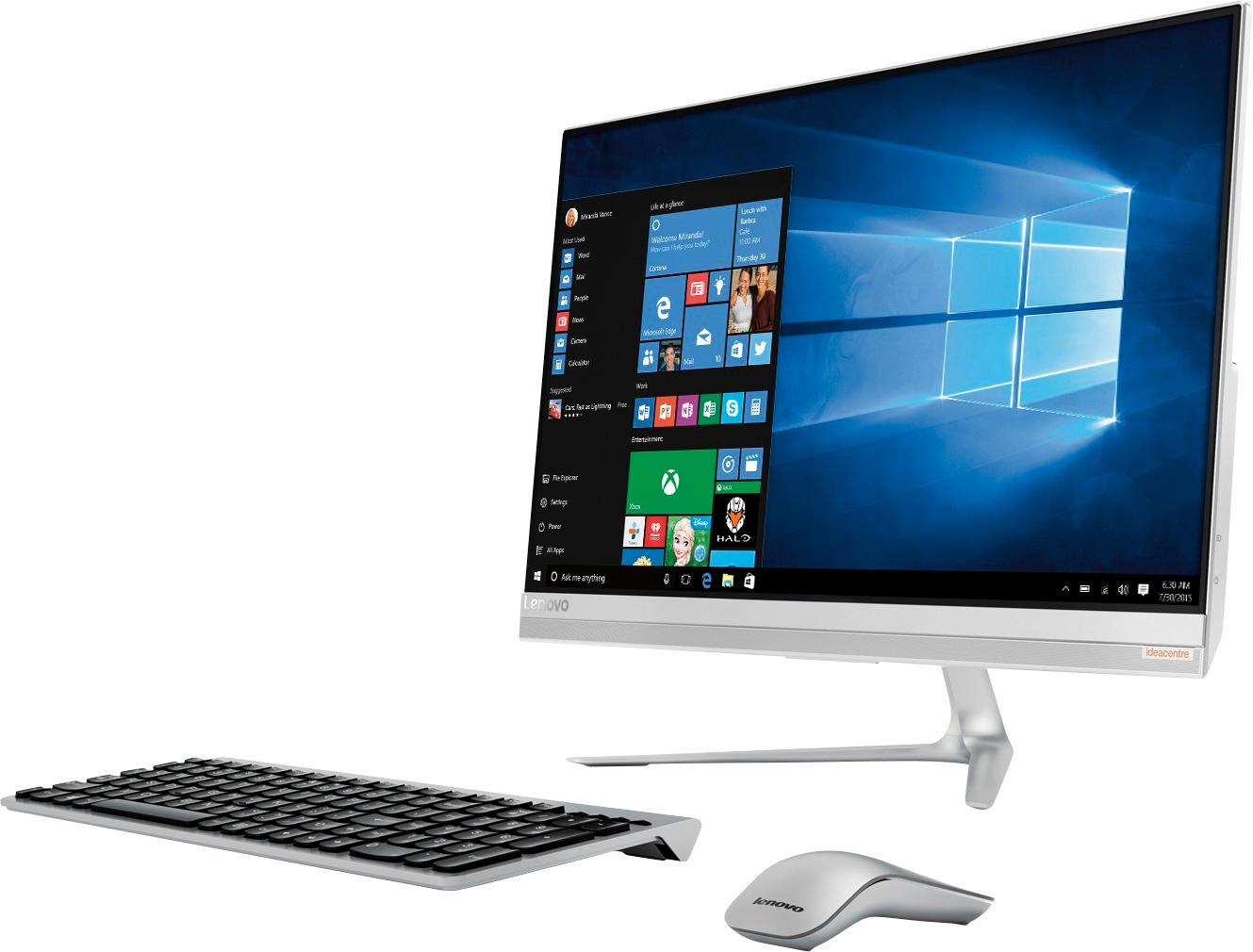
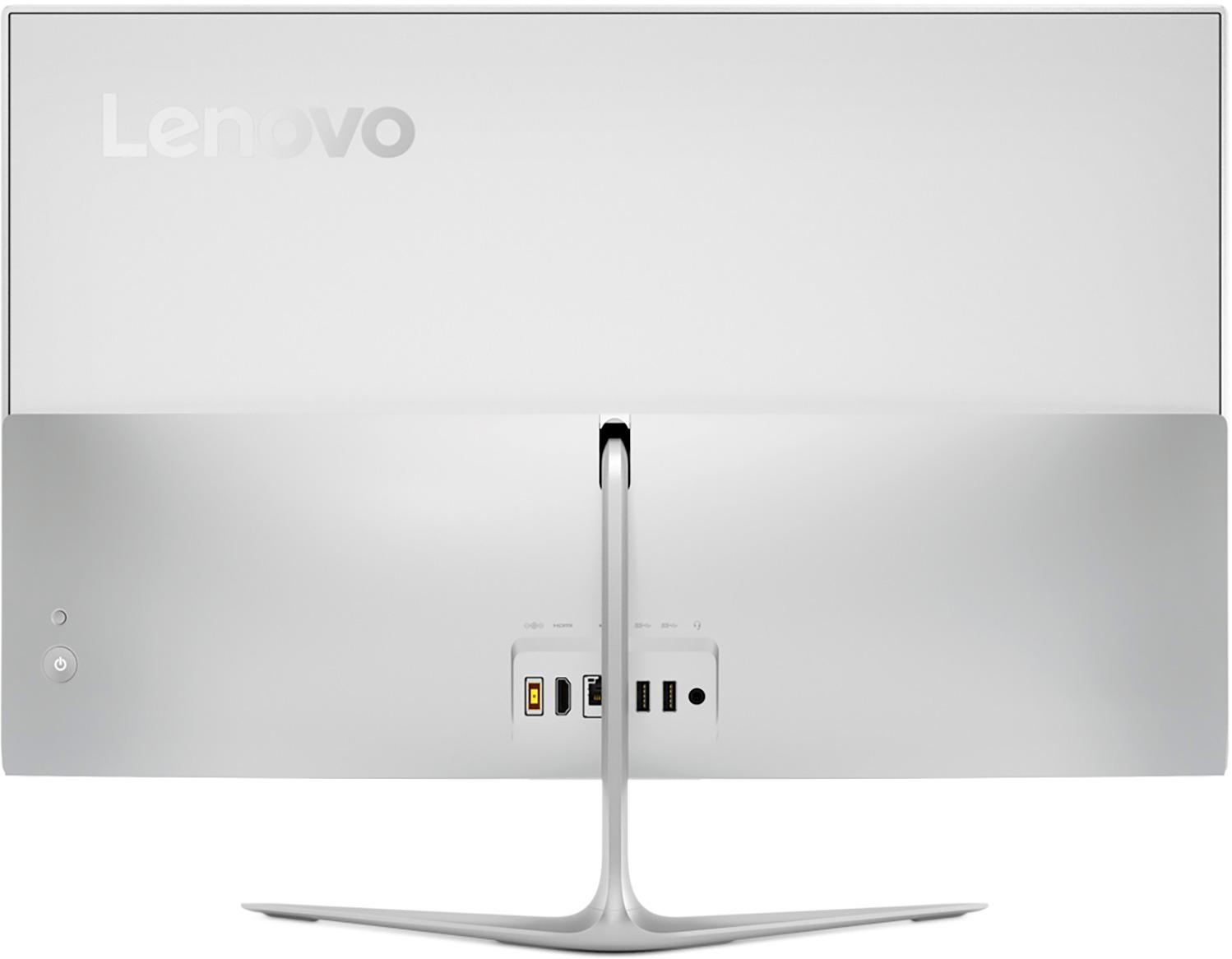
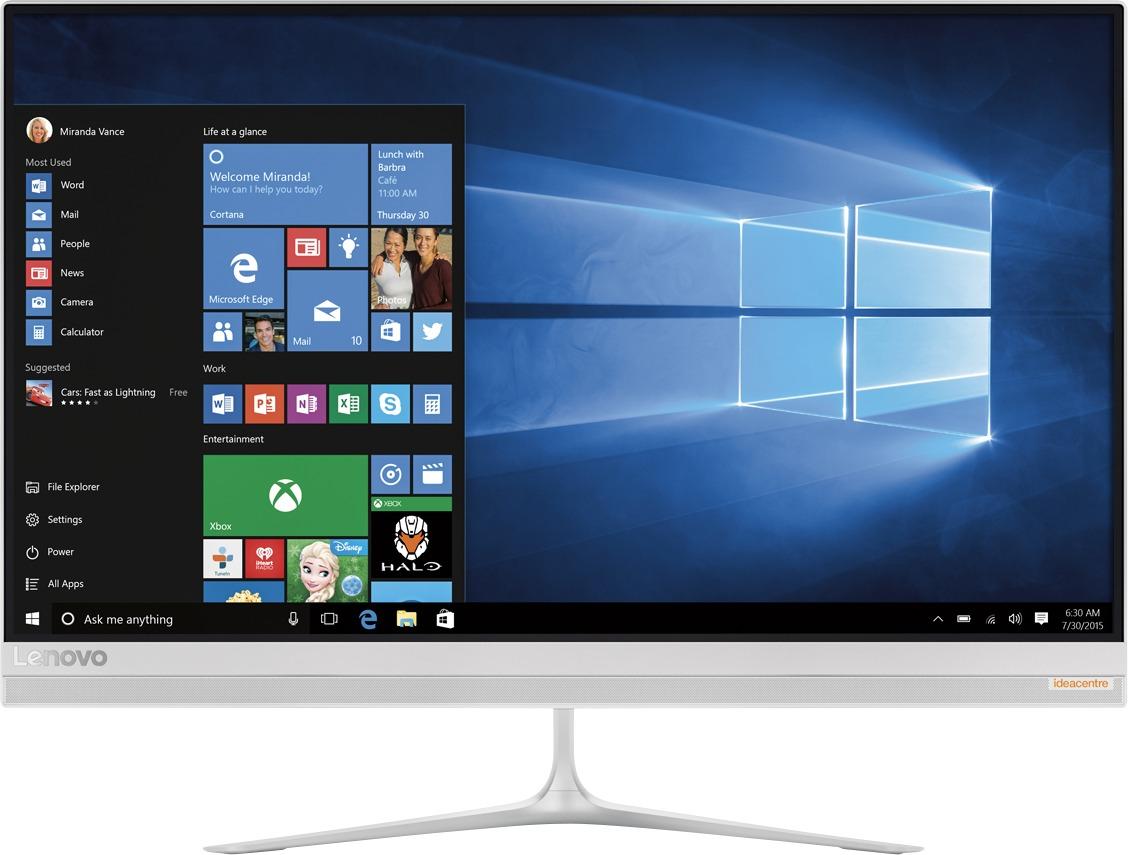
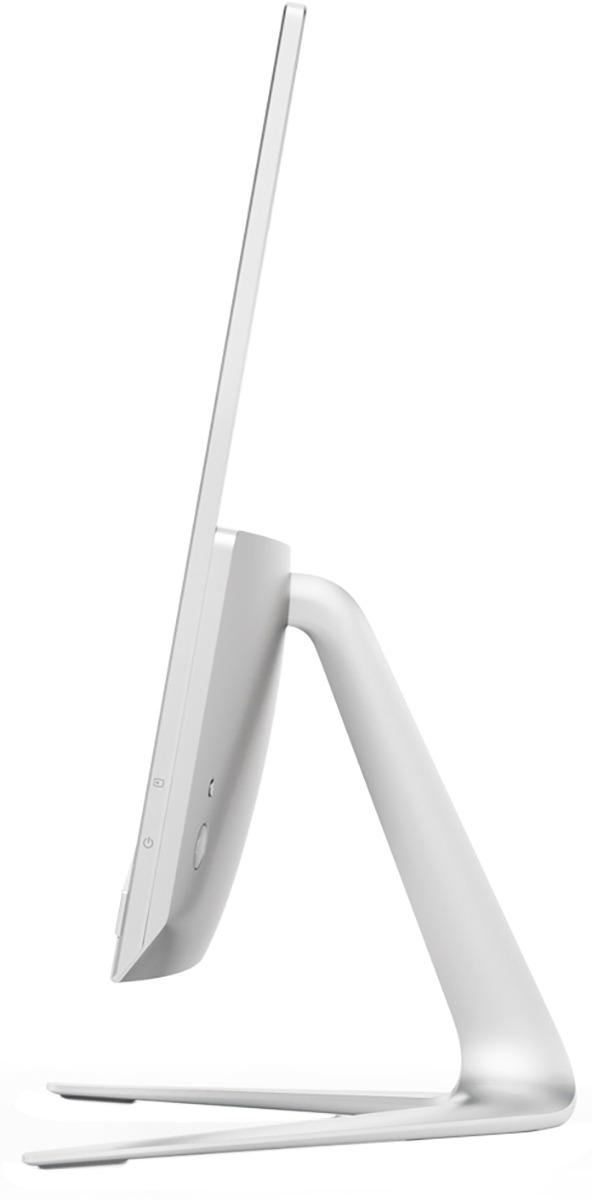
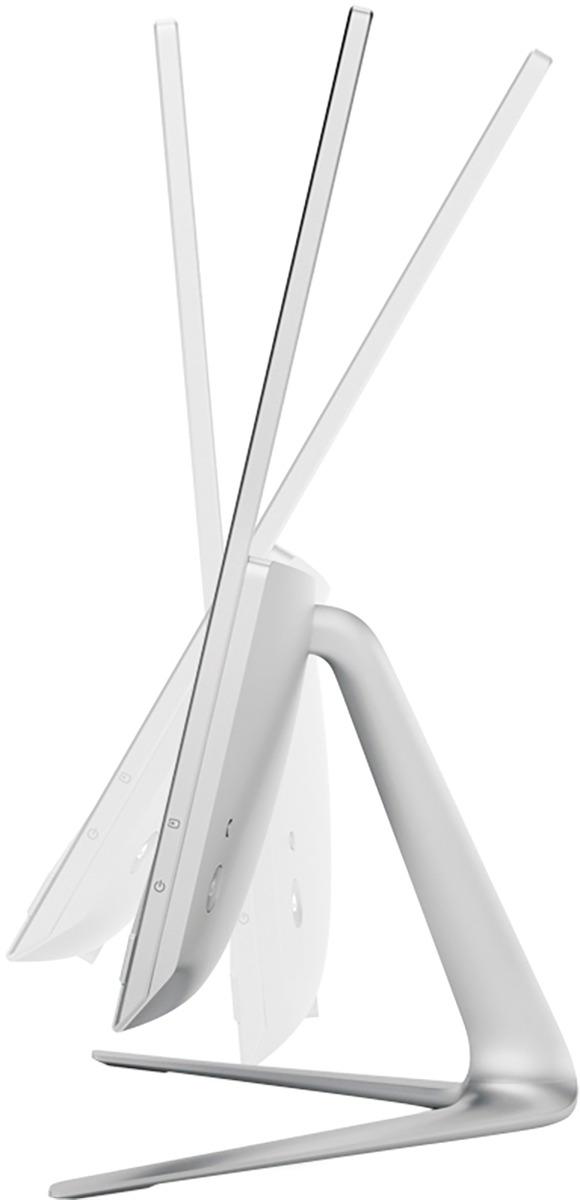
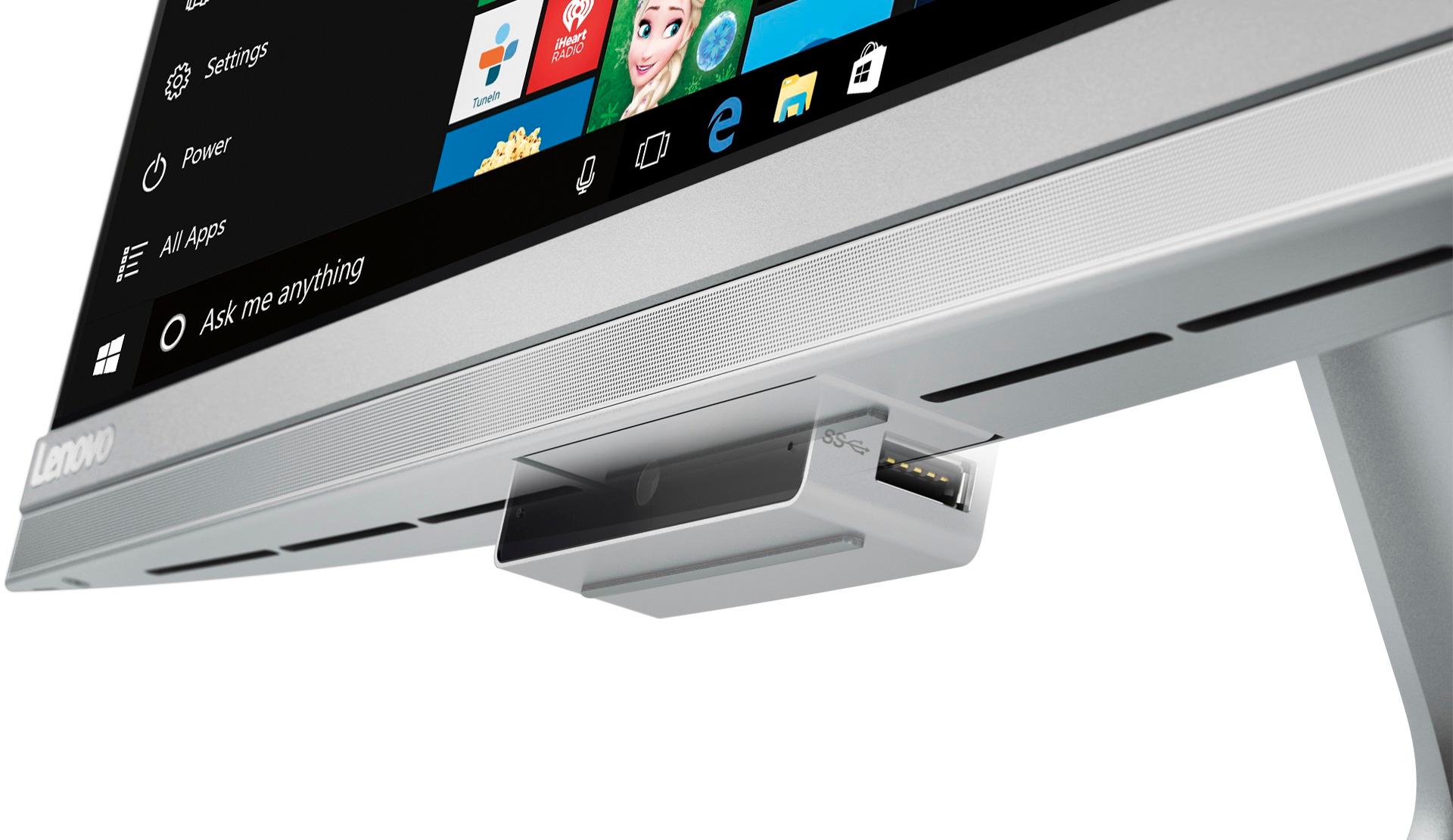
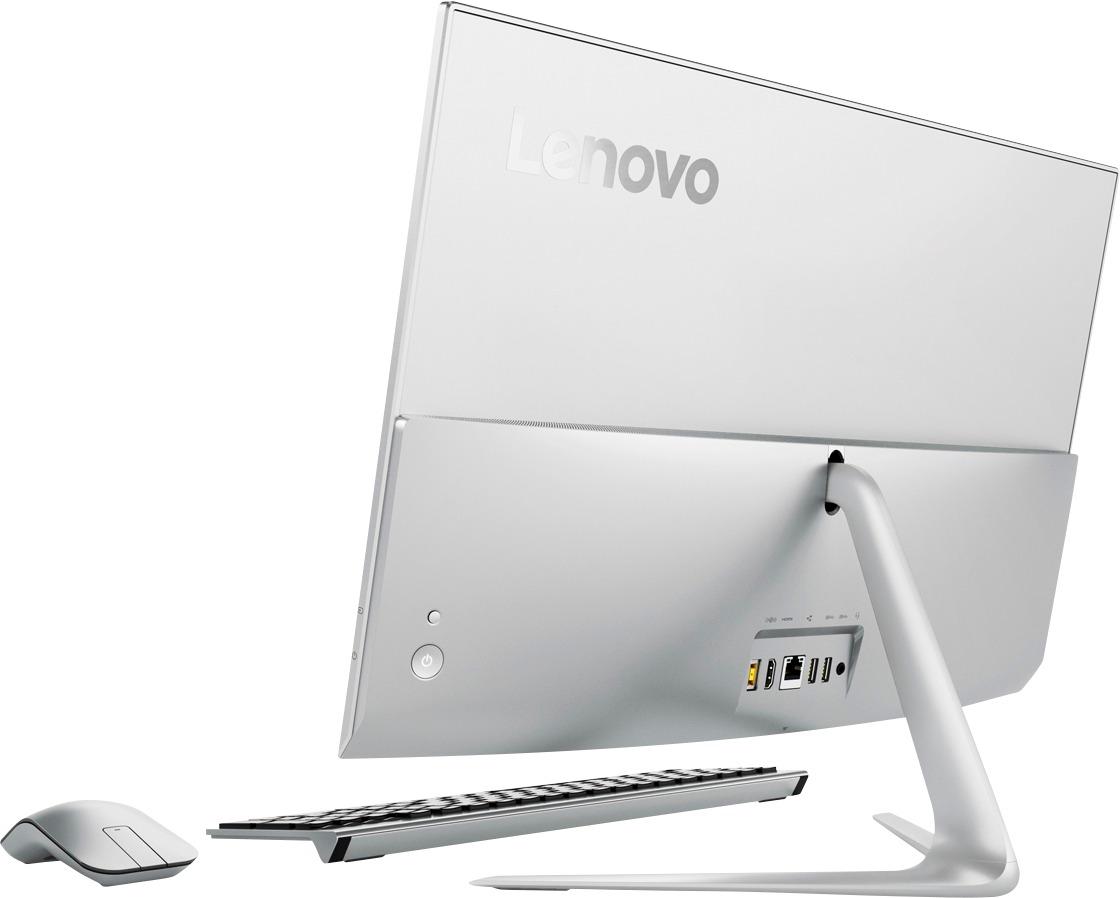
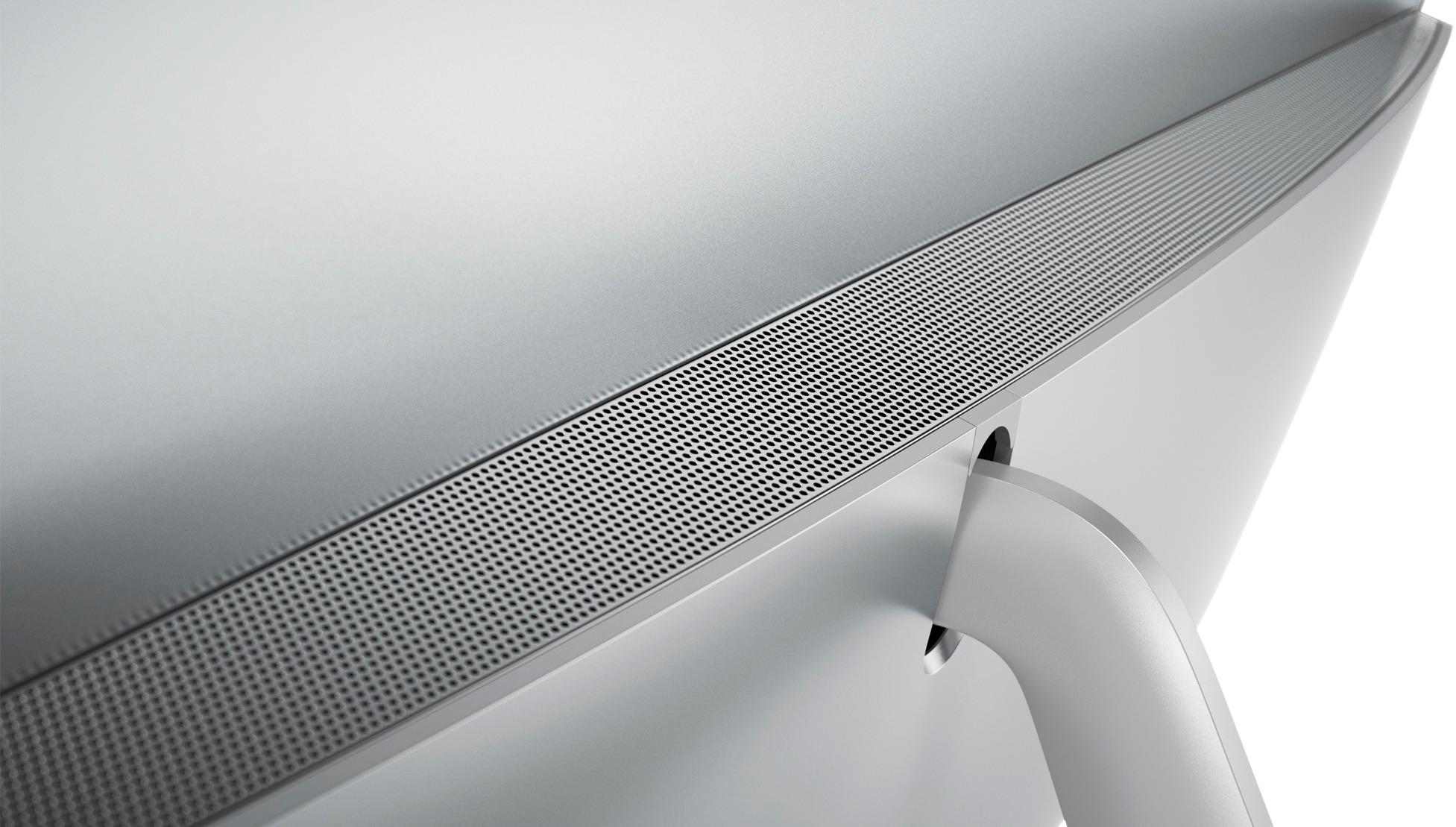
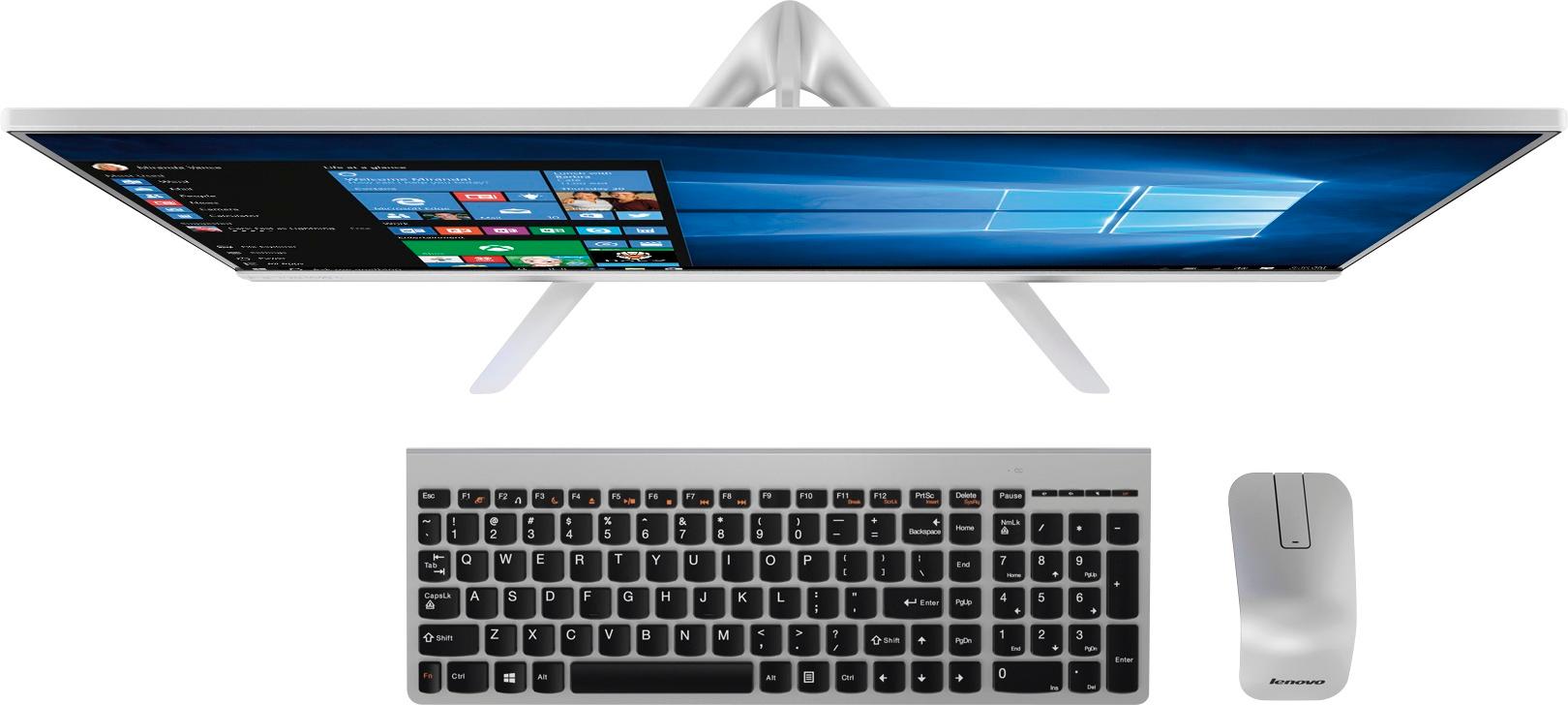
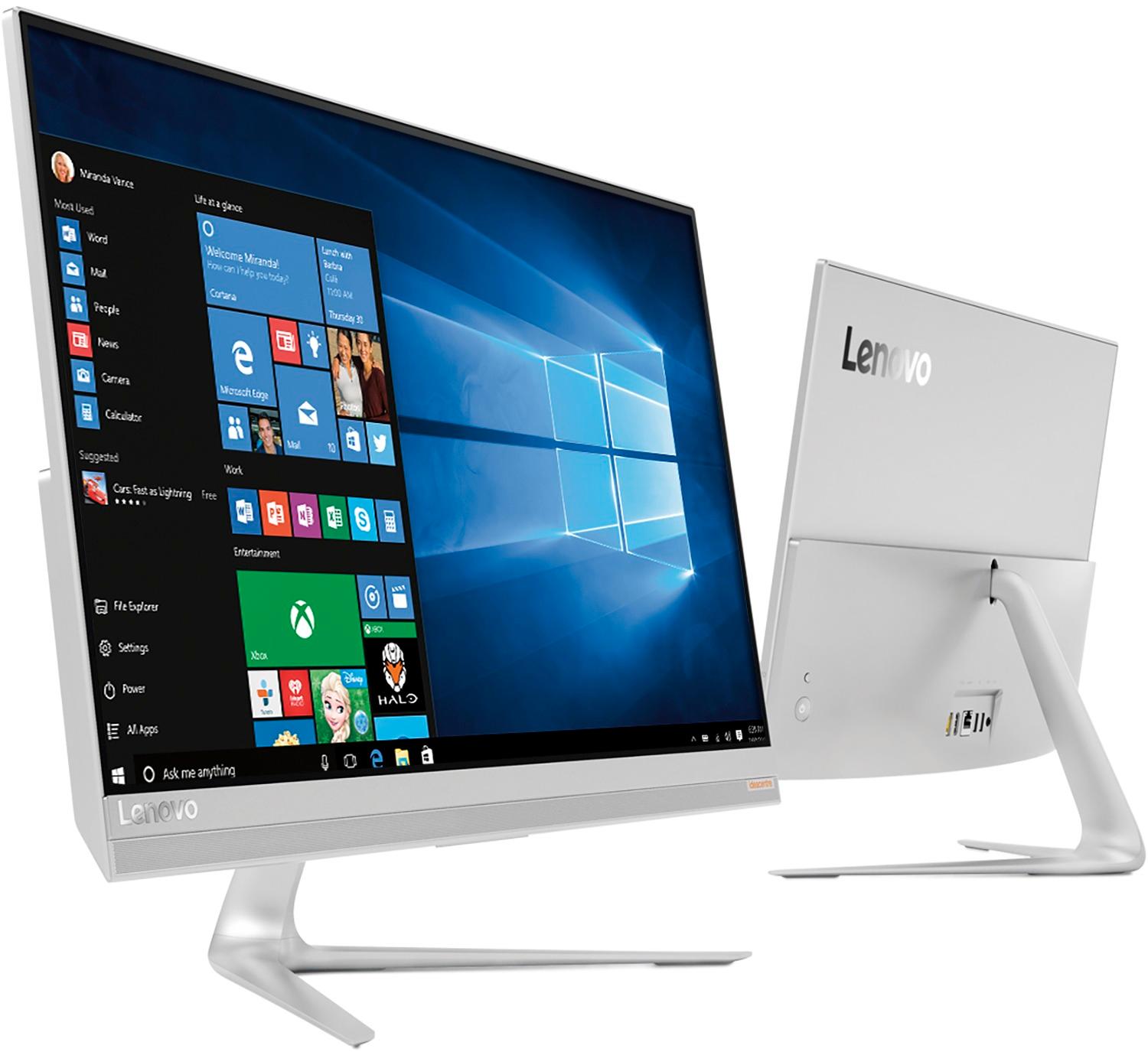
Customers are delighted by the 520S-23IKU's responsive touch screen and ease of use, praising its performance and compact design. Many appreciate the clear picture quality and the space-saving all-in-one form factor. However, some customers wish it had more conveniently located USB ports and better speakers.
This summary was generated by AI based on customer reviews.
Wireless mouse rarely works
Posted .This reviewer received promo considerations or sweepstakes entry for writing a review.wireless mouse rarely works and the online forums are of no help. IF you buy this all-in-one budget for better keyboard and mouse. Both are less than acceptable.
No, I would not recommend this to a friendBrand response from Lenovo Product Expert
Posted .We are sorry to hear you are having issues with the wireless mouse on your IdeaCentre 520s-23 All-In-One system. We recommend you call Lenovo Tech Support at: 877-453-6686.

Overall oK
Posted .This reviewer received promo considerations or sweepstakes entry for writing a review.Something I don't like is the mouse and keyboard, I would prefer having scrolling in the mouse, and the keyboard does not have a light indicating capital letters is active.
I would recommend this to a friendBrand response from Lenovo Product Expert
Posted .Thank you for choosing the Lenovo IdeaCentre 520-23 All-In-One system. If you have a favorite keyboard and mouse, you can replace the keyboard and mouse that comes with the system with any other Windows 10 compatible keyboard and mouse.
Random Restart Strikes Again
Posted .This reviewer received promo considerations or sweepstakes entry for writing a review.This computer seemed like a great bargain for the price. After I worked at getting everything setup It mysteriously restarted. This happened 3 times then I looked it up and saw it was a know issue that apparently Lenovo cannot fix. Call me naive but you should not be able to sell computers with known issues. This was 3 weeks after I bought the computer so my return period expired. The manager at BestBuy was gracious enough to allow me to exchange this computer. Do not buy this
No, I would not recommend this to a friendBrand response from Lenovo Product Expert
Posted .We are sorry to hear that you had issues with your Lenovo IdeaCentre 520s-23 All-In-One system. This device comes installed with Lenovo Utilities software that can correct this type of issue. This system has Lenovo utilities installed to help maintain the health of the device and keep the operating system software up to date. Type "Lenovo Vantage" in the Cortana Search window (if Lenovo Vantage is not installed on your device, you can download the APP and install it now). Select Lenovo Vantage from the list. In the window that opens, click on "Health and Support". In the expanded menu, select "Hardware Scan" In the window that opens, select "Run Quick Tests". This will scan your entire system for errors. Follow any directions that may pop up. If the problem continues after this scan, now click on "System Update". First select Windows update from the menu. Scan your system to be sure you have the latest version of Windows 10. Once that scan is complete, select "Additional Updates". This will scan your device to be sure there are no new BIOS/Driver updates needed. Follow any instructions that may pop up. If the issue still continues after these updates, we recommend you call Lenovo Tech Support at: 877-453-6686 for additional help.
Turns off by itself
Posted .This reviewer received promo considerations or sweepstakes entry for writing a review.Bought this computer literally less than a week ago, since then has powered off 3x by itself, right in the middle of me working. I own my own business and figured upgrade to a better computer. Spent nearly a grand on it. Spoke to Geek Squad first about the issue, they were not even interested in hearing about my problem, only wanted me to spend more money on a plan. Then spoke to customer service and they told me I have to pack everything in and exchange it. Well you lost a customer because if I have to go all the way back there, waste more time and money to give you a computer, I am getting my money back. Highly dissatisfied with this whole turn out and will not be coming back.
No, I would not recommend this to a friendBrand response from Lenovo Product Expert
Posted .We are sorry to hear that you are having issues with your Lenovo IdeaCentre 520s-23 All-In-One system. Be sure any software you have installed is Windows 10 compatible. There is no need to install Microsoft Office software. The software is already part of the operating system, you just need to activate the software with a purchased product key. If you have installed a copy of Microsoft Office, this is conflicting with the existing copy on the system and this will slow your system down. If you have installed a 3rd party anti-virus program, be sure that Windows Defender is turned off and that the trial version of McAfee Anti-Virus software is uninstalled. There can only be one anti-virus program on the system. You may need to restore your system to original factory default settings if any of the programing errors have occurred. You can do that by typing "restore" in the Cortana search window. Just click on the magnifying glass icon at the bottom left of your Windows 10 Desktop. Click on "Reset This PC" Then click on "Get Started" and follow the on screen directions to restore to factory defaults. If the problem persists, we recommend you contact Lenovo Tech Support at: 877-453-6686.
Terrible product, Best Buy does not stand behind
Posted .This reviewer received promo considerations or sweepstakes entry for writing a review.Terrible product, Best Buy does not stand behind their products. Mouse quit working after 2 weeks, PC constantly freezes and runs very slow, keyboard quit working less than a month after purchase, best buy will not refund or exchange because it has been more than 15 days
No, I would not recommend this to a friendBrand response from Lenovo Product Expert
Posted .It is possible that the batteries for the keyboard and mouse pad have died. Try changing the batteries in both. Be sure to use alkaline batteries for maximum life span. This system should be a fast system with its Core I-7 processor and 8GB of RAM. Be sure any software you installed is compatible with Windows 10. There is no need to install Microsoft Office software. The software is already part of the operating system, you just need to activate the software with a purchased product key. If you have installed a copy of Microsoft Office, this is conflicting with the existing copy on the system and this will slow your system down. If you have installed a 3rd party anti-virus program, be sure that Windows Defender is turned off and that the trial version of McAfee Anti-Virus software is uninstalled. There can only be one anti-virus program on the system. You may need to restore your system to original factory default settings if any of the programing errors have occurred. You can do that by typing "restore" in the Cortana search window. Just click on the magnifying glass icon at the bottom left of your Windows 10 Desktop. Click on "Reset This PC" Then click on "Get Started" and follow the on screen directions to restore to factory defaults.
Very slow processor - took all steps recommended
Posted .This reviewer received promo considerations or sweepstakes entry for writing a review.I took all recommended steps - 1 version of office, only windows defender running. Still very slow for 8.gb memory. Something else is fundamentally wrong. Will return system tomorrow.
No, I would not recommend this to a friendBrand response from Lenovo Product Expert
Posted .This is a fast system with its Core I-7 processor and 8GB of RAM. Be sure any software you installed is compatible with Windows 10. There is no need to install Microsoft Office software. The software is already part of the operating system, you just need to activate the software with a purchased product key. If you have installed a copy of Microsoft Office, this is conflicting with the existing copy on the system and this will slow your system down. If you have installed a 3rd party anti-virus program, be sure that Windows Defender is turned off and that the trial version of McAfee Anti-Virus software is uninstalled. There can only be one anti-virus program on the system. You may need to restore your system to original factory default settings if any of the programing errors have occurred. You can do that by typing "restore" in the Cortana search window. Just click on the magnifying glass icon at the bottom left of your Windows 10 Desktop. Click on "Reset This PC" Then click on "Get Started" and follow the on screen directions to restore to factory defaults. If the problem persists, we recommend you call Lenovo Tech Support at: 877-453-6686.