Customer Ratings & Reviews




- Model:
- F0CU0022US
- SKU:
- 5732317
to a friend
Customers are saying
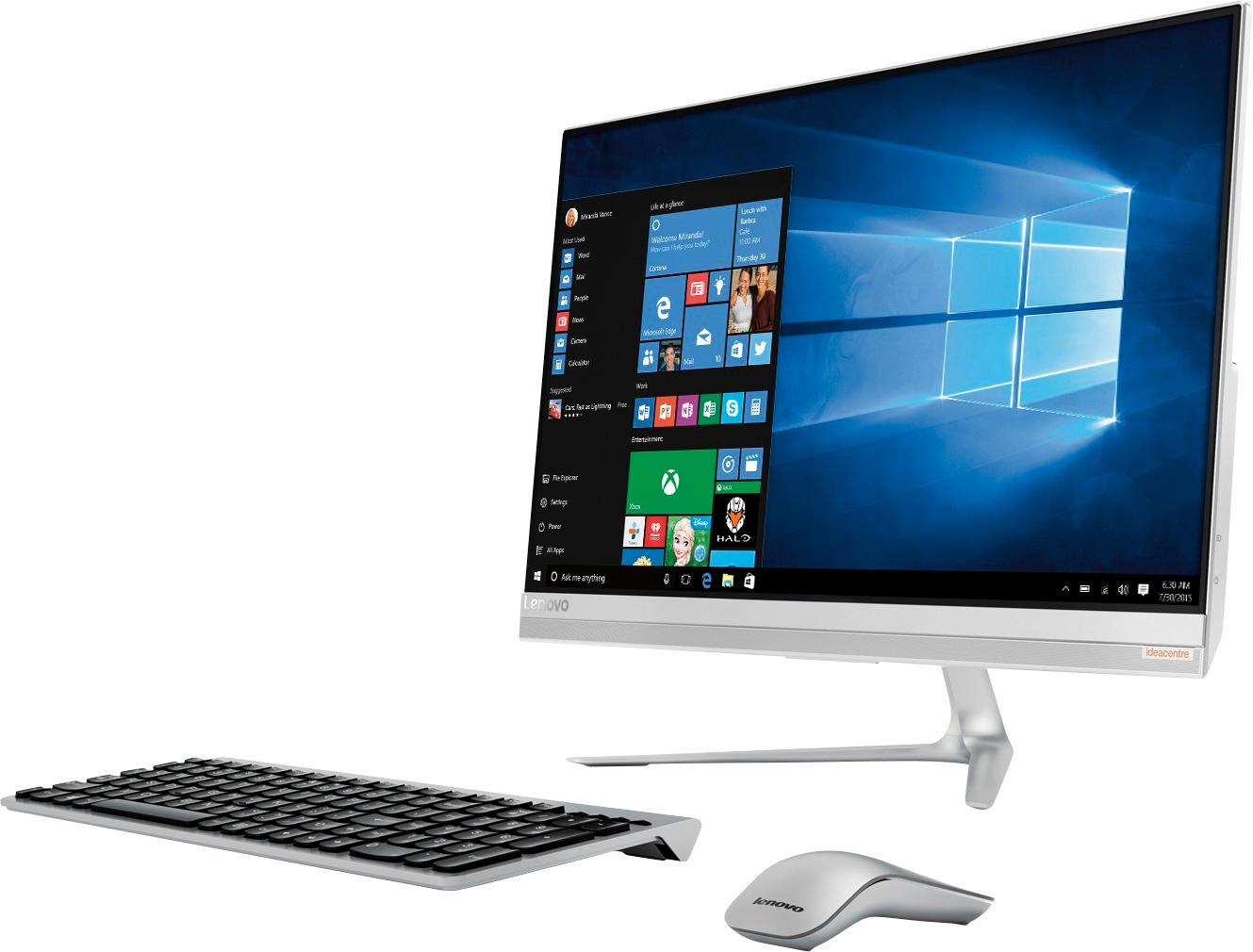
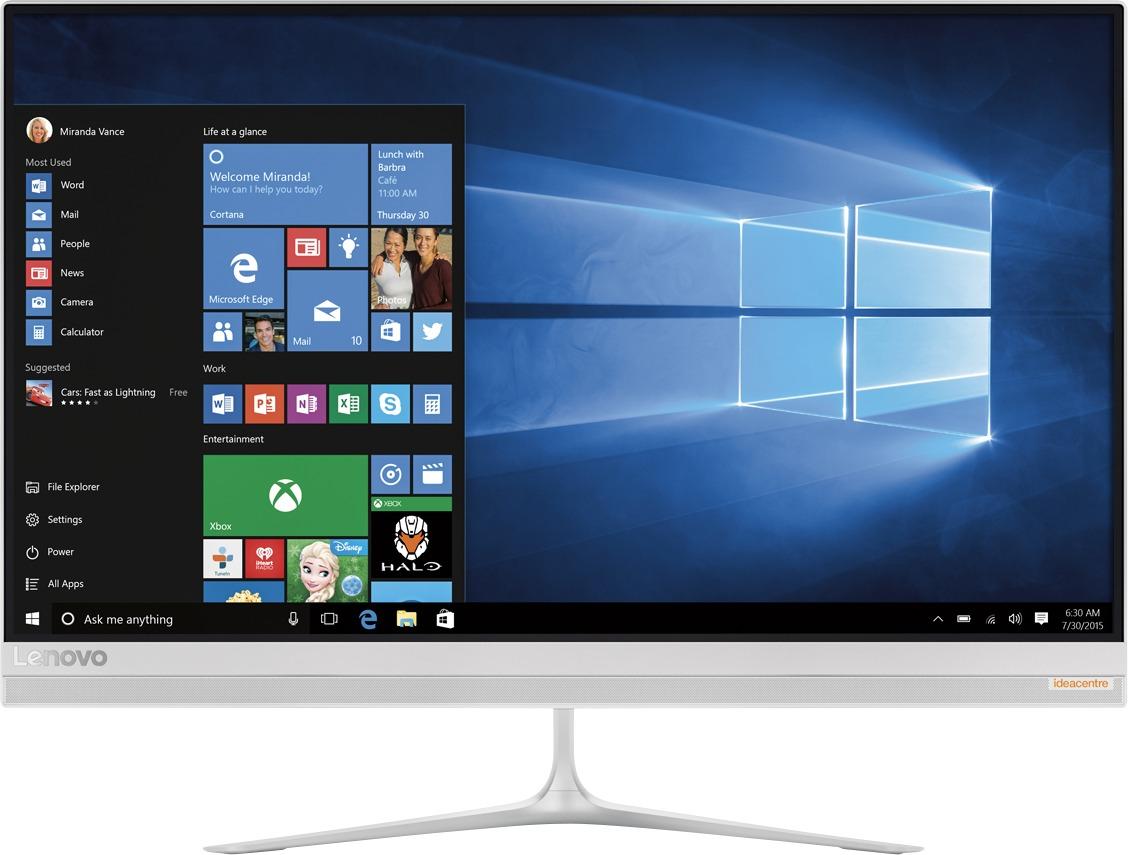
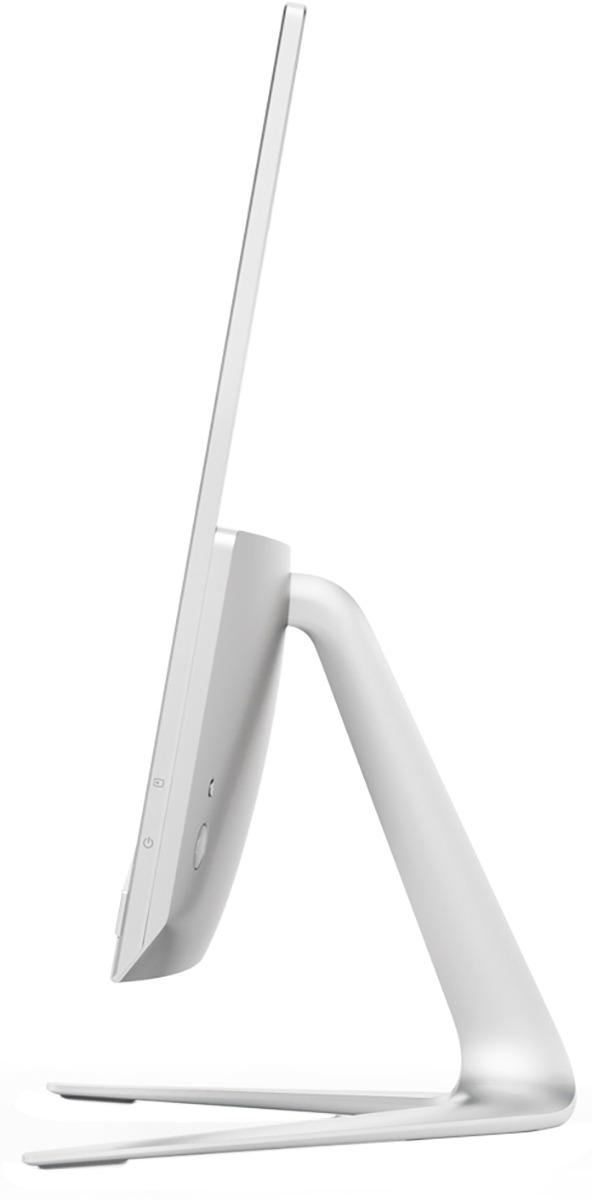
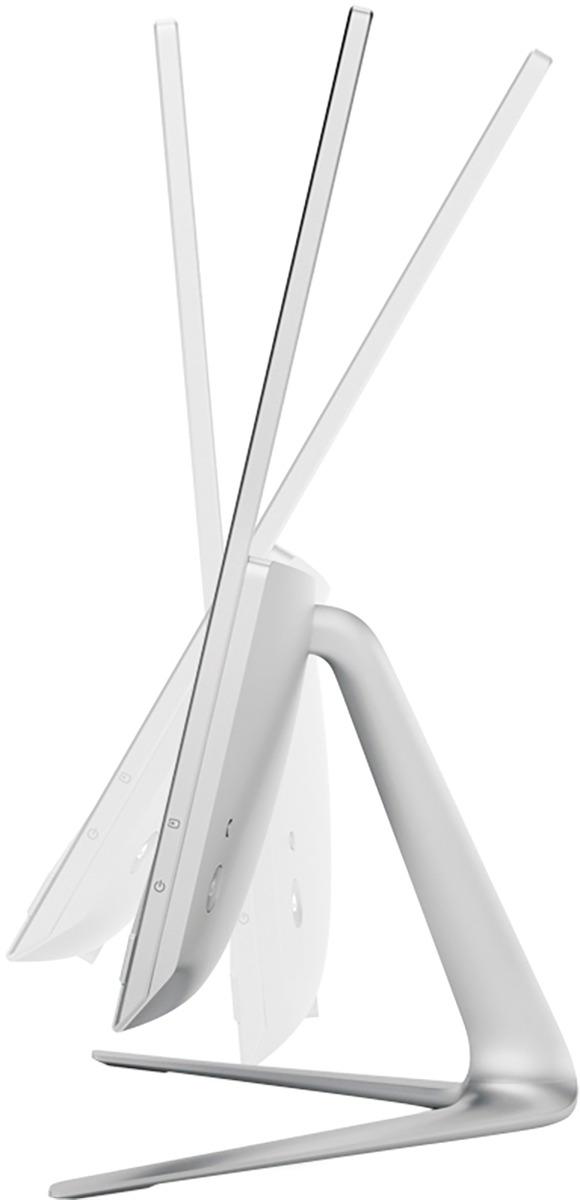
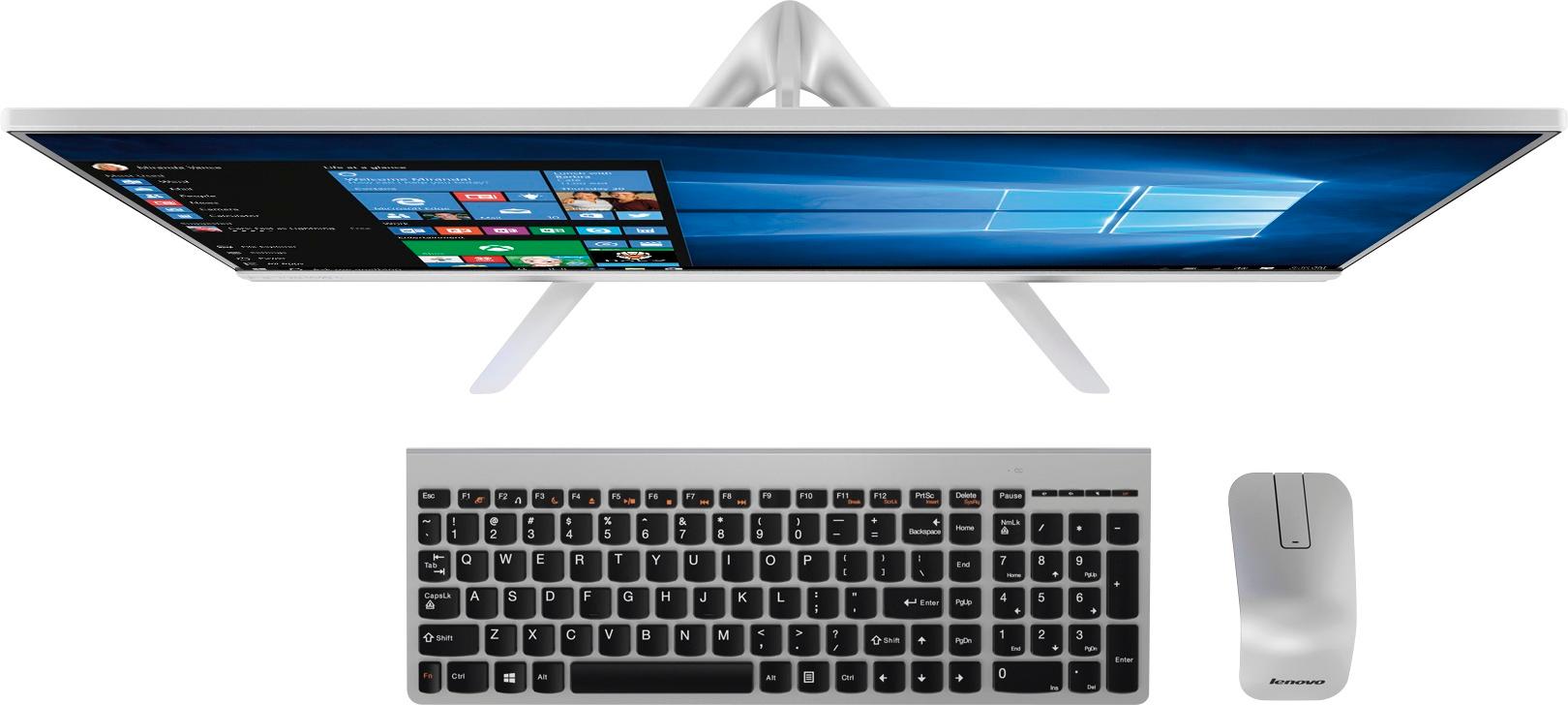
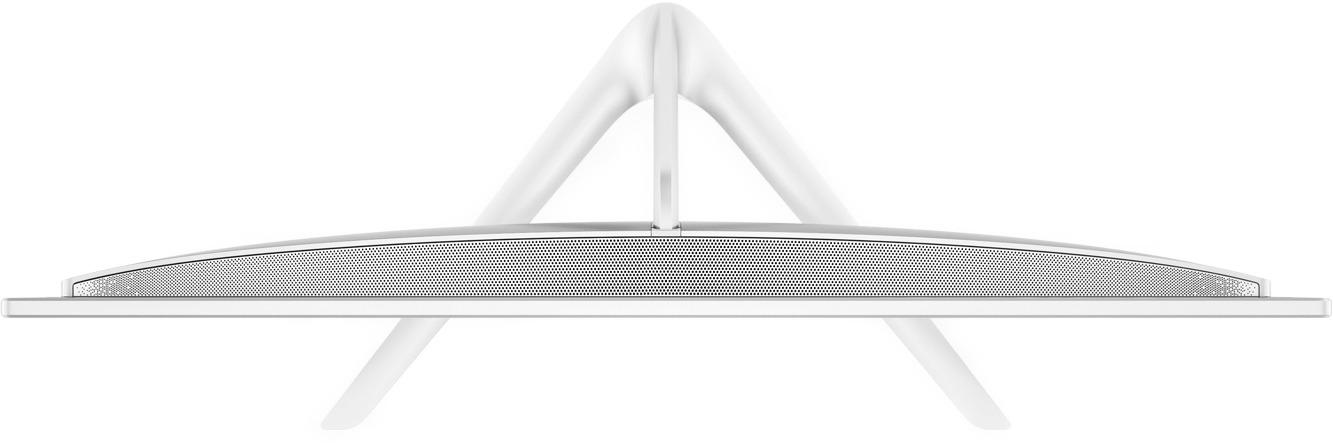
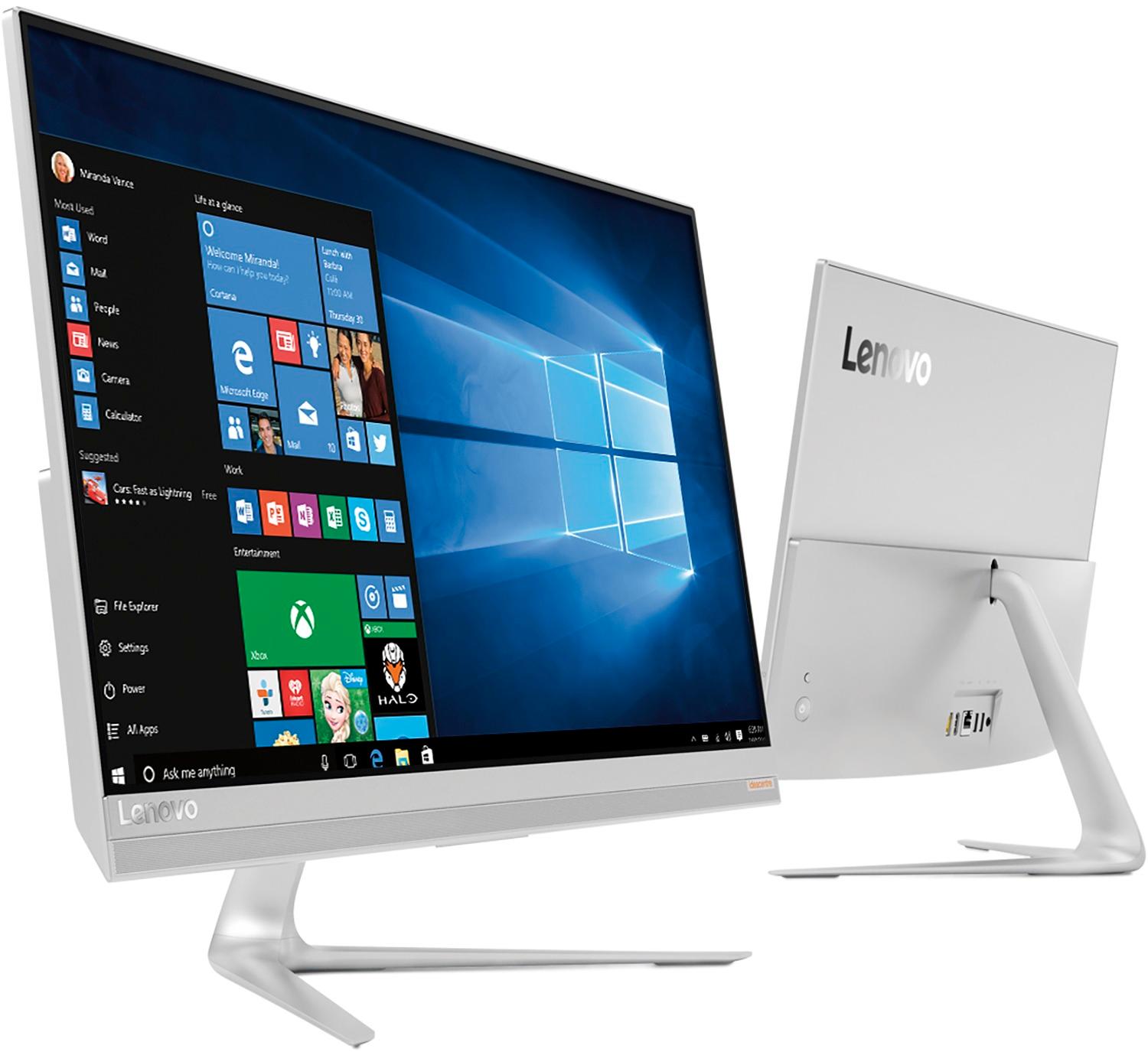
Customers are delighted by the 520S-23IKU's responsive touch screen and ease of use, praising its performance and compact design. Many appreciate the clear picture quality and the space-saving all-in-one form factor. However, some customers wish it had more conveniently located USB ports and better speakers.
This summary was generated by AI based on customer reviews.
Good combination computer
||Posted .This reviewer received promo considerations or sweepstakes entry for writing a review.This is the first all in one computer for me and I love it. No more bulky and room hogging tower to deal with on my desk. Would recommend this Lenovo computer to anyone looking for an all in one.
I would recommend this to a friendBrand response from Lenovo Product Expert
Posted .Thank you for choosing the Lenovo IdeaCentre 520s-23 All-In-One system. We are pleased to hear that the features and performance of the IdeaCentre 520s-23 AIO meets your computing needs so well.

Love the all-in-one lenovo!
||Posted .This reviewer received promo considerations or sweepstakes entry for writing a review.Monitor is crystal clear, quiet processor. Speakers are a little "tinney" but i plan on using something else anyway. Love the keyboard and mouse! Some may find the mouse awkward at first like I did but I got used to it pretty fast.
I would recommend this to a friendBrand response from Lenovo Product Expert
Posted .Thank you for choosing the Lenovo IdeaCentre 520s-23 All-In-One system. We are pleased to hear that the IdeaCentre 520s-23 AIO is working out so well for you.
Overall pretty good
||Posted .This reviewer received promo considerations or sweepstakes entry for writing a review.It's nice, but it doesn't come with a stylus. Which means I have too look for one myself, but there seems to be not one that works with this computer screen. Other than that I really like it.
I would recommend this to a friendBrand response from Lenovo Product Expert
Posted .Thank you for choosing the Lenovo IdeaCentre 520s-23 All-In-One system. The screen on this model is not compatible with any active/digital pen.
New computer after 10 years
||Posted .This reviewer received promo considerations or sweepstakes entry for writing a review.I did research and wanted to stay with the Lenovo computer. Found this online and it was in the price range I wanted. Still getting use to Windows 10 but getting there. The geeks were speedy on uploading my computer.
I would recommend this to a friendBrand response from Lenovo Product Expert
Posted .Thank you for choosing the Lenovo IdeaCentre 520s-23 All-In-One system. We are pleased to hear that the value, features and performance of the IdeaCentre 520s-23 AIO meets your computing needs so well. With regard to learning your way around Windows 10, you may want to try YouTube.com (just type that address in your browser address window). There are hundreds for free instructional videos there about Windows 10. Just type Windows 10 Introduction in to the YouTube search window. You can watch free videos there that will show you the basics all the way up to tips and tricks videos and they're all free.
It's worth the $$.
||Posted .This reviewer received promo considerations or sweepstakes entry for writing a review.Moving up from Windows 7 and into an all-in-one is an adjustment, but I like the simplicity of the new hardware. The internal speaker is crap, but with basic external speakers it's an easy plug in to great sound.
I would recommend this to a friendBrand response from Lenovo Product Expert
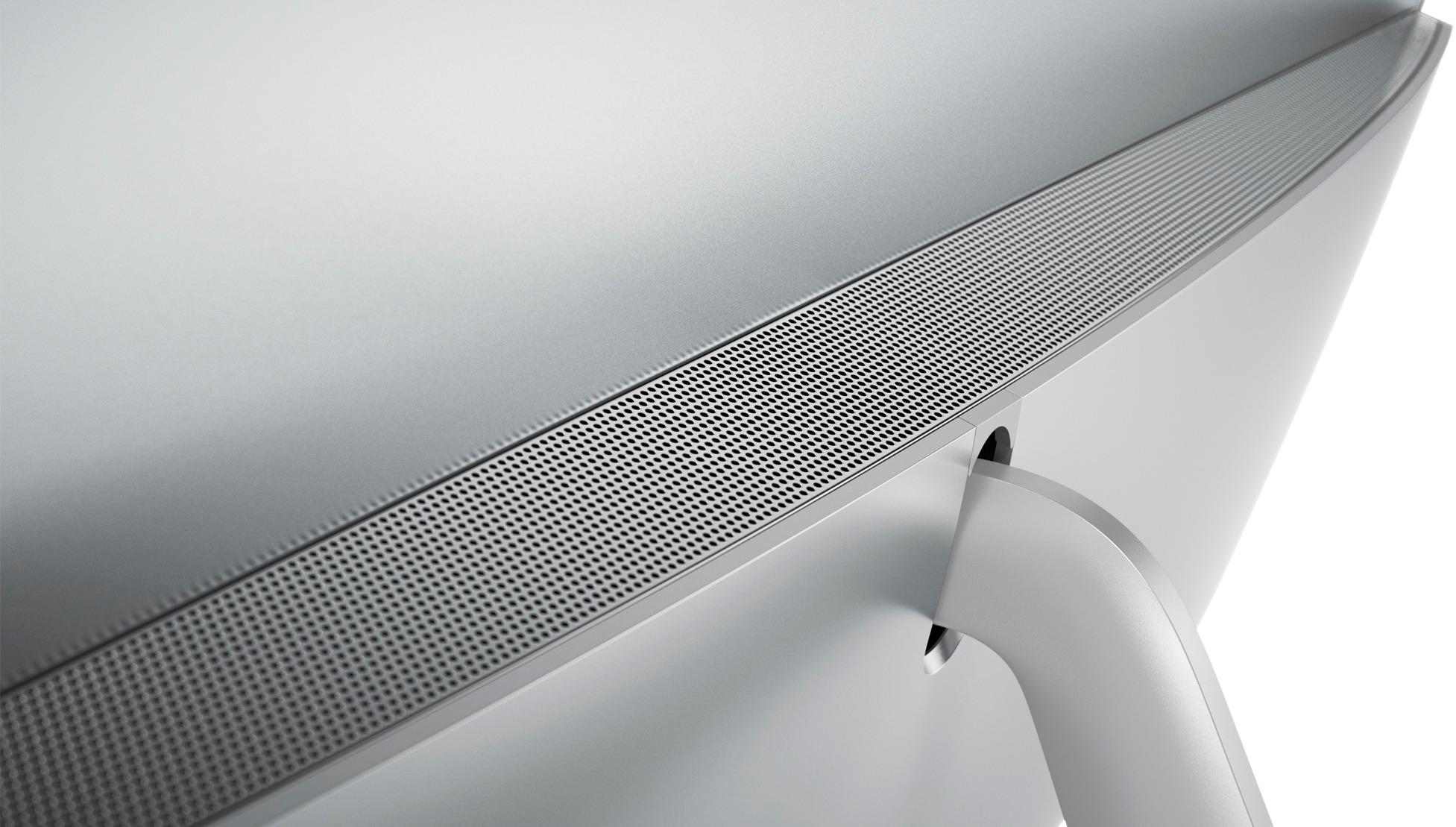
Posted .Thank you for choosing the Lenovo IdeaCentre 520s-23 All-In-One system. With regard to the internal speakers on the Ideacentre 520s-23 AIO, we will look into this for future improvements.
Easy to use
||Posted .This reviewer received promo considerations or sweepstakes entry for writing a review.This computer works well, but had to get more usb ports. There is a little learning curve to the wireless mouse and keyboard. Also learning how to use Windows 10 and locate folders was a challenge.
I would recommend this to a friendBrand response from Lenovo Product Expert
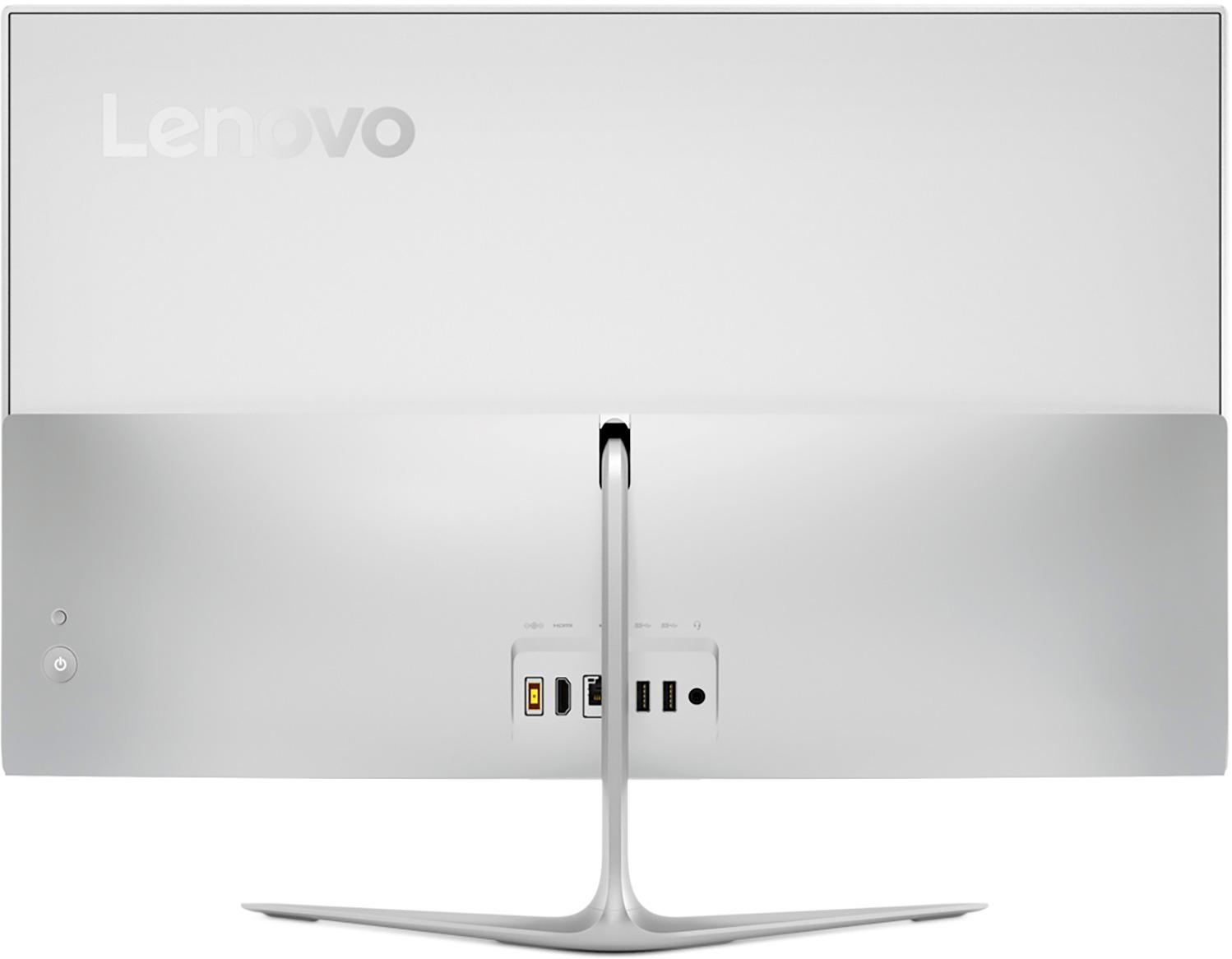
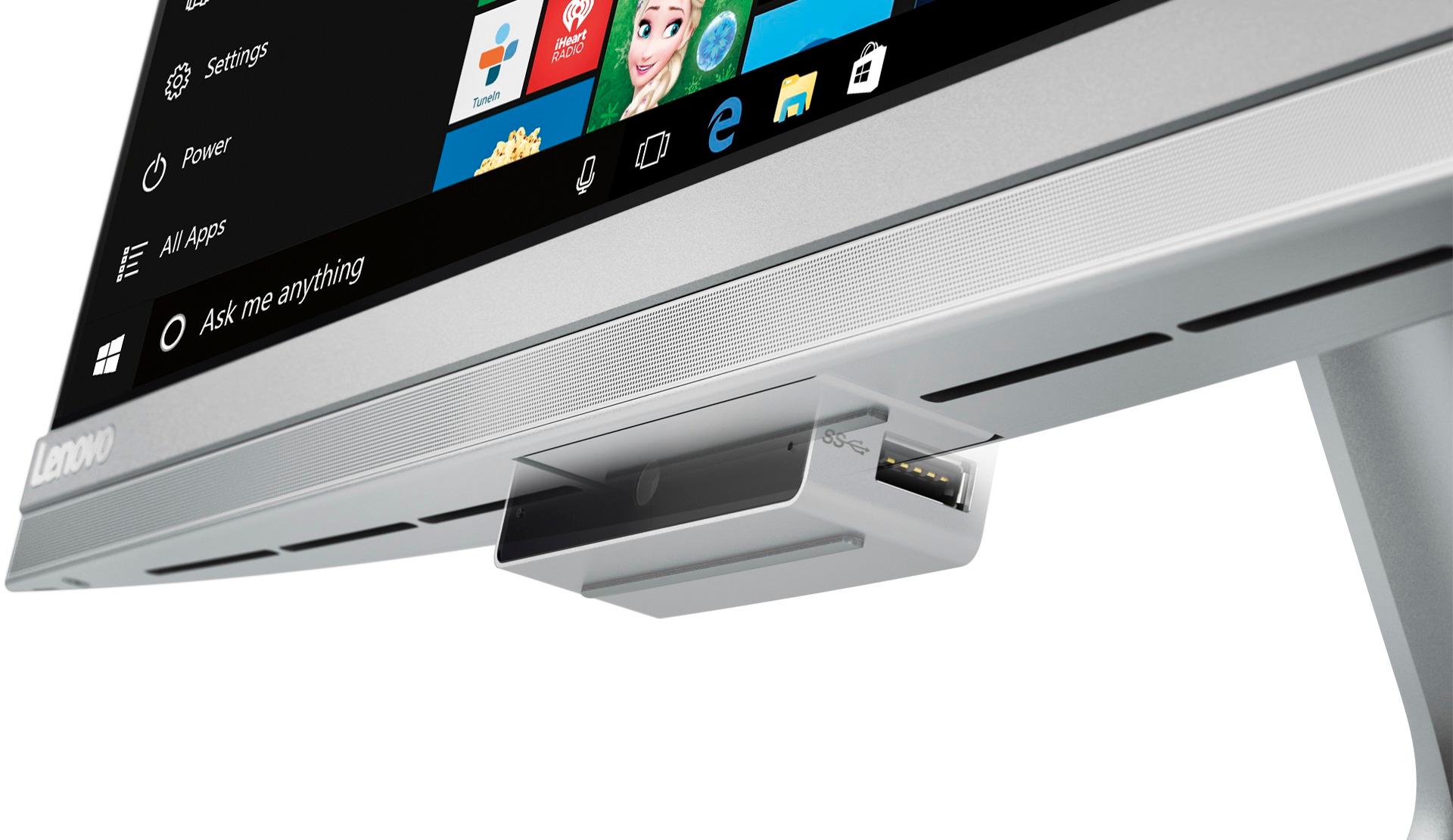
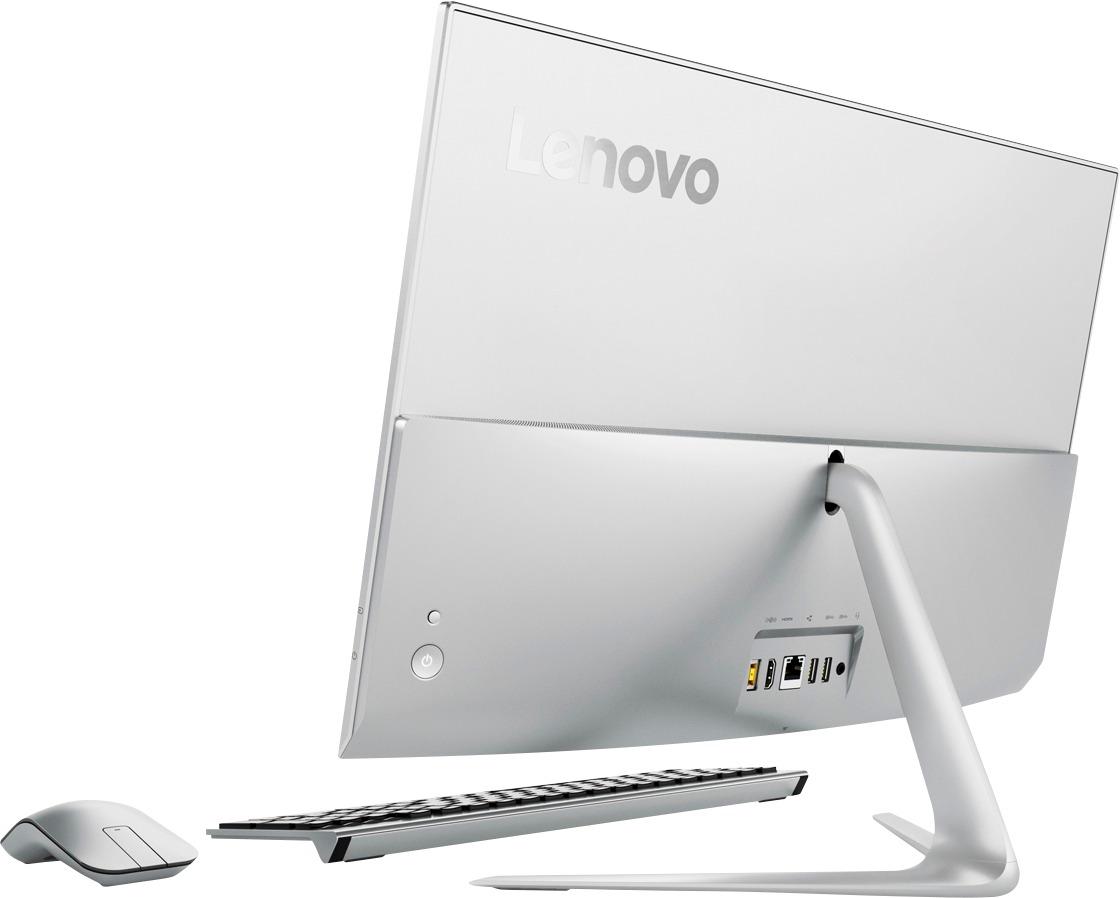
Posted .Thank you for choosing the Lenovo IdeaCentre 520s-23 All-In-One system. There are four USB 3.0 ports on this model, two on the back and two more on the drop down web cam mount. With regard to learning your way around Windows 10, you may want to try YouTube.com (just type that address in your browser address window). There are hundreds for free instructional videos there about Windows 10. Just type Windows 10 Introduction in to the YouTube search window. You can watch free videos there that will show you the basics all the way up to tips and tricks videos and they're all free.
Great AIO!
||Posted . Owned for 1 year when reviewed.This reviewer received promo considerations or sweepstakes entry for writing a review.We purchased this along with an ASUS Zen AIO, well that brand needed 3 new motherboards within 6 months. This model has been going strong with no issues at all. Any Microsoft updates don't interfere with software or drivers.
I would recommend this to a friendLenovo All-in-One is a Great Desktop PC
||Posted .This reviewer received promo considerations or sweepstakes entry for writing a review.I enjoy the fact that I don't need to have space for a tower. The Matt screen works great in the bright room when I keep it. I'm still learning the mouse that doesn't have a wheel.
I would recommend this to a friendBrand response from Lenovo Product Expert
Posted .Thank you for choosing the Lenovo IdeaCentre 520s-23 All-In-One system. We are pleased to hear that the features and performance of the IdeaCentre 520s-23 AIO meets your computing needs so well.
May be okay if service I paid for was much better
||Posted .This reviewer received promo considerations or sweepstakes entry for writing a review.I think the computer is okay, but I paid for the Geek Squad to set up the computer, transfer info from my old computer and also save to a backup, paid for Kaspersky, because Geek Squad said the one I had only was for the old computer, and paid them to install it. After finding that Kaspersky doesn't work right, partially because my old program has transferred to my new computer and lacks what I should be getting with the new one and that my address book wasn't transferred to my chosen carrier, I contacted the Geek Squad.They worked online and assured me they had fixed Kaspersky. They had not---still doesn't work right. The Geek Squad at the store had me bring the computer back to them (I'm a 75 year old widow--not easy to do.) They still couldn't get the address book to transfer, although they did get the computer to accept emails on my chosen carrier. However, to send emails from the addresses I have, I have to go through AT&T and do several steps. I will be hiring an independent person to try to help me. I think I have been "taken" by Best Buy and the Geek Squad.
No, I would not recommend this to a friendLove my all in one computer
||Posted .This reviewer received promo considerations or sweepstakes entry for writing a review.I would highly recommend getting an all in one computer. Having no wires is amazing
I would recommend this to a friendBrand response from Lenovo Product Expert
Posted .Thank you for choosing the Lenovo IdeaCentre 520s-23 All-In-One system. We are pleased to hear that the features and performance of the IdeaCentre 520s-23 AIO meet your computing needs so well.
Easy to use, my first touch screen
||Posted . Owned for 1.5 years when reviewed.This reviewer received promo considerations or sweepstakes entry for writing a review.This is undoubtedly the best computer I have ever owned. I've had a couple of HPs , but this is, by a huge distance, the best computer I have ever worked on.
I would recommend this to a friendcomputer and keyboard great , mouse difficult
||Posted .This reviewer received promo considerations or sweepstakes entry for writing a review.Everything set up easy and works great. Had to get a new and different mouse, could not acquire the ability to use the "touch"/ body heat center section.
I would recommend this to a friendGreat desktop
||Posted .This reviewer received promo considerations or sweepstakes entry for writing a review.Great in every sense of the word.. not too fond of the mouse that comes with seems a little too cheap in my opinion but overall great desktop
I would recommend this to a friendBrand response from Lenovo Product Expert
Posted .Thank you for choosing the Lenovo IdeaCentre 520s-23 All-In-One system. We are pleased to hear that the IdeaCentre 520s-23 AIO is working out so well for you.
works well
||Posted .This reviewer received promo considerations or sweepstakes entry for writing a review.Works well, but seems to upload pictures slow. Would buy again except I would research photo uploads.
I would recommend this to a friendBrand response from Lenovo Product Expert
Posted .Thank you for choosing the Lenovo IdeaCentre 520s-23 All-In-One system. This is a fast system with its Intel Core i7-7500U processor and 8GB of RAM. With regard to uploading files, take into consideration the size of the file you are uploading. Also, if you are using a USB device to transfer the files be sure you are using a USB 3.0 port to get the fastest transfer speeds. Finally be sure the picture files are compatible with Windows 10. You can check the health of this system to be sure there are no updates that your need to speed the system up. Type "Lenovo Vantage" in the Cortana Search window. Select Lenovo Vantage from the list. In the window that opens, click on "Health and Support". In the expanded menu, select "Hardware Scan" In the window that opens, select "Run Quick Tests". This will scan your entire system for errors. Follow any directions that may pop up. If the problem continues after this scan, now click on "System Update". First select Windows update from the menu. Scan your system to be sure you have the latest version of Windows 10. Once that scan is complete, select "Additional Updates". This will scan your device to be sure there are no new BIOS/Driver updates needed. Follow any instructions that may pop up. If the issue still continues after these updates, we recommend you call Lenovo Tech Support at: 877-453-6686 for additional help.
Great CPU
||Posted .This reviewer received promo considerations or sweepstakes entry for writing a review.first time using Lenovo I am very pleased cpu is very efficient and fast very quiet can not even tell it is on great machine
I would recommend this to a friendBrand response from Lenovo Product Expert
Posted .Thank you for choosing the Lenovo IdeaCentre 520s-23 All-In-One system. We are pleased to hear that the features and performance of the IdeaCentre 510s-23 AIO meets your computing needs so well.
One Of the best computers I have owned
||Posted .This reviewer received promo considerations or sweepstakes entry for writing a review.The response of the computer is very good. Everything about this computer is Great except the mouse is kind of crappy.
I would recommend this to a friendBrand response from Lenovo Product Expert
Posted .Thank you for choosing the Lenovo IdeaCentre 520s-23 All-In-One system. With regard to the mouse, we will look into this for future improvements.
Great space saver
||Posted .This reviewer received promo considerations or sweepstakes entry for writing a review.This all in one computer saves space and fits perfectly into my roll top desk. Fast with easy to use touch screen.
I would recommend this to a friendBrand response from Lenovo Product Expert
Posted .Thank you for choosing the Lenovo IdeaCentre 520s-23 All-In-One system. We are pleased to hear that the IdeaCentre 520s-23 AIO is working out so well for you.
Love this all in one
||Posted .This reviewer received promo considerations or sweepstakes entry for writing a review.I love the matte screen on this computer - it saves wear and tear on my eyes. Very good value for the money
I would recommend this to a friendBrand response from Lenovo Product Expert
Posted .Thank you for choosing the Lenovo IdeaCentre 520s-23 All-In-One system. We are pleased to hear that the value, features and performance of the IdeaCentre 520s-23 AIO meets your computing needs so well.
I recommend!
||Posted .This reviewer received promo considerations or sweepstakes entry for writing a review.I have been having this computer for 2 months now and honestly i can not complain about anything, I use it for personal and work purposes.
I would recommend this to a friendGood PC for the value
||Posted .This reviewer received promo considerations or sweepstakes entry for writing a review.Overall happy with the PC, however the wireless mouse stinks as middle scroll option does not work well.
I would recommend this to a friend