Customer Ratings & Reviews


- Model:
- F0EM0003US
- SKU:
- 6365785
Rating by feature
- Value
Rating 4.6 out of 5 stars
- Quality
Rating 4.6 out of 5 stars
- Ease of Use
Rating 4.6 out of 5 stars
Customers are saying
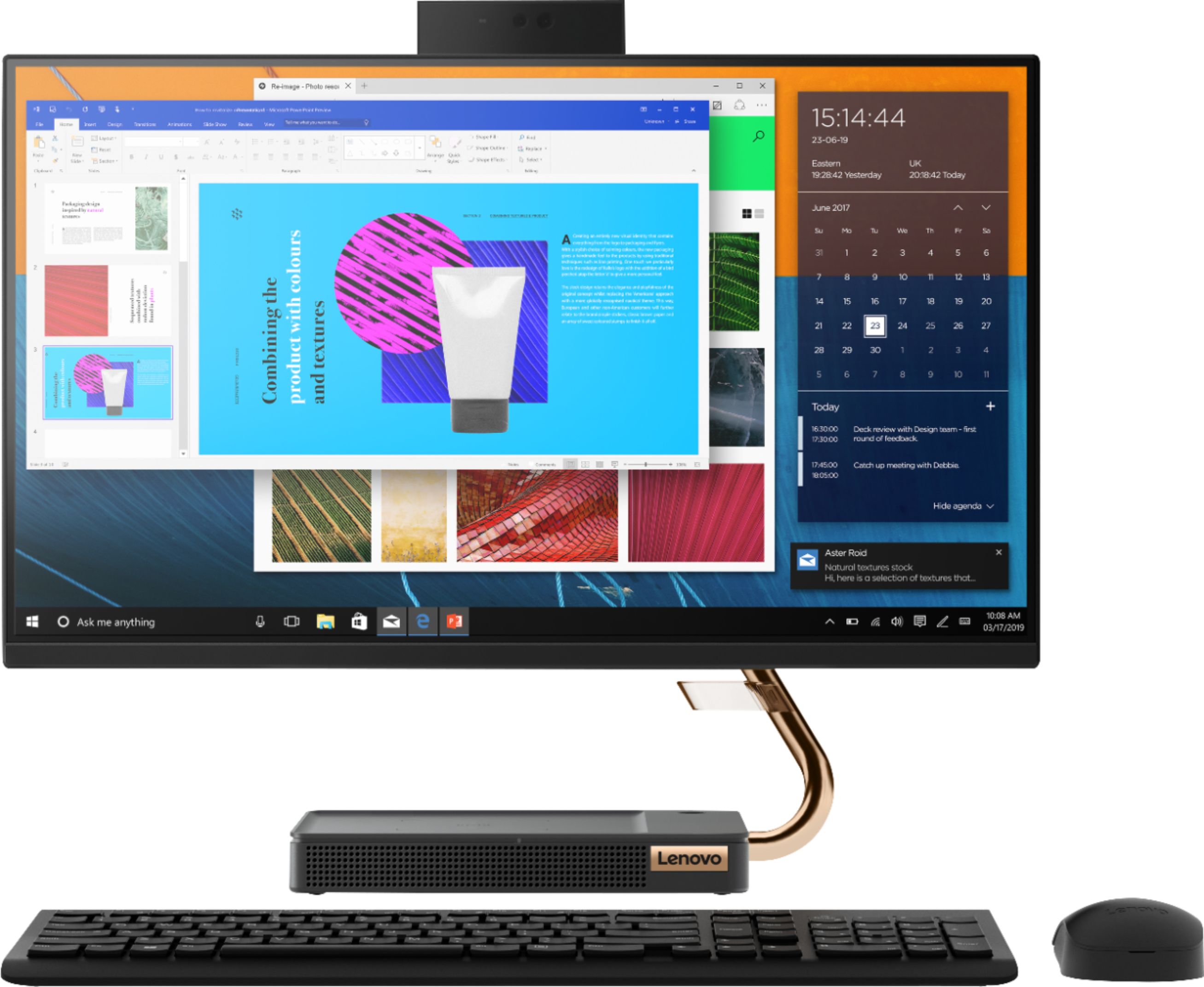
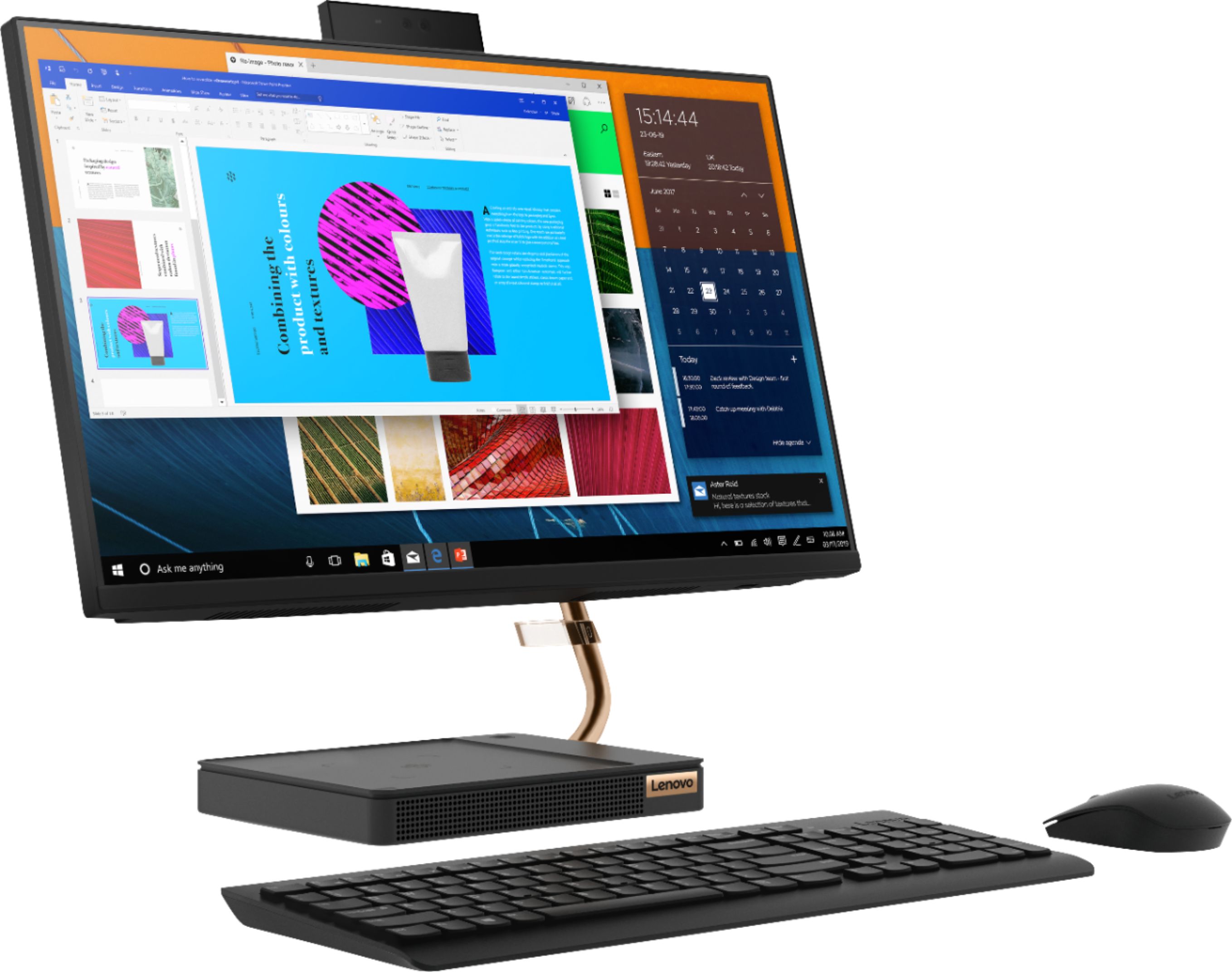
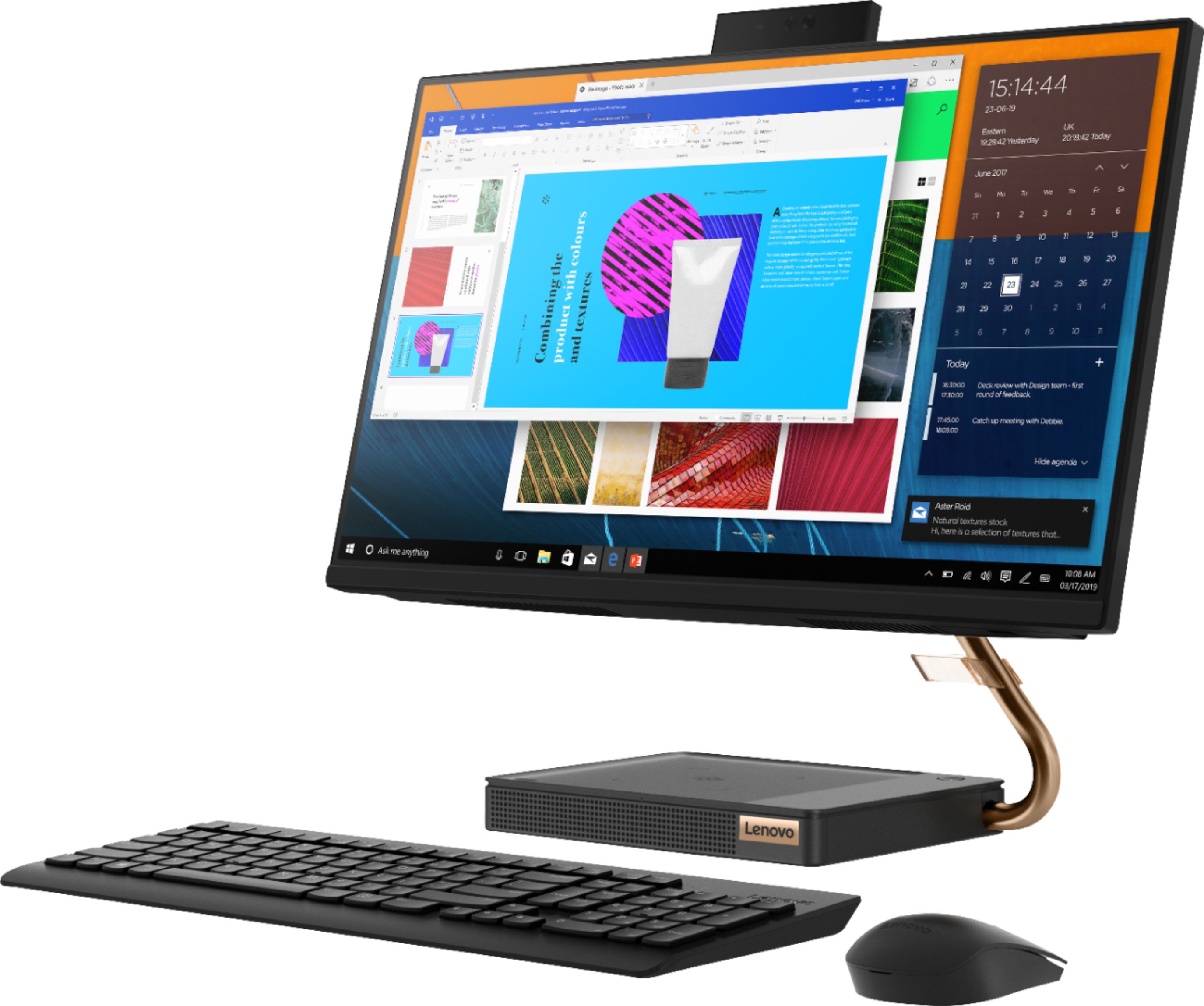
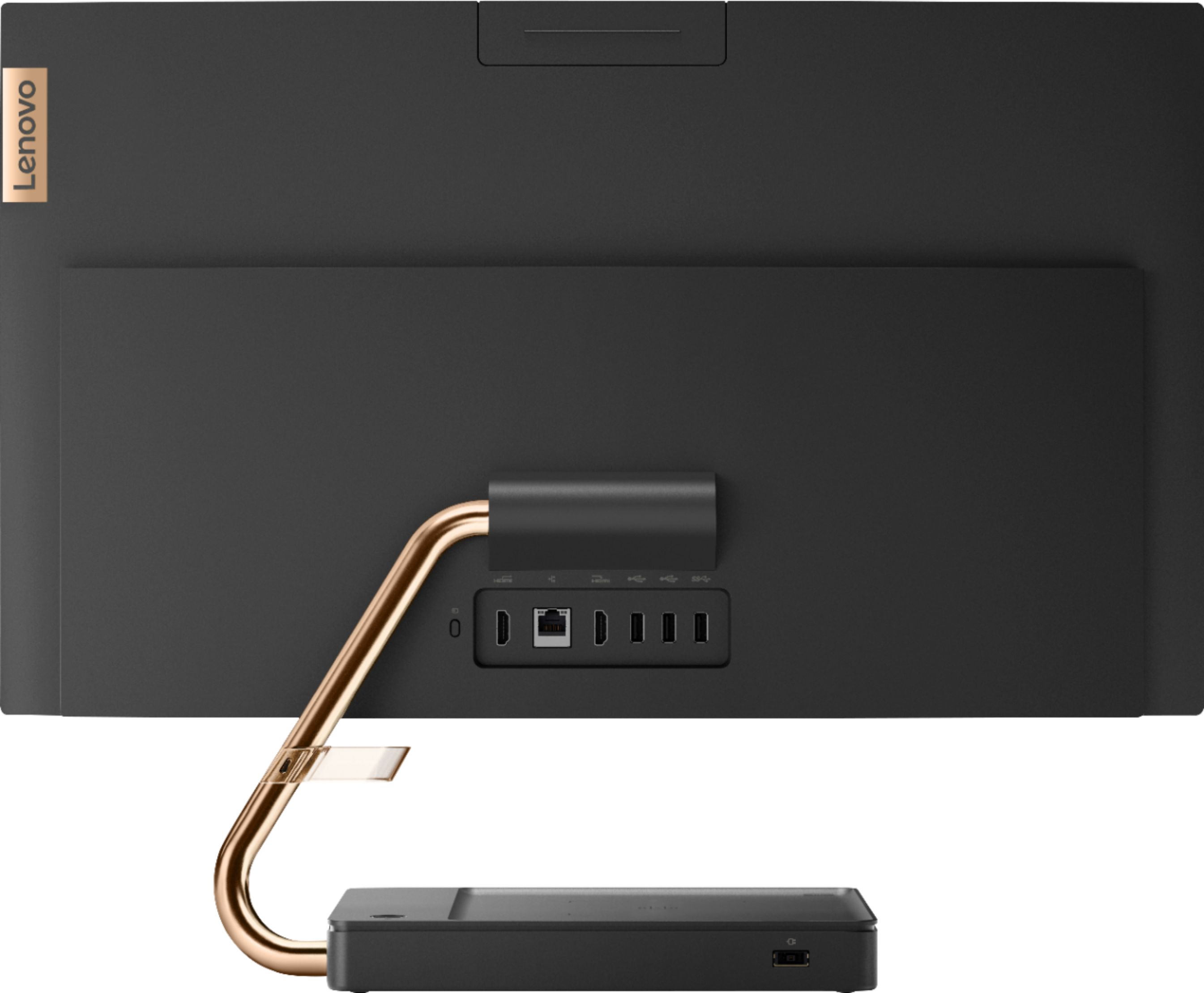
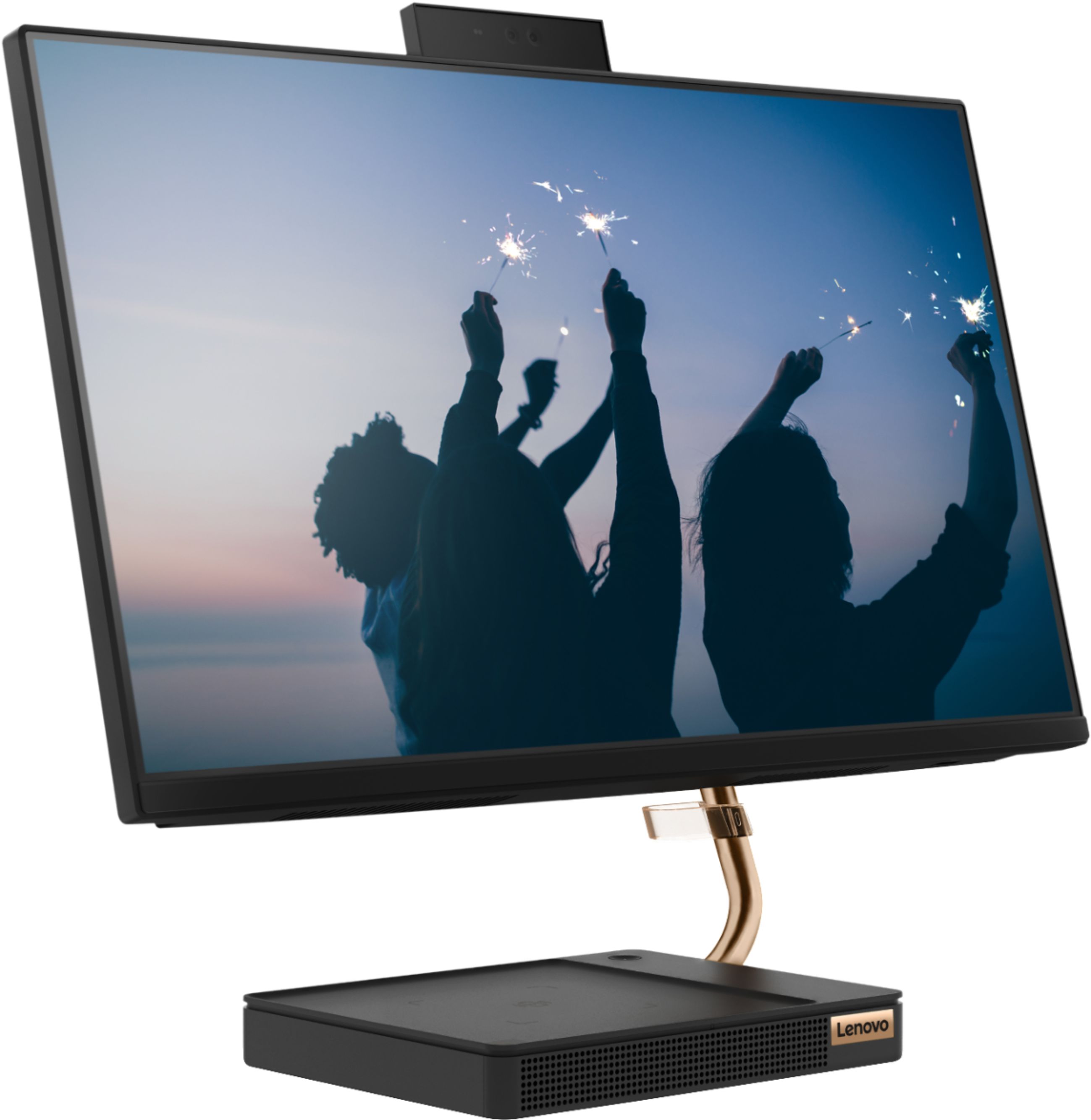
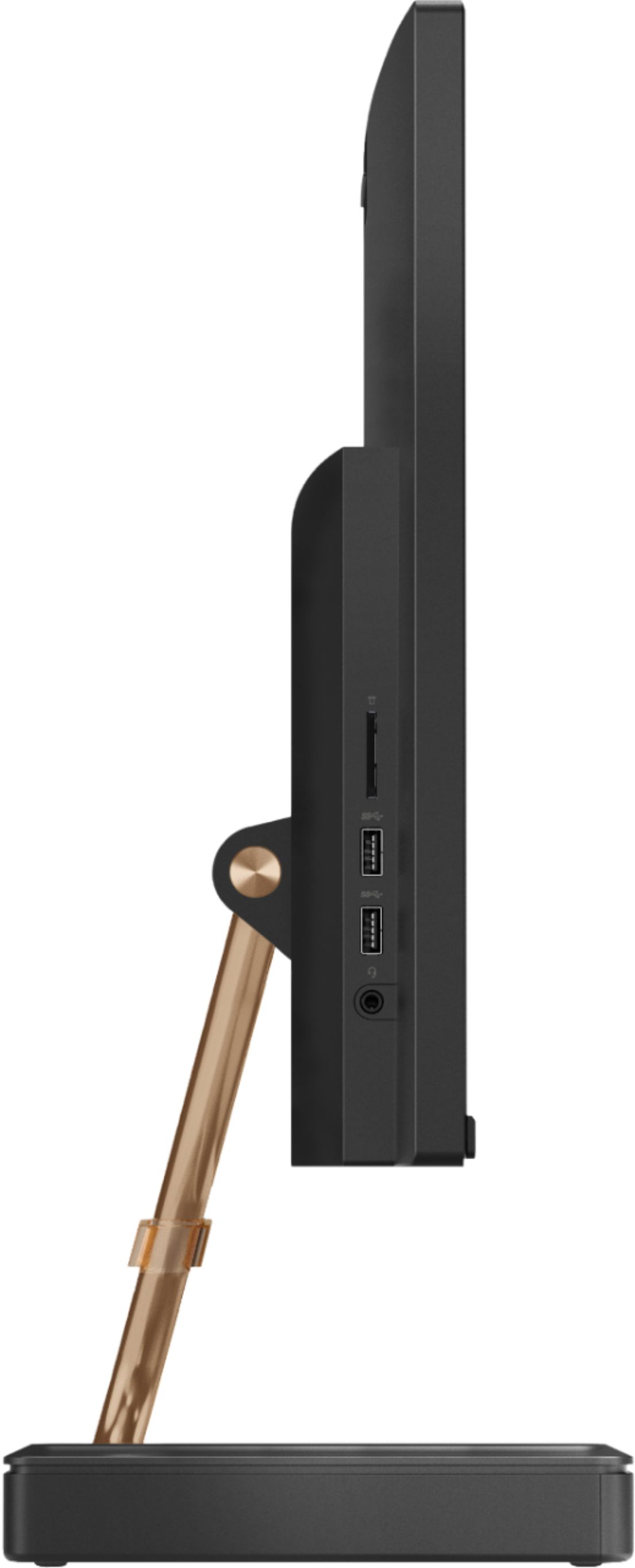
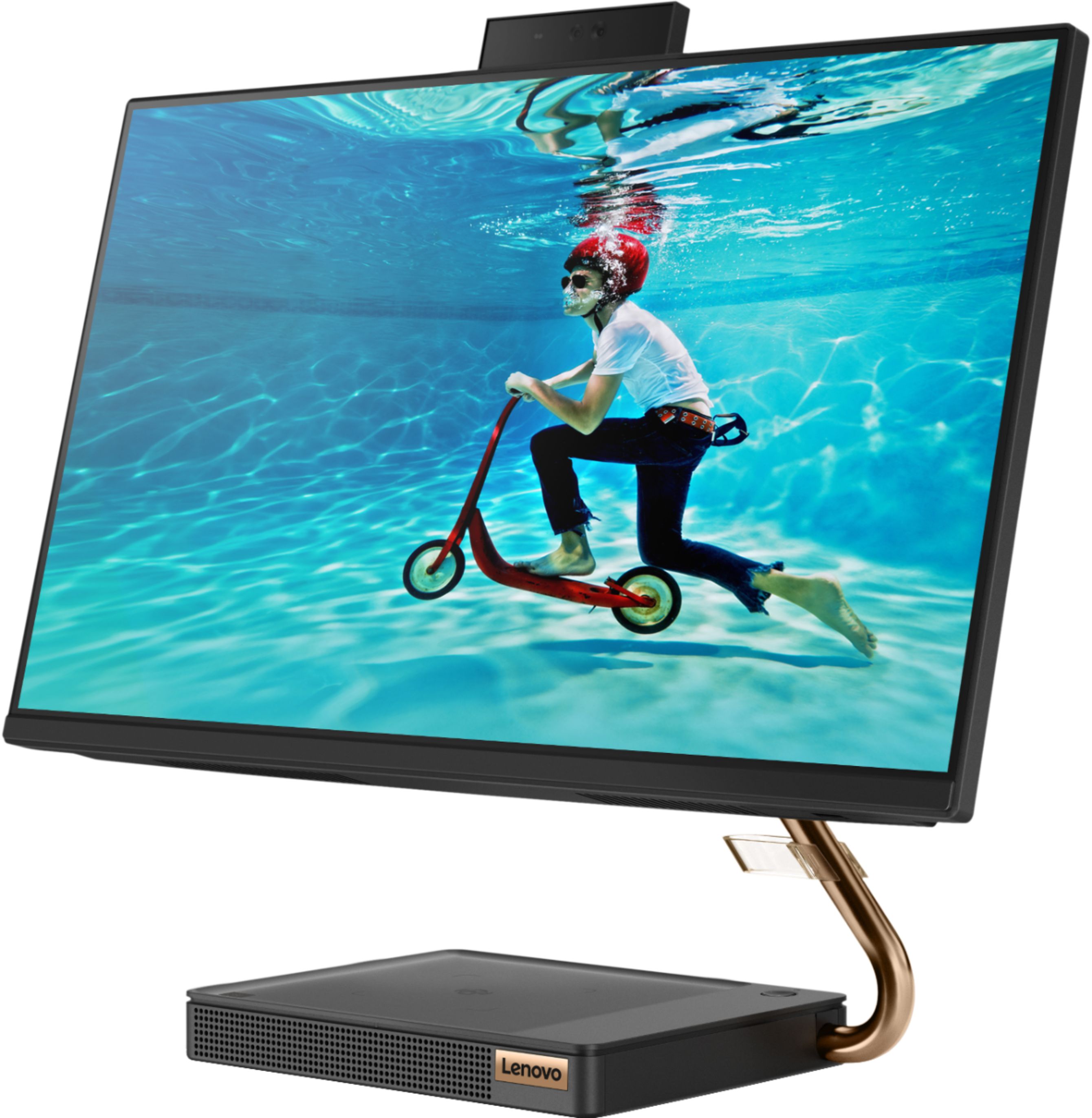
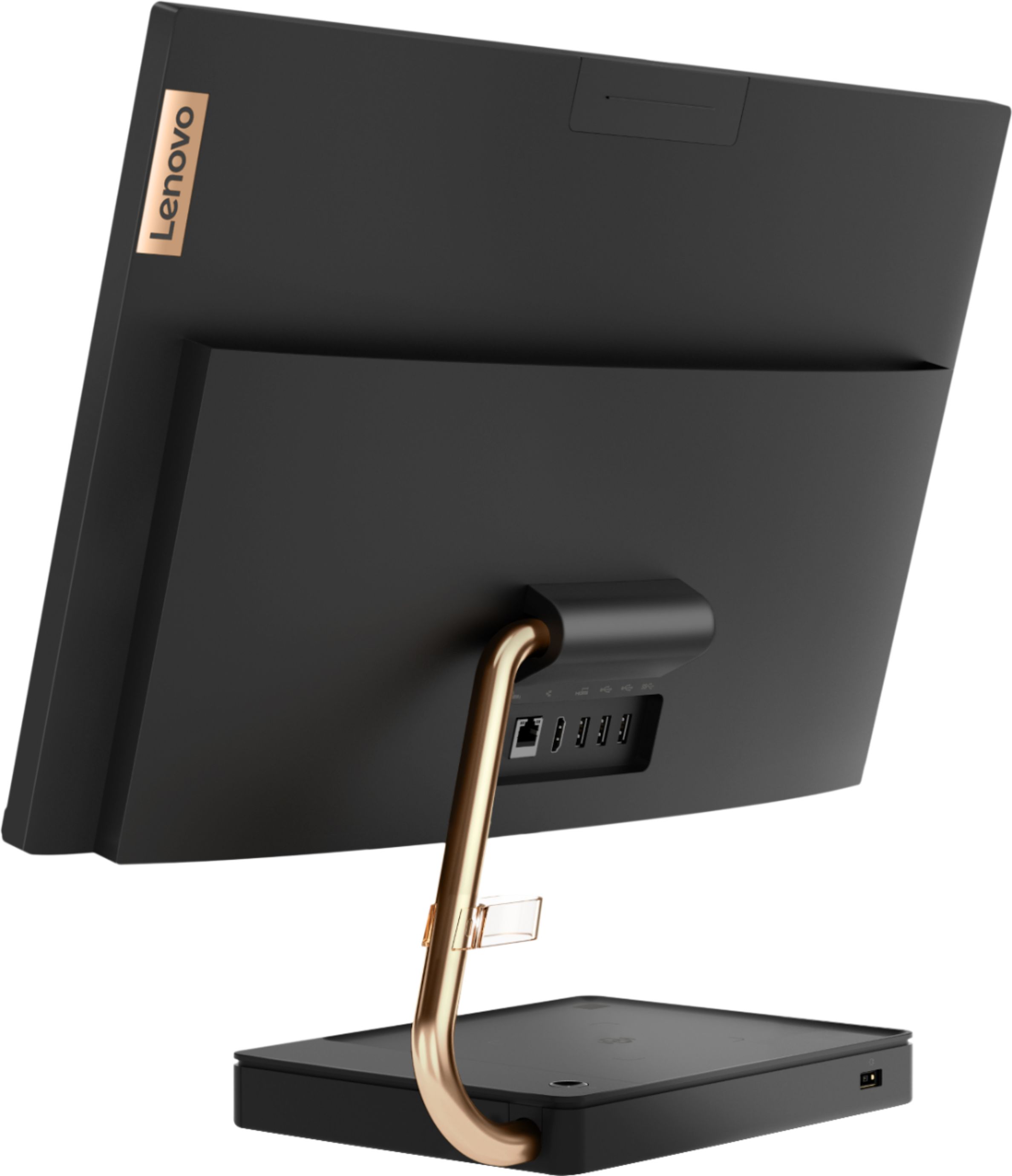
Customers are positive about the A540-24API's touch screen, ease of use, and overall quality. Many appreciate its design and size, finding it compact and suitable for their needs. The speed of the solid-state drive is also frequently praised. However, some customers mention limited storage space and a desire for more ports.
This summary was generated by AI based on customer reviews.
Great all in one with performance
||Posted . Owned for 1 month when reviewed.This reviewer received promo considerations or sweepstakes entry for writing a review.So far shaping up as a good purchase. Definitely out performs the system it replaced. Though purchased as an "open box", it should have been "no box" as the assistant had to provide bubble wrap to get it home.
I would recommend this to a friendLove my Lenovo all in one.
||Posted . Owned for 6 months when reviewed.This reviewer received promo considerations or sweepstakes entry for writing a review.takes up so little space on my desk, love the face recognition feature worked right out of the box easiest computer I ever set up.My PC is very fast I love the touch screen, and the colors on my Lenovo.
I would recommend this to a friendBrand response from Lenovo Product Expert
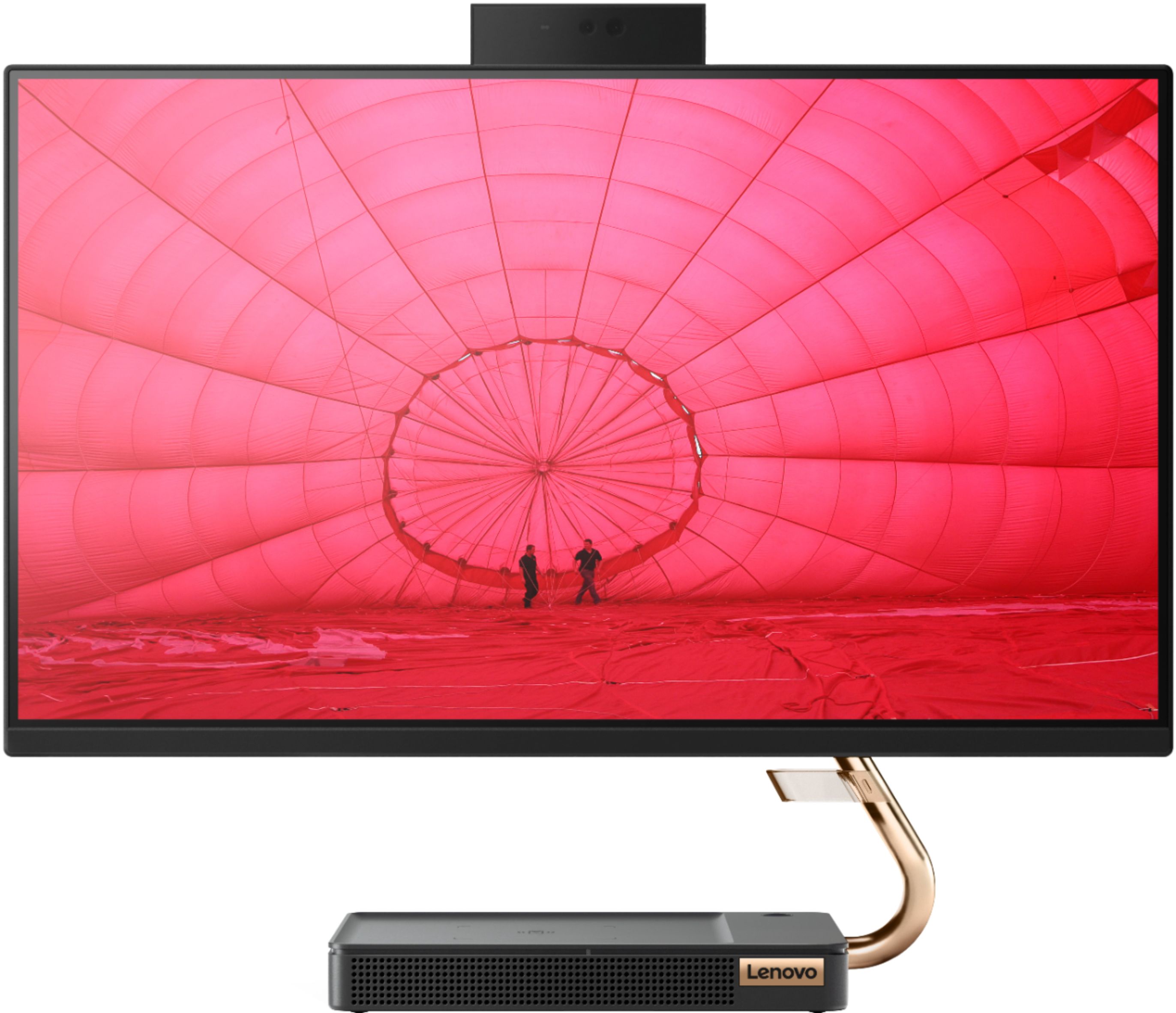
Posted .Thank you for choosing the Lenovo IdeaCentre A540-24 All-In-One system. We are pleased to hear that the ease of setup, features and performance of the IdeaCentre A540-24 AIO meets your computing needs so well. Taking its cue from nature, the stylish IdeaCentre A540 is inspired by the cypress tree: perfectly balanced and durable. Sacrificing nothing on performance, this all-in-one PC is an attractive addition to your home or office. With up to 93-percent screen-to-body ratio and thin, narrow bezels, the A540 minimizes visual distractions and gives you more to enjoy than a regular 24-inch display. To enhance your viewing experience even further, the A540 ships with FHD resolution.

Great computer
||Posted .This reviewer received promo considerations or sweepstakes entry for writing a review.Was hard to find a computer during this pandemic, but was lucky to get my hands on this one, I’m replacing this with another lanovo computer I had for 4 years and this computer is nice looking and runs great.
I would recommend this to a friendBrand response from Lenovo Product Expert
Posted .Thank you for choosing the Lenovo IdeaCentre A540-24 All-In-One system, model number F0EM0003US. We are pleased to hear that the features and performance of the IdeaCentre A540-24 AIO meets your computing needs so well. We appreciate your loyalty to the Lenovo Brand. Taking its cue from nature, the stylish IdeaCentre A540 is inspired by the cypress tree: perfectly balanced and durable. Sacrificing nothing on performance, this all-in-one PC is an attractive addition to your home or office. With up to 93-percent screen-to-body ratio and thin, narrow bezels, the A540 minimizes visual distractions and gives you more to enjoy than a regular 24-inch display. To enhance your viewing experience even further, the A540 ships with FHD resolution.
Efficient yet inexpensive
||Posted . Owned for 4 months when reviewed.This reviewer received promo considerations or sweepstakes entry for writing a review.Bought it to do online working since the beginning of the pandemic. Great inexpensive machine that runs very smoothly. So far it still runs like new and it’s been almost 6 months and I’m a heavy user.
I would recommend this to a friendBrand response from Lenovo Product Expert
Posted .Thank you for choosing the Lenovo IdeaCentre A540-24 All-In-One system. We are pleased to hear that the value and performance of the IdeaCentre A540-24 AIO meets your computing needs so well. Taking its cue from nature, the stylish IdeaCentre A540 is inspired by the cypress tree: perfectly balanced and durable. Sacrificing nothing on performance, this all-in-one PC is an attractive addition to your home or office. With up to 93-percent screen-to-body ratio and thin, narrow bezels, the A540 minimizes visual distractions and gives you more to enjoy than a regular 24-inch display. To enhance your viewing experience even further, the A540 ships with FHD resolution.
Seems good so far! Inexpensive All in One Computer
||Posted . Owned for less than 1 week when reviewed.This reviewer received promo considerations or sweepstakes entry for writing a review.This seems like a good purchase. It has the specs for basic computing and small office work. It comes with Windows 10 home - wish it was Pro. But overall, I'm happy with what you get for the money.
I would recommend this to a friendBrand response from Lenovo Product Expert
Posted .Thank you for choosing the Lenovo IdeaCentre A540-24 All-In-One system. You can purchase the Windows 10 Pro upgrade, if you choose, and install it on this model. Taking its cue from nature, the stylish IdeaCentre A540 is inspired by the cypress tree: perfectly balanced and durable. Sacrificing nothing on performance, this all-in-one PC is an attractive addition to your home or office. With up to 93-percent screen-to-body ratio and thin, narrow bezels, the A540 minimizes visual distractions and gives you more to enjoy than a regular 24-inch display. To enhance your viewing experience even further, the A540 ships with FHD resolution.
Compact work computer
||Posted . Owned for 1 month when reviewed.This reviewer received promo considerations or sweepstakes entry for writing a review.Purchased for business. So far it has worked very well. It is also easy to move around since the monitor and tower are one piece. The only thing that bothers me is that the keyboard is wired so if it bothers you as well, I'd suggest buying a separate wireless keyboard.
I would recommend this to a friendBrand response from Lenovo Product Expert
Posted .The Lenovo IdeaCentre A540-24 All-In-One System, model number F0EM0003US, ships with both a wireless keyboard and a wireless mouse. The Keyboard uses rechargeable internal batteries and can be charged by using the included mini-USB to USB cable to charge the keyboard. Once the keyboard is charged, unplug the keyboard for wireless use. The wireless mouse uses replaceable batteries.
Good quality
||Posted . Owned for 2 months when reviewed.This reviewer received promo considerations or sweepstakes entry for writing a review.I purchased for my office. It is amazing and beautiful looking, I was using HP and was all the time slow and freezing, I don't use to many programs. This one run smooth!
I would recommend this to a friendGreat computer- horrible mouse & keyboard
||Posted . Owned for 4 months when reviewed.This reviewer received promo considerations or sweepstakes entry for writing a review.I would have given it 5 stars for computer & design but the mouse is the worst...the design is too slanted downward and it slides all over the place...tried ordering different mousepads..can't even play solitaire as the mouse slides... and the keyboard needs a riser. Tried to use another wireless mouse and it doesn't work. I contacted Lenovo customer service by email - got a service number then never heard back from them. I struggle every day with this darn keyboard (it seems to ddouble hit a key when typing - just like it just did) and especially hate the mouse...absolutely hate it...can't get it to settle in one spot. The computer itself is awesome...Lenoovo PLEASE contact me regarding the darn keyboard and mouse!!!
No, I would not recommend this to a friendBrand response from Lenovo Product Expert
Posted .We are sorry to hear about your issues with your keyboard and mouse included with your Lenovo IdeaCentre A540-24 All-In-One system and we apologize for the delay in responding to your review. First, about the keyboard, be sure you have the latest version of Windows 10 installed on the computer, then update all of the BIOS files and drivers up to that latest version of Windows 10. You can easily accomplish this by scanning the computer with the Lenovo Utility software available on this computer. This system has Lenovo utilities installed to help maintain the health of the device and keep the operating system software up to date. Type "Lenovo Vantage" in the Cortana Search window (if Lenovo Vantage is not installed on your device, you can download the APP and install it now). Select Lenovo Vantage from the list. In the window that opens, click on "Health and Support". In the expanded menu, select "Hardware Scan" In the window that opens, select "Run Quick Tests". This will scan your entire system for errors. Follow any directions that may pop up. If the problem continues after this scan, now click on "System Update". First select Windows update from the menu. Scan your system to be sure you have the latest version of Windows 10. Once that scan is complete, select "Additional Updates". This will scan your device to be sure there are no new BIOS/Driver updates needed. Follow any instructions that may pop up. If the issue still continues after these updates, we recommend you call Lenovo Tech Support at: 877-453-6686 for additional help.
Great all in one desktop computer
||Posted . Owned for 1 month when reviewed.This reviewer received promo considerations or sweepstakes entry for writing a review.Awesome all in one. Easy to set up and Lenovo migration tool is fast and efficient to use. Space saving design is great. Excellent customer support. Love this computer.
I would recommend this to a friendGood computer at a great price
||Posted . Owned for 2 weeks when reviewed.This reviewer received promo considerations or sweepstakes entry for writing a review.Was looking to clean up one our offices desk from clutter and decided with an all in one. This computer does the trick and is sleek and clean. Small footprint leaves a ton of room on the desk for doing other types of work. Highly recommend
I would recommend this to a friendGreat experience! Sleek machine!
||Posted . Owned for 1 month when reviewed.This reviewer received promo considerations or sweepstakes entry for writing a review.Initially attracted to the 24" screen size but definitely pleased by the overall system performance as a whole but also it's intricate features! Lenovo strikes again!
I would recommend this to a friendBrand response from Lenovo Product Expert
Posted .Thank you for choosing the lenovo IdeaCentre A540-24 All-In-One system. We are pleased to hear that the features and performance of the IdeaCentre A540-24 AIO meets your computing needs so well. Taking its cue from nature, the stylish IdeaCentre A540 is inspired by the cypress tree: perfectly balanced and durable. Sacrificing nothing on performance, this all-in-one PC is an attractive addition to your home or office. With up to 93-percent screen-to-body ratio and thin, narrow bezels, the A540 minimizes visual distractions and gives you more to enjoy than a regular 24-inch display. To enhance your viewing experience even further, the A540 ships with FHD resolution.
Good overall all-in-one
||Posted . Owned for 1 month when reviewed.This reviewer received promo considerations or sweepstakes entry for writing a review.Overall, its been a great all-in-one computer. The only thing o could say needs improvement would be the clarity of the camera. When on a virtual meeting, other person cannot see us very clearly, it seems low quality or even blurry.
I would recommend this to a friendBrand response from Lenovo Product Expert
Posted .Hello! Thanks for choosing the Lenovo IdeaCentre A540 All-In-One model # F0EM0003US. This unit ships with a high resolution HD 1080p + IR camera. Please ensure any plastic safety covering film has been removed from the camera as this could be preventing your camera from focusing. This should peel off with little to no effort. Next please ensure your camera is properly configured within the settings of the application your re using for virtual meetings. If the issue remains please ensure you have the latest system BIOS/Driver updates installed. You can easily accomplish this by scanning the computer with the Lenovo Utility software available on this computer. This system has Lenovo utilities installed to help maintain the health of the device and keep the operating system software up to date. Type "Lenovo Vantage" in the Cortana Search window (if Lenovo Vantage is not installed on your device, you can download the APP and install it now). Select Lenovo Vantage from the list. In the window that opens, click on "Health and Support". In the expanded menu, select "Hardware Scan” In the window that opens, select "Run Quick Tests". This will scan your entire system for errors. Follow any directions that may pop up. If the problem continues after this scan, now click on "System Update". First select Windows update from the menu. Scan your system to be sure you have the latest version of Windows 10. Once that scan is complete, select "Additional Updates". This will scan your device to be sure there are no new BIOS/Driver updates needed. Follow any instructions that may pop up. If the issue continues after these updates, we recommend you call Lenovo Tech Support at: 877-453-6686 for additional help.
This works great!
||Posted .This reviewer received promo considerations or sweepstakes entry for writing a review.Minimal start up time and runs smoothly ! I have been working from one on it for 9-10 hours a day for close to 5 months and its held up with no issues!
I would recommend this to a friendBrand response from Lenovo Product Expert
Posted .Hello! Thanks for choosing the Lenovo IdeaCentre A540 All-In-One. We are pleased to hear the features and performance of the A540 All-In-One are meeting your computing needs so well!
Small-good. Had to add external hard drive
||Posted . Owned for 2 weeks when reviewed.This reviewer received promo considerations or sweepstakes entry for writing a review.I like this computer. Good monitor and mouse. Very small capacity for storage, had to buy an external hard drive to hold what was on my old computer. I also had to buy another item to play CDs, which I didn't realize when I bought the computer.
I would recommend this to a friendBrand response from Lenovo Product Expert
Posted .The Lenovo IdeaCentre A540-24 All-In-One system ships with a 256GB M.2 2280 NVMe TLC OPAL solid state hard drive. This model does not have a built in CD/DVD drive. You can use an external, USB-based, Windows 10 CD/DVD drive with this model. Taking its cue from nature, the stylish IdeaCentre A540 is inspired by the cypress tree: perfectly balanced and durable. Sacrificing nothing on performance, this all-in-one PC is an attractive addition to your home or office. With up to 93-percent screen-to-body ratio and thin, narrow bezels, the A540 minimizes visual distractions and gives you more to enjoy than a regular 24-inch display. To enhance your viewing experience even further, the A540 ships with FHD resolution.
Nice product
||Posted . Owned for 1 week when reviewed.This reviewer received promo considerations or sweepstakes entry for writing a review.Bought the original Lenovo - A540-24API back in April. Then we updated our Netgear home wifi to the new Netgear NightHawk TRI-Band AX 12 (RAX200). Windows 10 for some unknown reason, quite frequently, will come up with Etherenet does not have a valid IP Config. We have the yearly Geek Squad protection plan, plus we buy the component plan. So, Geek Squad sent out someone to fix the issue. They said the NetGear was bad, because it could not release the 45.X.X.X IP configuration and that was messing with the windows 10 OS. Well, Best Buy replaced the Netgear router, while doing this they actually sent the EX8000 Netgear range extender we had purchased. After getting that all sorted out and receiving the actual RAX200 router, windows 10 did not like this new router either. The Ethernet doesn't have a valid IP Config would come up. We brought the first Lenovo computer into Best Buy to check it out, well during transport the screen got damaged. But, when they hook up to their LAN, the computer internet worked. So, we sent that out for repair. This was around beginning of March 2020. Geek Squad gave me the paperwork and I got an email with the service order # on it. Beginning of April I decided to check on it. It came back that the service order number they gave me was NOT VALID. I did this multiple times. So, I called, haha, let me tell you 3 hours on hold! Well they showed they had it and was waiting to get repaired but the number I was emailed was incorrect but they could not give me the correct number. But, they had sent a request to repair place to send me an email to give me an update. You guessed it, NO UPDATE! Then around the 18th of April I decided to go to Best Buy with my service order # to find out. Well, after spending 45 minutes waiting in my car, they said that my repair was on hold until whenever they get the parts in and that could be anytime. So, I was given the option to cancel the Geek Squad warranty on this computer and order another one. Which I did. This new one does the same thing on windows 10 OS with my Netgear. What I have to do to fix it, is to actually hook up the modem connection straight to the computer, it gets internet then reset the Netgear and modem and everything works for a couple of weeks.
No, I would not recommend this to a friendBrand response from Lenovo Product Expert
Posted .We are sorry to hear that you are having issues with WiFi connecting to your Lenovo IdeaCentre A540-24 All-In-One system. Your new router is 6G 802.11AX while the Lenovo IdeaCentre A540-24 AIO has 5G, 802.11AC WiFi. The new router should be backward compatible to the older 5G WiFi, but your router may need a firmware update. Since you have Geek Squad Total Protection, ask them if a firmware update to the new router may solve the problem.
All in one
||Posted . Owned for 5 months when reviewed.This reviewer received promo considerations or sweepstakes entry for writing a review.Honestly, this is a great computer ! Its fast, quiet and looks amazing ! The keyboard and mouse are amazing ! Only con is speaker has no bass.
I would recommend this to a friendBrand response from Lenovo Product Expert
Posted .The Lenovo IdeaCentre A540-24 All-In-One system, model number F0EM0003US, ships with High Definition (HD) Audio, featuring stereo 3W speakers with a 5W subwoofer. If you are not hearing base through the subwoofer, check your audio settings, be sure High Definition (HD) Audio is turned on and adjusted to your personal preferences. If the issue continues, we recommend you contact Lenovo Tech Support for additional help at: 877-453-6686.
All in one computer
||Posted . Owned for 1 month when reviewed.This reviewer received promo considerations or sweepstakes entry for writing a review.Had to purchase another all in one computer as mine was knocked over by my granddaughter. I purchased another Lenovo because I liked it is a great product.
I would recommend this to a friendBrand response from Lenovo Product Expert
Posted .Thank you for choosing the Lenovo IdeaCentre A540-24 All-In-One system. Taking its cue from nature, the stylish IdeaCentre A540 is inspired by the cypress tree: perfectly balanced and durable. Sacrificing nothing on performance, this all-in-one PC is an attractive addition to your home or office. With up to 93-percent screen-to-body ratio and thin, narrow bezels, the A540 minimizes visual distractions and gives you more to enjoy than a regular 24-inch display. To enhance your viewing experience even further, the A540 ships with FHD resolution.
Good, adequate, inexpensive
||Posted . Owned for 3 weeks when reviewed.This reviewer received promo considerations or sweepstakes entry for writing a review.I had to start working from home and needed a desktop to use instead of a 13" laptop. This was perfect for the price. The graphics card is not that great but is fine for spreadsheets.
I would recommend this to a friendBrand response from Lenovo Product Expert
Posted .The Lenovo IdeaCentre A540-24 All-In-One system ships with integrated graphics processing within the AMD Ryzen 3 3200GE processor. You can keep your computer running at its best by keeping the Windows 10 Operating System and all supporting BIOS files and drivers up to date. You can easily accomplish this by scanning the computer with the Lenovo Utility software available on this computer. This system has Lenovo utilities installed to help maintain the health of the device and keep the operating system software up to date. Type "Lenovo Vantage" in the Cortana Search window (if Lenovo Vantage is not installed on your device, you can download the APP and install it now). Select Lenovo Vantage from the list. In the window that opens, click on "Health and Support". In the expanded menu, select "Hardware Scan" In the window that opens, select "Run Quick Tests". This will scan your entire system for errors. Follow any directions that may pop up. If the problem continues after this scan, now click on "System Update". First select Windows update from the menu. Scan your system to be sure you have the latest version of Windows 10. Once that scan is complete, select "Additional Updates". This will scan your device to be sure there are no new BIOS/Driver updates needed. Follow any instructions that may pop up. If you ever need additional help with your Lenovo computer, we recommend you call Lenovo Tech Support at: 877-453-6686 for additional help.
Good computer, but customer service was no help
||Posted . Owned for less than 1 week when reviewed.This reviewer received promo considerations or sweepstakes entry for writing a review.The computer is great and definitely worth the money. I had to do the curbside pick up and could not check the product until I got home. It was new and not an open box computer, but the power cord that attaches to the A/C adapter was not in the box. I bought one from a local repair store that would work, but wanted a factory cord. I contacted Lenovo via chat and expected a replacement cord , but was told to return the computer! ..It is probably a $3 cord! Aside from that the computer is top notch for the money.
I would recommend this to a friendBrand response from Lenovo Product Expert
Posted .All new Lenovo computers ship with an AC adapter/power cord. The power cord is packaged in an accessory box within the larger system box. Be sure to check the packaging your computer came in. Mistakes in packaging do happen though, if there is no power cord within the packaging, we recommend you contact Lenovo Tech Support with your receipt at: 877-453-6686.
Great computer for home office!
||Posted . Owned for 3 weeks when reviewed.This reviewer received promo considerations or sweepstakes entry for writing a review.Perfect for schholwork. Has ability to connect another monitor, and to be used as a monitor from a different PC. Would recommend. Perfect score of 5/7.
I would recommend this to a friendBrand response from Lenovo Product Expert
Posted .Once again, thank you for choosing the Lenovo IdeaCentre A540-24 All-In-One system. You can keep your computer running at its best by keeping the Windows 10 Operating System and all supporting BIOS files and drivers up to date. You can easily accomplish this by scanning the computer with the Lenovo Utility software available on this computer. Just type "Lenovo Vantage" in the Cortana Search window (if Lenovo Vantage is not installed on your device, you can download the APP and install it now). Select Lenovo Vantage from the list. In the window that opens, click on "Health and Support". In the expanded menu, select "Hardware Scan" In the window that opens, select "Run Quick Tests". This will scan your entire system for errors. Follow any directions that may pop up. If the problem continues after this scan, now click on "System Update". First select Windows update from the menu. Scan your system to be sure you have the latest version of Windows 10. Once that scan is complete, select "Additional Updates". This will scan your device to be sure there are no new BIOS/Driver updates needed. Follow any instructions that may pop up. If you ever need additional help with your Lenovo computer, we recommend you call Lenovo Tech Support at: 877-453-6686 for additional help.