Customer Ratings & Reviews
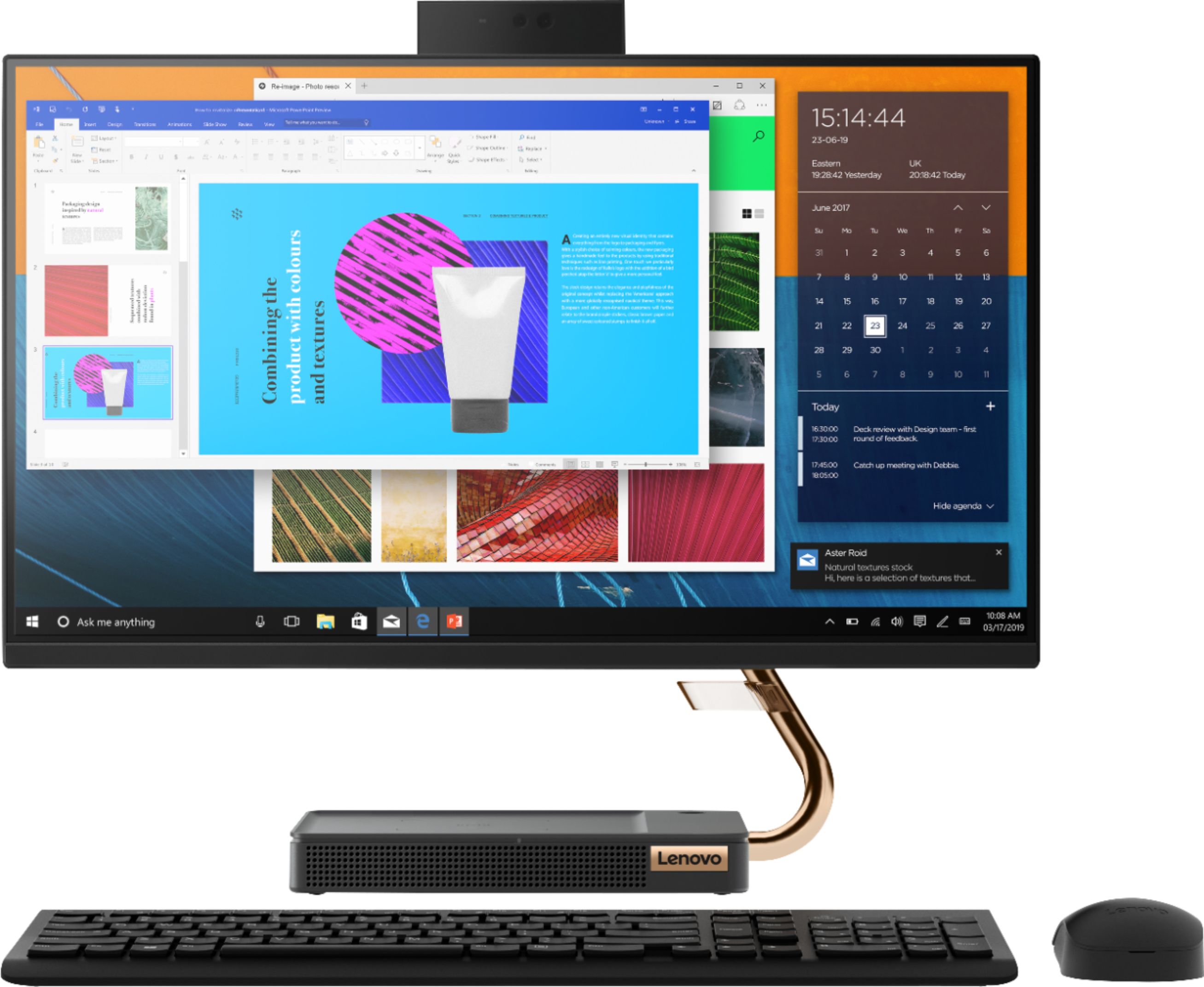
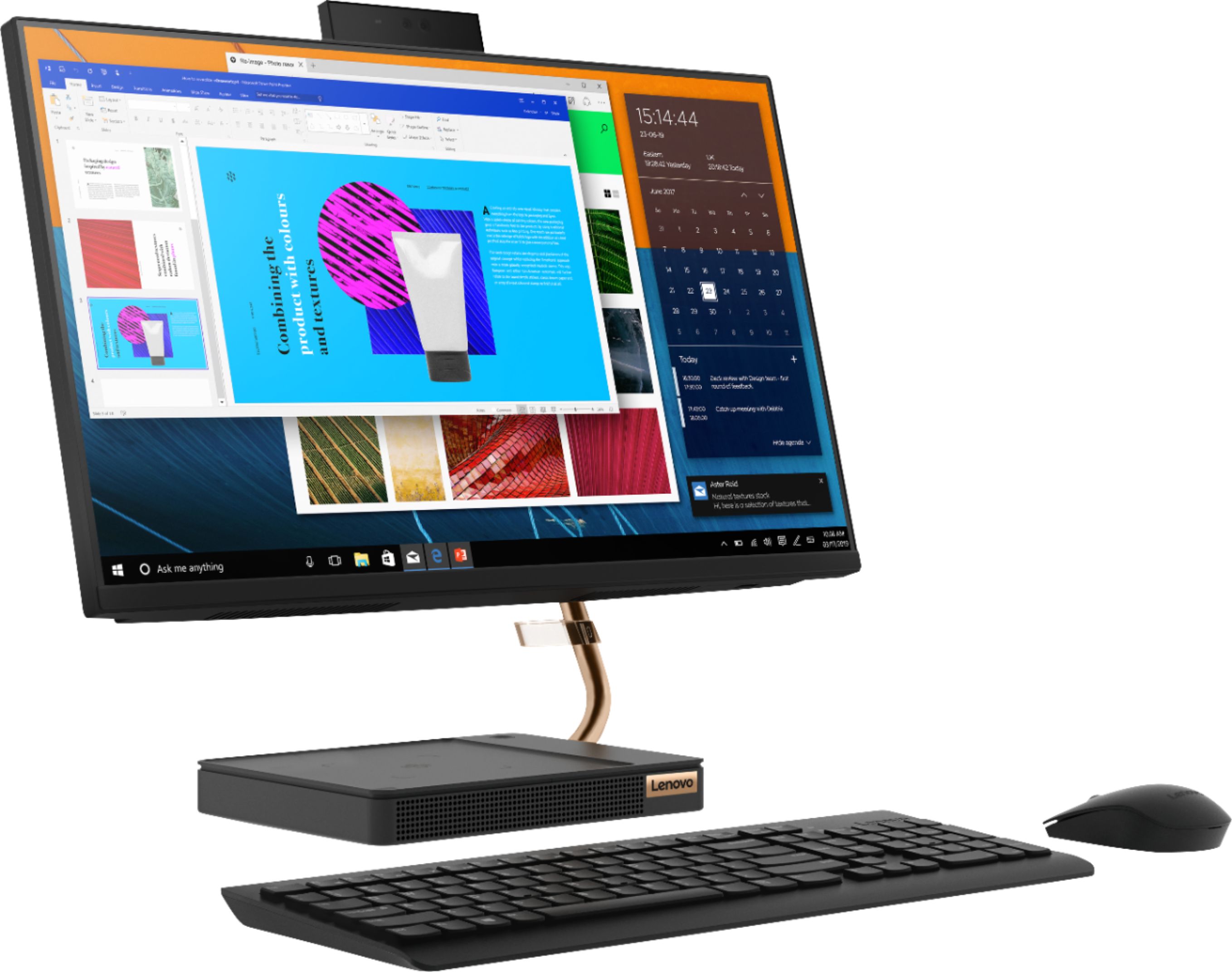
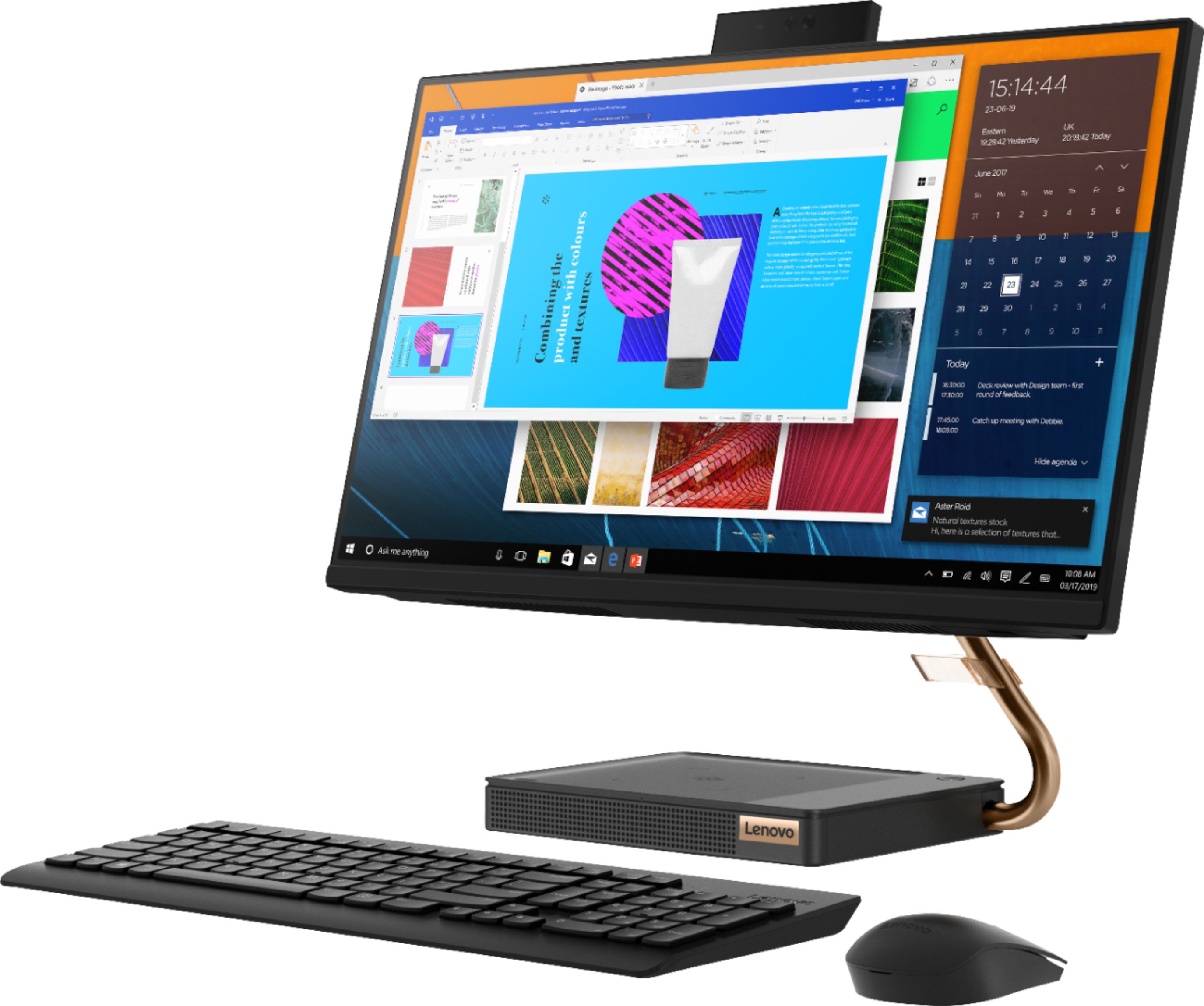
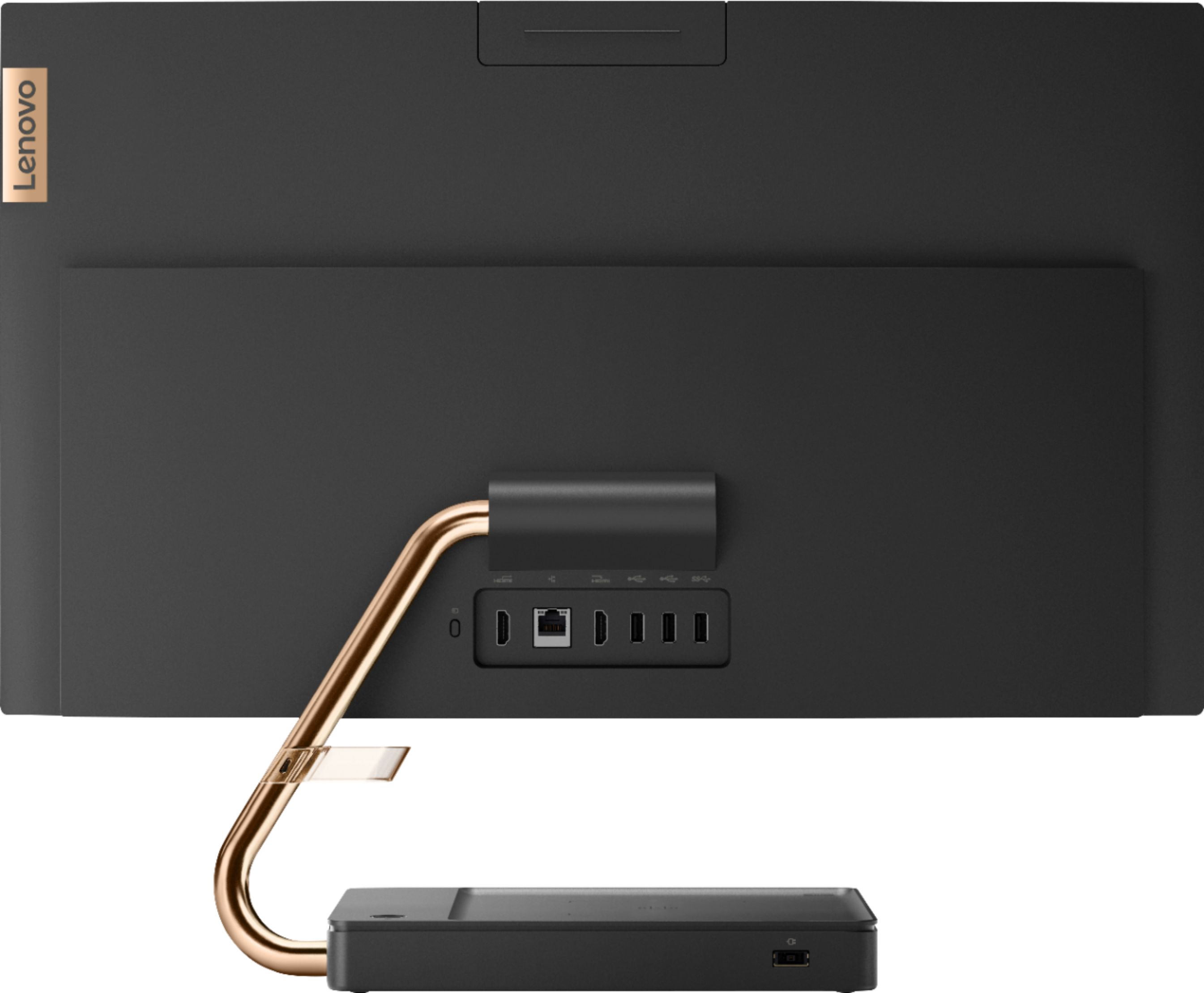


- Model:
- F0EM0003US
- SKU:
- 6365785
Rating by feature
- Value
Rating 4.6 out of 5 stars
- Quality
Rating 4.6 out of 5 stars
- Ease of Use
Rating 4.6 out of 5 stars
Customers are saying
Customers are positive about the A540-24API's touch screen, ease of use, and overall quality. Many appreciate its design and size, finding it compact and suitable for their needs. The speed of the solid-state drive is also frequently praised. However, some customers mention limited storage space and a desire for more ports.
This summary was generated by AI based on customer reviews.
Not happy with geek squad or Microsoft
||Posted . Owned for 1 month when reviewed.This reviewer received promo considerations or sweepstakes entry for writing a review.Everything about the computer is good software poor microsoft I ried to get help from Geek squad they said not their issue but Microsoft’s I had Microsoft look at it but they said wait 24 hrs and reset password for one drive I did wait got new password and email from microsoft saying password changed but still didn’t work when I tried to sign would be nice if companies helped their customers instead of just running us in circles
No, I would not recommend this to a friendBought a computer for a senior citizen
||Posted . Owned for 1 month when reviewed.This reviewer received promo considerations or sweepstakes entry for writing a review.I was told it wasn't a real fast computer, but it's slower than the l0-year old Gateway I had. I'm a senior, but I'm not yet dead.
No, I would not recommend this to a friendBrand response from Lenovo Product Expert
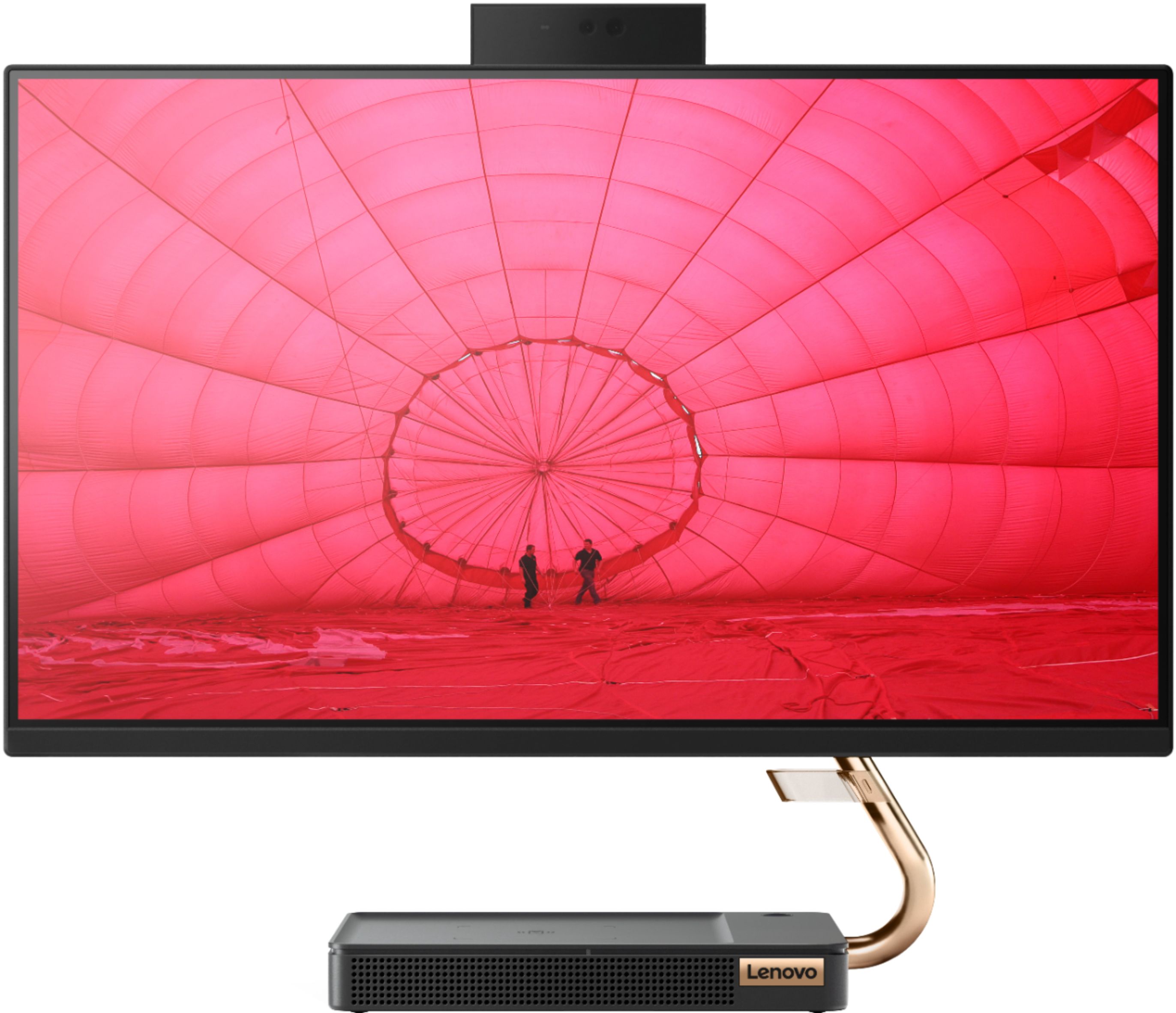
Posted .The Lenovo IdeaCentre A540-24 All-In-One system ships with a 23.8-inch (screen size measured diagonally) WVA (Wide Viewing Angle) Panel, with a resolution of 1920x1080 (FHD) and a brightness level of 250 nits. This model has a Quad-Core AMD Ryzen 3 3200GE processor with a speed of 3.3GHz. This processor is supported by 8GB DDR4-2666MHz RAM and a 256GB M.2 2280 NVMe TLC OPAL solid state drive. If you are experiencing slower than expected performance, be sure any software you installed is compatible with Windows 10. There is no need to install Microsoft Office software. The software is already part of the operating system, you just need to activate the software with a purchased product key. If you have installed a copy of Microsoft Office, this is conflicting with the existing copy on the system and this will slow your system down. If you have installed a 3rd party anti-virus program, be sure that Windows Defender is turned off and that the trial version of McAfee Anti-Virus software is uninstalled. There can only be one anti-virus program on the system. You may need to restore your system to original factory default settings if any of the programming errors have occurred. You can do that by typing "restore" in the Cortana search window. Just click on the magnifying glass icon at the bottom left of your Windows 10 Desktop. Click on "Reset This PC" Then click on "Get Started" and follow the on screen directions to restore to factory defaults. If the problem persists, we recommend you contact Lenovo Tech Support at: 877-453-6686.

We did not get a camera on the unit.
||Posted . Owned for 3 weeks when reviewed.This reviewer received promo considerations or sweepstakes entry for writing a review.WE like the unit. The staff likes the touch screen. However, we do not have a camera and that is very disappointing.
No, I would not recommend this to a friendBrand response from Lenovo Product Expert
Posted .The Lenovo IdeaCentre A540-24 All-In-One system ships with a webcam built in with True Block Privacy. The webcam is stored in the closed position when it was shipped from the factory. The webcam is located at the top of the screen, in the middle. Here is a link to the User Guide for this model with illustrations of the webcam location: https://files.bbystatic.com/5QgFAT2pKaoxC%2FEllGZefQ%3D%3D/7651CCD9-5A47-43DA-AE28-7C2F6DCC2B4B.pdf. The webcam is a 1080p (FHD) IR camera with facial recognition capability fro Biometric Security.
You get what you pay for...had to upgrade memory.
||Posted . Owned for 1 month when reviewed.This reviewer received promo considerations or sweepstakes entry for writing a review.Nothing to brag about expect how little I paid for it...but it works great for the internet and videos...
No, I would not recommend this to a friendLike it but having trouble with wifi service
||Posted .This reviewer received promo considerations or sweepstakes entry for writing a review.I am 67 - wish there were more instructions on how to set up and more written instructions in general.
I would recommend this to a friendThis machine has been one big problem
||Posted . Owned for 1 month when reviewed.This reviewer received promo considerations or sweepstakes entry for writing a review.Brand new machine and my bar code scanner doesn't work on it. Have tried multiple ports, scanners, software fixes etc and no bueno. It was really bad during my busiest retail season of the year. I am planning to return it or exchange it or go back to my legacy dinosaur that worked like a champ
No, I would not recommend this to a friendBrand response from Lenovo Product Expert
Posted .Be sure both the hardware and the software that runs your scanner, is compatible with Windows 10 and this system's configuration. We recommend you check with both the hardware manufacturer as well as the software publisher's web site for their compatibility with Windows 10 Home 64-bit operating system and the minimum/recommended hardware requirements (Is a Graphics card required, the processor speed and the minimum required system RAM and the minimum available hard drive space) to run their program, then compare those requirements to this system's configuration.
Nice Entry Level Homework Machine
||Posted . Owned for 11 months when reviewed.This reviewer received promo considerations or sweepstakes entry for writing a review.Decent computer for the price. It is not a powerful machine but works for basics.
No, I would not recommend this to a friendBrand response from Lenovo Product Expert
Posted .The Lenovo IdeaCentre A540-24 All-In-One system, model number F0EM0003US, is a mid-range computer, powered by the 4-Core/8-Thread AMD Ryzen 3 3200GE processor, with a base speed of 3.3GHz and a boost speed of up to 3.8GHz. This processor is supported by 8GB DDR4-2666MHz RAM and a 256GB M.2 2280 NVMe TLC OPAL solid state hard drive. This configuration is great for office type APPs, moderate multi-tasking, internet browsing and video streaming.
Not easy to get set up
||Posted . Owned for 1 month when reviewed.This reviewer received promo considerations or sweepstakes entry for writing a review.Ww like the computer but are not happy with all of the problems we have had getting it set up
No, I would not recommend this to a friendBrand response from Lenovo Product Expert
Posted .The Lenovo IdeaCentre A540-24 All-In-One system ships with Windows 10 Home Operating System, which provides audio, step by step instructions for the initial setup and activation of Windows 10. There is also onscreen step by step setup instructions for Windows 10 as well.
Great for the grandparents
||Posted . Owned for 1 month when reviewed.This reviewer received promo considerations or sweepstakes entry for writing a review.If you plan on doing any real work with this computer especially any video editing and Graphics skip this one or you’ll be back in the return line it would be awesome for an older person to surf the web read emails and look at family pictures.
No, I would not recommend this to a friendBrand response from Lenovo Product Expert
Posted .We always recommend you check the requirements and compatibility of any software you will be installing on your new computer, before you invest in any computer. Be sure your new computer can support the software you will need to use.
lazy worker/ good computer
||Posted . Owned for 3 weeks when reviewed.This reviewer received promo considerations or sweepstakes entry for writing a review.I am upset that you had a worker sell me a 700 dollar computer and not tell me it had no CD rom built in. The computer itself works fine but I will have to get an external cd player for it. If I had known I would have bought another type.
No, I would not recommend this to a friendBrand response from Lenovo Product Expert
Posted .Hello, we are sorry to hear you experienced this issue. We are happy to hear the performance is meeting your computing needs.
NOT WORKING FOR MY WORK PURPOSE. CAN I RETURN IT??
||Posted . Owned for 8 months when reviewed.This reviewer received promo considerations or sweepstakes entry for writing a review.I am having so much issues with the graphics and the connection issues with the hardware's that i have to run through. Every time the screen goes green and looks very bad for the eyes. I had this computer for less than 8 months. I am a sound engineer and video producer. Even running pro tools is not nicely supported by the computer. i hear the pop sound coming through the speaker and there is no problem with the speaker when i connect through my laptop. I am not happy with this purchase and frustrated because i have to maintain the patience every-time i try to do some recording work through it.
No, I would not recommend this to a friendBrand response from Lenovo Product Expert
Posted .We are sorry to hear that you are having issues with your Lenovo IdeaCentre A540-24 All-In-One system. We always recommend you check the requirements and compatibility of any software you will be installing on your new computer, before you invest in any computer. Be sure your new computer can support the software you will need to use. If the software you are using is compatible with the IdeaCentre A540-24 AIO configuration, we recommend you call Lenovo Tech Support for help with your specific issues at: 877-453-6686.
Poor Quality Control
||Posted . Owned for 1 month when reviewed.This reviewer received promo considerations or sweepstakes entry for writing a review.This the second A549-24PI 23.8 I've had with a defective wireless adapter. I'm wondering if this is the same one I returned three weeks ago repackaged.
No, I would not recommend this to a friendBrand response from Lenovo Product Expert
Posted .The Lenovo IdeaCentre A540-24 All-In-One system model number F0EM0003US, ships with 5G 802.11ac WiFi built in. If you are having WiFi connectivity issues we recommend you call Lenovo Tech Support for help with your specific issues at: 877-453-6686.
Try Again
||Posted . Owned for 3 weeks when reviewed.This reviewer received promo considerations or sweepstakes entry for writing a review.This computer let me down after 2 months. I really wanted to like this computer. So grateful for a warranty. Had to get a replacement.
No, I would not recommend this to a friendBrand response from Lenovo Product Expert
Posted .We are sorry to hear that you had issues with your Lenovo IdeaCentre A540-24 All-In-One system. You can always get technical support for any issues you are having at Lenovo Tech Support: 877-453-6686.
Good computer if it didn’t have any defects
||Posted . Owned for 3 months when reviewed.This reviewer received promo considerations or sweepstakes entry for writing a review.It would be a solid computer if it didn’t come defective. Had to return the computer due to corrupt drives.
No, I would not recommend this to a friendBrand response from Lenovo Product Expert
Posted .We are sorry to hear that you had issues with your Lenovo IdeaCentre A540-24 All-In-One system. It is possible Lenovo Tech Support may be able to help with your issue, you can reach them at: 877-453-6686.
Disappointed
||Posted . Owned for 1 year when reviewed.This reviewer received promo considerations or sweepstakes entry for writing a review.I bought four of these computers for my kids. One of them had the microphone stop working. Just recently two of them have a black screen and beep when turned on right after the warranty expired. Get the extended warranty! I’m disappointed because I got them after reading all the good reviews.
No, I would not recommend this to a friendBrand response from Lenovo Product Expert
Posted .We are sorry to hear that you are having issues with your Lenovo IdeaCentre A540 24 All-In-One systems, model number F0EM0003US. Be sure any software you installed is compatible with Windows 10. There is no need to install Microsoft Office software. The software is already part of the operating system, you just need to activate the software with a purchased product key. If you have installed a copy of Microsoft Office, this is conflicting with the existing copy on the system and this will slow your system down. If you have installed a 3rd party anti-virus program, be sure that Windows Defender is turned off and that the trial version of McAfee Anti-Virus software is uninstalled. There can only be one anti-virus program on the system. You may need to restore your system to original factory default settings if any of the programming errors have occurred. You can do that by typing "restore" in the Cortana search window. Just click on the magnifying glass icon at the bottom left of your Windows 10 Desktop. Click on "Reset This PC" Then click on "Get Started" and follow the on screen directions to restore to factory defaults. If the problem persists, we recommend you contact Lenovo Tech Support at: 877-453-6686. This model ships with a 1-year limited manufacturer's warranty, covering hardware OEM issues.
Camera quit working after 3 weeks
||Posted . Owned for 3 weeks when reviewed.This reviewer received promo considerations or sweepstakes entry for writing a review.Get the Geek Squad protection, the camera quit working after 3 weeks, not ideal for e-learning when that happens. The service department was very helpful, however my repair status has not changed in a week, so I am unaware if the unit has shipped or not. As of this time stay away from this computer
No, I would not recommend this to a friendBrand response from Lenovo Product Expert
Posted .Hi, this could be a driver that needs updated. You can easily accomplish this by scanning the computer with the Lenovo Utility software available on this computer. This system has Lenovo utilities installed to help maintain the health of the device and keep the operating system software up to date. Type "Lenovo Vantage" in the Cortana Search window (if Lenovo Vantage is not installed on your device, you can download the APP and install it now). Select Lenovo Vantage from the list. In the window that opens, click on "Health and Support". In the expanded menu, select "Hardware Scan” In the window that opens, select "Run Quick Tests". This will scan your entire system for errors. Follow any directions that may pop up. If the problem continues after this scan, now click on "System Update". First select Windows update from the menu. Scan your system to be sure you have the latest version of Windows 10. Once that scan is complete, select "Additional Updates". This will scan your device to be sure there are no new BIOS/Driver updates needed. Follow any instructions that may pop up. If the issue continues after these updates, we recommend you call Lenovo Tech Support at: 877-453-6686 for additional help.
Do not purchase this computer
||Posted . Owned for 1 year when reviewed.This reviewer received promo considerations or sweepstakes entry for writing a review.This main hard drive crashed at a little over 12 months. It won’t eve turn on. The cost to fix is more than it is to replace it. Customer service is nonexistent. Such as waste of money. Lenovo is a TERRIBLE brand with terrible support.
No, I would not recommend this to a friendBrand response from Lenovo Product Expert
Posted .We are sorry to hear that you are having issues with your Lenovo IdeaCentre A540-24 All-In-One system. Be sure any software you installed is compatible with Windows 10. There is no need to install Microsoft Office software. The software is already part of the operating system, you just need to activate the software with a purchased product key. If you have installed a copy of Microsoft Office, this is conflicting with the existing copy on the system and this will slow your system down. If you have installed a 3rd party anti-virus program, be sure that Windows Defender is turned off and that the trial version of McAfee Anti-Virus software is uninstalled. There can only be one anti-virus program on the system. You may need to restore your system to original factory default settings if any of the programming errors have occurred. You can do that by typing "restore" in the Cortana search window. Just click on the magnifying glass icon at the bottom left of your Windows 10 Desktop. Click on "Reset This PC" Then click on "Get Started" and follow the on screen directions to restore to factory defaults. If the problem persists, we recommend you contact Lenovo Tech Support at: 877-453-6686.
Crack Screen
||Posted .This reviewer received promo considerations or sweepstakes entry for writing a review.I received this computer today, after waiting 2 weeks. It was finally available. I ordered it on 8/25 and picked it up 9/2. And, to my DISAPPOINTMENT, the computer arrived with a crack in the screen. I really needed this computer to start a new job. I am back on the notify me list:(
No, I would not recommend this to a friendBrand response from Lenovo Product Expert
Posted .We are sorry to hear you had this experience with your Lenovo A540 AIO. We recommend reaching out to Geek Squad to help resolve this issue.
didn't even come with a power chord...
||Posted . Owned for 2 weeks when reviewed.This reviewer received promo considerations or sweepstakes entry for writing a review.Literally did not come with anything mentioned other than the actual computer. No keyboard, mouse, or even a power chord. I tried calling to get a chord and they wouldn't do anything about it. Awful service
No, I would not recommend this to a friendBrand response from Lenovo Product Expert
Posted .All new in the sealed box, Lenovo IdeaCentre A540-24 All-In-One systems, model number F0EM0003US, computers ship with a power cord and a wireless keyboard and mouse.
- Pros mentioned:Design, Speed, Touch screen
Beautiful Computer!!!!!!!!!!!!!!!
Posted .This reviewer received promo considerations or sweepstakes entry for writing a review.I honestly cannot believe that Lenovo has designed such a beautiful and sleek computer. It is fast and compact. The screen is the size I needed in order to do my work on. I bought this on black friday and finally unboxed it. I cannot believe I got an amazing discount for a computer like this especially on black friday. From $729 to $499 that is a huge difference!!! I am hoping this computer will last long and provide me with the opportunity to continue using it even as I move further along in my career.
I would recommend this to a friendBrand response from Lenovo Product Expert
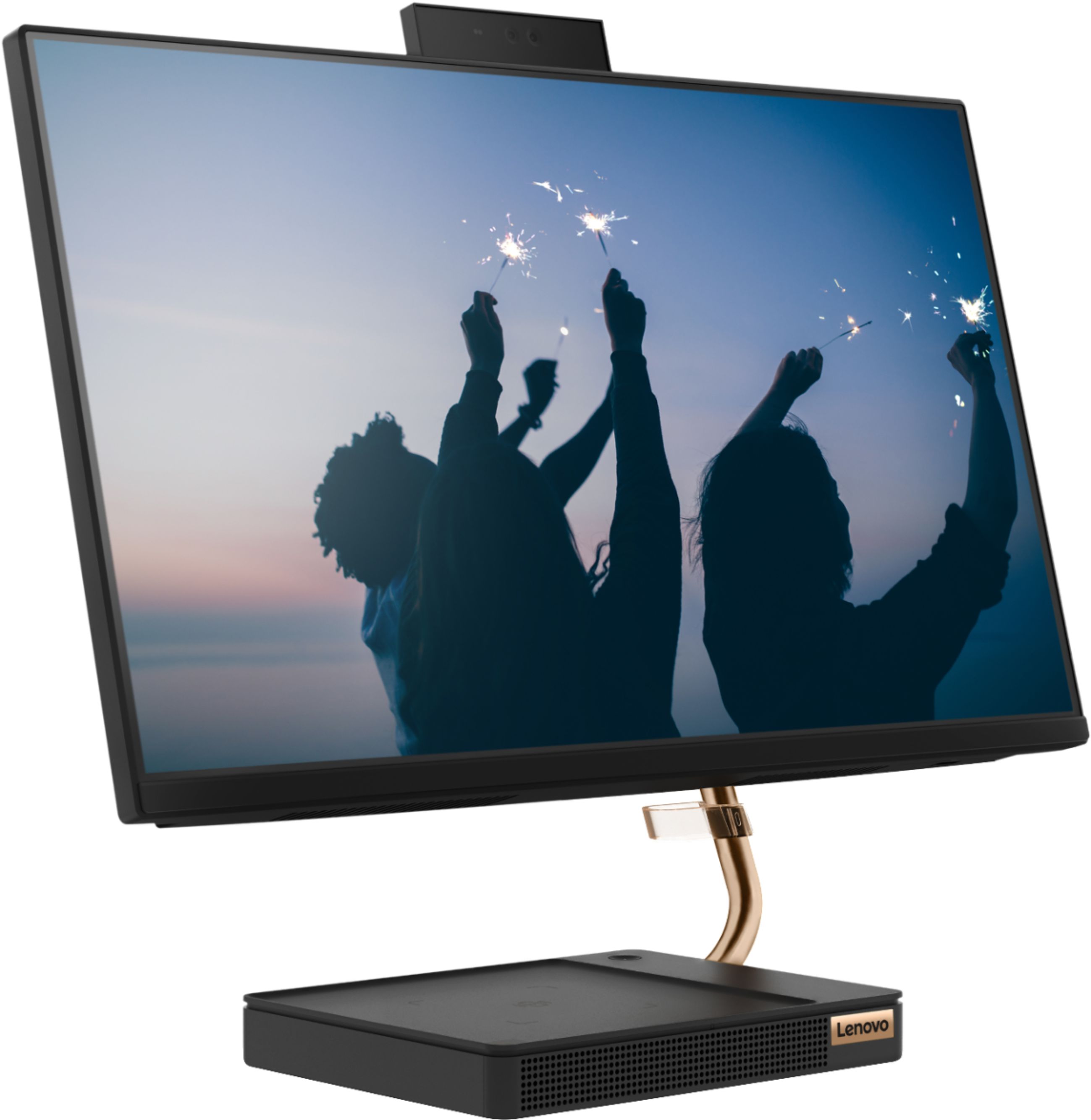
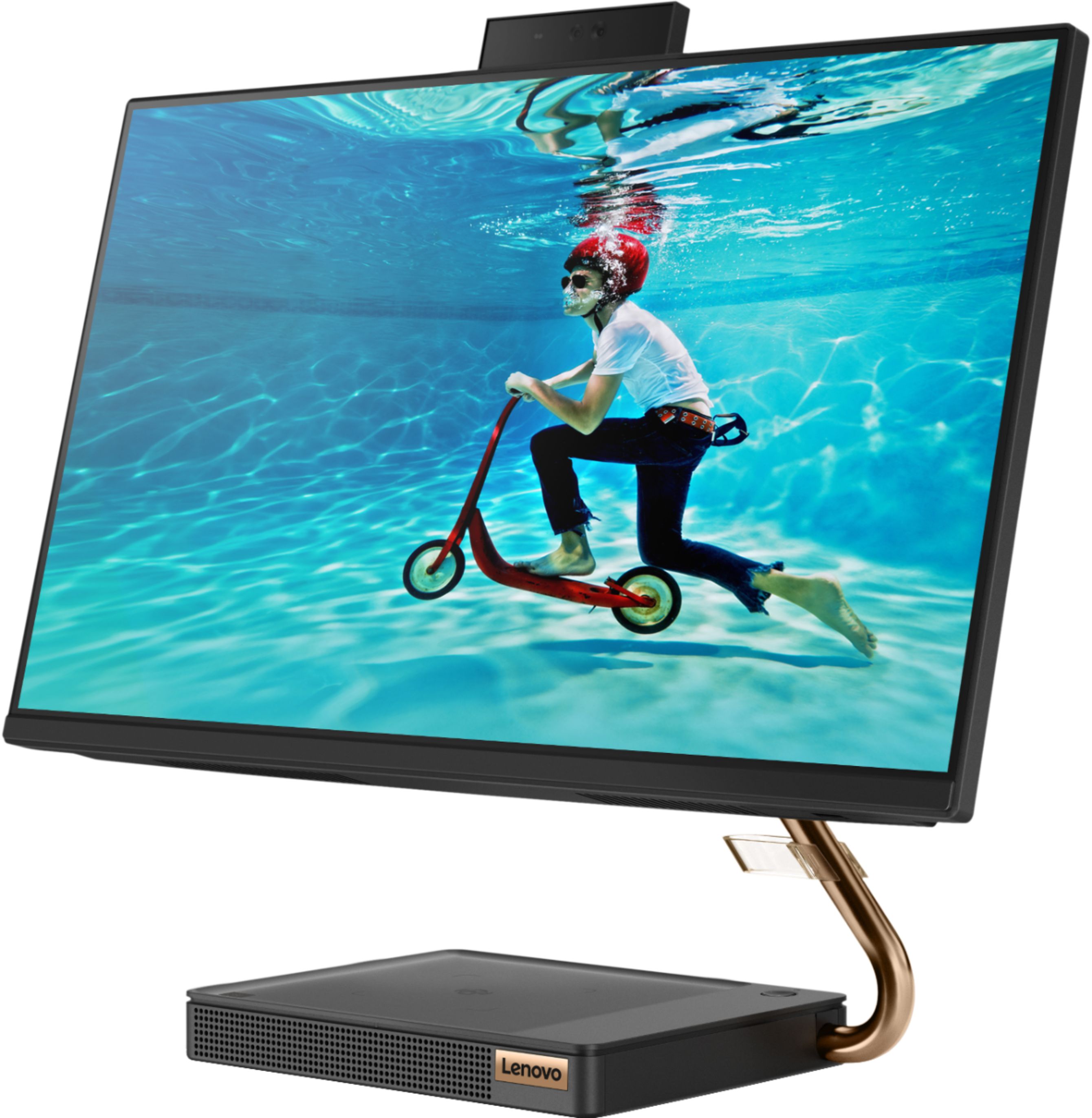
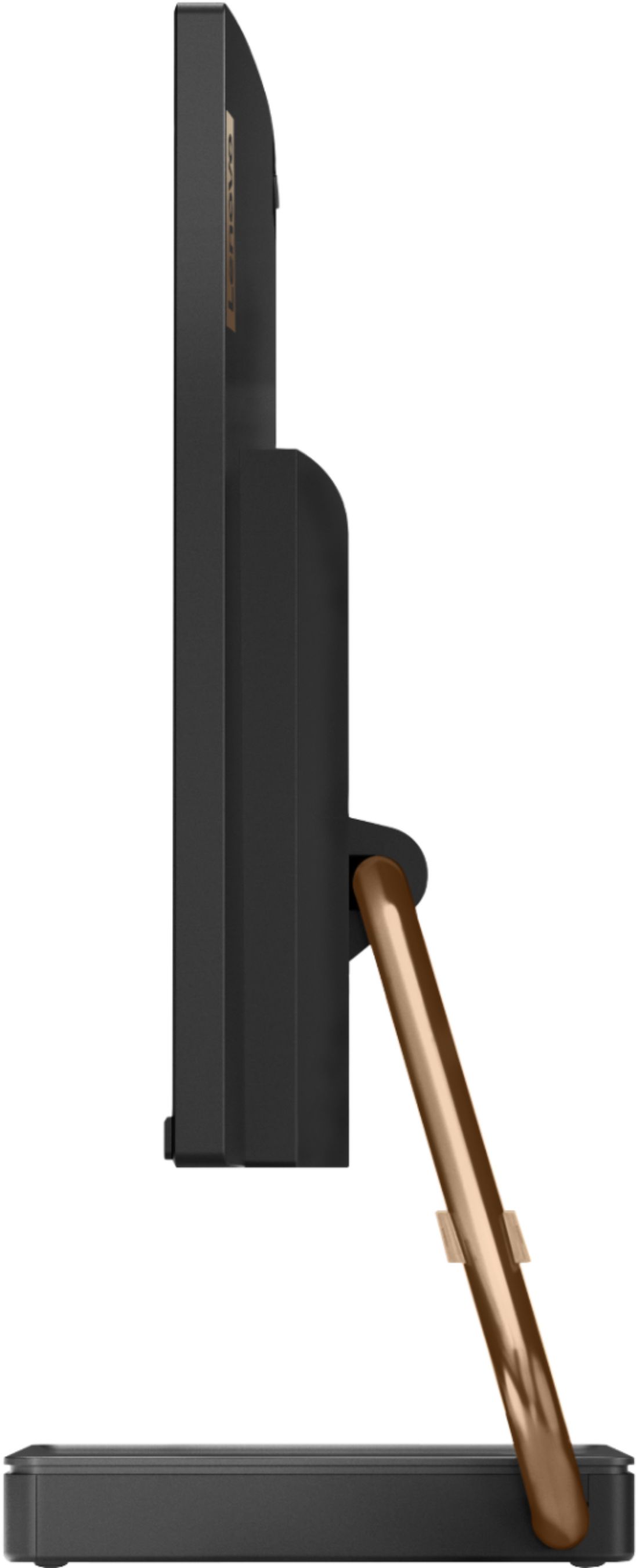
Posted .Thank you for choosing the Lenovo IdeaCentre A540-24 All-In-One system. We are pleased to hear that the value, features and performance of the IdeaCentre A540-24 AIO meets your computing needs so well. Taking its cue from nature, the stylish IdeaCentre A540 is inspired by the cypress tree: perfectly balanced and durable. Sacrificing nothing on performance, this all-in-one PC is an attractive addition to your home or office. With up to 93-percent screen-to-body ratio and thin, narrow bezels, the A540 minimizes visual distractions and gives you more to enjoy than a regular 24-inch display. To enhance your viewing experience even further, the A540 ships with FHD resolution.