Customer Ratings & Reviews


- Model:
- F0EM0003US
- SKU:
- 6365785
Rating by feature
- Value
Rating 4.6 out of 5 stars
- Quality
Rating 4.6 out of 5 stars
- Ease of Use
Rating 4.6 out of 5 stars
Customers are saying
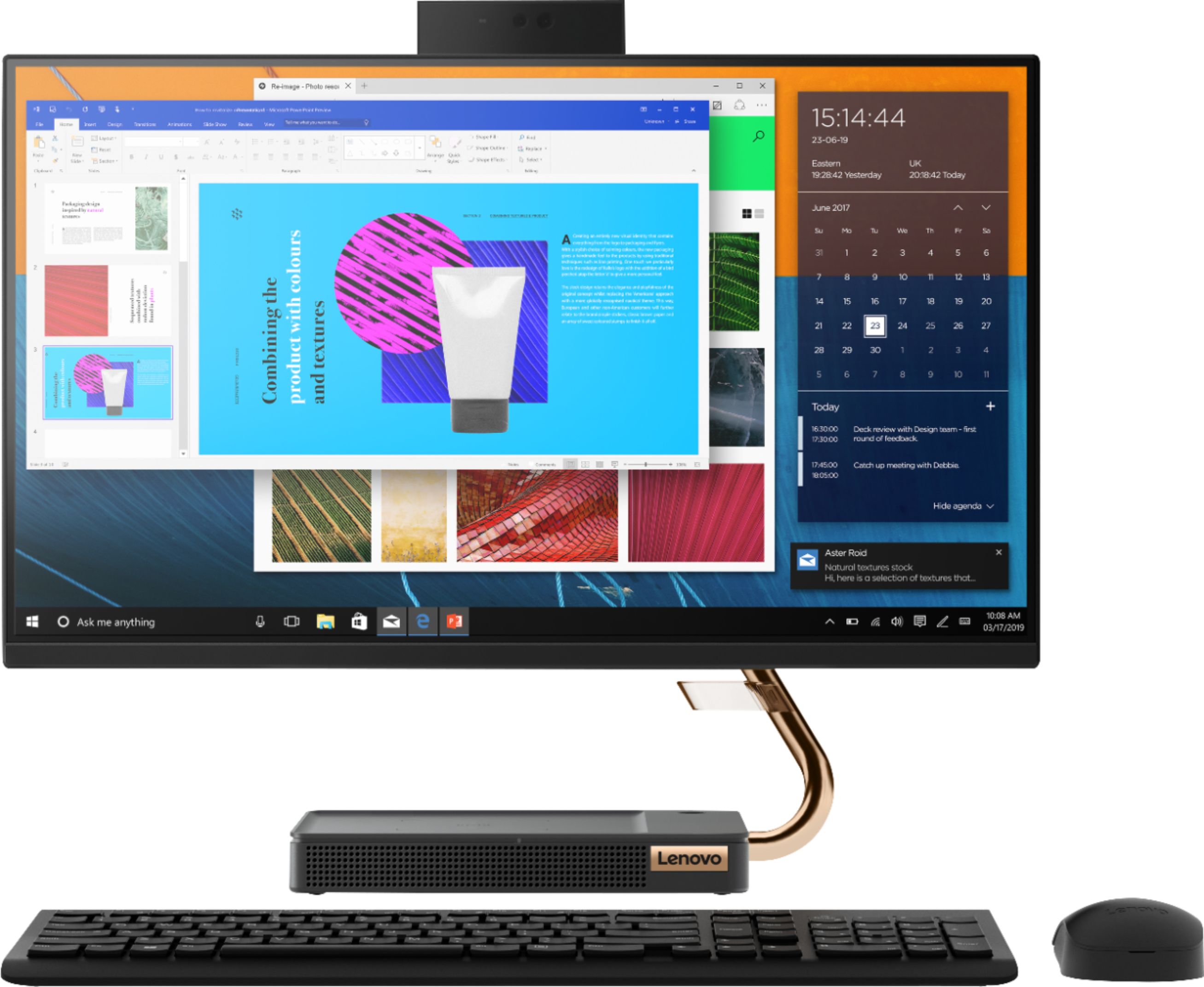
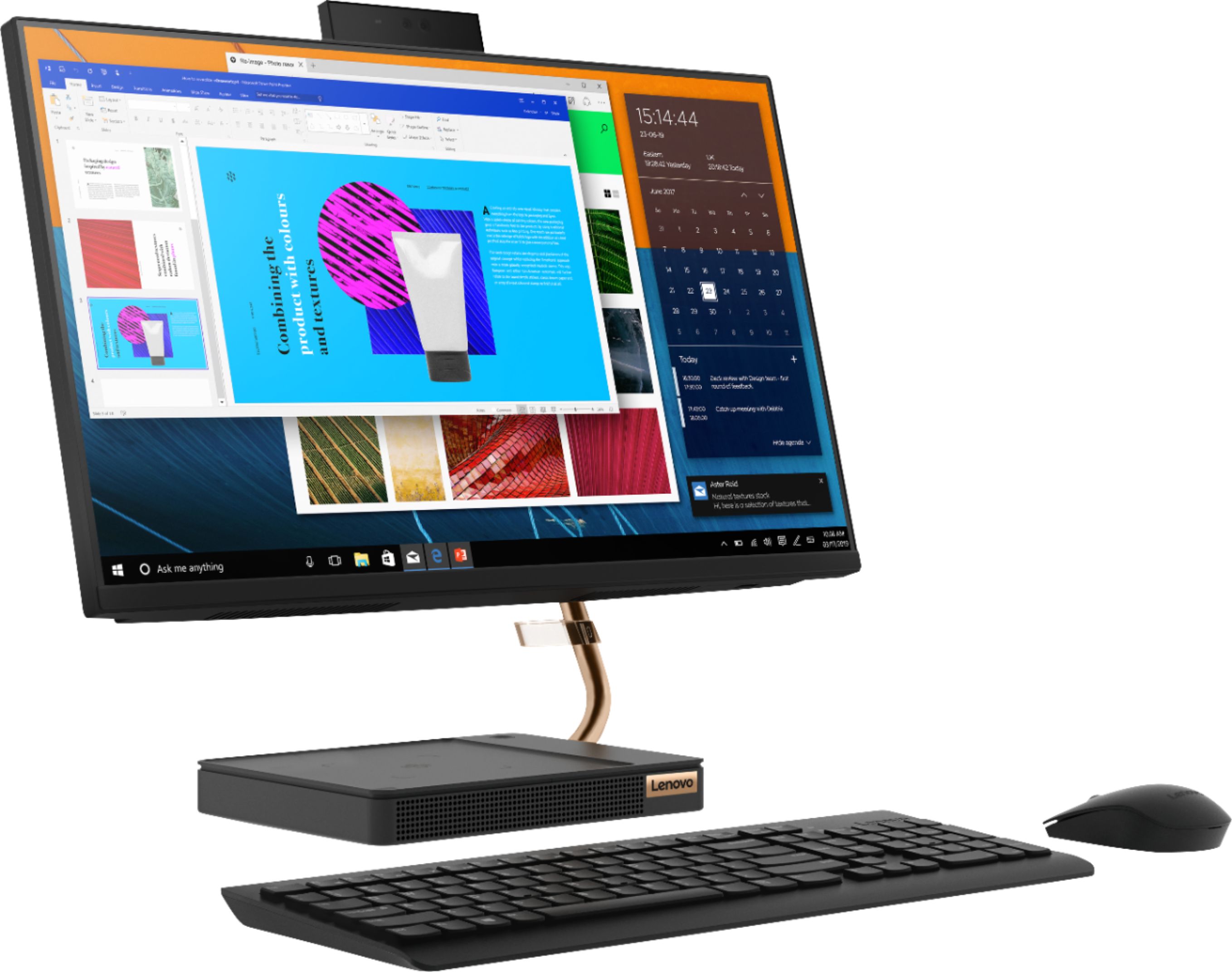
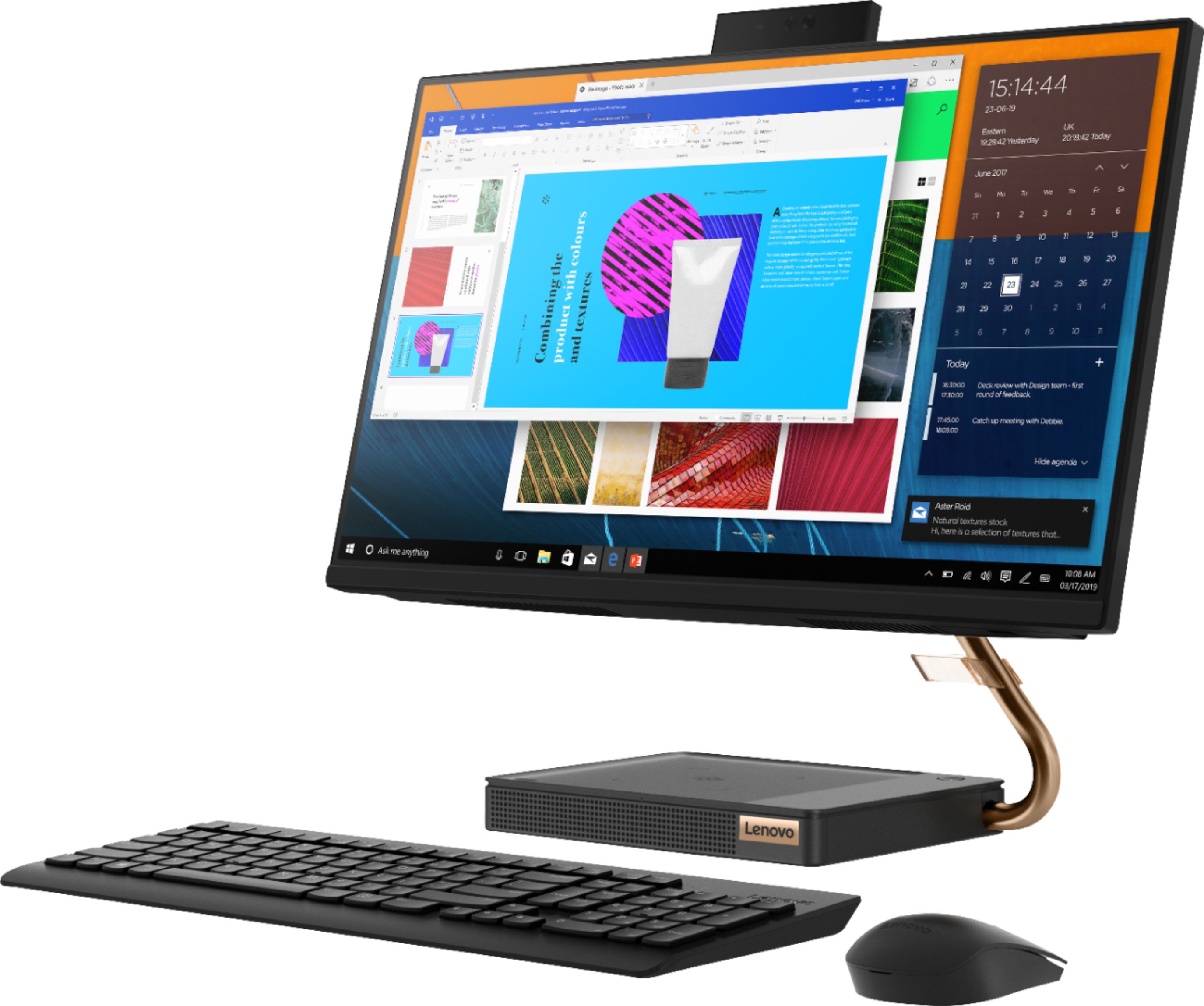
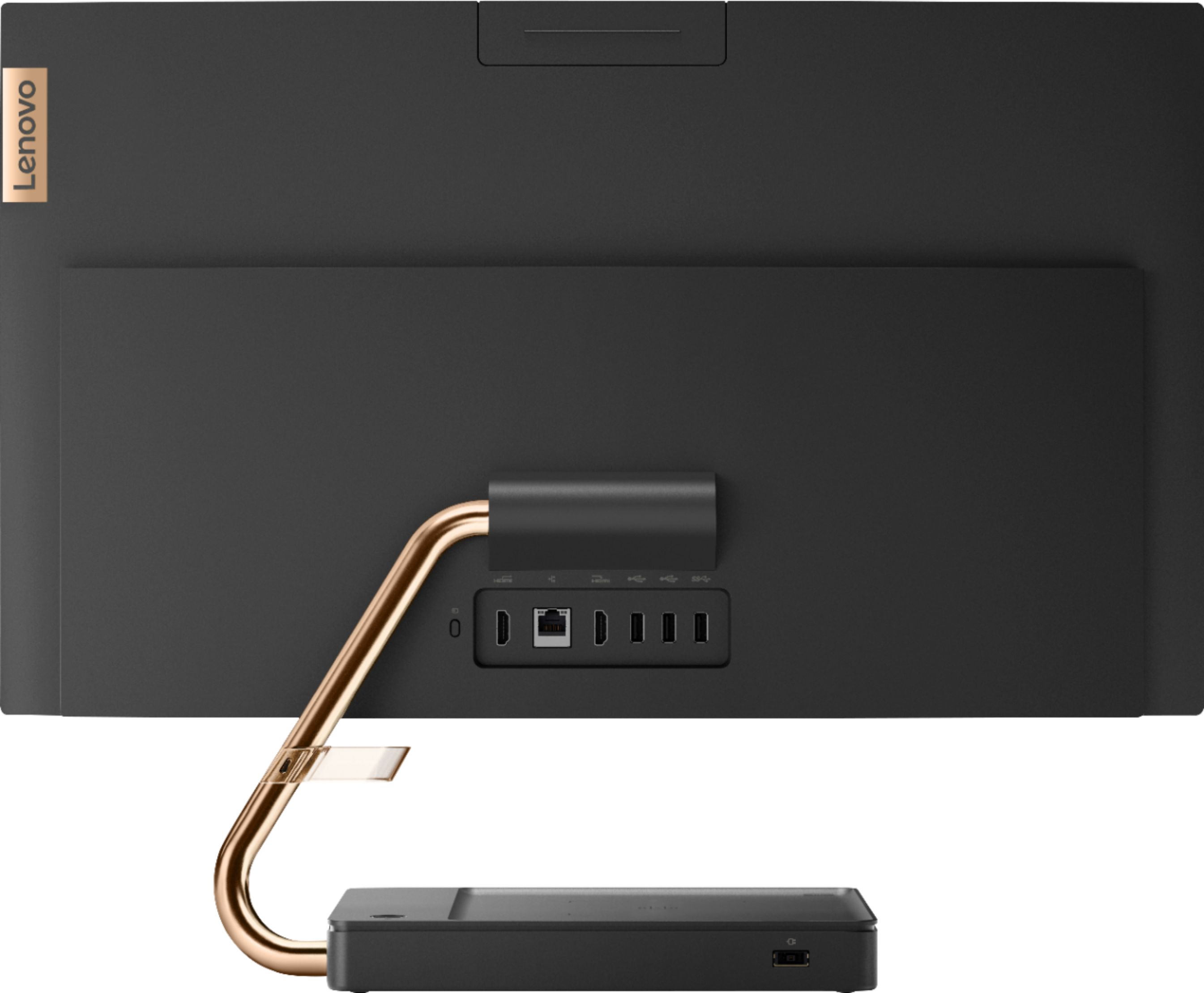
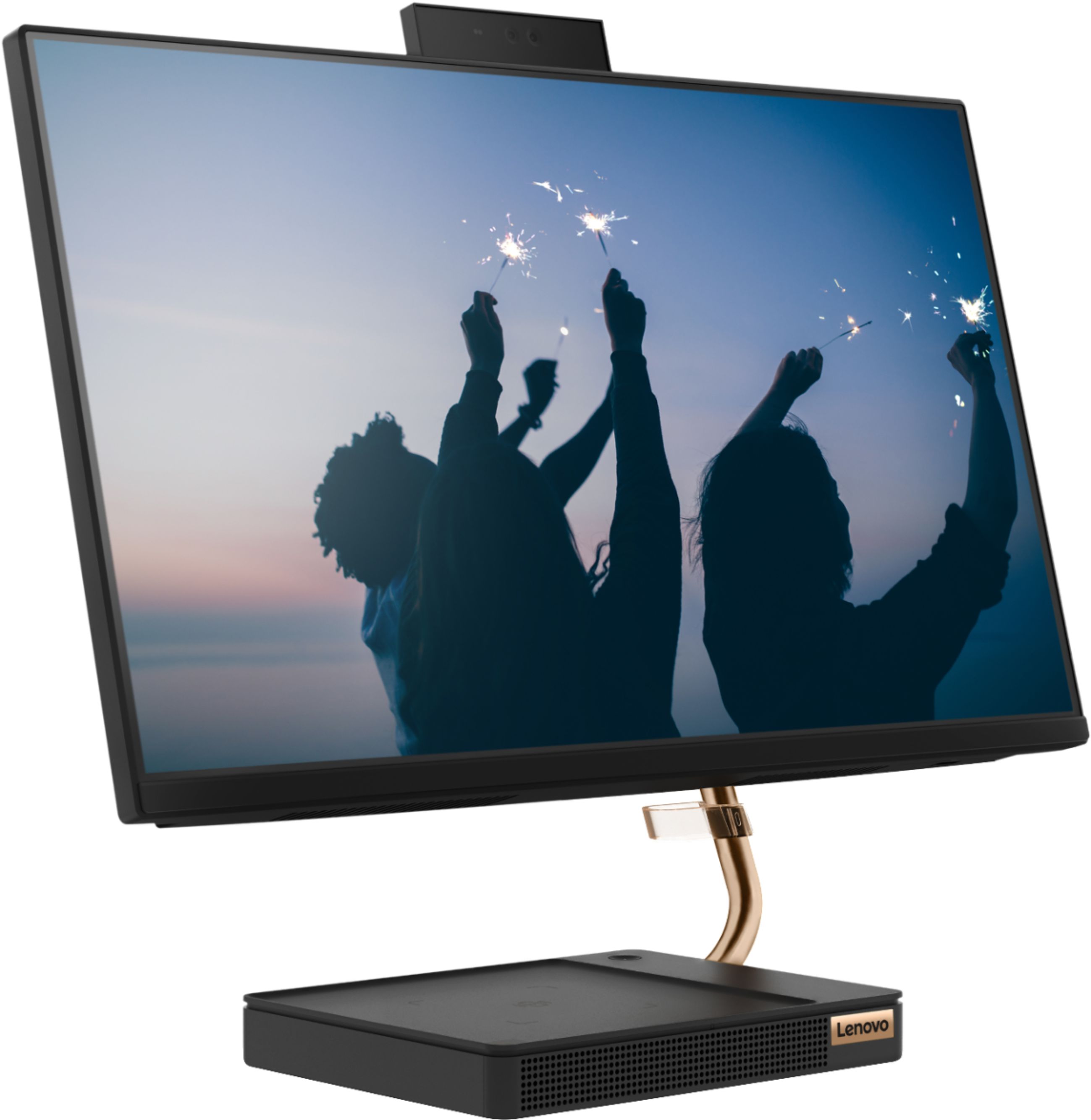
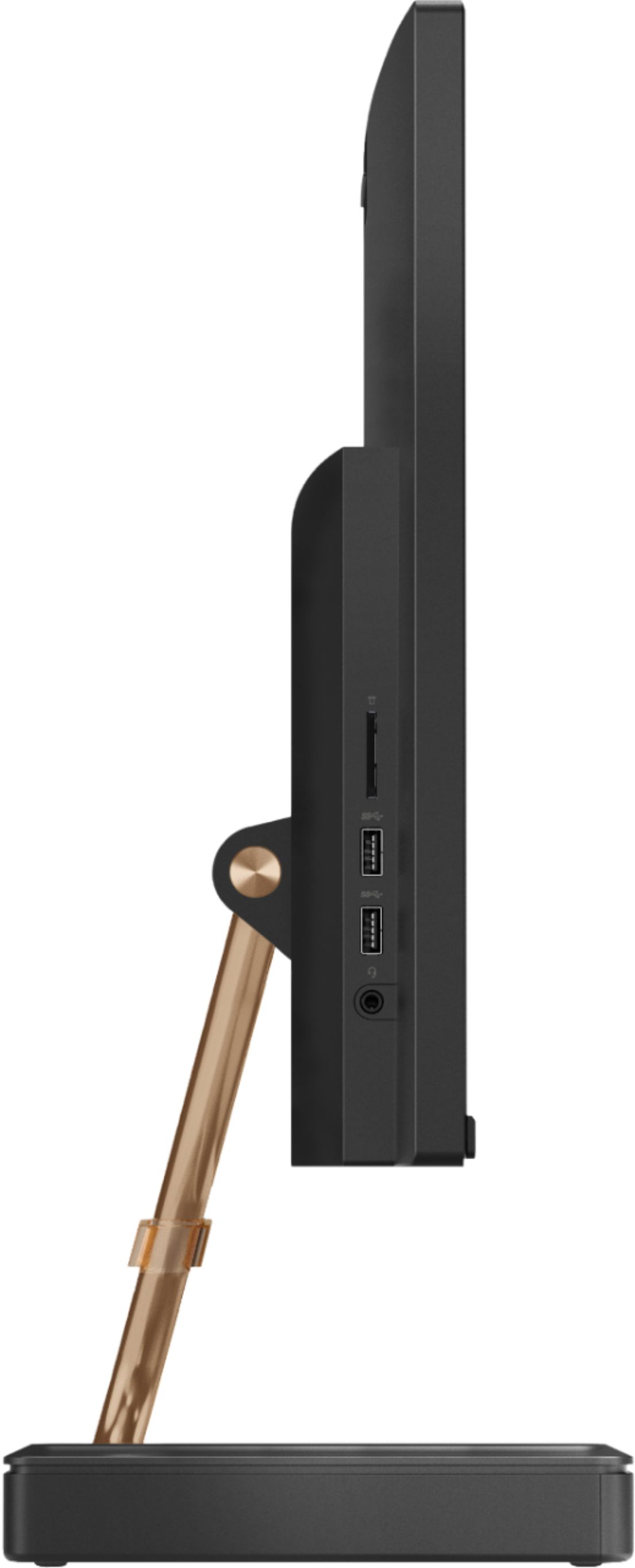
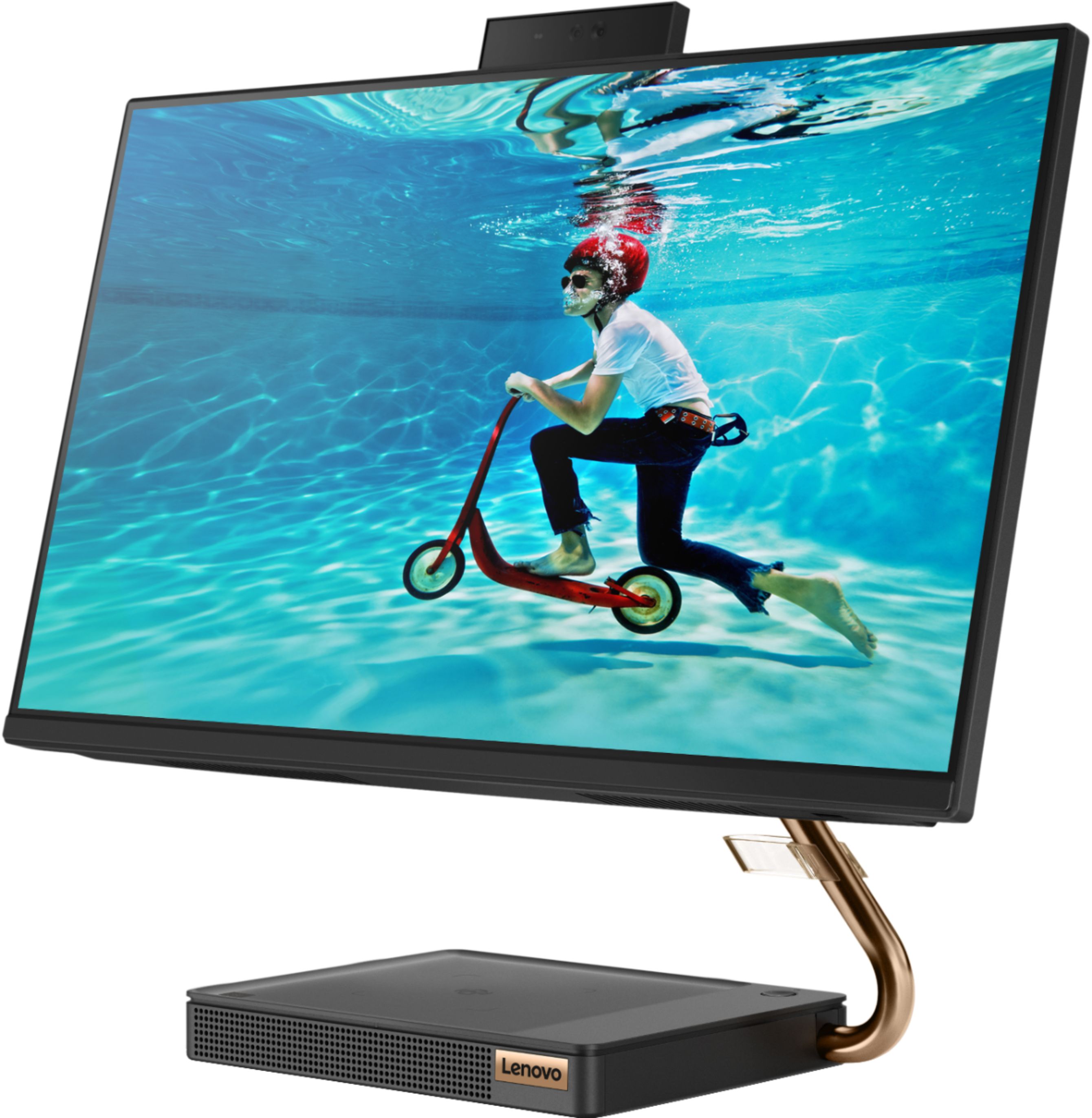
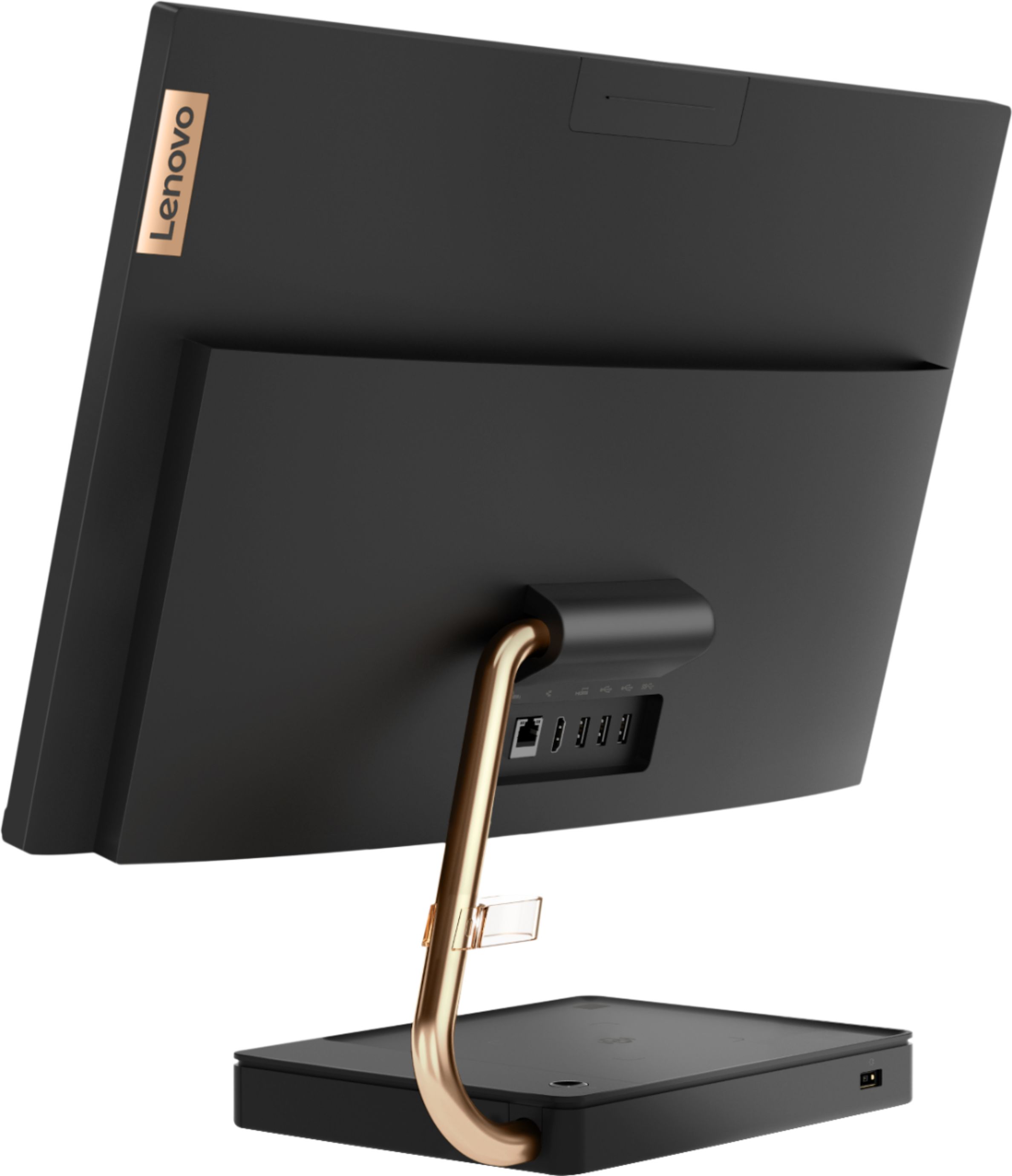
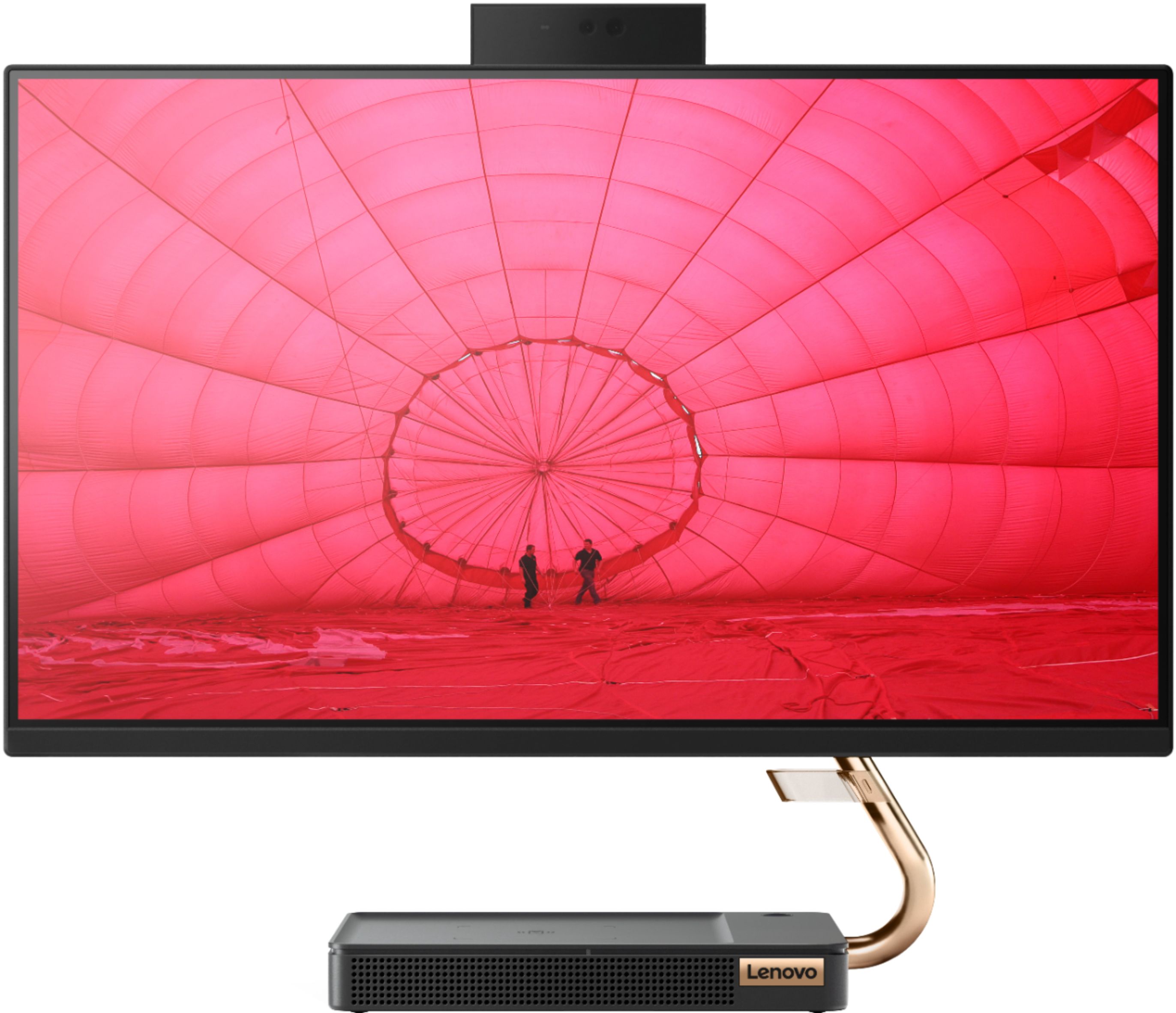
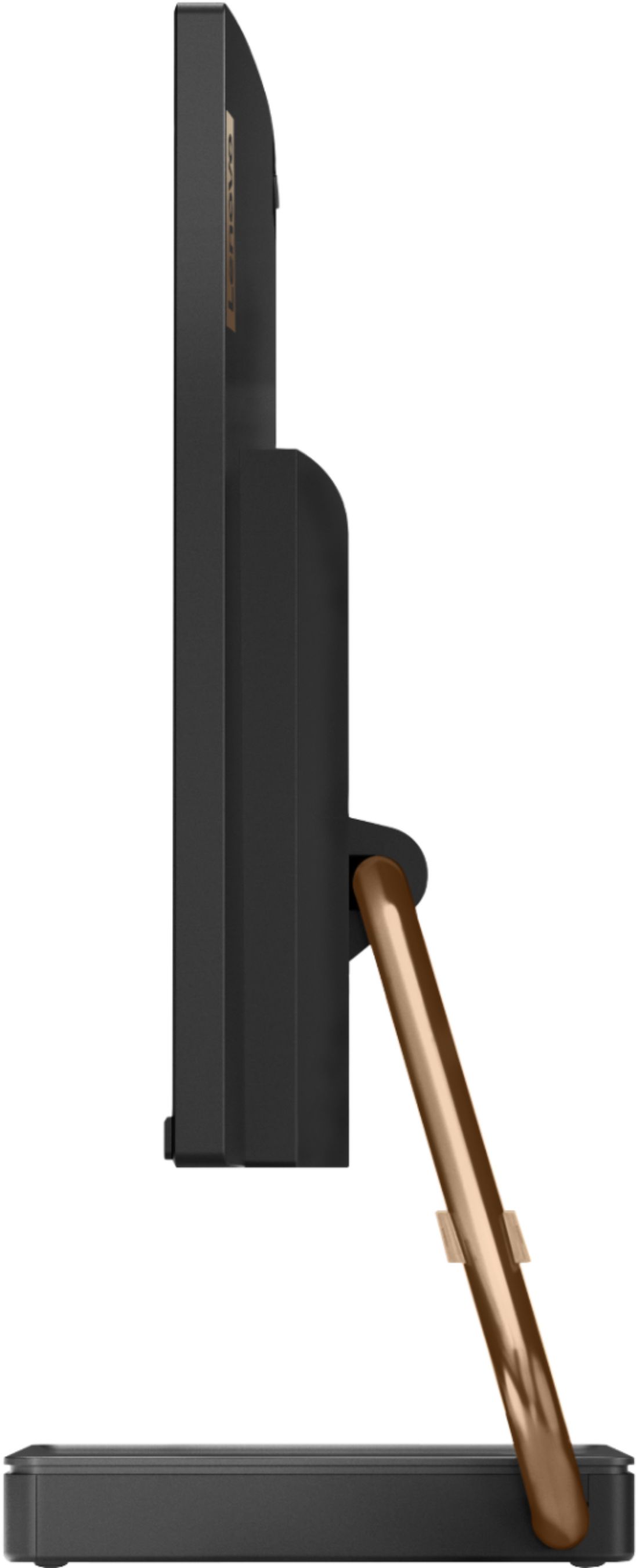
Customers are positive about the A540-24API's touch screen, ease of use, and overall quality. Many appreciate its design and size, finding it compact and suitable for their needs. The speed of the solid-state drive is also frequently praised. However, some customers mention limited storage space and a desire for more ports.
This summary was generated by AI based on customer reviews.
Never used item
||Posted . Owned for 3 months when reviewed.This reviewer received promo considerations or sweepstakes entry for writing a review.I can't really review a item that was never opened. This got returned back to store as I no longer needed the item
I would recommend this to a friendcan not use
||Posted . Owned for 1 month when reviewed.This reviewer received promo considerations or sweepstakes entry for writing a review.really difficult to use; the Geek Squad has not been there to get it working very disappointing might as well return it
No, I would not recommend this to a friendBrand response from Lenovo Product Expert
Posted .The Lenovo IdeaCentre S540-24 All-In-One system ships with Windows 10 Operating system, which provides both audio (through Cortana) and on screen, step by step setup and activation of Windows 10. Here is a link to the User Guide for the IdeaCentre A540-24 AIO: https://files.bbystatic.com/5QgFAT2pKaoxC%2FEllGZefQ%3D%3D/7651CCD9-5A47-43DA-AE28-7C2F6DCC2B4B.pdf. If you continue to have issues, we recommend you call Lenovo Tech Support at: 877-453-6686.

worst computer and worst service by best buy
||Posted . Owned for 3 weeks when reviewed.This reviewer received promo considerations or sweepstakes entry for writing a review.dont buy any computer from best buy ever worst customer service i ever experienced
No, I would not recommend this to a friendDead on arrival
||Posted .This reviewer received promo considerations or sweepstakes entry for writing a review.Computer was dead on arrival. Returned it for a full refund.
No, I would not recommend this to a friend- Pros mentioned:Touch screen
A must buy
Posted .This reviewer received promo considerations or sweepstakes entry for writing a review.I loveee this computer, I have it for 4 years now and I have never had any issues with it. Is worth every single penny this is a must buy.!
I would recommend this to a friend - Pros mentioned:Touch screen
perfect purchase
Posted .This reviewer received promo considerations or sweepstakes entry for writing a review.love my touchscreen computer. best purchase I've had made, everyone should have one,
I would recommend this to a friend - Pros mentioned:Speed
GREAT Purchase! AWESOME value!
Posted .This reviewer received promo considerations or sweepstakes entry for writing a review.I just purchased this yesterday to replace a cheap laptop that I was using for voice recordings via Adobe Audition. This thing is SOOOOO much faster. The processor speed, RAM, and SSD are of course the key highlights. Honestly, the form, fit, and finish on thing is fantastic too! It's a perfect size and extremely stable! I didn't even realize it had the built-in webcam when I bought it, lol... It's seriously SUPER nice and was a GREAT Black Friday deal! Would highly recommend! A++++++
I would recommend this to a friendBrand response from Lenovo Product Expert
Posted .Once again, thank you for choosing the Lenovo IdeaCentre A540-24 All-In-One system. You can keep your computer running at its best by keeping the Windows 10 Operating System and all supporting BIOS files and drivers up to date. You can easily accomplish this by scanning the computer with the Lenovo Utility software available on this computer. This system has Lenovo utilities installed to help maintain the health of the device and keep the operating system software up to date. Type "Lenovo Vantage" in the Cortana Search window (if Lenovo Vantage is not installed on your device, you can download the APP and install it now). Select Lenovo Vantage from the list. In the window that opens, click on "Health and Support". In the expanded menu, select "Hardware Scan" In the window that opens, select "Run Quick Tests". This will scan your entire system for errors. Follow any directions that may pop up. If the problem continues after this scan, now click on "System Update". First select Windows update from the menu. Scan your system to be sure you have the latest version of Windows 10. Once that scan is complete, select "Additional Updates". This will scan your device to be sure there are no new BIOS/Driver updates needed. Follow any instructions that may pop up. If you ever need additional help with your Lenovo computer, we recommend you call Lenovo Tech Support at: 877-453-6686 for additional help.
Good for a few years
Posted .This reviewer received promo considerations or sweepstakes entry for writing a review.Nice clean system. Good look and runs well. I’m locked out now so trying to find a way to get back in; Lost internet connection.
No, I would not recommend this to a friendGreat investment
Posted .This reviewer received promo considerations or sweepstakes entry for writing a review.Love this desktop!!! I've had it for 3 years and it still runs like a top!
I would recommend this to a friend- Pros mentioned:Touch screen
Screen is black more often than not
Posted .This reviewer received promo considerations or sweepstakes entry for writing a review.The Lenovo - A540-24API 23.8" Touch-Screen All-In-One - AMD Ryzen 3-Series - 8GB Memory - 256GB Solid State Drive - Black is a nice looking all-in-one desktop. I have owned mine for about roughly three years. If the mouse or the keyboard breaks, there is no replacement. My mouse broke, and with the lack of USB outlets, I had to purchase a Bluetooth mouse (which doesn't work the best with this computer), so it's a struggle. The biggest issue with this computer is the display monitor constantly goes out. I have to use 'reset the display mode' daily to use the thing. It overheats a lot for no reason, and the fan runs extremely loud. I bought this to avoid the issues I have had with laptops. I gave it a fair because the screen is nice and wide, and it turns on. I wouldn't recommend this product outside of that. Not the best functional desktop computer.
No, I would not recommend this to a friend - Pros mentioned:Touch screen
worth it
Posted .This reviewer received promo considerations or sweepstakes entry for writing a review.my wife and i love it. I would buy a second if it was available
I would recommend this to a friend Keyboard not working
Posted .This reviewer received promo considerations or sweepstakes entry for writing a review.The keyboard out of the box is not working. The touch screen isn't as responsive as I would hope. Thank goodness for touch screen and cortana. To finish the setup. Will update when i get a fix or will be returning.
No, I would not recommend this to a friendBrand response from Lenovo Product Expert
Posted .We are sorry to hear that you are having issues with your Lenovo IdeaCentre A540-24 All-In-One system. Check to be sure the power switch on the keyboard is turned on, it is small and hard to see. Be sure the batteries within the keyboard are installed properly. If the issue continues, we recommend you call Lenovo Tech Support at: 877-453-6686.