Customer Ratings & Reviews


- Model:
- F0EM0003US
- SKU:
- 6365785
Rating by feature
- Value
Rating 4.6 out of 5 stars
- Quality
Rating 4.6 out of 5 stars
- Ease of Use
Rating 4.6 out of 5 stars
Customers are saying
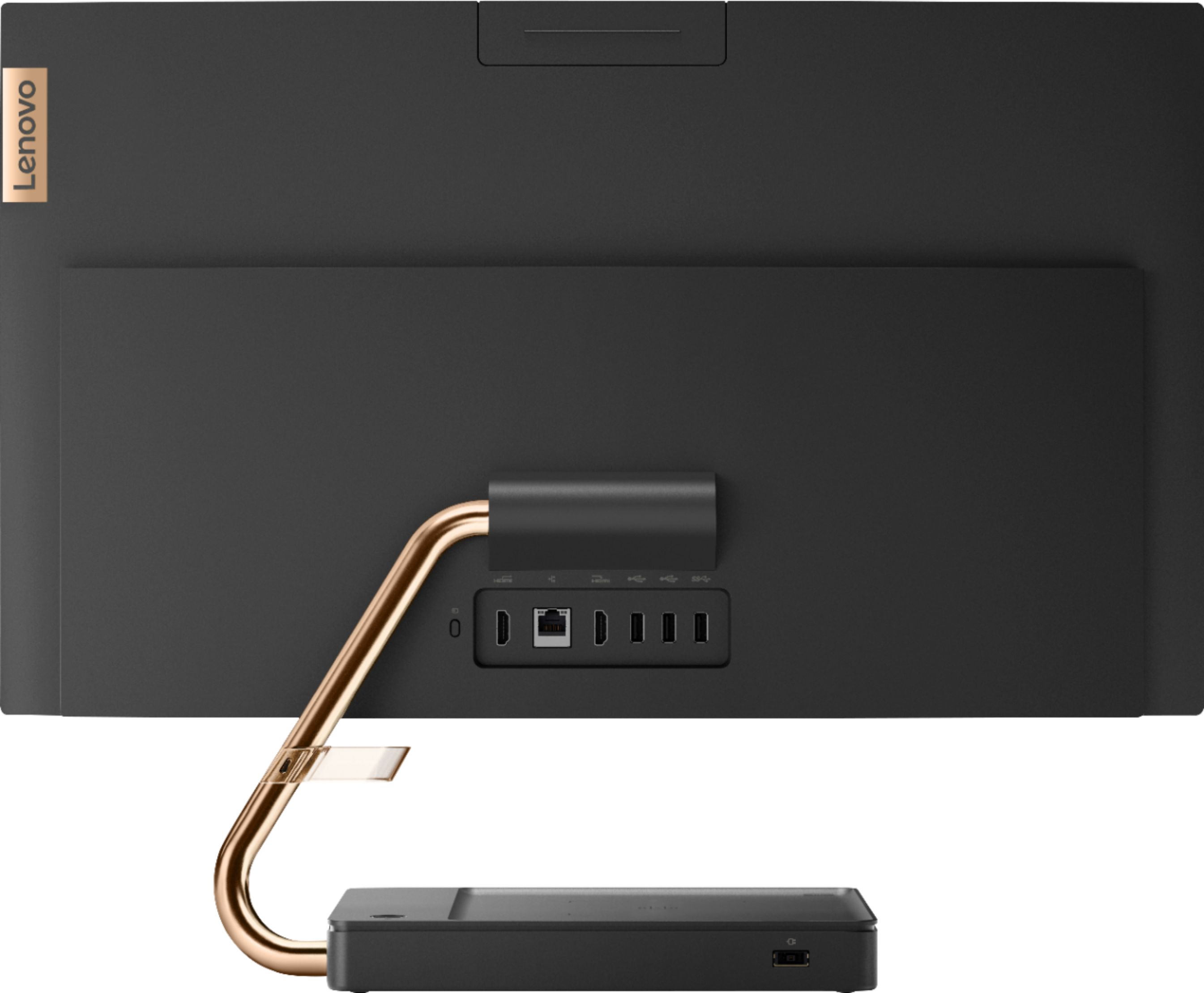
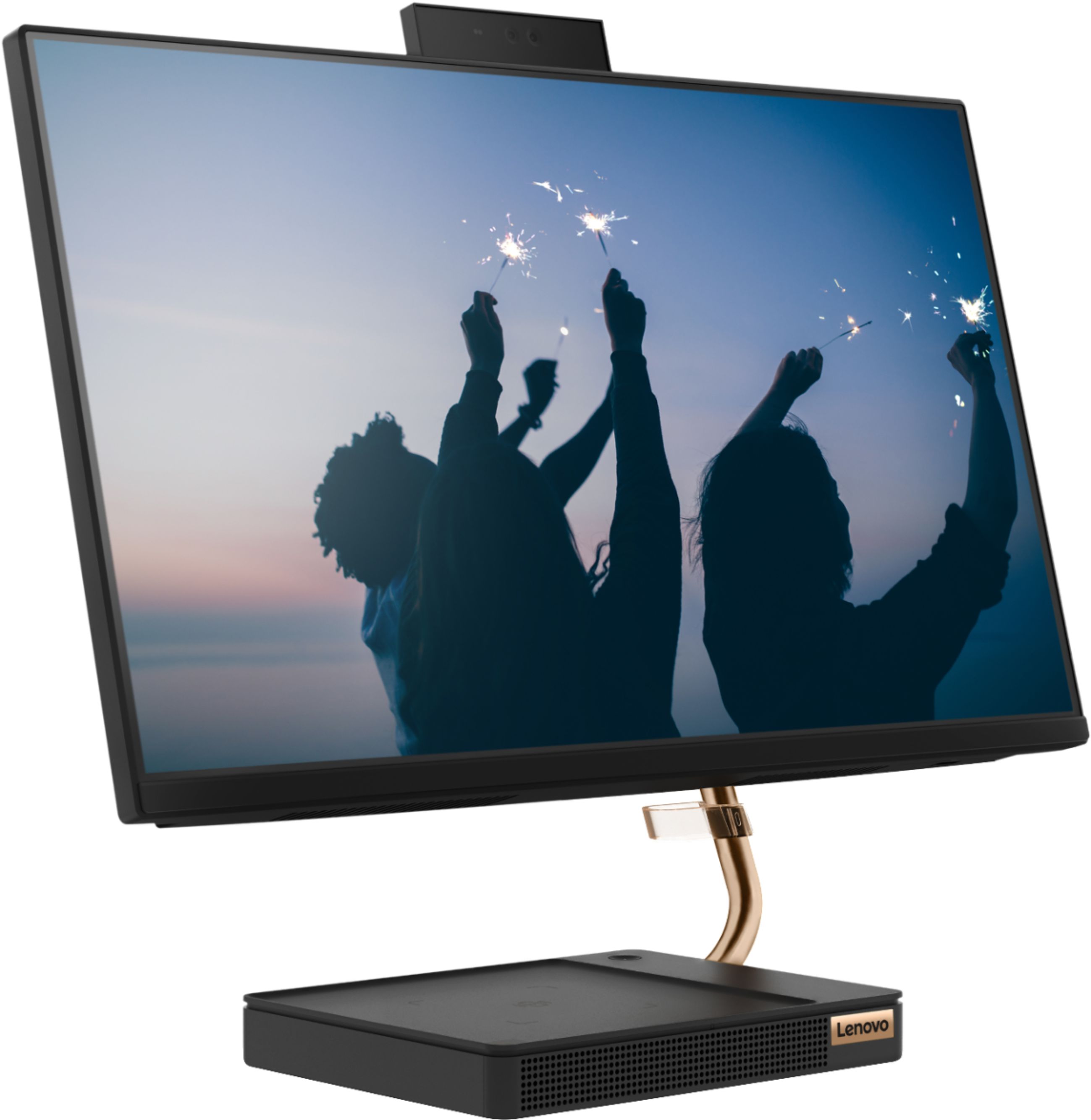
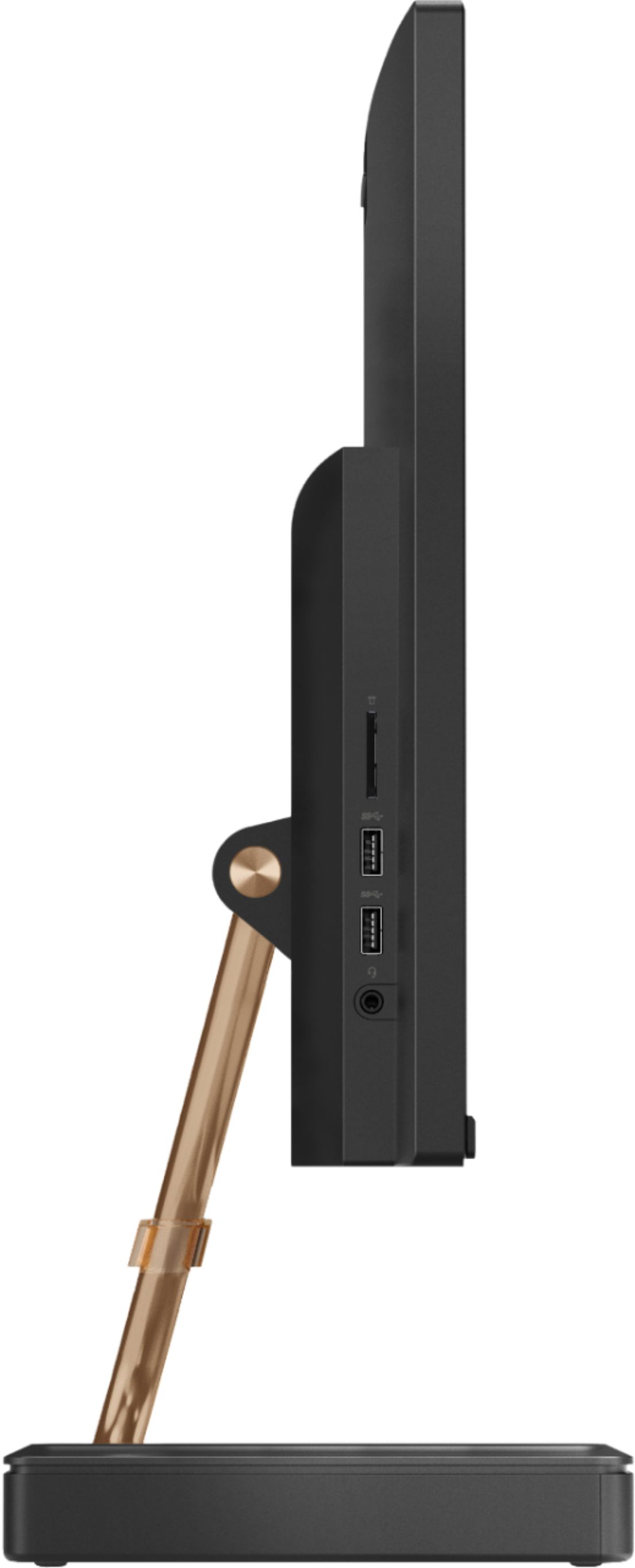
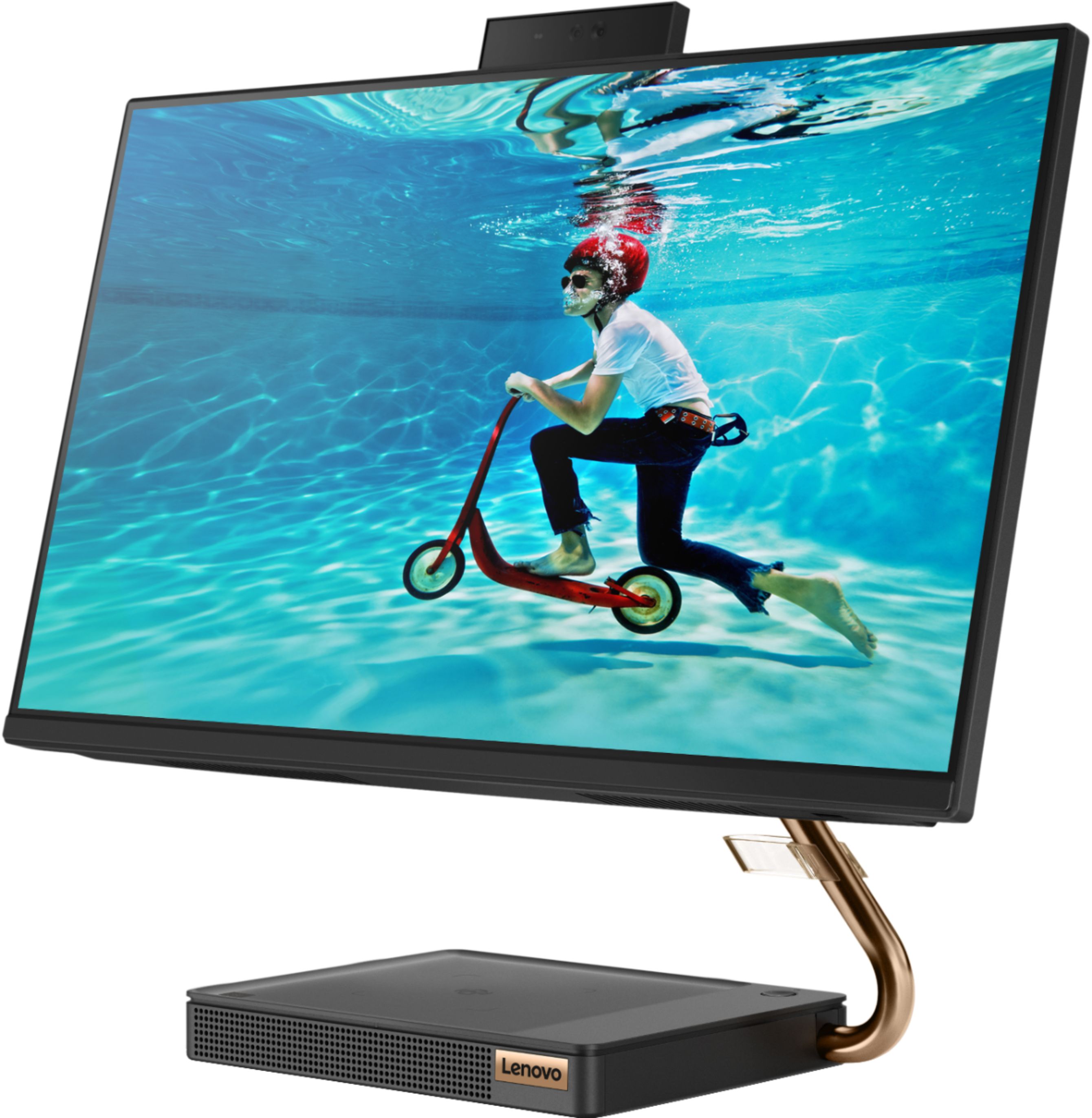
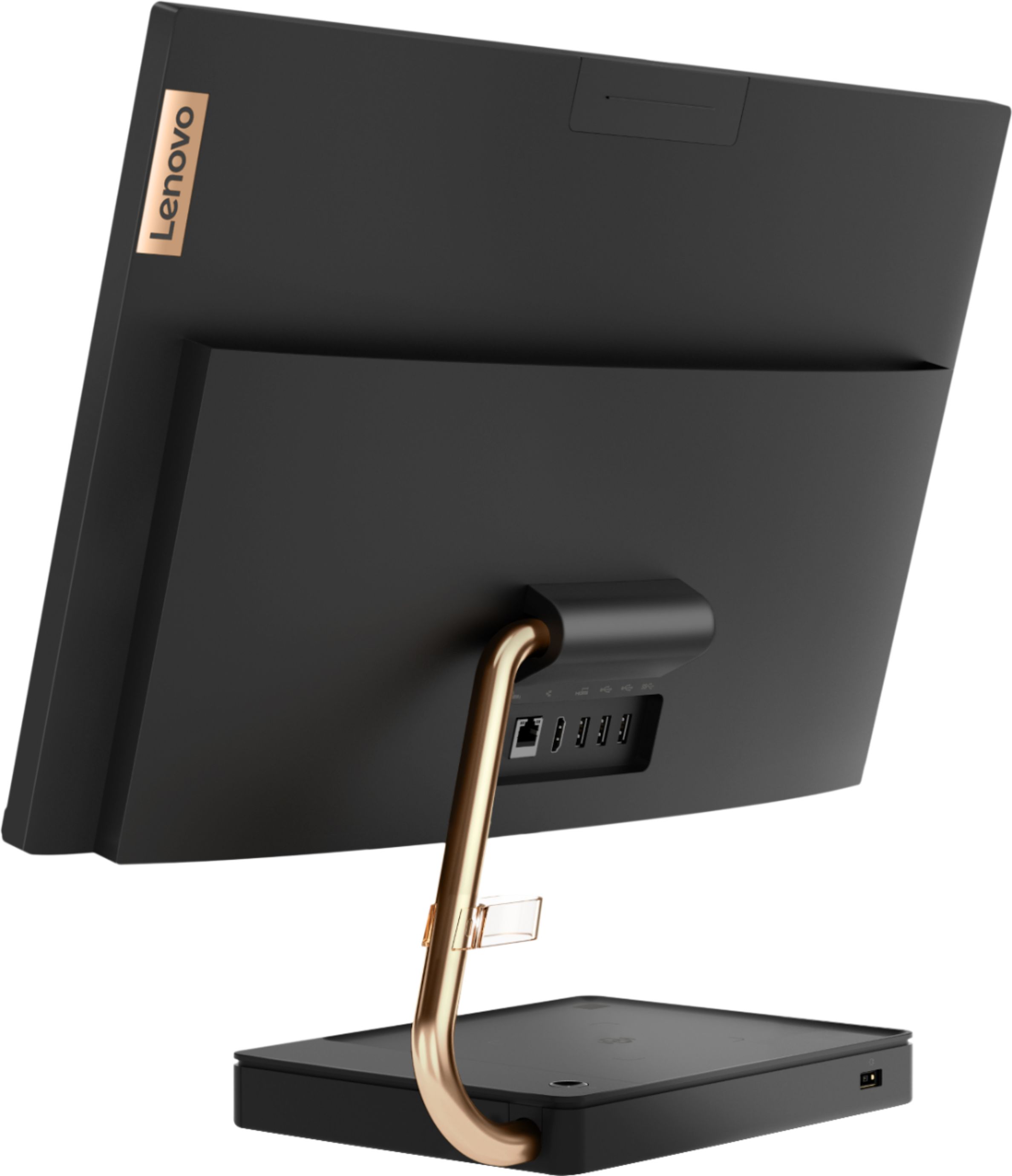
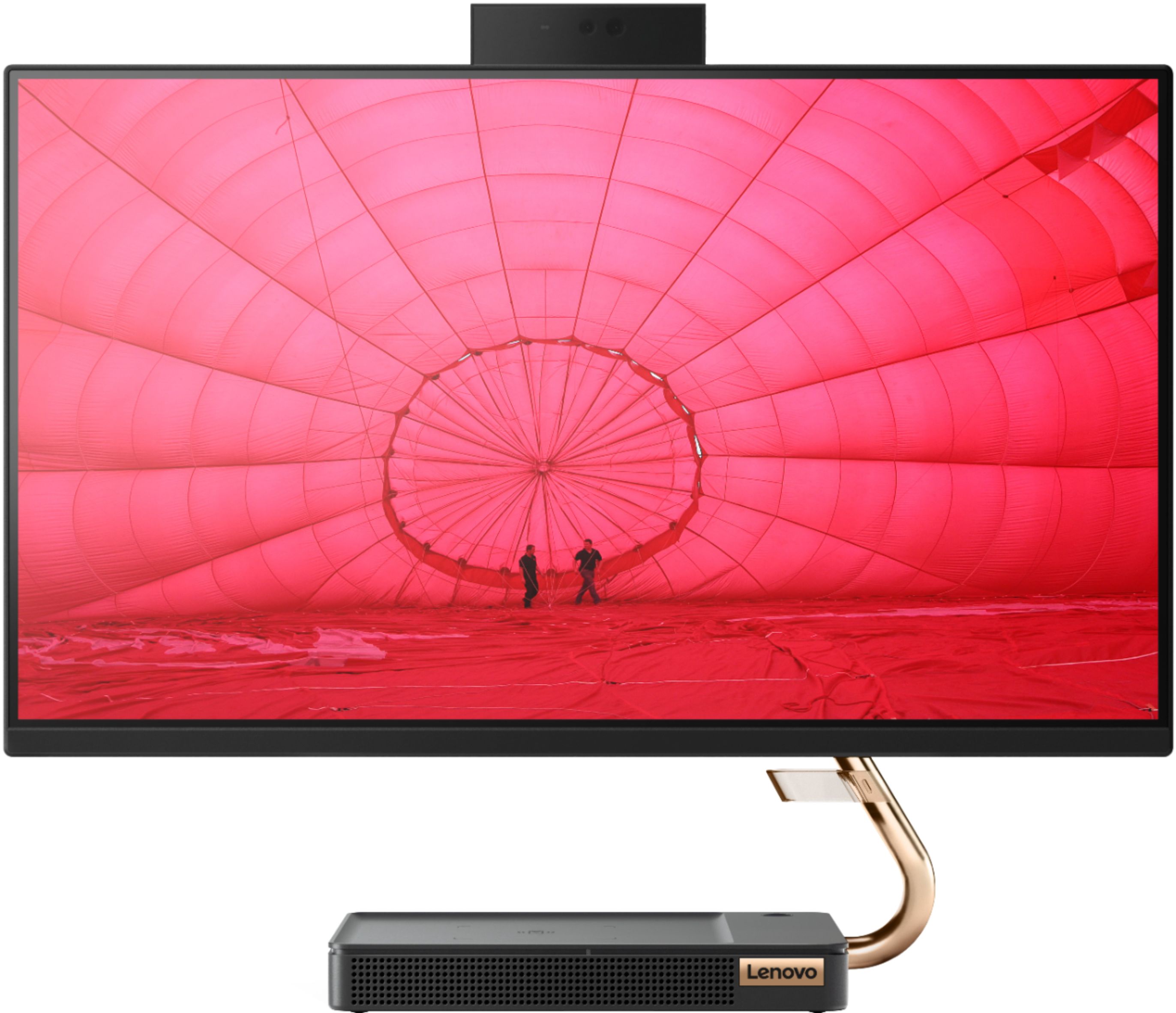
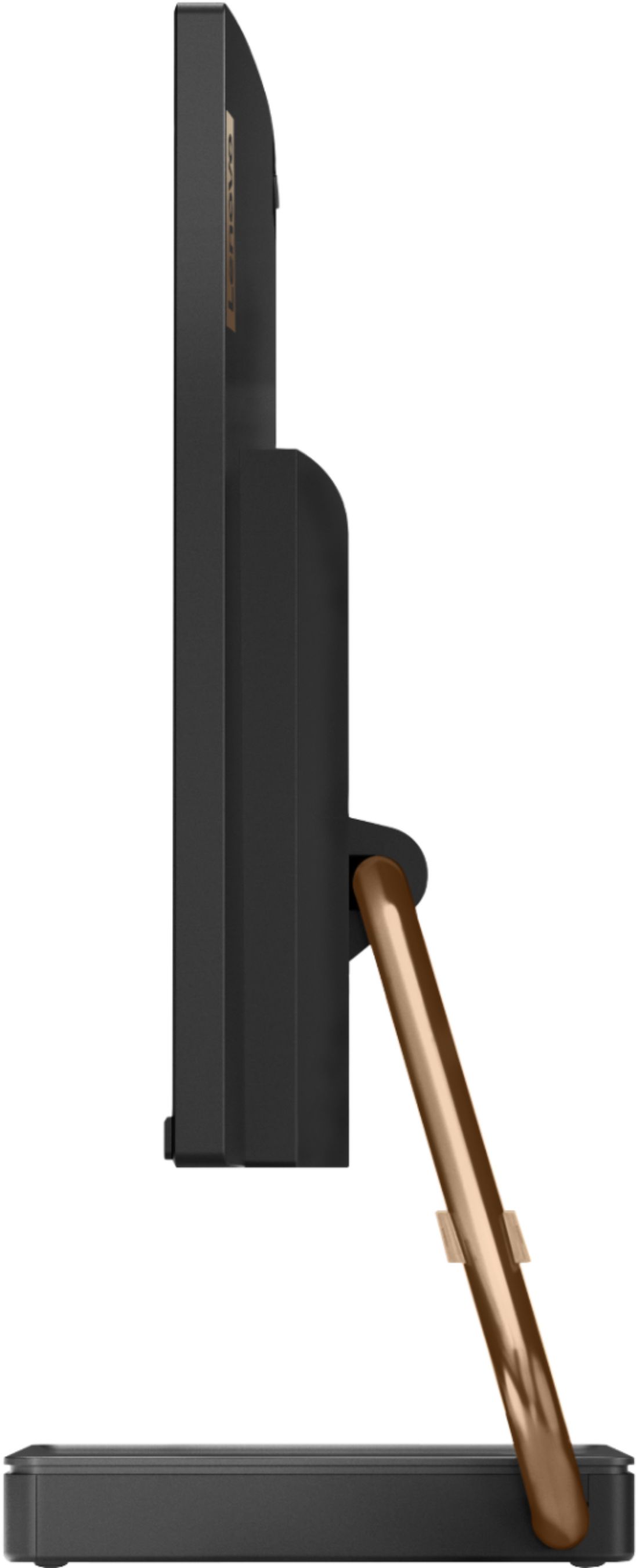
Customers are positive about the A540-24API's touch screen, ease of use, and overall quality. Many appreciate its design and size, finding it compact and suitable for their needs. The speed of the solid-state drive is also frequently praised. However, some customers mention limited storage space and a desire for more ports.
This summary was generated by AI based on customer reviews.
- Pros mentioned:Ease of use
Very user friendly
||Posted . Owned for 1 month when reviewed.This reviewer received promo considerations or sweepstakes entry for writing a review.Very easy to set up and use I like that it doesn’t have a tower so it fits nicely on my desk. Set up was simple and went smoothly
I would recommend this to a friendBrand response from Lenovo Product Expert
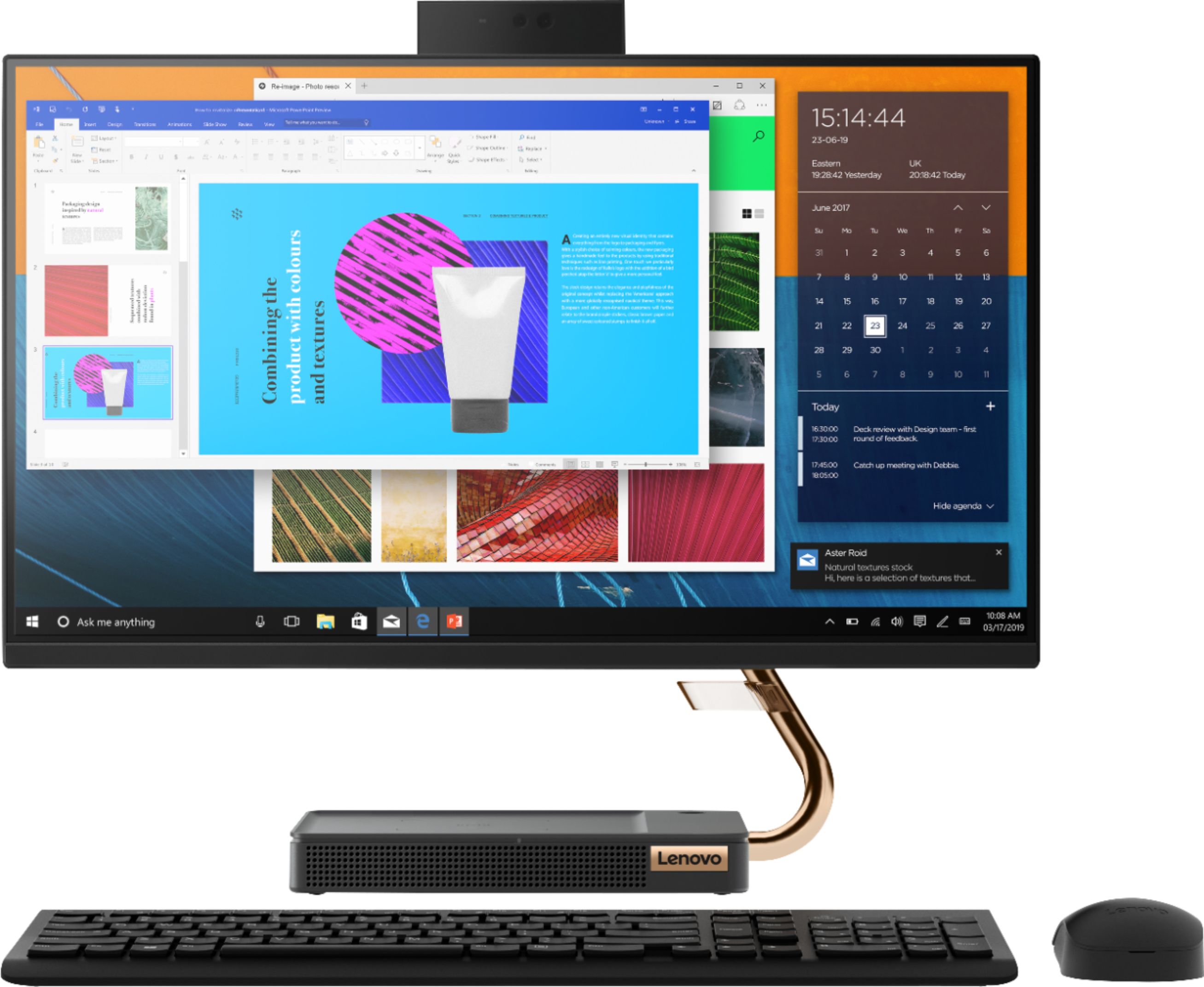
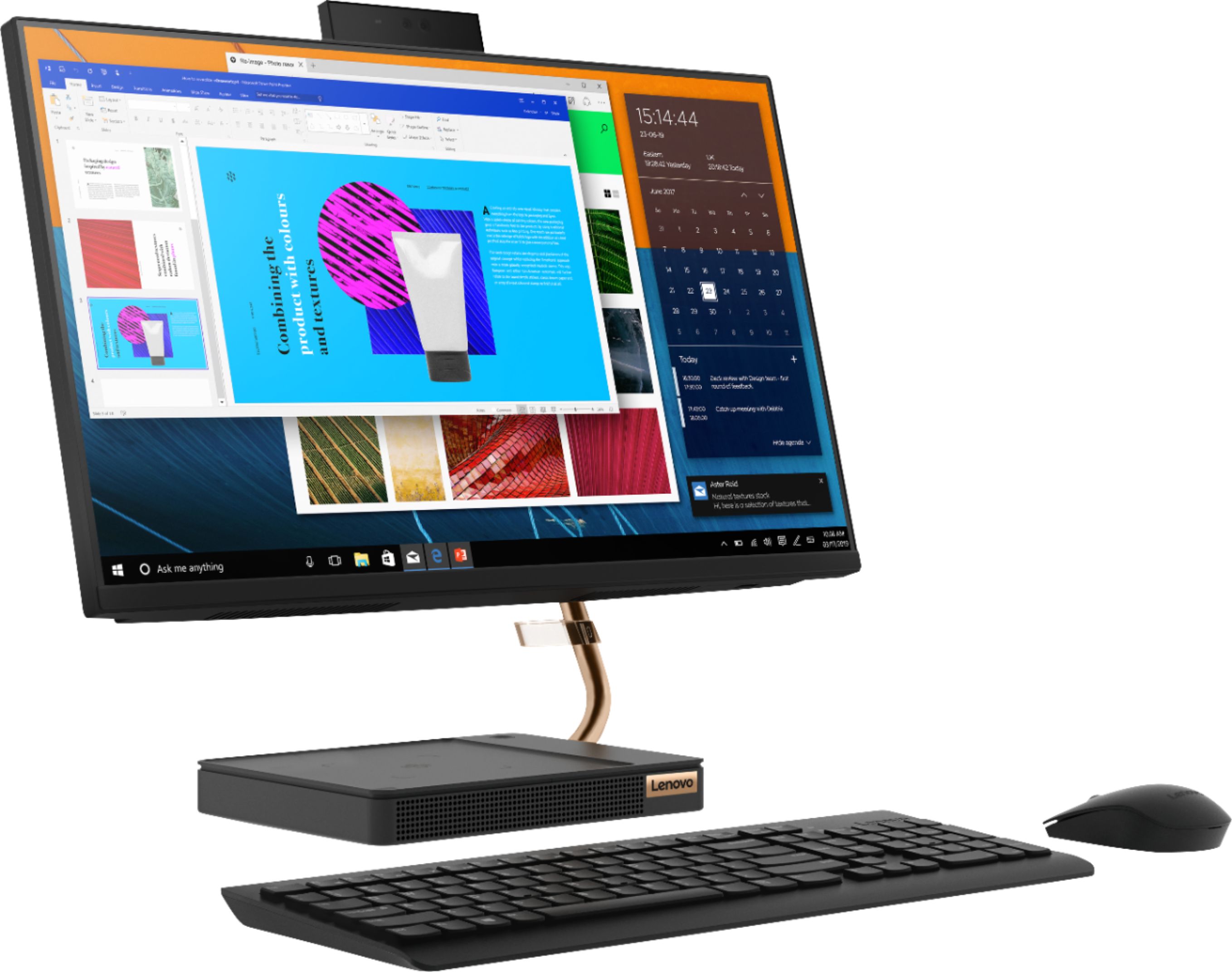
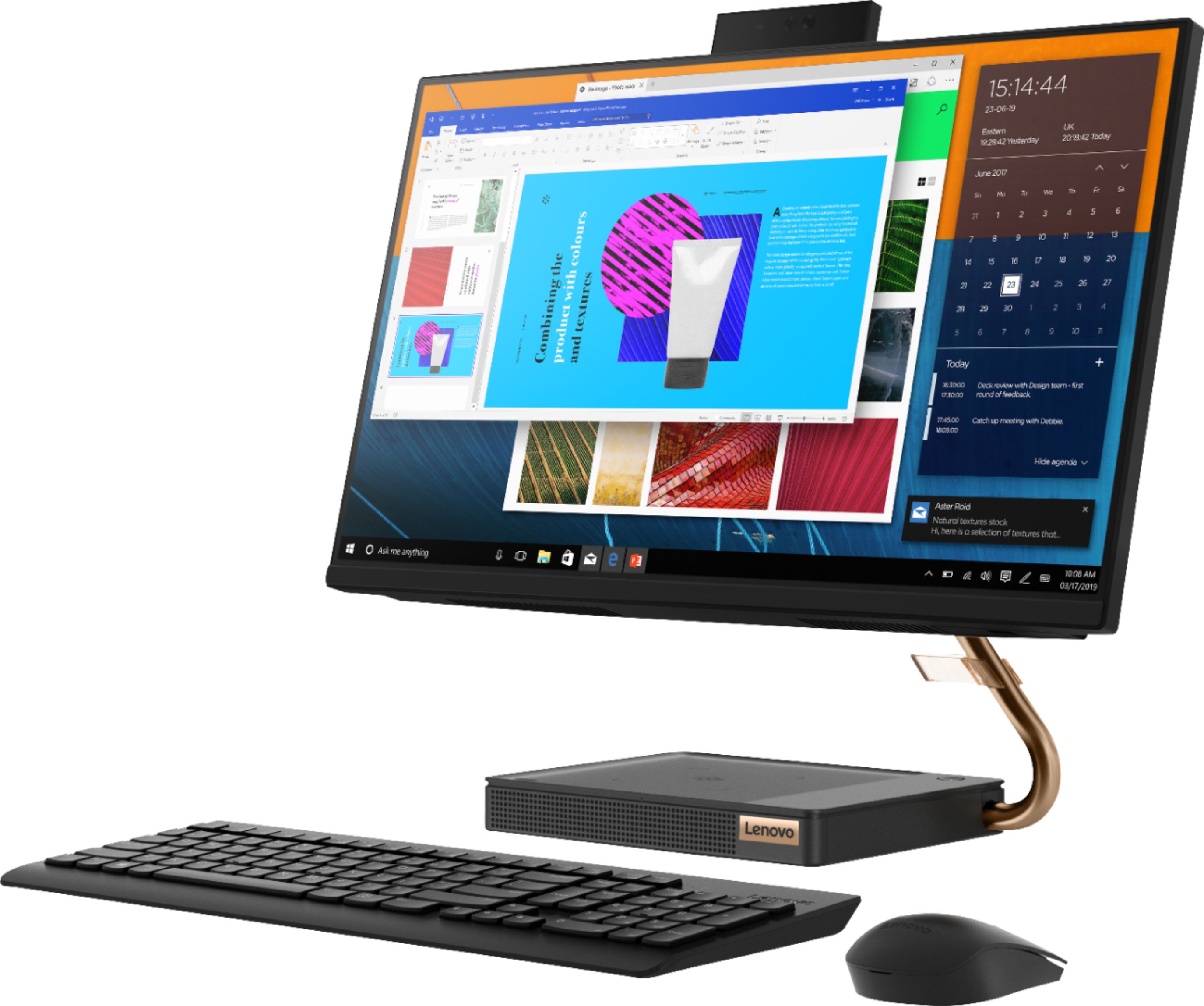
Posted .Thank you for choosing the Lenovo IdeaCentre A540-24 All-In-One system. We are pleased to hear that the features and performance of the IdeaCentre A540-24 AIO meets your computing needs so well. Taking its cue from nature, the stylish IdeaCentre A540 is inspired by the cypress tree: perfectly balanced and durable. Sacrificing nothing on performance, this all-in-one PC is an attractive addition to your home or office. With up to 93-percent screen-to-body ratio and thin, narrow bezels, the A540 minimizes visual distractions and gives you more to enjoy than a regular 24-inch display. To enhance your viewing experience even further, the A540 ships with FHD resolution.

- Pros mentioned:Speed, Touch screen
Love it
||Posted . Owned for 7 months when reviewed.This reviewer received promo considerations or sweepstakes entry for writing a review.This PC is everything. Fast, smooth, hidden camera function, and its all in one. By far the best PC, I've ever had
I would recommend this to a friend - Pros mentioned:Touch screen
Fantastic All in One
||Posted . Owned for 5 months when reviewed.This reviewer received promo considerations or sweepstakes entry for writing a review.Fantastic machine. I use it for graphic design and other digital media. Touch screen is great. The onboard webcam is pretty noticeable low resolution on an HD screen, however it absolutely gets the job done. I’ve even run a fair amount of hours in Minecraft and Fortnite, which this machine isn’t really built for. Still, runs it like a champ. I hooked up a 2TB external HD for storage and now there’s no stopping her lol.
I would recommend this to a friendBrand response from Lenovo Product Expert
Posted .Thank you for choosing the Lenovo IdeaCentre A540 24 All-In-One system, model number F0EM0003US. This model ships with a FHD (1080p - IR) webcam that has facial recognition capability for Windows Hello Biometric security login. If you are getting less than expected broadcast video quality, first check that any protective film has been removed from the lens of the webcam. Then check the resolution settings for the webcam to be sure they are set at 1080p. If you continue to have issues, we recommend you contact Lenovo Tech Support for additional help at: 877-453-6686.
- Pros mentioned:Ease of use, Touch screen
Like my computer
||Posted . Owned for 1 month when reviewed.This reviewer received promo considerations or sweepstakes entry for writing a review.I love my computer very much. It is easy to use, was easy to set up, and the large screen is helpful..
I would recommend this to a friendBrand response from Lenovo Product Expert
Posted .Thank you for choosing the Lenovo IdeaCentre A540-24 All-In-One system. We are pleased to hear that the easy setup, features and performance of the IdeaCentre A540-24 AIO meets your computing needs so well.
- Pros mentioned:Ease of use, Touch screen
Love the big monitor
||Posted . Owned for 2 months when reviewed.This reviewer received promo considerations or sweepstakes entry for writing a review.Love the big monitor and speedy CPU. Easy to use and to learn how to do various things on the computer. I would definitely recommend this computer to anyone for home or business use
I would recommend this to a friendBrand response from Lenovo Product Expert
Posted .Thank you for choosing the Lenovo IdeaCentre A540-24 All-In-One system. We are pleased to hear that the ease of use and performance of the IdeaCentre A540-24 AIO meets your computing needs so well. Taking its cue from nature, the stylish IdeaCentre A540 is inspired by the cypress tree: perfectly balanced and durable. Sacrificing nothing on performance, this all-in-one PC is an attractive addition to your home or office. With up to 93-percent screen-to-body ratio and thin, narrow bezels, the A540 minimizes visual distractions and gives you more to enjoy than a regular 24-inch display. To enhance your viewing experience even further, the A540 ships with FHD resolution.
- Pros mentioned:Ease of use
Product is easy to install and small enough to sav
||Posted . Owned for 1 month when reviewed.This reviewer received promo considerations or sweepstakes entry for writing a review.Product is easy to install and small enough to save space in my daughters room.
I would recommend this to a friendBrand response from Lenovo Product Expert
Posted .Thank you for choosing the Lenovo IdeaCentre A540-24 All-In-One system for your daughter. We are pleased to hear that the features and performance of the IdeaCentre A540-24 AIO meets your daughter's computing needs so well. Taking its cue from nature, the stylish IdeaCentre A540 is inspired by the cypress tree: perfectly balanced and durable. Sacrificing nothing on performance, this all-in-one PC is an attractive addition to your home or office. With up to 93-percent screen-to-body ratio and thin, narrow bezels, the A540 minimizes visual distractions and gives you more to enjoy than a regular 24-inch display. To enhance your viewing experience even further, the A540 ships with FHD resolution.
- Pros mentioned:Ease of use, Quality
Great computer
||Posted . Owned for 1 month when reviewed.This reviewer received promo considerations or sweepstakes entry for writing a review.This is a great computer. I love the ease of getting online. Awesome camera to Zoom with my 99 year old Mom.
I would recommend this to a friend - Pros mentioned:Quality, Speed
Like it so far
||Posted . Owned for 3 weeks when reviewed.This reviewer received promo considerations or sweepstakes entry for writing a review.Great display, the camera quity is good, and it has enough power to get everyday tasks do e with no problem.
I would recommend this to a friendBrand response from Lenovo Product Expert
Posted .Thank you for choosing the Lenovo IdeaCentre A540-24 All-In-One system. We are pleased to hear that the features and performance of the IdeaCentre A540-24 AIO meets your computing needs so well. Taking its cue from nature, the stylish IdeaCentre A540 is inspired by the cypress tree: perfectly balanced and durable. Sacrificing nothing on performance, this all-in-one PC is an attractive addition to your home or office. With up to 93-percent screen-to-body ratio and thin, narrow bezels, the A540 minimizes visual distractions and gives you more to enjoy than a regular 24-inch display. To enhance your viewing experience even further, the A540 ships with FHD resolution.
- Pros mentioned:Ease of use, Touch screen
Awesome all in one
||Posted . Owned for 1 month when reviewed.This reviewer received promo considerations or sweepstakes entry for writing a review.Very easy to set up and use. Love the screen size. Has lots of cool features which include a touch screen.
I would recommend this to a friend - Pros mentioned:Speed, Touch screen
Great all in one for the price
||Posted . Owned for 1 month when reviewed.This reviewer received promo considerations or sweepstakes entry for writing a review.This is a great all in one! It is fast, works great for working at home, clear screen, and easy to navigate.
I would recommend this to a friendBrand response from Lenovo Product Expert
Posted .Thank you for choosing the Lenovo IdeaCentre A540-24 All-in-One system. We are pleased to hear that the ease of use, features and performance of the IdeaCentre A540-24 AIO meets your computing needs so well. Taking its cue from nature, the stylish IdeaCentre A540 is inspired by the cypress tree: perfectly balanced and durable. Sacrificing nothing on performance, this all-in-one PC is an attractive addition to your home or office. With up to 93-percent screen-to-body ratio and thin, narrow bezels, the A540 minimizes visual distractions and gives you more to enjoy than a regular 24-inch display. To enhance your viewing experience even further, the A540 ships with FHD resolution.
- Pros mentioned:Quality, Touch screen
Very Nice Computer My first All In One
||Posted .This reviewer received promo considerations or sweepstakes entry for writing a review.I really like my computer because it is my first All In One. It did not come with a mouse or a keypad but it is still very nice. I am enjoying it and I love my camera.
I would recommend this to a friendBrand response from Lenovo Product Expert
Posted .The Lenovo IdeaCentre A540-24 All-In-One ships with a wireless keyboard and mouse.
- Pros mentioned:Speed
Fantastic Computer
||Posted . Owned for 9 months when reviewed.This reviewer received promo considerations or sweepstakes entry for writing a review.Extremely fast. This computer has performed outstandingly well for both solo and online gaming, conducting research with a million different tabs open, has perfect connection during daily 1-3 hour long conference Zoom calls, and overall has just been an amazing computer. It boots up within seconds and has never frozen or crashed. The mouse and keyboard are low quality and lasted about 6 months before they needed to be replaced.
I would recommend this to a friendBrand response from Lenovo Product Expert
Posted .Thank you for choosing the Lenovo IdeaCentre A540-24 All-In-One system. We are pleased to hear that the features and performance of the IdeaCentre A540-24 AIO meets your computing needs so well.
- Pros mentioned:Ease of use, Touch screen
Great computer!
||Posted . Owned for 3 weeks when reviewed.This reviewer received promo considerations or sweepstakes entry for writing a review.This is a great computer. Bought to upgrade to touch screen. Easy out of the box use. Loved the price, too.
I would recommend this to a friendBrand response from Lenovo Product Expert
Posted .Once again, thank you for choosing the Lenovo IdeaCentre A540-24 All-In-One system. You can keep your computer running at its best by keeping the Windows 10 Operating System and all supporting BIOS files and drivers up to date. You can easily accomplish this by scanning the computer with the Lenovo Utility software available on this computer. This system has Lenovo utilities installed to help maintain the health of the device and keep the operating system software up to date. Type "Lenovo Vantage" in the Cortana Search window (if Lenovo Vantage is not installed on your device, you can download the APP and install it now). Select Lenovo Vantage from the list. In the window that opens, click on "Health and Support". In the expanded menu, select "Hardware Scan" In the window that opens, select "Run Quick Tests". This will scan your entire system for errors. Follow any directions that may pop up. If the problem continues after this scan, now click on "System Update". First select Windows update from the menu. Scan your system to be sure you have the latest version of Windows 10. Once that scan is complete, select "Additional Updates". This will scan your device to be sure there are no new BIOS/Driver updates needed. Follow any instructions that may pop up. If you ever need additional help with your Lenovo computer, we recommend you call Lenovo Tech Support at: 877-453-6686 for additional help.
- Pros mentioned:Speed, Touch screen
Quick and good size HD screen.
||Posted . Owned for 1 month when reviewed.This reviewer received promo considerations or sweepstakes entry for writing a review.Great space saver. Good for working from home and personal use. Nice touch screen capability and fast.
I would recommend this to a friendBrand response from Lenovo Product Expert
Posted .Once again, thank you for choosing the Lenovo IdeaCentre A540-24 All-in-One system. You can keep your computer running at its best by keeping the Windows 10 Operating System and all supporting BIOS files and drivers up to date. You can easily accomplish this by scanning the computer with the Lenovo Utility software available on this computer. This system has Lenovo utilities installed to help maintain the health of the device and keep the operating system software up to date. Type "Lenovo Vantage" in the Cortana Search window (if Lenovo Vantage is not installed on your device, you can download the APP and install it now). Select Lenovo Vantage from the list. In the window that opens, click on "Health and Support". In the expanded menu, select "Hardware Scan" In the window that opens, select "Run Quick Tests". This will scan your entire system for errors. Follow any directions that may pop up. If the problem continues after this scan, now click on "System Update". First select Windows update from the menu. Scan your system to be sure you have the latest version of Windows 10. Once that scan is complete, select "Additional Updates". This will scan your device to be sure there are no new BIOS/Driver updates needed. Follow any instructions that may pop up. If you ever need additional help with your Lenovo computer, we recommend you call Lenovo Tech Support at: 877-453-6686 for additional help.
- Pros mentioned:Speed
Levovo A540-24API
||Posted . Owned for 1 month when reviewed.This reviewer received promo considerations or sweepstakes entry for writing a review.Bought this Lenovo after my HP all in one had died only after a year. Works so much better I love it. Had a Lenovo all in one before my HP and it lasted forever. Everything works great on it, speed is great, Great monitor. Only thing I wish was bigger would be the hard drive, but I have several external hard drives so problem is solved. I would highly recommend this computer, great price, great computer.
I would recommend this to a friend - Pros mentioned:Ease of use, Touch screen
Excellent
||Posted . Owned for 1 year when reviewed.This reviewer received promo considerations or sweepstakes entry for writing a review.Just love this computer.. Love that is touch screen and easy to use!!
I would recommend this to a friendBrand response from Lenovo Product Expert
Posted .Thank you for choosing the Lenovo IdeaCentre A540 24 All-In-One system. We are pleased to hear that the ease of use, features and performance of the IdeaCentre A540 24 AIO meets your computing needs so well.
- Pros mentioned:Design
Very stylish
||Posted . Owned for 1 week when reviewed.This reviewer received promo considerations or sweepstakes entry for writing a review.Love the design of this unit. With 8gb ram and a ssd, this unit is more than enough for everyday use.
I would recommend this to a friendBrand response from Lenovo Product Expert
Posted .Thank you for choosing the Lenovo IdeaCentre A540-24 All-In-One system. Taking its cue from nature, the stylish IdeaCentre A540 is inspired by the cypress tree: perfectly balanced and durable. Sacrificing nothing on performance, this all-in-one PC is an attractive addition to your home or office. With up to 93-percent screen-to-body ratio and thin, narrow bezels, the A540 minimizes visual distractions and gives you more to enjoy than a regular 24-inch display. To enhance your viewing experience even further, the A540 ships with FHD resolution.
- Pros mentioned:Touch screen
Awesome space saving desktop, reasonable price
||Posted . Owned for 3 weeks when reviewed.This reviewer received promo considerations or sweepstakes entry for writing a review.So far have been using this for a month and a half while in quarantine and has performed very well! Mainly using it to remote into work, not doing more than that, screen is large and can display huge areas of my excel spreadsheets, and the screen is matted so I don’t get glare. Only thing is I couldn’t find the wifi usb receiver hidden inside the mouse battery slot. Otherwise very happy with this purchase.
I would recommend this to a friendBrand response from Lenovo Product Expert
Posted .Once again, thank you for choosing the Lenovo IdeaCentre A540-24 All-In-One system. You can keep your computer running at its best by keeping the Windows 10 Operating System and all supporting BIOS files and drivers up to date. You can easily accomplish this by scanning the computer with the Lenovo Utility software available on this computer. This system has Lenovo utilities installed to help maintain the health of the device and keep the operating system software up to date. Type "Lenovo Vantage" in the Cortana Search window (if Lenovo Vantage is not installed on your device, you can download the APP and install it now). Select Lenovo Vantage from the list. In the window that opens, click on "Health and Support". In the expanded menu, select "Hardware Scan" In the window that opens, select "Run Quick Tests". This will scan your entire system for errors. Follow any directions that may pop up. If the problem continues after this scan, now click on "System Update". First select Windows update from the menu. Scan your system to be sure you have the latest version of Windows 10. Once that scan is complete, select "Additional Updates". This will scan your device to be sure there are no new BIOS/Driver updates needed. Follow any instructions that may pop up. If you ever need additional help with your Lenovo computer, we recommend you call Lenovo Tech Support at: 877-453-6686 for additional help.
- Pros mentioned:Ease of use, Speed
Lenovo
||Posted . Owned for 3 weeks when reviewed.This reviewer received promo considerations or sweepstakes entry for writing a review.The Lenovo is the best computer that I have owned. Very fast and easy to use.
I would recommend this to a friend Great system, prone to issues.
||Posted . Owned for 2 months when reviewed.This reviewer received promo considerations or sweepstakes entry for writing a review.This product has been great for school use and has held up well until, recently. During the process of an updated it rebooted and somehow failed to boot the update which corrupted the computer itself. Upon starting the computer now the screen stays dark and the base or (tower) fan has a high "whirl" speed along with a beeping melody.. I have since scheduled a repair service appointment. Here is to hoping it can continue to provide quality value at the discount price we were able to get it for.
No, I would not recommend this to a friend