Customer Ratings & Reviews

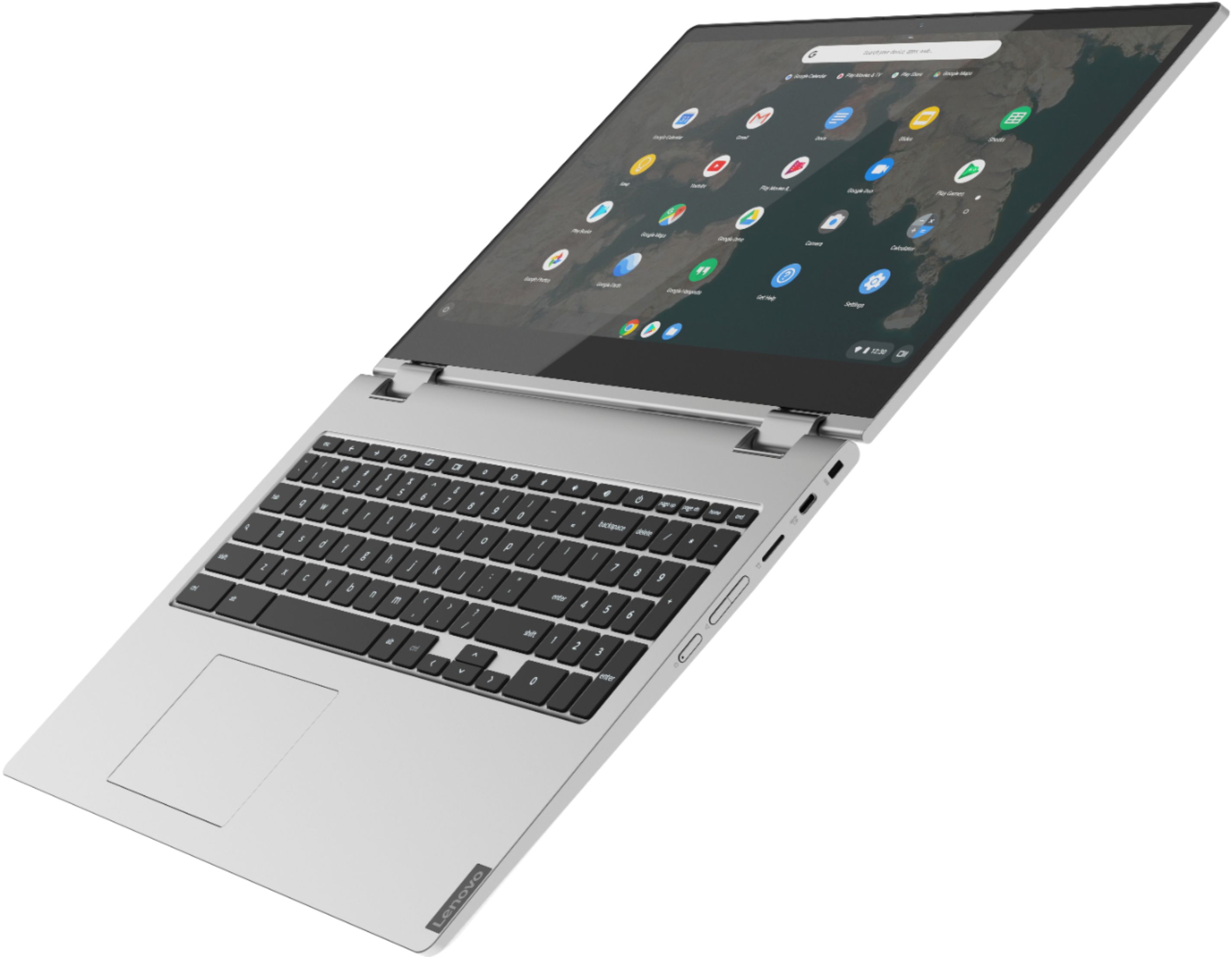

- Model:
- 81T9000VUS
- SKU:
- 6411998
Rating by feature
- Battery Life
Rating 4.5 out of 5 stars
- Speed
Rating 4.5 out of 5 stars
- Display
Rating 4.5 out of 5 stars
Customers are saying
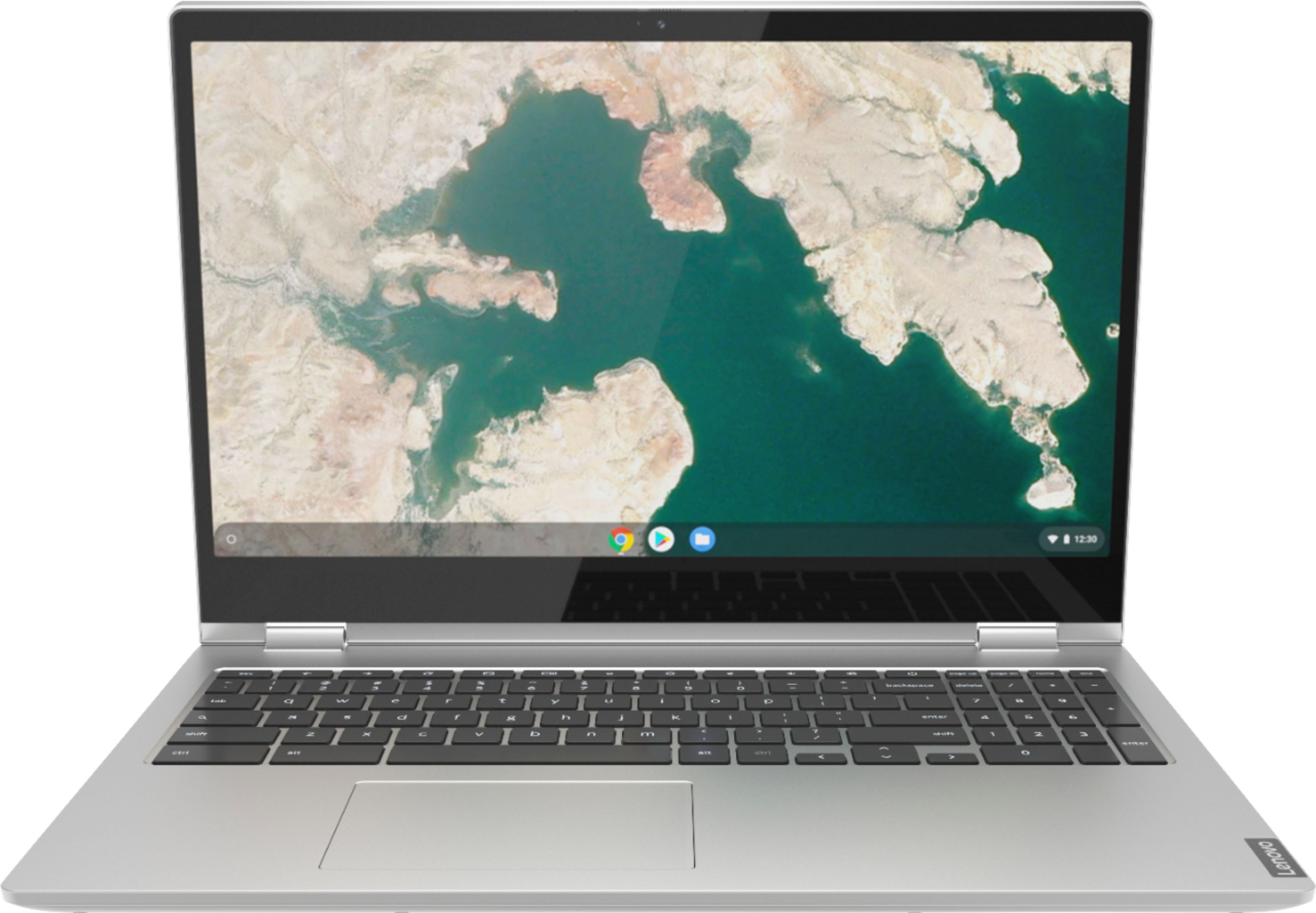
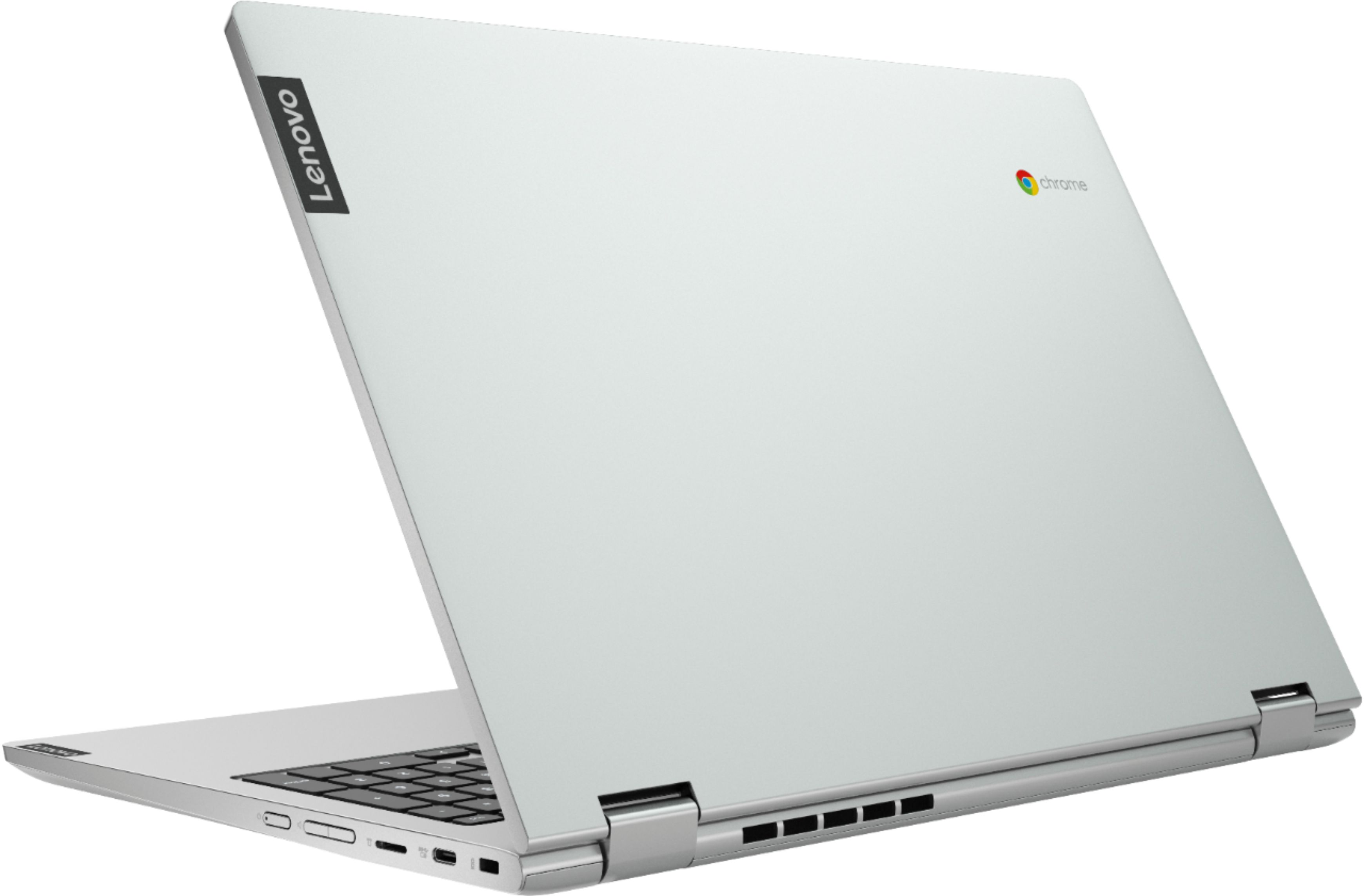
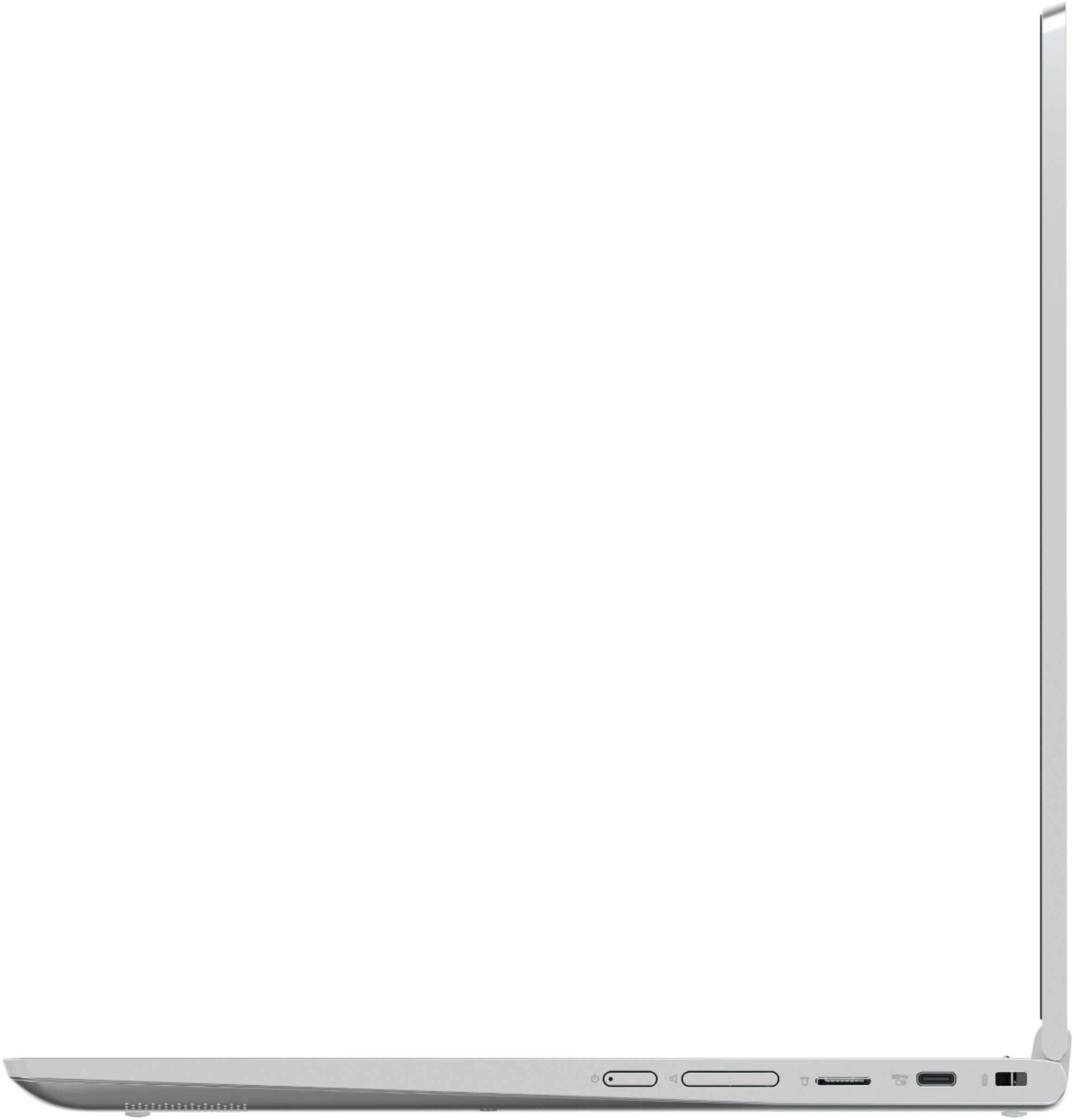
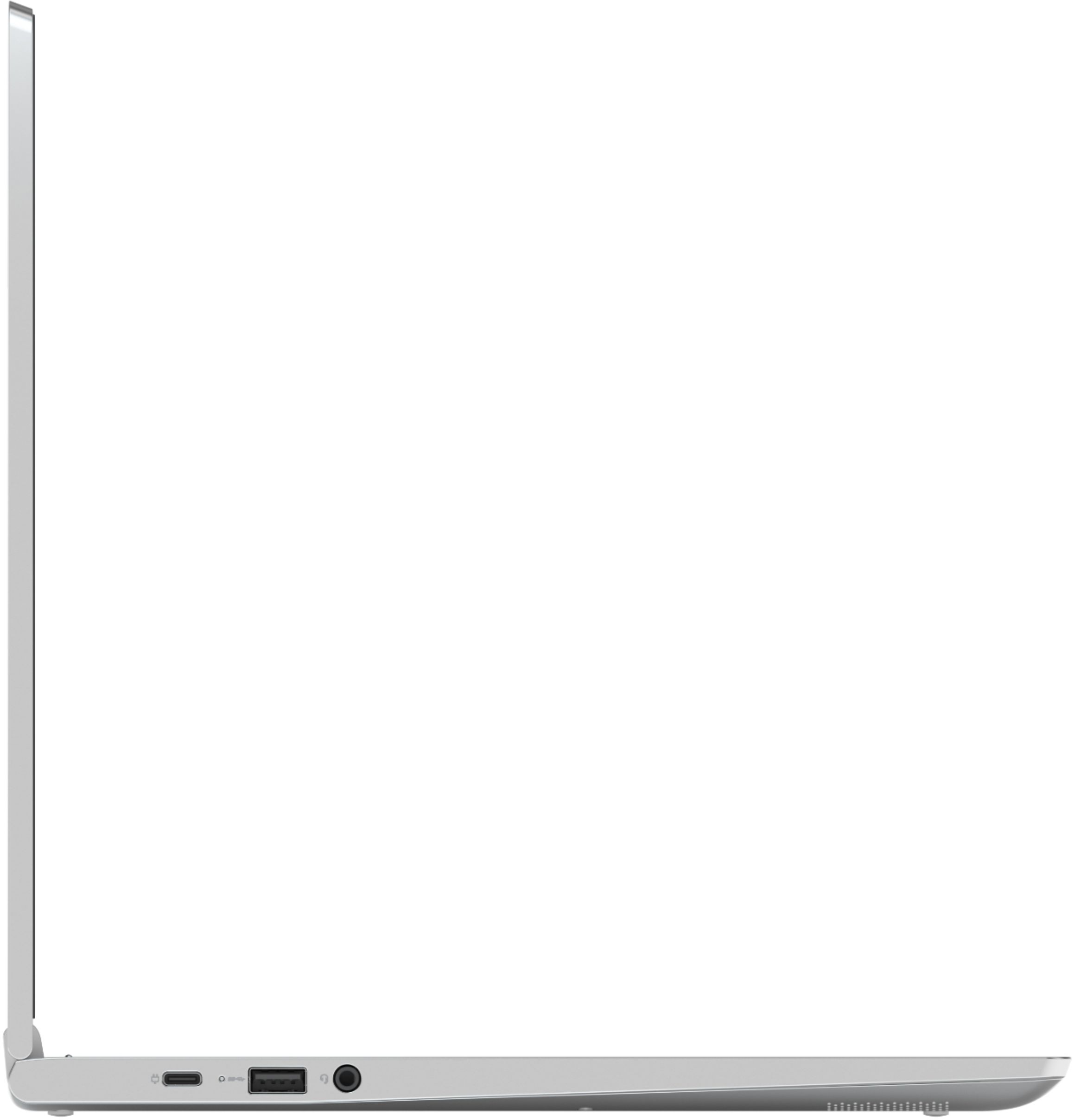
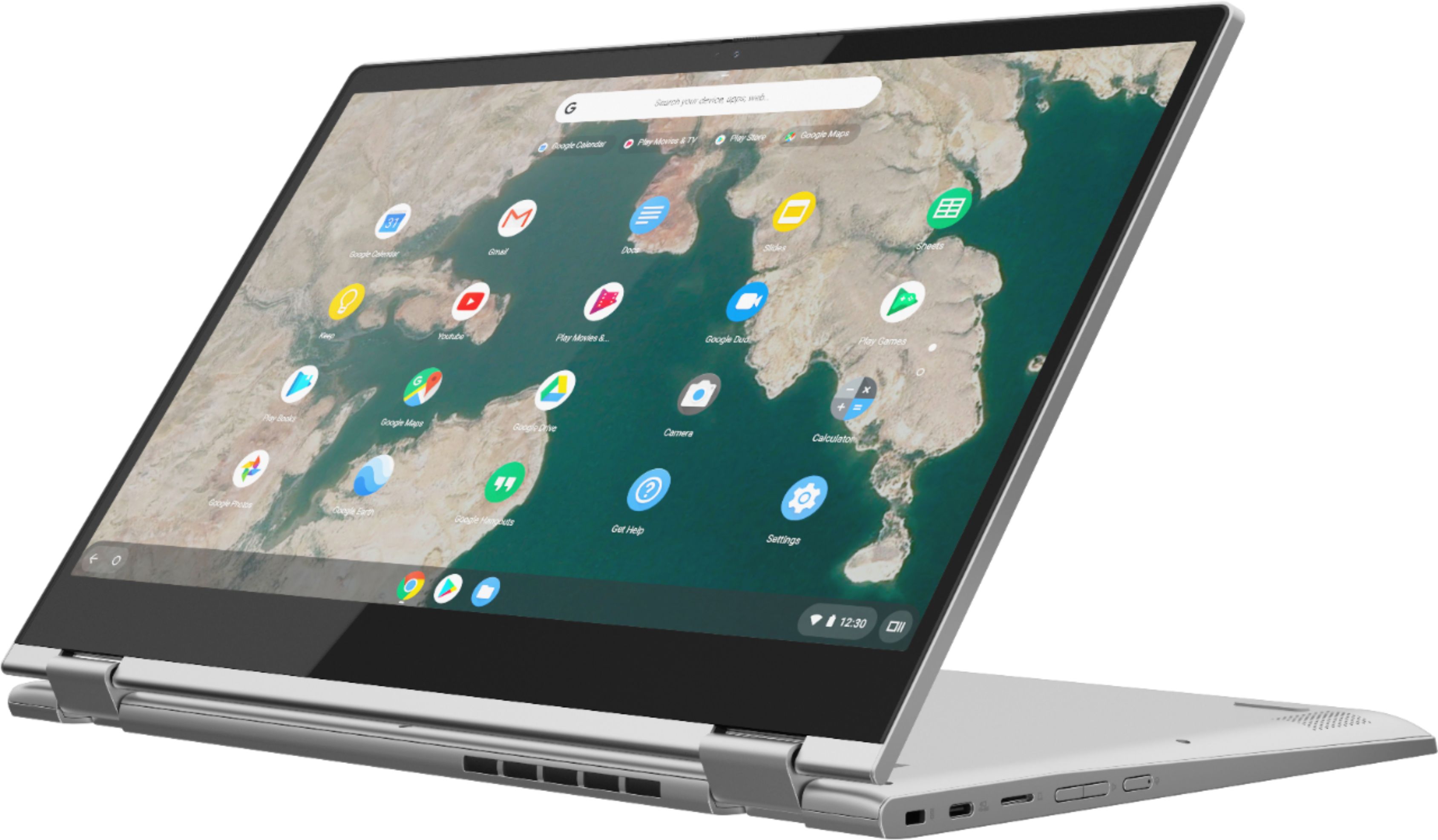
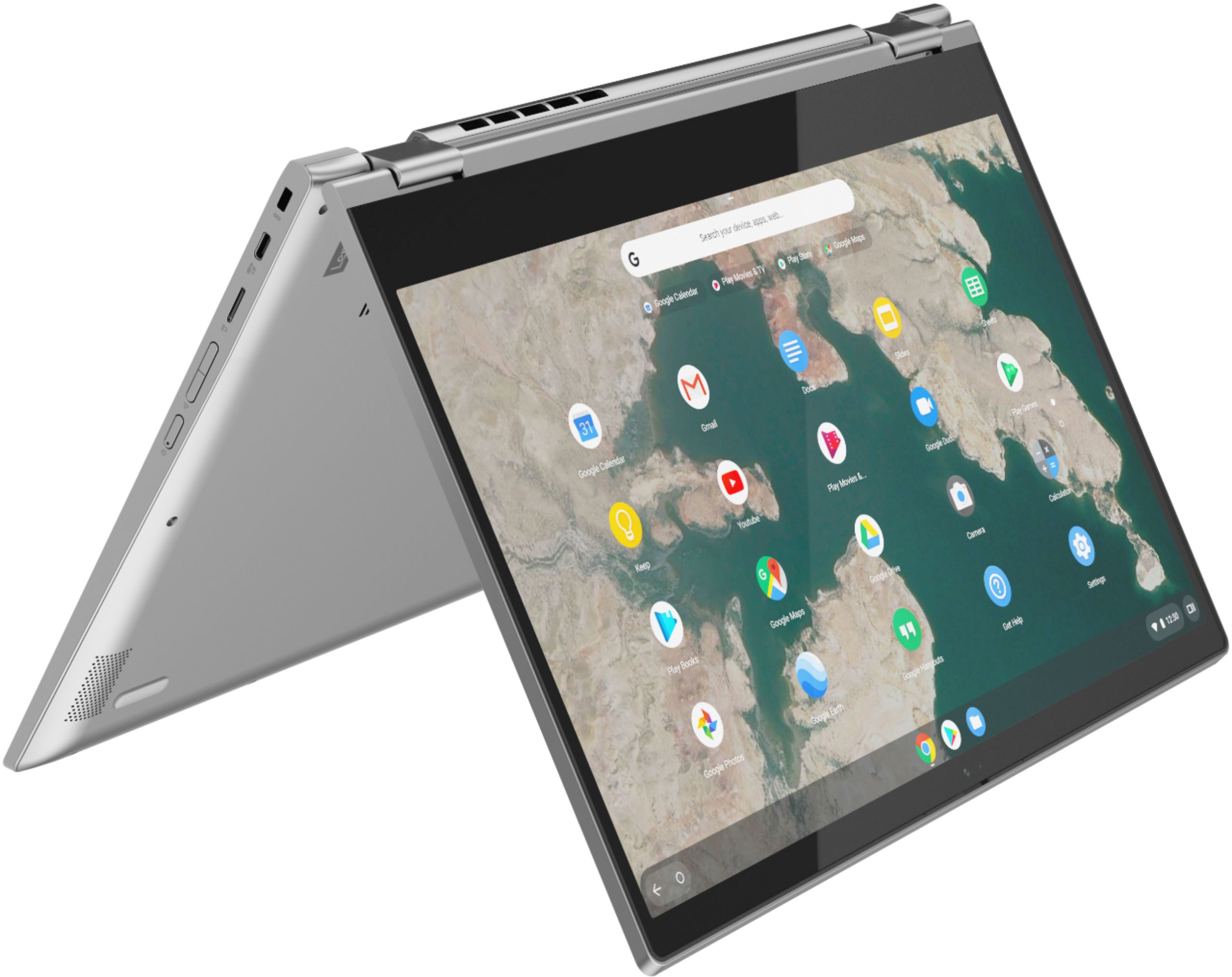
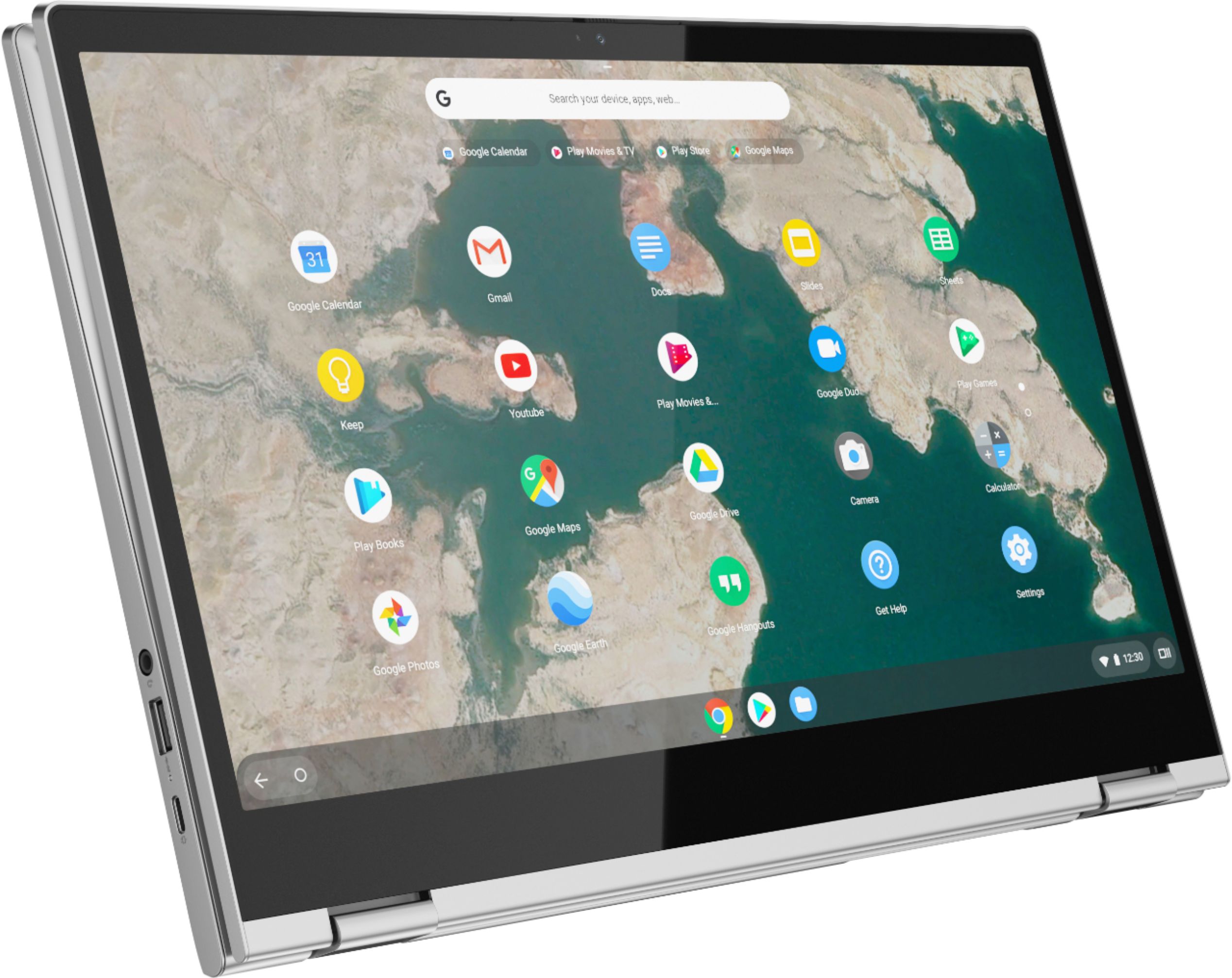
Customers are impressed with the C340-15 Chromebook's large screen size and ease of use. Many also praise its affordability and the convenient touchscreen functionality. While some users experienced compatibility issues with certain printers and found the single USB port limiting, the positive feedback on performance, battery life, and lightweight design outweighs these concerns.
This summary was generated by AI based on customer reviews.
It does everything I need it to!
||Posted . Owned for 1 month when reviewed.This reviewer received promo considerations or sweepstakes entry for writing a review.It does everything I need it to, and so much more!
I would recommend this to a friendBrand response from Lenovo Product Expert
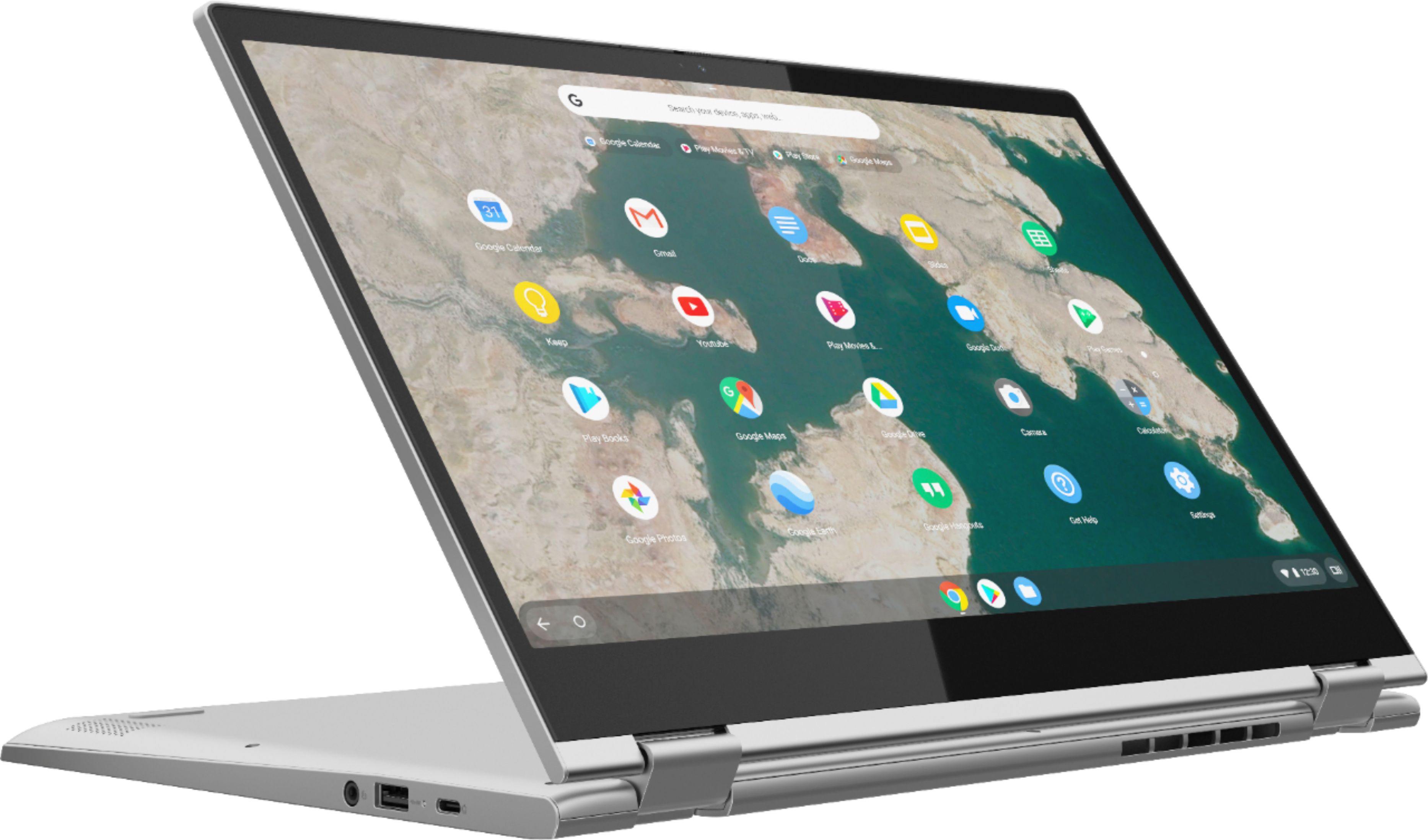
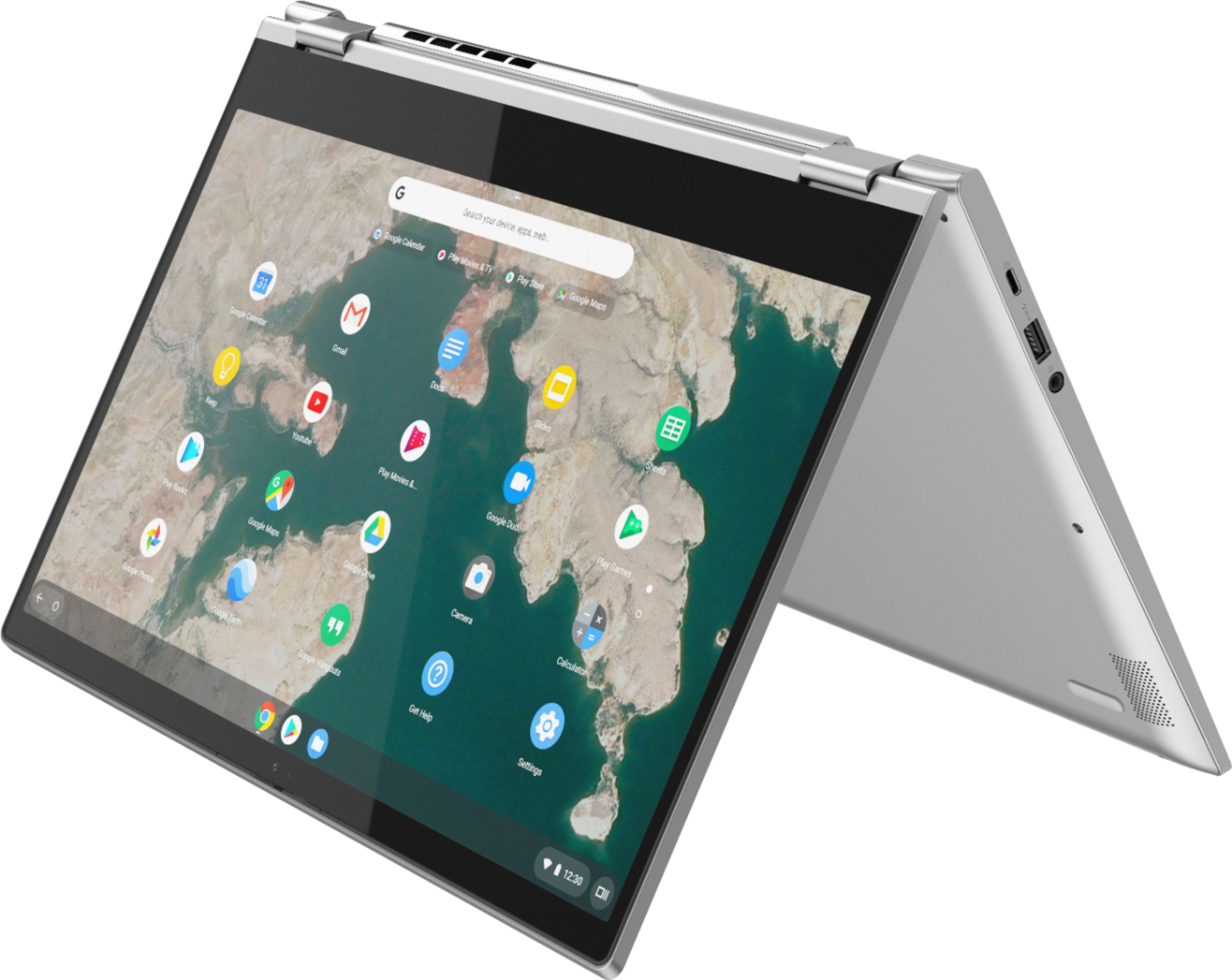
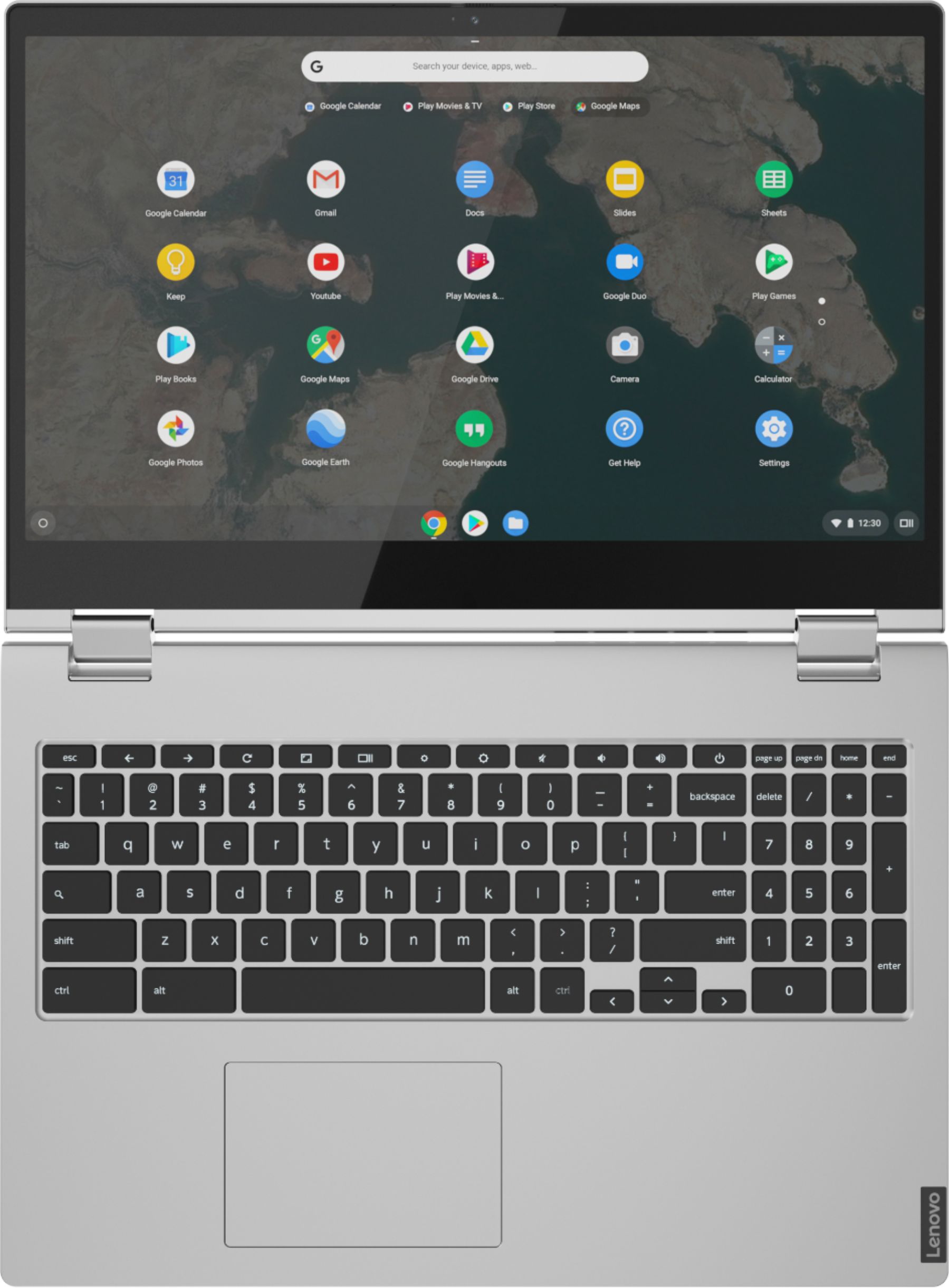
Posted .Thank you for choosing the Lenovo C340-15 Chromebook. We are pleased to hear that the performance of the C340-15 Chromebook meets your computing needs so well. The impressive Chromebook C340-15 boasts an ultraportable 360-degree convertible design, all day battery life and premium Intel processing. Offering laptop power, along with the speedy and easy-to-use Chrome OS, it also has a full keyboard with a numeric pad and spacious trackpad. No setup needed—just log in with your Google account to experience the safe, streamlined Chrome OS. Staying synced with Android phones and tablets is easy and you can log in anywhere. So, your stuff stays with you even when your laptop doesn’t—all while keeping email, maps, docs, and pics safely stored either locally or in the cloud.

Good laptop, but not for school.
||Posted . Owned for 3 weeks when reviewed.This reviewer received promo considerations or sweepstakes entry for writing a review.This computer runs word extremely poor. And even worse, doesn’t work with many softwares required for academic learning. Spend $500 on literally anything that isn’t chrome OS.
No, I would not recommend this to a friendBrand response from Lenovo Product Expert
Posted .The Lenovo C340-15 model number 81T9000VUS, is a Chromebook. It ships with the Chrome Operating System and is compatible with the Google Play Store. Google Play Store is your gateway to productivity and entertainment on the Chromebook C340-15. With millions of apps at your fingertips from the moment you log in, you’ll enjoy a rich library of games, music, movies, TV, books, and more. Whether you’re into photography, picking stocks, or just keeping up with your friends, there’s an app for you.
Laptop
||Posted . Owned for 1 month when reviewed.This reviewer received promo considerations or sweepstakes entry for writing a review.It's ok to buy this laptop if you don't have much to do. Chrome is limited to certain websites, Besides that good laptop
I would recommend this to a friendCracking
||Posted . Owned for 1.5 years when reviewed.This reviewer received promo considerations or sweepstakes entry for writing a review.It start cracking frame from both bottom sides of the screen.
No, I would not recommend this to a friendUnhappy about my repair
||Posted . Owned for 7 months when reviewed.This reviewer received promo considerations or sweepstakes entry for writing a review.Got my labtop April 17th 2021, as of December 2nd 2021 had difficulties connecting it to Wi-Fi . Took it to best buy to get fixed since I had a warranty and they had to ship it to the warehouse to get fixed. Received it 12/10/2021 and it’s still in the same condition. At this point I am upset due to this being my work labtop, and to receive it not fixed after waiting. I am also lost to why it was sent to my house if it wasn’t repaired. Called them and have to wait 2 days to have them look at it once again in the store since that’s my only availability. Then was asked if I want a at home repair because it might be my Wi-Fi when that’s not the case since I have other devices connected and they couldn’t even connect it to the store Wi-Fi. I shouldn’t have to wait to get my labtop fixed if it was sent up to be fixed for a reason only to come back to me in the same condition. I will be going there tomorrow morning hoping to get this resolved.
I would recommend this to a friendShift key stuck
||Posted .This reviewer received promo considerations or sweepstakes entry for writing a review.I only had it for one day and the shift key is stuck but the laptop its-self is good.
I would recommend this to a friendBrand response from Lenovo Product Expert
Posted .We are sorry to hear that you are having issues with the shift key on your Lenovo C340-15 Chromebook. You might try using some canned air to blow out any debris that may be under the shift key causing the problem. If the canned air doesn't fix the issue, we recommend you make an appointment with your local Best Buy Store to have the Geek Squad examine the problem for you.
Do your homework before buying
||Posted . Owned for 1 month when reviewed.This reviewer received promo considerations or sweepstakes entry for writing a review.I should have done my homework is my lament $500 invested; If you use Microsoft software like I do, this is not the laptop for you. Also other software programs I use do not run on this platform. In the meantime, I am still using my old laptop and am about to put this one up for sale.
No, I would not recommend this to a friendBrand response from Lenovo Product Expert
Posted .The Lenovo C340-15 Chromebook ships with the Chrome Operating System and is compatible with Google Play Store APPs. This is a Chromebook. It uses Google Docs for office type programs. Google Docs is completely compatible with Microsoft Office Programs and this is a free service through the Google Server. If you must have the actual Microsoft Office Programs, you can purchase Microsoft Office 365 for this Chromebook at the Google Play Store.
Laptop
||Posted . Owned for 3 weeks when reviewed.This reviewer received promo considerations or sweepstakes entry for writing a review.Didn't know that a chromebook couldn't have windows 10 installed
I would recommend this to a friend- Pros mentioned:Screen size, Touchscreen
Great choice for schoolwork
Posted .This reviewer received promo considerations or sweepstakes entry for writing a review.Great laptop that was a big help during school. I love big laptops and the 2 in 1 on such a big screen made it feel like a giant tablet. Im not into gaming so only used it for assignments.
I would recommend this to a friend - Cons mentioned:Compatibility
Rather use windows
||Posted . Owned for 1 week when reviewed.This reviewer received promo considerations or sweepstakes entry for writing a review.I couldn’t even connect my printer. I got a windows pc and it was cheaper than this one and I can print. Don’t waste your time getting a chromebook. I learned a lesson.
No, I would not recommend this to a friendBrand response from Lenovo Product Expert
Posted .You can easily connect a compatible printer to a Chromebook. Here is a link to instructions for connecting your Chromebook to a printer: https://support.google.com/chromebook/answer/7225252?hl=en
Constantly has to be restarted
||Posted . Owned for 1 month when reviewed.This reviewer received promo considerations or sweepstakes entry for writing a review.I purchased in August and since the first week I have had issues with this Chromebook, The screen goes black for no reason, the settings are impossible to adjust without researching and going through 100 steps, and I am having to restart almost daily because it just stop responding. I thought it was just the need to adjust to a new type of Chromebook, but it seems to be a common issue that is just accepted by users. Beyond frustrating!
No, I would not recommend this to a friendBrand response from Lenovo Product Expert
Posted .Hello, we are sorry to hear you are experiencing this issue with your Lenovo Chromebook C340. Please reach out to our customer support team at 800-426-7378
Chromebook is horrible
||Posted . Owned for 1 month when reviewed.This reviewer received promo considerations or sweepstakes entry for writing a review.Not worth the $400. Can't install Microsoft Office and the keyboard isn't a regular keyboard. Also cpu always drops wifi signal no matter where or what server it is.
No, I would not recommend this to a friendBrand response from Lenovo Product Expert
Posted .The Lenovo C340-15 model number 81T9000VUS, is a Chromebook. It uses Google Docs for office type programs. Google Docs is completely compatible with Microsoft Office Programs and this is a free service through the Google Server. If you must have the actual Microsoft Office Programs, you can purchase Microsoft Office 365 for this Chromebook at the Google Play Store. This C340-15 Chromebook ships with a standard Chromebook QWERTY keyboard with 10-key numeric pad included. This model ships with 5G, 2 x 2 802.11ac frequency WiFi, which is also backward compatible to older, a/b/g/n frequency WiFi. If you are getting less than expected WiFi connectivity, first, try rebooting your router. Then follow these troubleshooting tips if the connectivity issue continues: https://support.google.com/chromebook/answer/6318213?hl=en. We recommend you contact Lenovo Tech Support for Chromebooks if the WiFi connectivity issue continues at: 800-426-7378.
Frustrated
||Posted . Owned for 3 weeks when reviewed.This reviewer received promo considerations or sweepstakes entry for writing a review.I really don’t like this laptop. I didn’t notice that F1-F12 buttons were missing and the cap lock button. In order for me to do my work I really need them buttons.
No, I would not recommend this to a friendBrand response from Lenovo Product Expert
Posted .The Lenovo C340-15 Chromebook ships with the Chrome Operating System and is compatible with Google Play Store APPs. It has a standard Chromebook keyboard with 10-key numeric pad included. Here is a link to a YouTube video demonstrating the functions and features of a Chromebook: https://www.youtube.com/watch?v=D75XhHK4BAc&t=38s
Recurring Captive Portal Issue with Chromebook
||Posted .This reviewer received promo considerations or sweepstakes entry for writing a review.Recurring "Chromebook is connected to Wifi but network not available" error...on my home network; CB next to router. Conducted several troubleshooting remedies as this is a known issue for other CB users (https://support.google.com/chromebook/thread/22864239?hl=en) CB did reconnect after I did a powerwash and turned router off and on, BUT problem persists after I set up everything again. Some sort of "captive portal" issue with this CB as all other 25 devices in my home connect fine. Frustrating.
No, I would not recommend this to a friendBrand response from Lenovo Product Expert
Posted .We are sorry to hear that you are having issues connecting to your home WiFi with your Lenovo C340-15 Chromebook. Check to be sure you have the latest updates on your Chromebook. Here is instructions for doing that: https://support.google.com/chromebook/answer/177889?hl=en. If the issue continues after the update, we recommend you contact Lenovo Tech Support for Chromebooks for additional help at: 800-426-7378.
Failed after 6 months.
||Posted . Owned for 7 months when reviewed.This reviewer received promo considerations or sweepstakes entry for writing a review.Stopped working after 6 months. Sent in for repairs. Picture quality is mediocre and lacks usb ports. Liked fact that it boots up instantly.
No, I would not recommend this to a friendBrand response from Lenovo Product Expert
Posted .We are sorry to hear that you are having issues with your Lenovo C340-15 Chromebook. Here is a link to tips for fixing a Chromebook that will not turn on: https://www.lifewire.com/fix-a-chromebook-that-wont-turn-on-4802489. If the issue continues, we recommend you contact Lenovo Tech Support for Chromebooks at: 800-426-7378.
Order
||Posted . Owned for 3 weeks when reviewed.This reviewer received promo considerations or sweepstakes entry for writing a review.I am completely satisfied with the product but completely dissatisfied with the order process. I was looking for someone to take ownership of the issue not point fingers. I mentioned multiple times that I was setting up a home network and was going to be needing more equipment. I also advised that I have been a best buy customer for atleast 30 yrs. Not once was I asked how best buy can continue being my electronics store of choice.
No, I would not recommend this to a friendDon't Waste Your Money
||Posted . Owned for 3 months when reviewed.This reviewer received promo considerations or sweepstakes entry for writing a review.Don't waste your money on this piece of junk. Lenovo put out a firmware update that bricked the computer. After spending hours online with their tech support, there was no fix. Chrome OS is not their main seller so they don't really care much if you have an issue. Purchase something else.
No, I would not recommend this to a friendBrand response from Lenovo Product Expert
Posted .We are sorry to hear that you are having issues with your Lenovo C340 15 Chromebook. If, try resetting the Chromebook hardware: https://support.google.com/chromebook/answer/3227606?hl=en. If this does not fix the problem, now reset the Chromebook back to original factory settings: https://support.google.com/chromebook/answer/183084?hl=en. If the issue still continues, we recommend you contact Lenovo Tech Support for Chromebooks at: 800-426-7378.
I love Lenovo, but not this one unfortunately
||Posted . Owned for 2 weeks when reviewed.This reviewer received promo considerations or sweepstakes entry for writing a review.My family has enjoyed the Lenovo brand for years. This computer was great until the day it just stopped working. Since this was for me. (an adult) I did not buy the extended warranty. BIG MISTAKE. It was unfixable after just 8 months of use. It was laid to rest and I bought another Lenovo Chromebook and the three year warrenty!!
No, I would not recommend this to a friendBrand response from Lenovo Product Expert
Posted .We are sorry to hear that you are having issues with your Lenovo C340 15 Chromebook. Resetting the Chromebook back to original factory settings may correct the issues. Here is a link to instructions for resetting a Chromebook: https://support.google.com/chromebook/answer/183084?hl=en. If the issue continues, we recommend you contact Lenovo Tech Support for Chromebooks at: 800-426-7378.
Returned
||Posted .This reviewer received promo considerations or sweepstakes entry for writing a review.Returned. Hard to open when trying to use it. Not sure about its functionality.
No, I would not recommend this to a friendWireless is Terrible and Screen is Not Sturdy
||Posted . Owned for 2 months when reviewed.This reviewer received promo considerations or sweepstakes entry for writing a review.I wouldn't recommend this to anyone. When flipped open and you tap the screen, it jiggles slightly - SO annoying. Most annoying is that we have AT&T Fiber 1000 with good connection speeds and the computer won't stay connected to the internet - constantly reconnecting. Terrible.
No, I would not recommend this to a friendBrand response from Lenovo Product Expert
Posted .We are sorry to hear that you are having issues with the WiFi connectivity of your Lenovo C340-15 Chromebook, model number 81T9000VUS. This model ships with 5G, Wide-Range/High-Speed 2x2 802.11AC WiFi. Here is a link to some troubleshooting tips for fixing connectivity issues with a chromebook: https://support.google.com/chromebook/answer/6318213?hl=en. If the issue continues, we recommend you call Lenovo Tech Support for Chromebooks at: 800-426-7378.