Customer Ratings & Reviews


- Model:
- 81T9000VUS
- SKU:
- 6411998
Rating by feature
- Battery Life
Rating 4.5 out of 5 stars
- Speed
Rating 4.5 out of 5 stars
- Display
Rating 4.5 out of 5 stars
Customers are saying
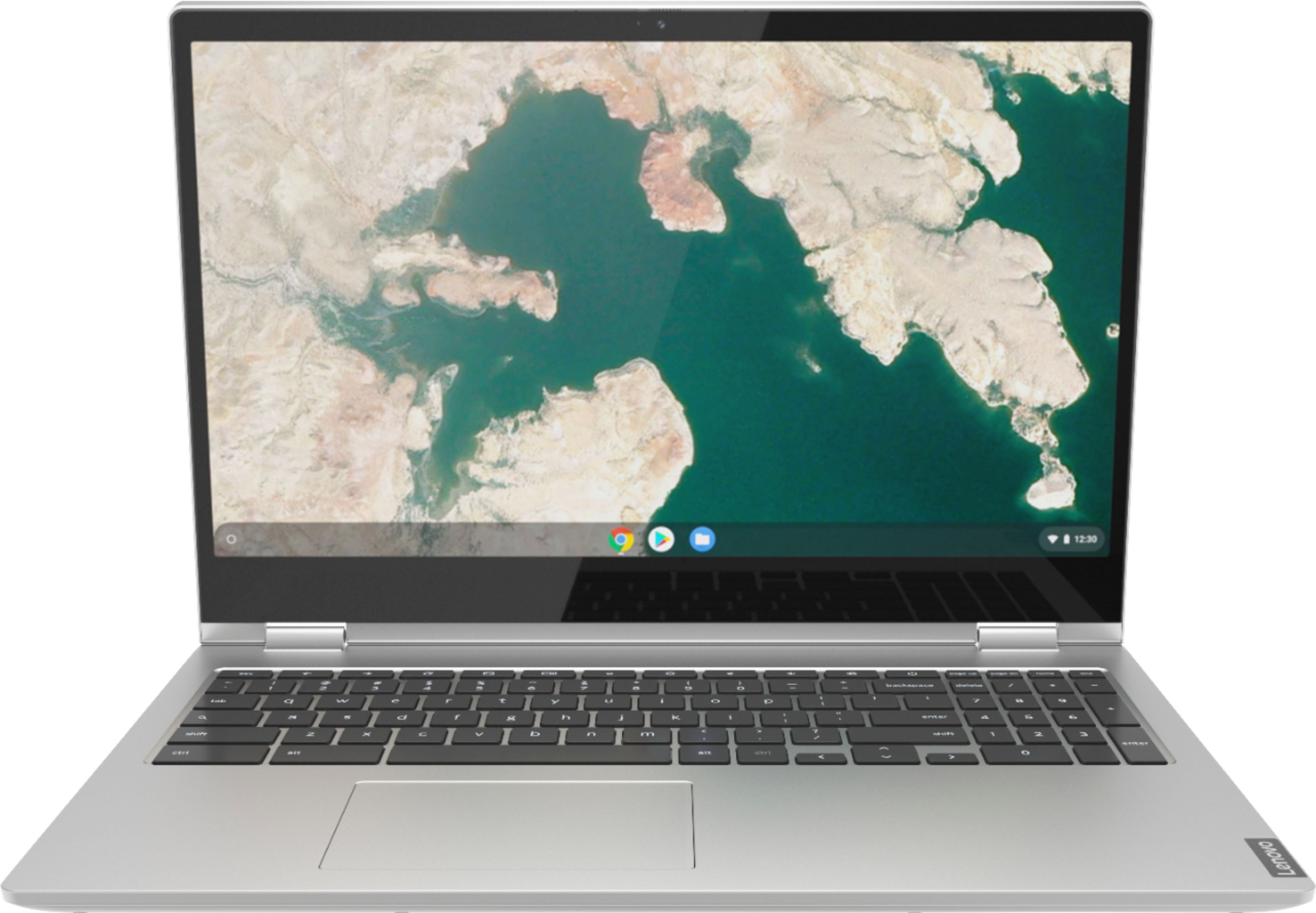
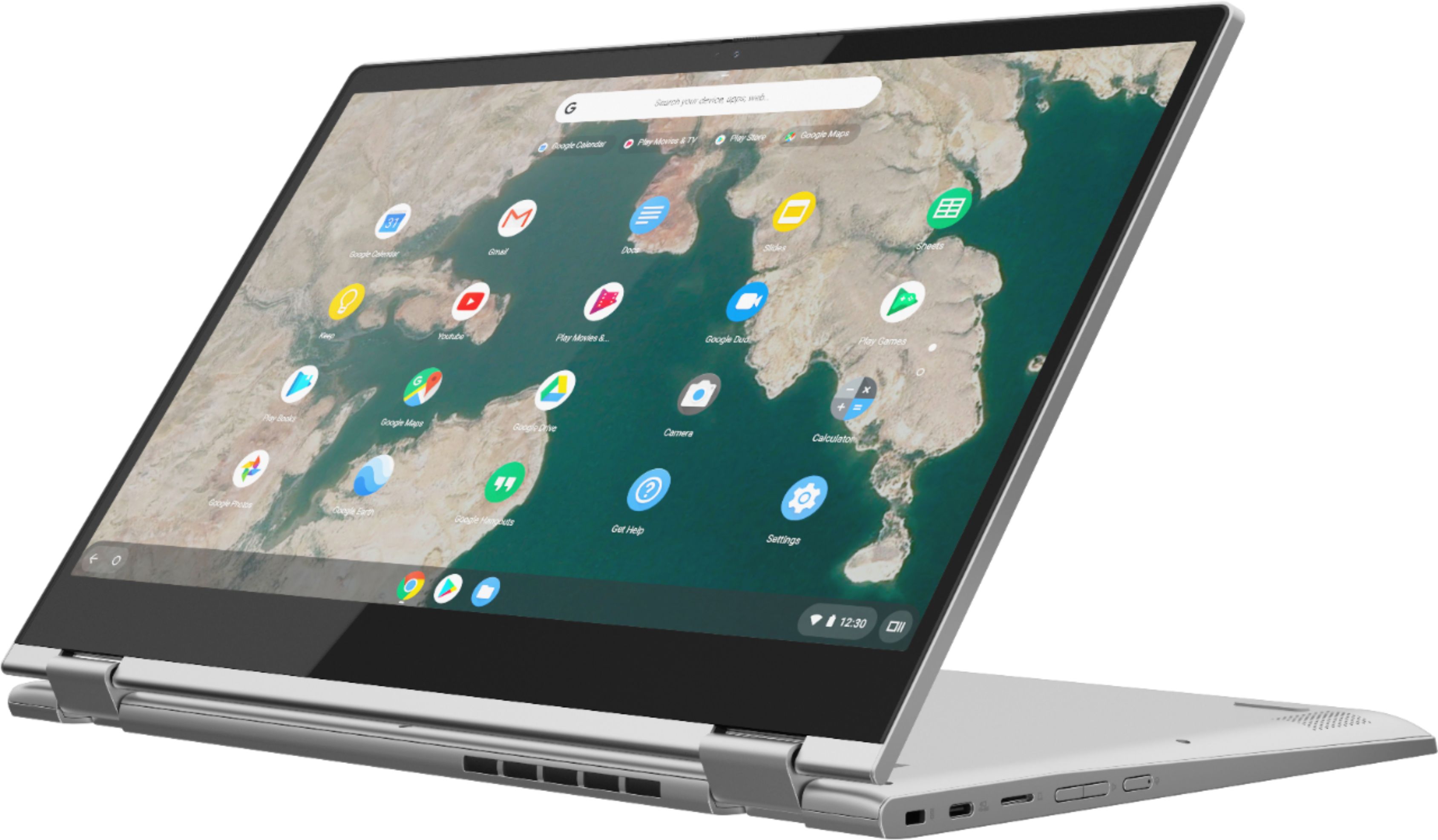
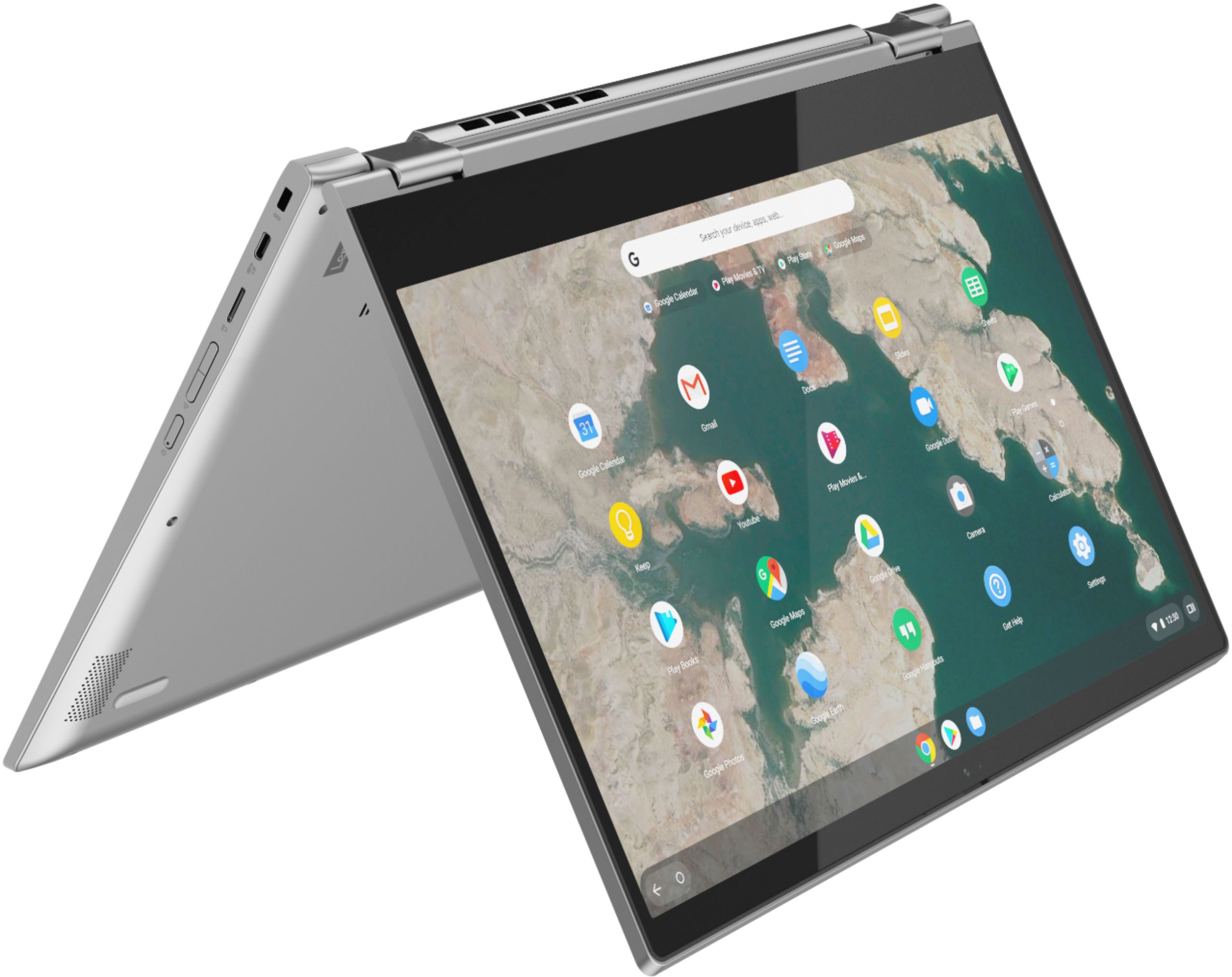
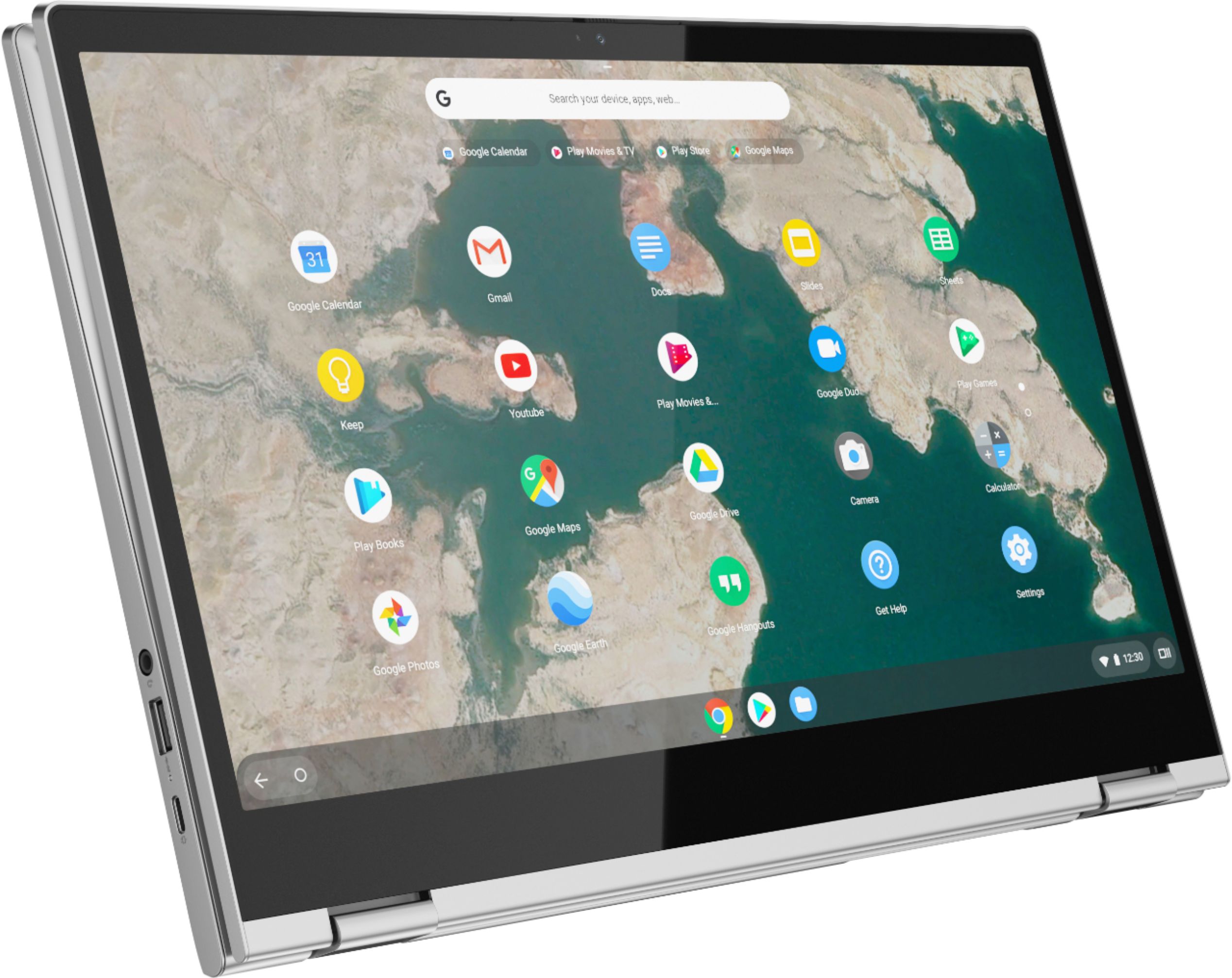
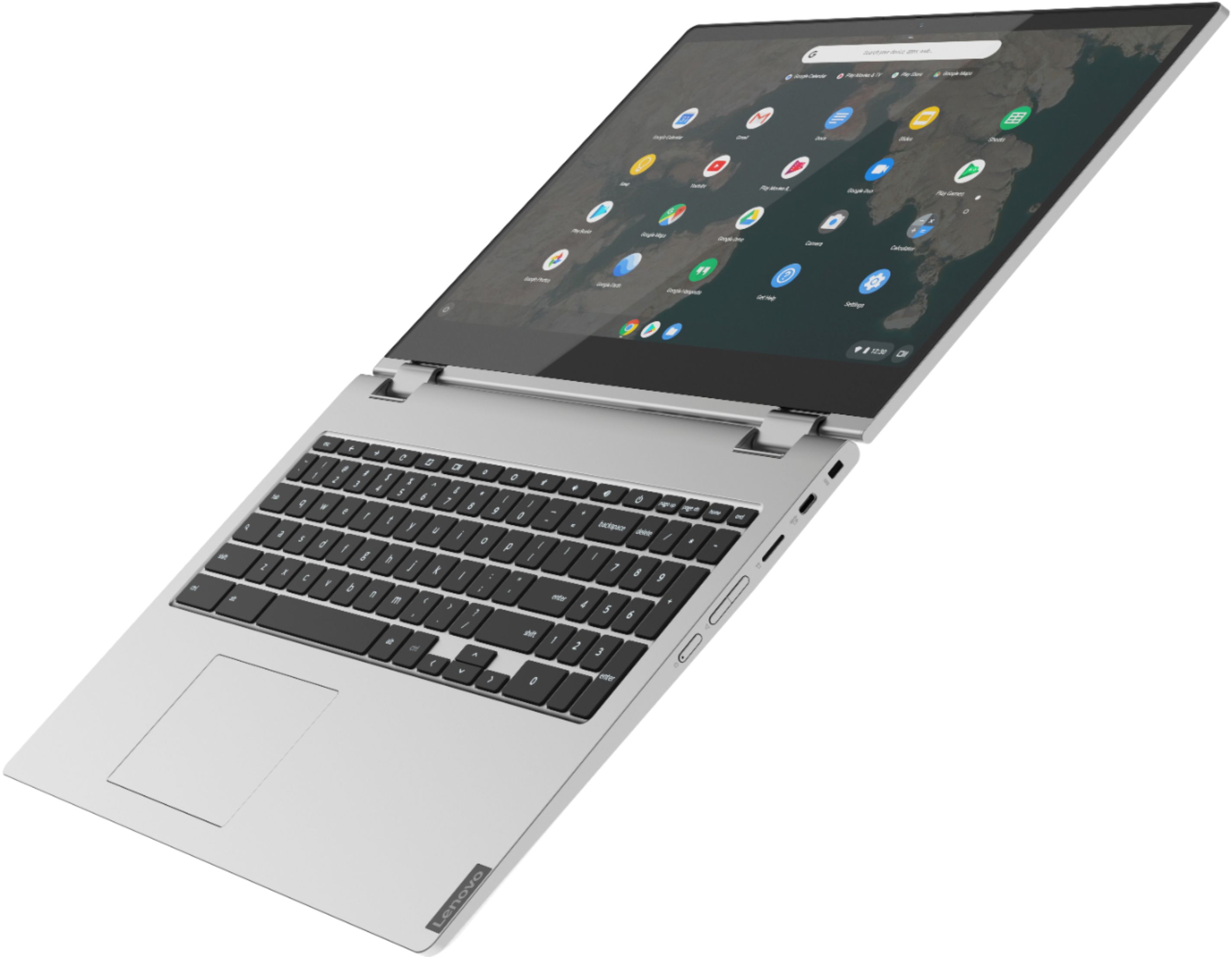
Customers are impressed with the C340-15 Chromebook's large screen size and ease of use. Many also praise its affordability and the convenient touchscreen functionality. While some users experienced compatibility issues with certain printers and found the single USB port limiting, the positive feedback on performance, battery life, and lightweight design outweighs these concerns.
This summary was generated by AI based on customer reviews.
Digital Pens not compatible
||Posted . Owned for 5 months when reviewed.This reviewer received promo considerations or sweepstakes entry for writing a review.I purchased this laptop to sketch drawings. My BestBuy sales assistant advised it best to buy a digital pen direct from Lenovo. Lenovo advertises a compatible pen only to find it does not work with the Chrome OS. They do not havevany digital pen that is compatible with this laptop.
No, I would not recommend this to a friendBrand response from Lenovo Product Expert
Posted .The Lenovo C340 15 Laptop, model number 81T9000VUS is not compatible with any Active/Digital pen.

Track pad decective; returned
||Posted . Owned for 3 weeks when reviewed.This reviewer received promo considerations or sweepstakes entry for writing a review.The Lenovo I am told is a great product. This is self evident as they fly with wings off the shelves of BestBuy. I have tried two or three other product's and returned all. To their credit the store at Janesville, Wi. took the time to review specs of a Lenovo c640 15.6 sold by Amazon, just to help me get the right choice. Waiting for shipment.
I would recommend this to a friendFire tv
||Posted . Owned for 1 month when reviewed.This reviewer received promo considerations or sweepstakes entry for writing a review.Tv keeps shutting off in the middle of a program, not easy to navigate
No, I would not recommend this to a friendJaya
||Posted . Owned for 2 months when reviewed.This reviewer received promo considerations or sweepstakes entry for writing a review.The screen digitizer is slightly cracked in 45 days as there was no physical damage to screen. It was used very less. This is the worst product that i bought. I spoke with shop members on the same, resulted very worst experience. I wouldnt reccommend this product and dont recommend best buy shop
No, I would not recommend this to a friendBrand response from Lenovo Product Expert
Posted .We are sorry to hear that you are having issues with your Lenovo C340-15 Chromebook. We recommend you contact Lenovo Tech Support for Chromebooks at: 800-426-7378.
Lenovo Chromebook
||Posted . Owned for 1 month when reviewed.This reviewer received promo considerations or sweepstakes entry for writing a review.I can't connect to my wireless router. I keep getting "captive portal suspected". I have found out that this is common with Chromebooks and Google has not yet provided a fix for the bug. Don't buy a Chromebook. They suck!
No, I would not recommend this to a friendBrand response from Lenovo Product Expert
Posted .We are sorry to hear that you are having issues with your Lenovo C340 15 Chromebook. Here is a link to instructions for fixing a Captive Portal issue with a Chromebook: https://support.google.com/chrome/a/answer/7623757?hl=en. If the issue continues, we recommend you contact Lenovo Tech Support for Chromebooks at: 800-426-7378.
Work
||Posted .This reviewer received promo considerations or sweepstakes entry for writing a review.Don't work the the internet don't work the same log out
No, I would not recommend this to a friendBrand response from Lenovo Product Expert
Posted .We are sorry to hear that you are having issues with your Lenovo C340 15 Chromebook. Here is a link to tips for getting started with your new Chromebook: https://www.google.com/intl/en_us/chromebook/howto/get-started/. If you continue to have issues, we recommend you contact Lenovo Tech Support for Chromebooks at: 800-426-7378.
Not good laptops
||Posted . Owned for 1 year when reviewed.This reviewer received promo considerations or sweepstakes entry for writing a review.All my computer i buy from best buy it a problem There is a big issue connected to the Internet service and I thought it was the Internet i even increase my internet speed and is the same problem
No, I would not recommend this to a friendNot for me
||Posted . Owned for 1 month when reviewed.This reviewer received promo considerations or sweepstakes entry for writing a review.Not pleased. Keyboard too small. Was returned immediately.
No, I would not recommend this to a friendBrand response from Lenovo Product Expert
Posted .Hello, we are sorry to hear you had this experience with the Lenovo C340 Chromebook. We appreciate your feedback.
Heavy
||Posted . Owned for 1 month when reviewed.This reviewer received promo considerations or sweepstakes entry for writing a review.Didn’t like! Too heavy and to big for my 11 yr old. We purchased it with $$ from trade in and bought it for before school but she wasn’t comfortable with it. I’m not saying it’s a bad machine but not suitable for a younger kid.
No, I would not recommend this to a friendBrand response from Lenovo Product Expert
Posted .We are sorry to hear that the Lenovo C340-15 Chromebook did not meet your child's computing needs. The C340-15 Chromebook weighs 4.37 lbs.
Too fragile
||Posted . Owned for 3 months when reviewed.This reviewer received promo considerations or sweepstakes entry for writing a review.Nice chromebook BUT screen cracked 3 months later. Bestbuy would do nothing. There is no protective cover for it. Screen too fragile. Don't know how cracked in padded backpack. Would cost more to fix screen than new computer. BOUGHT NEW COMPUTER.
No, I would not recommend this to a friendStop working before a year of having it
||Posted . Owned for 10 months when reviewed.This reviewer received promo considerations or sweepstakes entry for writing a review.If I could give a zero I would,it went out before spring semester ended and I tried to go get it fixed and the best they can do is just tell me to buy another.
No, I would not recommend this to a friendunhaappy
||Posted . Owned for 1 month when reviewed.This reviewer received promo considerations or sweepstakes entry for writing a review.your salesperson sold me a chromebook and a HP envy6055e printer the problem is hp envy does not have a driver that supports chrome. I am a unhappy customer. what should i do ?
No, I would not recommend this to a friendBrand response from Lenovo Product Expert
Posted .The HP Envy 6055e printer is listed as being compatible with Chrome Operating System that is installed on the Lenovo C340-15 Chromebook. Here is a link to a YouTube Video demonstrating the set up of a new HP printer to a Chromebook. If the issue continues, we recommend you contact the Printer manufacturer for more help as they indicate this printer is compatible with the Chrome Operating System: https://www.youtube.com/watch?v=EeSZket9qQE
Horrible!!!!
||Posted . Owned for 2 months when reviewed.This reviewer received promo considerations or sweepstakes entry for writing a review.I bought this computer less than 60 days ago for my daughter for college and it is already not working. No help from the store, Geek Squad, or management.
No, I would not recommend this to a friendBrand response from Lenovo Product Expert
Posted .We are sorry to hear that you are having issues with your daughter's C340-15 Chromebook. Resetting the Chromebook Back to original factory setting may correct the issue you are having. Here is a link to instructions for resetting a Chromebook: https://support.google.com/chromebook/answer/183084?hl=en&ref_topic=3417251. If the issue continues, we recommend you contact Lenovo Tech Support for Chromebooks at: 800-426-7378.
Not satisfied
||Posted . Owned for 3 weeks when reviewed.This reviewer received promo considerations or sweepstakes entry for writing a review.I'm sure the chrome book is great. Ok just don't like it. I would love to bring it back and get a laptop
No, I would not recommend this to a friendUnworthy Garbage
||Posted . Owned for 3 weeks when reviewed.This reviewer received promo considerations or sweepstakes entry for writing a review.This device presented some serious difficulties detecting and working with my WiFi signal. Overall, it seemed to be of very low quality
No, I would not recommend this to a friendBrand response from Lenovo Product Expert
Posted .The Lenovo C340-15 Chromebook model number 81T9000VUS, ships with 5G, 2 x 2 802.11ac frequency WiFi, which is also backward compatible with older a/b/g/n frequency WiFi. If you are having WiFi connectivity issues, first try restarting your WiFi router. If the issue continues, follow these WiFi connectivity troubleshooting tips for Chromebooks: https://support.google.com/chromebook/answer/6318213?hl=en. If the issue still continues, we recommend you contact Lenovo Tech Support for Chromebooks at: 800-426-7378.
Broken
||Posted .This reviewer received promo considerations or sweepstakes entry for writing a review.I’ve had this a little over a year, and when I flipped my laptop, the screen unconnected and broke!
No, I would not recommend this to a frienddissatisfied
||Posted . Owned for 3 weeks when reviewed.This reviewer received promo considerations or sweepstakes entry for writing a review.i am totatally upset . laptop was struck after 5 days and it caused lot of problem i will never buy a outlet product.
No, I would not recommend this to a friendBrand response from Lenovo Product Expert
Posted .We are sorry to hear that you are having issues with your Lenovo C340-15 Chromebook. Try resetting your Chromebook back to original factory settings. Here is a link to instructions for doing this: https://support.google.com/chromebook/answer/183084?hl=en. If you continue to have issues, we recommend you contact Lenovo Tech Support for Chromebooks at: 800-426-7378.
Disappointed
||Posted . Owned for 1 month when reviewed.This reviewer received promo considerations or sweepstakes entry for writing a review.Too complicated to use, and the mic wasn't working properly. Would not recommend
No, I would not recommend this to a friendBrand response from Lenovo Product Expert
Posted .We are sorry to hear that you are having issues with the built in microphone within your Lenovo C340-15 Chromebook. It is possible that resetting your chromebook back to original factory settings will correct the issue you are having with the microphone, but before you reset your chromebook, try using the microphone in a different APP, see if the issue only occurs in one specific APP, check your audio settings within the specific APP first. Here is a link to instructions for resetting your chromebook: https://support.google.com/chromebook/answer/183084?hl=en. Also here is a link to tips for getting started with a new chromebook: https://www.google.com/intl/en_us/chromebook/howto/get-started/. If the issue with your microphone continues, we recommend you contact Lenovo Tech Support for Chromebooks at: 800-426-7378.
Don’t waste your money
||Posted . Owned for 1 month when reviewed.This reviewer received promo considerations or sweepstakes entry for writing a review.This computer died within one week. It is super heavy and I had to return it because nothing I did would get it to turn back on.
No, I would not recommend this to a friendBrand response from Lenovo Product Expert
Posted .The Lenovo C340-15 Chromebook provides a full size, 15.6-inch screen (screen size measured diagonally) but only measures a total of 14.23 x 9.80 x 0.75 inches and weighs just 4.40 lbs. Regarding fixing the issue of the Chromebook not turning on, here is a link to some troubleshooting tips for Chromebooks, including one that will not turn on: https://support.google.com/chromebook/answer/6309225?hl=en#:~:text=Make%20sure%20that%20the%20power,for%20at%20least%2030%20minutes.
- Pros mentioned:Screen size, Touchscreen
Big 1080 surfer and tv box
Posted .This reviewer received promo considerations or sweepstakes entry for writing a review.The screen is big and clear, though colors are slightly muted. Responsiveness is consistently good, on par with an i5 laptop running Windows. But because it's a chromebook the settings and software are limited. it runs the game Asphalt 8 smoothly, though gaming takes battery down from 8+ hours to 2-ish. Keyboard has a good feel, but tight spacing. Touchpad is OK, touchscreen is accurate - though a little sticky on the fingers so sliding is not smooth as glass. It's cumbersome and heavy, but well designed and well built. Would give it 5 stars except speakers are weak and Chrome OS isn't that great
I would recommend this to a friendBrand response from Lenovo Product Expert
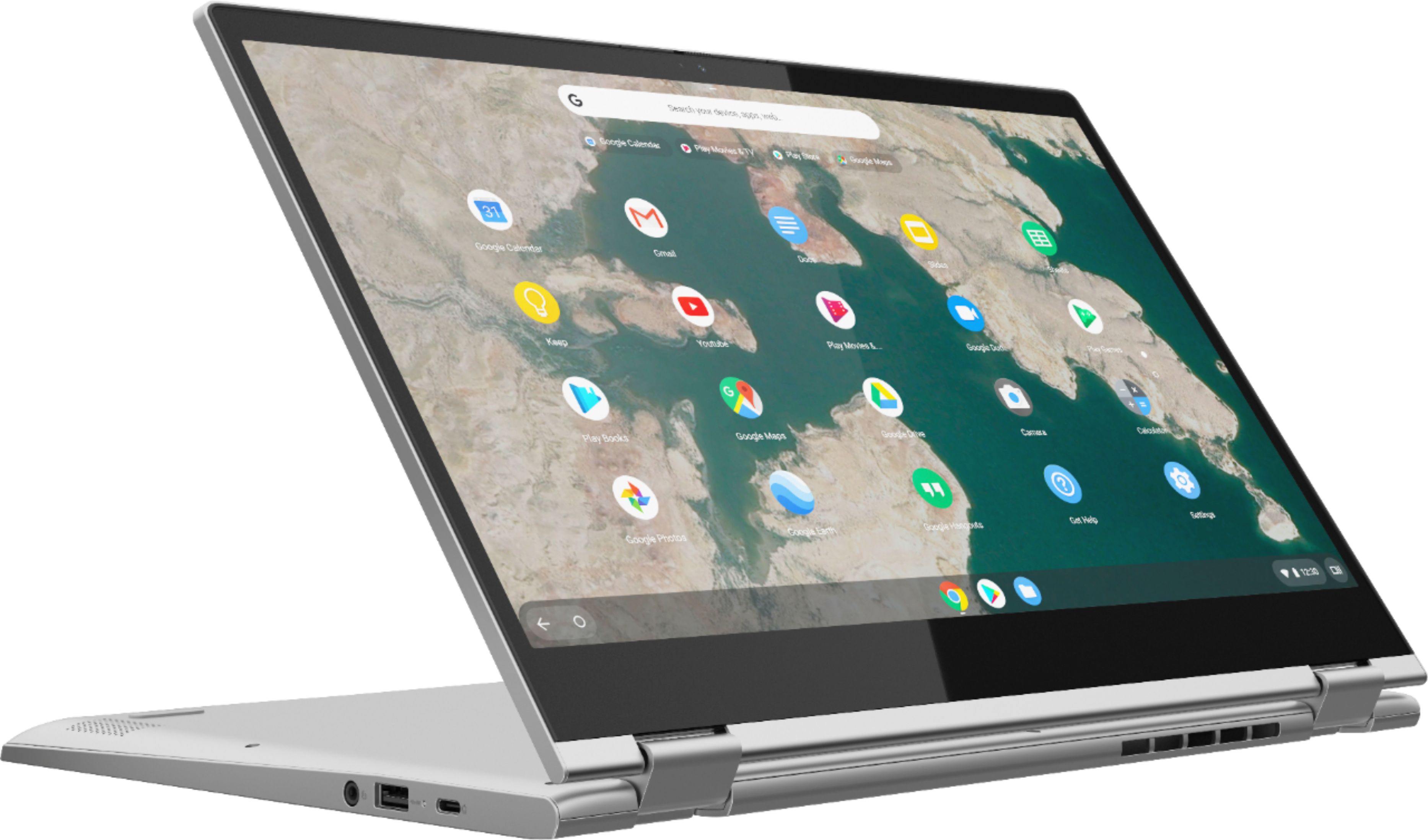
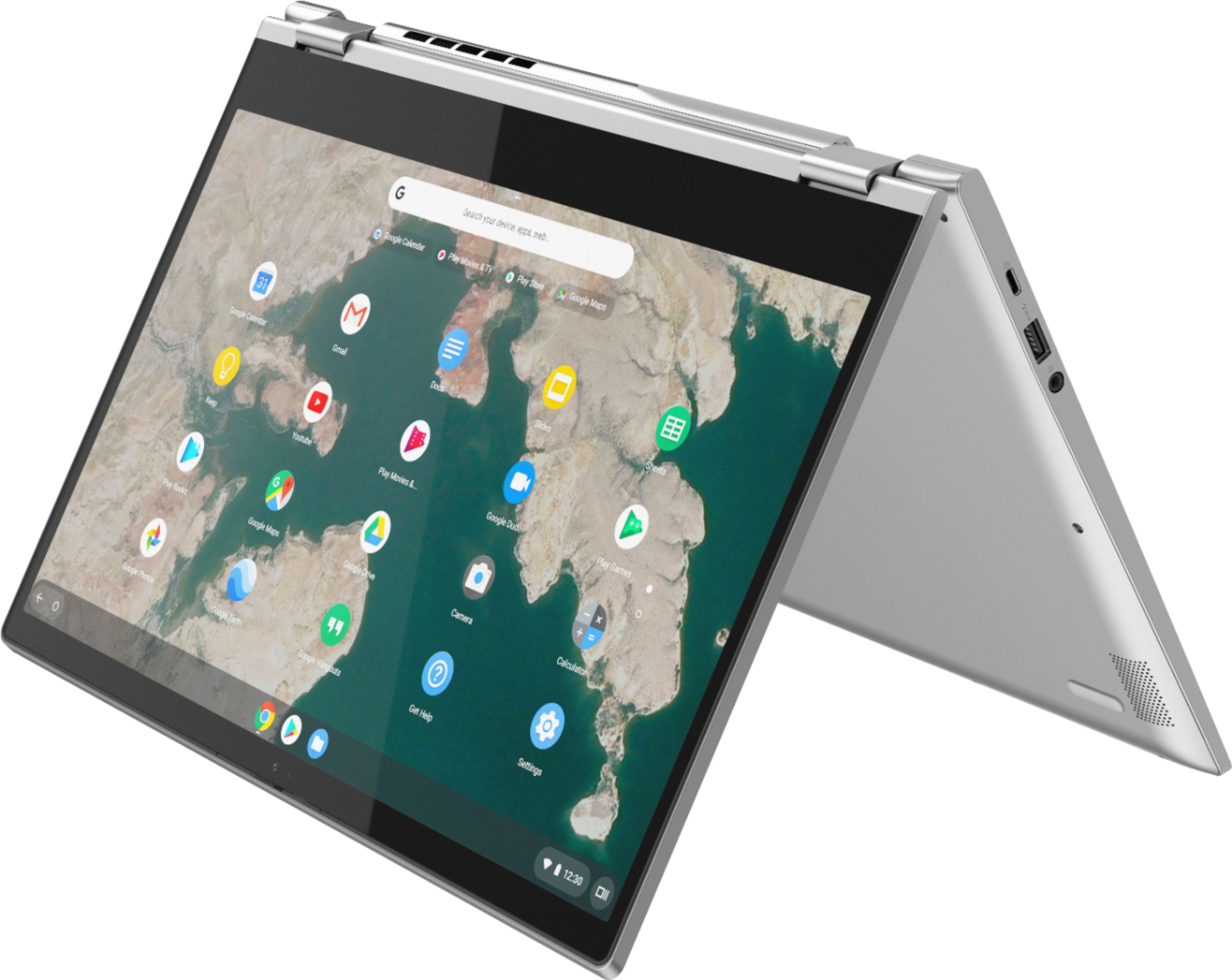
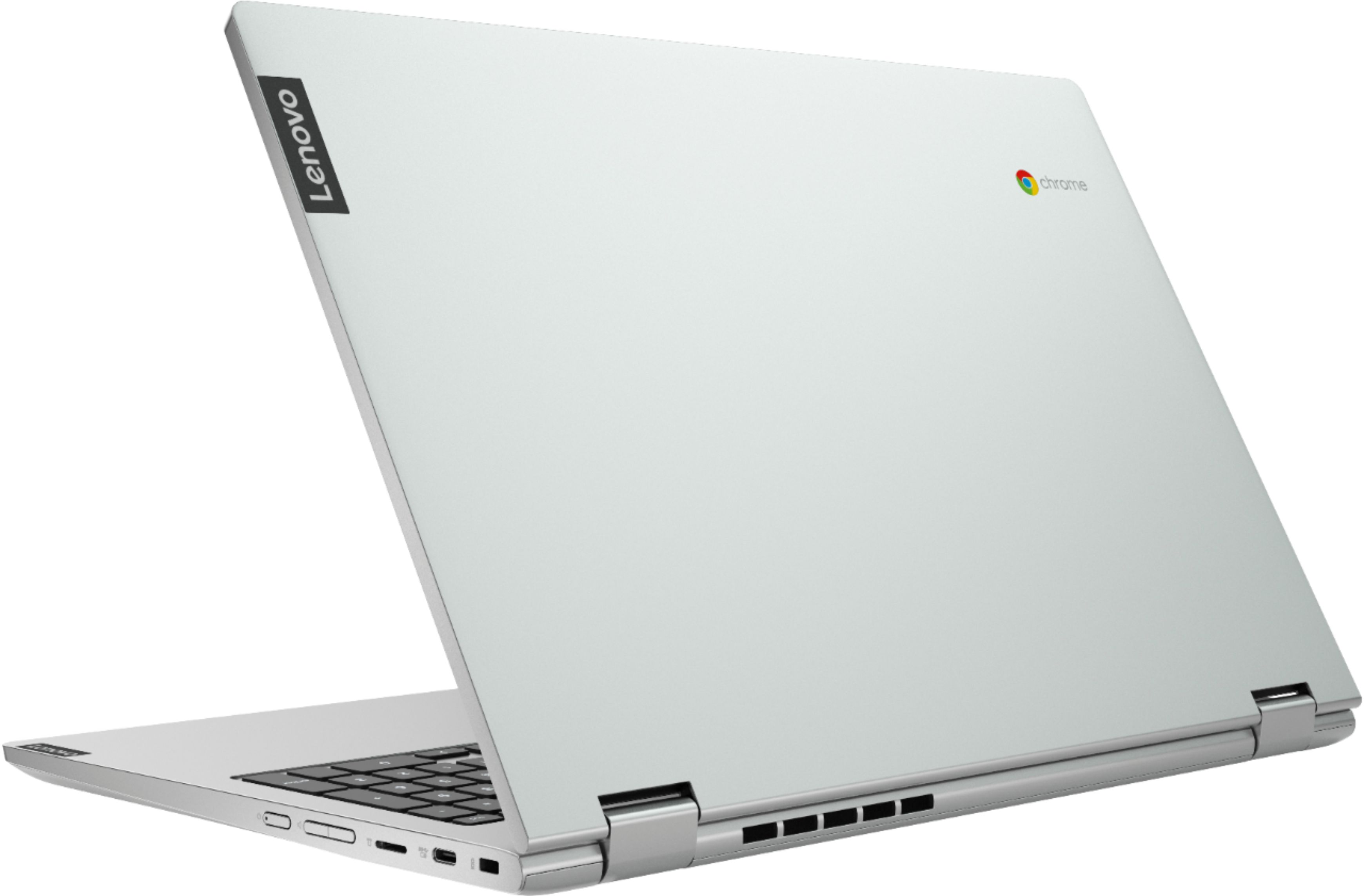
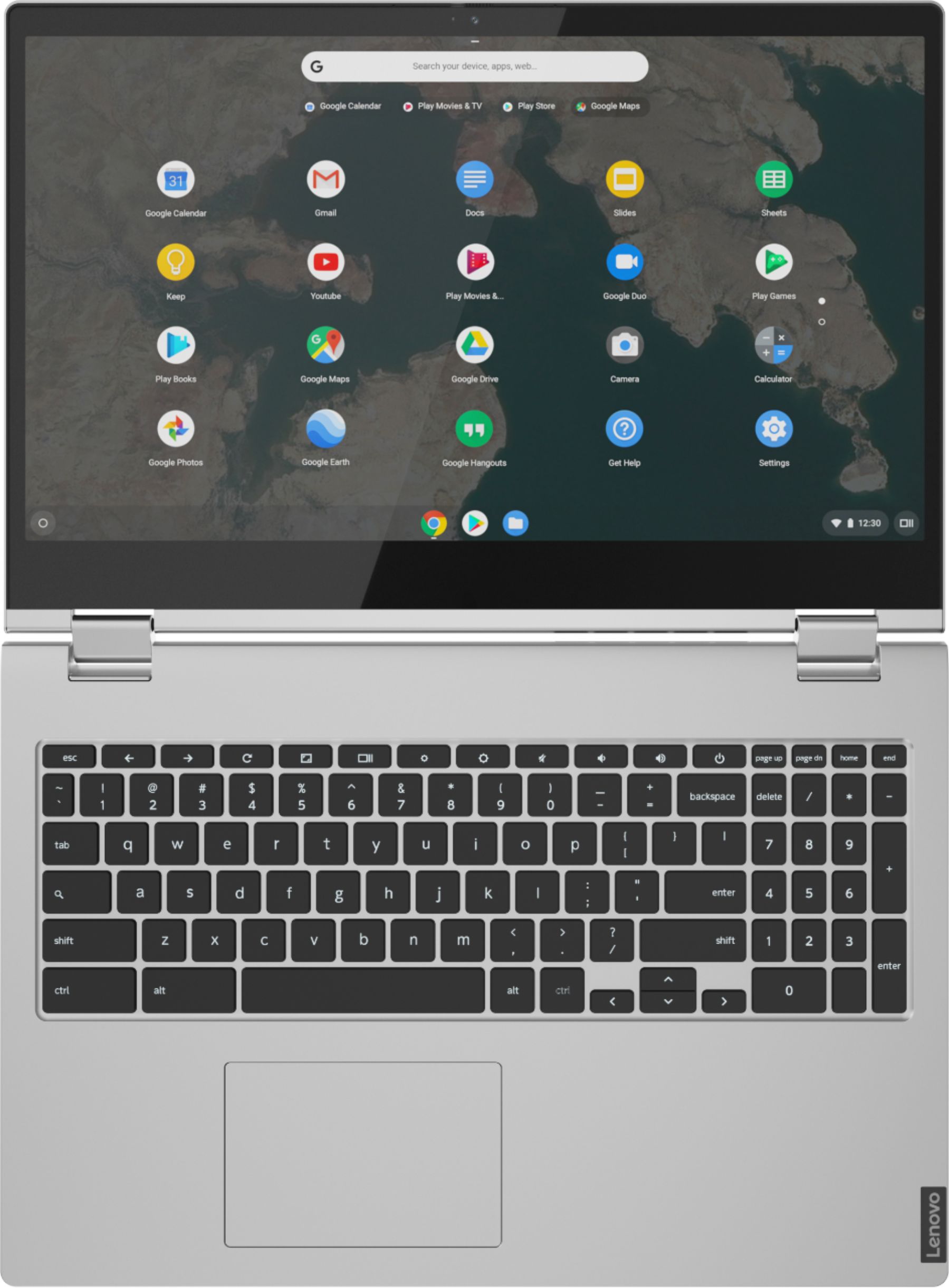
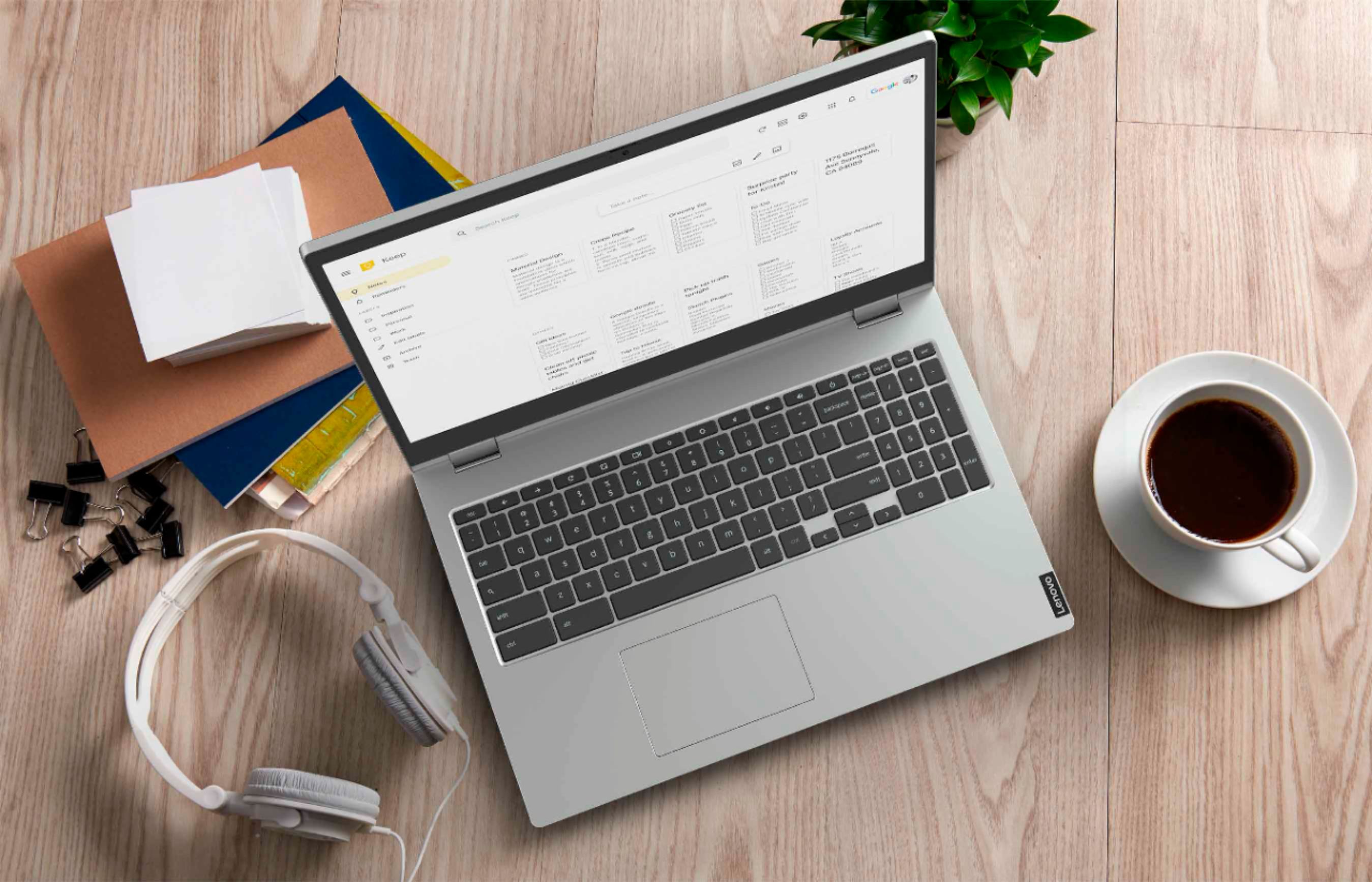
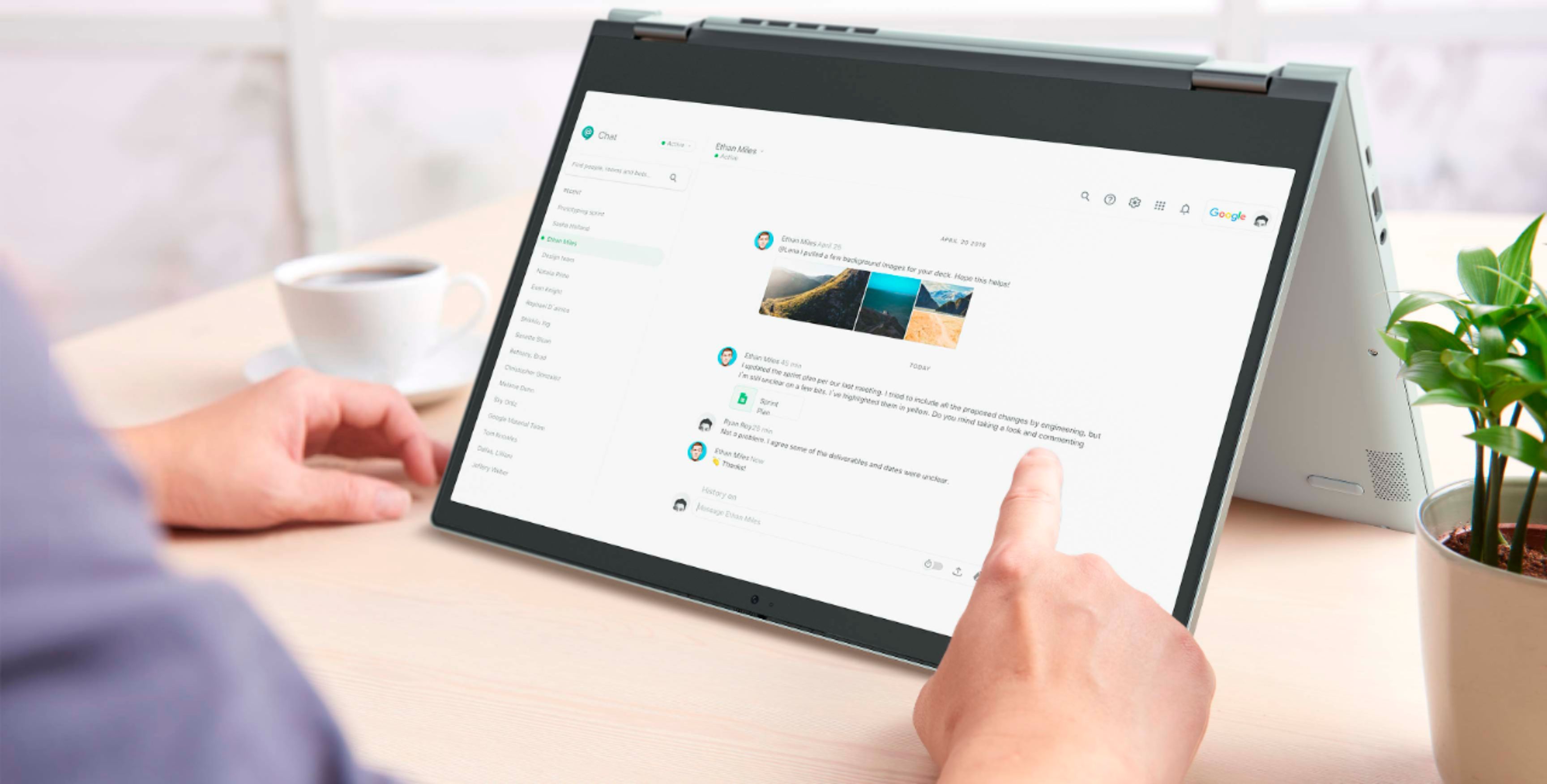
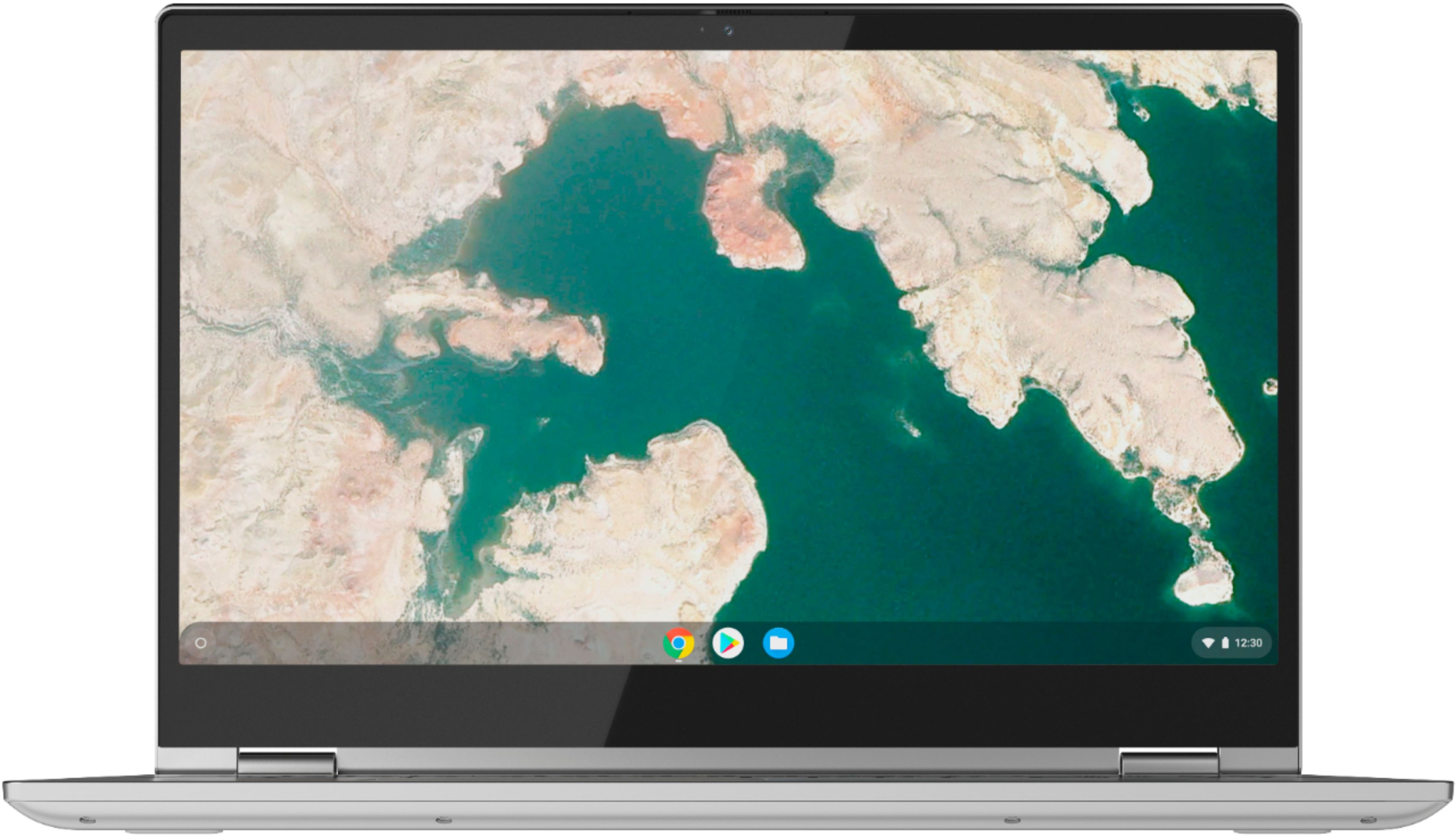
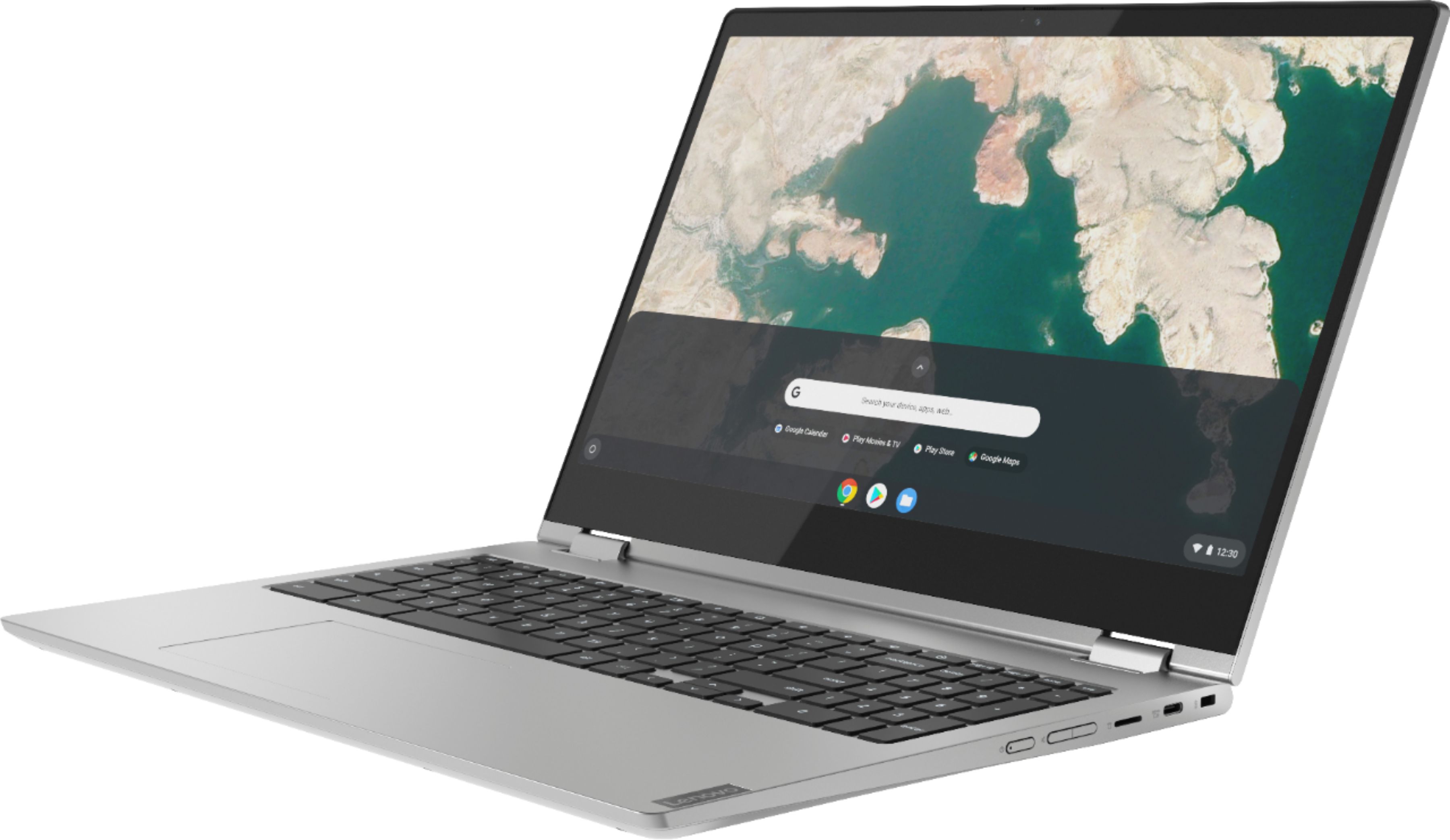
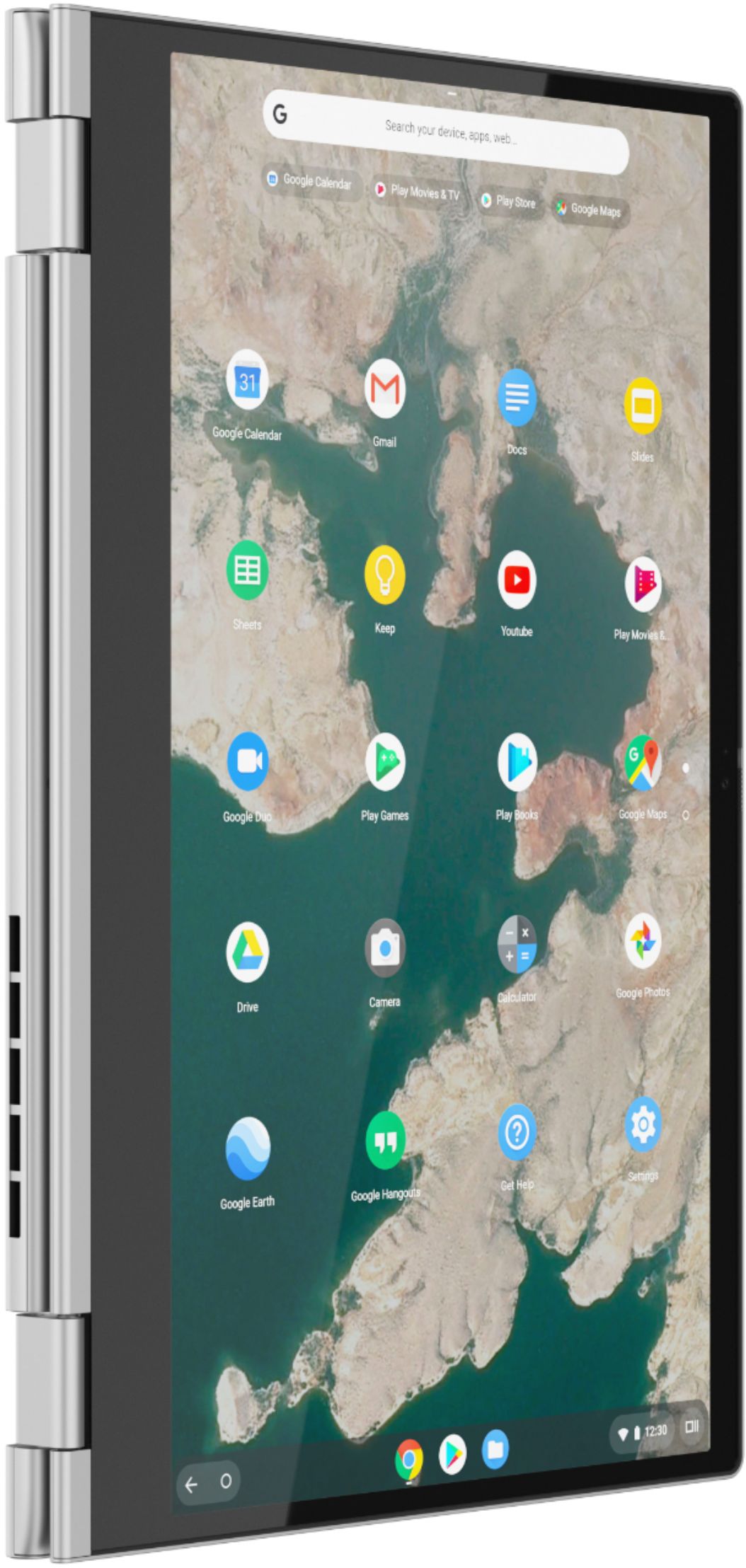
Posted .The Lenovo C340-15 Chromebook provides a beautiful, full size, 15.6-inch (screen size measured diagonally) IPS LCD w/LED Backlight (Anti-glare) screen, with a resolution of 1920 x 1080 (FHD) and a brightness level of 250 nits but only weighs 4.40 lbs. The C340-15 Chromebook ships with stereo 2W system speakers. The impressive Chromebook C340-15 boasts an ultraportable 360-degree convertible design, all day battery life and premium Intel processing. Offering laptop power, along with the speedy and easy-to-use Chrome OS, it also has a full keyboard with a numeric pad and spacious trackpad.